Topview Official Guide: AI Audio
Official Guide
Topview Official Guide
AI Audio: Text to Speech Made Easy
Convert any script into natural-sounding audio with multiple languages, accents, and voice options.
Introduction
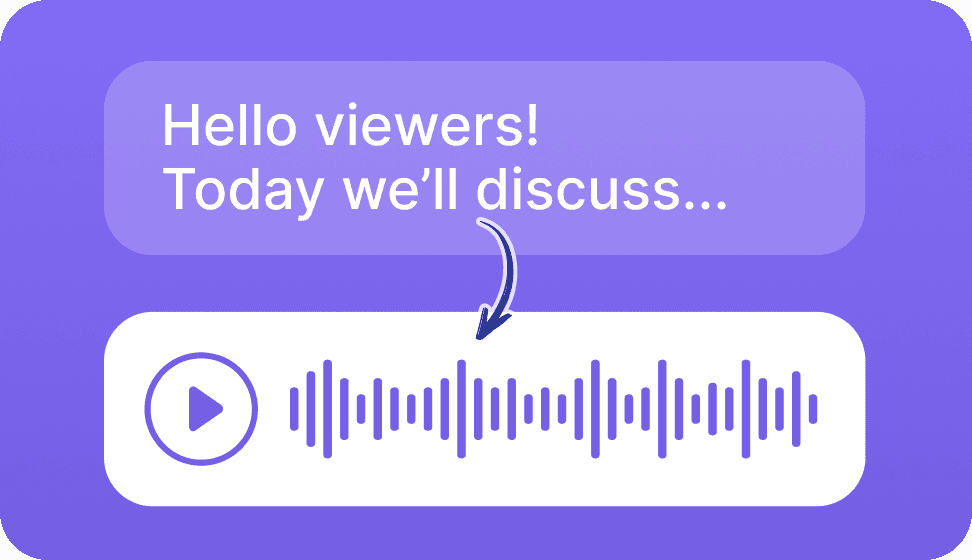
The AI Audio feature can convert the script that you input into the corresponding audio. You can select voices in multiple languages and from different age groups and accents.
How to Use
Step 1: Enter the Tool and Input Your Script
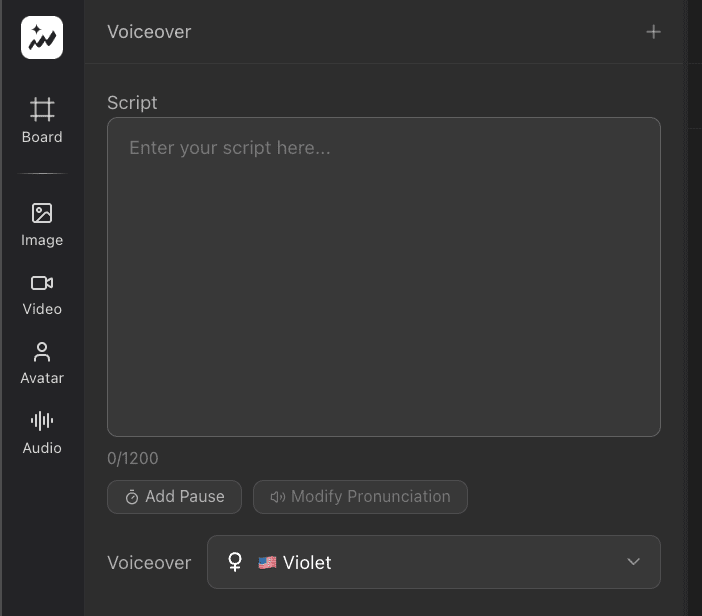
Open the AI Audio tool and type or paste the script you want to convert into audio.
Step 2: Choose a Voice and Generate
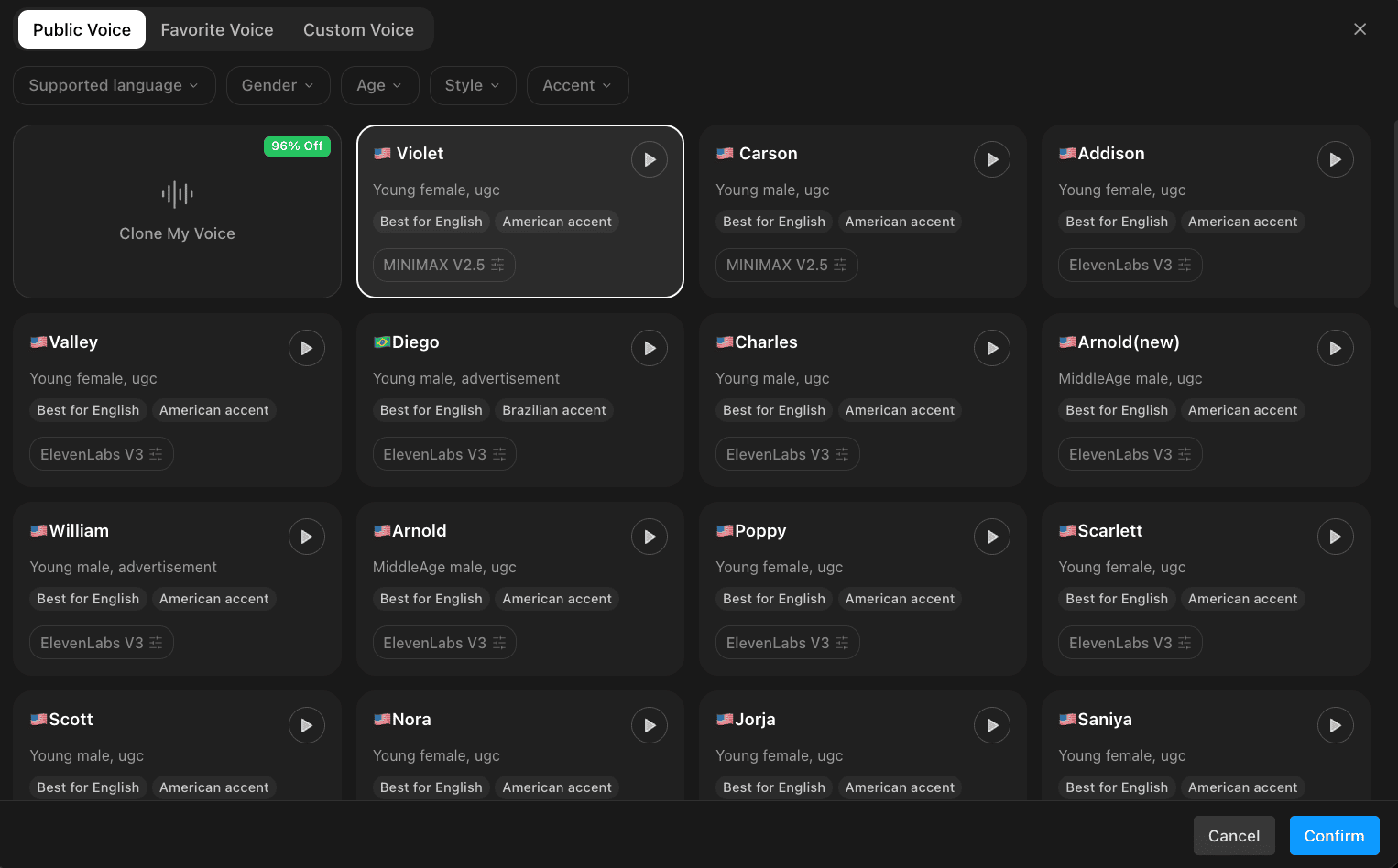
Browse and select your desired voice from the available options — covering multiple languages, age groups, and accents. Once selected, click "Generate" to produce your audio.