Topview Official Guide: Avatar 4
Official Guide
Topview Official Guide: Avatar 4 — Now Up to 60% Cheaper + Off-Peak Mode ⚡
Introduction
Avatar 4 has just received a major update! Enjoy the same advanced AI avatar technology at dramatically lower prices, plus a new Off-Peak Mode to save even more.
We now offer three flexible production options:
- • Avatar 4 (Standard): High-quality mode for broadcast-ready results — now 60% cheaper.
- • Avatar 4 Fast ⚡ (NEW): Streamlined mode that is faster, lower-cost, and ideal for high-volume creation — also 60% cheaper.
- • Off-Peak Mode 💤 (Business Exclusive): Save an extra 50% credits by letting us process your video during idle server hours — guaranteed within 24 hours.
All you need is a photo and a script — the rest is handled by Avatar4’s AI magic.
Video Guide

Pricing Update & Modes
Pick the mode that suits your workflow — all prices are now reduced:
| Mode | Old Price | New Price | Savings |
|---|---|---|---|
| Avatar 4 (Standard) | 0.25 Credits / Second | 0.10 Credits / Second | ↓ 60% |
| Avatar 4 Fast ⚡ | 0.15 Credits / Second | 0.06 Credits / Second | ↓ 60% |
| Off-Peak Mode 💤 | — | 50% off normal mode price | Business Exclusive |
Free users may have limited trial access to Avatar 4 Fast (1 trial video). To unlock full access and Off-Peak savings, a Business plan is required.
How to Use
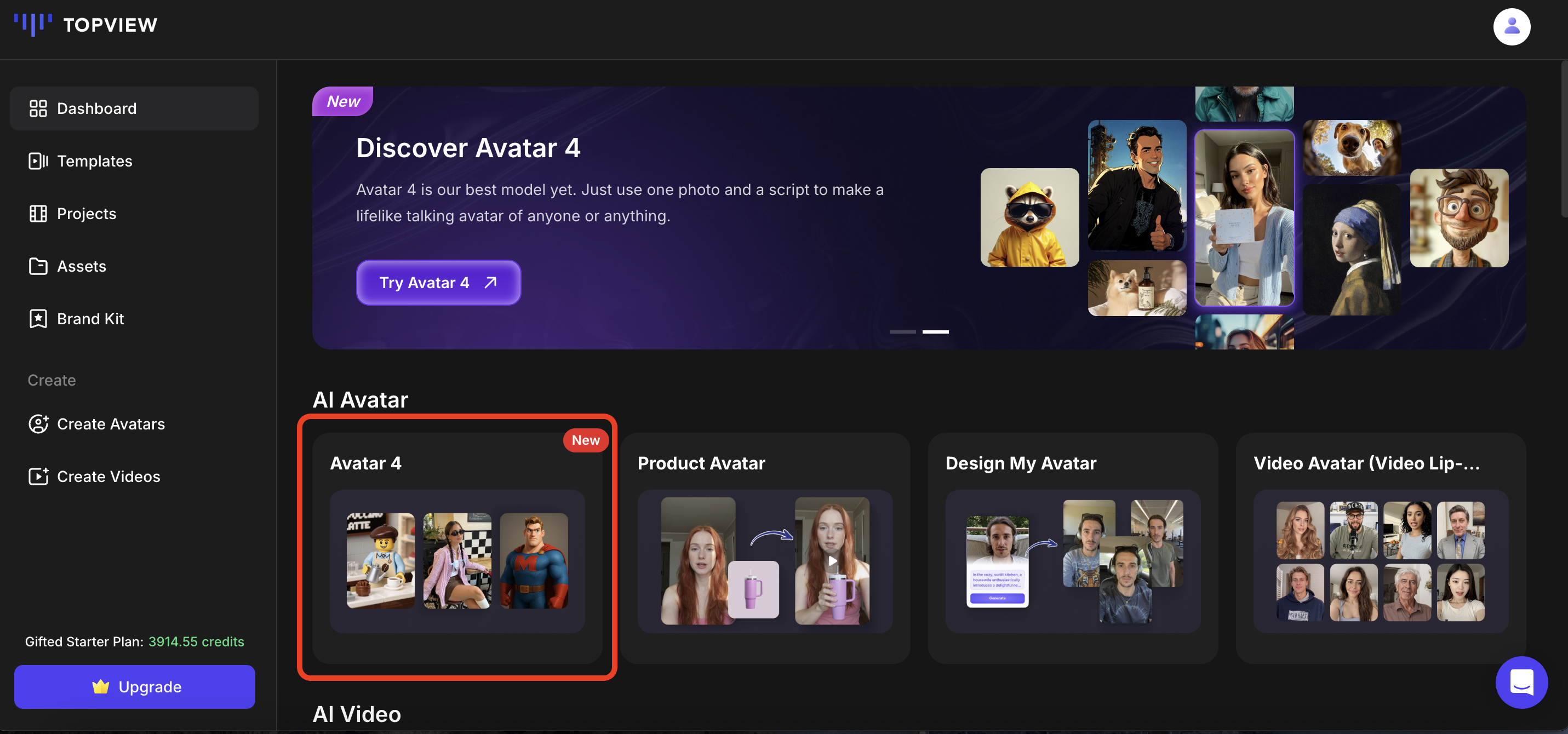
1. Select Your Mode
Click on 'Avatar 4'. Choose between the Standard model, Avatar 4 Fast, or Off-Peak Mode (Business only). Default is Avatar 4 Standard.
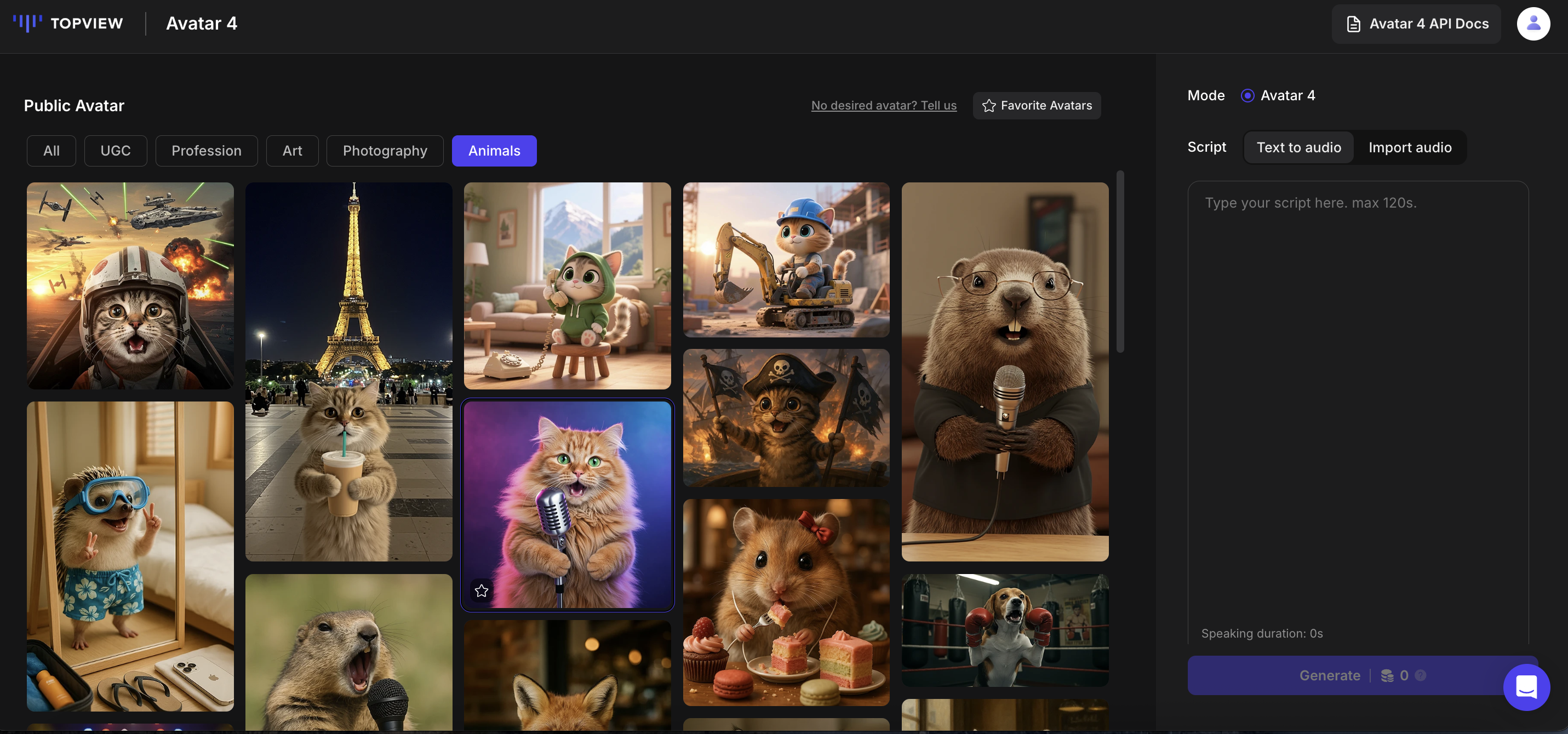
2. Choose a Template
Select your ideal avatar template from multiple categories.
3. Create Custom Avatar
Click 'Create Your Avatar' to upload your own image or let AI generate a custom avatar.
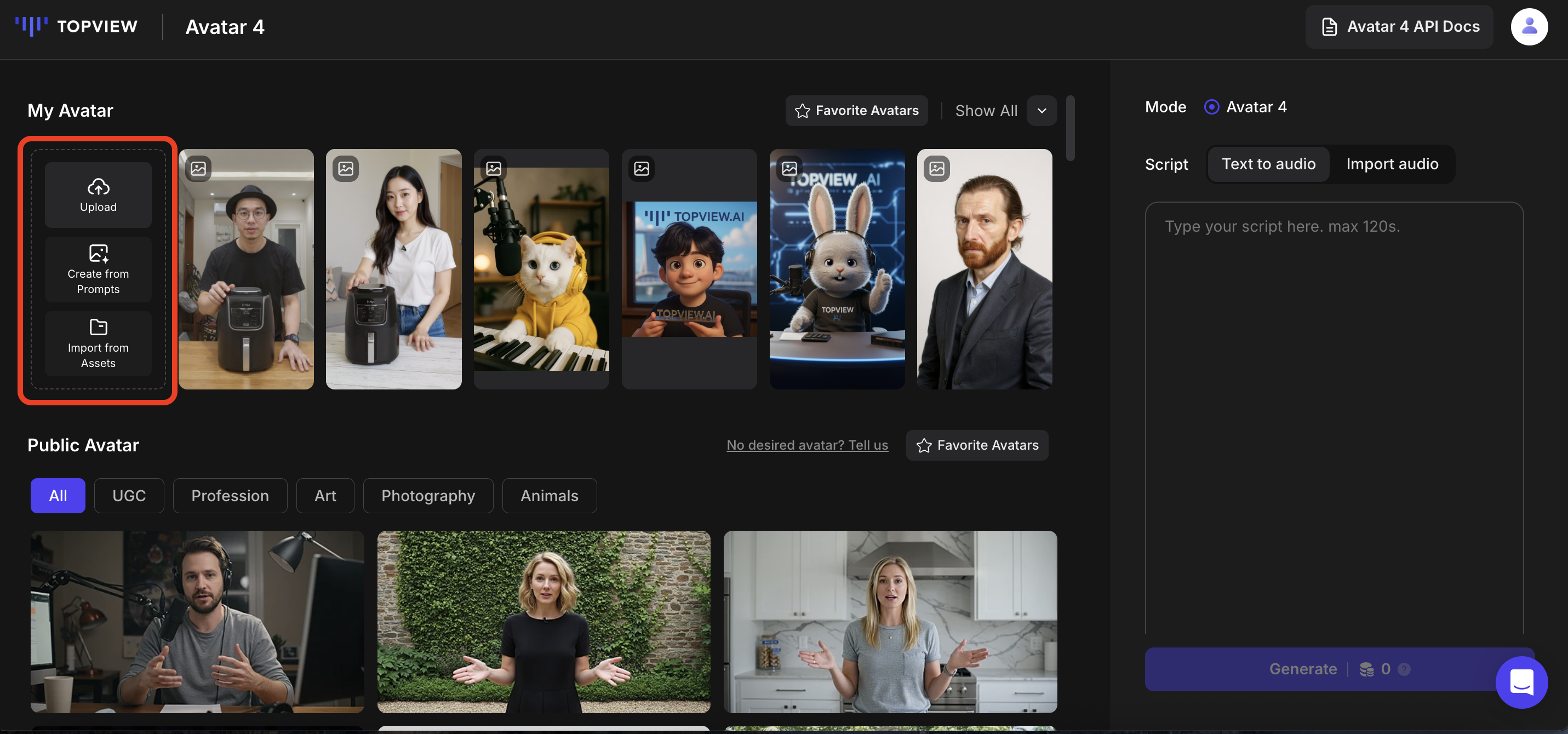
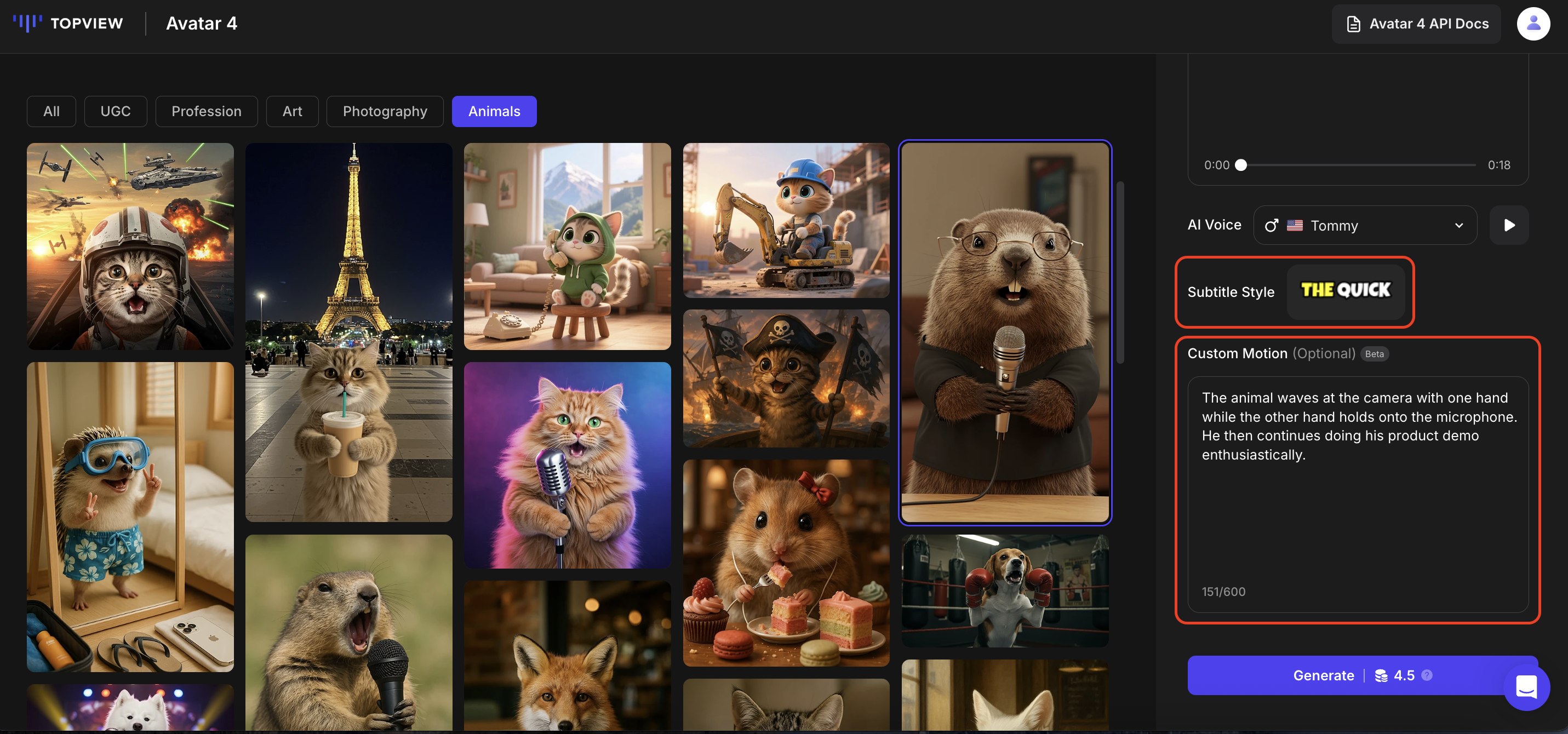
4. Input Script & Audio
Enter your script, choose a voiceover, and preview it. You can also upload your own audio. Action prompt input now uses clearer placeholder text: “Describe the avatar’s emotional actions, such as excited, discouraged, or cheering.”
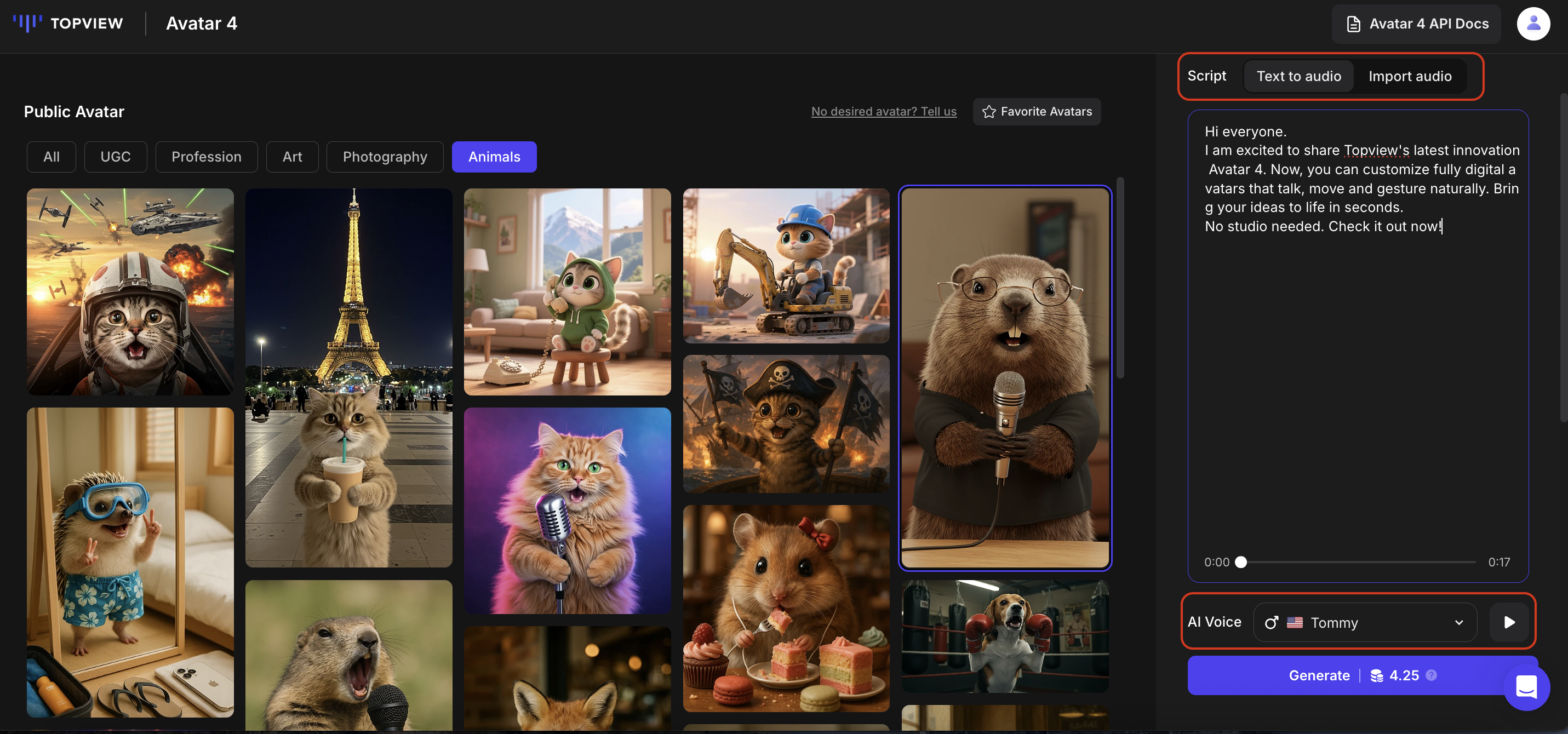
5. Generate Video
Select subtitle style and optional action prompts. For Off-Peak Mode, projects will show a 💤 Scheduled status until completion within 24 hours. Click 'Generate' to start — pricing will reflect your chosen mode.