Topview Official Guide: Character Swap
Official Guide
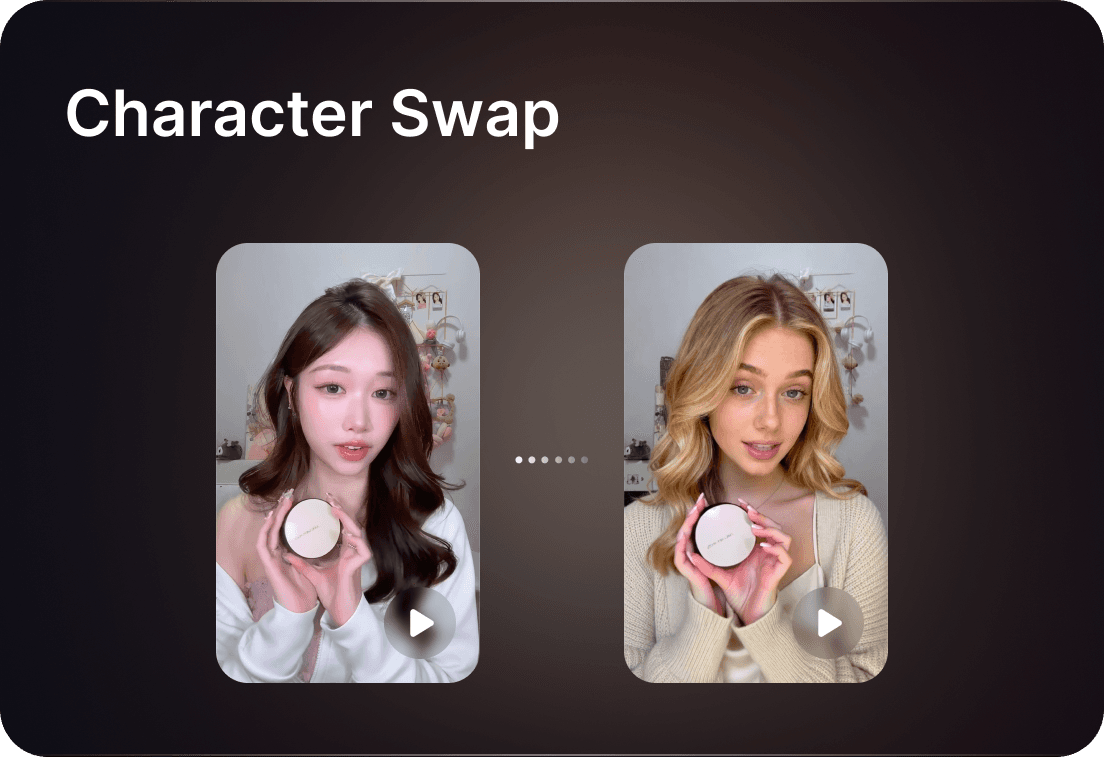
Topview Official Guide: Character Swap
Introduction
Character Swap allows users to naturally replace anyone in a photo or video with their own custom character while retaining the original background, delivering realistic and seamless results.
How to Use
- Click on 'Character Swap'
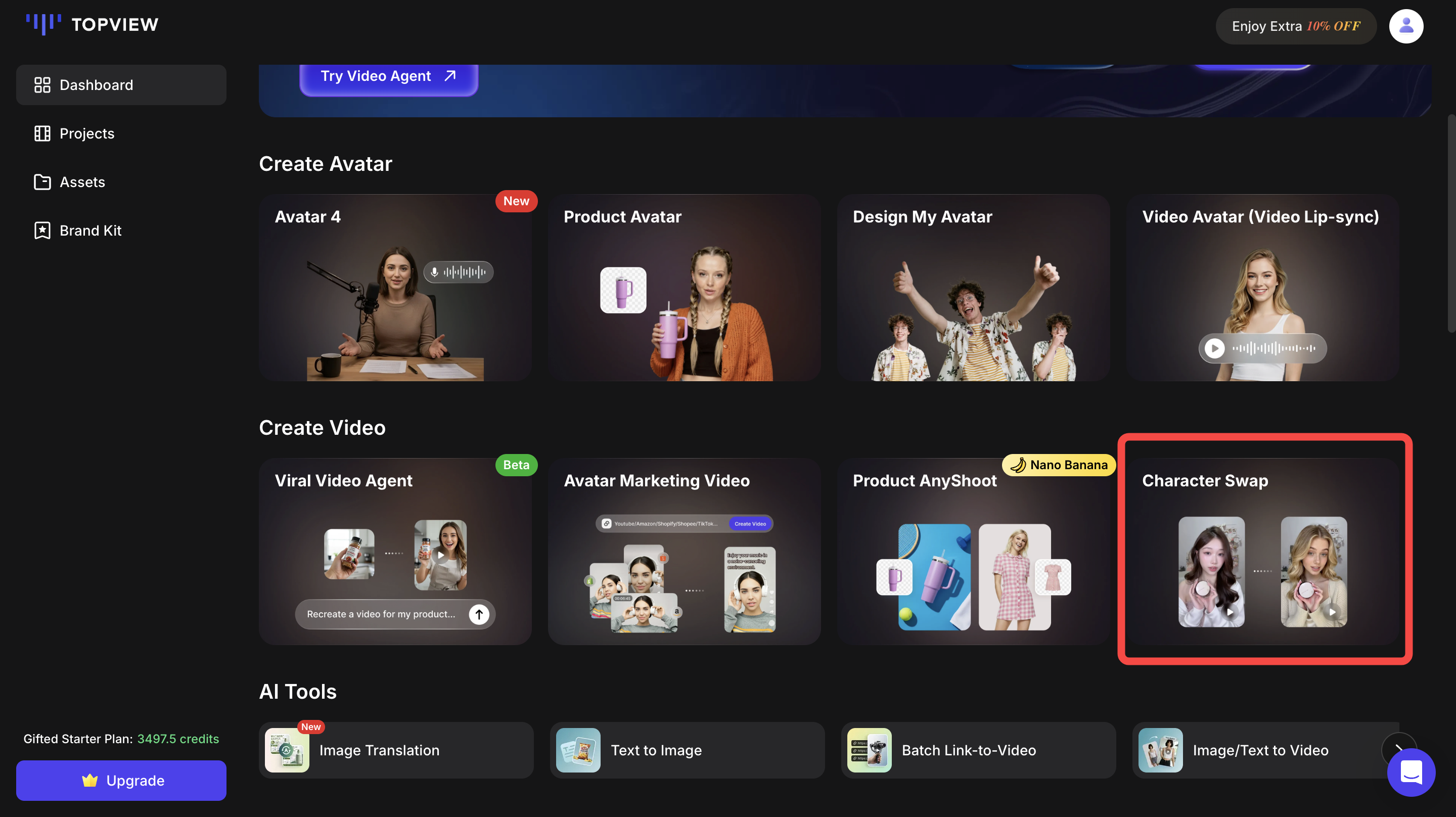
- Select Video Character Swap or Image Character Swap
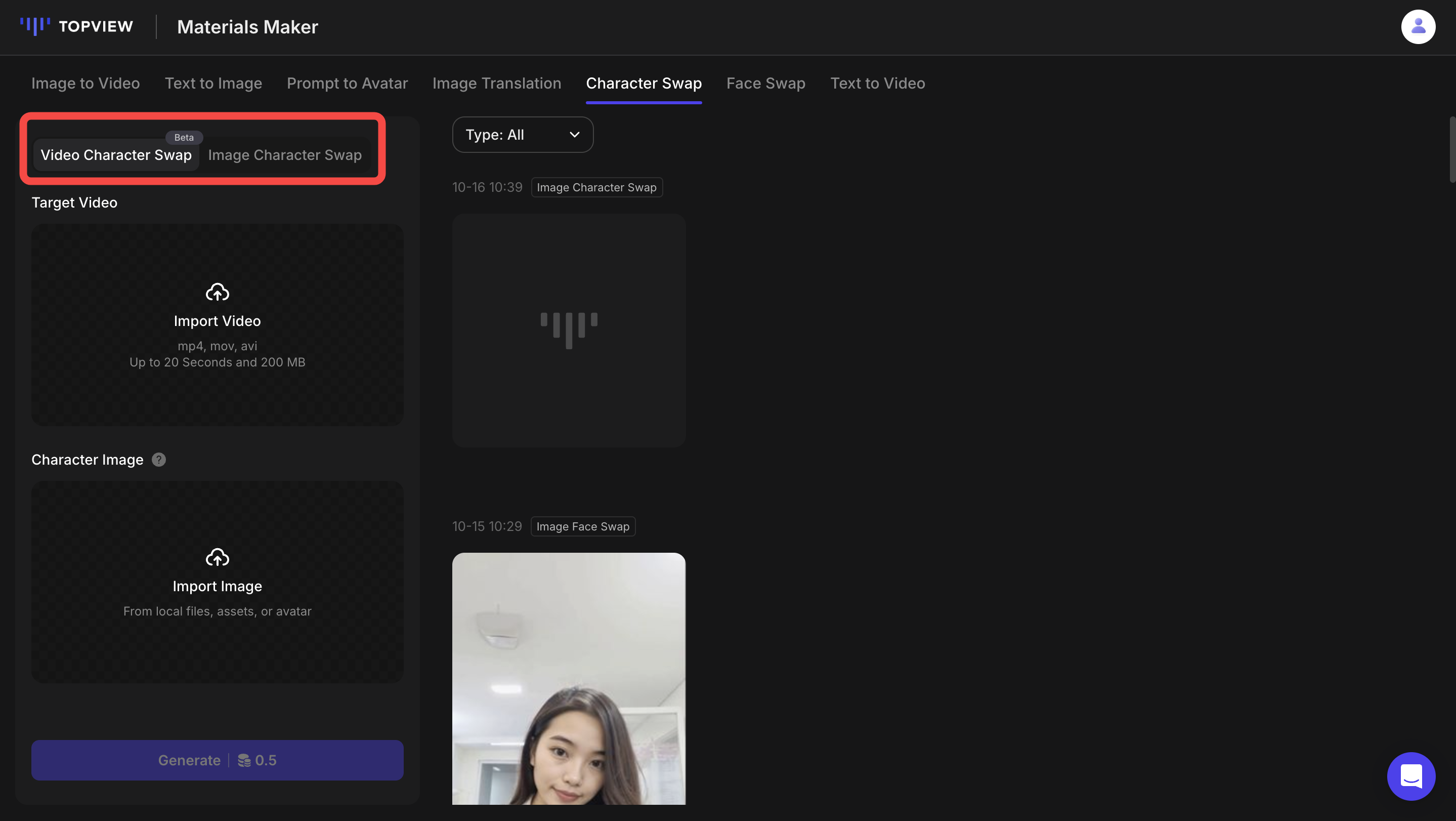
Video Character Swap -- Upload your target video and desired character image.
Next, click 'Mark Modify Area' to indicate the part you wish to replace, and 'Mark Protected Area' to specify the part you want to remain unchanged.
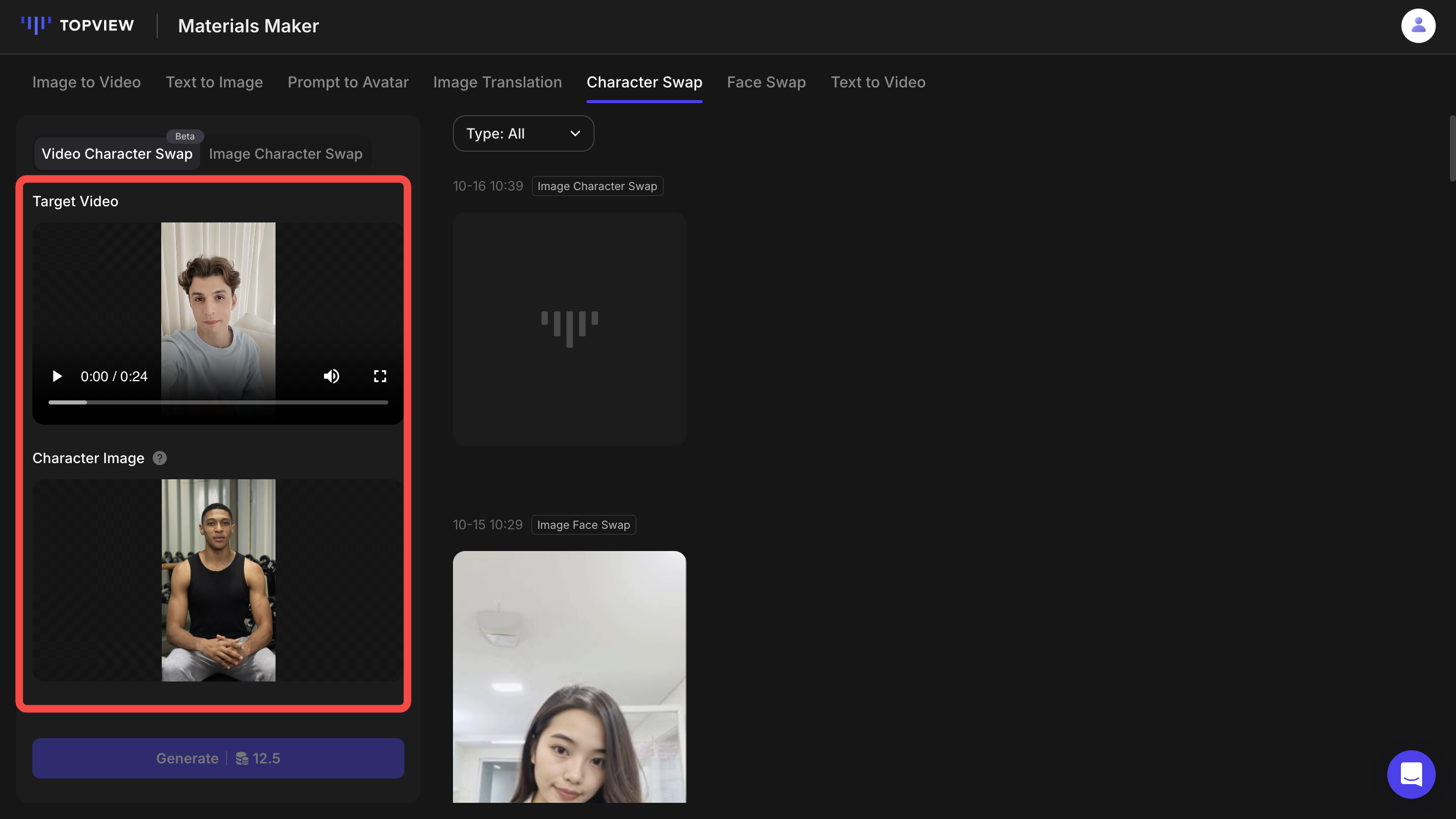
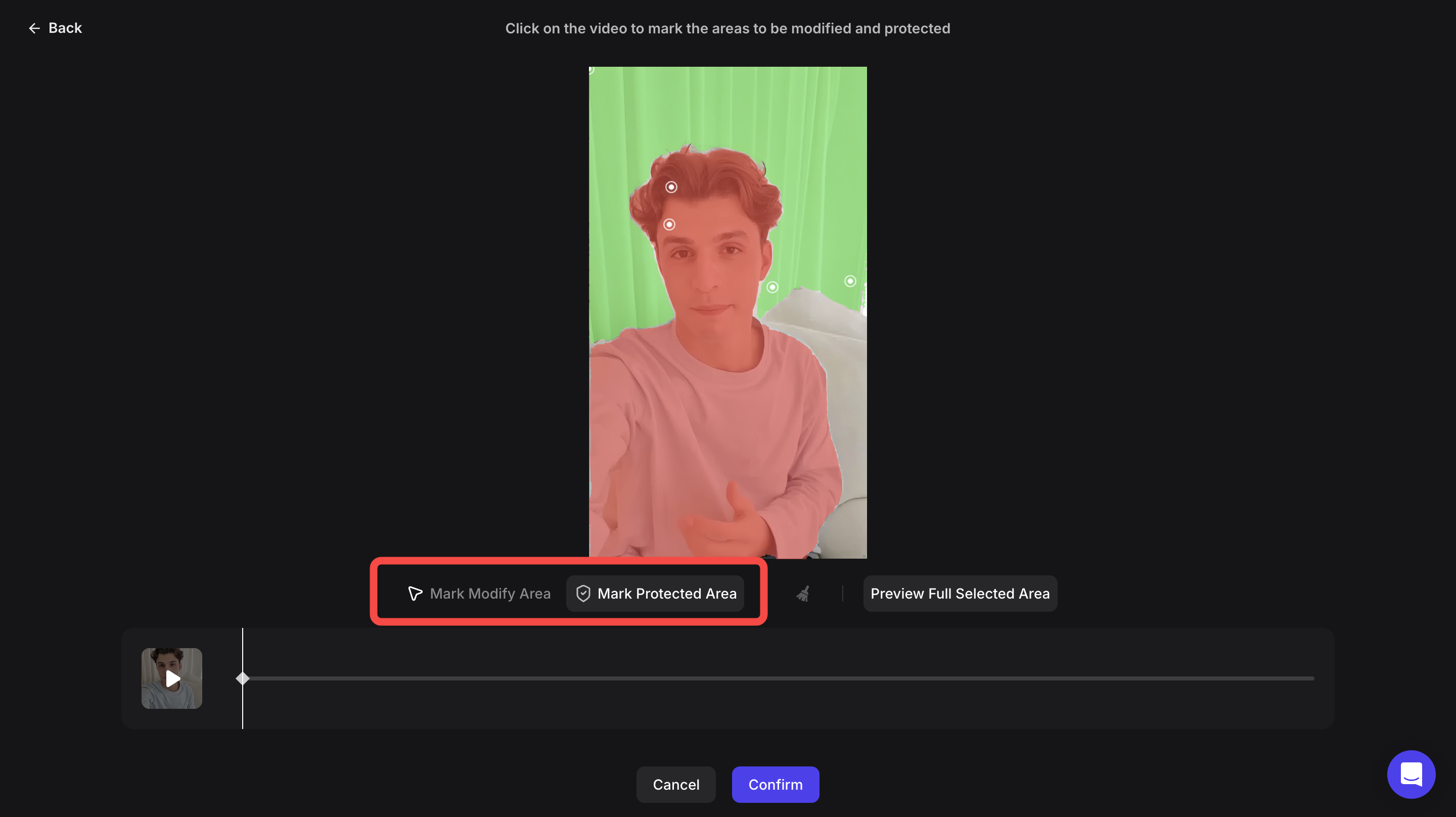
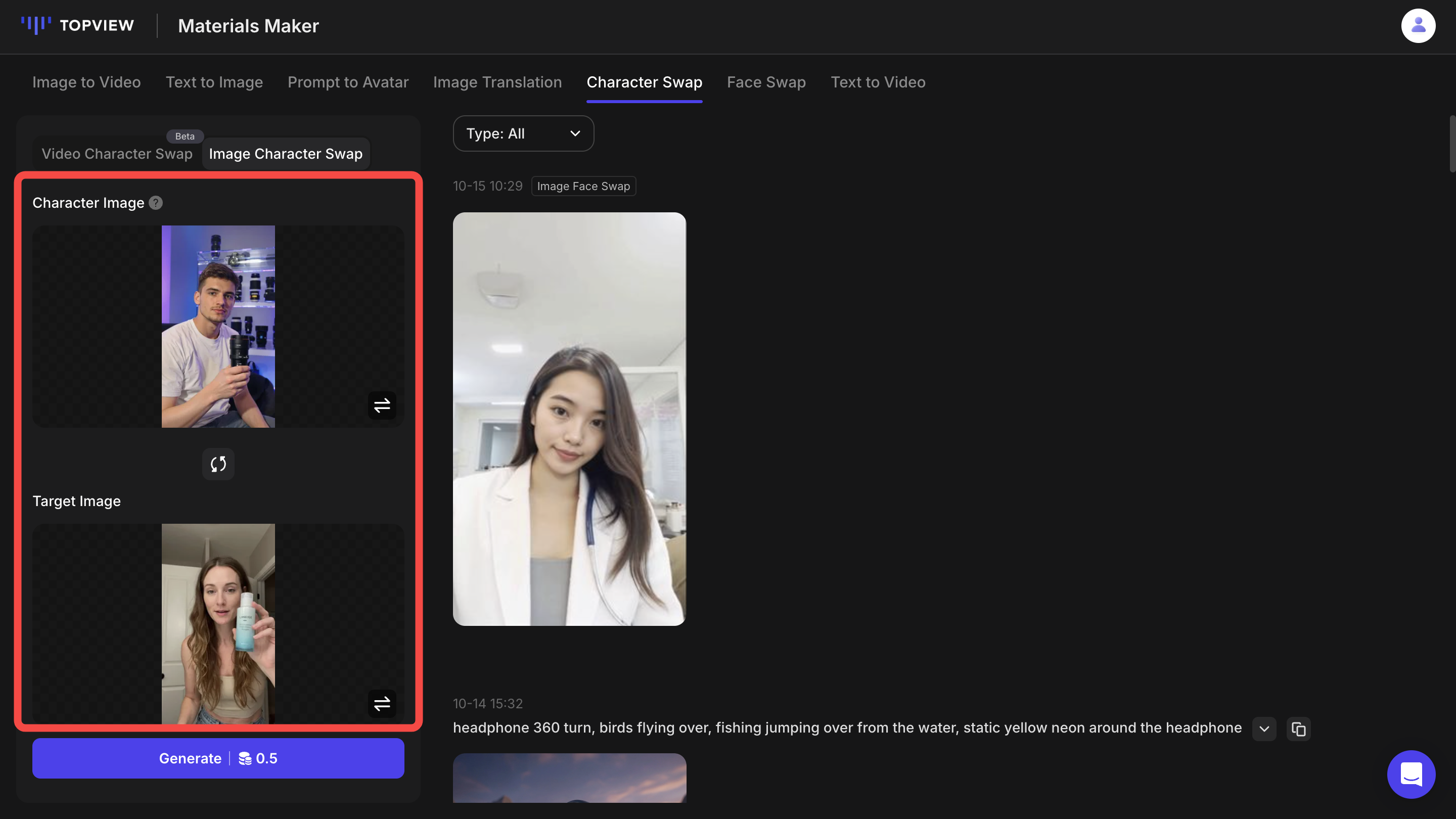
Image Character Swap - Upload your Character Image and Target Image
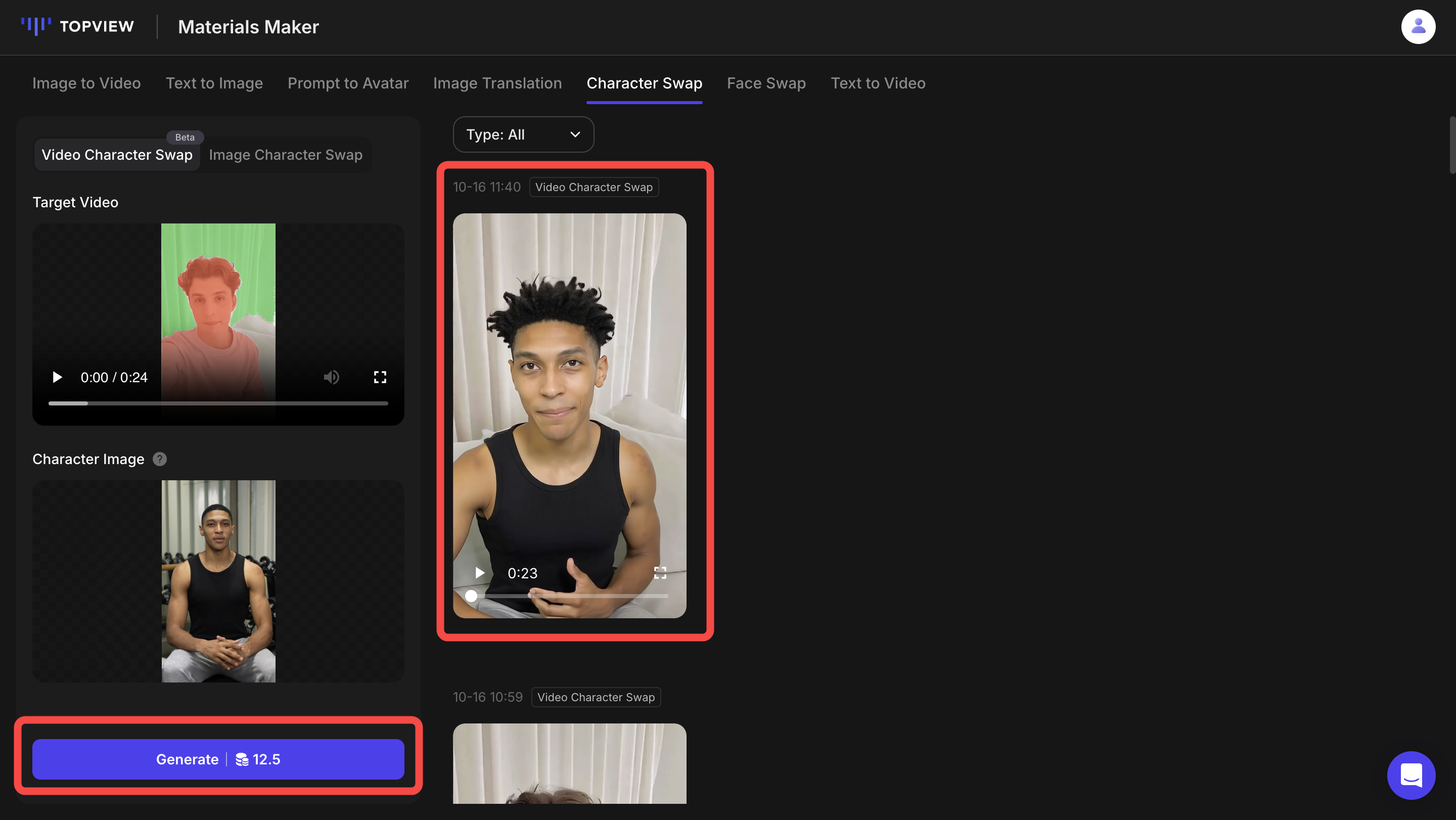
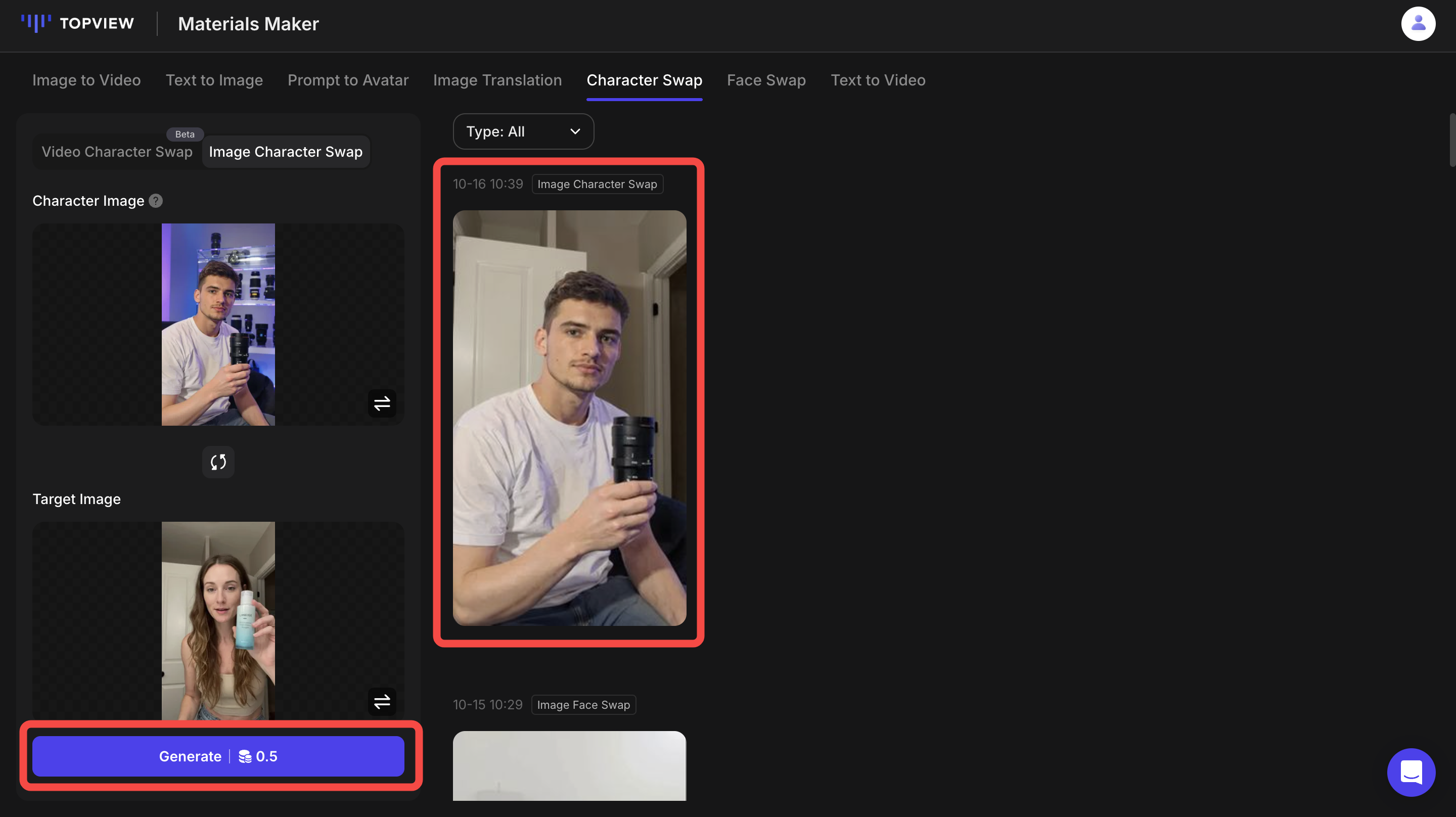
- Click 'Generate' and download your video/image
Sample Images & Videos
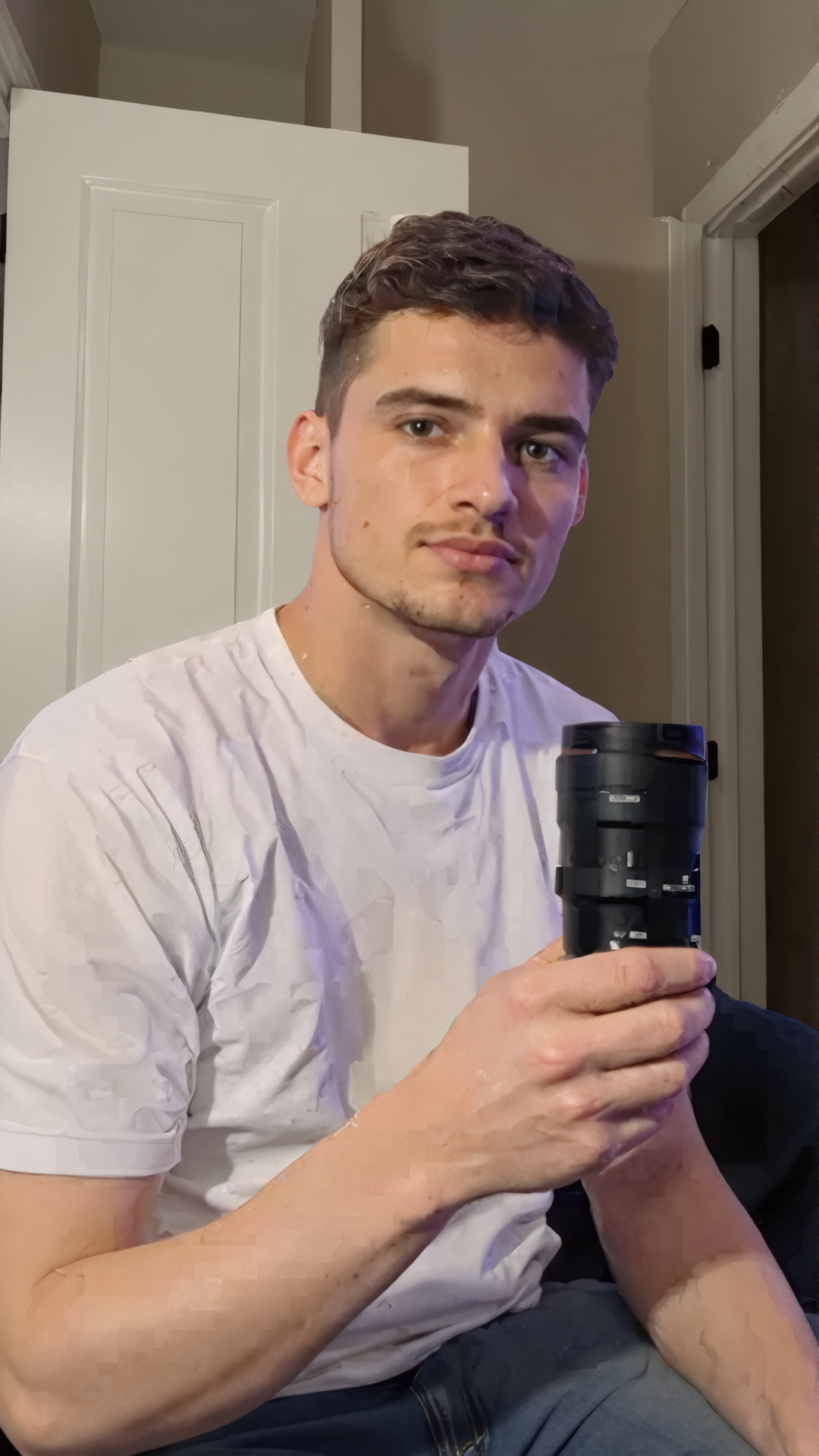
Sample Image — Elegant composition with balanced lighting
Sample Video — Cinematic visual style showing movement