Topview Official Guide: Design My Avatar
Official Guide
Topview Official Guide: Design My Avatar
Introduction
Create your own digital avatar with simple text prompts. You can:
Support a fixed digital human IP: keep the same face while changing backgrounds, clothes, and styles.
Customize freely with prompts: generate unique looks for different scenarios while maintaining brand consistency.
Build your own digital human model: a versatile identity you can use across platforms.
How to Use
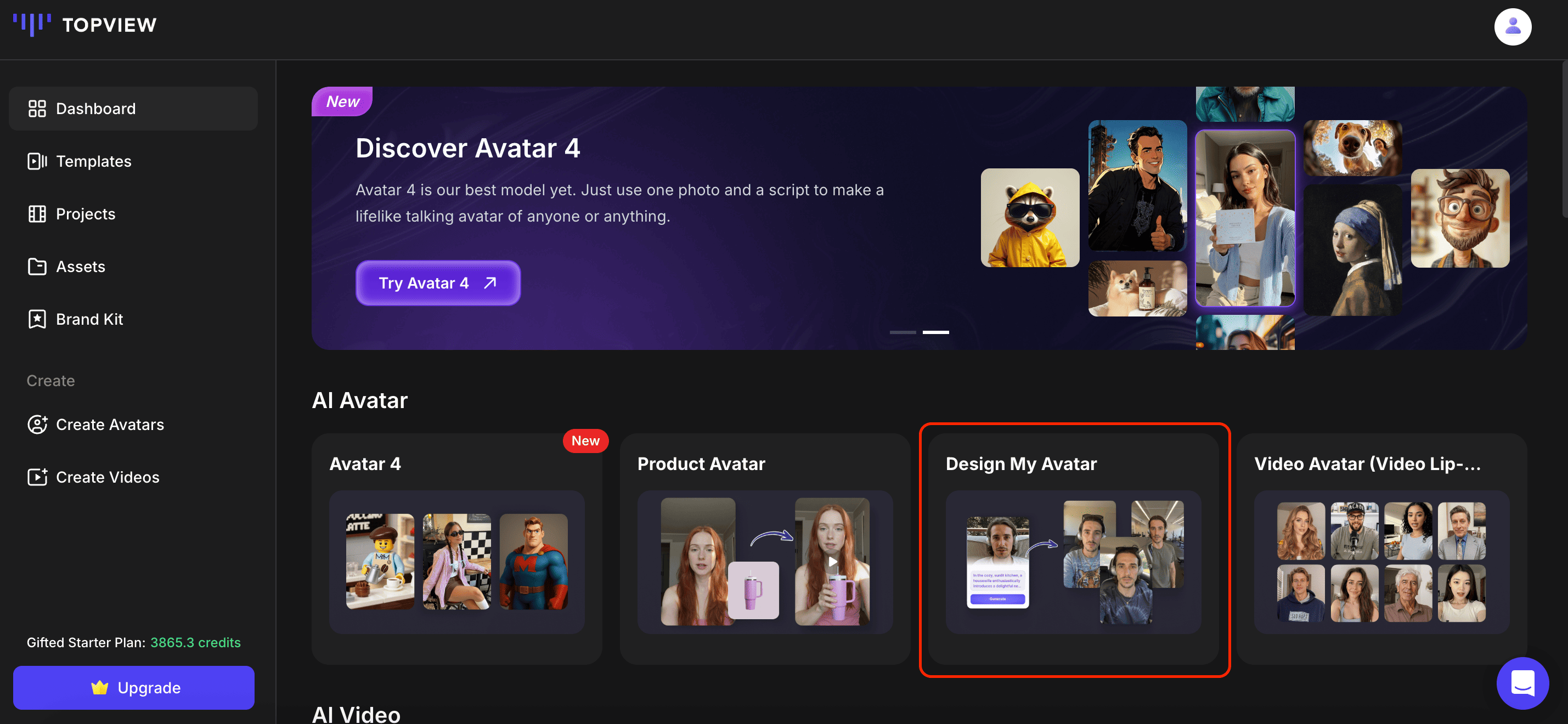
- Click on 'Design My Avatar'.
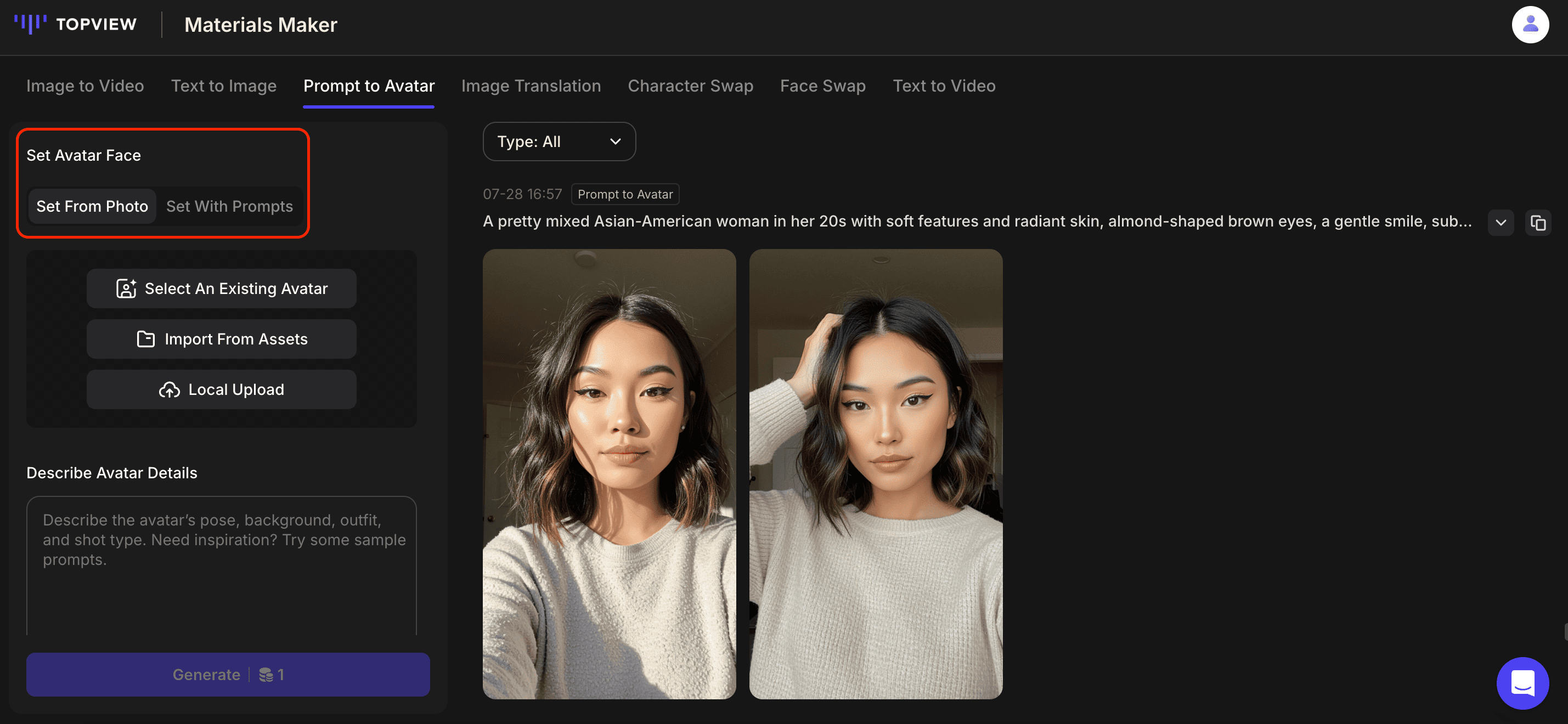
- Set the Avatar's face. There are two ways to define your avatar's face:
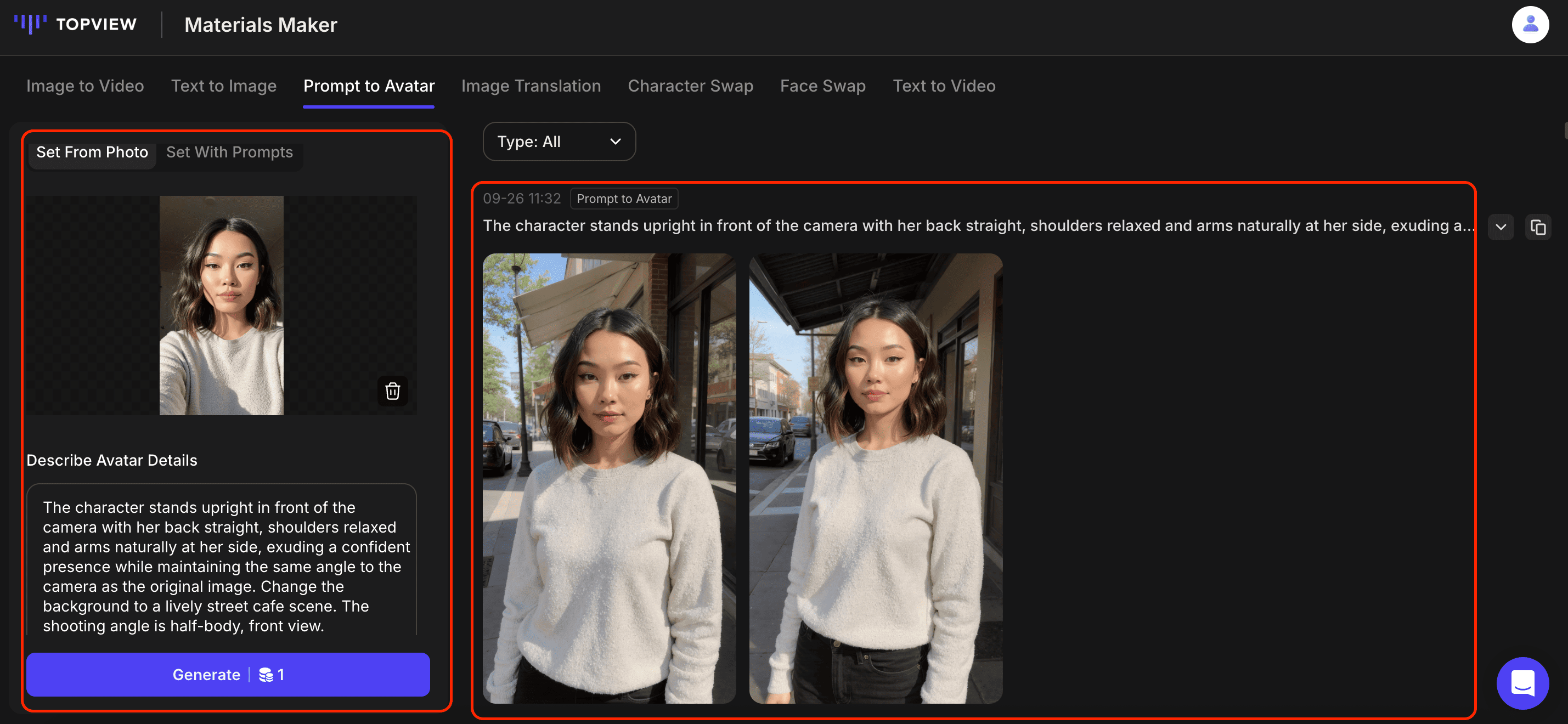
- Set from Photo: Upload a photo to fix the avatar's appearance. You can then change the hairstyle, clothing, and background with prompts, while keeping the face consistent.
Best for: brands and merchants who want a consistent "digital human IP" (a recognizable avatar identity).
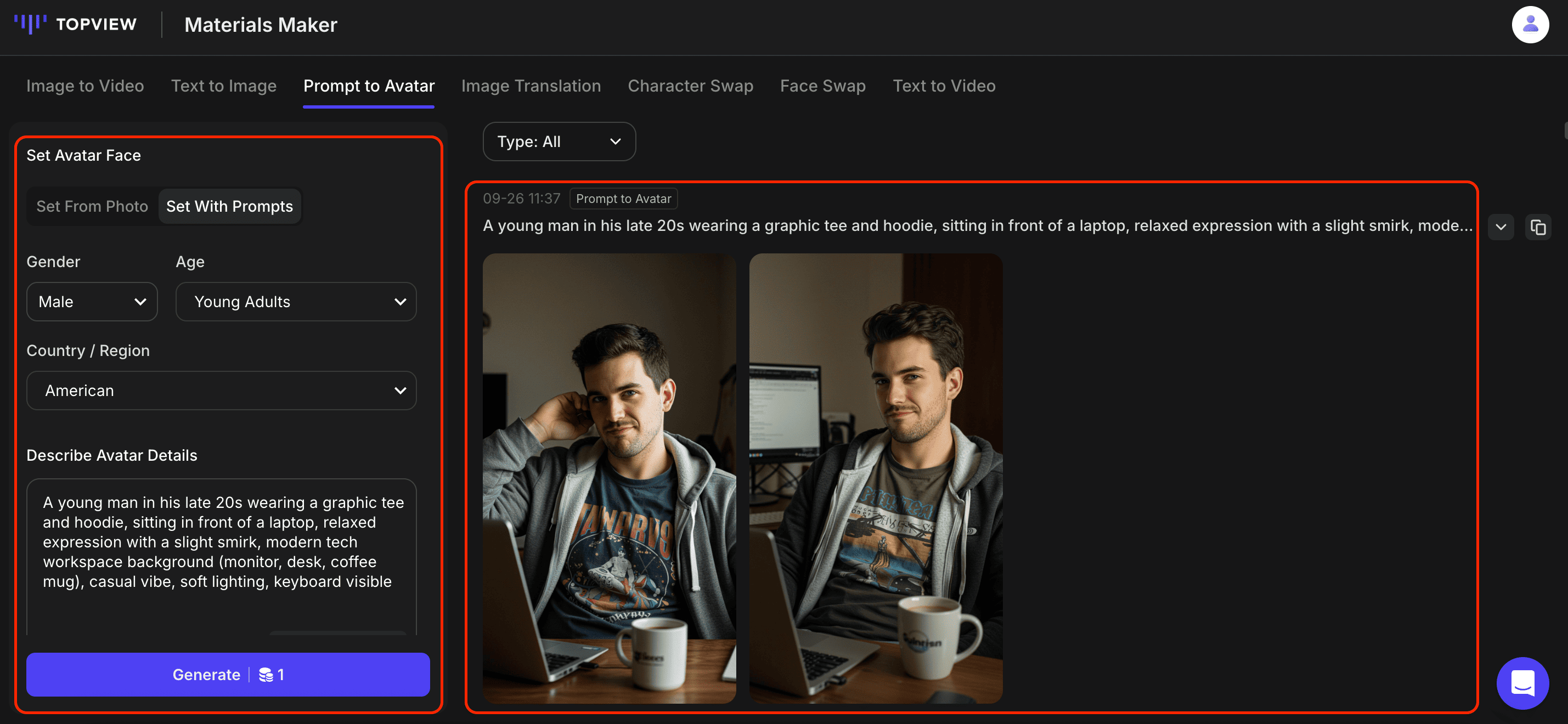
- Set with Prompts: Describe your desired appearance using text prompts. The system will generate a brand-new digital human.
Best for: users without fixed identity requirements who want flexibility and variety.
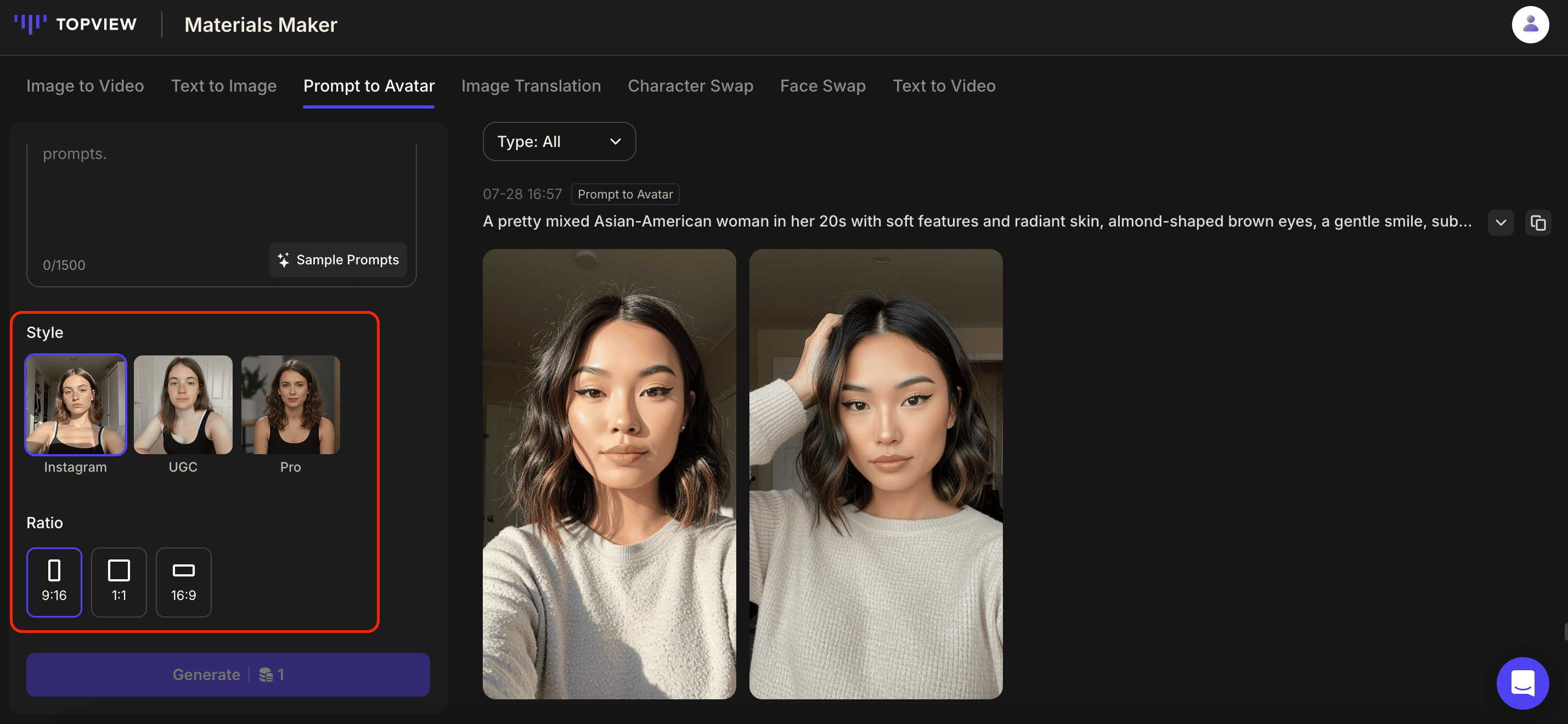
- Decide how your avatar should look and where it will be used and then choose the style and aspect ratio accordingly.
Styles
- INS Style: polished, fashionable, Instagram-ready look.
- UGC Style: casual, natural, "user-generated content" feel.
- Pro Style: professional photography finish.
Aspect Ratios
- 9:16 -- Ideal for TikTok, Reels, and vertical video.
- 1:1 -- Square format, perfect for profile pictures.
- 16:9 -- Wide format for YouTube and presentations.
- Enter a prompt to generate the corresponding avatar.
- Set from Photo Mode
The avatar's face will remain fixed to match your photo. Use prompts to customize hairstyle, clothing, and background. Example: "Casual hairstyle, white shirt, office background."
- Set With Prompts Mode
Simply write a detailed description of your ideal avatar. Example: "Young professional woman, short brown hair, wearing a navy suit, modern office background."
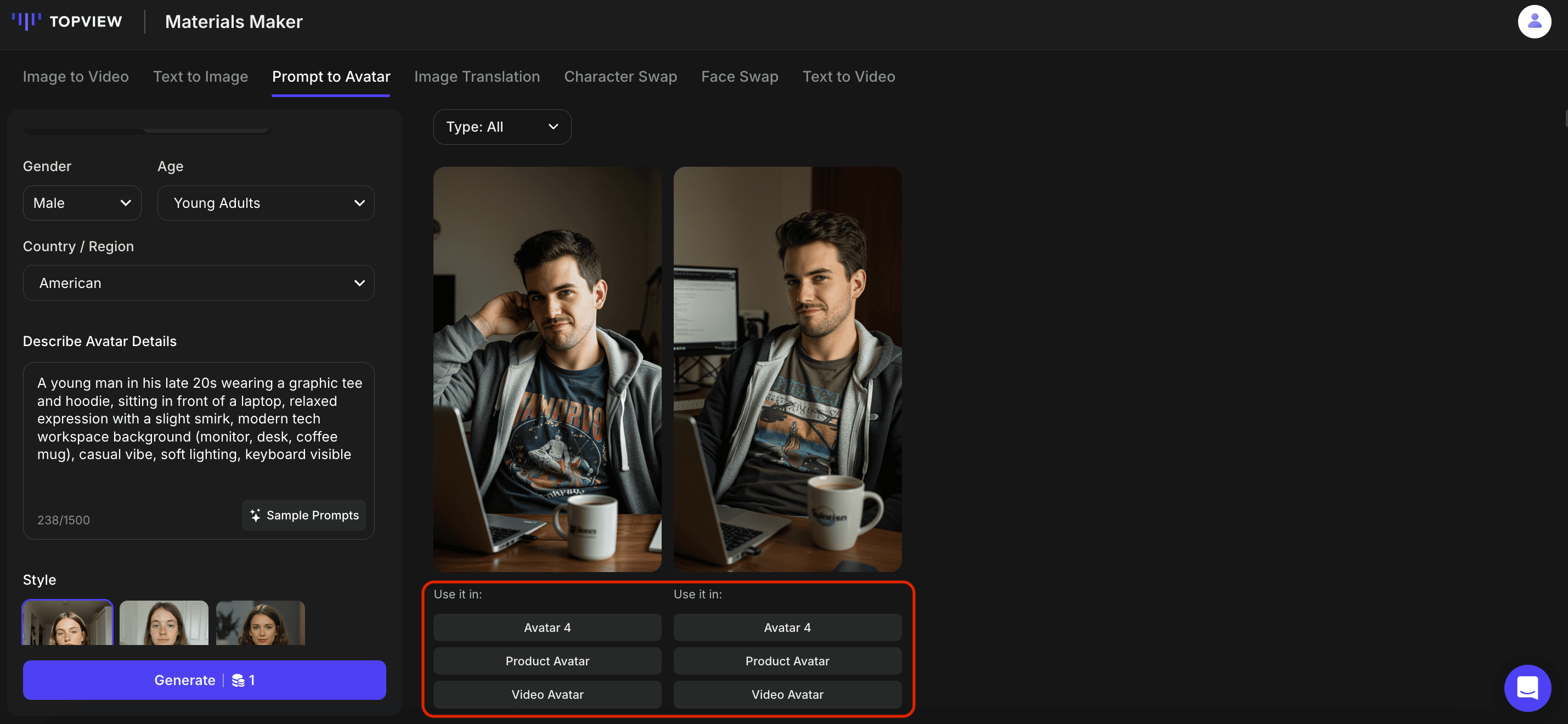
Click 'Generate' when ready. The credits required will be shown on the 'Generate' button.
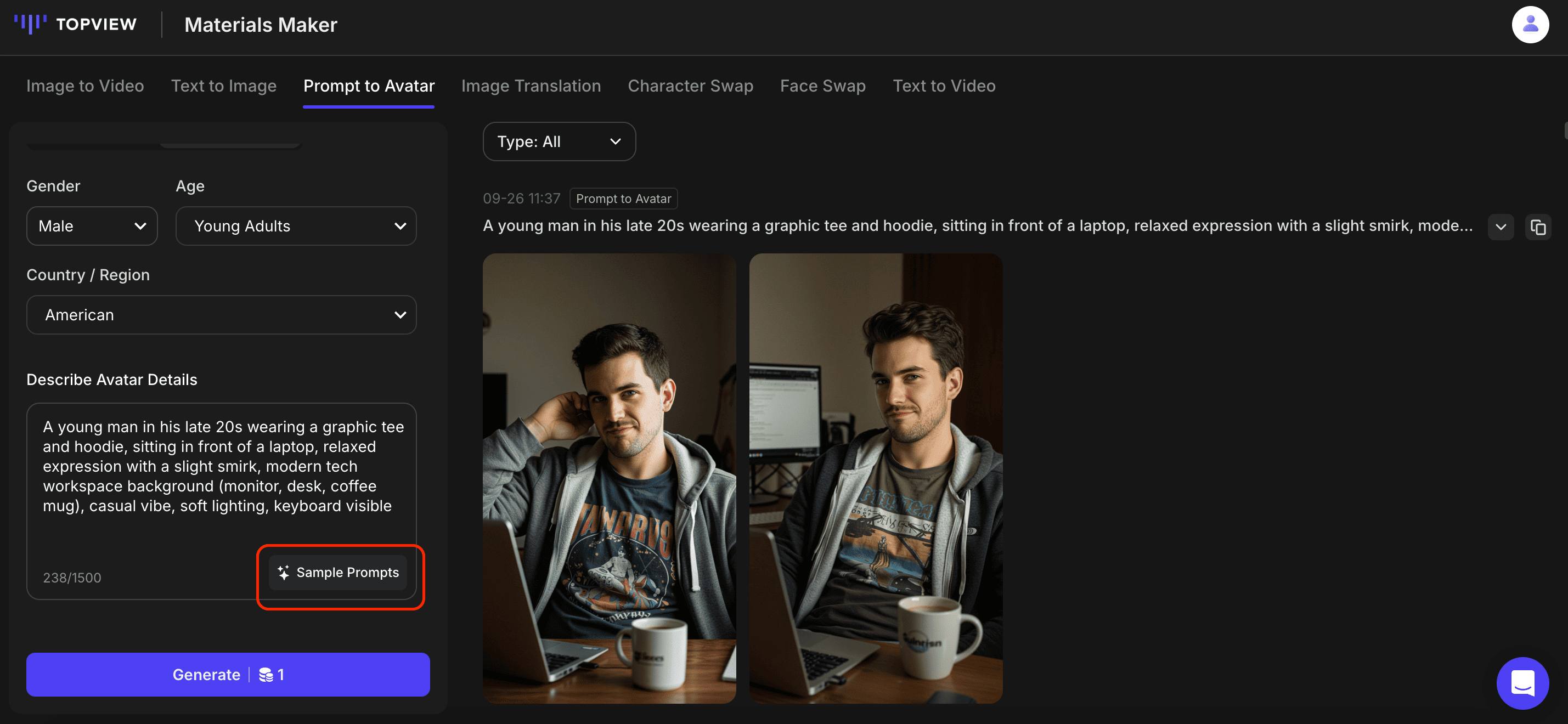
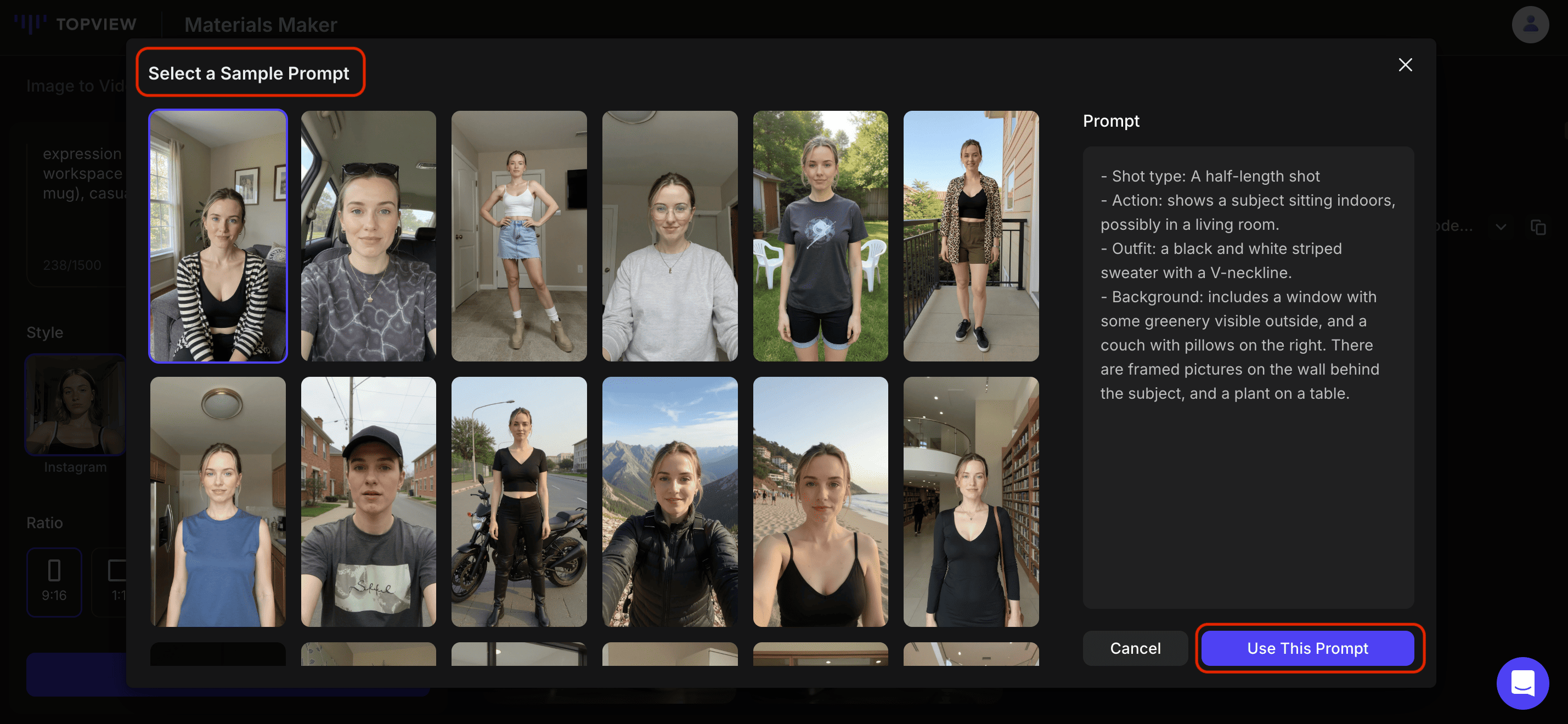
✨ Pro Tip: Not sure how to write prompts for AI avatar? Click the 'Sample Prompts' button in the bottom right corner. A set of avatar prompt templates will appear for reference.
a. Select a template that matches your desired avatar.
b. Make minor adjustments to customize details like hairstyle, clothing, or background.
c. Generate your digital avatar image that meets your expectations.
- After your avatar image is generated, you can create a dynamic avatar video from there.
Avatar 4: Selecting this option takes you directly to the Avatar 4 page. Generate a talking avatar video by inserting the script and selecting an AI voice.
Product Avatar: Selecting this option takes you directly to the Product Avatar page with your chosen image. Follow the steps for creating a Product Avatar, an avatar that can hold onto your product.
Video Avatar: Pick the avatar mode of your choice.
Avatar 1: our earliest avatar model. i. Animate your avatar using the Image-to-Video function with prompts. ii. Download the generated video. iii. Head to Video Avatar and upload the newly-generated video. iv. Add a script and select an AI voice to generate your talking avatar video.
Avatar 4: our latest avatar model. i. Head directly to the Avatar 4 page. Generate a talking avatar video by inserting the script and selecting an AI voice.
How to Write Great Prompts to Create an AI Avatar
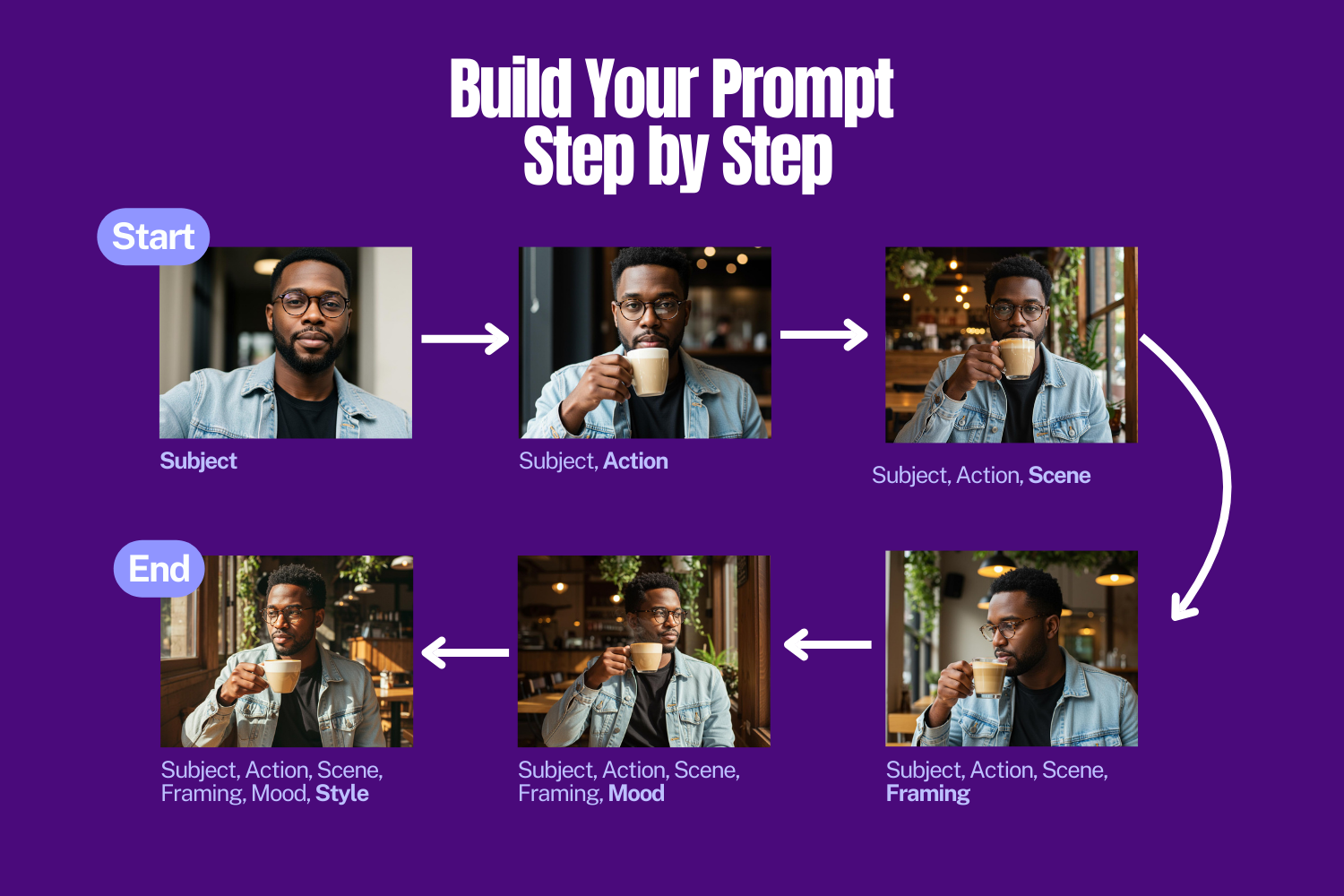
Creating effective prompts is the key to generating high-quality AI images. A strong prompt provides clear details about the subject, action, setting, and style---making your content ready to publish.
Follow these six steps to craft prompts that work:
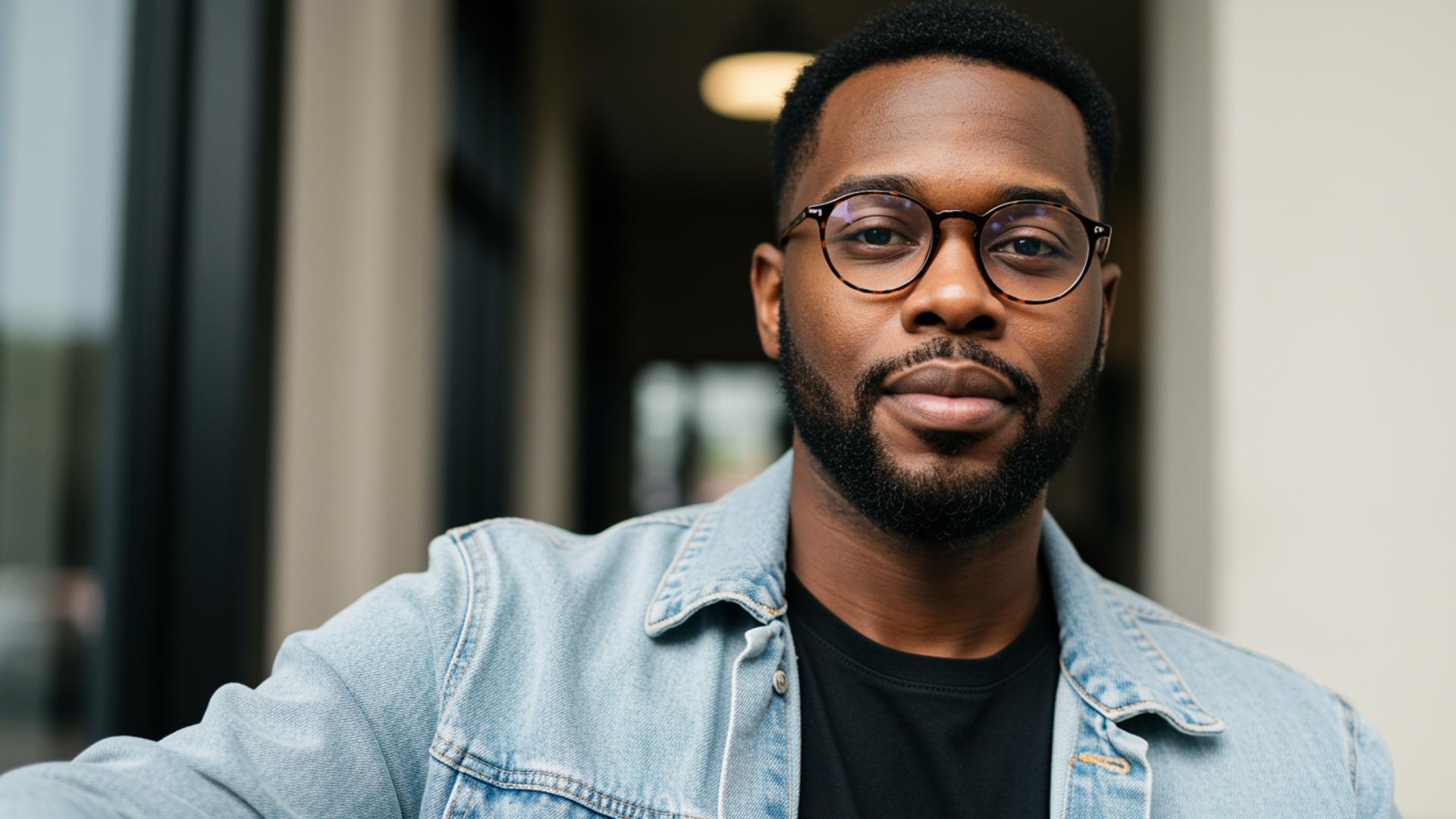
- Subject -- Define the Focus
Start with who or what the image is about.
- Gender, age, ethnicity (if relevant)
- Clothing and accessories
- Facial expressions
- Body posture
Example:
An African American man in his late 20s with short, neatly styled black hair, a trimmed beard, and soft facial features. He's sitting upright, relaxed, and wearing a light-washed denim jacket over a black t-shirt, paired with round tortoiseshell glasses.
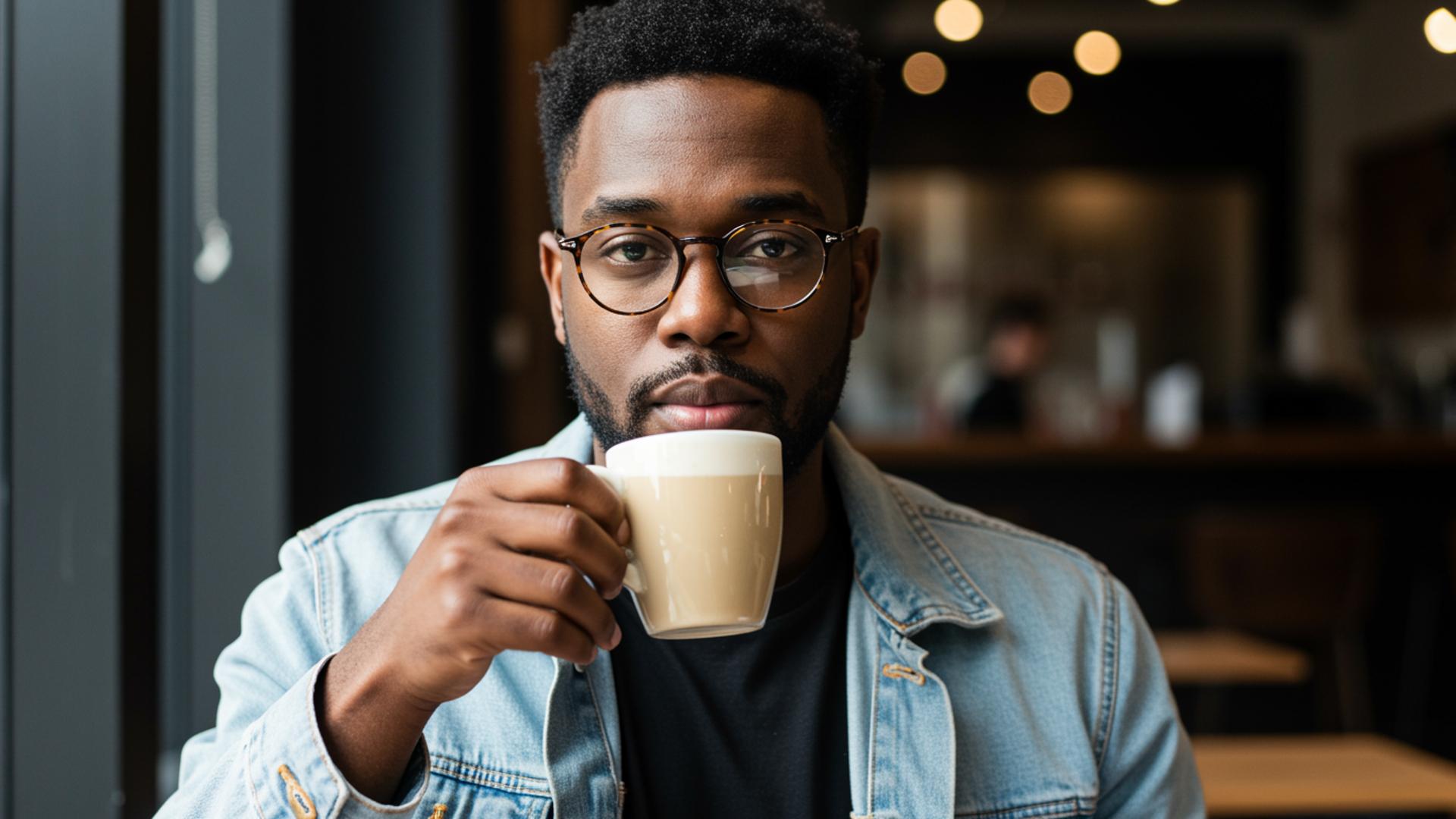
- Action -- Describe What's Happening
Keep it short and clear.
- Movements (walking, sitting, turning, smiling)
- Gestures or expressions
- Product interaction
Example:
An African American man in his late 20s with short, neatly styled black hair, a trimmed beard, and soft facial features. He's sitting upright, relaxed, and wearing a light-washed denim jacket over a black t-shirt, paired with round tortoiseshell glasses. He is sipping a latte with his right hand.
- Scene -- Set the Environment
Add context by describing the setting.
- Indoor/outdoor, furniture, props
- Style of space (minimalist, rustic, futuristic)
- Time of day
Example:
An African American man in his late 20s with short, neatly styled black hair, a trimmed beard, and soft facial features. He's sitting upright, relaxed, and wearing a light-washed denim jacket over a black t-shirt, paired with round tortoiseshell glasses. He is sipping a latte with his right hand. He is seated at a window-side table inside a small, rustic café with warm wooden furniture, soft yellow lighting, and green hanging plants above.
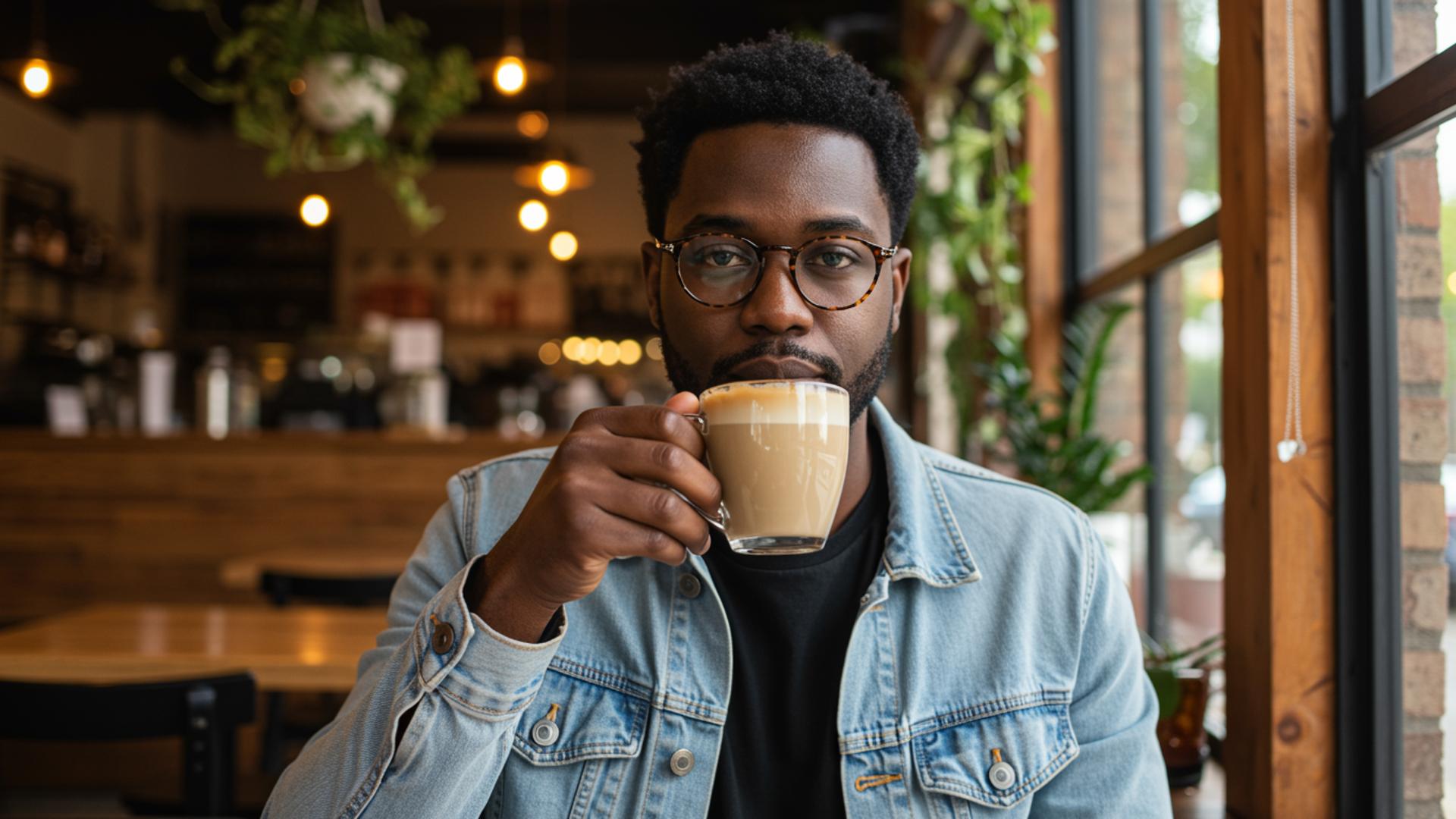
- Framing -- Add Cinematic Flair
Tell the AI how to "film" the scene.
- Camera angle: close-up, wide shot, eye level, low angle
- Camera movement: pan, zoom, tracking shot, still shot
Example:
An African American man in his late 20s with short, neatly styled black hair, a trimmed beard, and soft facial features. He's sitting upright, relaxed, and wearing a light-washed denim jacket over a black t-shirt, paired with round tortoiseshell glasses. He is sipping a latte with his right hand. He is seated at a window-side table inside a small, rustic café with warm wooden furniture, soft yellow lighting, and green hanging plants above. The camera uses an eye-level medium shot focused on the man's profile.
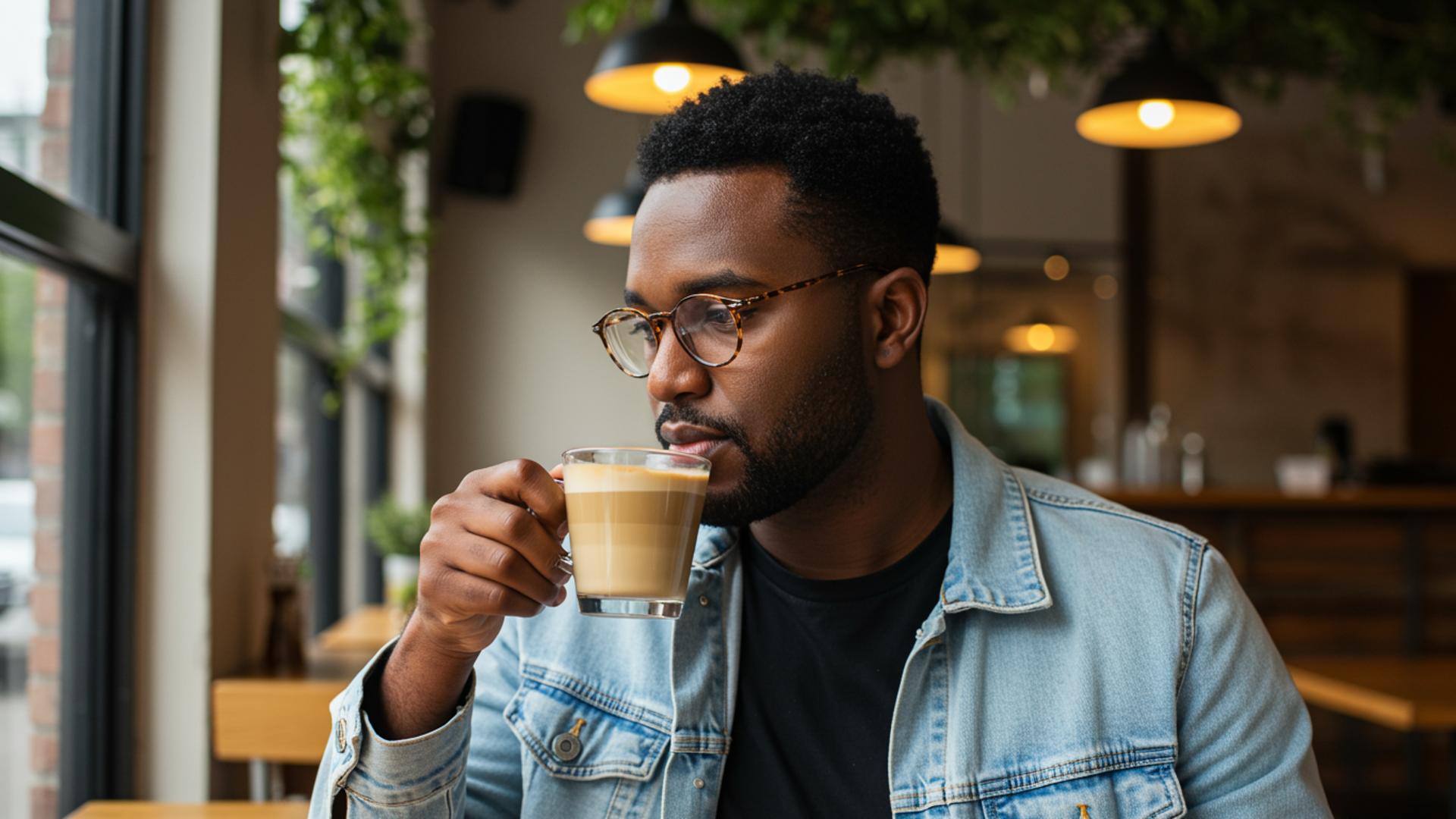
- Mood -- Set the Emotional Tone
Define the atmosphere and lighting.
- Light: warm morning light, soft shadows, spotlight
- Emotion/feel: moody, whimsical, luxurious, cozy
Example:
An African American man in his late 20s with short, neatly styled black hair, a trimmed beard, and soft facial features. He's sitting upright, relaxed, and wearing a light-washed denim jacket over a black t-shirt, paired with round tortoiseshell glasses. He is sipping a latte with his right hand. He is seated at a window-side table inside a small, rustic café with warm wooden furniture, soft yellow lighting, and green hanging plants above. The camera uses an eye-level medium shot focused on the man's profile. The soft golden afternoon sunlight casts warm shadows across the table and highlights the steam rising from the coffee. The mood is calm, introspective, and cozy.
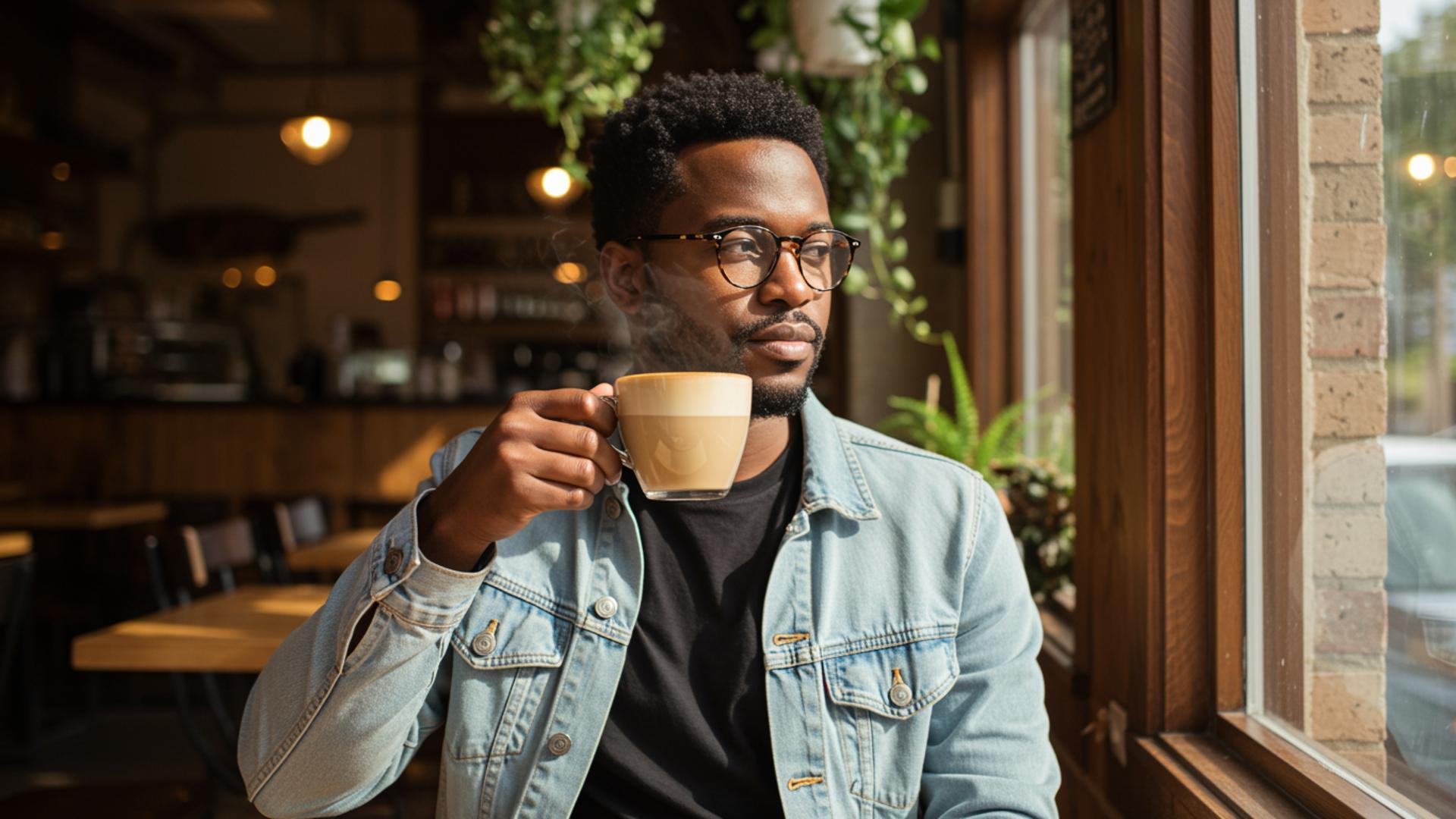
- Style -- Choose the Visual Look
Decide how the final output should appear.
- Photorealistic, cinematic, minimalist, 3D Pixar-style
- Technical: 4K, soft focus, shallow depth of field
Example:
An African American man in his late 20s with short, neatly styled black hair, a trimmed beard, and soft facial features. He's sitting upright, relaxed, and wearing a light-washed denim jacket over a black t-shirt, paired with round tortoiseshell glasses. He is sipping a latte with his right hand. He is seated at a window-side table inside a small, rustic café with warm wooden furniture, soft yellow lighting, and green hanging plants above. The camera uses an eye-level medium shot focused on the man's profile. The soft golden afternoon sunlight casts warm shadows across the table and highlights the steam rising from the coffee. The mood is calm, introspective, and cozy. Cinematic, photorealistic style with shallow depth of field in 4K resolution.
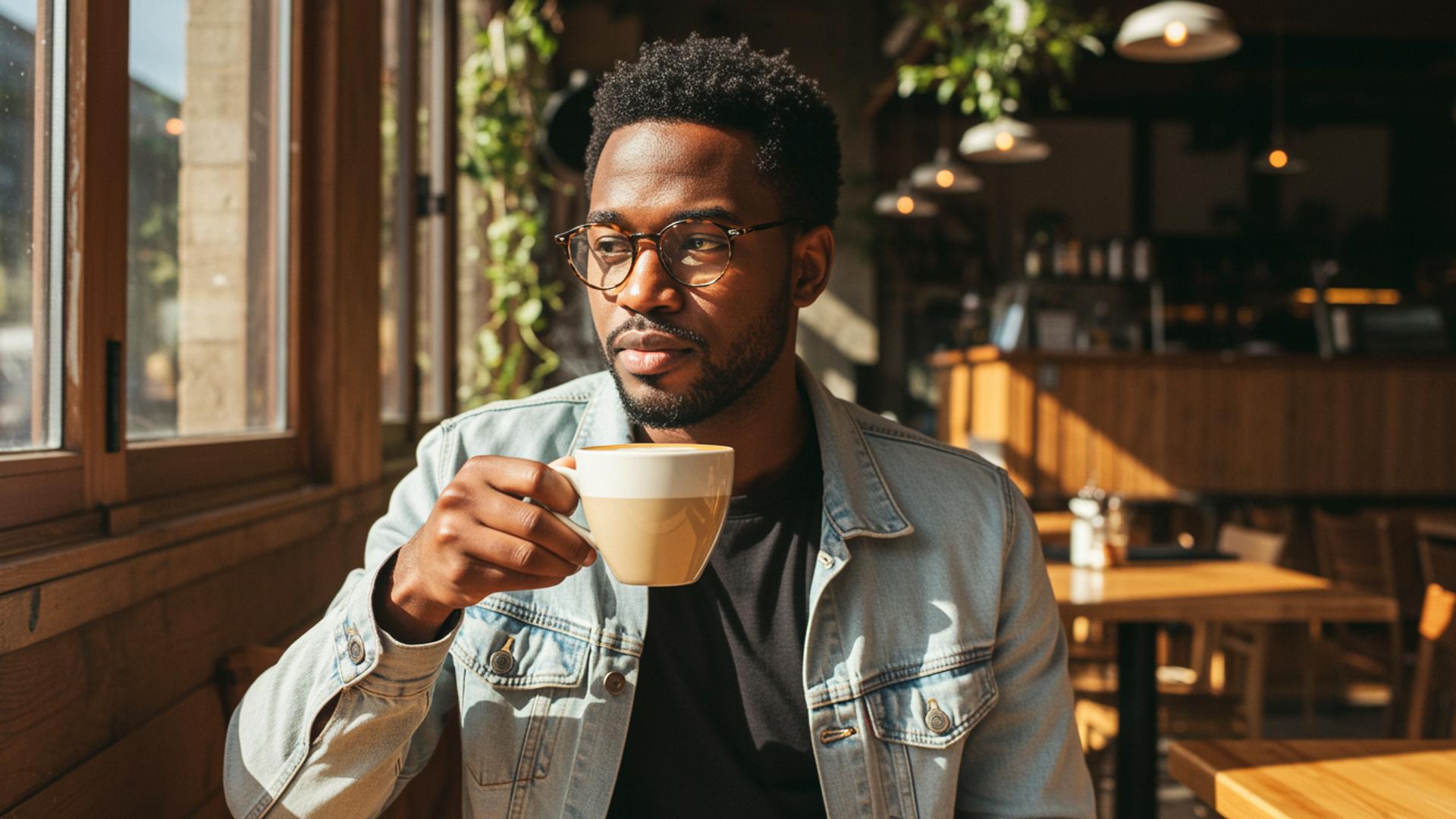
✨ Pro Tip: Start simple (subject + action), then build layer by layer (scene → framing → mood → style) to get polished, professional results.
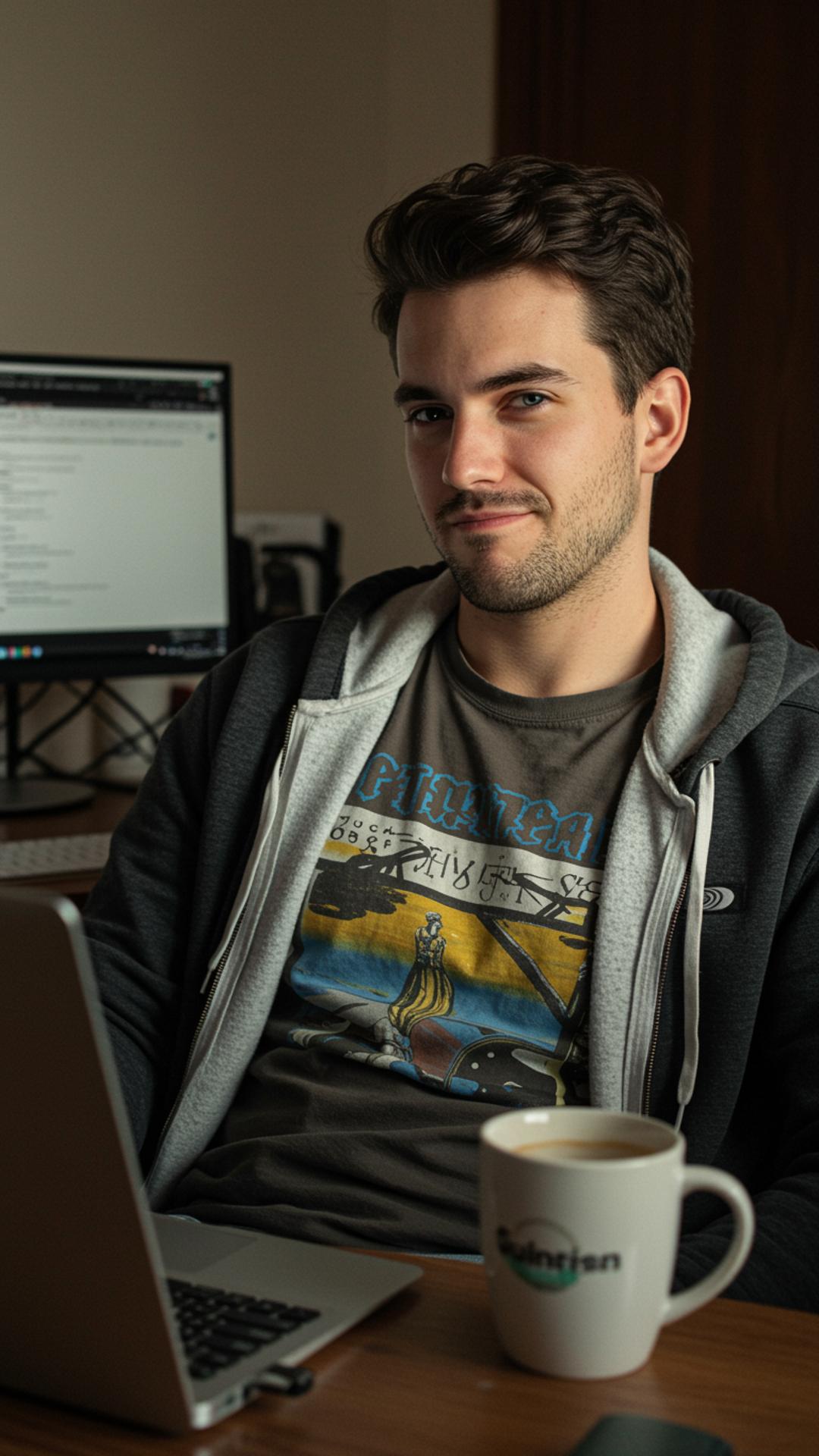
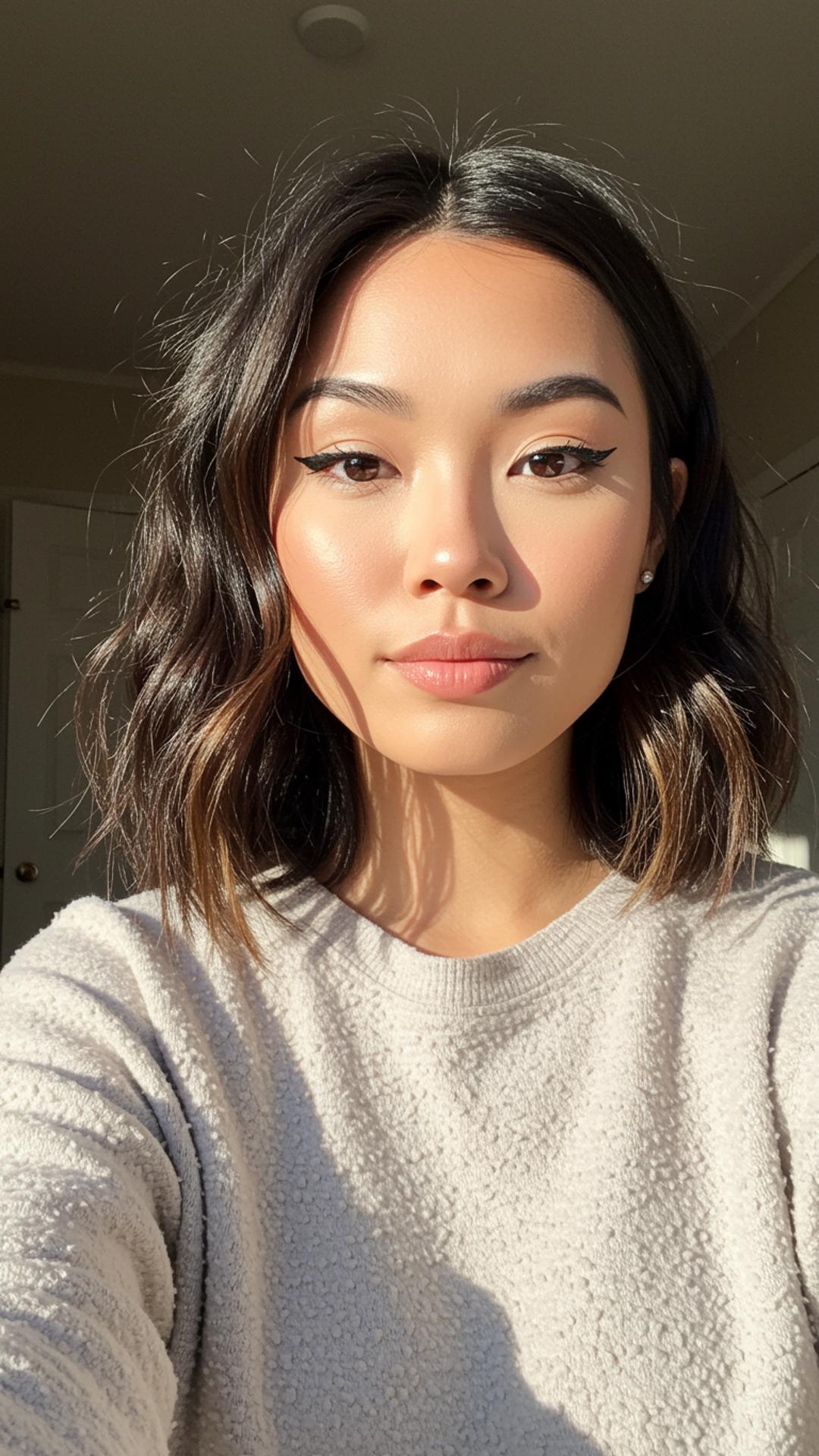
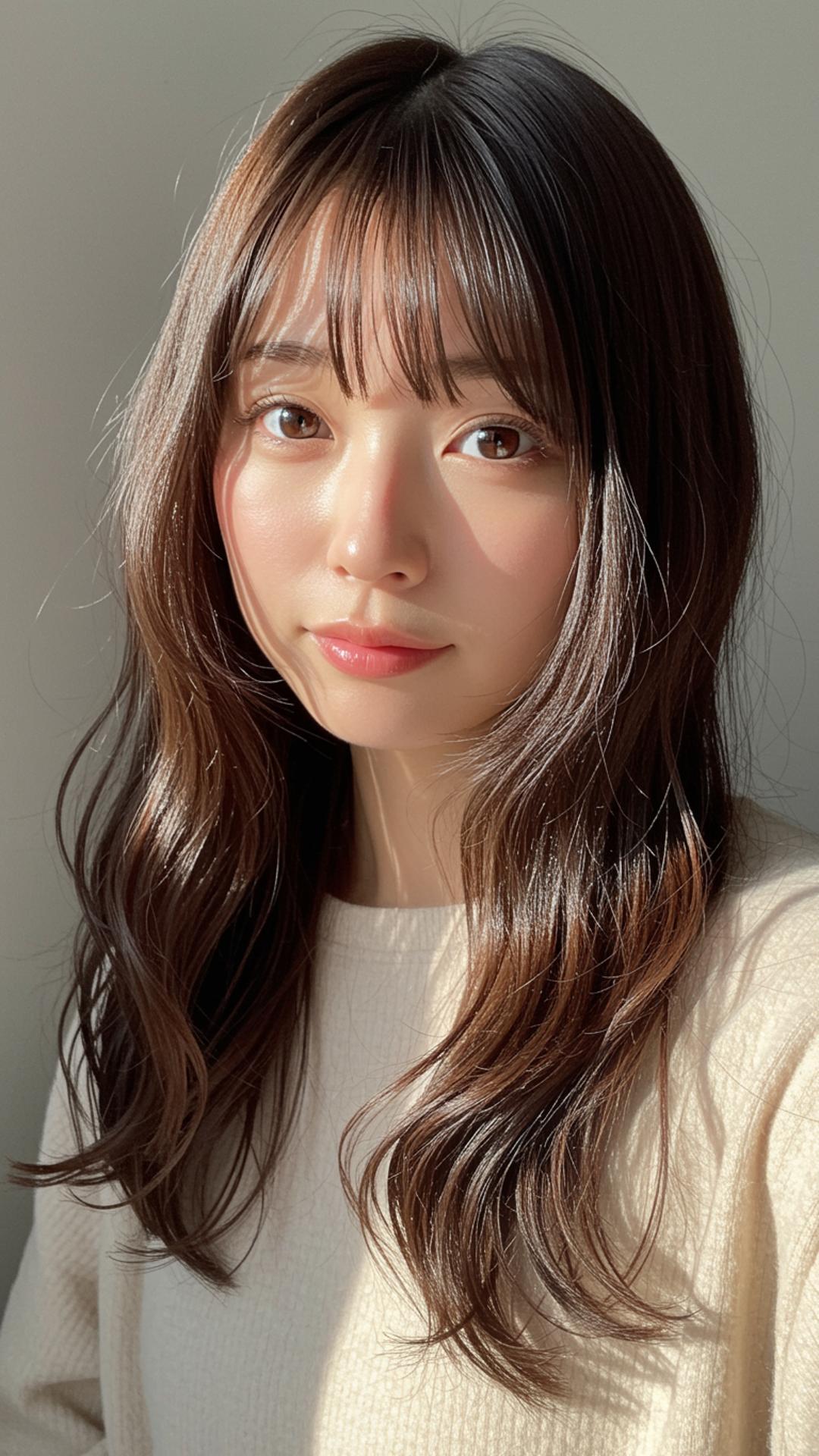
Sample Images