Topview Official Guide: Video Agent
Official Guide
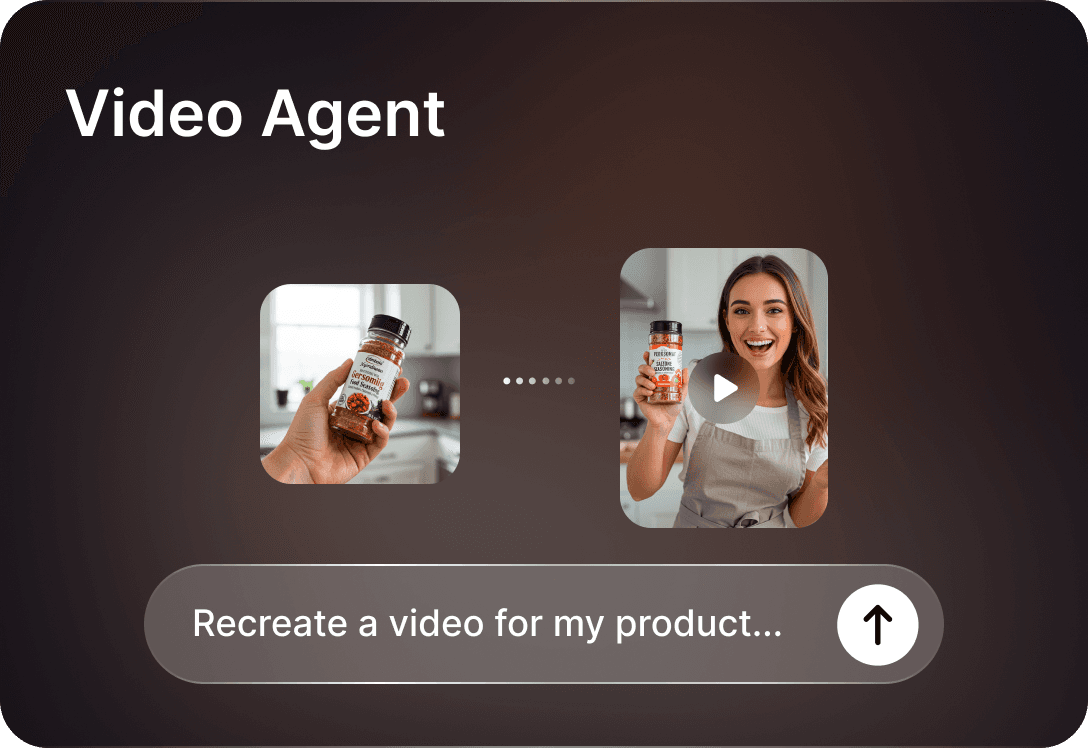
Video Agent: AI-Powered Marketing Video Creation
Turn a product image and a reference video into a high-quality marketing video — powered by Topview's most advanced Video Agent.
Introduction
Topview Video Agent is the most powerful marketing video agent on the market. Give it a product image and a reference video, and it can do all the work for you: analyze the creative logic behind what makes that video work, and then generate a fresh, high-quality version that showcases your product's details and textures in the same compelling style.
It comes in two versions to suit different production needs:
Agent V1
Focuses on replicating the reference video's style and structure. A streamlined workflow for quick video creation.
Agent V2
The most powerful solution — offering higher-quality visuals, better consistency of on-screen characters, and full timeline editing control.
How to Use — Agent V2
Agent V2 provides a professional multi-scene workflow with full control over prompts, styles, and timeline editing.
Step 1: Select Agent V2
Click on "Agent" from the dashboard and select V2.
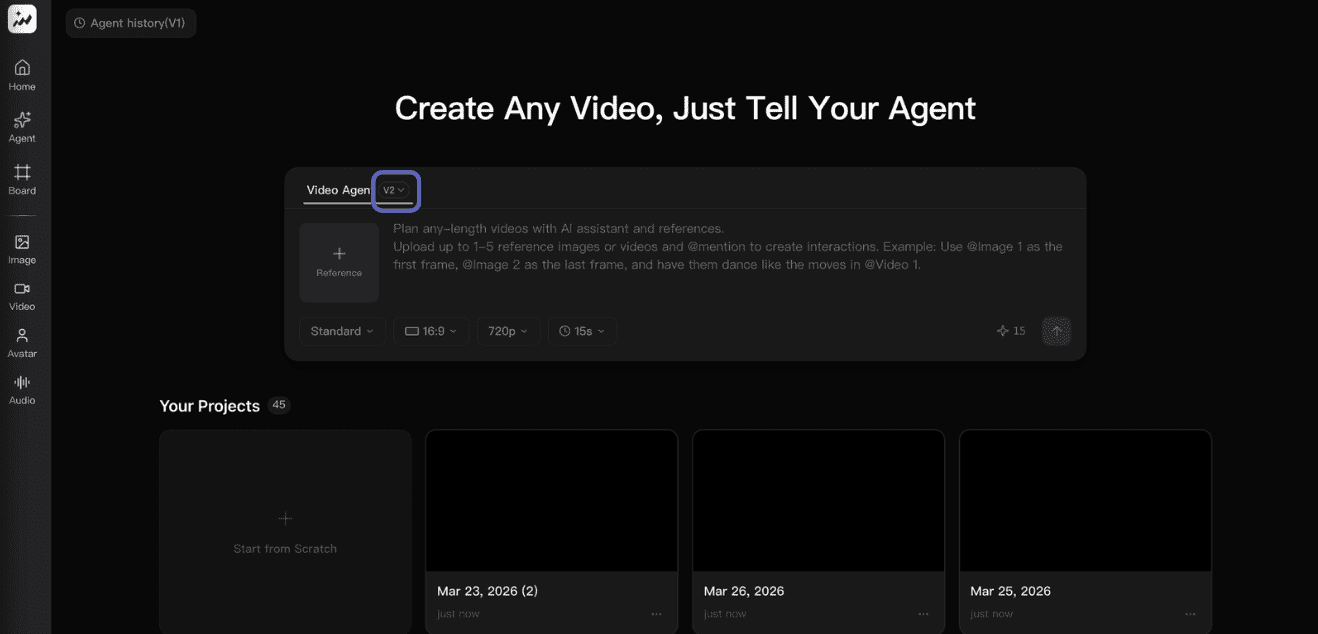
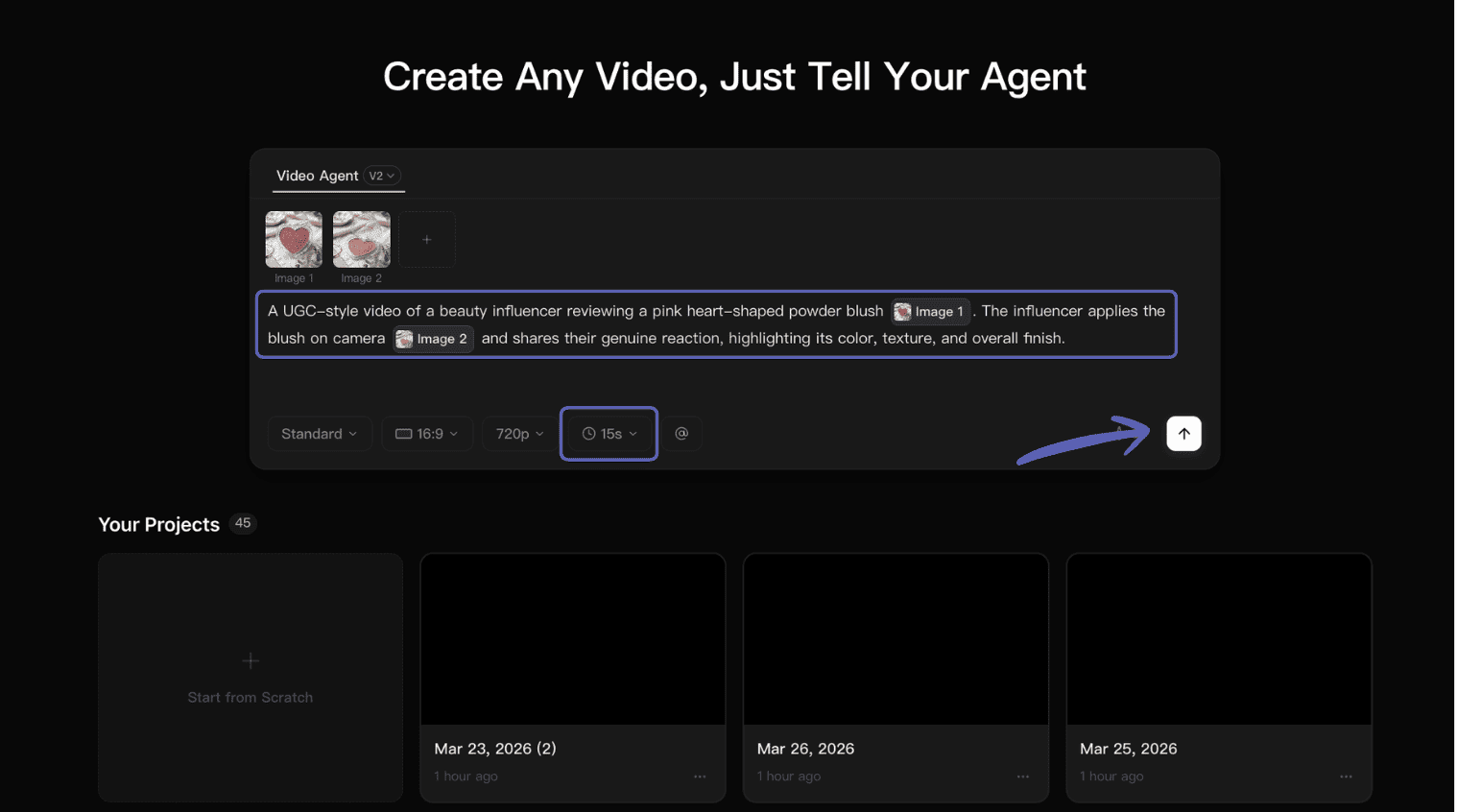
Step 2: Upload Assets & Input Requirements
Upload a reference image/video (optional, video should be within 15 seconds), upload high-definition product images, and input your video production requirements.
Step 3: Review & Adjust Prompts
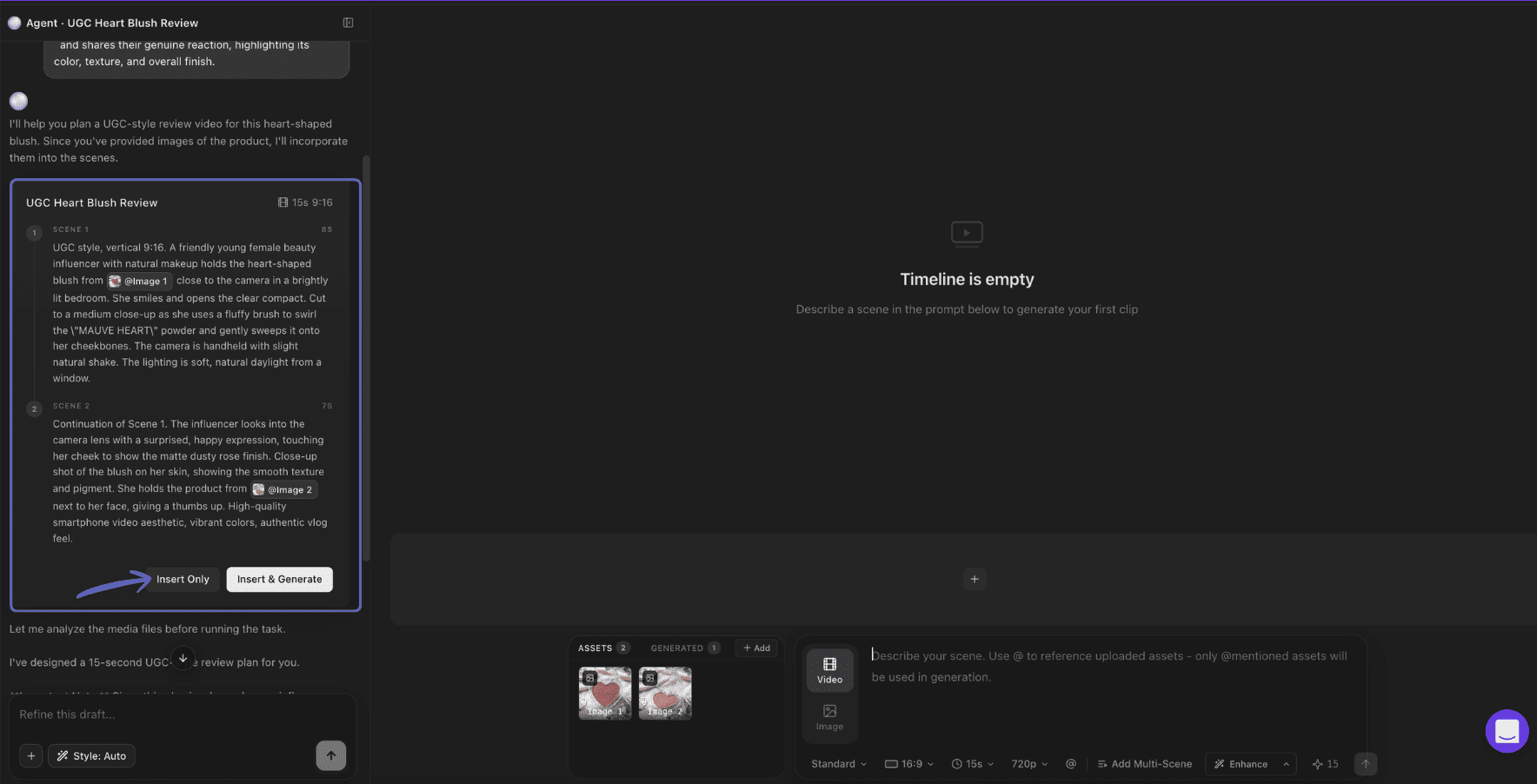
The agent will create prompts based on your requirements. You have two options:
- Insert Only: Click to review and manually adjust the prompts before generating.
- Insert & Generate: Click to accept the prompts and start generating immediately.
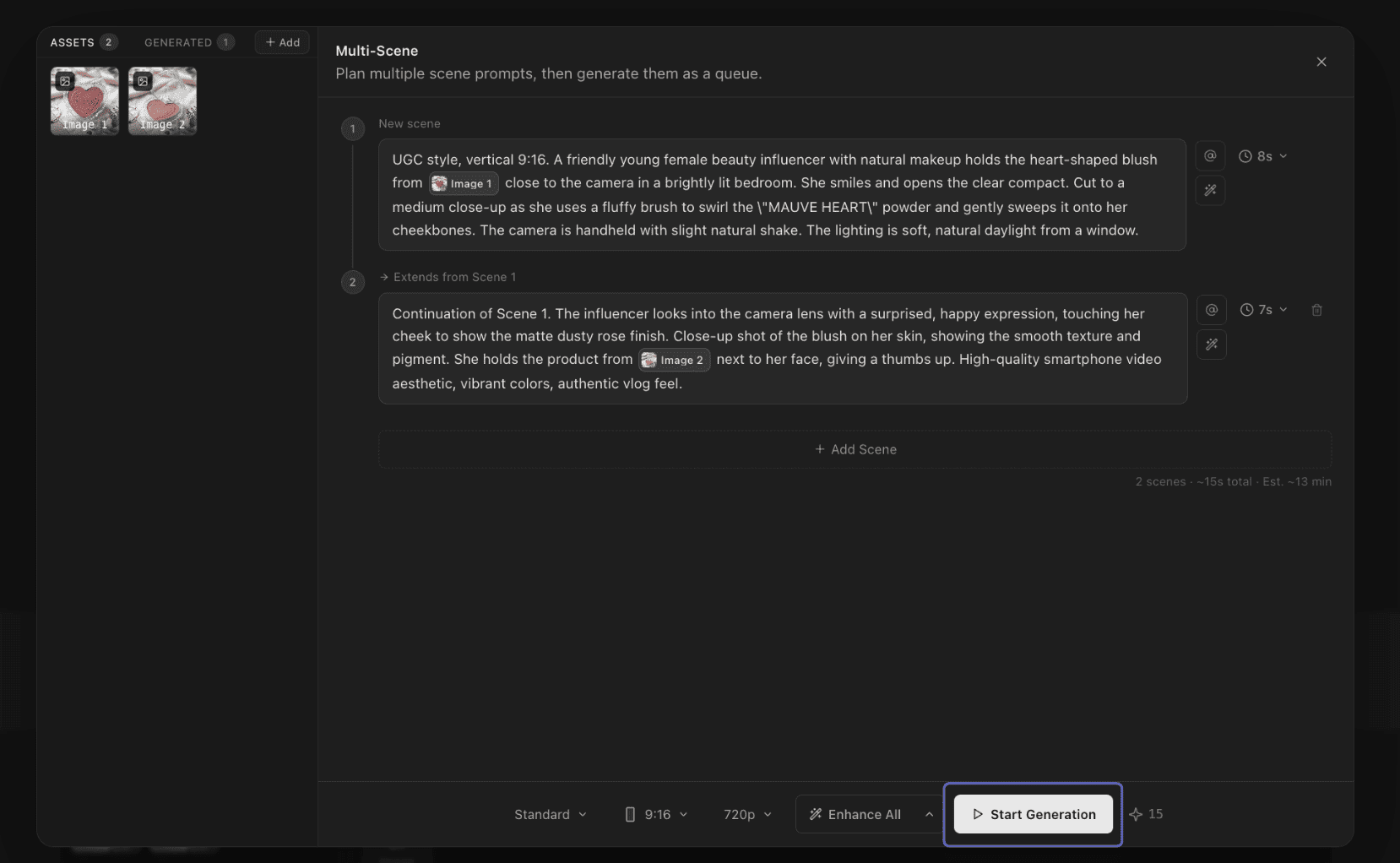
- Add Scene: Click "Add Scene" if you need additional scenes in your video.
Insert Only / Insert & Generate
Add Scene
Step 4: Enhance & Style
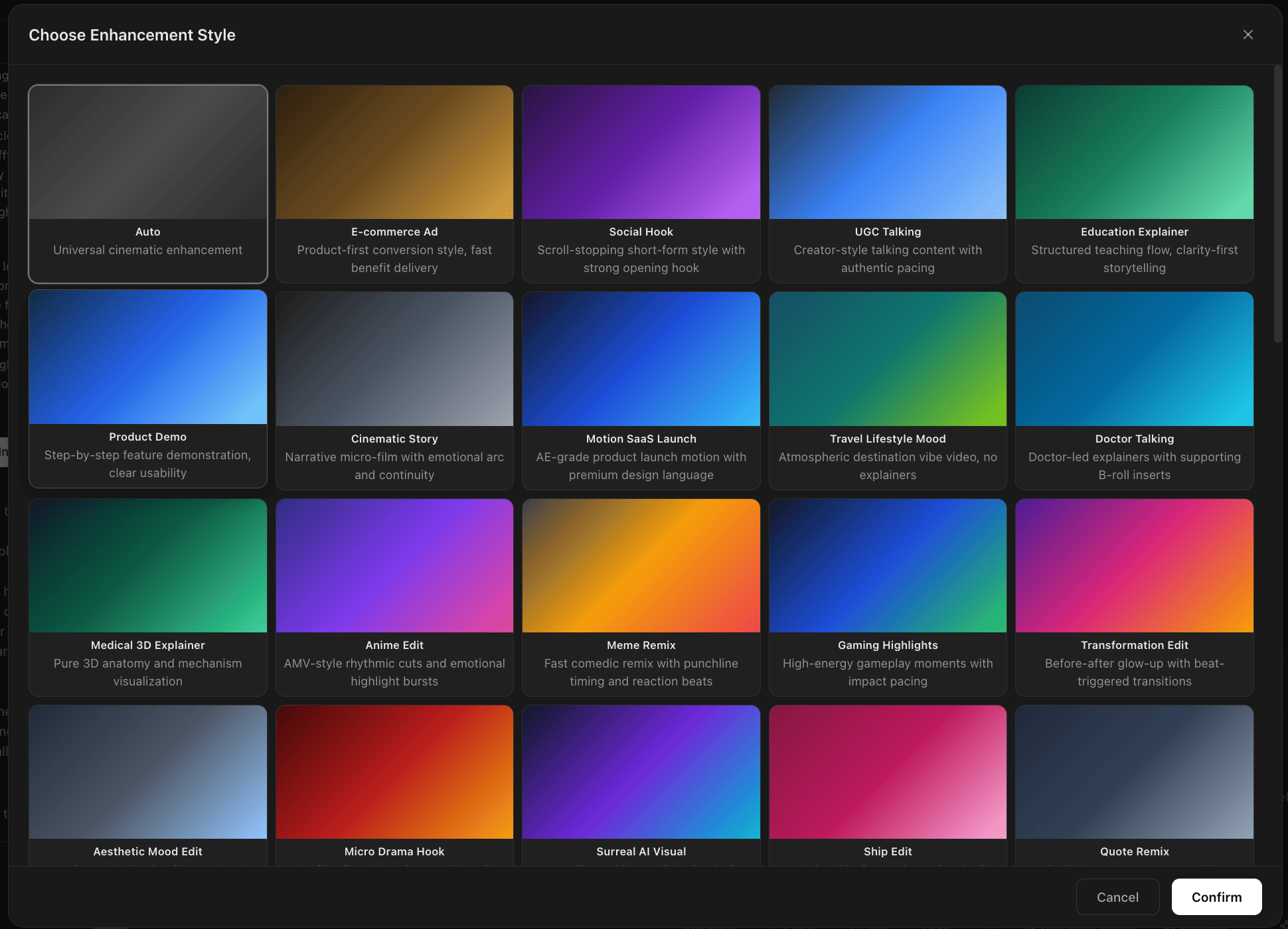
Fine-tune your output with two powerful options:
- Enhance: Optimize the prompt for each shot, ensuring that the output aligns with your desired style.
- Style: Choose a specific visual style for your video (optional).
Step 5: Edit on Timeline, Preview & Export
Once video clips are generated, you can edit them on the timeline. Preview the generated video and evaluate whether you are satisfied with each storyboard.
- If you are not satisfied, modify the prompt and re-generate the clips.
- If the preview looks good, click "Export" in the top right corner to export the final video.
What If There Is an Error?
There could be multiple reasons, such as the system's NSFW (Not Safe For Work) content detection. Please check your creatives/prompts for any sensitive information and remove them. When extending videos (using the "Extend Clip" function), the referenced video also cannot contain any human images.
How to Use — Agent V1
Agent V1 offers a simplified workflow focused on replicating a reference video's style. Here's a quick overview:
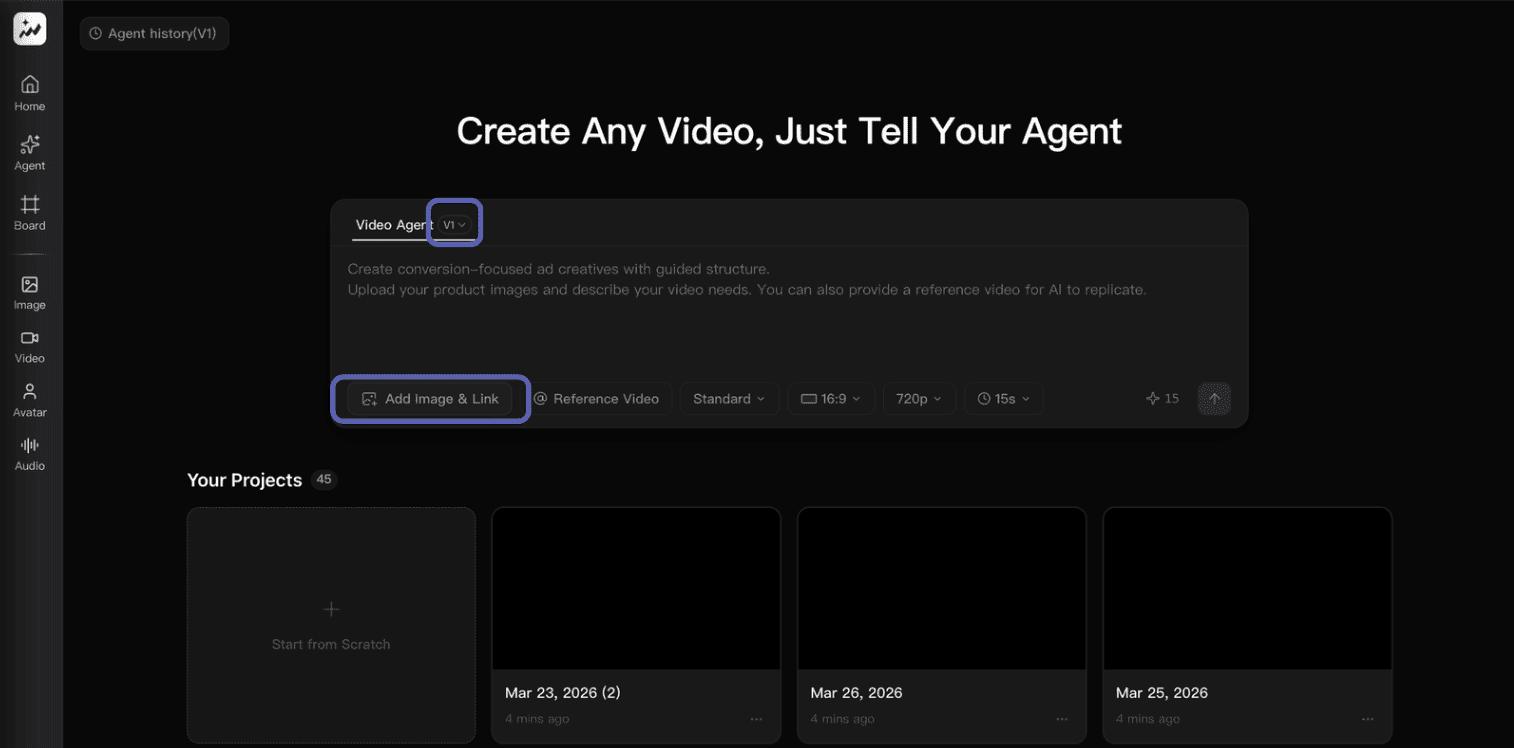
-
Select V1: Click on "Agent" and select V1. Paste the product URL and upload product images for better results.
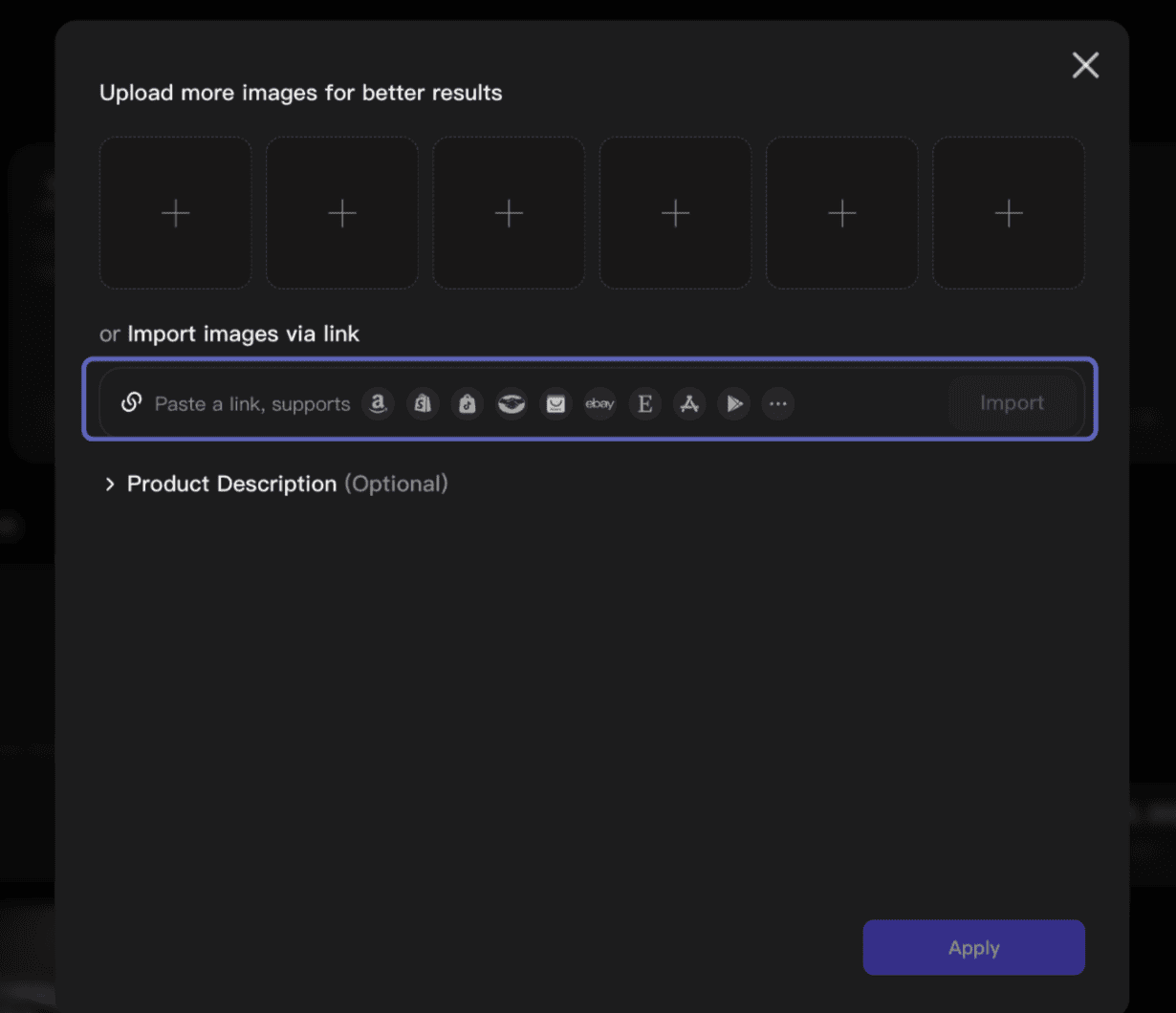
-
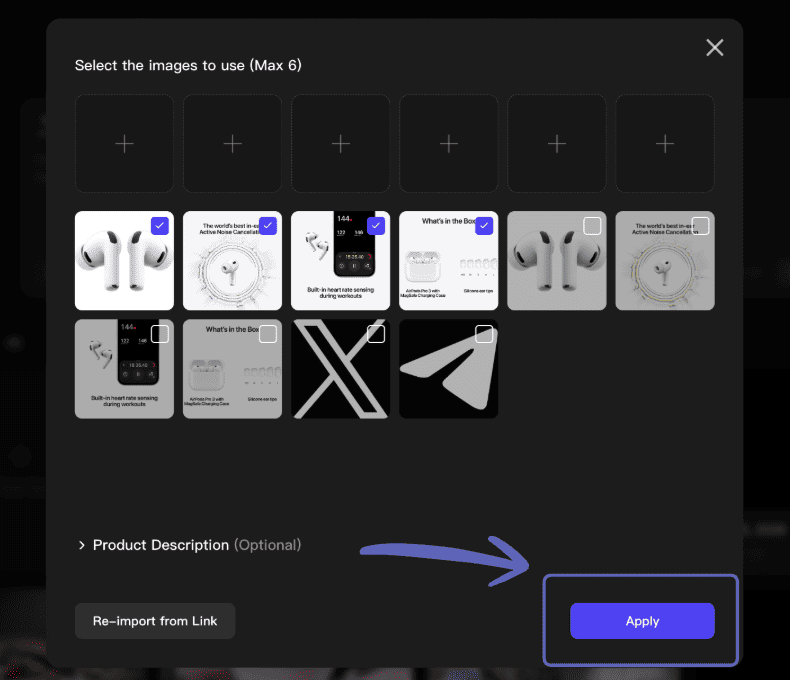
Provide Details: Product information will automatically be extracted from the page. Upload a reference video (optional, within 15 seconds). Click "Apply" after selecting all relevant images and checking the product description.
- Review Storyboard: Once the storyboard is generated, tweak any keywords, sequences, or durations. If everything looks good, click "The storyboard is suitable, please proceed".
- Preview & Refine: A preview video will be ready within minutes. You can complete the task, request revisions, or adjust the storyboard and regenerate.
- Download: Download the final video.
Video Guide
Sample Videos
See what Video Agent can create for your products.