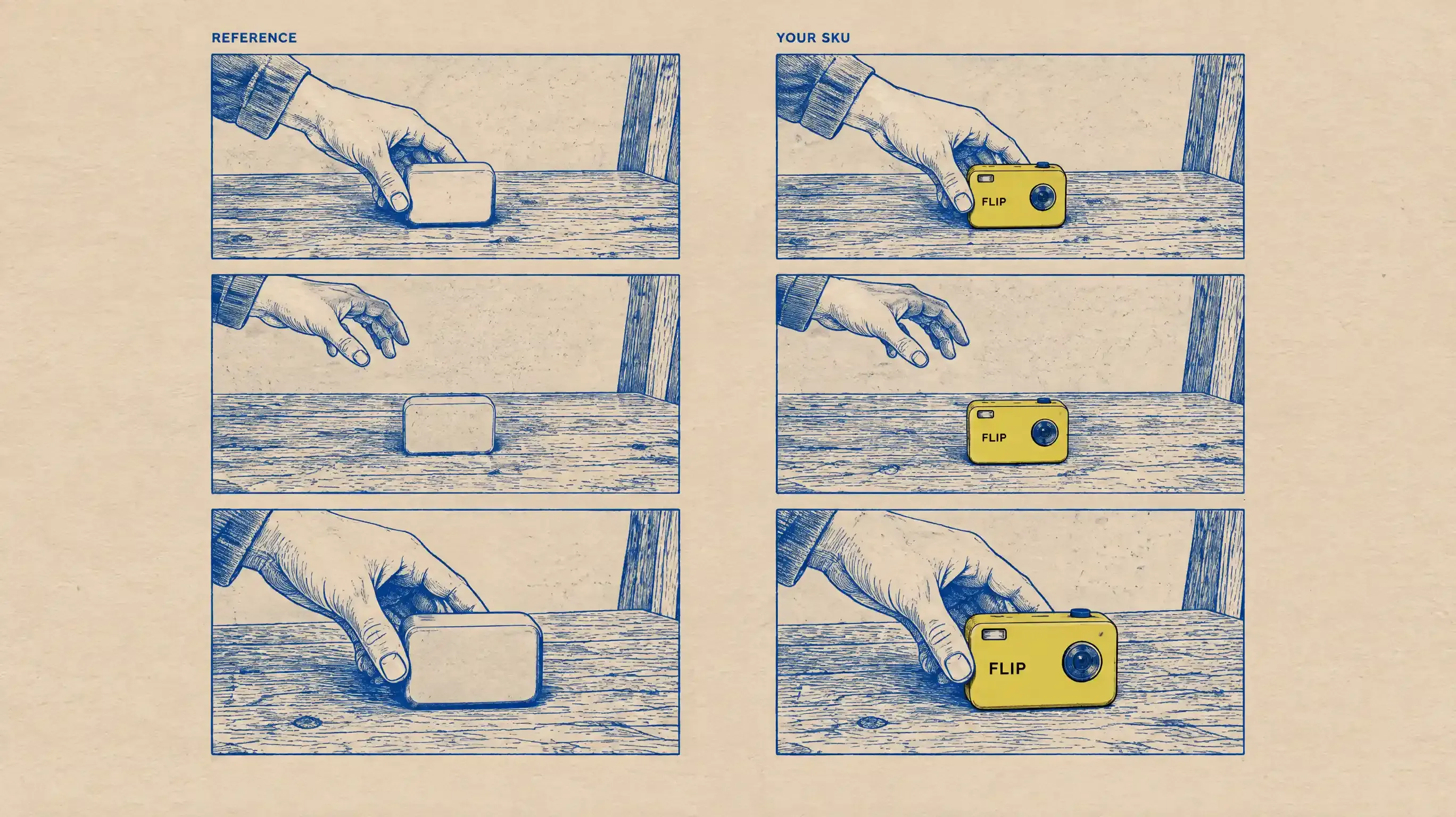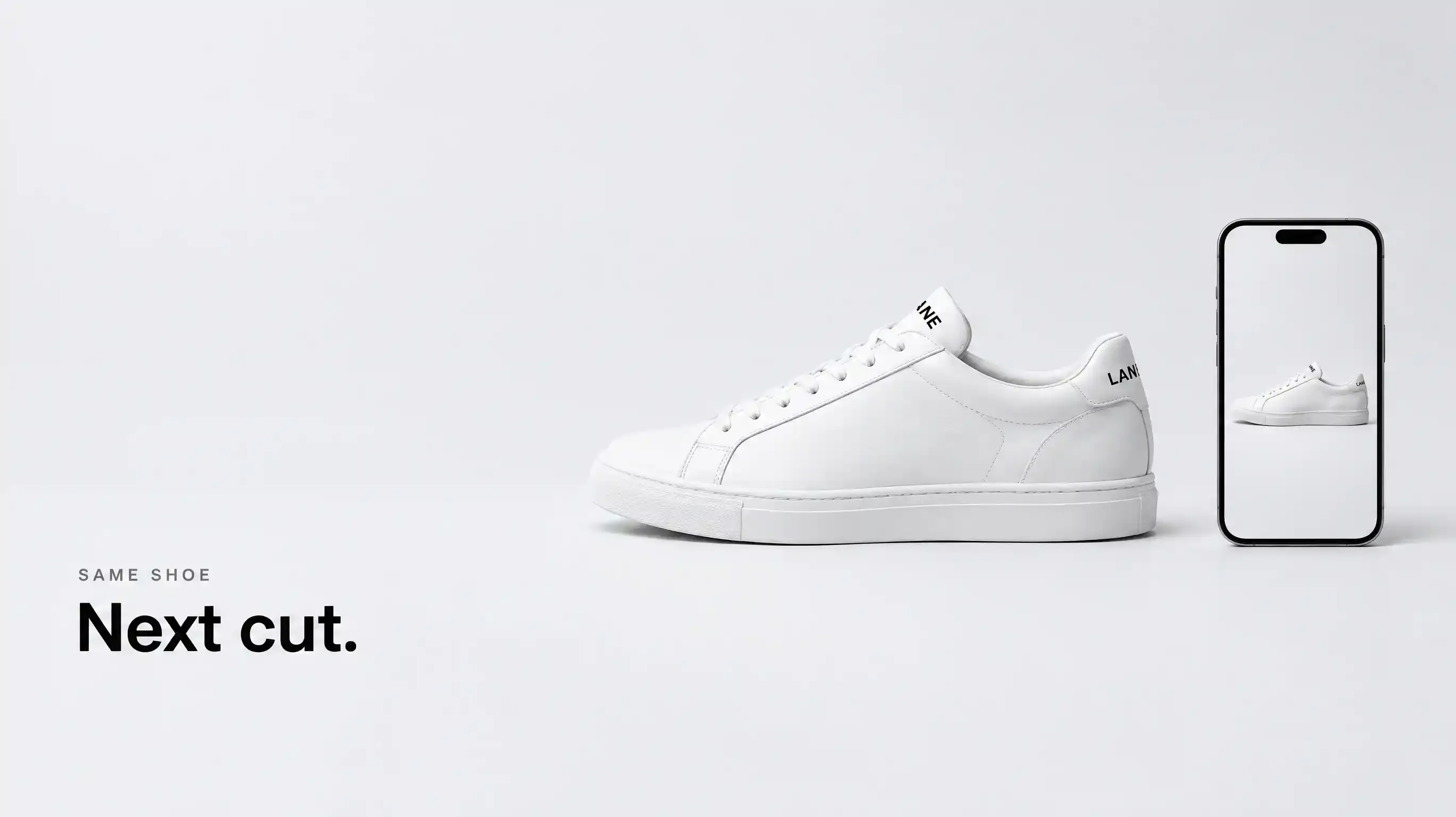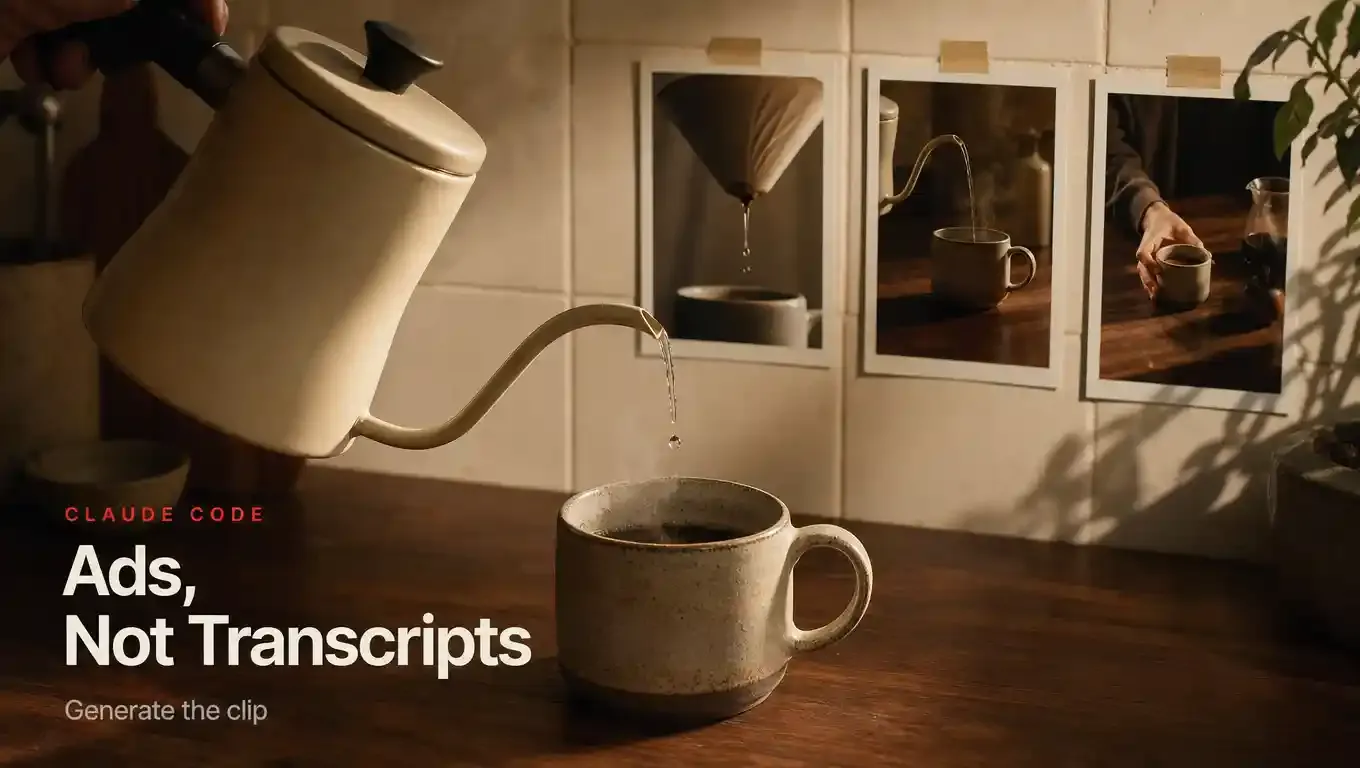

Search “Claude video plugin” and you will land on tools that download a YouTube URL, sample frames with ffmpeg, and run Whisper. Those plugins are useful. They are also a different job. They help Claude watch a video. They do not make one.
This article is for the other search: a Claude Code AI video plugin that generates product ads, try-on clips, and short-drama beats from the same terminal you already use for the brief. Agent handles intent. Topview Canvas handles the board. If you installed claude-video-vision last month and wondered why nothing rendered, you installed a perception layer.
Claude.ai, Claude Code, Claude Desktop — pick one host
Topview documents two Claude packages. They are not interchangeable.
Claude Code is the install this tutorial follows. You paste a /goal that points at docs/claude.md. That file branches: Code versus Desktop. The Code path (docs/claude-code.md) adds the Git marketplace and installs topview@topview at user scope. Then you open /mcp, choose plugin:topview:topview, and click Authenticate.
Claude Desktop / Cowork uses a verified .plugin file upload. The Code terminal commands do not belong there. If you upload a Code package into Desktop, or run Desktop steps inside Code, you will get a format error that looks like a product bug and is not.
Claude.ai in a browser tab is not this installer. The MCP product page says Claude can attach a remote server URL. That is Topview MCP — campaign researcher, strategist, producer — not the Plugin GitHub marketplace. Mixing those two paste-ins is how teams open a ticket titled “plugin installed but Canvas never appeared.”
Human-checkable fact:
In Claude Code, paste the /goal from topview.ai/plugin that reads docs/claude.md. Finish marketplace add, topview@topview install, /mcp → Authenticate, and browser OAuth. Do not run those commands in Claude Desktop. Do not expect Claude.ai chat to grow a plugin marketplace.
Cursor stays on the same overview page with a different prompt and a one-restart handoff. Codex is the ChatGPT-family host. This article does not cover them.
Perception plugin versus generation plugin
Keep these in separate mental folders. Comparing them is fair. Ranking them as substitutes is how you buy the wrong thing.
Watch / transcribe plugins (perception)
Examples you will actually see in SERPs: claude-video-vision (the authors call it a perception layer), claude-transcribe, and the ffmpeg + Whisper recipe written up on Claude Camp. Typical tools: video_watch, video_info, /transcribe-media. Inputs: a local file or a yt-dlp URL. Outputs: frames, timestamps, a .txt transcript Claude can reason about. Nothing new is rendered.
Generation skills without a shared canvas
Pexo, AdCreator Studio, Novoads, iart ad-video skills, Remotion packs. These do produce video. The agent calls an API, polls, and drops files in the repo or a vendor editor. Fine for a one-shot ad. Weak when the next shot must reuse the same character, SKU, and approved stills without re-attaching everything.
Topview Plugin (generation + Canvas)
The agent still briefs. The workspace is a board: product cards, node links, crop, extend, skill runners. TikTok Product Ad, Micro-Drama Ad Creator, Try-On Product Ad, and Pain Point Product Ad are named skills on the plugin page, not prompt folklore. Commerce lookup covers TikTok, YouTube, Amazon, and Shopee so the script can follow what is selling — after the object is locked.
If your ticket is “summarize this competitor UGC,” install a watch plugin. If your ticket is “make three 9:16 ads from these packshots,” install a generation plugin. If your ticket is “make them, then change only the hook shot without losing the bottle,” you want a canvas, not a folder of MP4s.
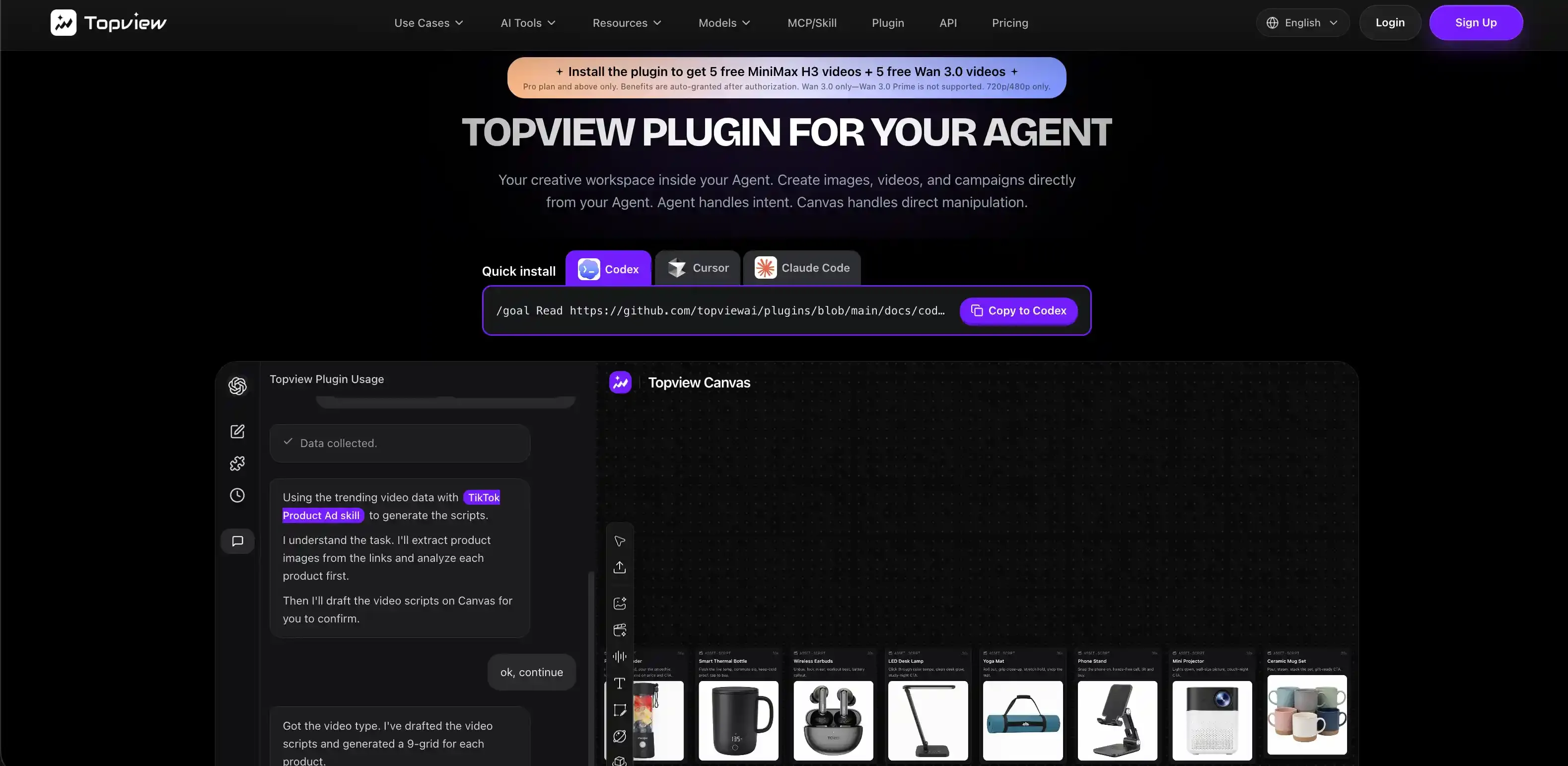
Install in Claude Code (do not invent commands)
Copy from the live plugin page. The Claude Code prompt is:
/goal Read https://github.com/topviewai/plugins/blob/main/docs/claude.md to install TopviewAI, complete OAuth, and set up a new task for me. After installation and authorization succeed, introduce to me what things the Topview plugin can do.
What the Code guide then requires, in order:
You are in a local Claude Code install, user scope. A remote or sandboxed session that cannot write user settings or open a browser will fail the contract on purpose.
If an older topview@topview is already installed, remove that plugin. Do not wipe unrelated plugins or ~/.claude caches.
Run the marketplace add and install exactly as claude-code.md writes them:
claude plugin marketplace add https://github.com/topviewai/plugins --scope user --sparse .claude-plugin plugins
claude plugin install topview@topview --scope user
Reload plugins if Claude Code asks. If it asks for an unsandboxed write to user settings, you approve or reject that prompt. The agent does not click through security for you.
Open /mcp. Choose plugin:topview:topview. When it says Needs authentication, select Authenticate. Finish Topview OAuth in the browser and wait until Claude Code shows the connection as authenticated.
Start a new session. Confirm Topview MCP/skills are visible with one safe, read-only request. Do not burn a paid generation as an install test.
The only approved repository is https://github.com/topviewai/plugins. If the org is still on a private pilot, anonymous clones 404. Use the GitHub credential already on the machine. Never substitute a similarly named marketplace from a search result.
Unlimited seats cannot run Plugin, MCP, or Skill automation. If auth succeeds and generation is refused with an Unlimited error, that is the plan, not a broken install.
First job: a pain-point ad, then a micro-drama beat
Use a product you already have stills for. A serum, a kettle, a pair of runners — anything with a label you can check for spelling.
Job A — Pain Point Product Ad
Run Pain Point Product Ad. Product: ceramic pour-over kettle, matte cream, black handle. Pain: cheap kettles drip on the counter at the pour. First two seconds: the drip, then the clean pour from our spout. 9:16, about 12–15 seconds. Attach the three stills. Do not change the handle color. Do not add a logo that is not in the stills. When the take is ready, leave the stills and the clip on Canvas.
Check the handle and the stamp on the body before you praise the steam. Identity failures hide inside pretty motion.
Job B — Micro-Drama Ad Creator (same board)
Same kettle. Use Micro-Drama Ad Creator. Three beats: roommate blames the drip, pour-over close-up, roommate steals the mug. Keep the cream kettle. Do not invent a second kitchen. Put the new shots on the same Canvas as the pain-point take.
That second job is why a canvas exists. A watch plugin cannot do it. A one-shot API skill can do it only if you re-upload references and hope the seed holds.
If you sell the kettle on Amazon and TikTok Shop, ask for a comment or review scan after the object is stable. The plugin page allows TikTok, YouTube, Amazon, and Shopee lookup. Use it as research, not as permission to redesign the SKU.
Try-On Product Ad is the right next skill when the product is apparel or beauty and you have a model still you are allowed to use. Do not run try-on on a stranger’s Instagram photo.
Generation engines are not Claude plugins
When Claude picks a model, that is a routing decision inside Canvas. Seedance 2.5 is a common 1080p lane, about 4–30 seconds, multi-reference. It is not 4K-native. Wan 3.0 is listed on the plugin page as a live omni-reference workflow; Wan 3.0 Prime is not supported on the current promo path, and complimentary promo outputs are 720p/480p only (Pro and above, five MiniMax H3 and five Wan 3.0 after auth). MiniMax H3, Kling 3, Vidu Q3, and GPT Image 2 appear on the same model strip.
None of those names should appear in a “best Claude Code plugins” table next to claude-video-vision. A model is a generator. A plugin is a host integration. If you want a model bake-off, use the model pages. If you want the agent to stop losing the kettle, use the plugin.
What not to write in the title (for your own docs)
If you publish an internal how-to, do not call it “Claude video plugin.” That string, naked, belongs to the watch-video SERP. Prefer Claude Code AI video plugin or “generate ads in Claude Code.” Save “watch,” “transcribe,” and “Whisper” for the perception tools you may also install — alongside, not instead.
Do not claim Anthropic officially recommends Topview. Do not claim a conversion rate. Do not paste a /goal you found in a screenshot if it does not match the live page.
When this is the wrong install
You need a transcript of a 40-minute webinar: perception plugin.
You need a Remotion template versioned in git: a code-first skill, not Canvas.
You need a full campaign brief from a product URL with researcher + strategist roles: look at Topview MCP, and know you are leaving the Plugin surface.
You want a thin capability pack in OpenClaw or a generic agent: Topview Skill uses Install Topview Skill for me: https://github.com/topviewai/skill.git — a different Git URL.
When /claude-plugin exists, this tutorial should point there. Until then, install from topview.ai/plugin and keep Cursor’s prompt on that same page.
FAQ
Is a Claude video plugin the same as Topview?
No. Most results for “Claude video plugin” are watch-and-transcribe tools (ffmpeg, Whisper, video_watch). Topview’s Claude Code plugin generates ads and other clips on Canvas. Compare them. Do not substitute them.
Do I install this on Claude.ai?
Not as documented. Use Claude Code (marketplace + /mcp Authenticate) or Claude Desktop / Cowork (separate .plugin upload). Claude.ai chat is not the Plugin installer. The MCP URL on topview.ai/mcp is a different product.
Can I use Unlimited?
No. Unlimited does not support Topview Plugin, MCP, or Skill. Authenticate on a plan that allows automated workflows, then run the first skill on Canvas.