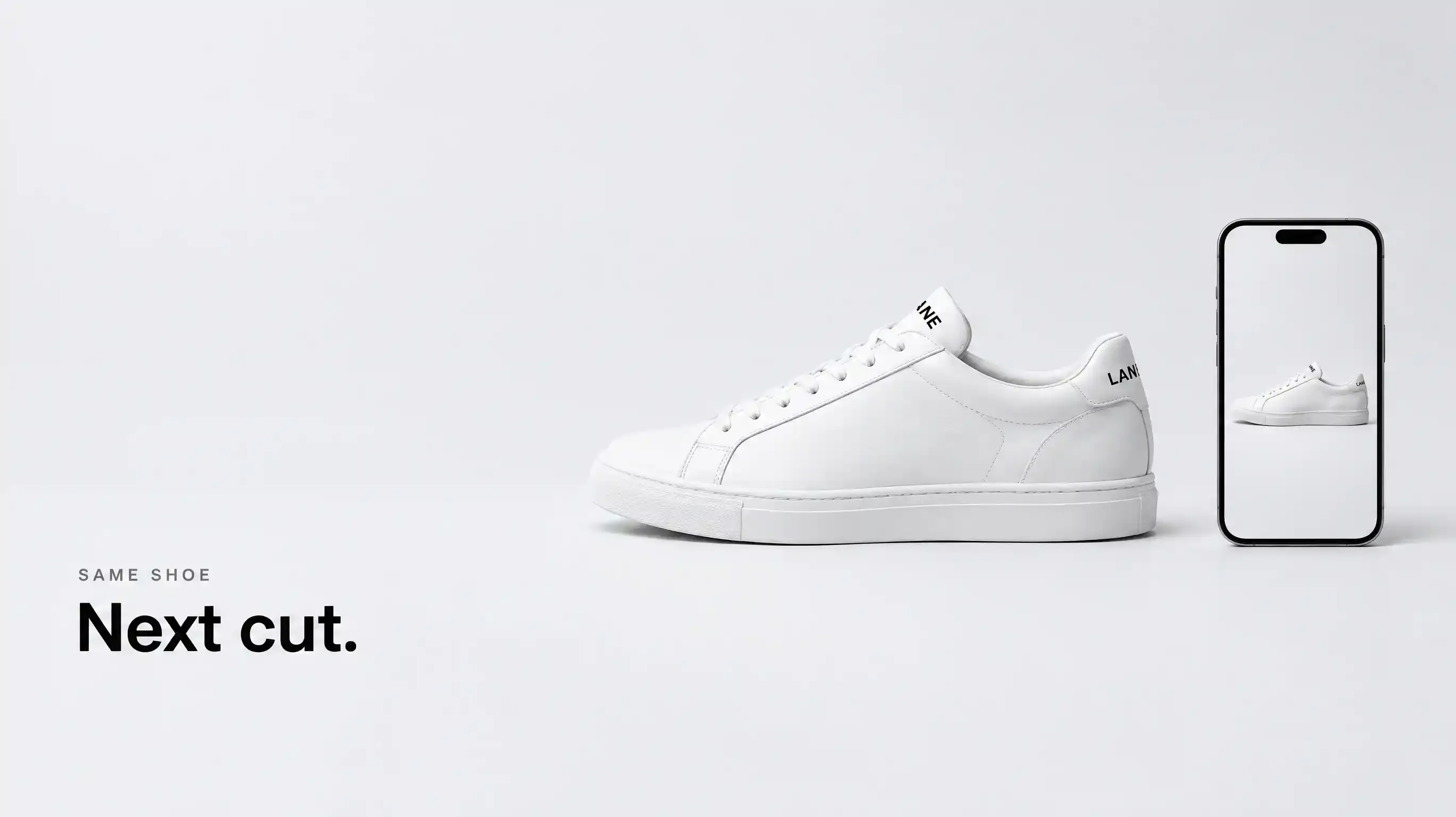
Same shoe.
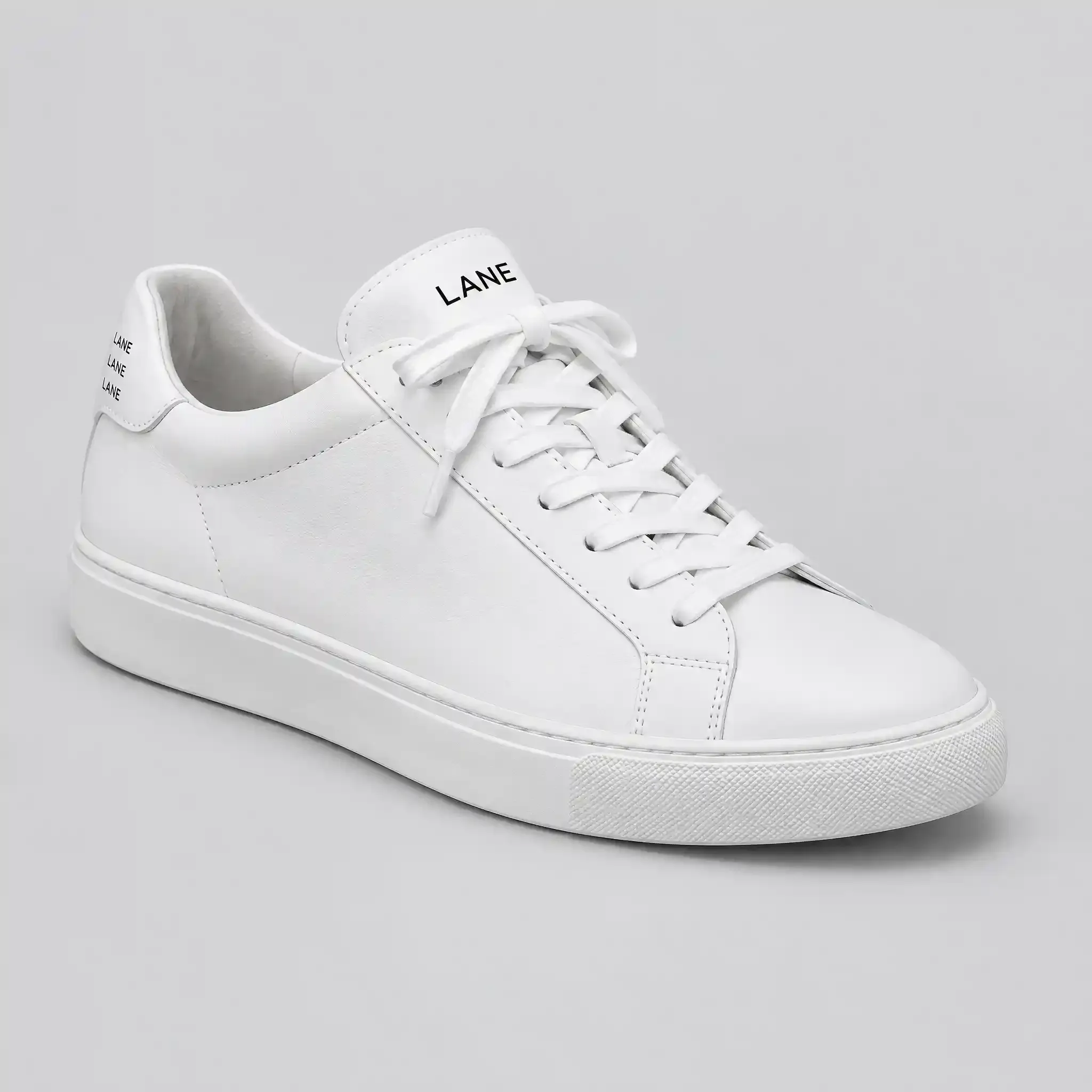
The still is already on the Canvas. Ask for the next cut in that project. The Topview Plugin is already installed.
One change.
A new hook. Or a new room. The shoe stays. Change both, and you will not know what broke.
The second cut.
The shoe drops into an open gym bag. Same mark. Same laces. About 15 seconds, vertical. It sits next to the first take.
The third.
Night. A kitchen counter. Same shoe. No new parts.
Not a button.
The page calls this batch ecommerce ads. There is no switch labeled UGC, cinematic, and lifestyle. Say the feel in the message. TikTok Product Ad, if you name it, is only a recipe inside the plugin.
Look first, if you want the hook to be real.
The plugin can check TikTok, YouTube, Amazon, and Shopee before you write the line. A trending sentence on a shoe that changed color is an ad for a product you do not sell.
No still yet.
Make the first cut here: https://www.topview.ai/blog/make-a-tiktok-product-ad-with-the-topview-plugin. Plugin, Skill, MCP, and Canvas, if the names are still mixed: https://www.topview.ai/blog/topview-plugin-vs-skill-vs-mcp-vs-canvas.
Two second passes, already on camera.
Another angle, same olive oil: https://www.youtube.com/watch?v=uWFg7BOY1m8. A reference still, because the product did not match: https://www.youtube.com/watch?v=-OuZZYvBmGQ. Neither one is a style pack. If the first shoe is already wrong, make a clean cut before the next. Three wrong ads are still wrong.
The other door.
No angle yet? The campaign team is at https://www.topview.ai/mcp. Unlimited does not run the Plugin.
FAQ
A new install for every cut? No. Same project. Next message.
Three feels at once? Ask in words. Look. Ask again.
Where is the file? On that Canvas. If it is only in the chat, you left the studio.
Open the project. One more cut. The shoe first, then the hook.