Introduction
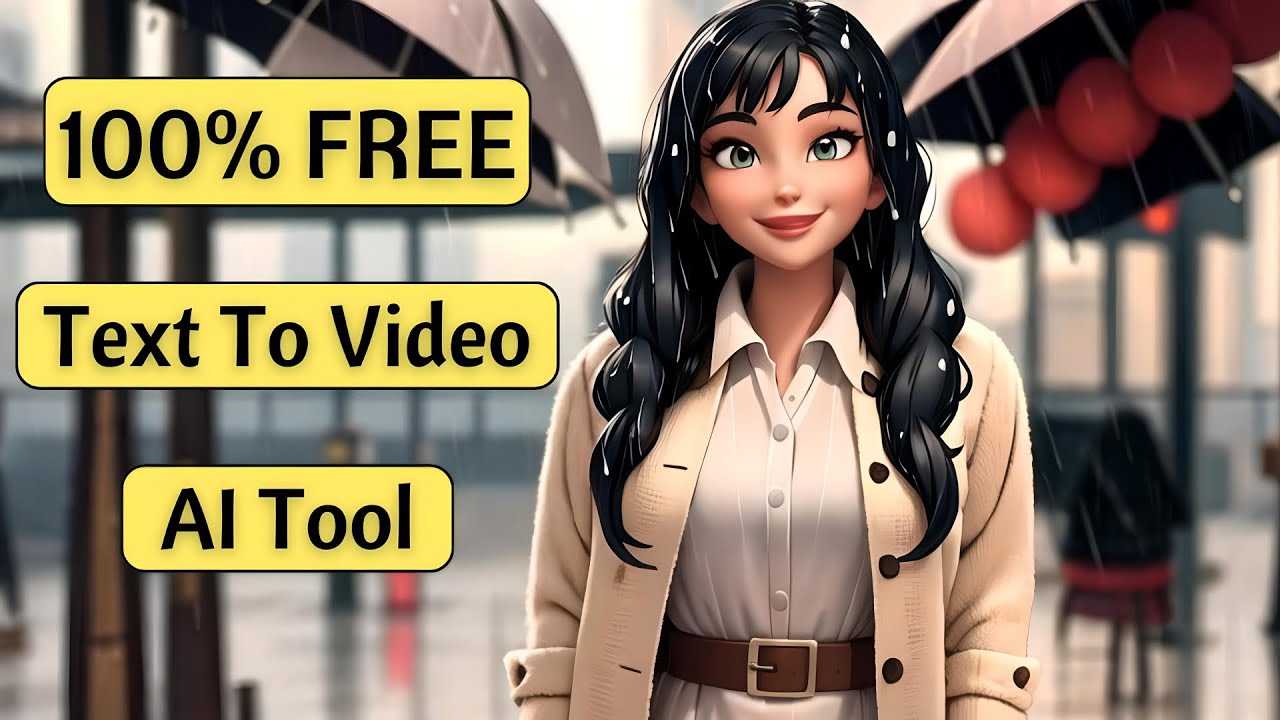
Welcome to the revolutionary world of [Moon Valley AI](https://www.topview.ai/blog/detail/ai-tools-moonvalley-ai-video-generator-ai-powered-builder "ai tools moonvalley ai video generator ai powered builder") – a groundbreaking text-to-video generator that allows you to create high-quality, animated videos with just a few clicks. Simply describe a scene in a text box, and Moon Valley AI will generate stunning animated videos in the style you specify. Below is a comprehensive guide on how to turn your ideas into reality using Moon Valley AI, which is absolutely free!
Step-by-Step Guide
Step 1: Visit the Moon Valley AI Website
1. First: Visit the Moon Valley AI website.
2. Explore: Scroll down to watch some sample videos generated by this AI tool.
3. Try the Beta: Click the "Try the Beta" button to get redirected to the Discord website, where the beta version is accessible.
Step 2: Access Moon Valley AI on Discord
1. Accept Invite: Click the "Accept Invite" button, and after a few seconds, you'll land on the dedicated Moon Valley AI page.
2. Choose a Room: On the left side, scroll down to see different rooms for generating videos. For example, select "Room 6."
3. View Samples: In these rooms, you can view videos generated by other users and review the prompts used for those videos.
4. Play Sample Video: Click to play one of the videos and see the prompt used for its generation displayed above it.
Step 3: Create Your Own Video
1. Enter Prompt: At the bottom of the page, there is a text box for entering your prompt. Press the slash key ( / ) to access the command menu.
2. Create Command: Select the create command, which has three sections: Prompt, Style, and Duration.
Example Video Generation
1. Writing Prompt: In the prompt section, write a detailed description of your idea, e.g., "beautiful girl walking on a street searching on mobile realistic cinematic."
2. Select Style: Click on the style section, choosing from five options: Comic Book, Fantasy, Anime, Realism, and 3D Animation. Select Realism.
3. Select Duration: A new menu will appear for selecting the video duration. Options include Short, Medium, and Long. Select Medium.
4. Submit Prompt: Go to the text box and press the Enter key to add your prompt to the queue. After a short wait, Moon Valley transforms it into a video based on your specifications.
Alternate Style Creation
1. Use the Same Prompt: Use the same text prompt as before.
2. Select Comic Book Style: Change the style to Comic Book.
3. Select Duration: Choose the duration and press Enter.
After a few moments, Moon Valley generates an animated video in the comic book style according to your prompt.
Download Your Video
1. Play and Review: Once generated, play the video to see the results.
2. Download: Click the download button above the videos to save them.
Keywords
• Moon Valley AI
• Text-to-Video Generator
• Animated Videos
• AI Animation
• Free AI Tool
• Discord Beta
• Video Creation
• Realism
• Comic Book Style
FAQ
What is Moon Valley AI?
Moon Valley AI is a revolutionary text-to-video generator that enables users to create high-quality, animated videos from textual descriptions.
Is Moon Valley AI free to use?
Yes, Moon Valley AI is completely free to use.
How can I access Moon Valley AI?
You can access the beta version of Moon Valley AI through their website, which will redirect you to their dedicated page on Discord.
What styles can I generate my videos in?
Moon Valley AI offers multiple styles, including Comic Book, Fantasy, Anime, Realism, and 3D Animation.
Can I download the videos I create?
Yes, you can download the generated videos by clicking the download button above the video on the Discord interface.