
AI has fundamentally reshaped how marketers create content, run campaigns, and analyze performance. But with hundreds of AI tools flooding the market, choosing the right ones for your stack can be overwhelming.
We tested and compared the most impactful AI marketing tools available today — evaluating them on real-world usability, feature depth, pricing value, and how well they integrate into modern marketing workflows. Whether you're a solo creator, a growth marketer, or running campaigns for an enterprise brand, this guide will help you find the right fit.
How we ranked these tools: We prioritized platforms that deliver measurable ROI, offer genuine AI capabilities (not just buzzwords), and solve real pain points in the marketing workflow — from content creation and video production to campaign optimization and analytics.
1. Topview AI — Best All-in-One AI Video & Creative Marketing Studio
Best for: Video marketing, ad creative production, social media content at scale
Pricing: Free tier available; Pro plans from 9.99 USD/month
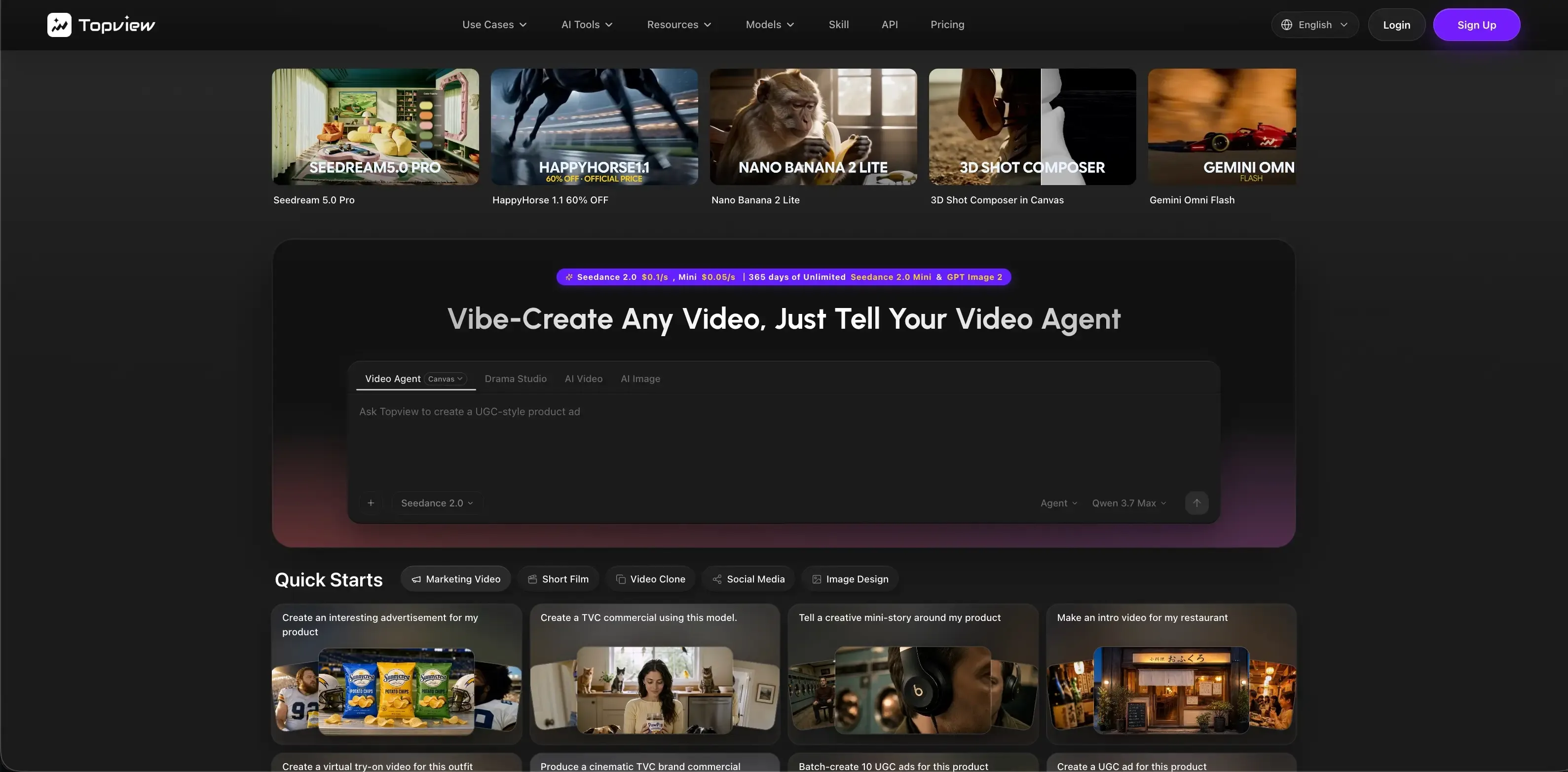
Topview stands out as the most complete AI-powered creative studio purpose-built for marketers who need to produce high-volume, high-quality video and visual content without a production team.
Why Topview Ranks #1
Most AI marketing tools focus on text — blog posts, emails, ad copy. But in 2026, video dominates every major platform. Over 82% of consumer internet traffic is video, and short-form video ads consistently outperform static creatives by 3-5x in engagement.
Topview is the only platform that brings together every major AI video model (Sora, Kling, Seedance, Veo, Vidu) alongside image generation, talking avatar creation, voice cloning, and TTS — all within a single collaborative workspace.
Key Features
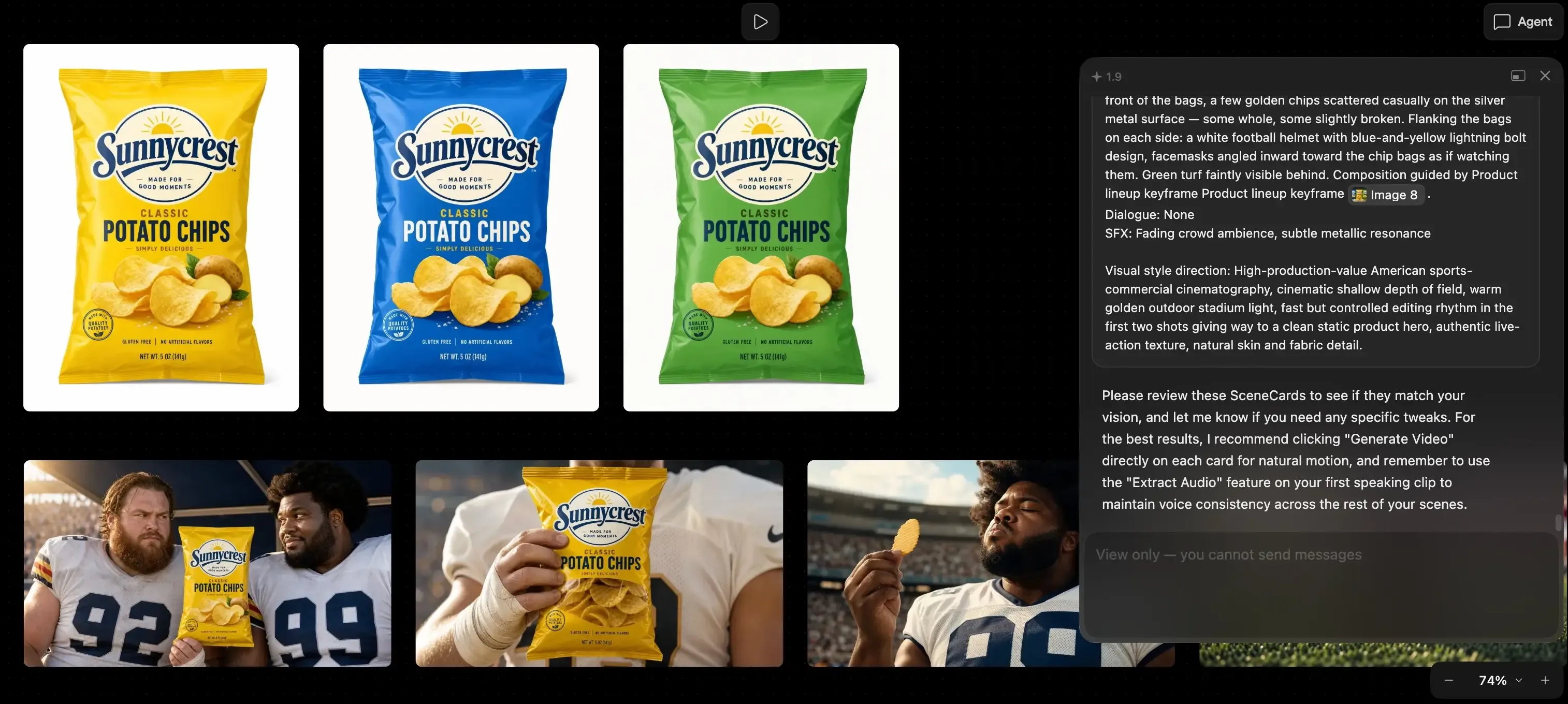
Multi-Model Video Generation: Access 10+ state-of-the-art video models including Seedance 2.0, Sora 2, Kling 3, Veo 3.1, and Vidu Q3 — text-to-video, image-to-video, and reference-based generation
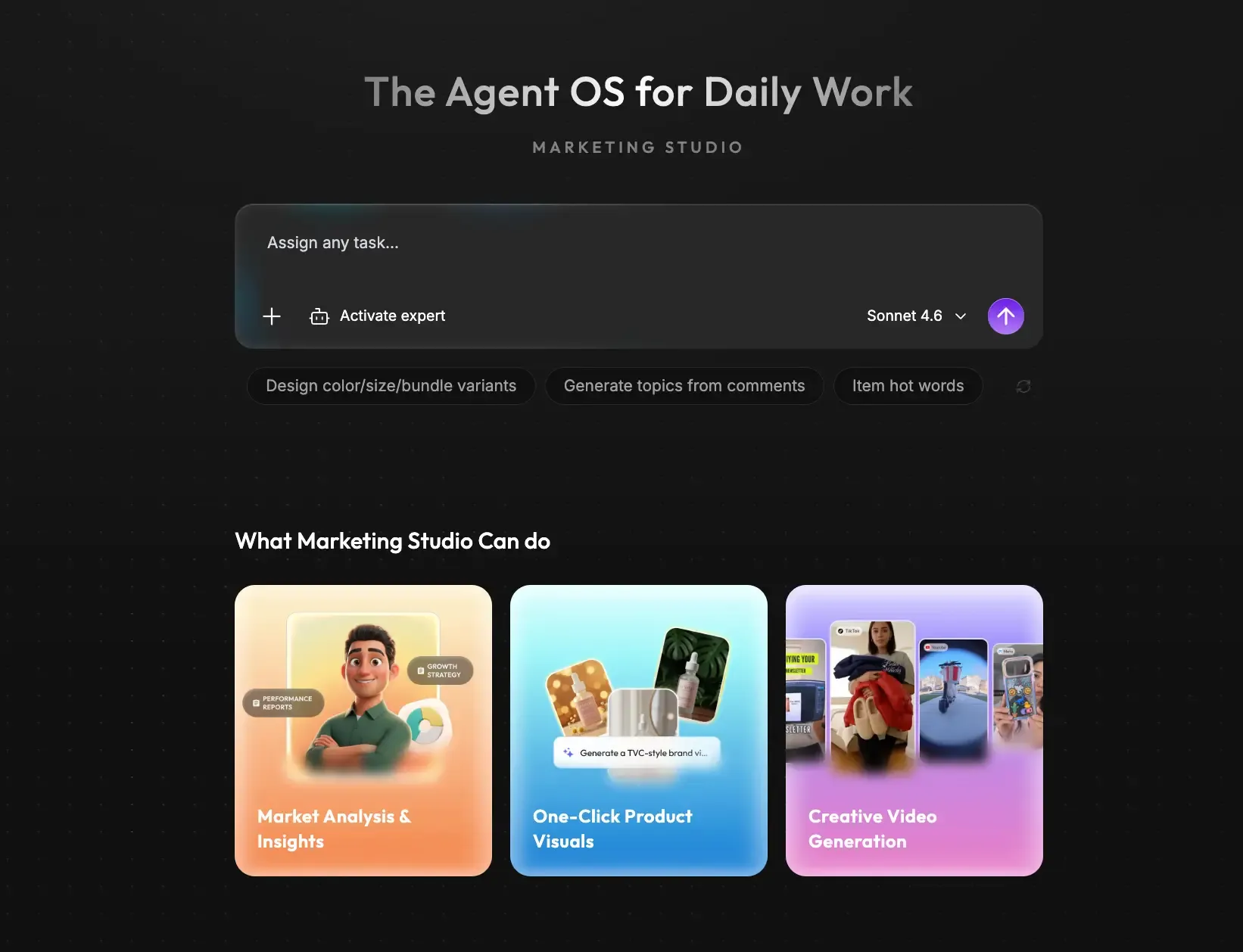
AI Talking Avatars: Upload any photo and script to generate realistic presenter-style videos with lip-sync, multi-language support, and custom captions — ideal for UGC-style ads and product explainers
AI Image Suite: Text-to-image, image editing, background removal, and product model shots powered by GPT Image 2, Seedream 5.0, and other top models
Voice & Audio: Text-to-speech with 100+ voices, voice cloning from a single audio sample, multi-language dubbing
Board Canvas: A collaborative workspace where all generated assets live — organize, edit, and share with your team
API & Agent Integration: Full API access for automating content pipelines; integrates with AI coding agents for programmatic content generation at scale
Best Use Cases
Performance Ad Creatives — Generate dozens of video ad variations in minutes, A/B test at scale
UGC-Style Content — Create authentic-looking talking head videos without hiring creators
Product Marketing — Animated product demos, model shots, and explainer videos
Social Media Content — Batch-produce platform-optimized short-form videos for TikTok, Reels, Shorts
Multilingual Campaigns — Auto-dub and localize video ads across 30+ languages
Pros & Cons
Pros:
Unmatched breadth — video, image, avatar, voice, all in one place
Access to the latest AI models as they launch (regularly updated)
Significantly cheaper than hiring a video production team or using multiple point solutions
Collaborative board workspace for team use
API-first architecture for automation and scale
Cons:
Learning curve for users unfamiliar with AI video generation
Some advanced models consume more credits
Best suited for marketing content; not a general-purpose video editor
2. HubSpot — Best AI-Powered CRM & Inbound Marketing Platform
Best for: Inbound marketing, lead nurturing, CRM-integrated campaigns
Pricing: Free CRM; Marketing Hub from 20 USD/month; Enterprise from 3,600 USD/month
Overview
HubSpot has evolved from a CRM into a full marketing operating system with AI woven throughout. Its AI tools — branded as Breeze AI — help marketers write blog posts, generate social captions, build landing pages, score leads, and automate email workflows, all within a unified platform.
Key AI Features
Breeze Copilot: AI assistant for writing marketing emails, blog posts, social media content, and ad copy directly within HubSpot
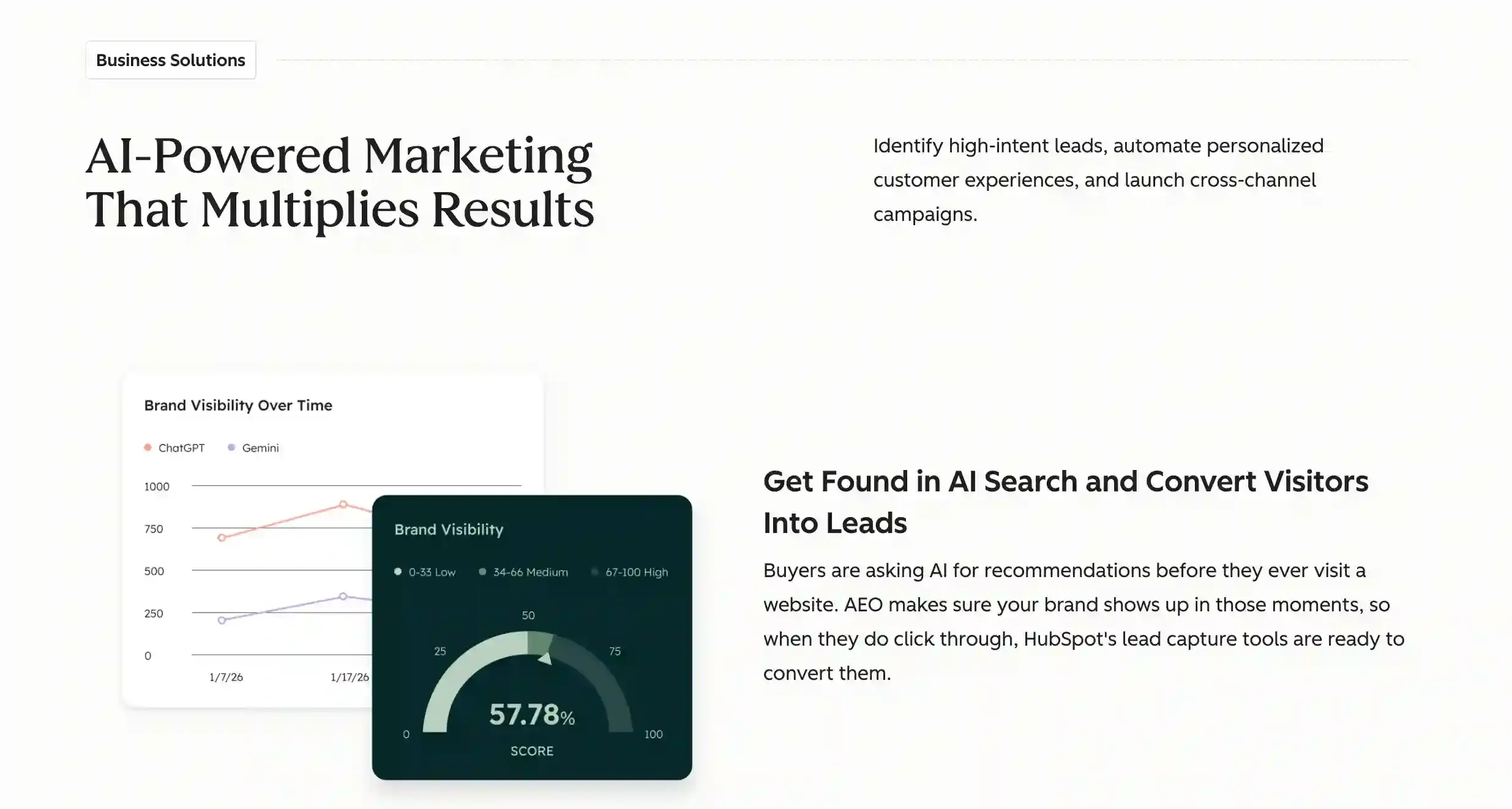
Predictive Lead Scoring: AI analyzes behavioral signals to prioritize high-intent prospects
Smart Content Optimization: AI-powered A/B testing and content recommendations
Campaign Automation: Intelligent workflow triggers based on user behavior patterns
SEO & Content Strategy Tools: Topic cluster suggestions and keyword gap analysis
Best For
Marketers who already use HubSpot's CRM and want AI capabilities tightly integrated with their contact database, email marketing, and sales pipeline. HubSpot's strength is the ecosystem — every AI feature connects to real customer data.
Limitations
AI content generation quality is decent but not best-in-class for long-form writing
Full AI capabilities require higher-tier plans (expensive for small teams)
Video and visual content creation is not a core strength — you'll need additional tools for that
3. Google Ads AI (Performance Max) — Best for AI-Driven Paid Advertising
Best for: PPC campaign optimization, automated bidding, cross-channel ad distribution
Pricing: Pay per click/impression; no platform fee
Overview
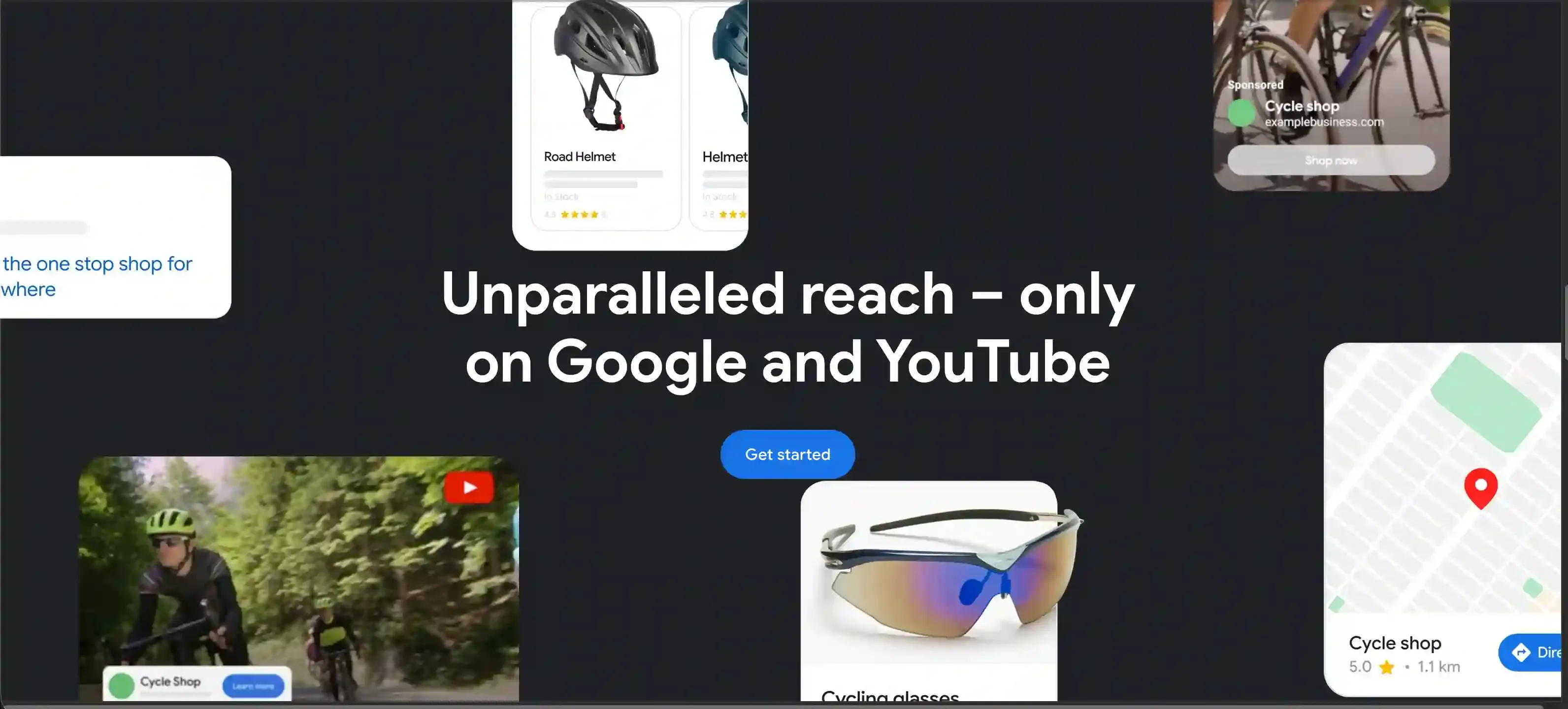
Google's AI advertising suite is the most powerful tool for paid acquisition. Performance Max campaigns use Google's AI to automatically optimize ad placement, bidding, and creative across Search, Display, YouTube, Gmail, and Maps — reaching the right audience at the right time across Google's entire network.
Key AI Features
Performance Max Campaigns: AI automatically distributes budget and creatives across all Google channels
Smart Bidding: Machine learning optimizes bids in real-time based on conversion probability
Automatically Created Assets (ACA): AI generates ad headlines, descriptions, and image variations
Audience Signals & Expansion: AI finds new high-intent audiences based on conversion patterns
Demand Gen Campaigns: AI-powered visual ads optimized for YouTube, Discover, and Gmail
Best For
Businesses already investing in Google Ads who want AI to maximize ROAS. Performance Max is especially effective for e-commerce brands with product feeds and businesses with clear conversion goals.
Limitations
Less transparency — Google's AI is a "black box" with limited insight into which channels/audiences perform best
Requires sufficient conversion data to optimize effectively (not ideal for brand-new campaigns)
Creative assets still need to be provided; AI optimization ≠ AI creation
No organic marketing capabilities
4. Adobe Express & Firefly — Best for Brand-Consistent Visual Content
Best for: Brand-safe AI image generation, design at scale, visual marketing
Pricing: Free tier; Premium from 9.99 USD/month; included with Creative Cloud
Overview
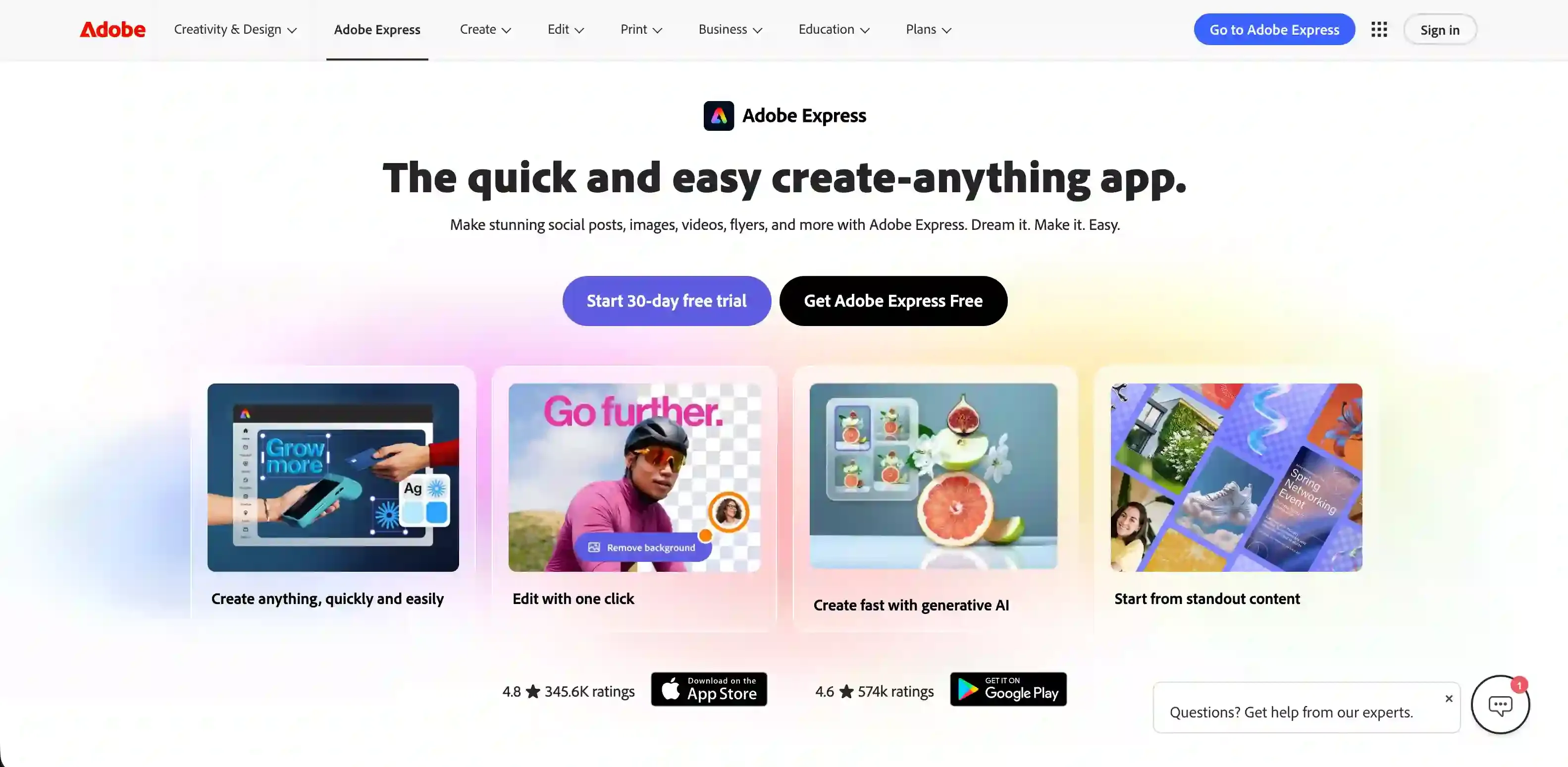
Adobe's AI suite combines Firefly (generative AI trained exclusively on licensed content) with Adobe Express (a design platform for marketers). The result is AI-generated visuals that are commercially safe — a critical distinction for brands worried about copyright issues with other AI image generators.
Key AI Features
Firefly Image Generation: Text-to-image with IP indemnification — Adobe guarantees commercial safety
Generative Fill & Expand: Edit and extend existing images using natural language prompts
Style Kits & Brand Templates: Lock in brand colors, fonts, and visual identity across all AI-generated content
Bulk Content Creation: Generate hundreds of on-brand social media posts, banner ads, and flyers from templates
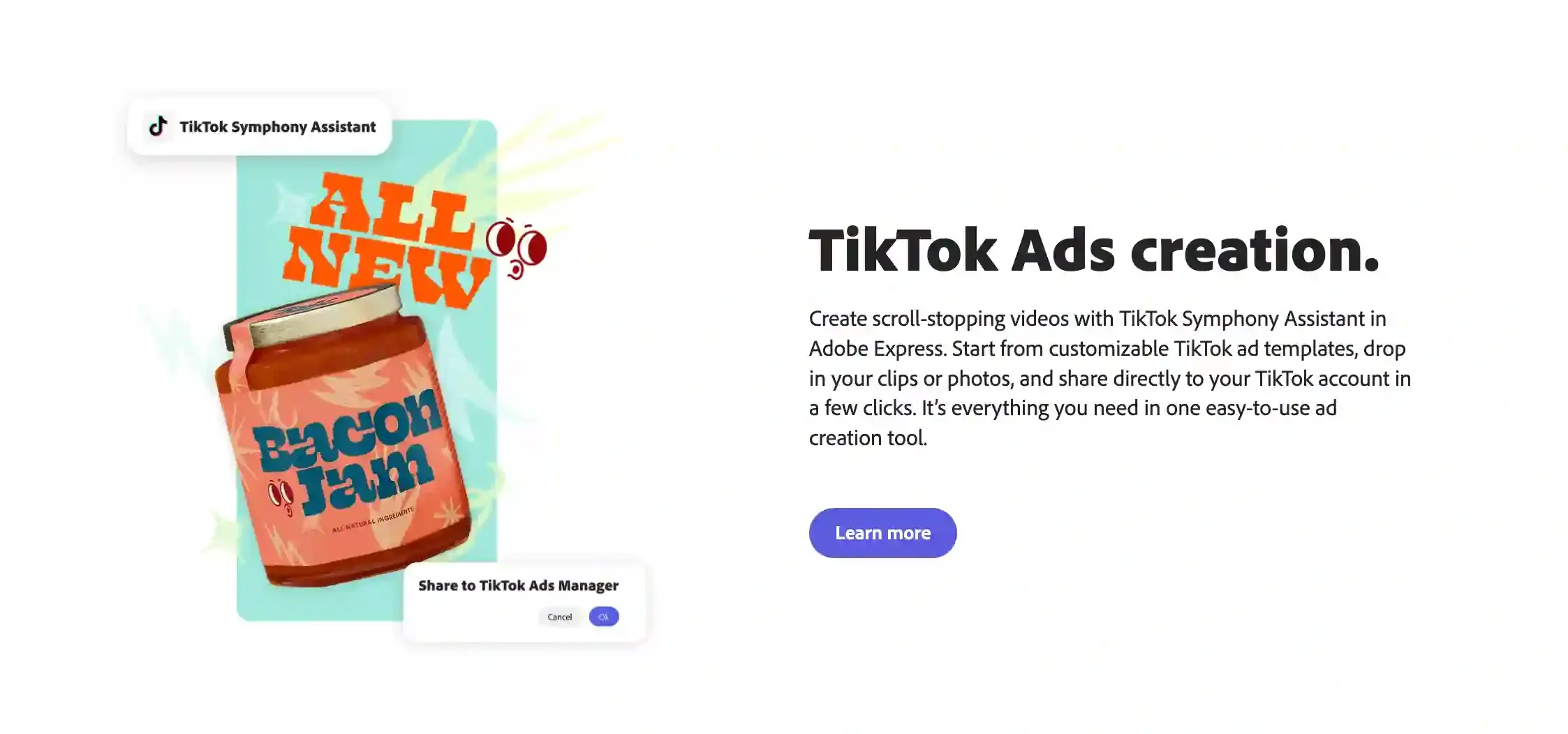
Video Highlights (Beta): AI-powered video editing that automatically creates short clips from long-form content
Best For
Enterprise marketing teams and agencies that need to generate visual content at scale while maintaining strict brand consistency and legal compliance. Adobe's IP indemnification is a major advantage for risk-averse organizations.
Limitations
Firefly's image quality trails behind Midjourney and DALL-E for creative/artistic outputs
Best integrated within the Adobe ecosystem — less useful as a standalone tool
Video AI capabilities are still nascent compared to dedicated video platforms like Topview
Can get expensive when combining Creative Cloud + Express + Firefly credits
5. Canva — Best for AI-Assisted Design & Social Media Graphics
Best for: Quick graphic design, social media visuals, presentations
Pricing: Free tier; Pro from 13 USD/month; Teams from 10 USD/user/month
Overview
Canva has become the go-to design tool for non-designers, and its AI features — collectively branded as Magic Studio — make it even easier to produce professional-looking marketing materials. From AI image generation to instant background removal and one-click resizing, Canva democratizes design for marketing teams of all sizes.
Key AI Features
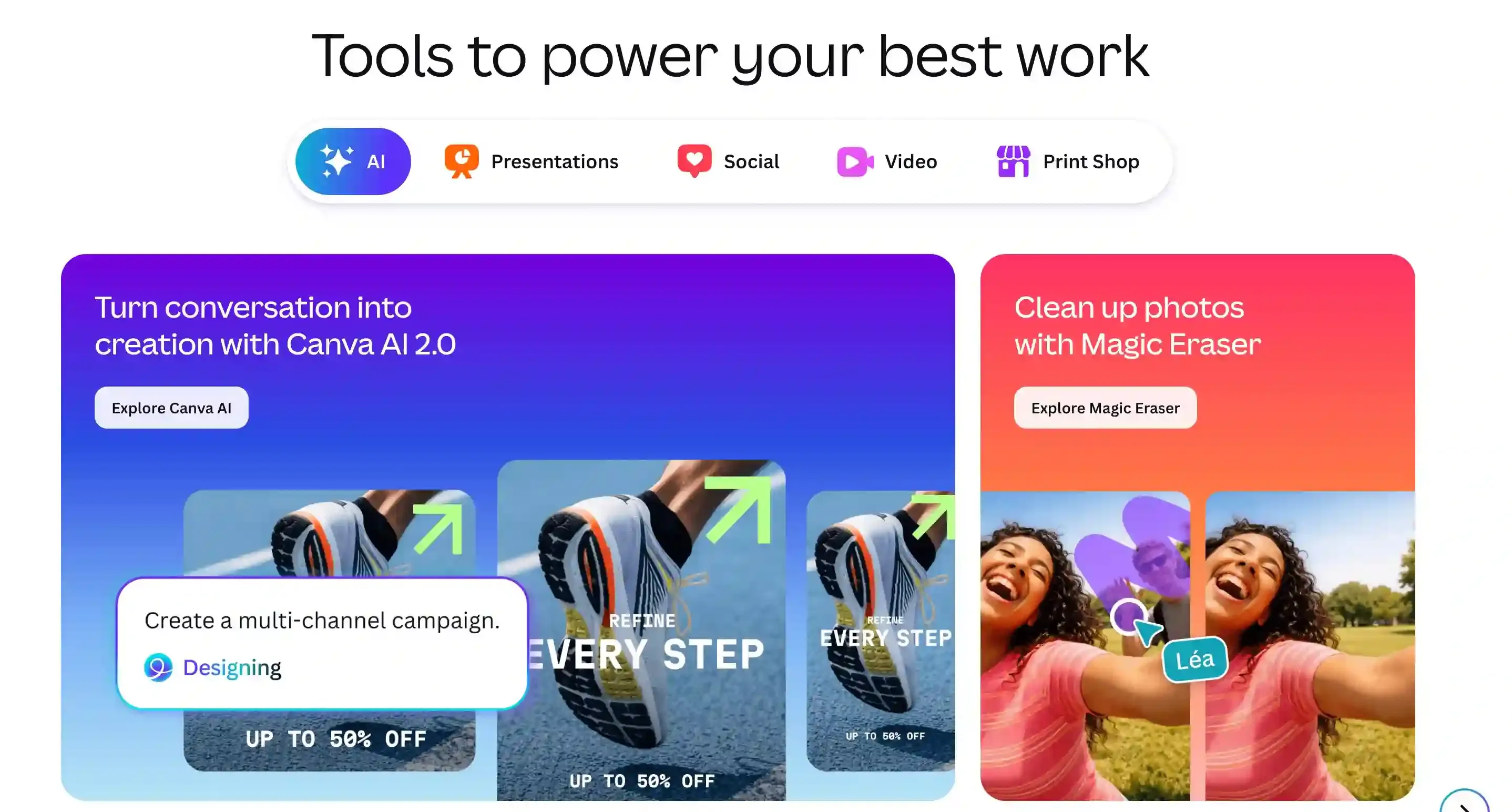
Magic Design: Describe what you need and Canva generates complete design layouts (social posts, presentations, videos)
Magic Write: AI copywriting assistant for headlines, captions, and marketing copy within designs
Magic Eraser & Background Remover: Remove objects or backgrounds from images instantly
Magic Resize: Automatically adapt one design to 50+ platform-specific formats
Text-to-Image: Generate custom illustrations and graphics from prompts
Brand Kit Integration: AI-generated content automatically follows your brand guidelines
Best For
Marketing teams that produce high volumes of social media graphics, presentations, and simple video content. Canva is unbeatable for speed and accessibility — anyone on your team can create on-brand visuals without design training.
Limitations
AI image generation quality is lower than specialized tools (Midjourney, DALL-E, Firefly)
Video capabilities are basic compared to dedicated video platforms
Limited for complex design work — professional designers will hit the ceiling quickly
AI features are mostly available only on paid plans
6. Mailchimp — Best AI Email Marketing & Automation
Best for: Email marketing, audience segmentation, marketing automation
Pricing: Free tier (up to 500 contacts); Standard from 13 USD/month; Premium from 350 USD/month
Overview
Mailchimp (now part of Intuit) has integrated AI throughout its email marketing platform to help marketers send better emails, at better times, to better-segmented audiences. Its AI features focus on optimizing the entire email lifecycle — from writing subject lines to predicting which contacts are most likely to convert or churn.
Key AI Features
AI Email Content Generator: Create complete email drafts, subject lines, and CTAs based on campaign goals
Send Time Optimization: AI determines the optimal send time for each individual contact
Predictive Segmentation: AI identifies customers likely to purchase, churn, or become high-value
Content Optimizer: Real-time feedback on email design, copy, and layout based on best practices
Customer Journey Builder: AI-recommended automation workflows based on audience behavior
Creative Assistant: Auto-generates email designs from your brand assets

Best For
Small-to-mid-size businesses focused on email as a primary marketing channel. Mailchimp's AI is practical and ROI-focused — it helps you send fewer, better emails rather than more generic ones.
Limitations
AI capabilities are weaker on the free and lower-tier plans
Not a content creation powerhouse — limited to email and basic landing pages
Advanced automation features lag behind dedicated platforms like Klaviyo or ActiveCampaign
Pricing scales steeply as your contact list grows
7. Hootsuite — Best AI Social Media Management
Best for: Social media scheduling, analytics, team collaboration
Pricing: Professional from 99 USD/month; Team from 249 USD/month
Overview
Hootsuite has been the industry standard for social media management, and its AI layer — OwlyWriter AI — adds intelligent content creation and optimization to its scheduling and analytics platform. For marketing teams managing multiple social accounts, Hootsuite's AI reduces the time from ideation to publish.
Key AI Features
OwlyWriter AI: Generates social media captions, post ideas, and hashtag suggestions tailored to each platform
Best Time to Publish: AI analyzes your audience's behavior to recommend optimal posting times per platform
Social Listening & Sentiment Analysis: AI-powered brand monitoring across social channels
Content Performance Predictions: AI estimates engagement before you post
Automated Reporting: AI-generated insights and performance summaries for stakeholders
Best For
Marketing teams managing 5+ social media accounts who need a centralized command center with AI-assisted content creation. Hootsuite's strength is orchestration — planning, scheduling, and analyzing across platforms in one view.
Limitations
AI content generation is limited to captions and short-form text — no image or video creation
Pricing has increased significantly; may be overkill for teams managing 1-2 accounts
Social listening features require higher-tier plans
Visual content creation still requires pairing with design/video tools like Topview or Canva
8. Grammarly — Best AI Writing Assistant for Marketing Copy
Best for: Copy editing, tone adjustment, brand voice consistency
Pricing: Free tier; Pro from 12 USD/month; Enterprise custom pricing
Overview
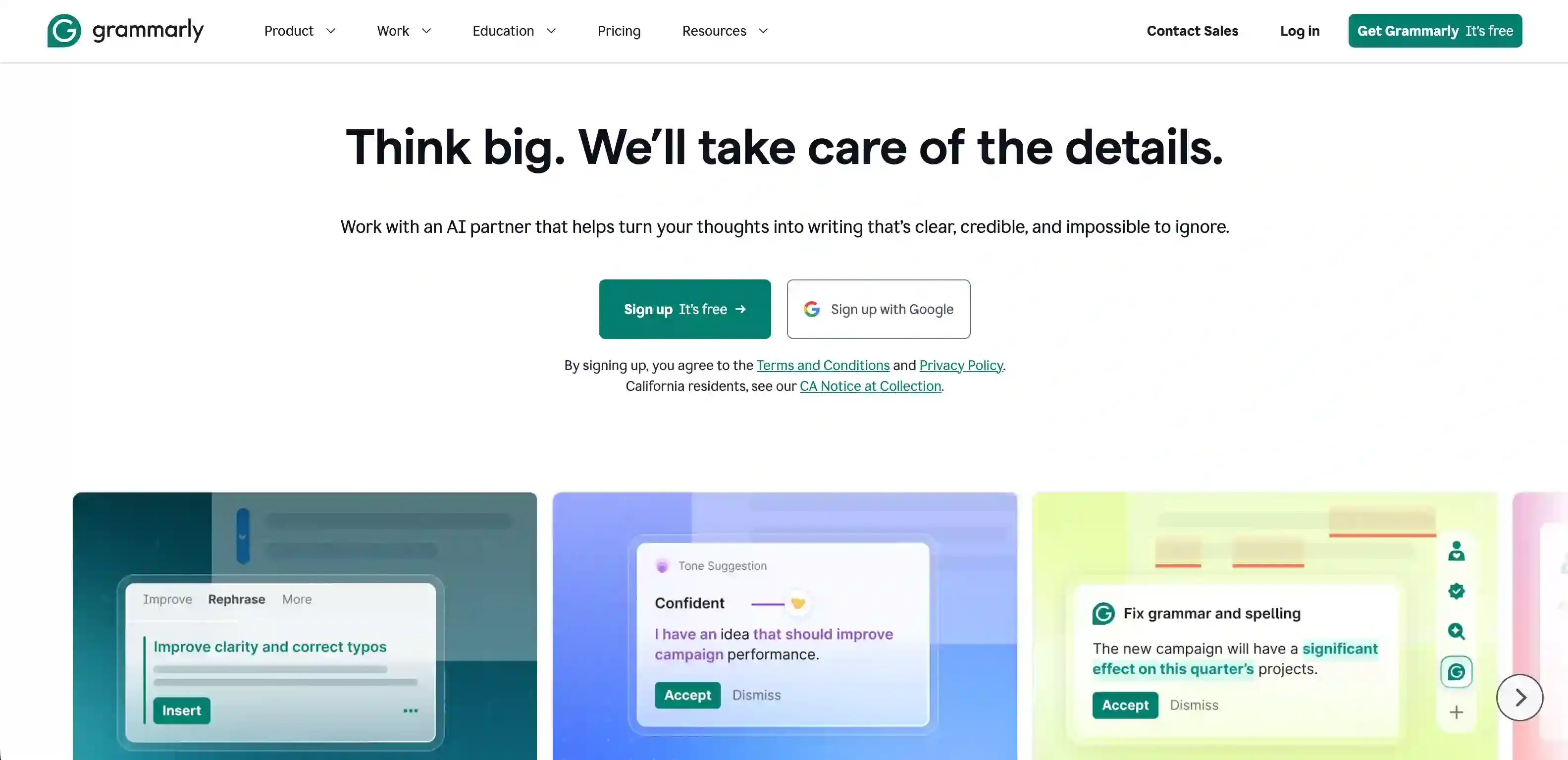
Grammarly has evolved far beyond spell-check. Its AI now understands context, tone, audience, and brand voice — making it an essential layer for any marketer who writes. Whether you're crafting email campaigns, landing page copy, ad text, or social posts, Grammarly ensures your writing is clear, compelling, and on-brand.
Key AI Features
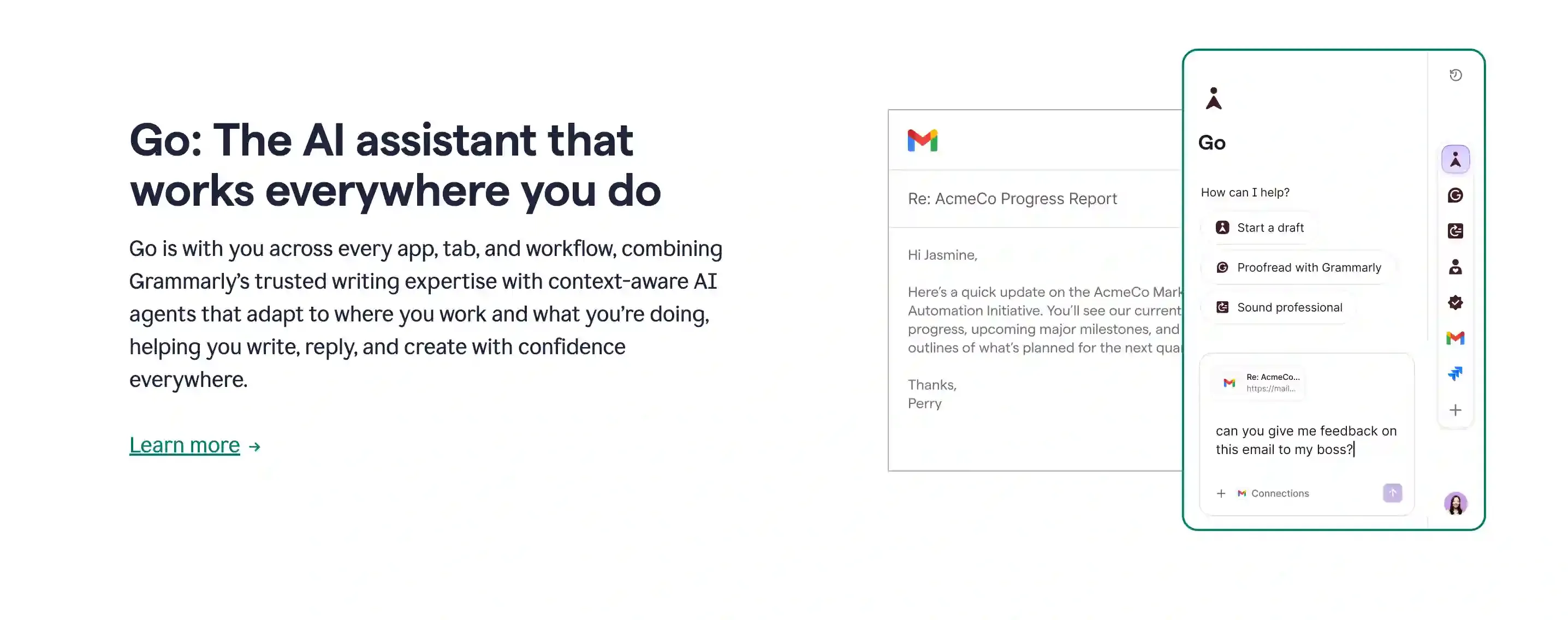
GrammarlyGO: Generative AI assistant that can draft, rewrite, and ideate marketing copy
Tone Detection & Adjustment: Analyze and shift the tone of your writing (confident, friendly, formal, etc.)
Brand Tones: Define your brand's voice profile and Grammarly ensures all content matches
Full-Sentence Rewrites: AI suggests alternative phrasings for clarity and impact
Knowledge Share: Team-wide style guides and terminology databases
Works Everywhere: Browser extension, desktop app, integrations with Google Docs, Slack, email clients
Best For
Marketing teams that produce high volumes of written content and need consistent quality and brand voice across all channels. Grammarly is the "last mile" tool — it polishes everything your team writes, regardless of which platform they're writing on.
Limitations
Primarily a writing tool — no image, video, or design capabilities
Generative AI features (GrammarlyGO) are less powerful than dedicated AI writers
Per-seat pricing can be expensive for larger teams
Best for English content; other language support is limited
Head-to-Head Comparison
Here's how each tool stacks up across the five key capabilities that matter most for modern marketing teams:
🏆 Topview AI — Video & Creative Studio
AI Video: ✅ Best-in-class (10+ models)
AI Image: ✅ Multi-model generation
AI Copy: ✅ Script & caption generation
Analytics: ✖
Starting Price: 9.99 USD/mo
HubSpot — CRM & Inbound Marketing
AI Video: ✖
AI Image: ✖
AI Copy: ✅ Blog, email, social
Analytics: ✅ Full CRM analytics
Starting Price: 20 USD/mo
Google Ads AI — Paid Advertising
AI Video: ✖
AI Image: ✖
AI Copy: ✅ Auto-generated ads
Analytics: ✅ Best-in-class ROAS tracking
Starting Price: Pay per click
Adobe Express & Firefly — Brand-Safe Visuals
AI Video: 🟡 Basic editing only
AI Image: ✅ IP-safe generation
AI Copy: ✅ Template-based
Analytics: ✖
Starting Price: 9.99 USD/mo
Canva — Quick Design
AI Video: 🟡 Basic templates
AI Image: ✅ Magic Studio
AI Copy: ✅ Magic Write
Analytics: ✖
Starting Price: 13 USD/mo
Mailchimp — Email Marketing
AI Video: ✖
AI Image: ✖
AI Copy: ✅ Email-focused
Analytics: ✅ Campaign performance
Starting Price: 13 USD/mo
Hootsuite — Social Management
AI Video: ✖
AI Image: ✖
AI Copy: ✅ Captions & hashtags
Analytics: ✅ Cross-platform insights
Starting Price: 99 USD/mo
Grammarly — Writing Quality
AI Image: ✖
AI Copy: ✅ Polish, rewrite & tone
Starting Price: 12 USD/mo
Analytics: ✖
Starting Price: $12/mo
Key takeaway: No single tool does everything. The most effective AI marketing stacks combine a creative engine (like Topview for video and visuals), a distribution layer (like HubSpot or Hootsuite for channels), and an optimization layer (like Google Ads AI or Grammarly for performance and polish).
How to Build Your AI Marketing Stack
The best approach isn't picking one tool — it's building a complementary stack. Here's a recommended framework based on your primary marketing goal:
For Performance / Paid Marketing
Topview AI — Produce video ad creatives and UGC-style content at scale
Google Ads AI — Optimize distribution, bidding, and audience targeting
Grammarly — Polish ad copy, landing page text, and email sequences
For Content / Organic Marketing
Topview AI — Create social media videos, product demos, and explainer content
HubSpot — Manage content calendar, lead capture, and email nurturing
Canva — Quick social graphics and presentation decks
Hootsuite — Schedule and analyze cross-platform social performance
For E-Commerce Marketing
Topview AI — Product videos, model shots, and multilingual ad creatives
Mailchimp — Automated email flows, abandoned cart sequences, customer segmentation
Google Ads AI — Shopping campaigns and Performance Max with product feeds
Adobe Express — On-brand product imagery and catalog visuals
Final Verdict
AI marketing tools have moved past the hype phase — they're now delivering real, measurable impact. The biggest shift in 2026 is the rise of AI video as the dominant content format, which is why platforms like Topview AI that focus on video-first creative production are gaining ground rapidly.
If you're building or upgrading your marketing tech stack, start with the tool that addresses your biggest bottleneck. For most teams in 2026, that bottleneck is creative production — specifically, the ability to produce high-quality video content at the speed and scale that modern platforms demand.
Ready to transform your marketing content? Try Marketing Studio for free and see how AI-powered video creation can 10x your creative output without 10x your budget.
Last updated: July 2026. Pricing and features are subject to change. Visit each tool's website for the most current information.