The expensive part of an AI video is rarely the render. It is the third export. You write the line in a notes app, speak it in a TTS tab, generate the clip in a model site, then open a fourth window to crop the lid and replace the line that no longer fits the mouth. Each hop drops a little of the brief. The voice is 14 seconds. The shot is 10. The product in the still is not the product in the take.
“Generate, voice, and edit AI video” is one search because people are tired of that hop. This is a walkthrough for doing the job on Topview Canvas, with voiceover and a generator on the same board. It is not a claim that one prompt replaces a colorist. It is a claim that the script, the read, the stills, and the revision can stay attached.
The example through this piece is a 15-second explainer for a matte sage travel espresso maker. Change the SKU. Keep the order.
The hop is the product, not the model
A finished 15-second ad usually needs four objects: a reference still, a spoken line, a generated shot, and a fix. Those four objects do not have to live in four companies. They also do not have to be four named models you pick from a menu before you know the brief.
What breaks in the hop:
The voice is locked to 15 seconds. The video tool defaults to 10. You either rush the read or stretch empty motion.
The still you approved in the image app is re-encoded on the way in. The logo thins. The handle tint shifts.
The “quick fix” in a separate editor has no memory of the still. You get a prettier lid on a different bottle.
A workspace is the opposite of a hop. On Canvas the still is a card. The audio is a card. The take is a card. When you change the source still, you can see what else is still attached. That is the practical meaning of “one place.” A suite that only shares a login, then dumps you a ZIP, is still a hop.
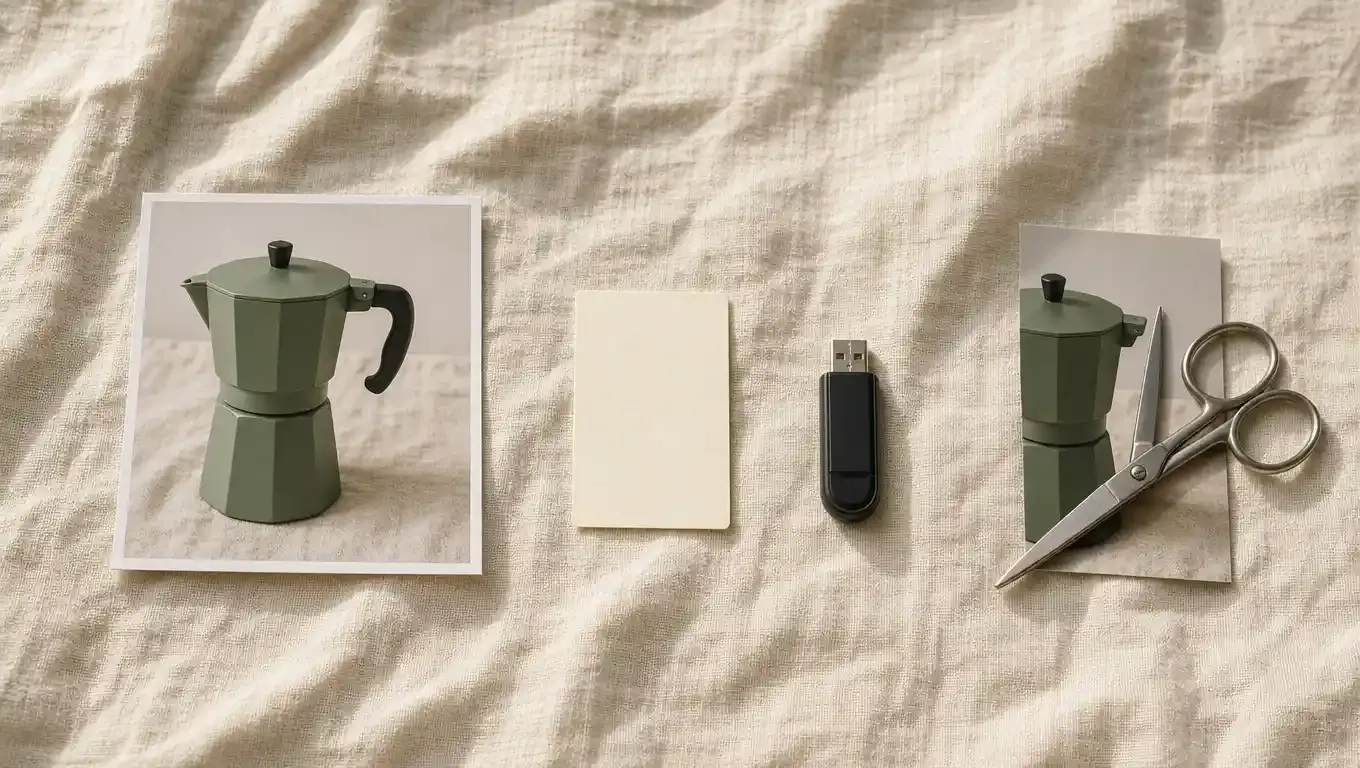
Prompt-only generators are fine when you need one raw clip and you already have a tab open. Use Canvas when the next pass has to remember the sage body and the same voice.
Lock the read before you spend the video
Most people generate the picture first because the picture is more fun. Then they paste a voiceover on top and discover the last sentence hangs in black. Flip it.
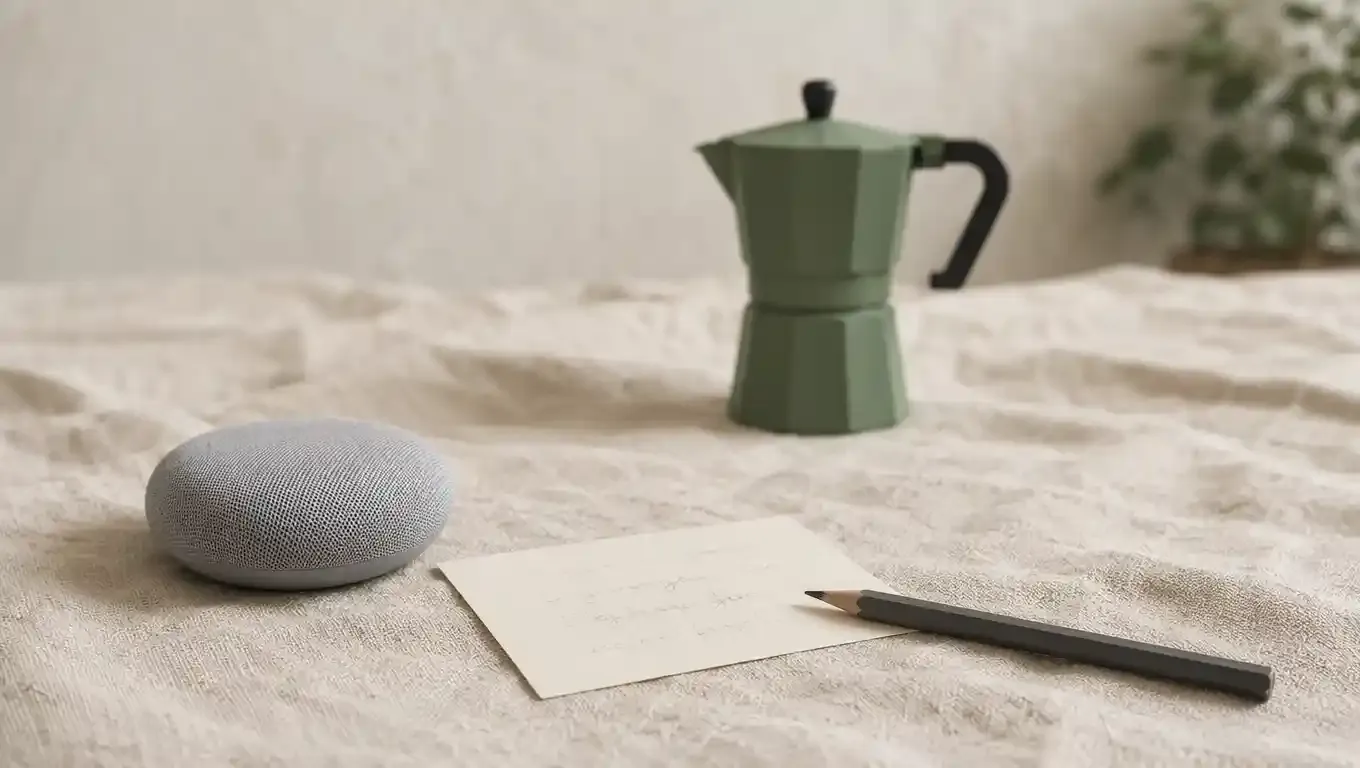
Write the line as if it will be heard, not as if it will be typeset:
Fifteen seconds. The lid clicks. The shot is the cup, not the machine. “One bar. One cup. No café queue.” Do not say “revolutionary.” Do not invent a second colorway.
Paste that into Topview Voiceover. Pick a voice and a language. Preview the first sentence. If a product name lands wrong, respell it in the script — “ess-PRESS-oh” as espresso with a comma before the brand, not a second render lottery. Export or keep the track on the board.
Why the read comes first:
Duration becomes a constraint the video model can be told, not a surprise.
You hear whether the hook is a hook before you pay for motion.
Localization is a second read of the same stills, not a second movie.
Voice cloning exists on the same voice stack when you need one brand throat across a set. Use a sample you have the right to clone. Do not clone a creator you do not have on contract.
Thirty-plus languages are listed on the voiceover page. Use them for a second market after the English object is locked. A Spanish read on a machine that grew a chrome band is a localization of the wrong SKU.
Put the stills on the board, then generate
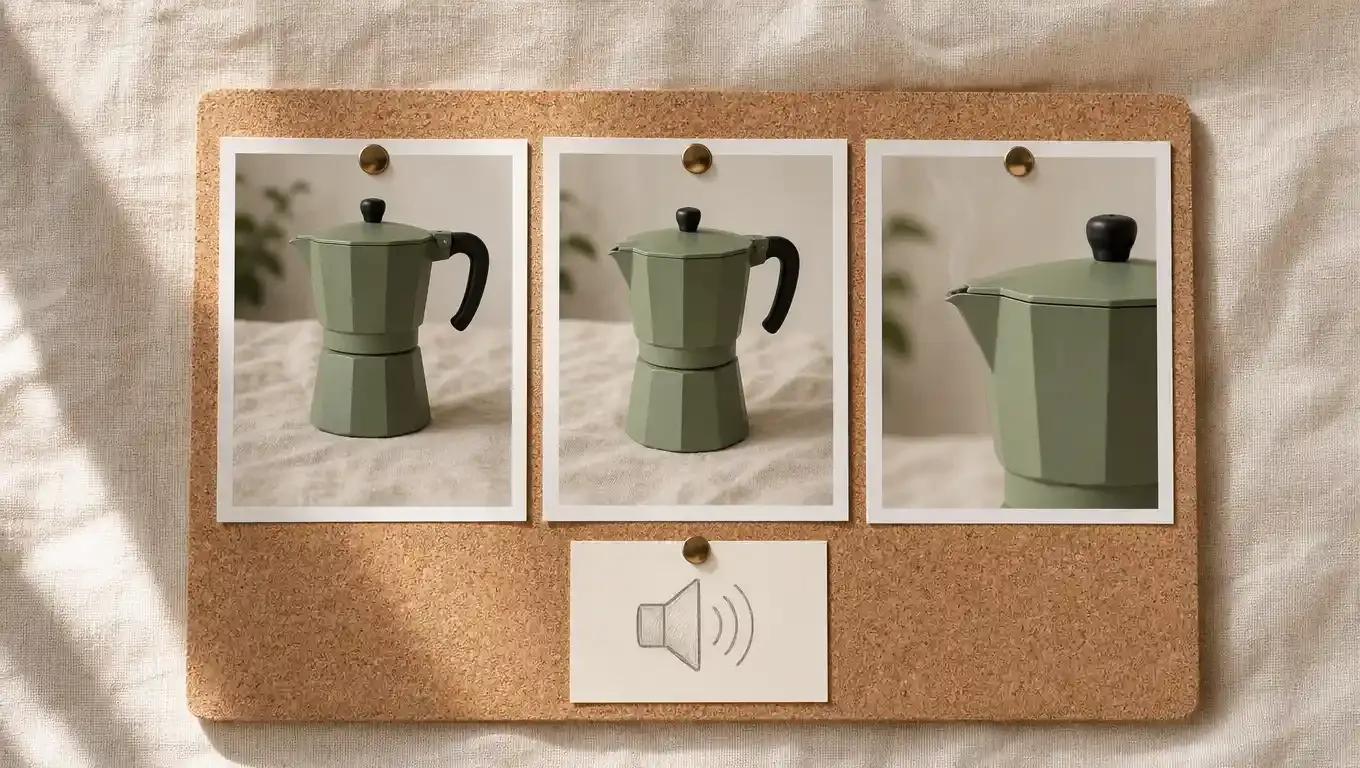
Open Canvas. Drop three stills of the same maker: front, three-quarter, steam from the spout. If you do not have photos yet, generate the stills on the same board and treat the winner as ground truth. Pin it. The next shot should not invent a second lid.
Now you have a duration (from the read) and an object (from the stills). Ask for the motion in those terms, not as a mood board:
Image-to-video from the pinned stills. About 15 seconds, 9:16. The machine stays sage. The cup fills. Camera holds the logo in the first two seconds. No extra buttons. Pair this with the voice track already on the board.
Seedance 2.5 is a common lane for this: about 1080p, roughly 4–30 seconds, more than one reference. It is a generator Canvas can call. It is not the workspace, and it is not a native 4K camera. Do not type “4K” as if that unlocks a hidden mode. If you only needed the model, you would already be on the model page.
Skills on the wider Topview stack (TikTok Product Ad, Pain Point, Try-On) are optional when the job is a talking explainer. Use a skill when you want a named ad pattern. Use a plain generate when the voice is the spine and the picture should follow it.
Edit the take you have, not a new movie
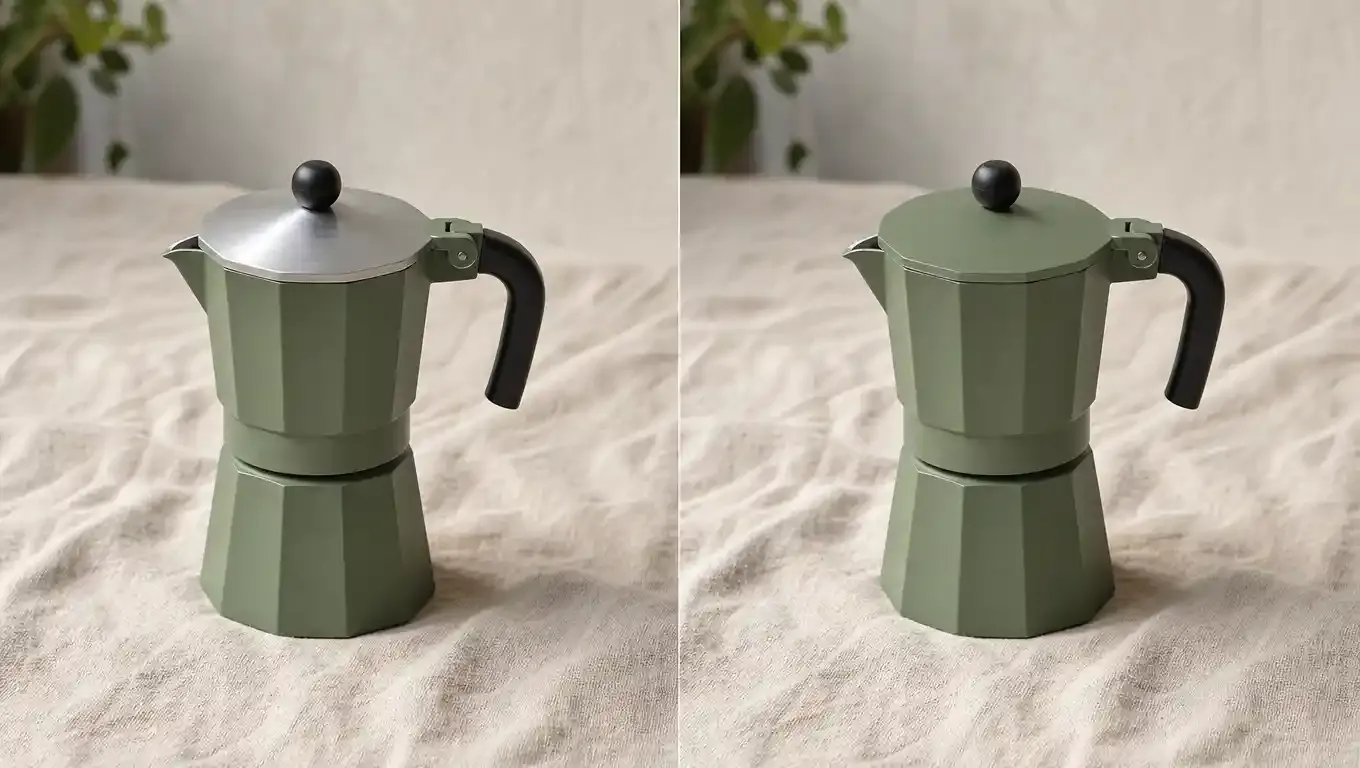
First takes miss. The steam is pretty and the logo is soft. The handle picked up a highlight that reads as a second color. Do not open a new generator tab and paste the whole prompt again. That is how you get a new machine.
On Canvas, select the clip or the still and change one thing:
Crop to 9:16 if the generate came out wider than the placement.
Extend a beat if the read still has two seconds and the motion died.
Draw-to-edit or a local refine when the page you are on exposes it — change the lid, keep the body.
Prompt reverse if you need to see what the model thought it was doing, then tighten the negative: no second colorway, no invented spout.
That is editing as revision of a known object. It is not a timeline with keyframes, compound clips, and a 32-track mix. If you need DaVinci or Premiere for a brand package, export the approved take and finish there. Saying “one workspace” does not mean “never use an NLE.” It means you should not need an NLE to fix the lid.
When the face has to talk
A product explainer can stay on the machine. A spokesperson line cannot. Two attached paths, still on the same account:
Lip sync. You already have the voice. Attach a still or a talking clip you have the right to use. The mouth follows the read you locked in step one. Good for a founder still or an approved UGC face.
AI Avatar. Script plus voice plus a presenter when there is no one to film. Useful for a FAQ cut or a localized launch where the face should stay constant and the language should not.
Do not lip-sync a stranger’s Instagram. Do not treat an avatar as a legal testimonial. Generate the B-roll; shoot the evidence.
The voice track does not change because you picked a face. That is the point of locking the read first. The avatar is a picture that learned the same 15 seconds.

Two jobs this stack is actually for
A marketplace listing that needs motion and a line. Amazon and TikTok Shop both punish a silent packshot. One sage maker, one 15-second read, one 9:16 take, one crop. Tomorrow you change only the first sentence and regenerate the voice, not the object.
The same object in a second language. Keep the pinned stills. New read in the language the voiceover page actually lists. New take or a lip-sync pass. If the Spanish machine grows a chrome collar, you caught the failure before you bought the ad set.
This is a bad stack when the deliverable is a 90-second film with licensed music, a legal interview, or a color pipeline a brand already runs in Baselight. Generate the inserts. Do not fake the interview.
What we will not pretend
There is no public “205 credits = $10.25” card for this path. Cost follows your plan and the model you call. Check the meter before you batch.
Unlimited is the wrong seat if you were hoping every automated hop was included. If a generation or plugin path refuses the plan, that is the plan.
Models (Seedance 2.5, MiniMax H3, Kling, Wan 3.0, and the rest named on the generator pages) are engines. Canvas is the board. Voiceover is the read. Do not rank a model as if it were a workspace.
We did not “officially get recommended” by anyone. We did not invent a conversion rate for the sage maker.
If you only open one URL after this, open Canvas, paste the 15-second line into Voiceover, and pin three stills before you generate. The hop is optional. The object is not.
FAQ
Can I generate the voice and edit the AI video in one place?
Yes, if “one place” means one account and one board: write the line in Voiceover, keep the track next to your stills on Canvas, generate the shot, then crop, extend, or locally refine. You still export to an NLE when you need a real timeline.
Should I add the voiceover before or after the video?
Lock the read first. The length of the line is the length of the shot. Adding a 15-second voice to a 10-second take is how you end up in a fourth app.
Do I still need CapCut or Premiere?
For captions you already like, a brand pack, or a multi-clip sequence, yes. For “the lid is wrong and the body is right,” stay on the board and change one variable.
Can I dub the same video into another language?
Generate a second read in a supported language, keep the same stills, then regenerate or lip-sync. Do not treat a new language as permission to redesign the product.