If the job is the first TikTok product ad, install one thing. That thing is the Topview Plugin. Attach one product still, give the agent one task, and review the cut on Canvas.
Codex, Cursor, and Claude Code are the apps you paste into. They are not the product. A built-in video skill such as TikTok Product Ad is a recipe you can name after the plugin is installed. It is not a second download. If Plugin, Skill, MCP, and Canvas are still mixed, read the split first: https://www.topview.ai/blog/topview-plugin-vs-skill-vs-mcp-vs-canvas. This post does not repeat that split.
Install the Plugin
Open the desktop app you will actually use. The Codex guide wants a local Codex Desktop or CLI. A normal browser chat cannot run that installer.
On https://www.topview.ai/plugin, copy the prompt for that host and send it only to that host. The Codex prompt, as of 18 September 2026, is this whole sentence:
/goal Read https://github.com/topviewai/plugins/blob/main/docs/codex.md to install TopviewAI, complete OAuth, and set up a new task for me. After installation and authorization succeed, introduce to me what things the Topview plugin can do.
Finish the login the guide opens. Restart when it says to restart. Start a new task. If login never opens, the install is not finished.
Cursor and Claude Code each have their own prompt on the same page. Do not paste the Codex goal prompt into Cursor. The plugin FAQ says Cursor uses a single-restart authorization handoff.
The Codex guide’s login step is the authorization for this plugin. It is not the marketing product at https://www.topview.ai/mcp. Do not paste this sentence either:
Install Topview Skill for me: https://github.com/topviewai/skill.git
That line installs a different package. Results from that package land on Board, not on the plugin’s Canvas.
Unlimited cannot run this path. The plugin FAQ says Unlimited does not support Plugin, Skill, or MCP.
One still, one task
Before you ask for the ad, have these ready:
The host you just authorized, in a new task
One product still you already use for the listing. A second angle helps. Do not start with a dozen files.
The frame: vertical, about 15 seconds
A short list of what the model must not invent: a second color, a straw, a new logo, a claim you cannot support
Send the still with the task. A first job can look like this. Change the nouns. Keep the constraints.
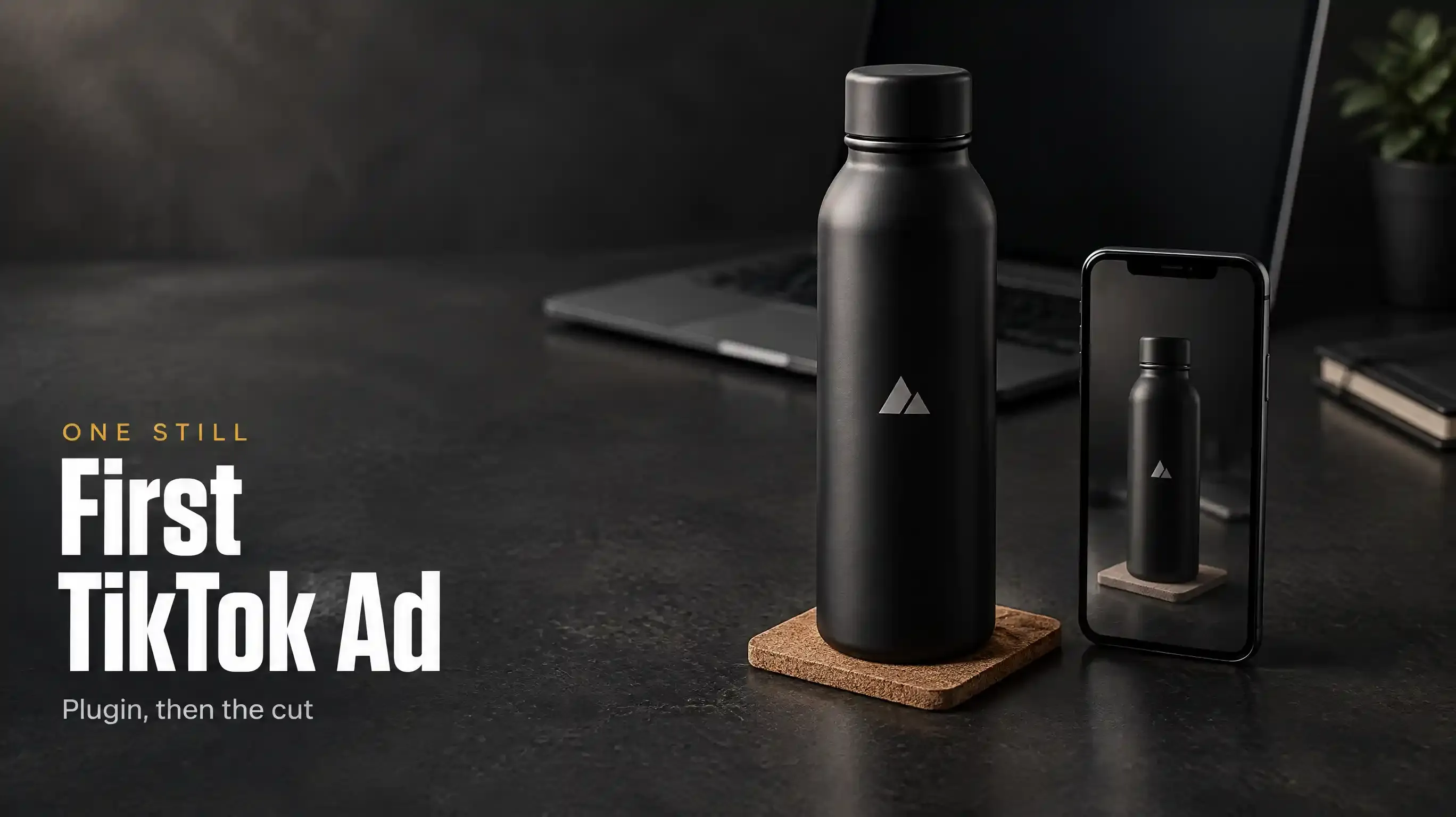
Use the product still I attached. Make one TikTok product ad, about 15 seconds, vertical. The product is a matte black bottle, logo printed, not embossed. Hook: the lid clicks shut before the bag zip. Do not add a second color. Do not invent a straw. Keep the logo readable in the first two seconds. Put the still and the clip on Canvas so I can pick a take.
You can also name TikTok Product Ad. That name is a built-in video skill on the plugin page, a recipe inside the plugin, not the package at topview.ai/skill. The official film does not say that name. Do not treat the film as a demo of that menu.
The plugin page also lists lookup for TikTok, YouTube, Amazon, and Shopee, so the agent can follow what is selling. For this first ad, lock the product before you chase a trend. A funny hook on the wrong bottle is a failed test.
What finished looks like
The agent chooses the angle. Canvas holds the still, the clip, and the next version. Chat is the log. If the only file you have is a message in the scrollback, the job is not finished.
Judge the product first. Logo, shape, color, and the parts you forbade. Then judge motion. If the crop is wrong, fix it on the board. Do not open a second generator and paste the same prompt again.
The page headline is the rule for this handoff: Agent handles intent. Canvas handles direct manipulation.
What the official film actually shows
The official film is titled Turn Codex Into an AI Video Studio | Topview Plugin: https://www.youtube.com/watch?v=3ut0aDottyI
The voiceover’s job matches this post. Give Codex one task. Find the best TikTok angle and turn it into a finished ad. It also says the agent builds the concept, storyboard, images, and video inside Codex, and that references, generations, and versions stay in one project.
The voiceover does not say “plugin.” It does not say Canvas. It says “over 100 specialized creative skills.” The plugin page does not list 100 skills. Use the film for the shape of the task, not as a spec sheet.
One Plugin walkthrough starts from a product link, asks for three directions, and finishes one vertical cut, then adds a reference still when the product does not match: https://www.youtube.com/watch?v=-OuZZYvBmGQ
That is the same job as this post, plus a repair step. If your first take grows a part the still does not have, attach one more still and ask the agent to keep the shape, color, and logo. Stay in the same project.
What this post leaves out
This post stops at one vertical ad from one product still.
It does not show how to pull a second and third cut from the same board. That is the next job, on the same Canvas, not a new install.
It does not teach Try-On or Pain Point. Those names are on the plugin page. They are not this first task.
It does not cover a reference-video remake. The plugin page names that workflow. This post starts from a still, not from a viral clip.
When not to use this
Skip it if your seat is Unlimited.
Skip it if you only have ChatGPT in the browser and no local Codex, Cursor, or Claude Code host.
Skip it if you wanted talking avatars and voice on Board. Paste the Skill line from the other page, not this prompt.
Skip it if you still do not know which ad to make. The marketing team, with a researcher and a campaign plan, is the product at https://www.topview.ai/mcp. Come back here when the product and the angle are decided.
Skip it if you need a real person’s unscripted testimonial, a legal defect, or a label that must be pixel-perfect in every frame. Generate the ad. Shoot the evidence.
FAQ
Can I do this in normal ChatGPT on the web?
The plugin page has a card labeled ChatGPT Plugin, and the copy says Codex and ChatGPT. The Codex guide still requires a local Codex Desktop or CLI. A browser tab that cannot run that guide is not the install.
Do I have to name TikTok Product Ad?
No. One still and one task are enough. The name is a recipe inside the plugin if you want the agent to start from that job instead of a blank prompt.
Where is the file?
On Topview Canvas, in the project the plugin opened. Not in the chat scrollback, and not on Board, unless you installed the other package.
What if the bottle does not match the still?
Attach one reference still and ask for the same shape, color, and logo. Do not start a new install.
Does Unlimited include this?
No. Unlimited does not support the Plugin.
Turn the still into a take. Open https://www.topview.ai/plugin, paste the prompt for the host you have open, attach one product photo, and ask for one vertical ad. Judge the product on Canvas before you ask for a second cut.