
Introduction
The demand for high-quality digital content is growing rapidly across indie games, creator brands, virtual products, and online marketing. However, creating both promotional visuals and production-ready 3D assets traditionally requires multiple tools, creative teams, and time-consuming workflows.
While AI tools can now generate impressive cinematic visuals and marketing content, creators still face a major challenge: turning those concepts into reusable 3D assets for games, interactive projects, and virtual experiences.
This is where the combination of Topview and Tripo Studio creates a powerful AI-native workflow. Topview helps creators generate cinematic promotional visuals, AI-powered advertising scenes, and stylized content for storytelling and marketing, while Tripo Studio transforms those concepts into production-ready 3D assets for games, interactive worlds, and virtual experiences.
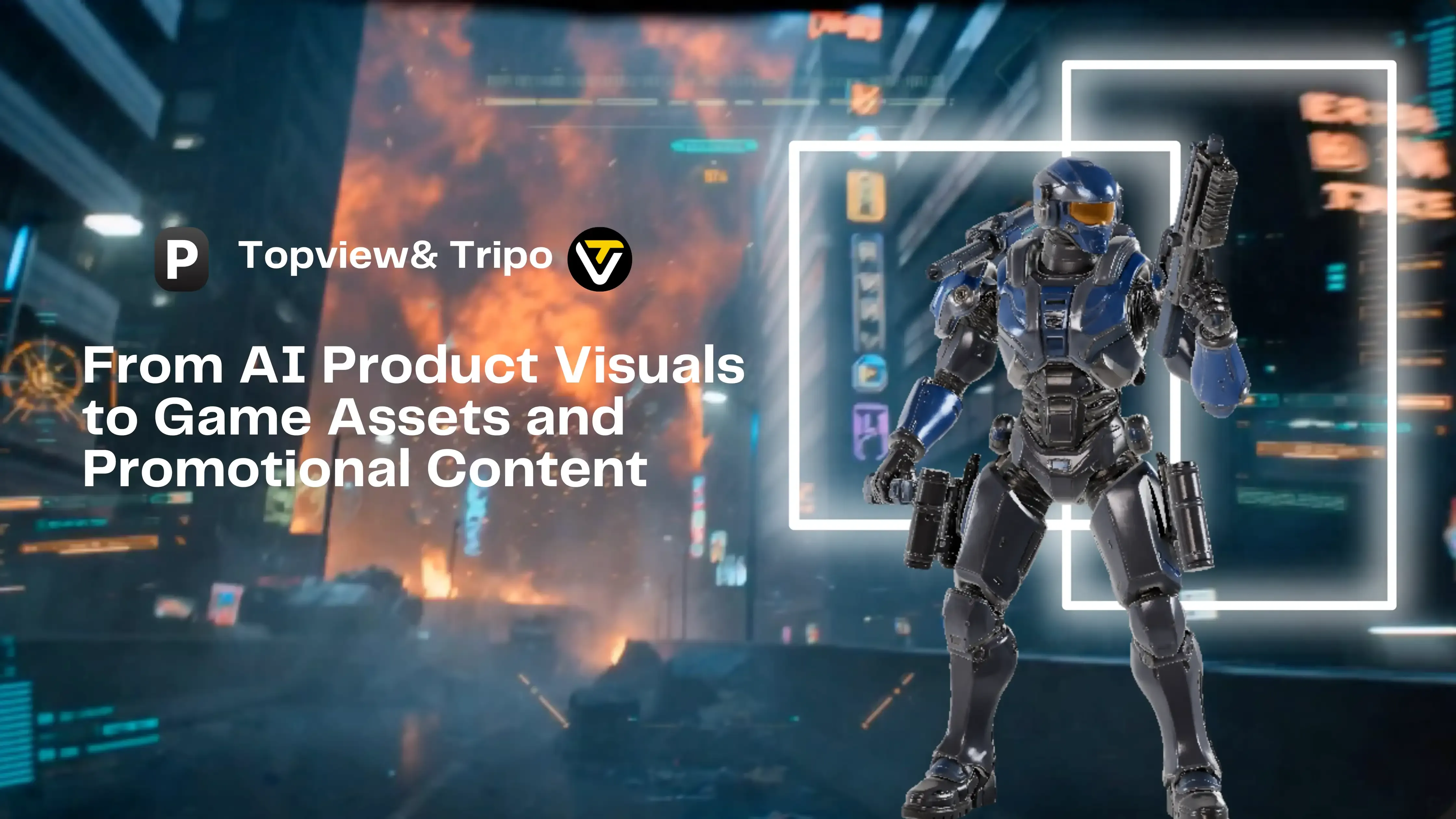
In this workflow, we will build a complete military-themed concept pipeline — starting from AI-generated warzone promotional visuals featuring soldiers and futuristic weapons, then transforming those concepts into reusable 3D game assets with Tripo Studio.
Step-by-Step Workflow: Creating Promotional Content and 3D Assets with Topview & Tripo
Step 1: Generate Product or Character Visuals with Topview
The workflow begins by creating the visual concept for a game asset, collectible item, virtual product, or stylized object.
Using Topview, creators can generate polished AI visuals, product-style renders, cinematic scenes, or stylized promotional images that establish the visual direction of the asset.
For example, creators can design a futuristic military character equipped with tactical armor, glowing battlefield equipment, and a high-tech assault rifle inside a warzone environment.
Result: A polished visual concept ready for downstream asset creation.
Step 2: Create Promotional Marketing Scenes
After generating the core visual, creators can use Topview to build cinematic promotional content and advertising-style scenes around the product or asset.
This can include animated product showcases, stylized lighting setups, dynamic camera angles, short promotional clips, or social-media-ready marketing visuals.
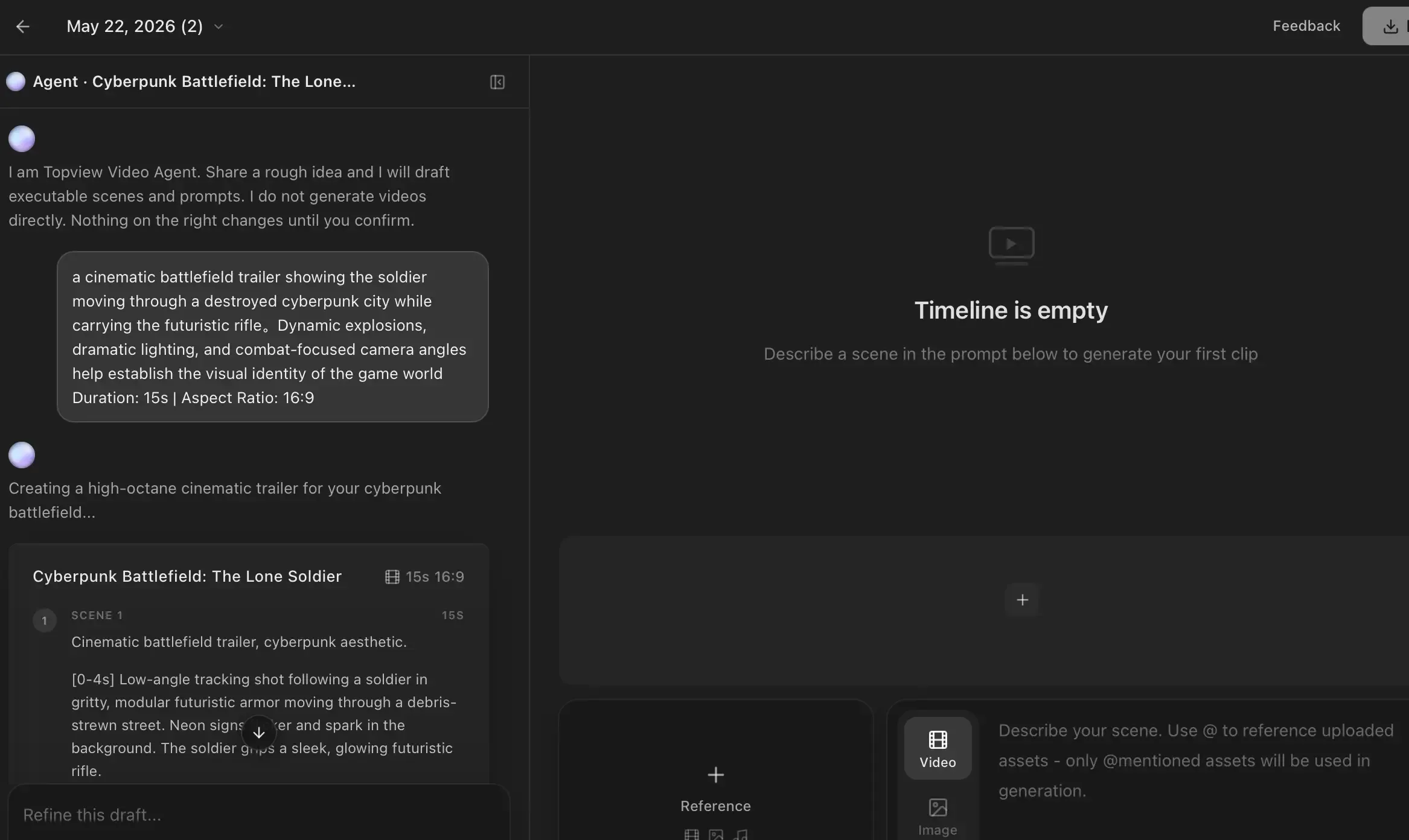
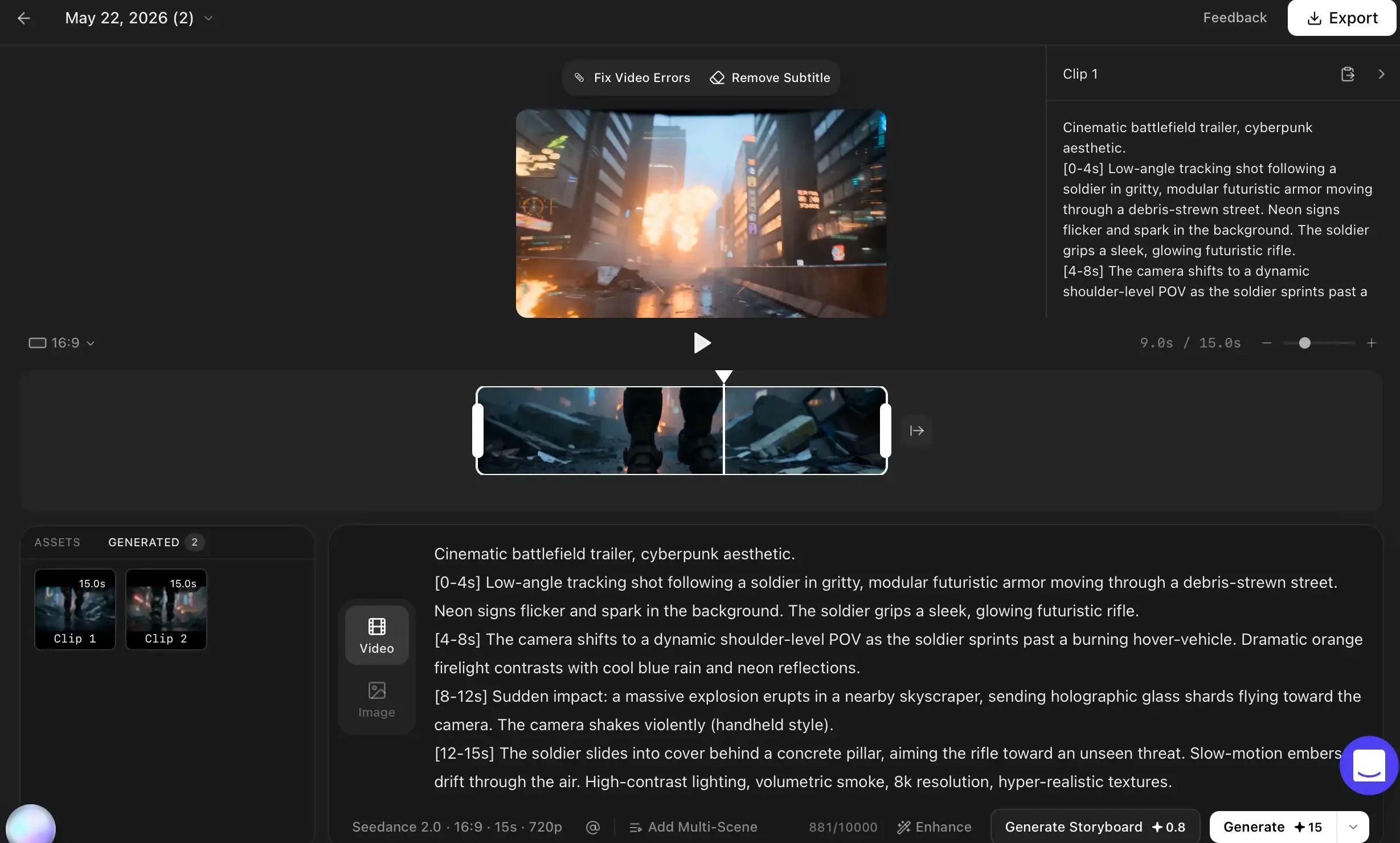
For example, creators can generate a cinematic battlefield trailer showing the soldier moving through a destroyed cyberpunk city while carrying the futuristic rifle created in Step 1. Dynamic explosions, dramatic lighting, and combat-focused camera angles help establish the visual identity of the game world.
Result: Marketing-ready promotional visuals and branded creative content.
Step 3: Build the 3D Asset Prompt
Once the visual identity and promotional direction are finalized, the next step is translating the design into a structured 3D generation prompt.
Creators can combine visual traits, materials, shape descriptions, colors, and stylistic details into a prompt optimized for AI 3D model generator.
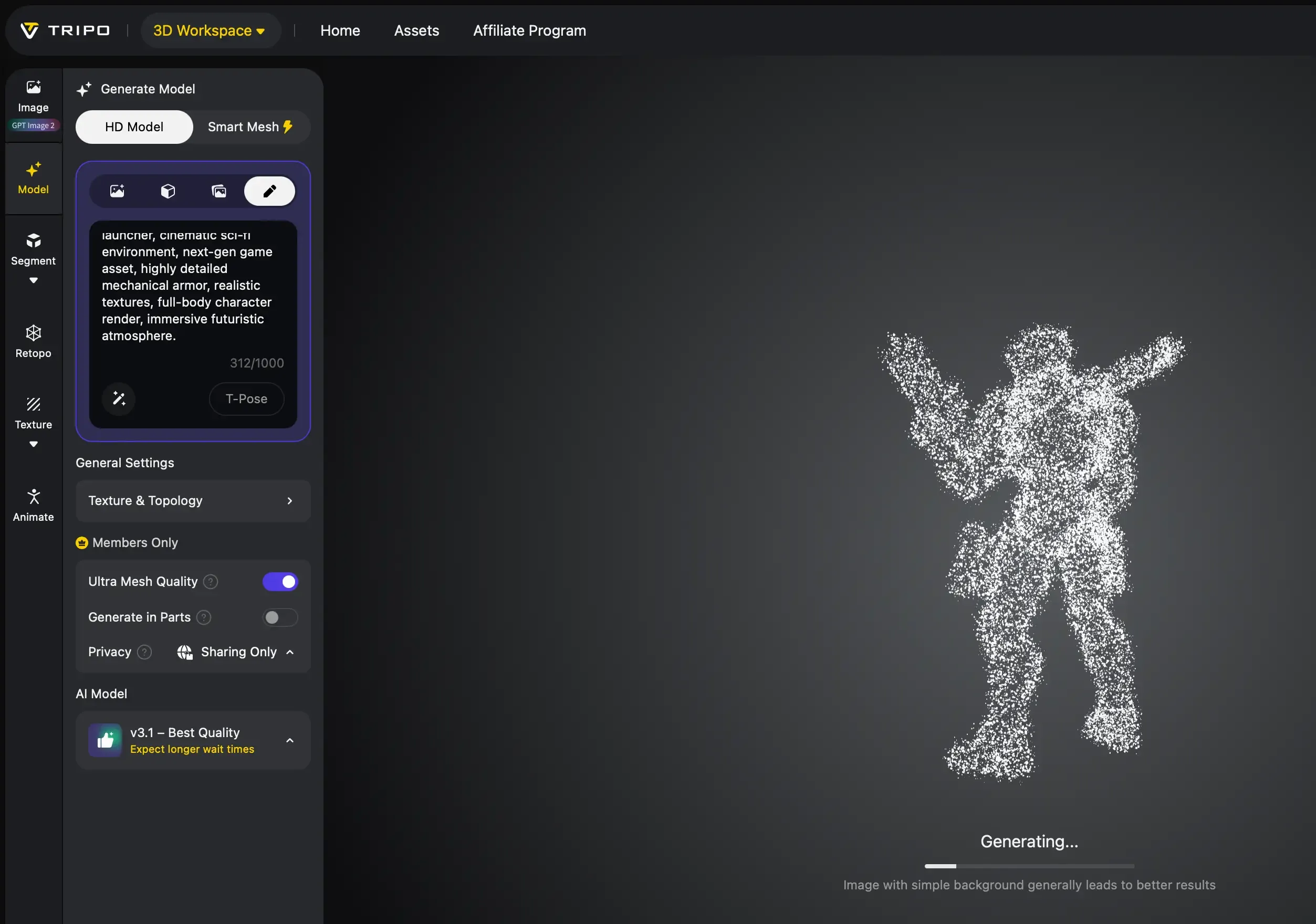
Example Prompt: “Elite cybernetic field operative, armored exosuit with luminous blue accents, futuristic tactical equipment, carrying a high-tech energy launcher, cinematic sci-fi environment, next-gen game asset, highly detailed mechanical armor, realistic textures, full-body character render, immersive futuristic atmosphere.”
Result: A structured prompt or concept image ready for 3D generation.
Step 4: Generate the 3D Asset with Tripo
After finalizing the visual concept, creators can upload the prompt or concept image into Tripo Studio.
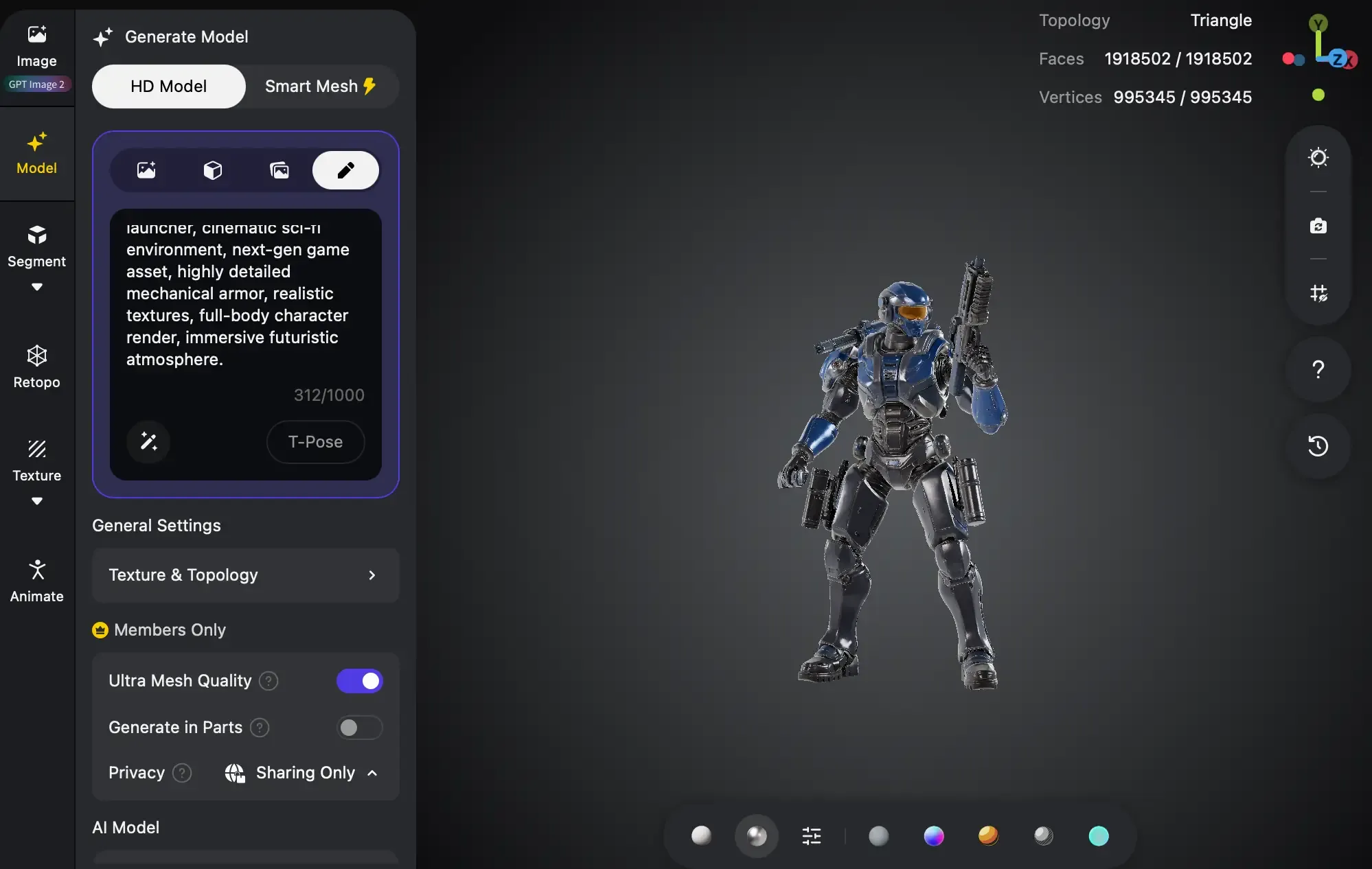
Using Tripo’s text-to-3D or image-to-3D workflow, the product or object is transformed into a stylized 3D asset within seconds.
The generated model can then be refined and optimized for use in games, virtual experiences, creator projects, or interactive environments.
Result: A production-ready 3D asset complete with geometry and textures.
[Image Placeholder: Tripo interface showing generated 3D asset]
Step 5: Export and Use the Final Asset
Finally, the generated asset can be exported in formats such as GLB, GLTF, FBX, or OBJ for downstream creative workflows.
The asset can then be imported into Blender, Unity, Unreal Engine, Roblox, XR applications, or interactive creator platforms.
At the same time, the promotional visuals generated by Topview can continue to be used for marketing campaigns, social media promotion, crowdfunding pages, or creator branding.
Result: A complete AI-powered workflow combining promotional content creation and reusable 3D asset production.
[Image Placeholder: Final asset inside a game engine or marketing campaign]
Use Cases & Benefits
Indie Game Asset Creation
Indie developers can use Topview to create cinematic promotional visuals and concept scenes, then use Tripo Studio to generate matching 3D assets for Unity or Unreal Engine projects.
This workflow helps small teams rapidly prototype game props, virtual products, environmental objects, and branded in-game assets without relying on traditional 3D production pipelines.
Benefits: Faster asset iteration, lower production costs, and scalable AI-assisted game content creation.
Creator Brands & Virtual Products
Creators can design original digital products, stylized collectibles, or branded virtual merchandise using Topview’s visual generation workflows and Tripo’s AI-powered 3D generation.
These assets can be reused across social content, virtual stores, interactive showcases, or creator-driven game experiences.
Benefits: Stronger visual branding and reusable digital asset pipelines.
Marketing & Social Media Campaigns
Marketing teams can generate both promotional visuals and matching 3D assets for advertising campaigns, short videos, livestream overlays, and creator collaborations.
By combining cinematic AI visuals with reusable 3D models, creators can build more immersive and interactive marketing experiences.
Benefits: Faster campaign production and more engaging visual storytelling.
Conclusion
By combining Topview and Tripo Studio, creators can build a streamlined AI-native workflow that connects cinematic promotional content with production-ready 3D asset creation.
Instead of separating marketing visuals and 3D production into completely different pipelines, creators can now rapidly move from AI-generated concepts to reusable interactive assets for games, virtual experiences, creator brands, and digital storytelling.
Try the workflow yourself by generating promotional visuals with Topview and transforming those concepts into stylized 3D assets using Tripo Studio.
Product Overview
Tripo: Fast AI 3D Asset Generation
Tripo Studio is an AI-powered 3D generation platform that transforms visual concepts into production-ready 3D assets within minutes. Designed for creators, indie developers, and interactive content workflows, Tripo simplifies the traditionally complex process of 3D asset creation.
Key features include text-to-3D and image-to-3D model generation, stylized asset creation, fast export workflows, and compatibility with Blender, Unity, Unreal Engine, and XR platforms. In this workflow, Tripo handles 3D generation, asset optimization, export, and downstream interactive workflows.