
AI Model Review
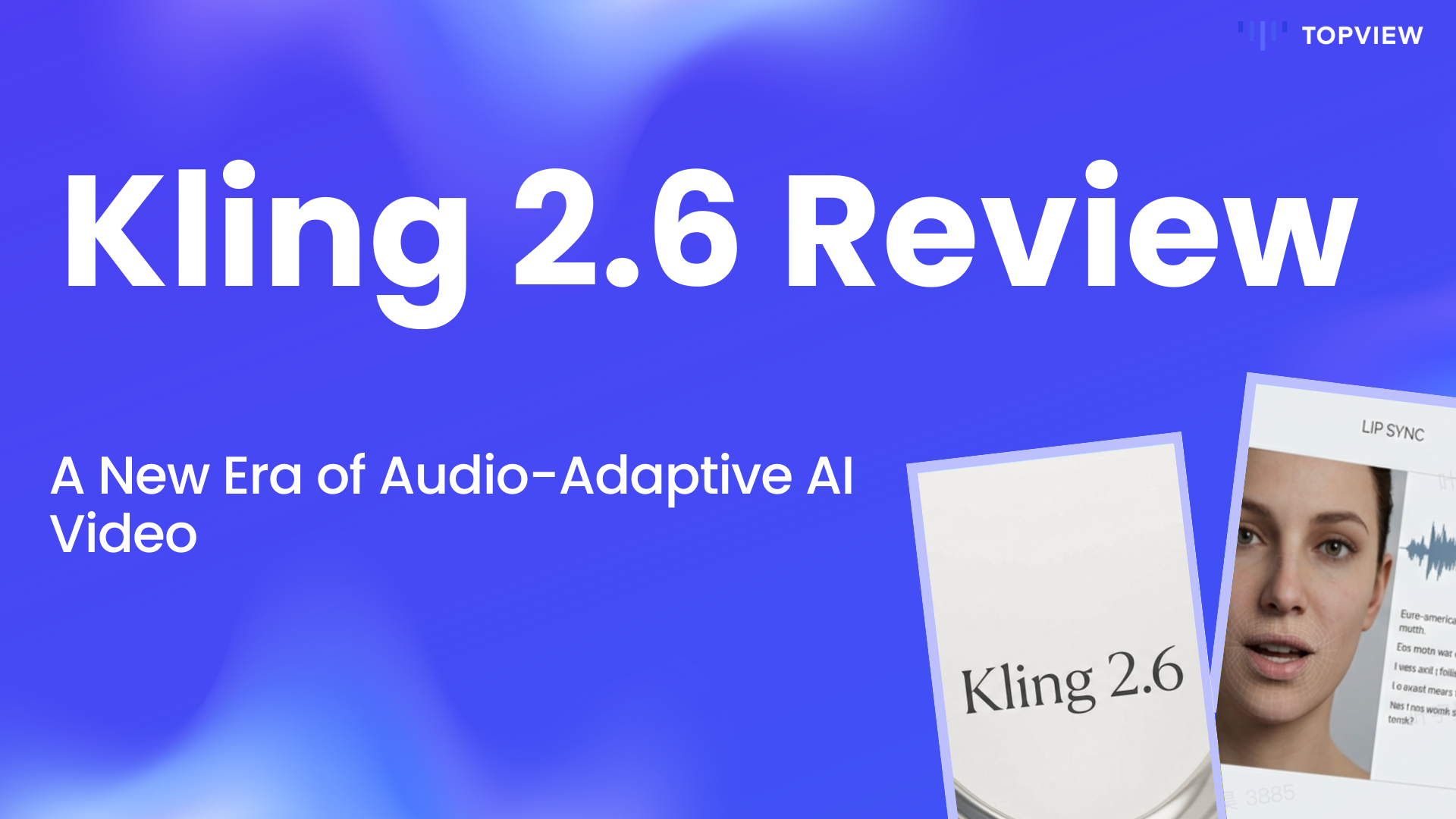
Kling 2.6 Review: A New Era of Audio-Adaptive AI Video?
We analyze what's new in Kling 2.6, how it compares to predecessors, and whether its "structural reasoning" lives up to the hype.
⚡ Executive Summary
• The Problem: Traditional AI video models struggle with "jittery" characters, morphed physics, and a total disconnect between visual motion and background audio.
• The Upgrade: Kling 2.6 shifts from simple pixel generation to "structural reasoning," introducing the industry's first true Audio-Adaptive Motion engine.
• Key Capabilities: From beat-synced camera cuts to character identity stability that withstands complex movement and lighting changes.
• The Workflow: Kling 2.6 creates the "raw reality," while Topview acts as your post-production suite—turning those cinematic clips into fully scripted, viral-ready marketing assets instantly.
The AI video generation landscape is moving at breakneck speed. Just when creators were getting comfortable with Kling 2.5 Turbo, the release of Kling 2.6 has shifted the goalposts again.
Kling 2.6 claims to solve these exact pain points by introducing "cinematic generation" combined with "structural reasoning." In this deep dive, we analyze what's new, how it compares to its predecessors, and whether it lives up to the hype.
What is Kling 2.6? The Core Upgrade
If previous models were about generating cool-looking frames, Kling 2.6 is about generating coherent stories.
It represents a convergence of visual synthesis and audio understanding. Instead of interpreting a prompt frame-by-frame (which often leads to the dreaded "AI jitter" or morphing objects), Kling 2.6 reads the instruction as a holistic narrative. It tracks characters, outfits, and props across the timeline to ensure the environment remains a consistent space.
Video Generation is Just Step One
Don't let raw clips gather dust. Turn them into high-converting ads instantly.
Create Marketing Videos Free →
Key Features: What Makes Kling 2.6 Different?
1. Audio-Adaptive Motion
This is the game changer. Kling 2.6 lets sound drive the video.
• Beat-Synced Motion: Camera cuts react to beats.
• Rhythm-Driven Gesture: Movement aligns with audio tension.
2. Structural Stability
Improved Identity Stability ensures characters remain consistent. Lighting Logic upgrades mean shadows obey physics.
3. Enhanced Image-to-Video
Refined precision allows transforming a single reference frame into a dynamic scene with high fidelity.
Reference Image
Generated Video
Comparison: Kling 2.6 vs Kling 2.5 Turbo
Feature
Kling 2.5 Turbo
Kling 2.6
Primary Focus
Speed & Reference Fidelity
Cinematic Logic & Audio Syncing
Audio Interaction
Basic Background Audio
Audio-Driven Motion & Pacing
Motion Quality
Smooth but occasionally "floaty"
Grounded Physics & Rhythm-aware
Coherence
Good for short bursts
High (Structural Reasoning)
Use Cases: Who is this for?
• Commercial Advertisers: Create product videos where the lighting doesn't flicker and the product shape remains constant.
• Music Marketers: Generate visuals that automatically cut and move to the beat of a new track.
• Social Media Managers: Use the "Audio-respecting" capabilities to generate dialogue or voiceovers with specific accents.

From Generation to Conversion: The Topview Connection
Kling 2.6 is an incredible engine for creating raw video assets. It solves the problem of "creating the shot." However, a raw video clip is not a finished marketing campaign.
To turn a cinematic Kling 2.6 generation into a high-converting ad, you need scripts, engaging captions, and marketing hooks. This is where Topview enters the workflow.
1. $1
2. $1
3. $1
Pro Tip: While Kling creates the visual reality, Topview creates the marketing context.
Scale Your Video Production
Use AI to generate the clips, then use Topview to generate the sales.
Frequently Asked Questions (FAQ)
1. How long can Kling 2.6 videos be?
Currently, Kling 2.6 supports generating high-quality clips typically ranging from 5 to 10 seconds. However, the stability improvements make it easier to stitch multiple clips together seamlessly in post-production tools like Topview.
2. Can I use my own music for the audio-adaptive motion?
Yes. You can upload custom audio tracks, and the model will analyze the beat and rhythm to drive the camera cuts and character movements.
3. Is Kling 2.6 available for commercial use?
Yes, depending on your subscription tier with the provider. Always check the specific licensing agreement, but generally, paid tiers offer commercial rights for generated assets.
Final Verdict
Kling 2.6 is not just an incremental update; it is a structural shift towards multimodal video generation. By solving the "audio-visual disconnect," it empowers creators to make videos that feel designed, not just randomized.
Build Your AI Video Pipeline
Start generating, start editing, and start converting.