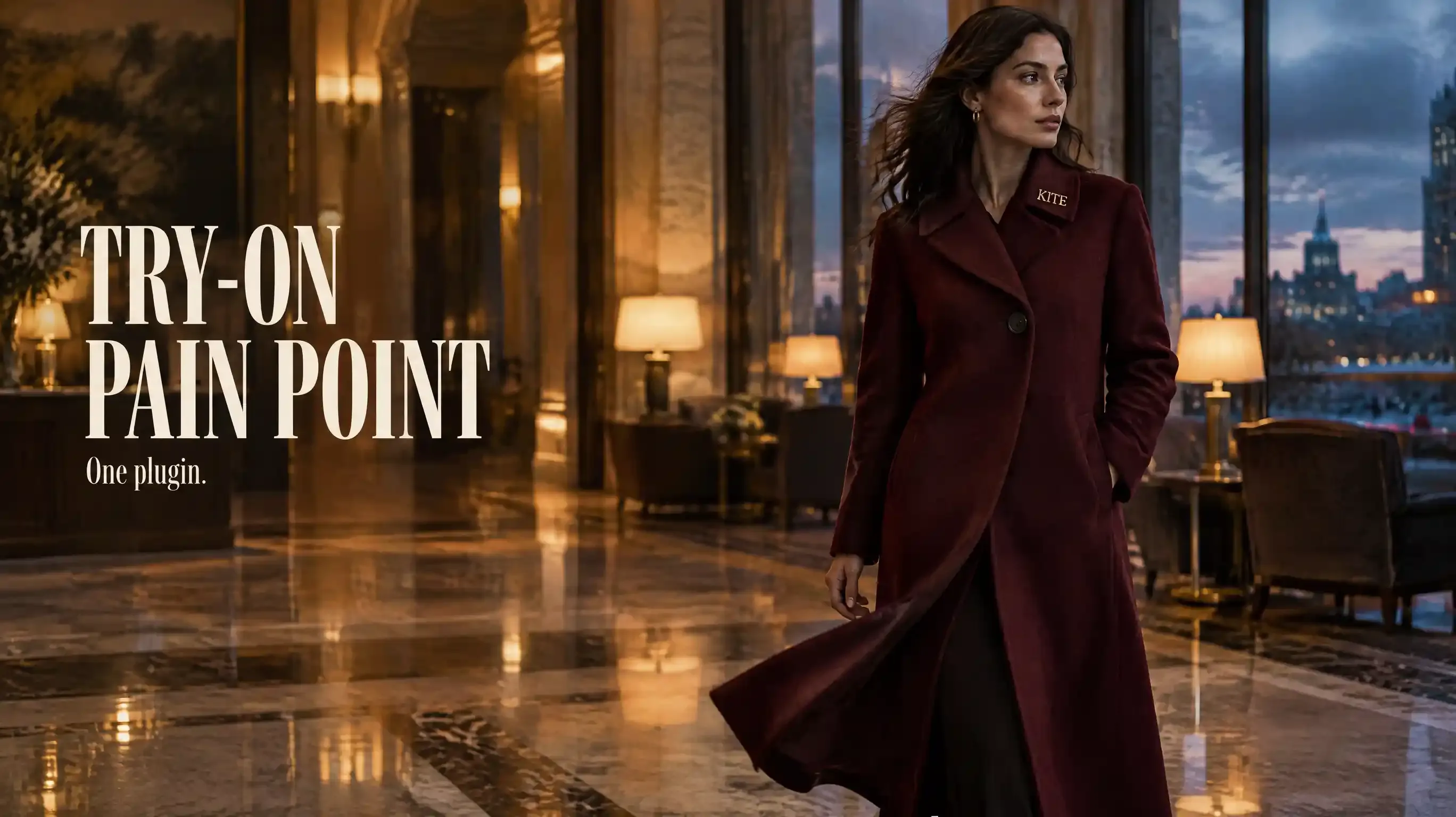
A coat on a hanger is not this job. The shoulder has to carry it, the hem has to move, and the color has to survive the walk. That is Try-On Product Ad.
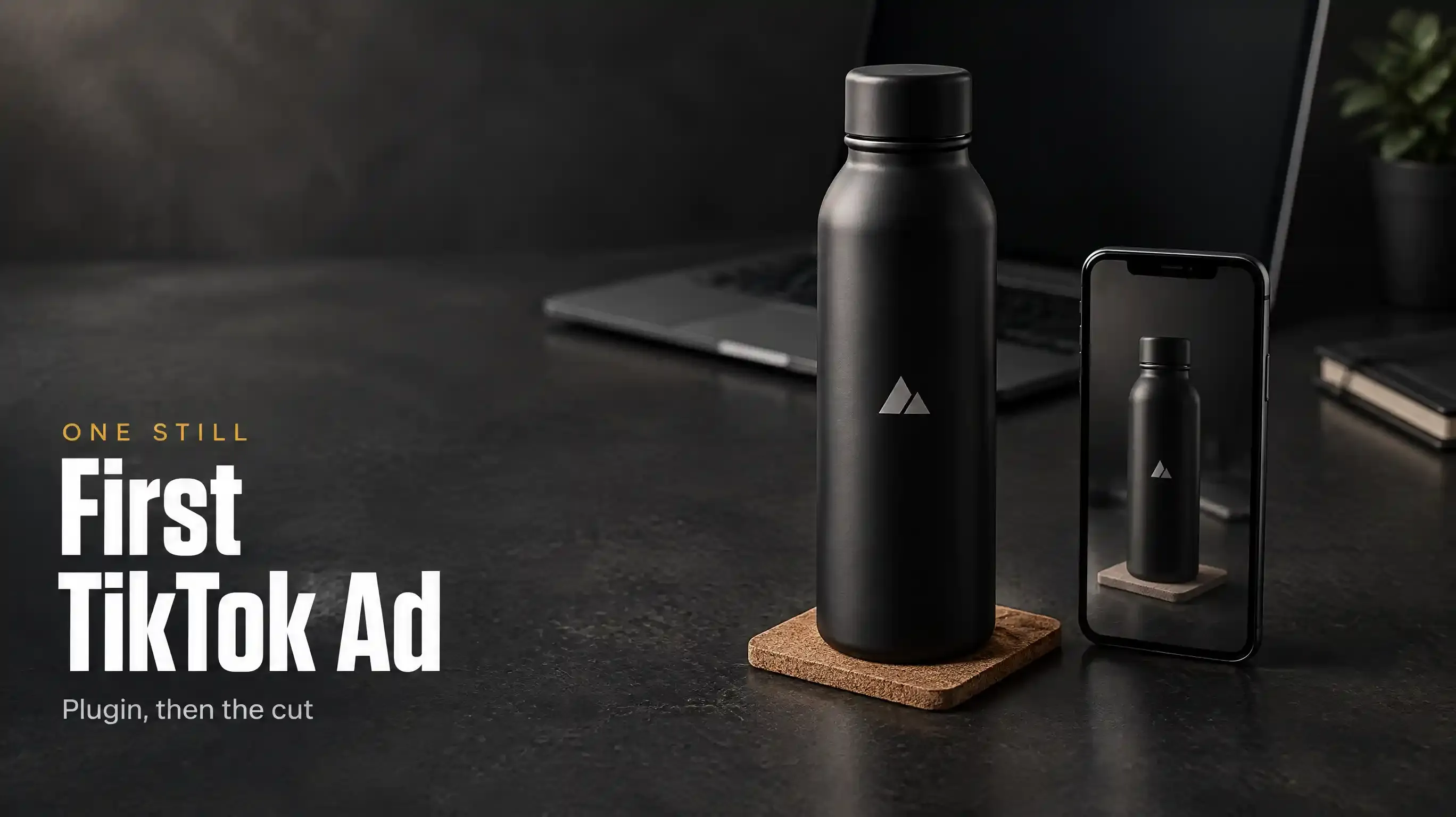
A bottle in the first frame is not the other job. Pain Point Product Ad opens on the problem. The product arrives after. Start on the bottle, and you have made an ordinary product film.
Both names are built-in video skills inside the Topview Plugin. You pick one, attach the product, and stay in the same conversation. They are not a second download. The page at https://www.topview.ai/plugin lists them beside TikTok Product Ad. You still paste the plugin prompt. You do not paste the skill package to get either name.
When the garment has to be worn
Use Try-On when the product is pointless off a body. A coat. A dress. A shoe that only reads on a foot. The still you attach is the garment, already worn, with the mark readable. In this example it is a burgundy wool coat, one cut, one button, a small metal mark reading KITE at the collar. One adult. No second piece thrown over it. No famous face.
Send this.
The garment is the burgundy wool coat in the still. The mark reads KITE, small, at the collar. Keep the cut, the button, and the color. One person walking. The coat moves with them. Do not add another garment, a new mark, or a known face. Put the still and the new shots side by side on Canvas.
Read the coat before you read the light. Hands and hems are where this fails. If the sleeve grows a seam that was not in the still, or the button travels, stop. Point at the still and ask again in that same project. A fresh thread does not still have the coat.
Keep it short and vertical. Do not publish a length the cut does not have.
When the script starts from the problem
Use Pain Point when the product is the answer, not the opening shot. The example is a frosted glass vial, pale gold liquid, the mark reading NELL. The problem is ordinary and specific: late, a kitchen, skin that feels tight after a long screen. The vial is set down after that, not before.
Send this.
Open on the problem, not the bottle. Late night, a kitchen, one person, tight skin after a screen. Then set down the frosted vial from the still. Pale gold. The mark reads NELL. Keep that vial the same shape in every shot. Do not show a before-and-after of the skin. Do not write a treatment claim into the picture. One product. Put the still next to the takes on Canvas.
The film can stage the feeling. It cannot make a claim true. If the words on the label have to be exact, you write them. The shot does not get to invent the sentence.
Where you look
The thread is only the request. The versions sit on Canvas, the board the plugin opens inside the chat. Product cards live there, and so do crop and video extend, which is how a bad hem becomes a note instead of a new project. Done means you can point at the coat, or the vial, on that board.
The agent decides what you meant. The board is where you see whether it held.
What the public films did not show
None of the walkthroughs posted about the plugin say Try-On Product Ad or Pain Point Product Ad. The official film gives Codex one TikTok task and talks about creative skills, without these names. The other films lock a product still, research a bottle of oil, or describe identity on a tumbler. None of that is your garment on a body. None of it is a script that starts from the problem. Do not cite them as a demo. If Plugin, Skill, MCP, and Canvas are still mixed, the split is here: https://www.topview.ai/blog/topview-plugin-vs-skill-vs-mcp-vs-canvas
Not the other install
Topview Skill is a different package. That page has an avatar skill. A generated person is not the same job as a garment that stays true on a body, and those results go to a Board, not this Canvas. Do not paste the skill git line to get Try-On or Pain Point.
If you need an audience report before you have a script, that is the other product, at https://www.topview.ai/mcp. It is not how these two cuts start. Unlimited does not run the Plugin.
No body, and no problem, only a packshot: make the first ad from the still, here: https://www.topview.ai/blog/make-a-tiktok-product-ad-with-the-topview-plugin. A clip you are allowed to follow, and you only want your product in it: https://www.topview.ai/blog/viral-product-remakes-with-the-topview-plugin.
FAQ
Do I install Try-On as its own thing?
No. After the plugin is in, you name the skill in the conversation. Pain Point works the same way.
Is a digital person this job?
No. The avatar skill sits in the other package, and it files to a different board. Here the subject is your product, worn or arriving after the problem, read on Canvas.
Does the chat hold the final cut?
No. The thread will not show you whether the hem, or the vial, survived. Look on Canvas.
Does Unlimited include this?
No. Unlimited does not run the Plugin.
Pick the job by the first frame. A body in your garment is try-on. The problem, before the product, is pain point. A first frame that is neither of those belongs in a different article.