Camera moves in AI video still feel like a slot machine. You write “slow dolly left, slight crane up,” run it three times, and get three different walks. On September 1, 2026, World Labs published Atlas: an omni world model that treats camera geometry as a native input, not a phrase the model has to decode. Atlas is in Early Access. Most creators cannot stage a pose path on it today.
This is not a claim that Topview is a world-model company. It walks the same eight jobs in the official Atlas blog, and maps how far a spatial workbench plus today’s generators get you while Early Access stays closed.
Atlas in 30 seconds
Numbers below come from the official post, not from a demo we ran.
Atlas is a multimodal autoregressive diffusion transformer, pretrained from scratch on text, images, video, and 3D in one spatial context. One to six images plus a hand-keyed camera path can yield about one minute at 1440p. It also estimates geometry as point clouds or 3D Gaussian splats — the representation World Labs already uses in Marble, which Atlas is slated to power later. Access is partner Early Access, not open weights.
The sentence that matters is theirs, not ours:
You are staging the scene, not pulling the lever of a slot machine.
We are not scoring who is “more of a world model.” We are asking: for each of those eight jobs, what can you already lock on a creator workbench?
1. Camera-controlled generation
Atlas. Pose is a first-class input. You are not hoping the model translates “the lens eases left.” You place the camera, point it, and connect the path. Generated views have to match the content and geometry of the inputs, then extrapolate smoothly where the inputs never looked.
Today. Two routes, near to far.
First, treat the camera as an object before you generate. In 3D Shot Composer you place people, props, and a virtual camera, preview the frame, then generate. That is not Atlas’s pose tensor. It is the workbench version of the same complaint: do not leave blocking inside a sentence.
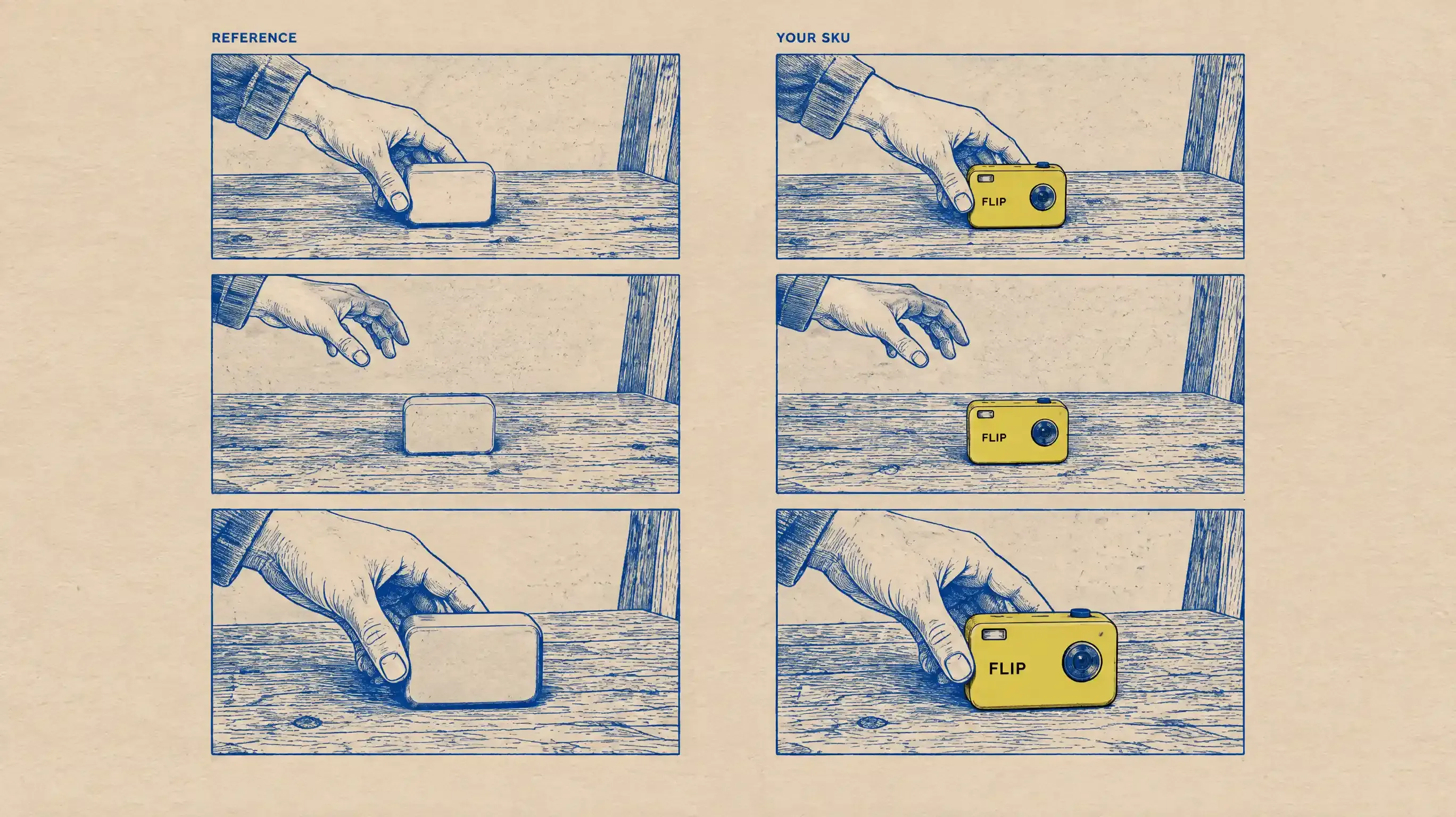
Second, for a path across a still — tabletop orbit, storefront walk-in, hall schematic — draw the route and send it to Seedance 2.5 as a motion reference. Write the instruction as a pair:
Positive: the camera follows the marked path in node order.
Negative: do not render the marks. Then say, in the same breath, that the marks exist only as camera-motion reference. A bare “no red line” can read as “ignore the drawing.”
Speed and holds do not come for free. If you need a pause at the product, write the seconds. If the model smears a beat, split the path and start the next clip from the last clean frame.
Repeatable jobs, not trophy one-takes: tabletop orbit, doorway entrance, hall or court schematic. If a path has to be millimeter-true, you are still writing or locking it yourself.
Honest ceiling:
Can: the model can be told which way to go — by a staged camera, or by a path drawn on a still.
Partial: pace, holds, and ease-in live in the prompt or the workbench. They are not coordinates.
Cannot: native camera-pose input. A two-pixel smear on a drawn line is not a measurable trajectory.
Boundary: you can make the walk intelligible. You cannot yet hand the model a pose file and call it done.
2. Pixel-perfect novel views
Atlas. From one image it synthesizes a set of views you can drag through. Unseen backsides come from prior knowledge, not from a second capture. World Labs is explicit: once the camera leaves what the photo showed, the model is still guessing a plausible world, not certifying the original one.
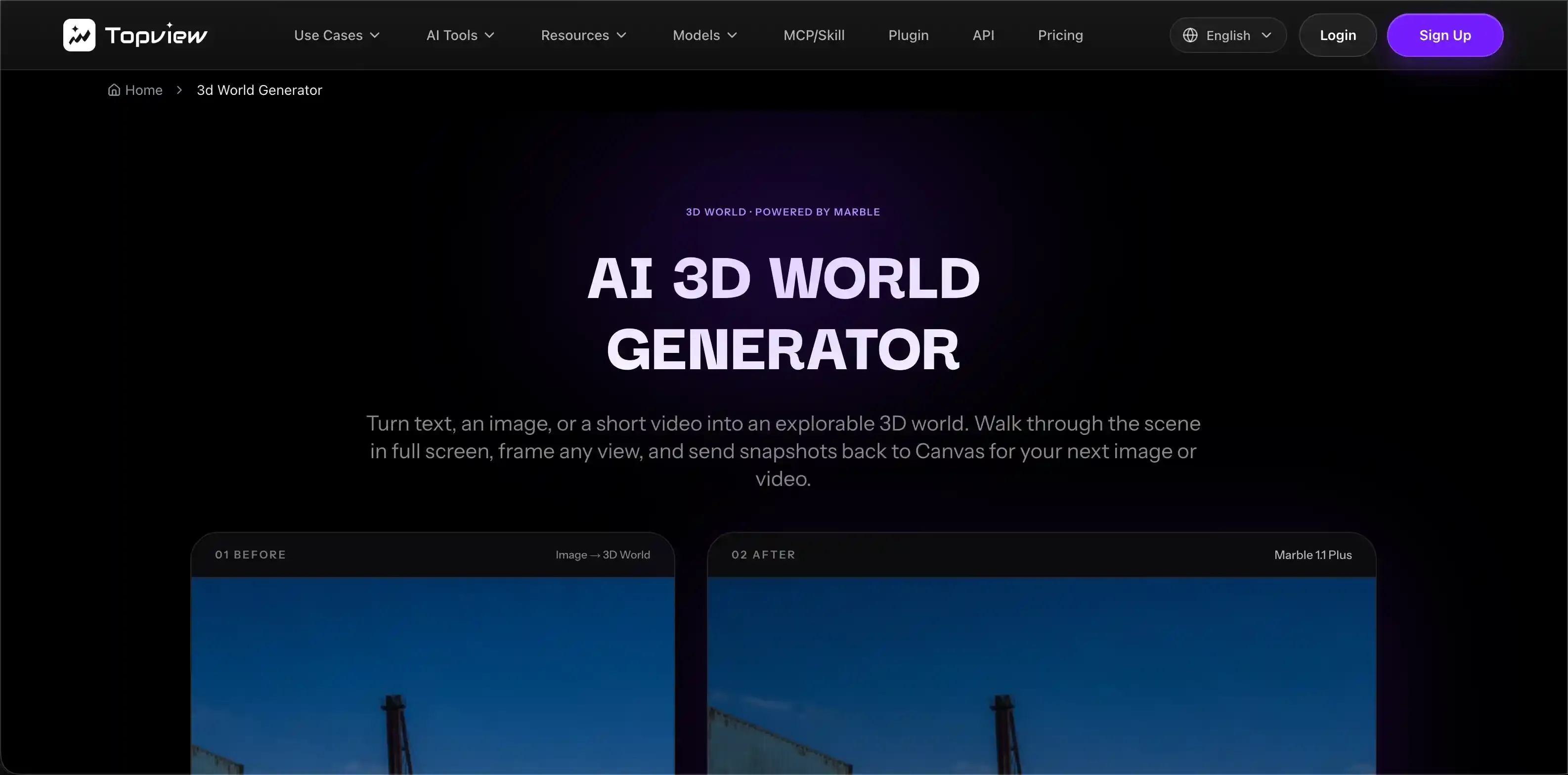
Today. Do not stitch independently redrawn stills and call that a continuous space. Open 3D World Generator on Canvas, start from one image or one short video (not both), pick Marble 1.1 or Marble 1.1 Plus, generate a Gaussian Splat (SPZ) world, walk it with WASD, then screenshot a framing back onto the canvas.
That is a camera move inside a generated space, not Atlas’s reconstruct-then-sample view strip. The unseen back wall is still a guess. Marble here is World Labs’ line as a walkable scene on Topview — not Atlas Early Access, and not a scan of a room you own.
Honest ceiling:
Can: enter a splat world, change viewpoint, capture a still back to Canvas.
Partial: identity and lighting hold better near the reference; they drift as you orbit away.
Cannot: a drag-continuous view set reconstructed from the real geometry of the input photo.
Boundary: walkable space, not a novel-view slider over a reconstructed original.
3. Spatial context
Atlas. Each image is grounded at a 3D position. Drop two unrelated photographs into that context, pin them in space, and the model grows the missing architecture — doorways, hallways, the turn you never shot — so the pair becomes one world.
Today. We cannot do this. Do not composite two stills on Canvas and call the dissolve a corridor. Prompts have no hook for pinning two photos in 3D and inventing the building between them. That is architecture. The new plot is theirs.
Honest ceiling:
Can: —
Partial: —
Cannot: pinning unrelated images into one spatial context and growing the join.
Boundary: this section is theirs. A short paragraph is the honest length.
4. Controllable long videos
Atlas. A few references plus a hand-keyed path become about 60 seconds at 1440p, with every angle designed rather than sampled. Control is the point, not runtime.
Today. Seedance 2.5 is the live envelope we will stand behind: about 4–30 seconds, visible export up to 1080p, mixed references up to about 50 (up to 30 images, 10 videos, 10 audio files). You can timestamp beats and revise a segment. That is not a minute, not native 1440p, and not 4K.
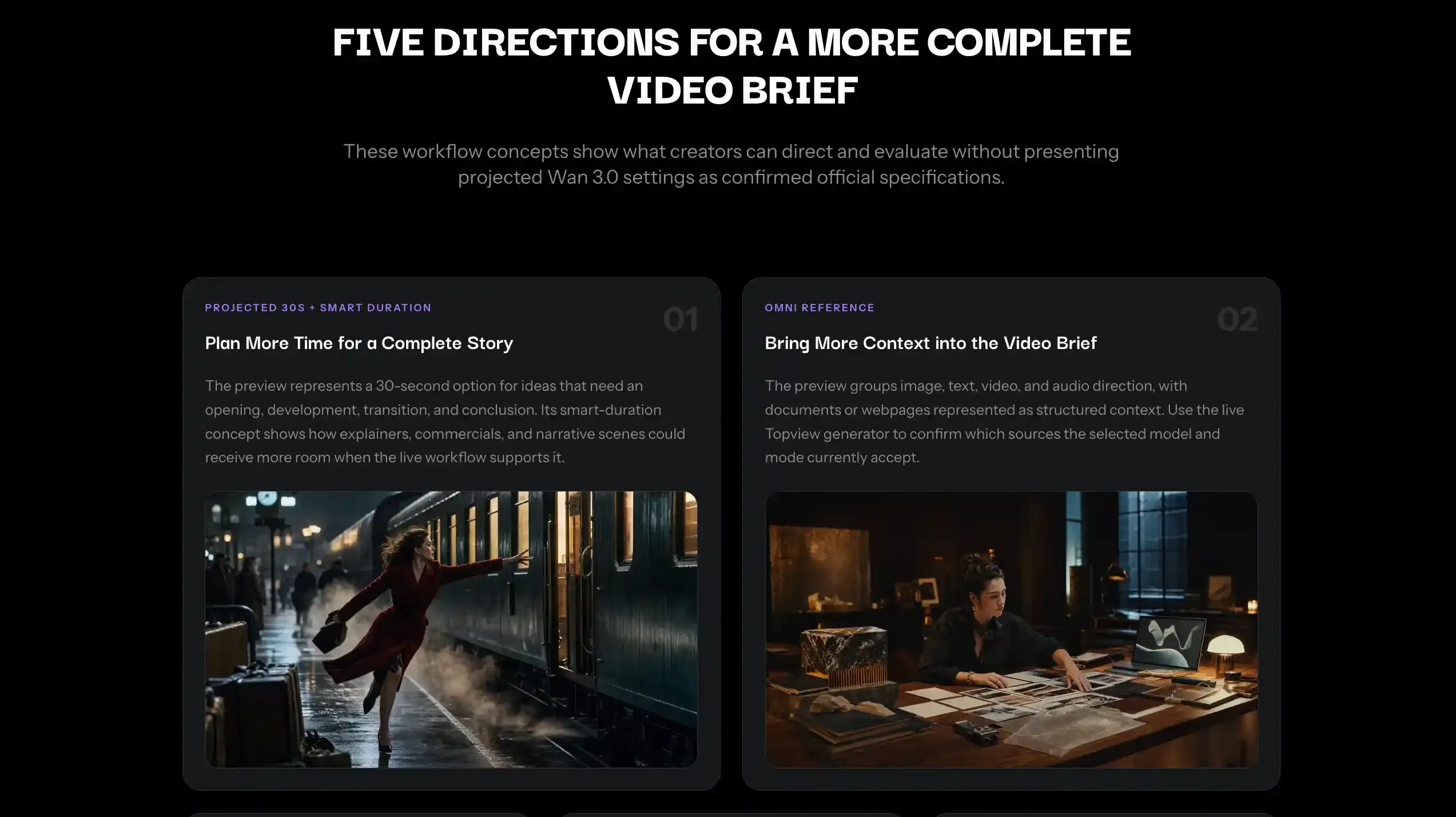
Wan 3.0 is an omni-reference workflow preview on Topview — text, image, video, and audio in one brief, with a projected 30-second option. Alibaba’s public model catalog has not listed Wan 3.0 as we write this. Treat the page as a brief for how that workflow would run; confirm the live generator before you promise a client a 30-second Wan 3.0 delivery.
Motion Studio and Film Studio are workbenches — duration, aspect, templates — not rival models. A 4–60 second launch clock is a workbench setting, not a world-model clip.
Length and resolution we will actually claim:
Clip length: Seedance 2.5 on Topview, about 4–30 seconds. Atlas official demo, about 60 seconds.
Resolution: Seedance 2.5, visible export up to 1080p; not 4K native. Atlas, 1440p in the published example.
Camera input: Seedance 2.5 takes text, references, and an optional staged or drawn path. Atlas takes native camera pose.
Honest ceiling:
Can: a directed 30-second clip with a real reference stack.
Partial: continuity across a cut list; you still own the joins.
Cannot: a one-minute, 1440p, pose-keyed take on Topview today.
Boundary: we reach half the official runtime, at a lower resolution ceiling, without coordinates.
5. Explicit 3D outputs
Atlas. It jointly generates new views and estimates geometry, then emits point clouds or 3D Gaussian splats. Keep their line: the more it sees, the less it imagines. Two or three views can look believable; a hundred-plus stay closer to a real place. Reconstruction-first, into the same splat family Marble already uses.
Today. 3D World is generation, not photogrammetry. You invent or loosely reference a walkable space. You do not scan the living room. You cannot export a mesh for Unity or a printer — no GLB / OBJ / STL, and no SPZ download. Generate, walk, screenshot, continue on Canvas.
You can move the camera. You do not get a digital twin of a real site.
Honest ceiling:
Can: an explorable splat you recapture as stills.
Partial: structure from one image or one short video, plus a prompt.
Cannot: faithful reconstruction, or a mesh you ship to a game engine.
Boundary: same urge to change viewpoint; different contract with reality.
6. Reframing / bullet time
Atlas. Three to five ordinary phone or action-camera views — tripods and clamps that fit in a backpack — are enough to reconstruct an event, freeze it, and reframe from an angle nobody rigged. The official examples are captured footage, not a generated crowd.
Today. Generate an orbit or freeze that never happened. Motion Studio fits a product or feature story: 4–60 seconds, six aspect ratios (21:9 through 9:16), then Canvas. Seedance 2.5 fits a single directed clip. Neither rebuilds a room from phone plates. Do not promise backpack capture.
The look can get close. Geometric fidelity to a real take is a different road.
Honest ceiling:
Can: a generated surround or freeze that reads as bullet time.
Partial: subject lock while the virtual camera travels.
Cannot: sparse multi-phone reconstruction of a live event.
Boundary: the feeling is available; the reconstruction is not.
7. 360° panorama
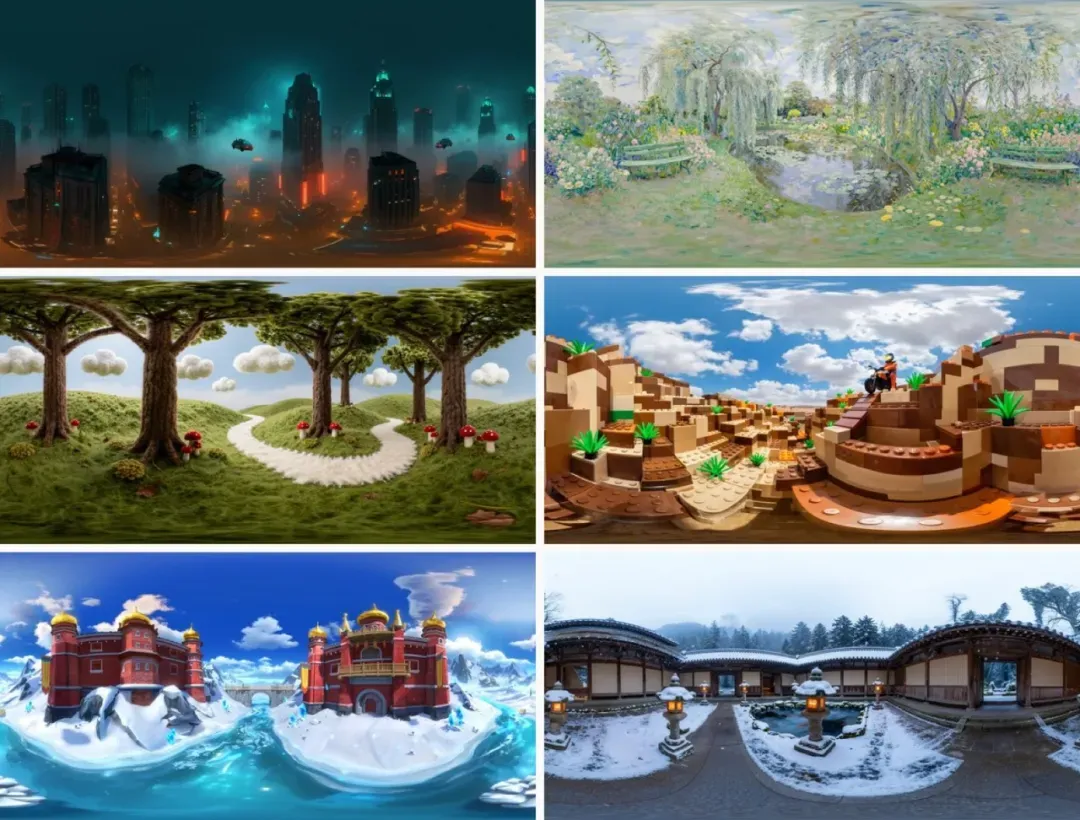
Atlas. World modeling is the main job; image generation is a side capability that includes 360° frames from text or image, across styles. A panorama has to stay spatially continuous all the way around, which is a harder constraint than a single hero still.
Today. If you need to walk, use 3D World — a splat is not a skybox. If you only need an environment still or a wrap-style wide frame, use GPT Image 2: OpenAI’s model, called through Topview, not a Topview-owned model. Prompt wide or equirectangular if that is the brief. We do not have a verified in-engine skybox pipeline here, and we will not invent one.
Seams, poles, and repeating furniture are still where these images fail. Review the wrap before you light a scene with it.
Honest ceiling:
Can: a wide environment still, or a walkable splat if “360” really means “I need to move.”
Partial: prompted wrap-style frames; continuity is on you to inspect.
Cannot: Atlas-grade 360 generation, or a documented engine-skybox drop we have shipped here.
Boundary: pick walkable space or a still wrap. Do not blur them.
8. Robotics
Atlas’s last section is Real-to-Sim: reconstruct a space from a casual capture, then render the RGB and depth a body-mounted camera would see as a robot drives or a gripper works. That is a training-data problem. It wants physical correctness.
This is not a content-creation battlefield, and we will not force a product into it. Picture-plausible and physics-true are different jobs. If you came here for ads, previs, or a walkable set, you can stop at section 7.
What is actually available while Atlas stays closed
World models will eat a lot of the detours in this post. When pose is a native channel, drawing on a still and blocking in a toy stage will look like what they are: workarounds.
Until then the work still has to ship. The useful split is not “who has more models.” It is:
Generators decide pixels and seconds. Seedance 2.5 is the live long-clip envelope we will quote. Wan 3.0 is a preview until the live control says otherwise.
Spatial surfaces decide where the camera is allowed to be. 3D Shot Composer locks blocking before generation. 3D World (Marble 1.1 / 1.1 Plus) gives you a splat you can enter. Neither is Atlas. Both attack the same pain Atlas named: a camera you cannot steer, a viewpoint you cannot unlock.
If you only open one thing after this article, open Topview and start from the spatial tool that matches the job — block the shot, or walk the world — then generate. Do not wait for a partner email to move a camera.
Image checklist (do not use the WeChat article’s frames)
Cover: camera trajectory inside a 3D viewport, no logo pile.
Section 1: text camera language vs workbench camera-object vs Atlas native pose (three columns; we only own the first two).
Section 2: two real 3D World captures of one scene, or leave the placeholder.
Section 4: the length/resolution bullets are enough; no extra figure.
No robotics stills.