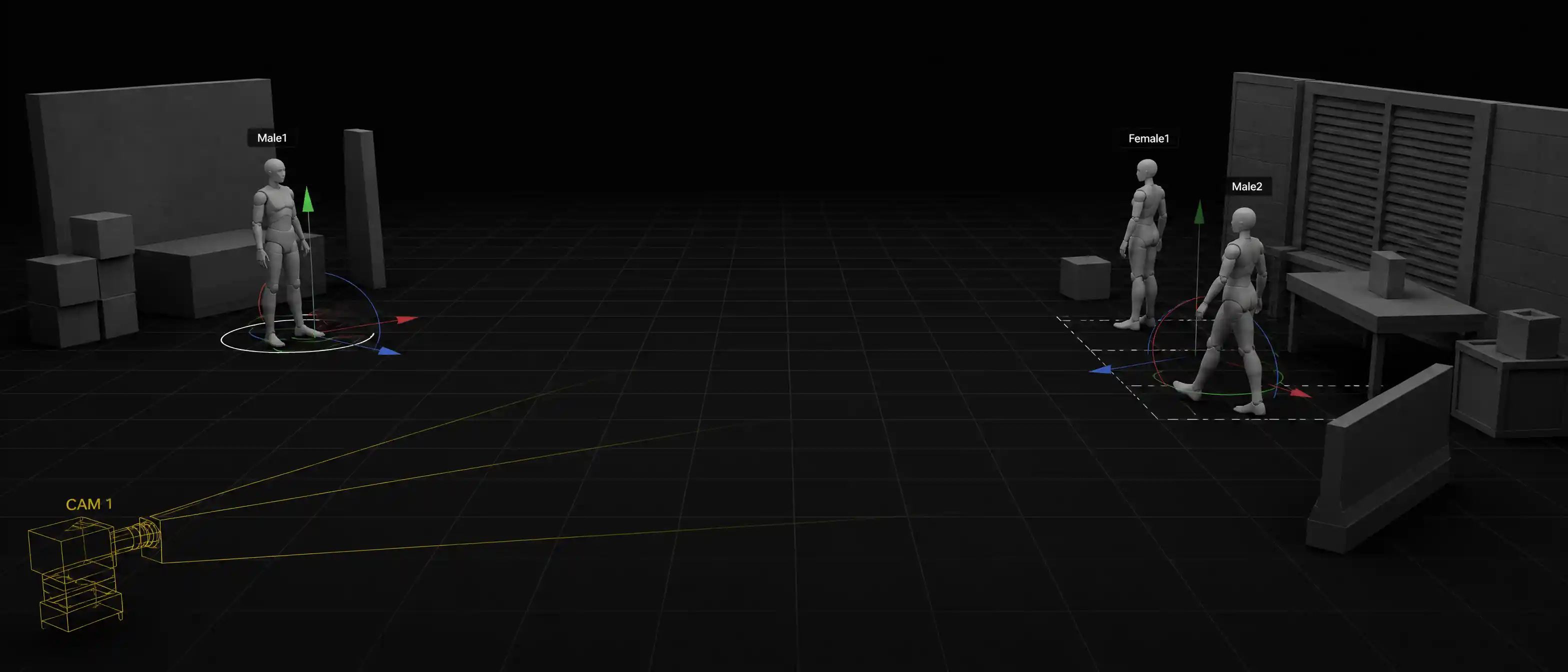
Topview 3D Shot Composer
Previz Software for Blocking and Rehearsing Camera Shots
A previs loop built for camera work. Place virtual cameras in a 3D scene, rehearse each move, then take that plan on set.
Meet Topview 3D Shot Composer
Topview 3D Shot Composer is an AI scene builder and camera control tool for video. Stage characters and props in 3D, move a virtual camera, and generate consistent AI video shots from multiple angles — before you spend credits on another prompt lottery.
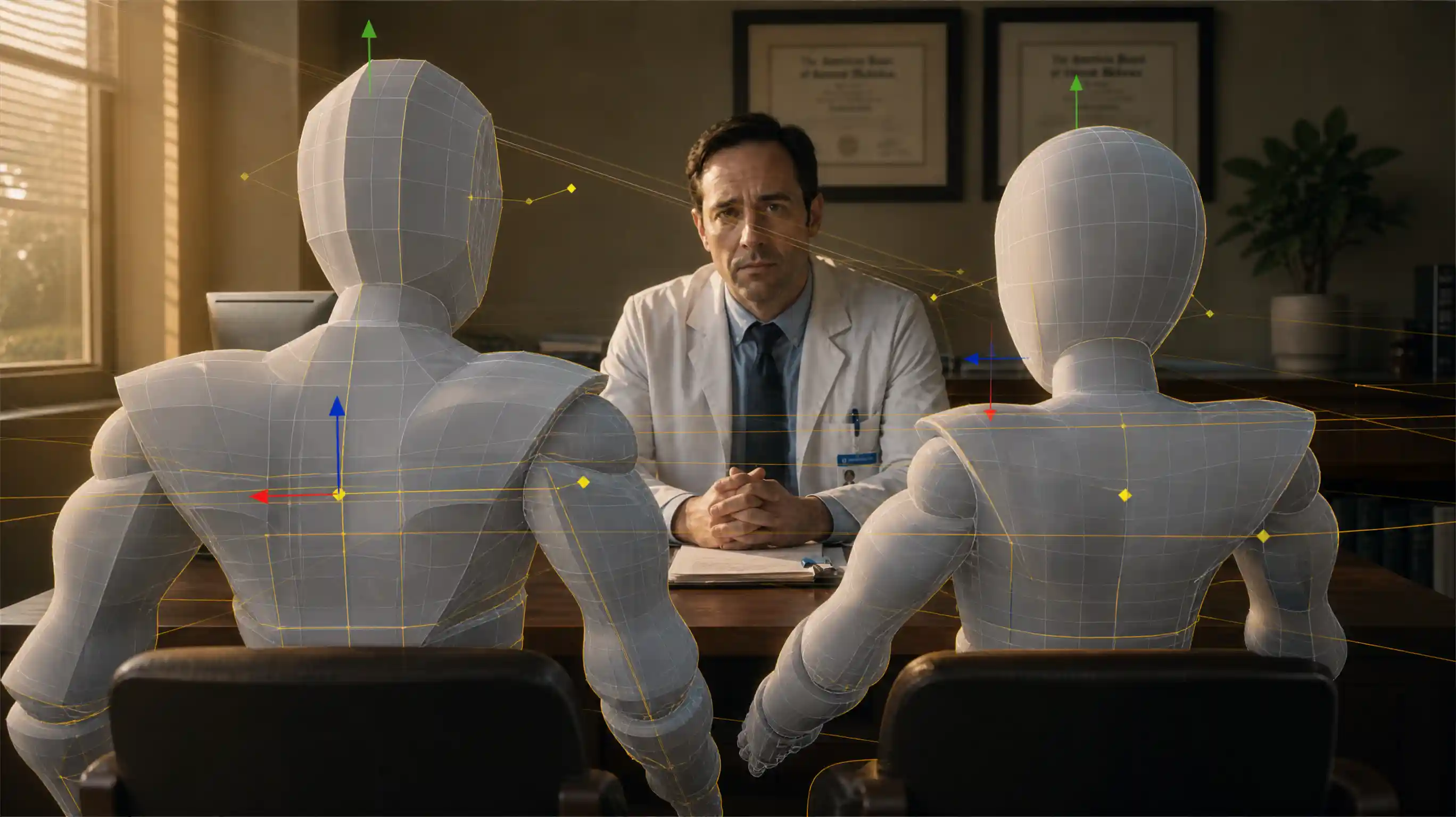
AI scene builder
AI Scene Builder for Video Generation
Build the scene before you generate. Place characters and props in a simple 3D space, then decide the shot. This is not traditional 3D modeling software — it is a lightweight scene builder made for AI video.
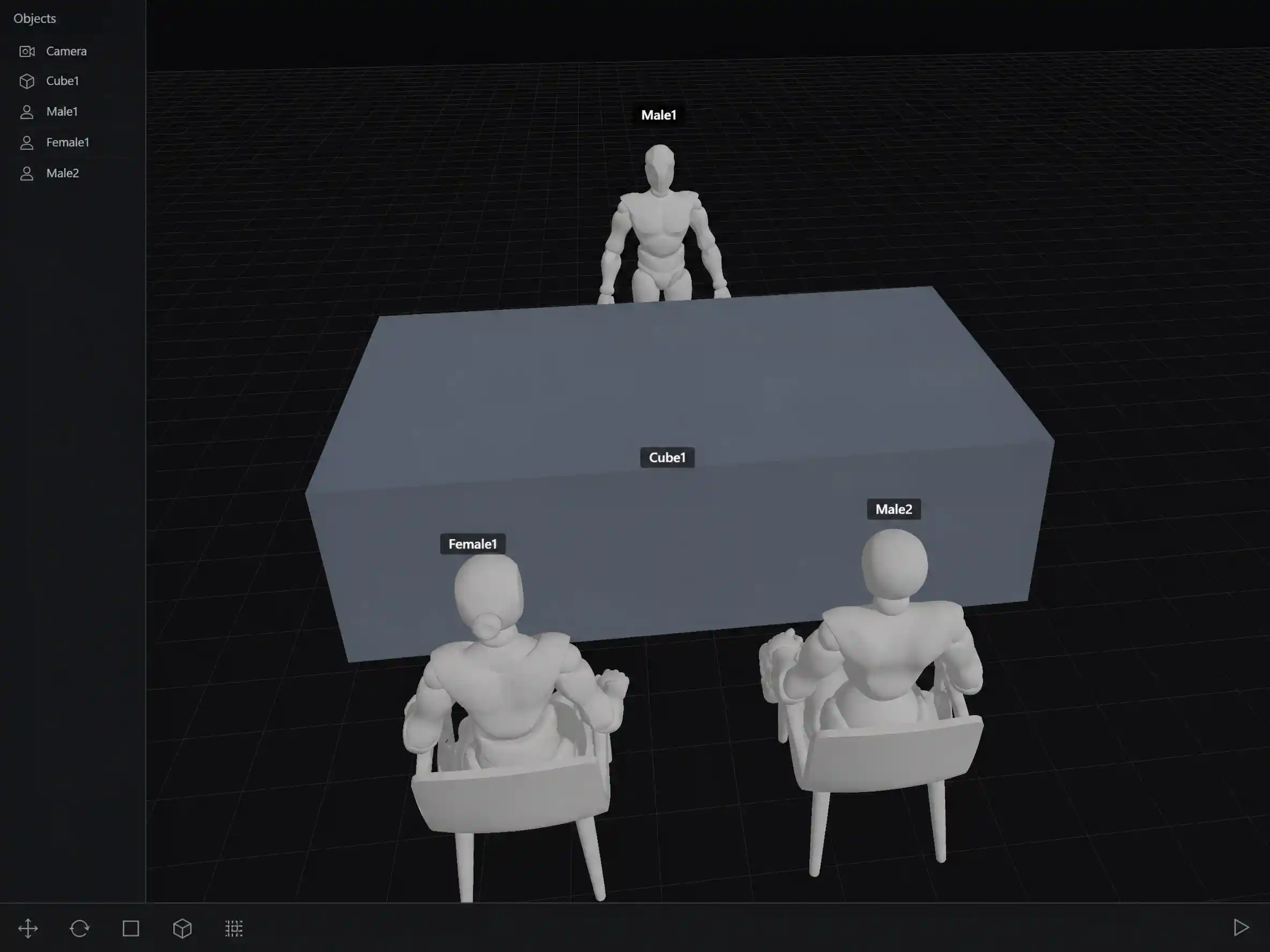
Stage Characters & Props
Add people and objects to a 3D scene and put them where the story needs them — left, right, near, far — before any generation starts.
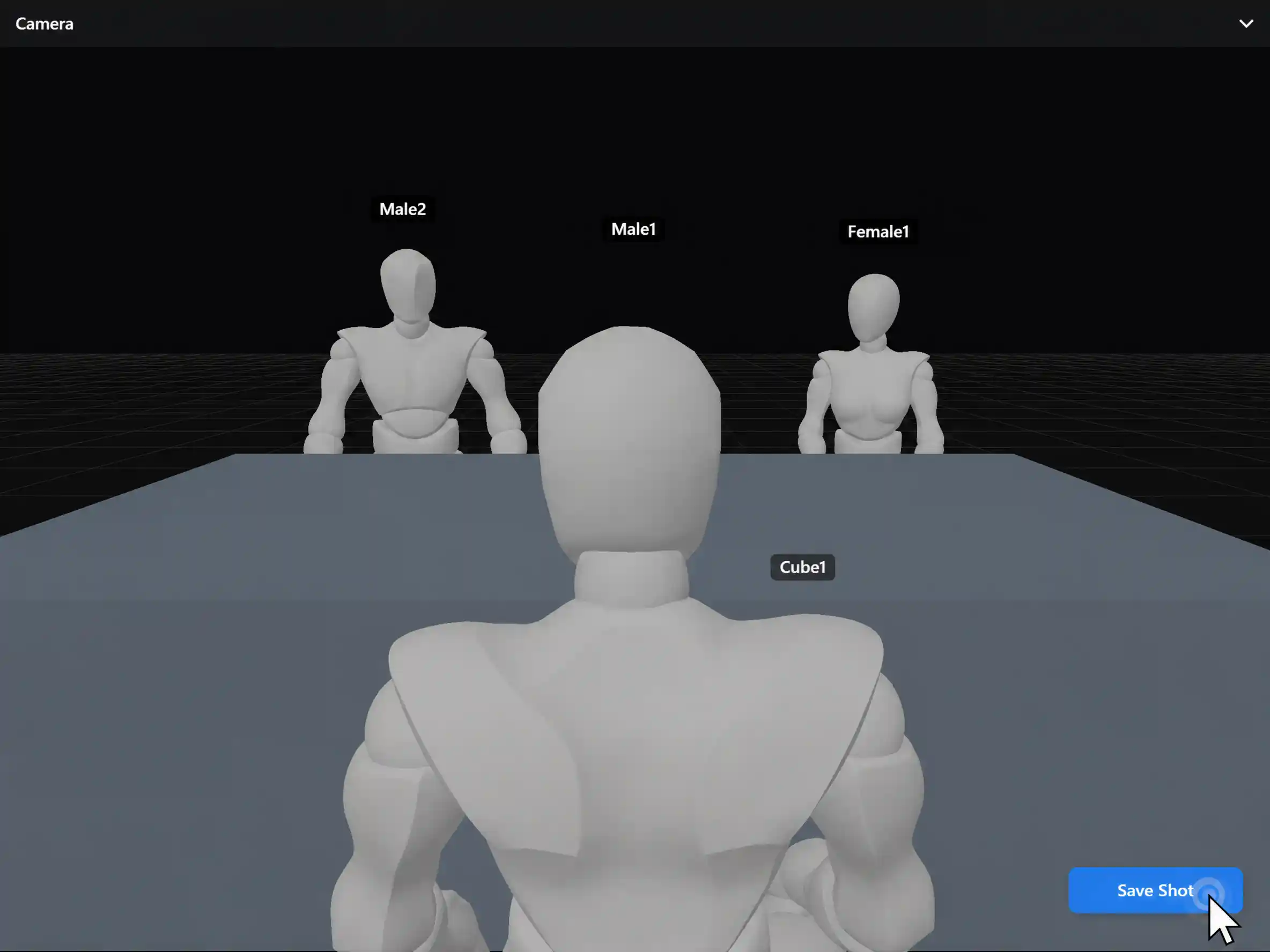
Preview the Frame
See what the virtual camera will capture. Adjust placement until the composition matches the shot you want to generate.
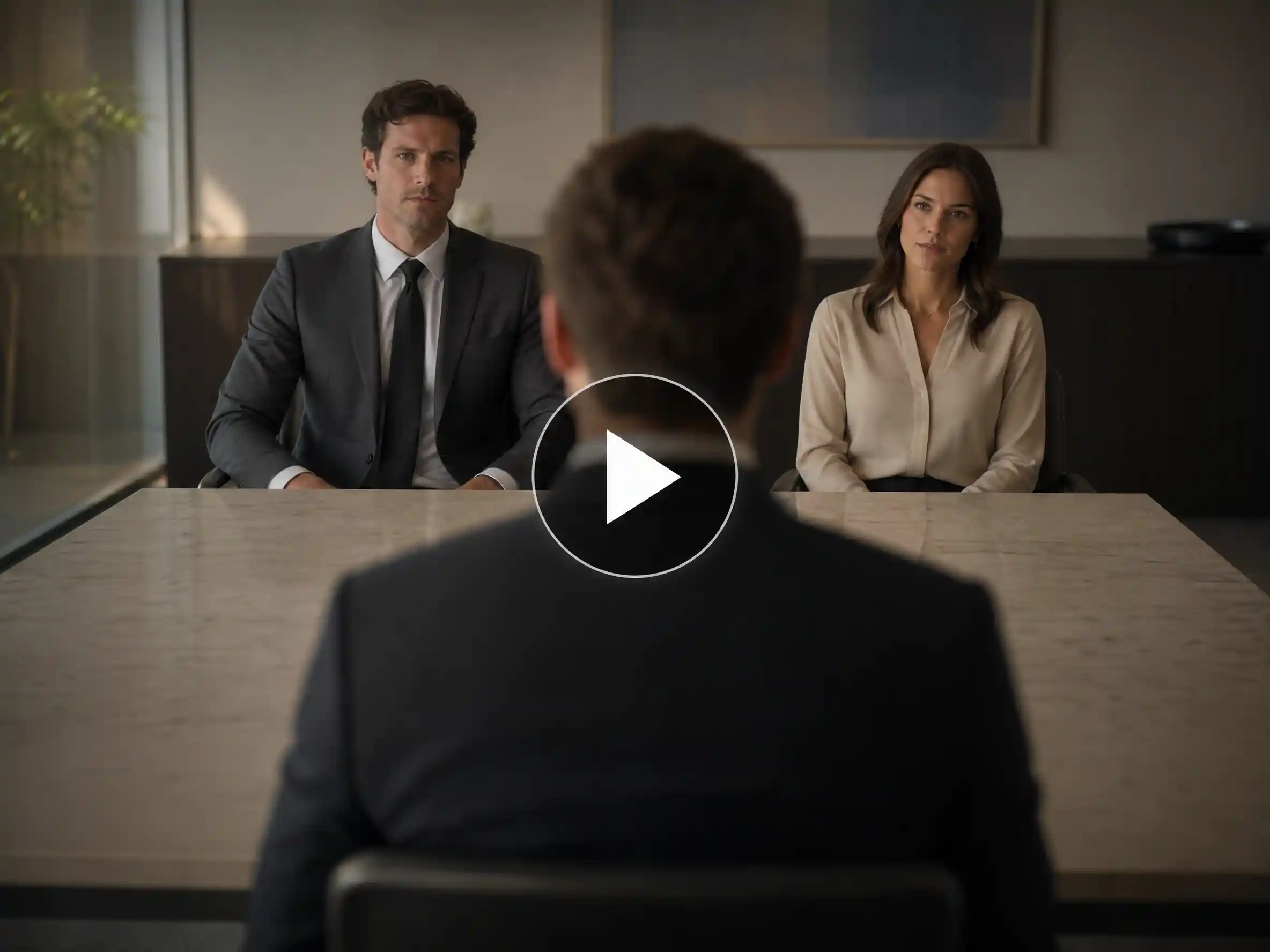
Made for AI Video, Not CAD
You do not need meshes, materials, or a DCC pipeline. Stage the layout quickly, then hand it to AI image or video generation.
Camera control AI
Change Camera Angles Before Generating AI Video
Use camera control AI to set height, distance, and framing first — high angle, low angle, close-up, wide, side, or over-the-shoulder — then generate with the lens already decided.
High & Low Angles
Move the virtual camera above or below eye level to change power, mood, and storytelling without rewriting prompts.
Wide, Medium & Close
Control shot size before generation so establishing shots and close-ups come from intent, not luck.
Side & Over-the-Shoulder
Plan dialogue coverage and reaction shots by rotating the camera around a fixed scene layout.
3D Camera Control for AI
Treat the camera as a movable object in space — the same idea as 3D camera control AI, built for creators instead of 3D artists.
One scene, many shots
Generate the Same Scene from Multiple Angles
Keep the layout. Move only the camera. Cut coverage from one stage instead of rebuilding the world in every prompt.
Reuse the layout
Wide, closer, then side — from one placed scene.
Change the lens, not the cast
No rewriting who stands left or right for each angle.
Faster shot lists
Build dialogue and ad coverage by moving camera position.
Same stage · wide, medium, and side coverage
Spatial continuity
Keep Character Positions Consistent Across Shots
Lock who stands where, how far apart they are, and where props sit — so multi-shot sequences stay coherent. Model outputs can still vary; this locks the spatial plan, not pixel identity.
Standing positions stay put
Place once; keep left/right and distance when the camera moves.
Props stay in their slots
Products and set pieces hold place across angles.
Fewer continuity rerolls
Less regenerating because someone jumped sides of frame.
Locked blocking · fewer continuity surprises
Scene blocking
3D Scene Blocking for AI Filmmaking
Scene blocking and film blocking mean planning where characters, props, and the camera stand before you shoot — or before you generate. 3D Shot Composer brings that previsualization step into AI video workflows.
See Your Shots Early
Block a camera in the 3D scene and watch the framing before anyone loads a truck. Catch a bad angle in minutes instead of discovering it on location.
Camera-First, Not Scene Dressing
Storyboard tools draw a still frame; animation suites dress the scene. This console stays on lens and movement, so the blocking talks camera language.
A Plan You Can Take On Set
Every camera position and move you rehearse is ready to hand to the crew. Walk on set to confirm the plan, not invent it on the day.
Clear product boundaries
Camera Angle Control vs. Motion Control
These tools solve different jobs. Use the right one so your workflow — and your SEO intent — stay clear.
| Focus | 3D Shot Composer | Motion Control |
|---|---|---|
| When it happens | Before generation — stage layout and framing | During / after motion setup — drive movement |
| What you control | Scene layout, virtual camera position, composition | Character action, motion reference, dynamic movement |
| Best for | Blocking, multi-angle coverage, spatial consistency | Matching or transferring motion performance |
| Typical question | Where should people and the camera be? | How should the subject move? |
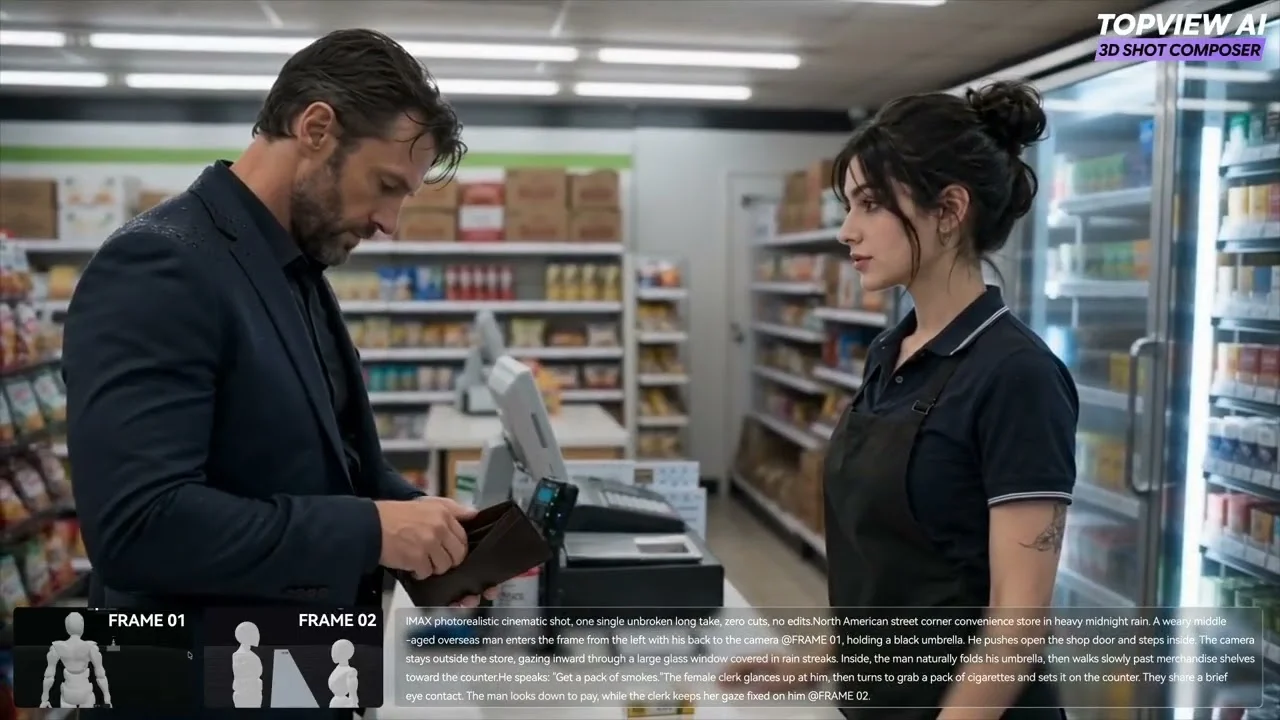
Watch on YouTube
See Topview 3D Shot Composer in Action
See how to stage characters and props in 3D, control virtual camera angles, and generate consistent multi-angle AI video shots.
How to use it
Plan Shots with Virtual Camera Software
Open a scene, place the virtual camera, then rehearse the take before you shoot or generate.
- 01
Open a Scene
Bring in the location or set you already have and switch to the camera view.
- 02
Place the Camera
Drop a virtual camera where the operator would stand, then set the angle and the path it will travel.
- 03
Rehearse the Take
Play the move back the way you will on set, and adjust until the framing holds.
Start with Previsualization Software
Place the camera, rehearse the take, and walk on set with a shot plan already locked. Try previz software that turns blocking into a plan you can shoot from.