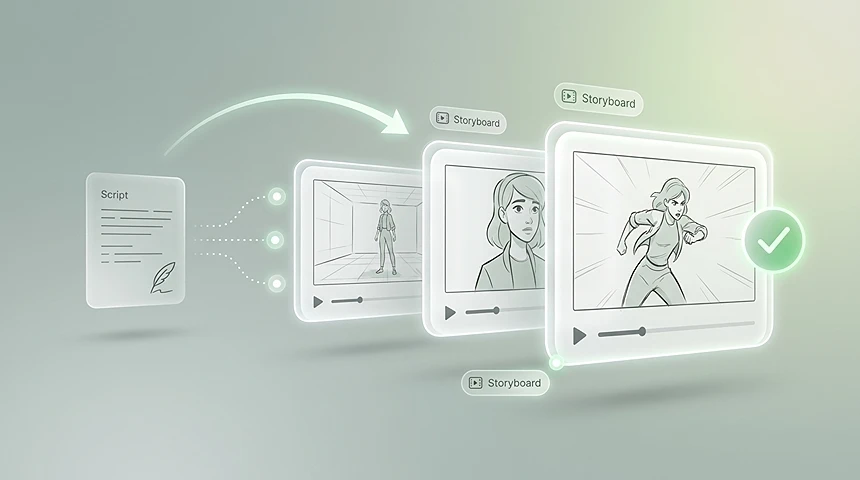
AI Storyboard from Script
Paste a scene, script section, or short video idea and turn it into visual storyboard frames for faster planning.
Paste a script or describe a rough idea and see the shots in minutes. Built for filmmakers, agencies, and content teams who plan before they shoot.
AI Storyboard
Your story
0/500Reference image
Aspect ratio
Paste a scene, script section, or short video idea and turn it into visual storyboard frames for faster planning.
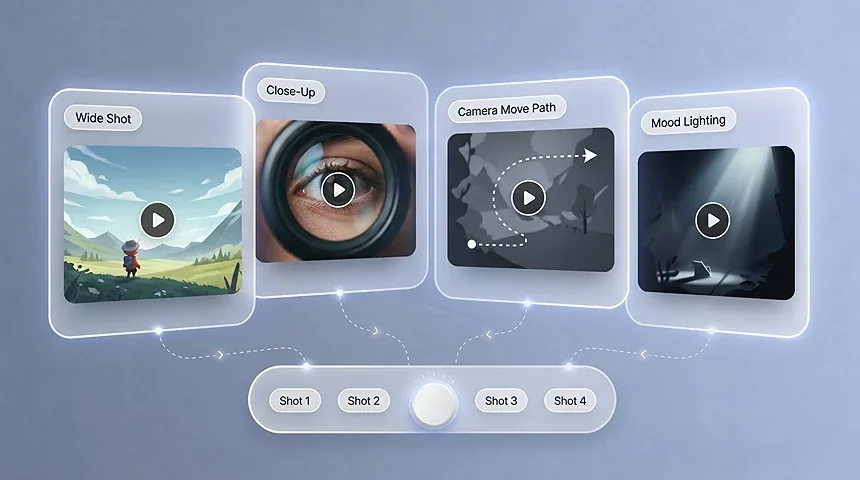
Explore shot types, camera movement, composition, mood, and scene continuity before production begins.
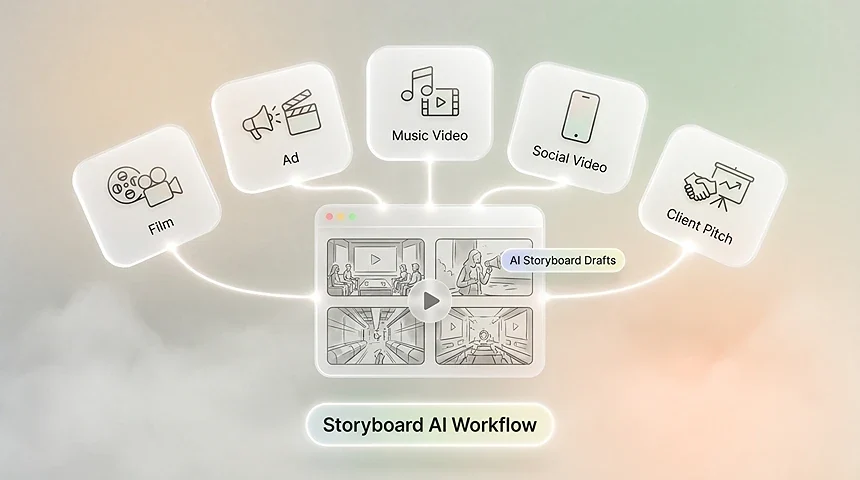
Create storyboard drafts in the browser and use them for films, ads, music videos, social videos, and client pitches.
USE CASES
Plan films, pitch creative ideas, map music videos, and turn raw text into a professional 3×3 visual blueprint before production starts.
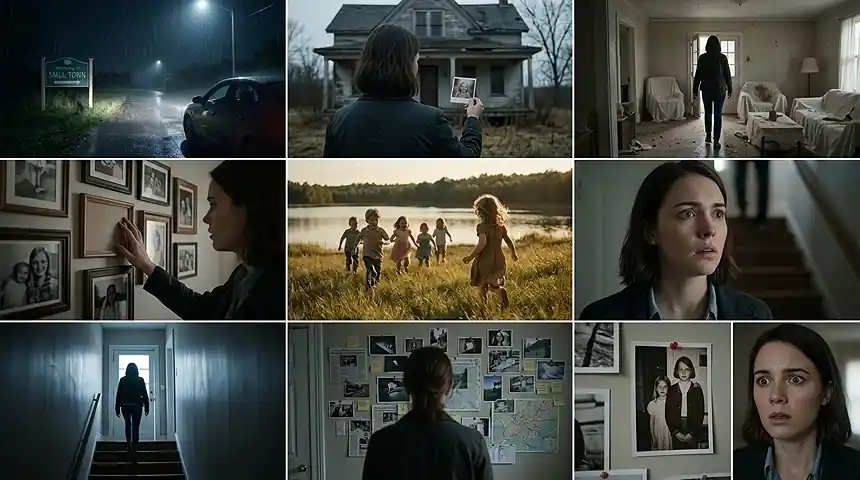
Commercials
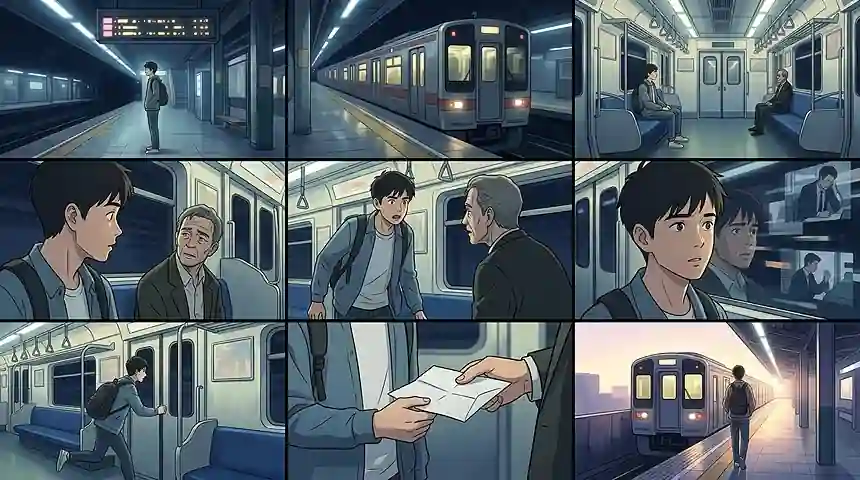
Paste the approved script and generate a storyboard for commercial spots in one pass. Walk into the client meeting with frames they can react to instead of paragraphs they have to imagine, and shorten the approval loop before any footage exists.
Narrative
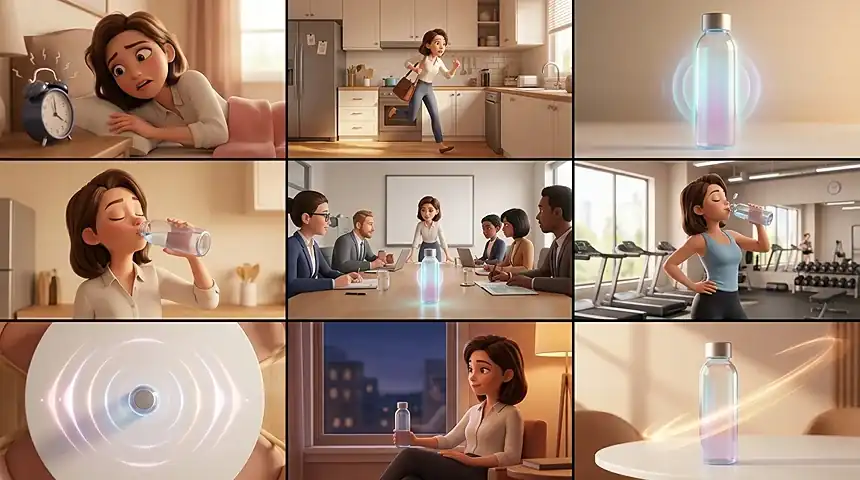
Turn a screenplay or a rough scene list into a visual sequence you can read like a mini movie. Lock the staging and pacing you want before you commit a crew, a location, or a shooting day to it.
Animation
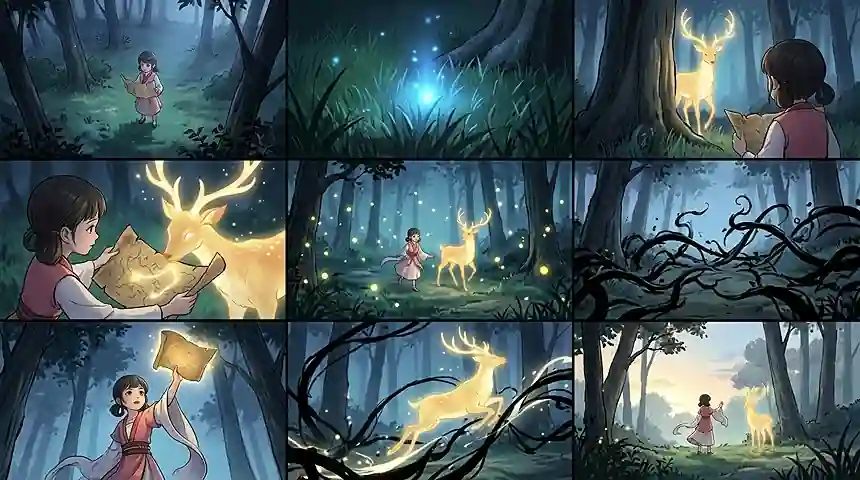
See how scenes flow, how characters move between frames, and where the cuts land before the animators start. A clear board keeps the art style and the shot flow consistent from the first pass.
Social
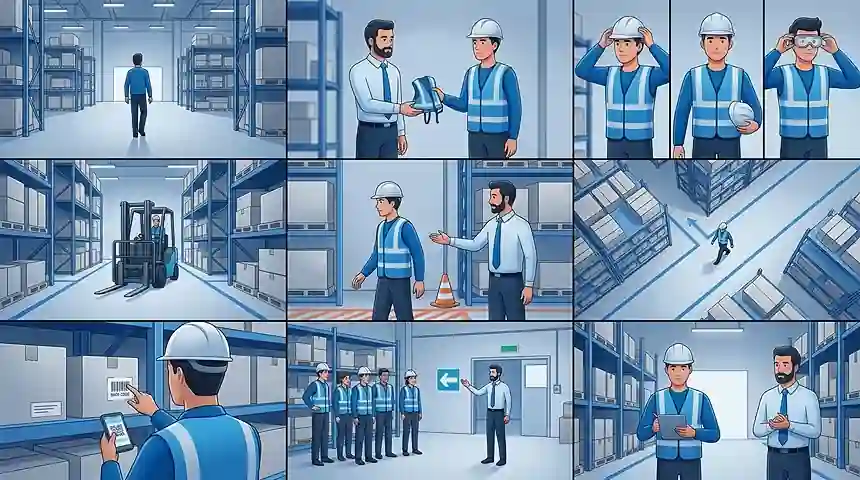
Map out short-form spots, product demos, and internal training videos so stakeholders approve the story, not just the script. When the board is clear, the shoot day runs on decisions that were already made.
Corporate
Outline explainer videos, company stories, internal training videos, product education, and presentation content. A storyboard helps business teams review the message, structure, and visual flow before production.
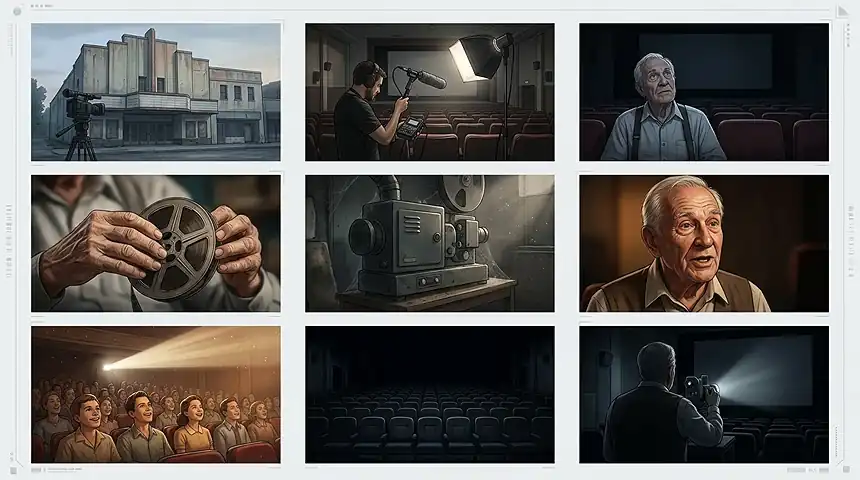
Documentary
Plan documentary openings, interview setups, reenactment scenes, b-roll ideas, and visual transitions. Use AI storyboard frames to organize the story arc before the edit or production day.
WHY CHOOSE THIS TOOL
Turn early ideas into a shared visual plan — explore shots, keep scenes cohesive, and align your team before production starts.
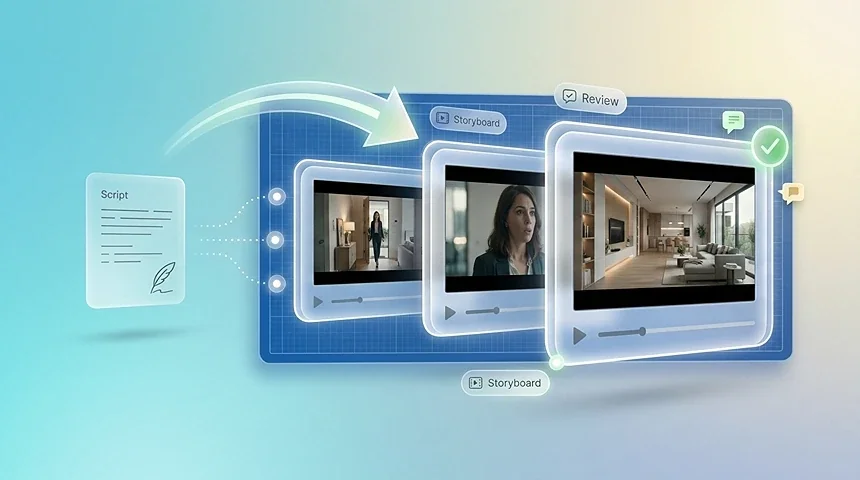
Visual Blueprint
Paste a script or describe a rough scene and the generator returns storyboard frames shot by shot. Each panel gives you a visual to review before you record.
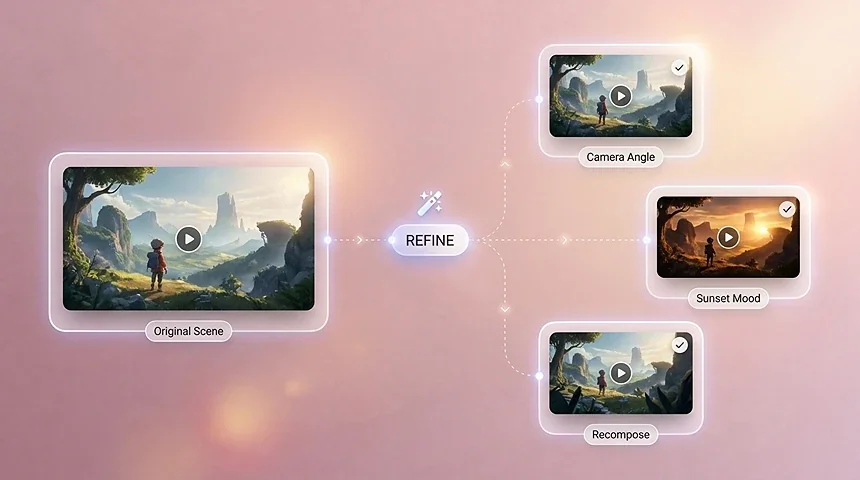
Fast Iteration
Describe the action in plain words and the AI turns it into a storyboard frame. You never open a drawing app or stare at an empty template.
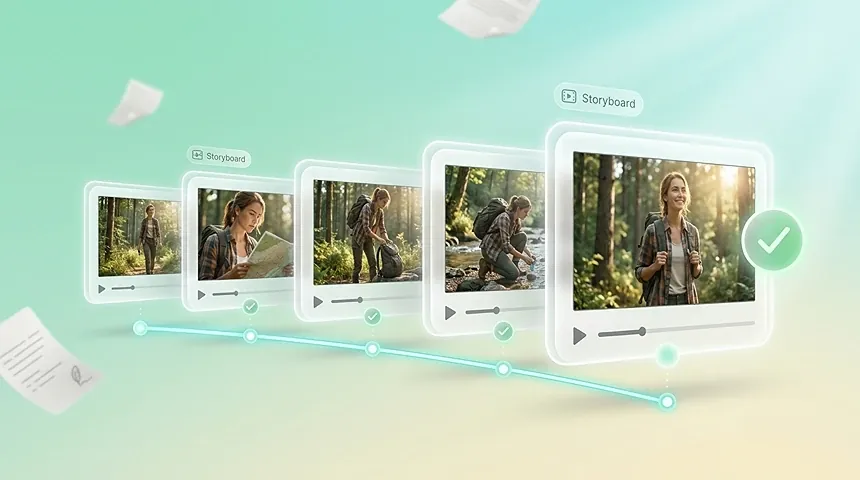
Visual Consistency
Walk into production knowing what each frame should look like. A visual storyboard keeps the crew aligned and cuts costly guesswork on set.
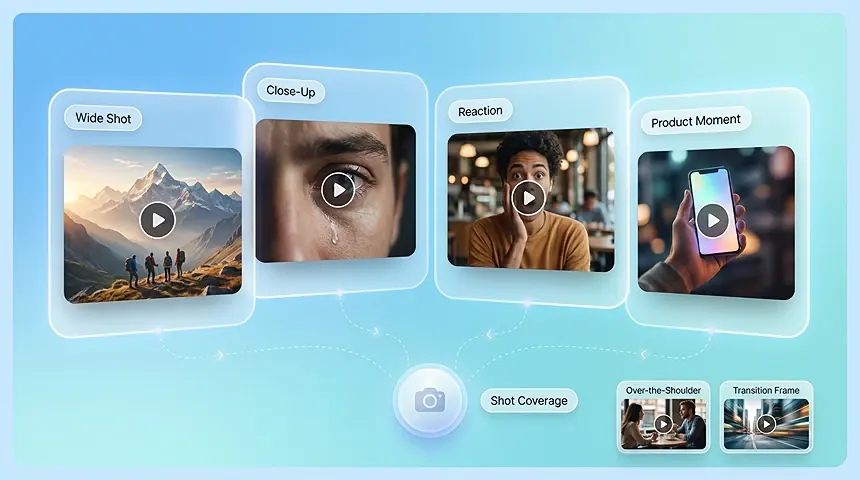
Shot Coverage
Plan close-ups, wide shots, establishing shots, reaction shots, product moments, and transition frames before committing to a production direction.
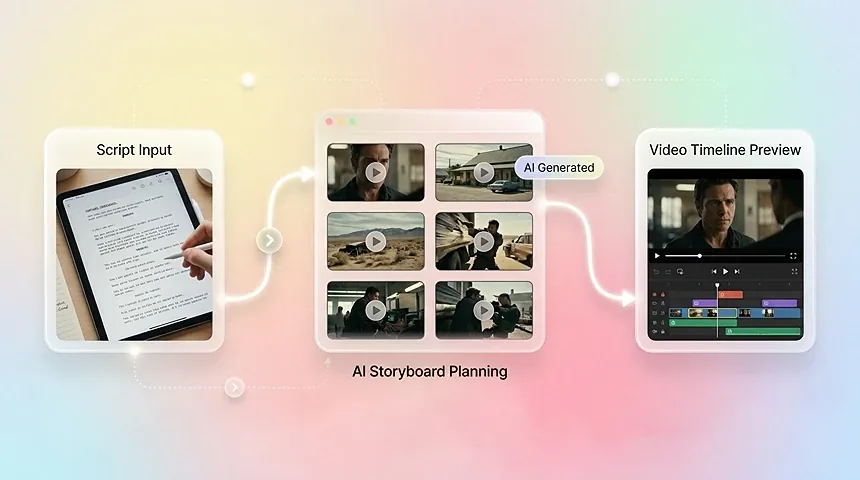
Video Pipeline
Use the board as a bridge between the script and the final video. Storyboard frames can guide AI video prompts, editing order, scene timing, and production feedback.
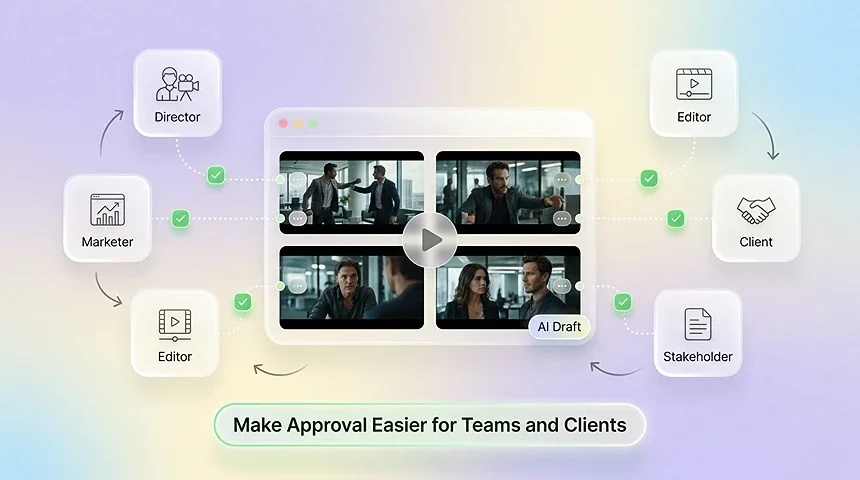
Team Alignment
Use storyboard drafts to align directors, marketers, editors, clients, and stakeholders before work moves into production. A shared visual plan makes feedback more concrete.
OVERVIEW
An ai storyboard generator is a tool that reads your script, treatment, or even a one-line idea and lays it out as a shot-by-shot storyboard. You no longer need to draw every frame or pay for a full pre-production pass to make your vision visible. The ai storyboard generator breaks the material into scenes, suggests framing and camera notes, and returns a board you can edit frame by frame before production starts. It is built for the people who used to wait on a storyboard artist: directors, ad teams, animation studios, and creators who need everyone aligned on what will actually be shot.
WHO IT'S FOR
From solo creators to full production teams — anyone who needs to plan shots and align on a visual direction before the camera rolls.
Pre-visualize scenes and lock in shot flow before production, turning a script into a clear visual plan without hiring a storyboard artist.
Map the hook, product moment, and call to action for commercials and brand videos, then share storyboard drafts for fast client sign-off.
Match visual beats to rhythm and mood, and explore multiple creative treatments quickly before shooting or editing.
Learn and teach shot composition, camera angles, and narrative pacing with a hands-on way to visualize ideas frame by frame.
Plan cinematic short-form videos for TikTok, YouTube Shorts, and Reels — from the opening shot to the closing frame.
Standardize pre-production across projects and generate consistent storyboard drafts at scale to keep teams aligned.
WORKFLOW
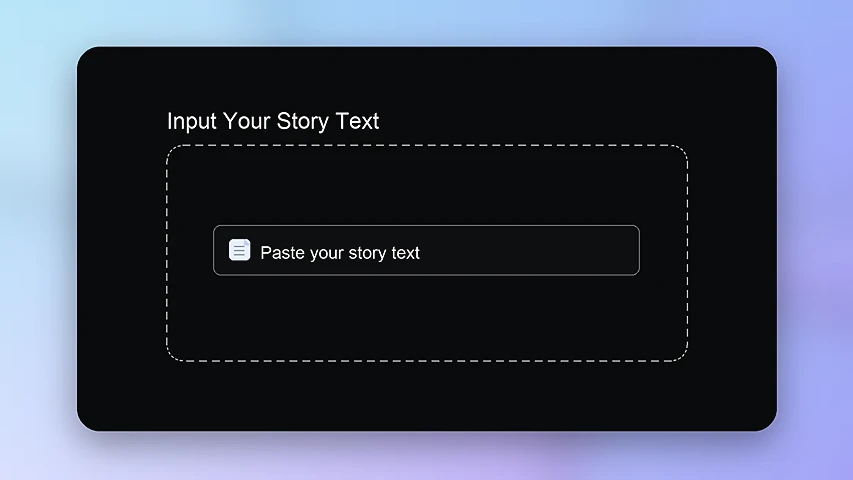
Type your screenplay, treatment, or a rough paragraph into the editor. If you can describe the scene, you can start.
The generator breaks the story into shots and returns a storyboard panel for each one, in order. Read through the scenes and check each frame before you move on.
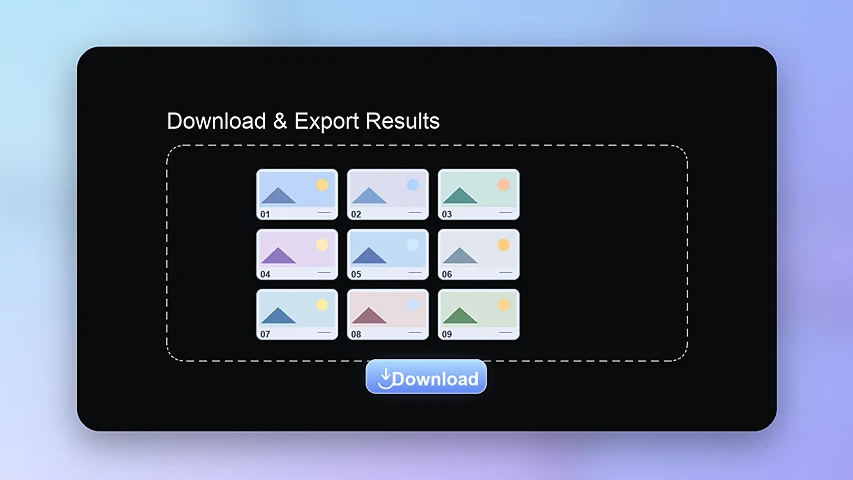
Download the frames or share the board link with your team and clients. Everyone reviews the same visual plan before production starts.
Discover more powerful AI tools to enhance your content creation.
FROM SCRIPT TO VISUAL PLAN
Paste a script or a rough idea into the AI storyboard generator and get a visual board you can edit and share in minutes. Try it free on your next project.
Try Free