Text, image, or video in
Start from a prompt, one reference image, or one short video. Combine text with either media type — image and video stay mutually exclusive.
3D World · Powered by Marble
Turn text, an image, or a short video into an explorable 3D world. Walk through the scene in full screen, frame any view, and send snapshots back to Canvas for your next image or video.
01 Before
Image → 3D World
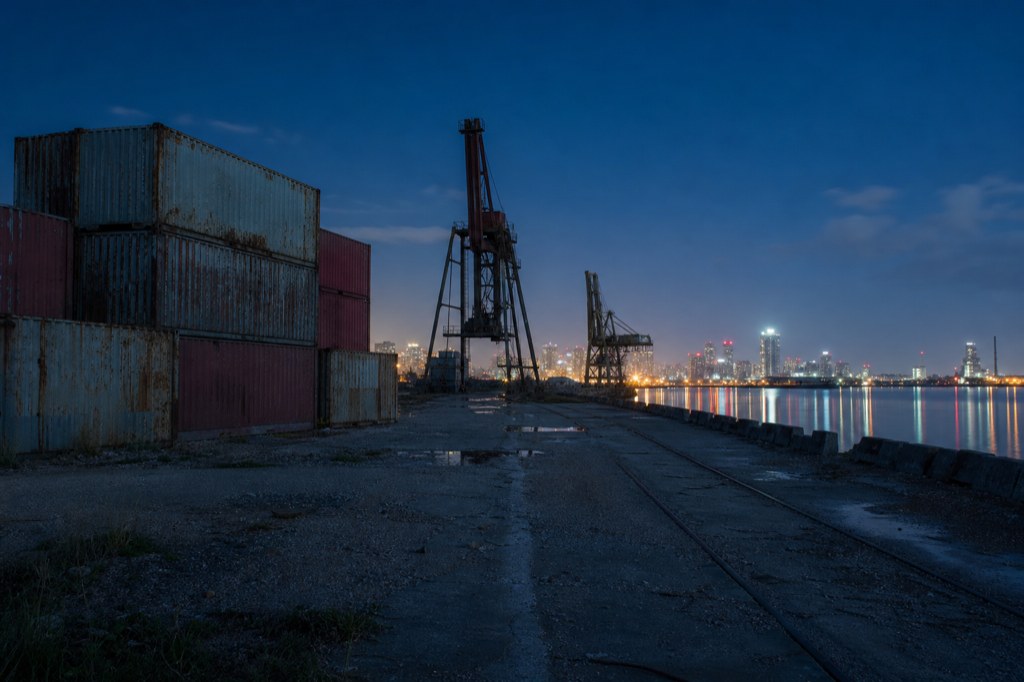
02 After
Marble 1.1 Plus
Optional: add one image or one video (up to 30s). Image and video cannot be used together.
An AI 3D world generator creates a navigable three-dimensional scene from text, an image, or a short video. On Topview, the output is a Gaussian Splat (SPZ) world you can enter in full screen, move through with keyboard and mouse, and capture into Canvas — not a downloadable mesh file for printing or game engines.
Built for creators who need explorable scenes that feed the rest of their image and video workflow.
Start from a prompt, one reference image, or one short video. Combine text with either media type — image and video stay mutually exclusive.
Results open as immersive SPZ scenes you can walk through, not flat skyboxes or static previews.
Capture any viewpoint in ratios from 9:16 to 21:9 and drop a new image node next to your 3D World card for downstream creation.
Choose Marble 1.1 for a standard world or Marble 1.1 Plus for a Larger World. Credits are shown before you generate.
Match the input to the scene you already have.
Describe location, architecture, lighting, and mood. Best when you are inventing a space from scratch.
See moreUse one photo or concept still as visual reference. Panoramas (≥2:1) can stand alone as the sole media input.
See moreUpload one short clip (MP4 / MOV / WebM, up to 30s and 100MB) to guide structure and motion cues.
See moreThree input paths. One Canvas workflow.
01
From the Creation sidebar or right-click menu, open the 3D World dock on your Infinite Canvas.
02
Describe the scene, upload one image, or upload one video up to 30 seconds. Pick Marble 1.1 or Marble 1.1 Plus, then generate.
03
When the card succeeds, enter full-screen exploration, move with WASD and mouse look, then screenshot the framing you want back onto the canvas.
A Gaussian Splat represents a scene as millions of tiny ellipsoids instead of a traditional polygon mesh. That makes free camera movement and view capture feel natural. Topview uses this format so you can explore the generated world and pull stills into your Canvas pipeline — it is not the same as an image-to-3D-model tool that exports GLB or STL.
Block out locations for storyboards, ads, and film-style sequences before committing to final plates.
See moreBuild branded rooms or outdoor sets, then capture hero angles for image and video campaigns.
See moreWalk the space, lock FOV and aspect ratio, and send screenshots into image or video generation next.
See moreAnswers about AI 3D world generation, Gaussian Splats, inputs, exports, and Topview Canvas.
Open Topview Canvas, describe a scene or drop in one reference, and explore the result in full screen.
Works with text, one image, or one short video · Marble models inside Canvas