No capture hardware required
Skip multi-view photo walks and LiDAR sessions. Start from text, one reference image, or one short video clip.
Gaussian Splat · Generate, don't capture
Create explorable 3D Gaussian Splat scenes from a prompt, one image, or a short video—no LiDAR scan or multi-view capture required. Walk the result in Topview Canvas and send screenshots back to your image and video pipeline.
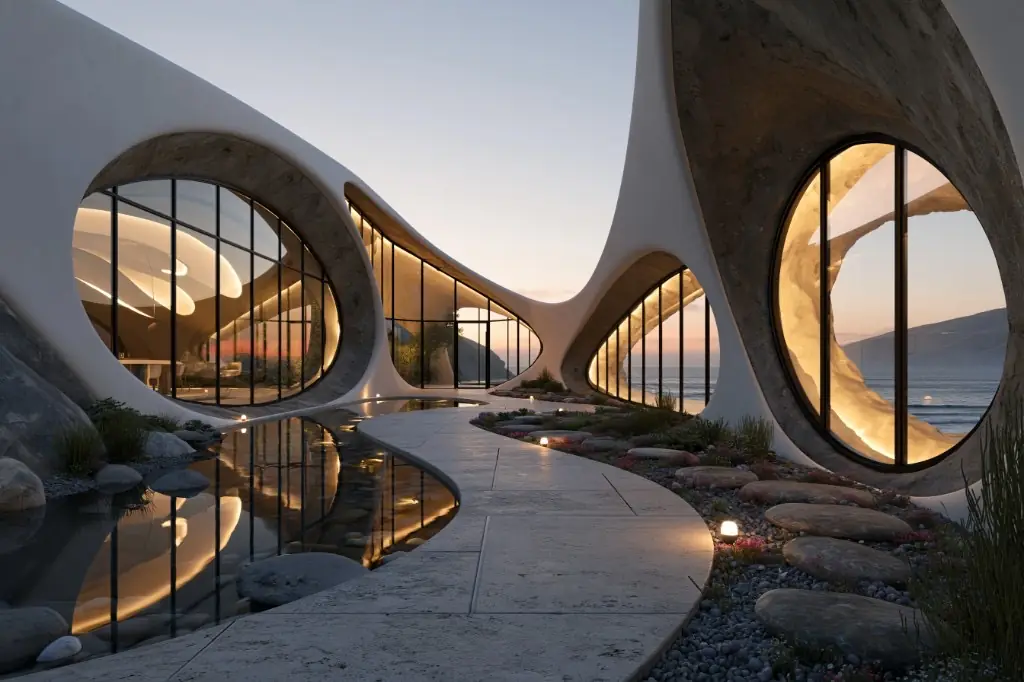
01 Before
Image → Gaussian Splat
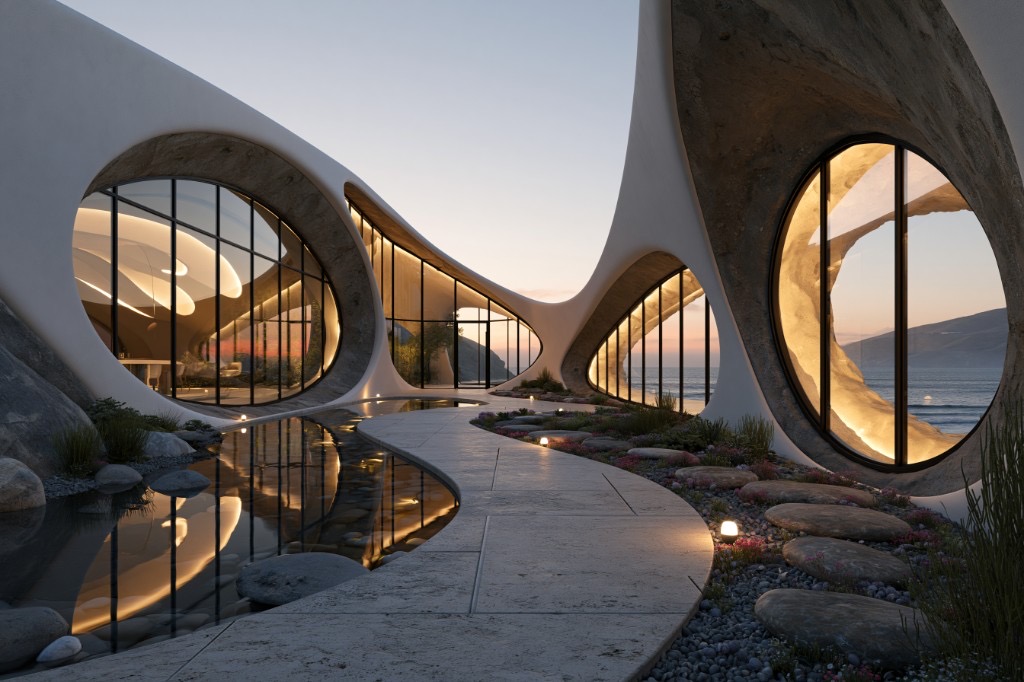
02 After
Marble 1.1 Plus
Optional: add one image or one video (up to 30s). Image and video cannot be used together.
3D Gaussian Splatting represents a scene as many oriented ellipsoids instead of a traditional polygon mesh. That makes free camera movement through the space feel natural. On Topview, splats are generated from AI inputs rather than from scanning a real location, so you can concept environments without a capture-first workflow.
Built for creators who need navigable scenes inside a Canvas workflow, not a photogrammetry export pipeline.
Skip multi-view photo walks and LiDAR sessions. Start from text, one reference image, or one short video clip.
Move through the splat in three dimensions with keyboard and mouse, then frame the shot you want.
Capture viewpoints in common aspect ratios and drop new image nodes beside your 3D World card for downstream creation.
Gaussian Splat worlds on Topview use Marble models inside Canvas—one workflow for concepting and capture.
From prompt to explorable splat in Canvas.
01
From the Creation sidebar, open the 3D World dock on your Infinite Canvas.
02
Write a prompt and optionally add one image or one video. Choose Marble 1.1 or Marble 1.1 Plus, review credits, then generate.
03
Open full-screen exploration, move through the Gaussian Splat world, and screenshot the framing you need back onto the canvas.
Both produce splats—Topview focuses on generation and Canvas integration.
Answers about Gaussian Splat generation, capture vs AI workflows, and Topview Canvas.
Open Topview Canvas, describe a space or add one reference, and explore the Gaussian Splat result in full screen.
Text, image, or short video · Explore and capture in Canvas