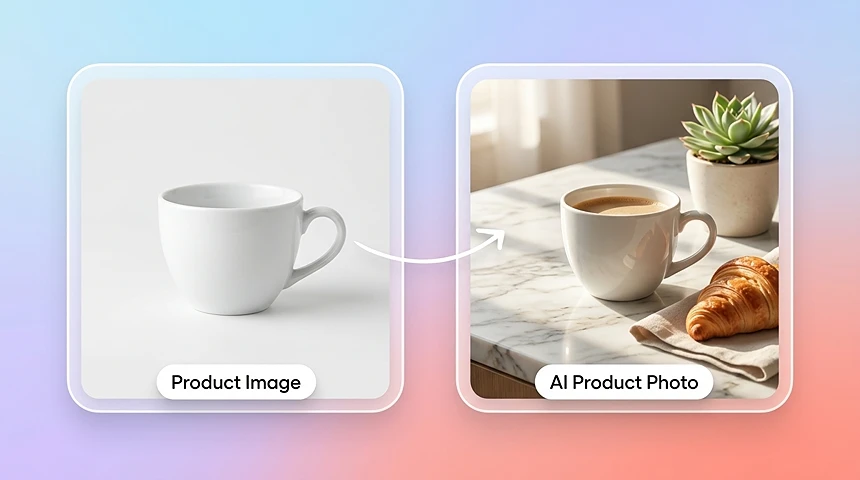
AI Product Photo Generator from One Image
Start with one source product image and generate polished variations for ecommerce listings, lifestyle scenes, paid social, and creative testing.
Turn one product image into clean packshots, lifestyle scenes, and ad-ready creatives with an AI product photography generator. Create ecommerce visuals without a studio or reshoot.
AI Product Photography
Add your product image
Background
Upload background image
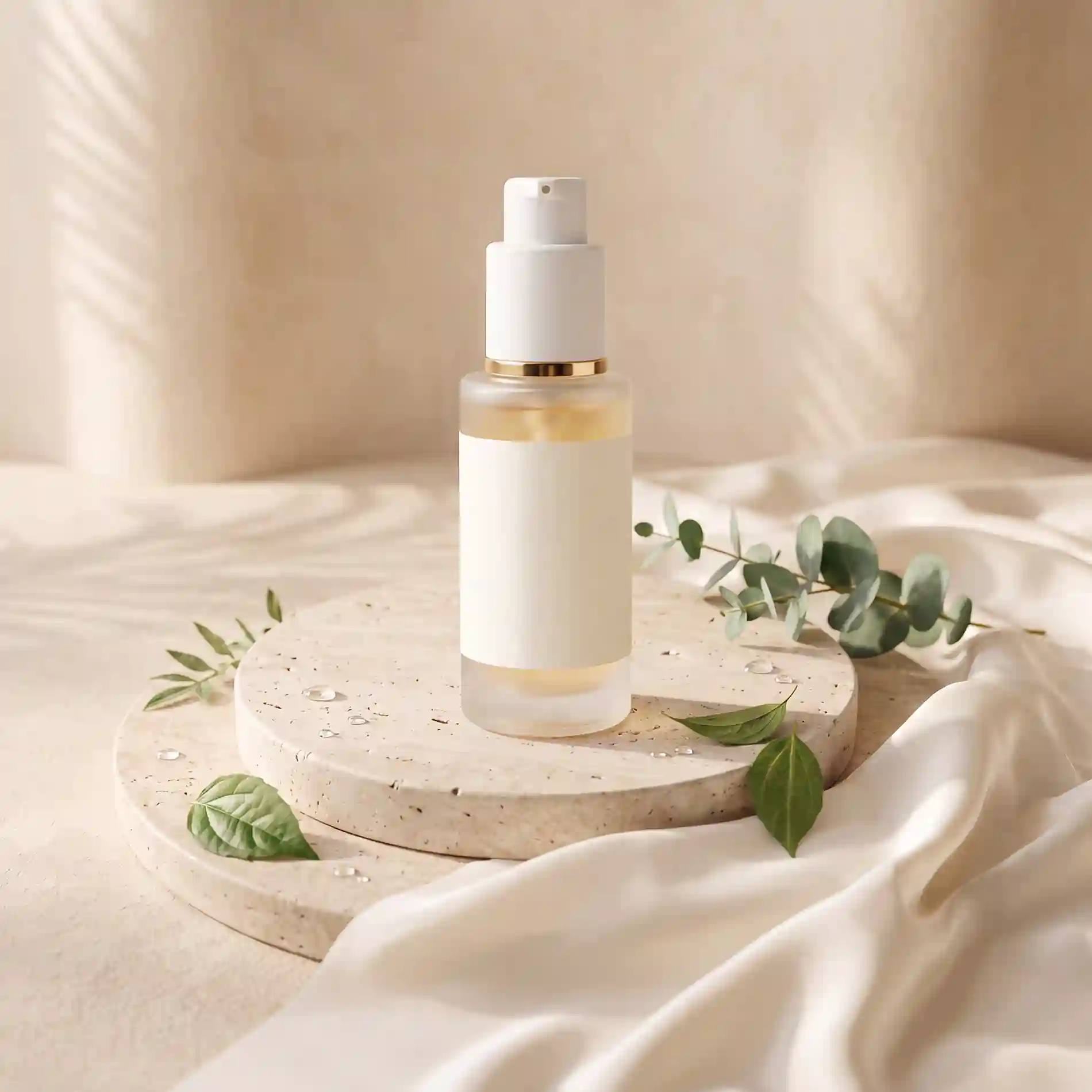
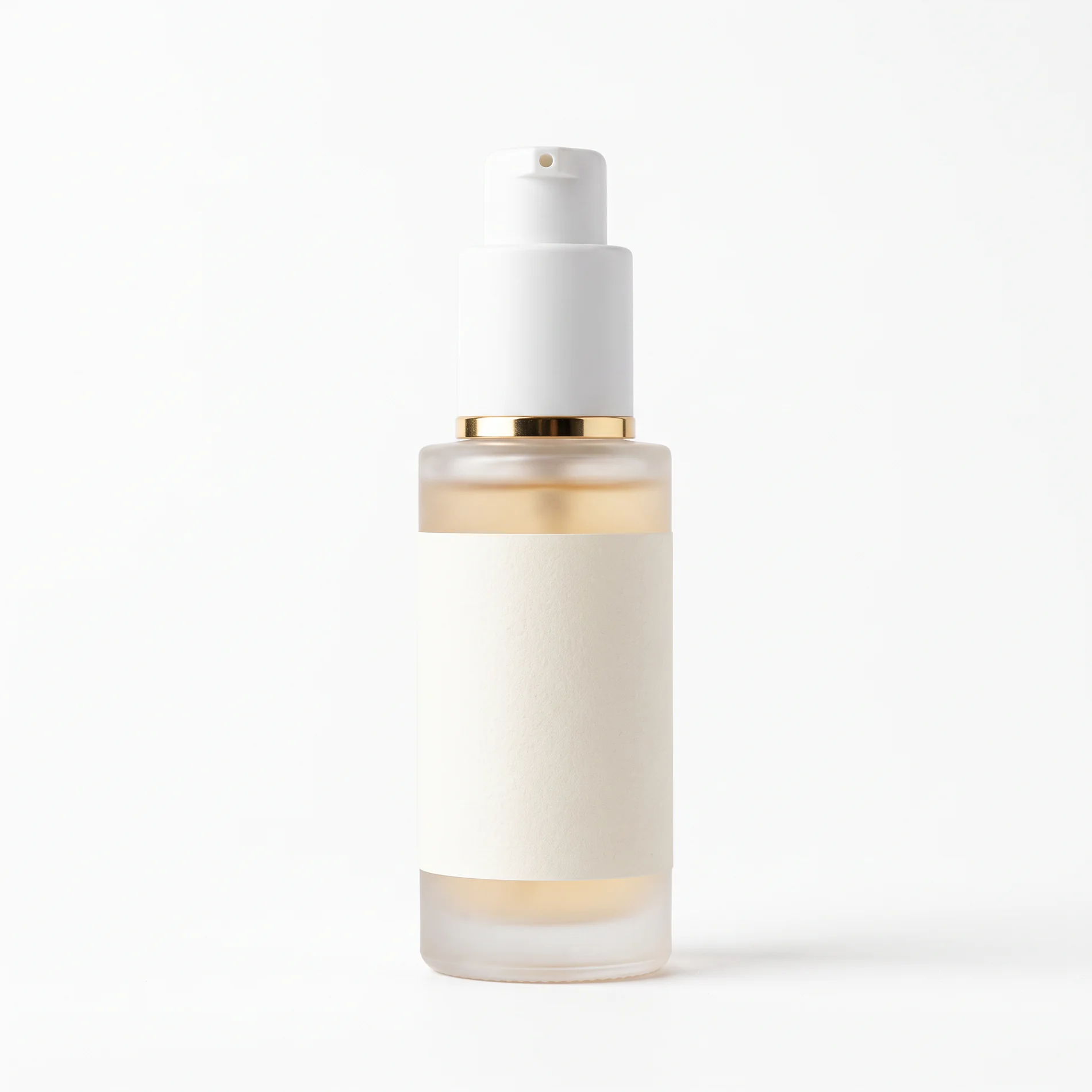
FROM ONE IMAGE
Use an AI product photo generator to turn one source image into clean product photos, lifestyle scenes, and campaign-ready variations. Keep the product's key details while changing the background, composition, and creative direction.
Start with one source product image and generate polished variations for ecommerce listings, lifestyle scenes, paid social, and creative testing.
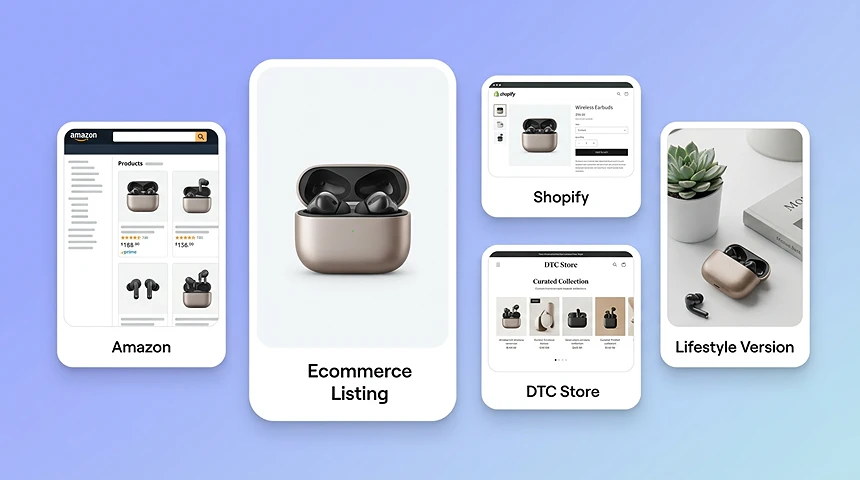
Create ecommerce product photos for product detail pages, marketplaces, and online stores. Generate clean main images, alternate lifestyle scenes, and consistent visuals for Amazon, Shopify, eBay, Etsy, and DTC storefronts.
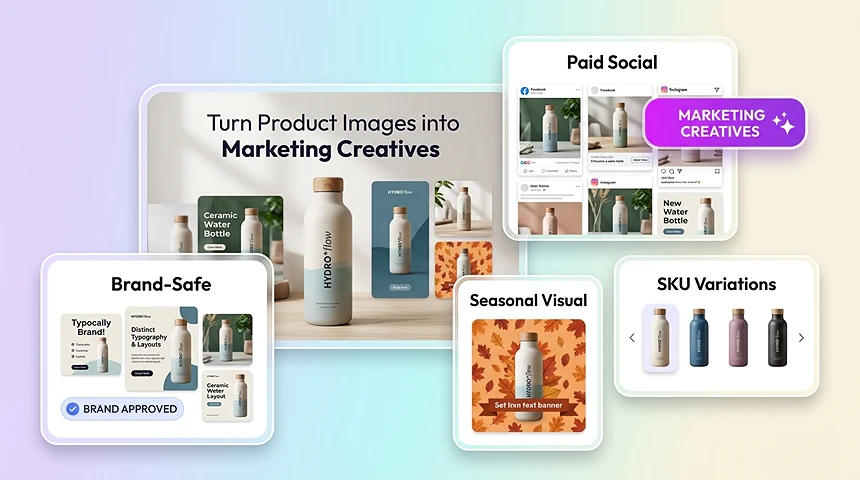
Use AI product photography to create lifestyle ads, seasonal visuals, paid social assets, and platform-specific marketing creatives from the same source product photo.
OVERVIEW
An AI product photography generator creates new product visuals from an existing product image. It can help with background removal, scene composition, lighting adjustments, and image enhancement for ecommerce listings, ads, and marketing campaigns.
Instead of running a full studio shoot or editing every image manually in Photoshop, teams can upload a source photo and quickly generate polished assets for catalog pages, marketplaces, paid ads, and social campaigns.
STUDIO VS AI
Studio-first workflows create delays, higher production costs, and inconsistent output. AI product photography gives teams a faster way to produce campaign-ready visuals from the assets they already have.
KEY HIGHLIGHTS
Isolate products cleanly, correct lighting automatically, and place items into branded scenes without rebuilding every image.
AI isolates the product cleanly, even on difficult edges like transparent packaging, reflective surfaces, or textured materials.
Adjust brightness, contrast, and tone automatically so products appear clearer, more realistic, and more premium.
Place products into branded scenes or campaign layouts without rebuilding every image manually.
Sharpen textures and improve clarity so important product details stay visible across channels.
WORKFLOW
Add a product image from your device or existing assets and start with the shot you already have.
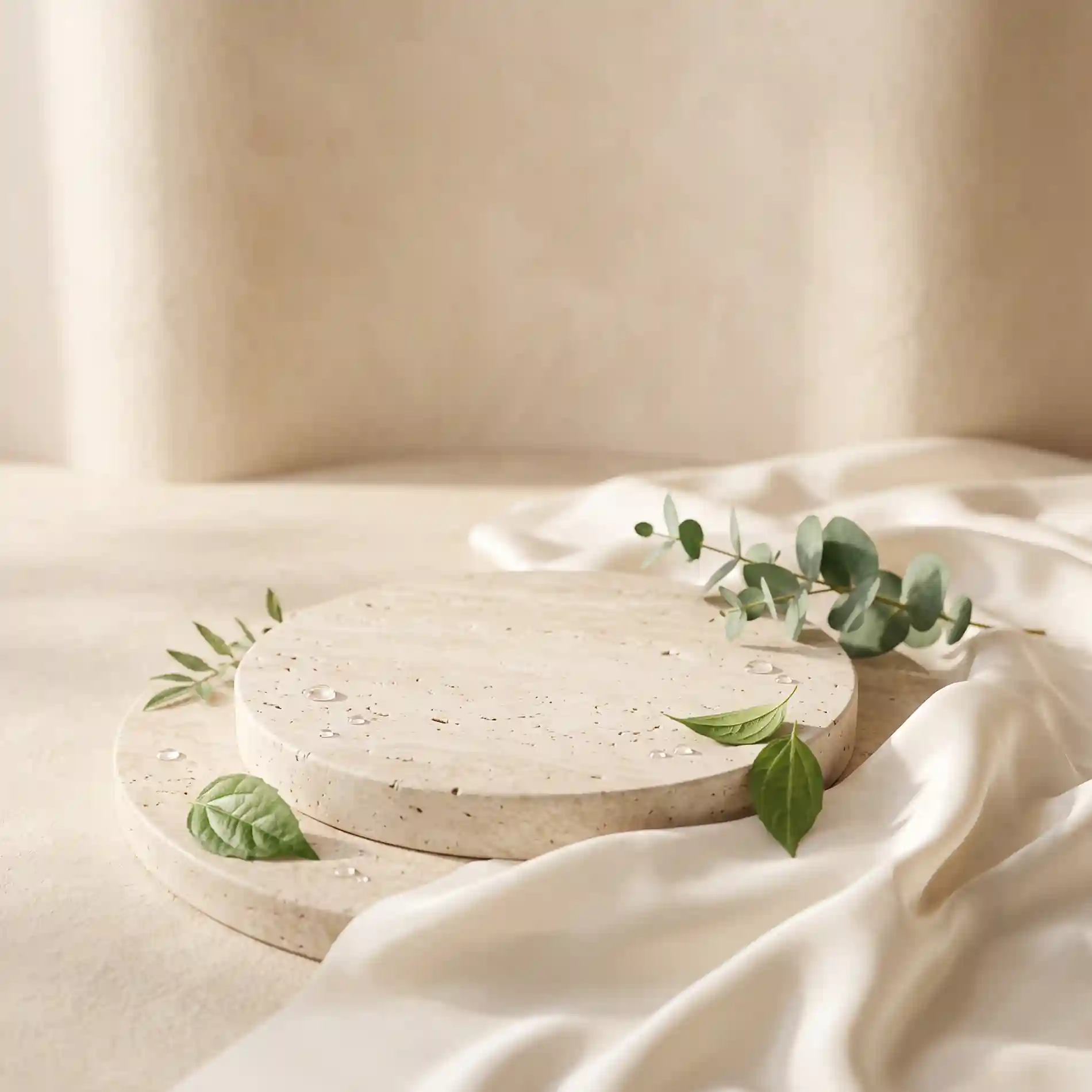
Select a curated template, upload a custom background, or describe the scene you want AI to create.
Produce product photos for ecommerce listings, ad creatives, and social content, then export the final result.
ECOMMERCE WORKFLOWS
Use AI product photography across the teams and channels that need polished visuals every day.
Create cleaner hero images and alternate scenes for PDPs, marketplaces, and storefront updates.
Generate fast campaign variations for seasonal offers, promotions, and creative testing.
Update backgrounds and visual systems across large product collections without reshooting everything.
Prepare premium product visuals quickly when launching new SKUs, bundles, or landing pages.
Produce more client-ready concepts in less time while keeping output quality predictable.
Reuse the same source product photo to create assets for email, social, ads, and web.
Discover more powerful AI tools to enhance your content creation.
NO STUDIO. NO RESHOOTS.
Generate ecommerce listings, paid ads, and lifestyle creatives from a single product shot—right in your browser.
Open Product Photo Generator