01
Direct the Emotion
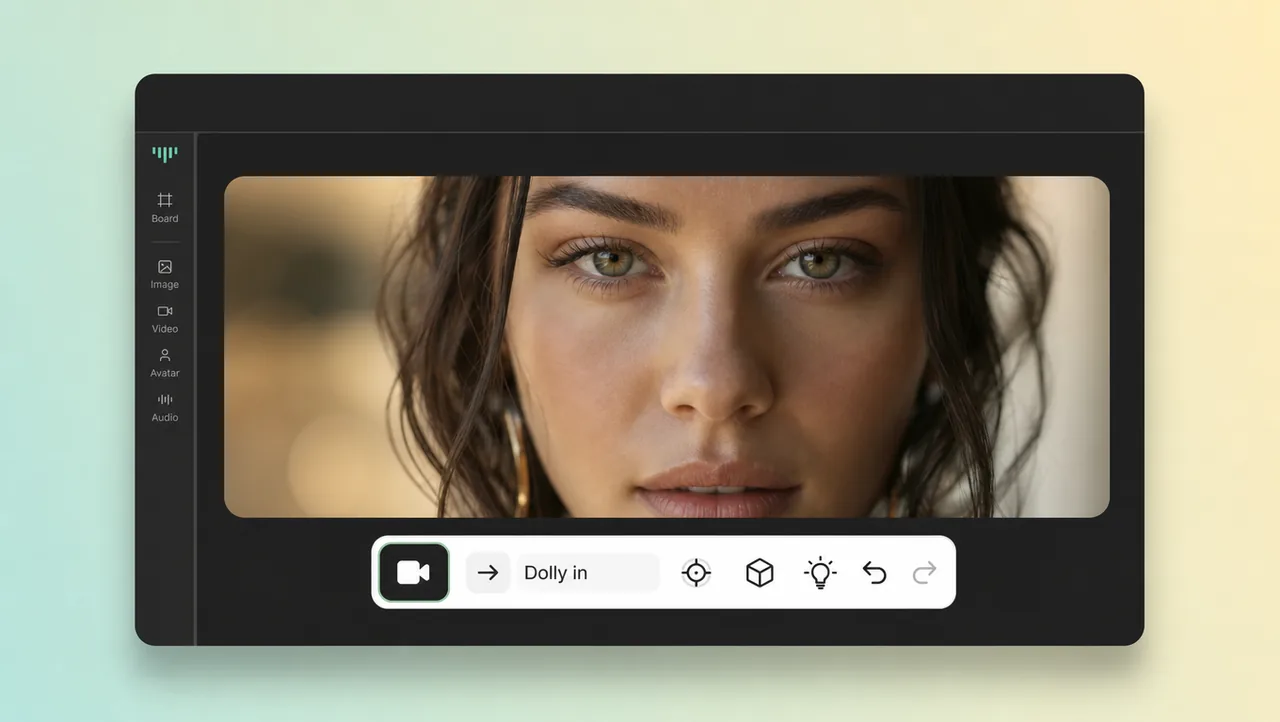
A slow dolly camera movement pressing in builds tension or intimacy on demand. Pull back instead and the same scene turns quiet and distant.
Describe a pan, tilt, dolly, or tracking camera movement and generate video where the shot moves as you direct. Cinematic motion without a camera crew.
In video, camera movement is any shift in the camera's position or angle that changes what the frame shows. A push-in draws the viewer closer, a pan surveys a room, a tilt reveals height, and a tracking shot follows the action. Executing those moves used to mean renting a dolly, a crane, or a Steadicam and hiring a crew. In most AI video tools, where the virtual camera goes is a roll of the dice. This feature closes that gap: you name the camera movement you want and the footage moves exactly that way. The types of camera movement you already know from film apply here in plain words — for creators and marketers who want cinematic shots without renting gear.
CAMERA MOVEMENT
Name the move in plain words and generate footage that follows it.
01
A slow dolly camera movement pressing in builds tension or intimacy on demand. Pull back instead and the same scene turns quiet and distant.
02
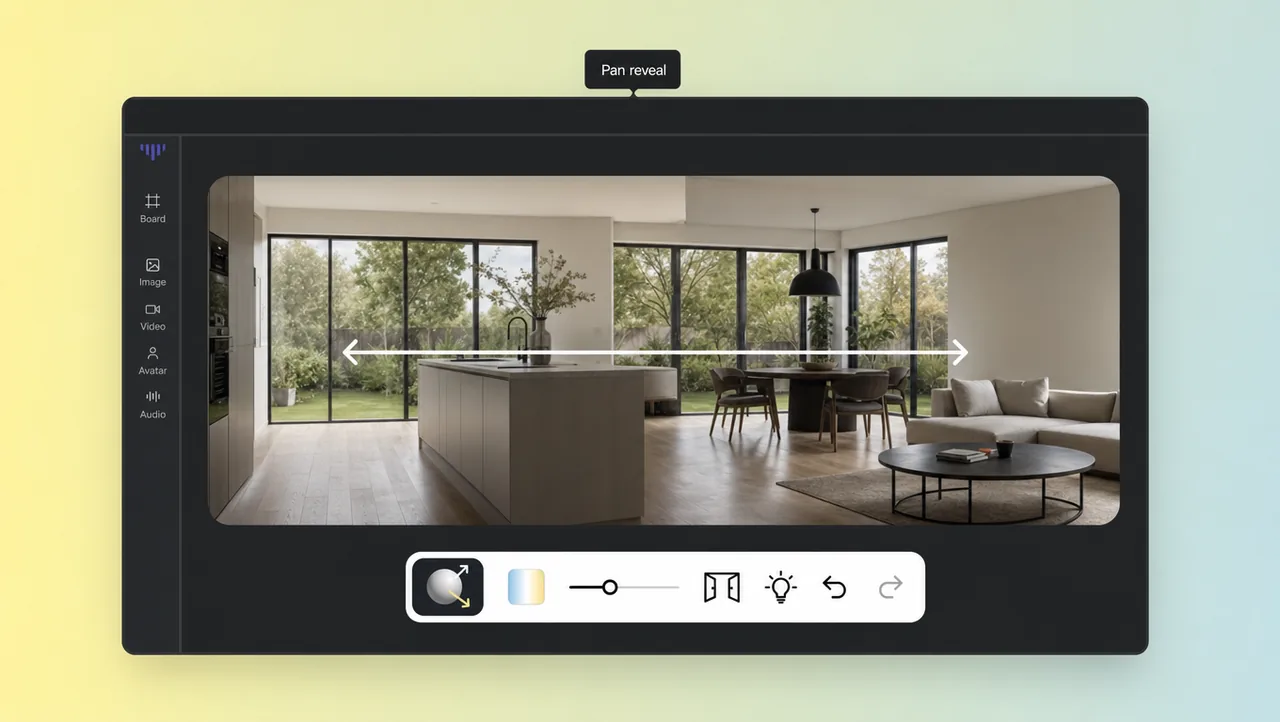
Pan and tilt past an empty corner before the subject enters, so the location lands first. The shot earns its reveal instead of cutting straight to it.
03
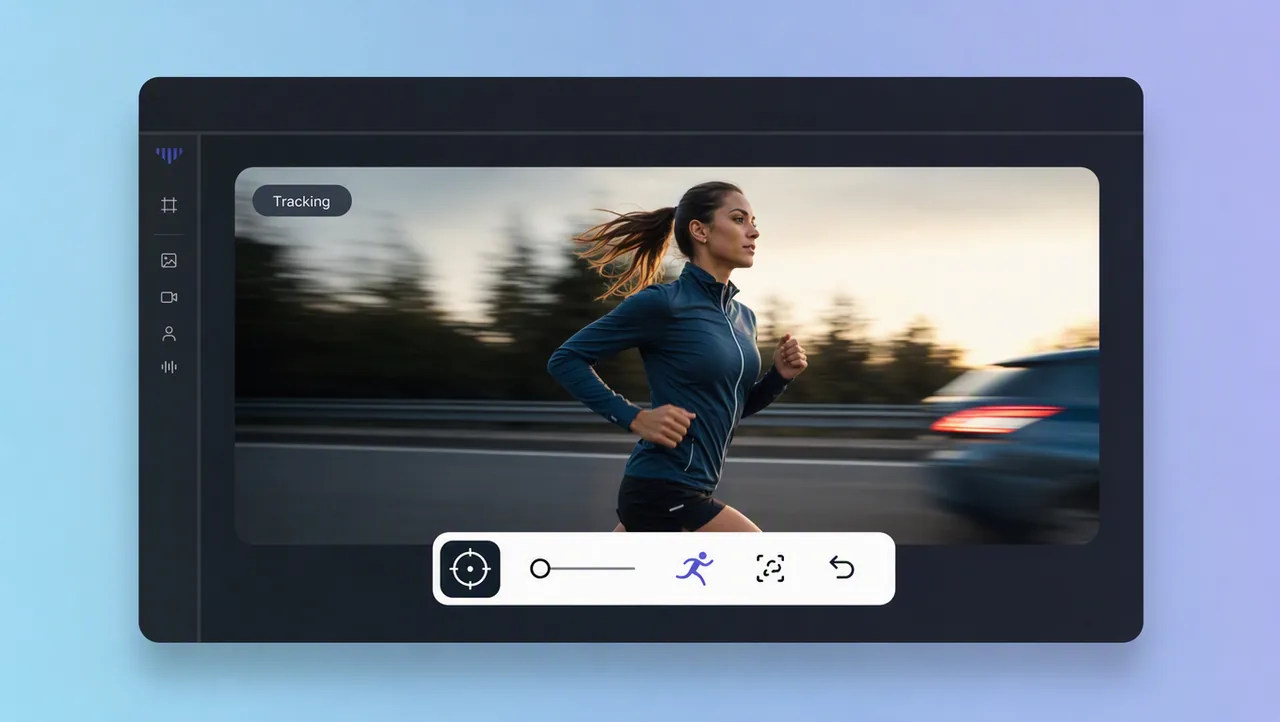
Track alongside the action and the audience stops watching and starts riding along. The motion carries an energy that a locked-off frame cannot.
04
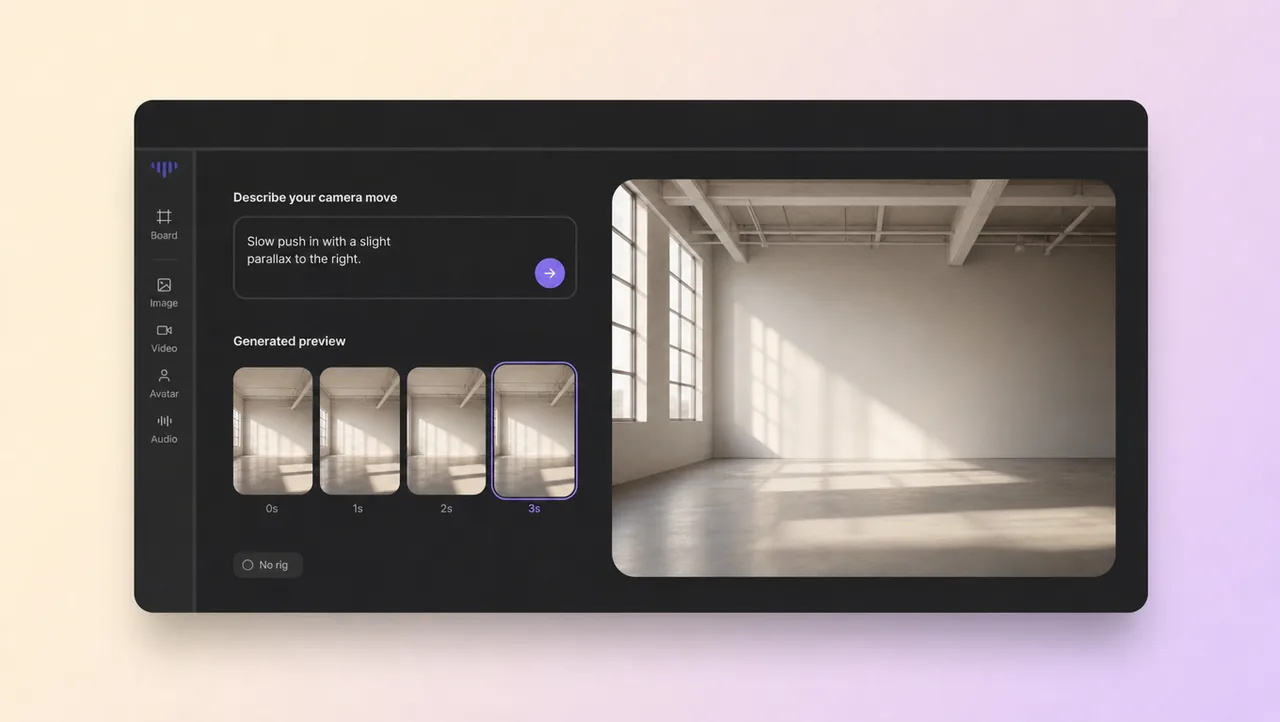
Camera work that used to need rails, cranes and an operator now happens inside your prompt. One creator can turn a full shot list into footage without renting gear.
05
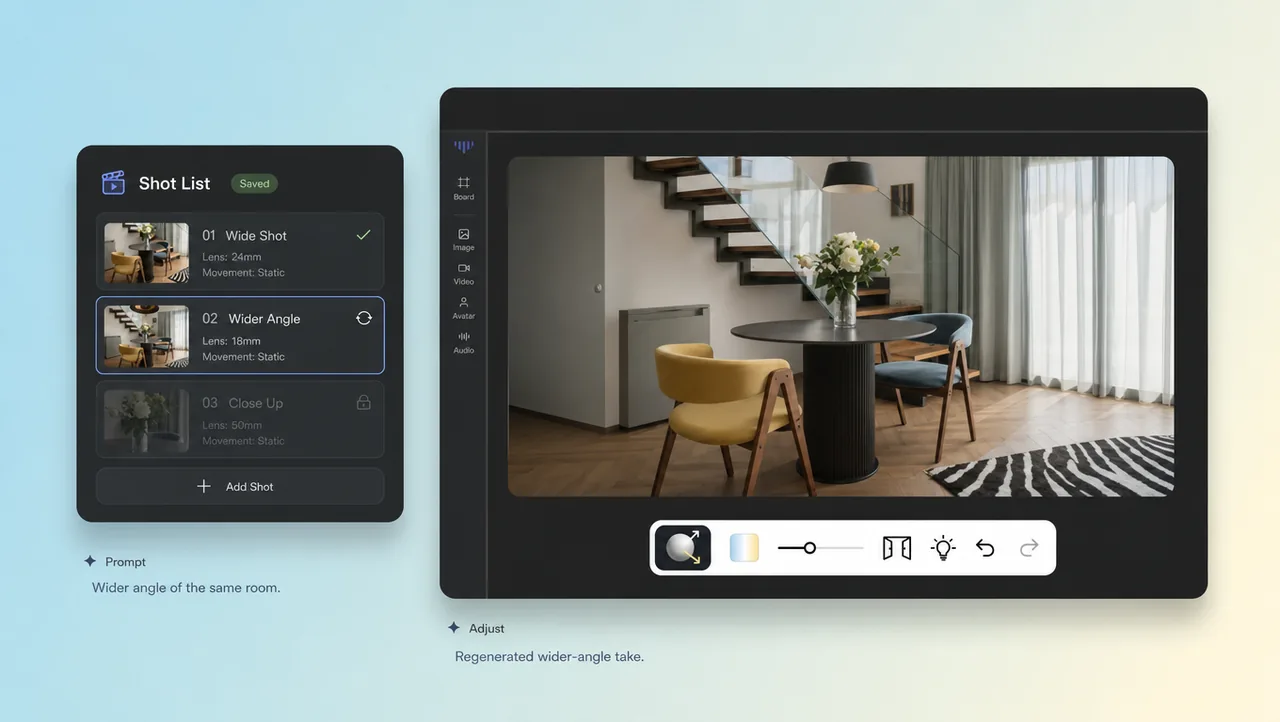
Keep the exact prompt that produced a move you like, then regenerate it with a faster speed or a wider angle. Your shot list stays an editable document, not a one-off accident.
USE CASES
Pan, tilt, and tracking shots written the way a shot list is written.
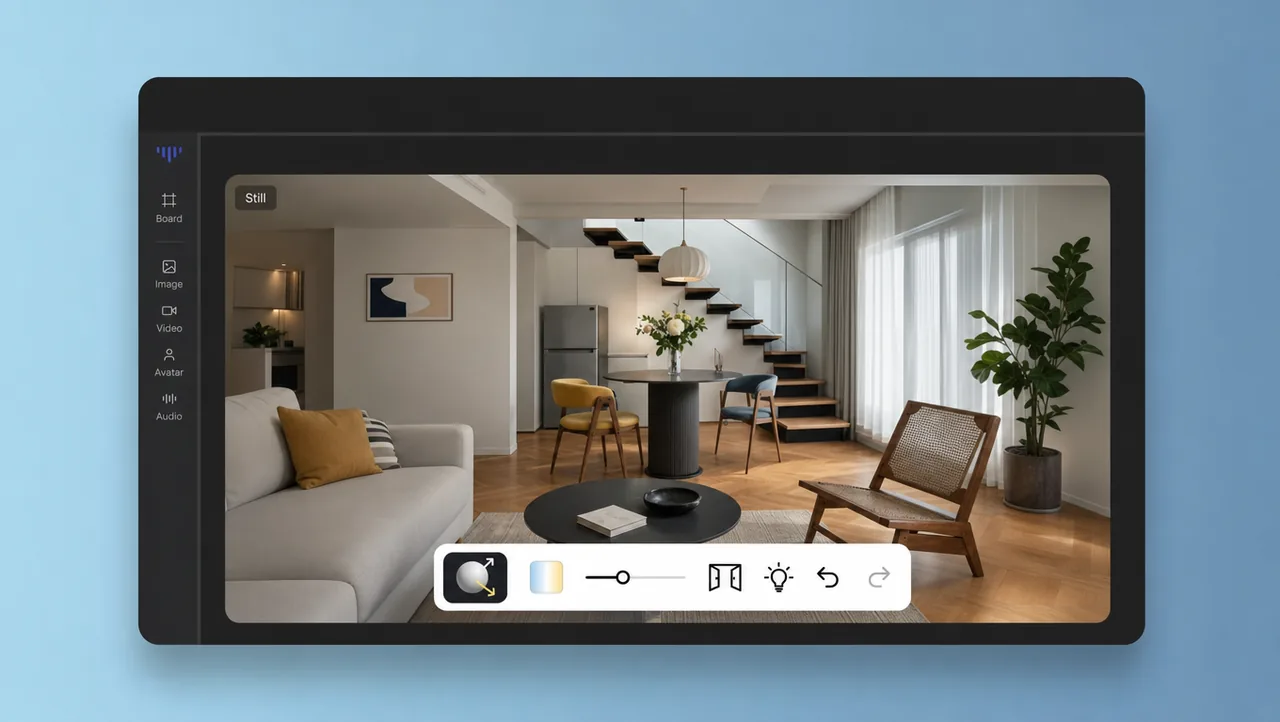
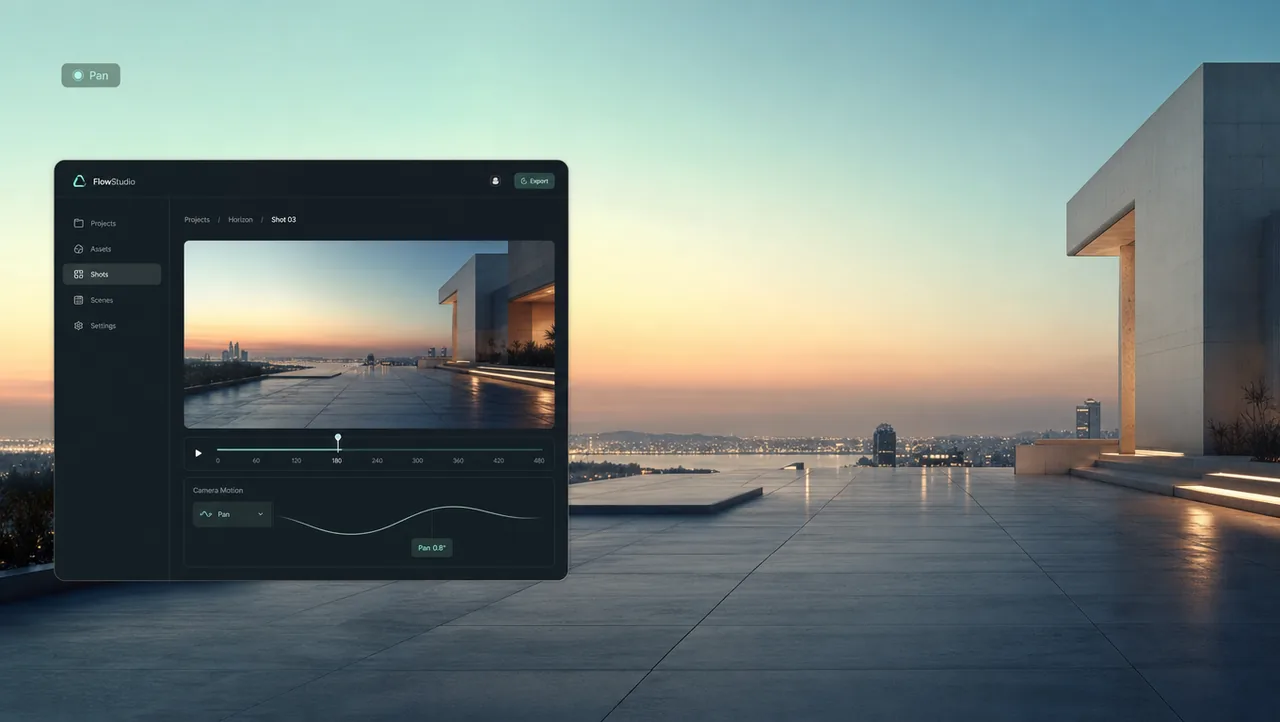
Sweep across a space from left to right so viewers see the full setting before the action starts. Use it to open a location, a product lineup, or a wide outdoor view.
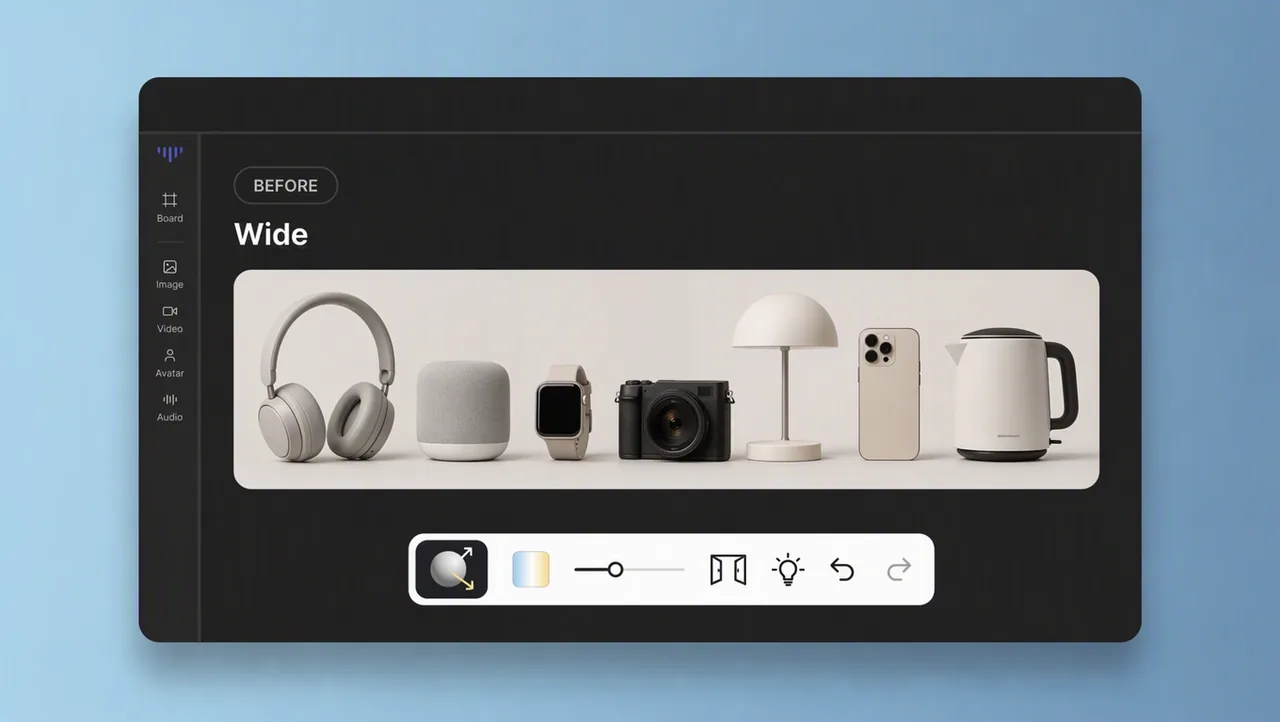
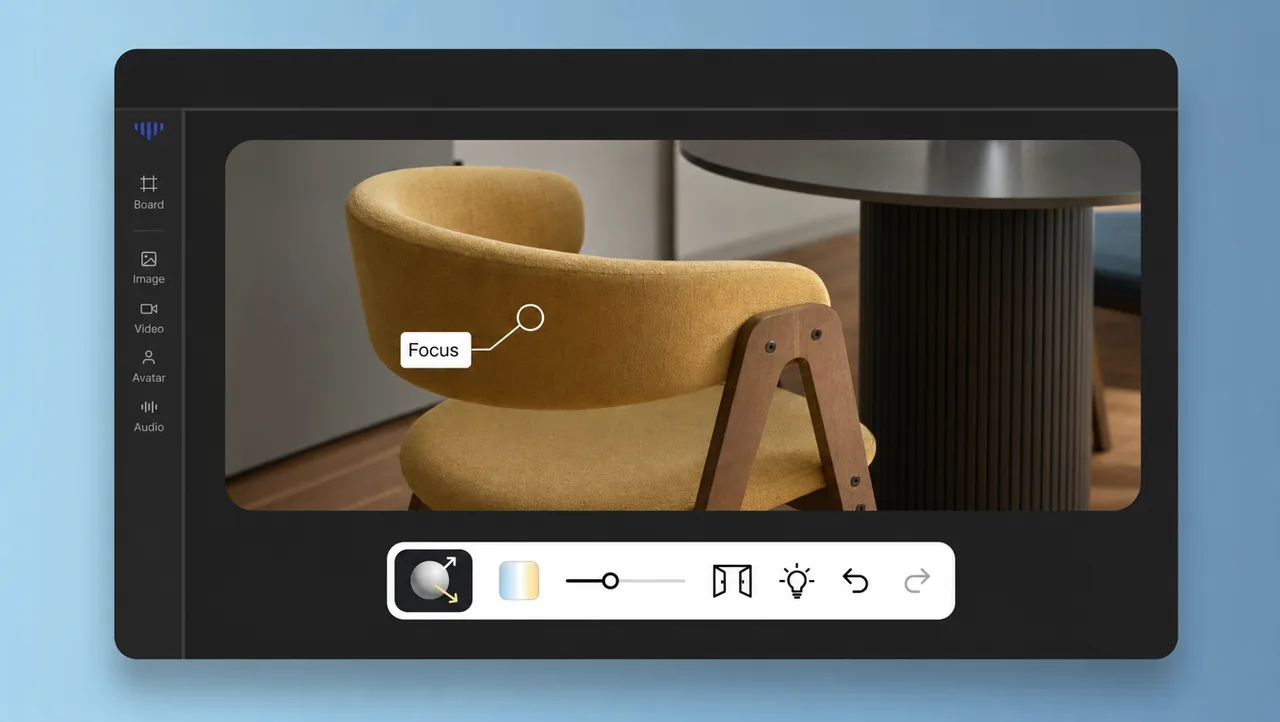
Start wide, then bring the frame in on the element that matters, such as the label, the face, or the gesture. The move adds a push of energy right when the scene needs it.
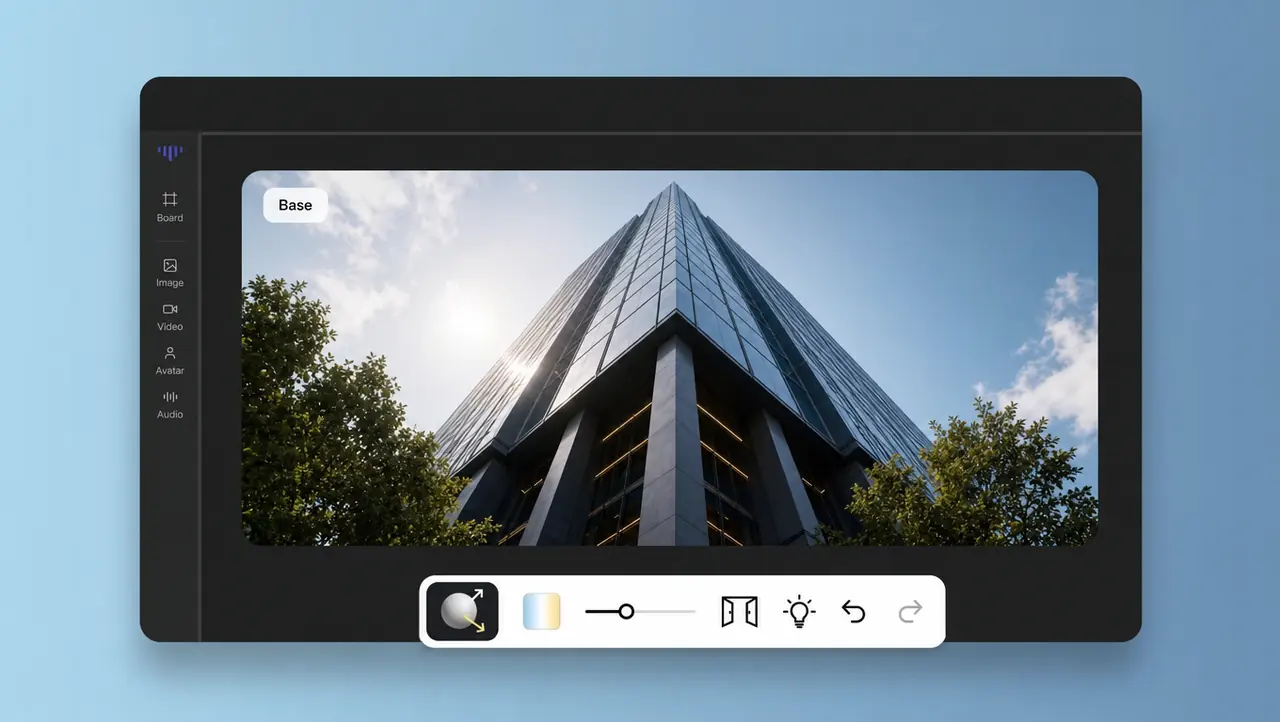
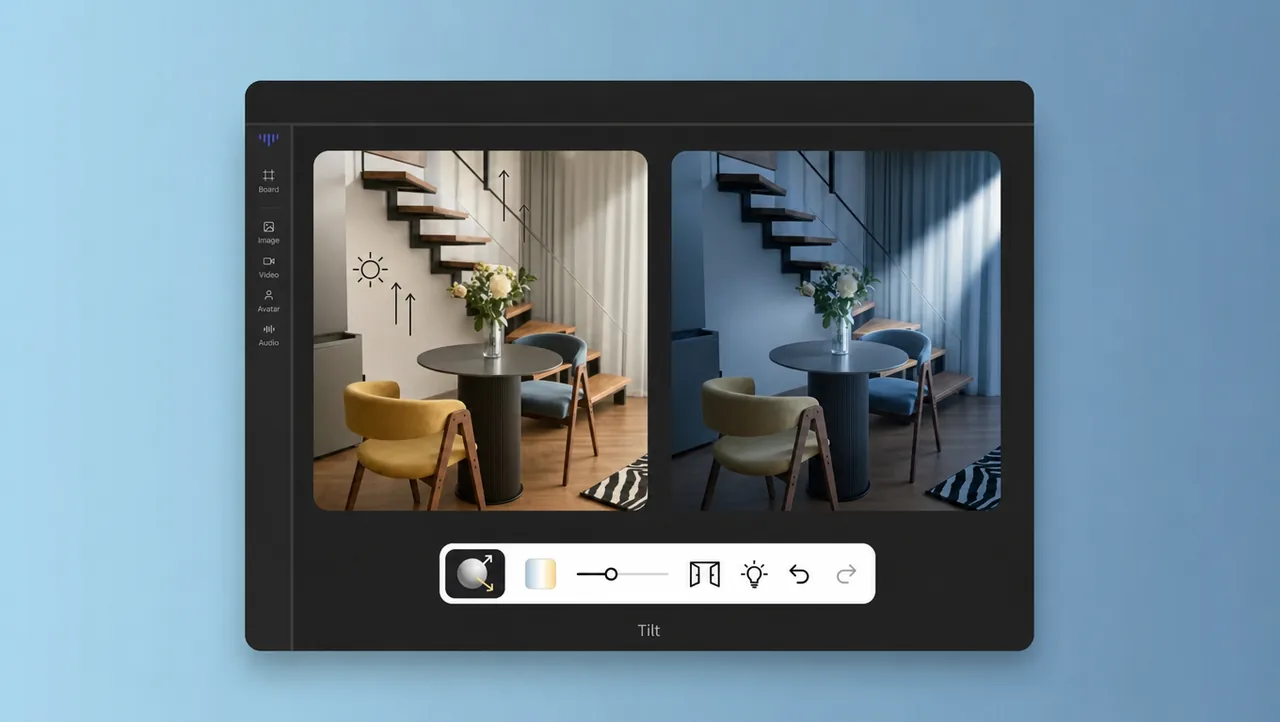
Move the camera up or down a subject so height and scale feel real — a building, a sign, a tall product. The tilt also works as a reveal that drops viewers into the moment.
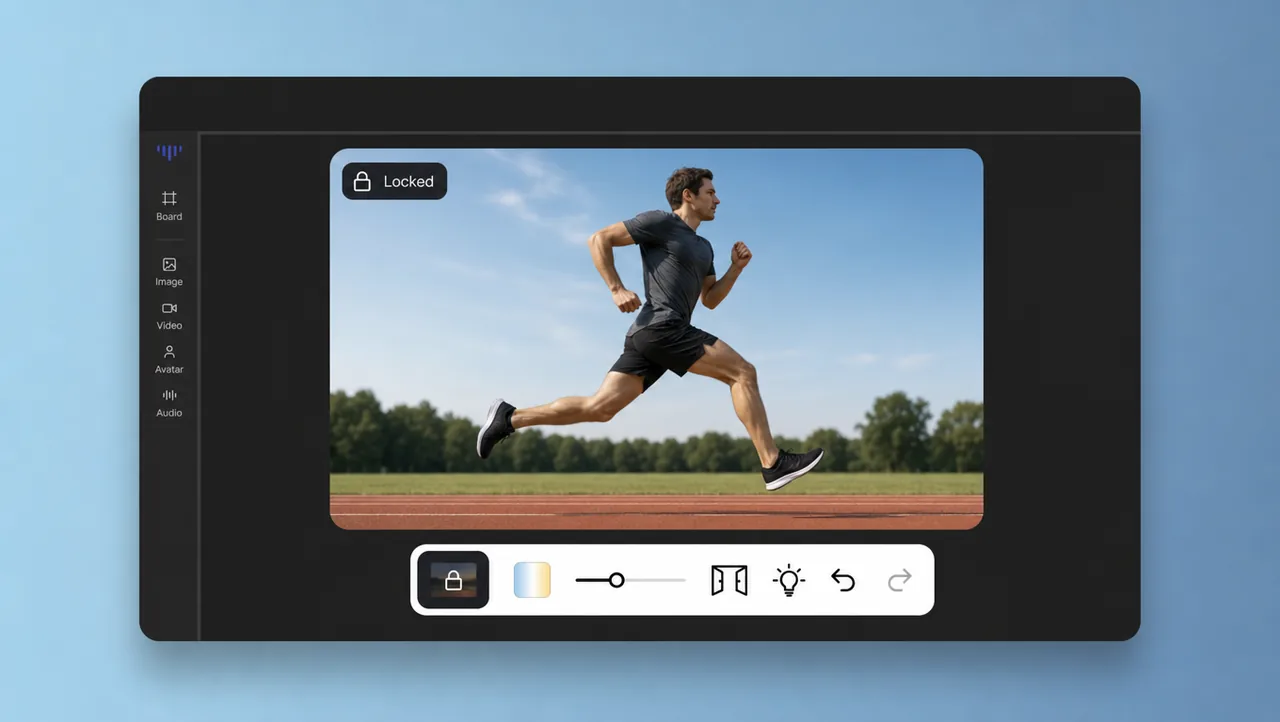
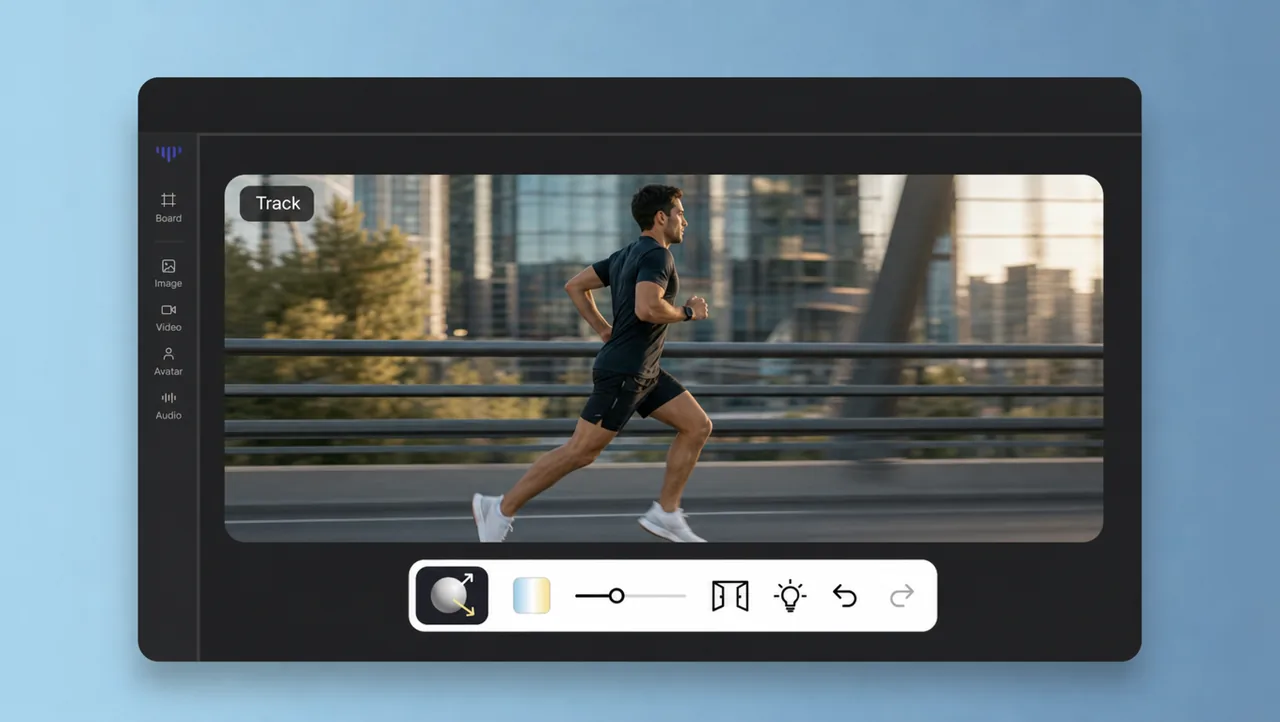
Glide alongside a moving subject and keep it framed as the scene shifts. A tracking shot turns a car, a runner, or a product into footage the viewer rides along with.
HOW IT WORKS
Describe the subject, setting and action you want on screen — the footage content first.
Add the movement you want, such as pan left, tilt up, or dolly in, and set speed or framing where the tool offers it.
Render the clip, review the motion, and save the prompt so you can reuse or refine the same move next time.
Pair camera movement with previz, camera settings, and other Film Studio tools.
Type the camera movement you need, generate the shot, and keep the footage that fits the story. Start with one push-in and see your next video move the way you picture it.