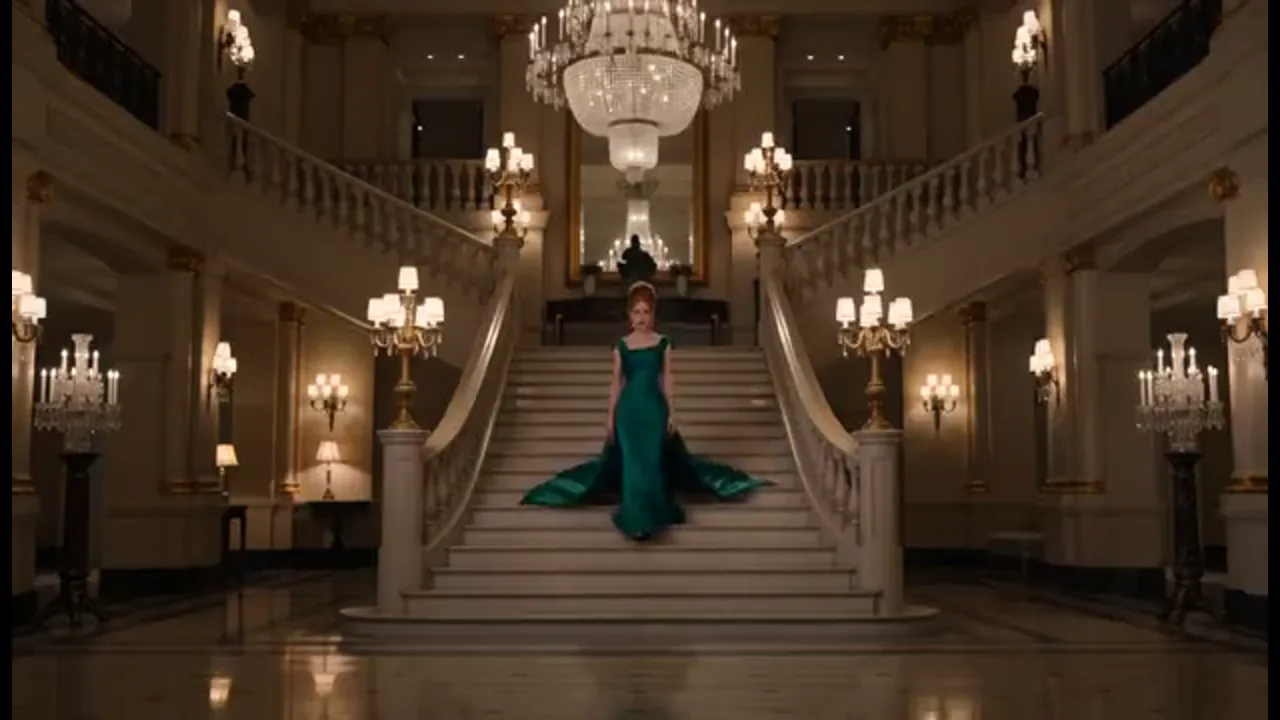
Act Previz Before Production
Bring a logline or script, block Act One with a wide, a reverse, and a close-up reaction — all in the same project so Act Two still feels like one ai feature film.
You want an ai feature film you can direct across acts. Keep story, faces, and shots in one project, then generate the next scene without starting over.
Film Studio helps you build an ai feature film as connected scenes, one shot at a time. Start from a short prompt, logline, script, still, storyboard, or reference video. Faces, wardrobe, and camera stay in one Canvas project, so every new shot matches the film you started. Plan your acts, lock characters, set the camera, then generate the next shot — a studio workflow for longform stories, not a pile of unrelated clips from a one-prompt video tool.
USE CASES
Bring a logline or script, block Act One with a wide, a reverse, and a close-up reaction — all in the same project so Act Two still feels like one ai feature film.
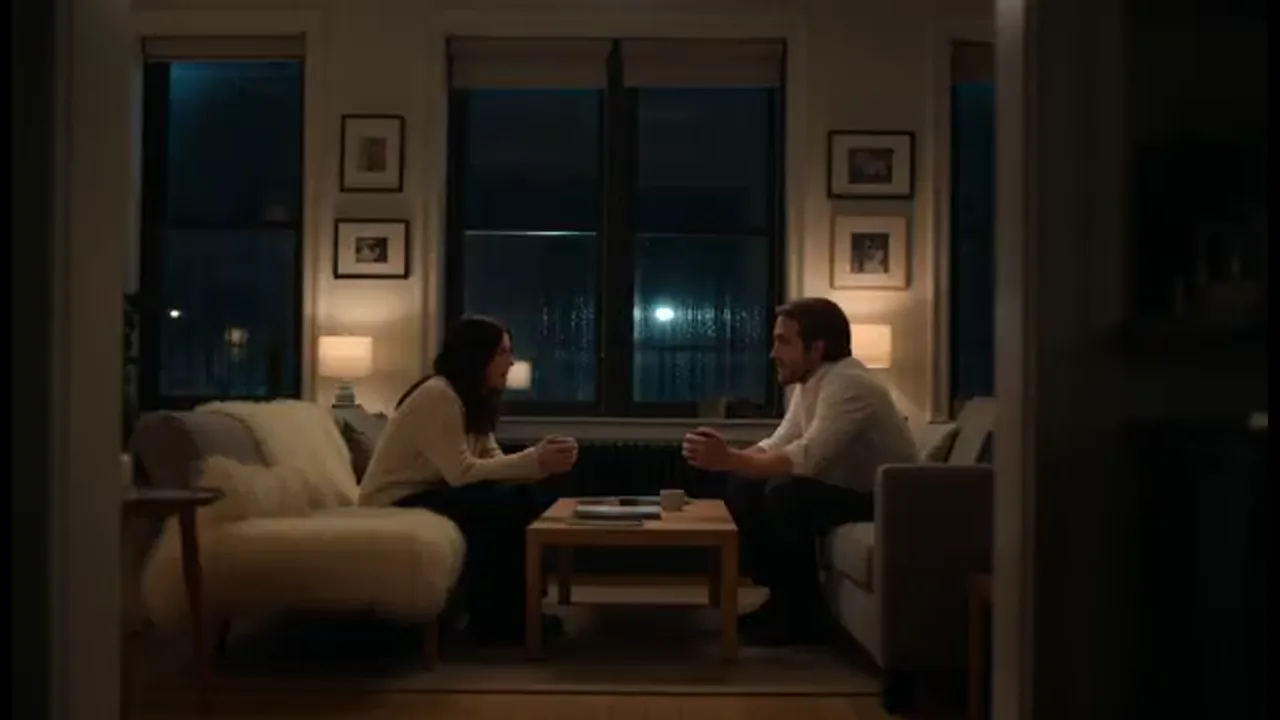
Lock your two leads before generating a conversation across a room. Character references and micro-expression control keep faces, wardrobe, and performance consistent, so a reaction shot does not invent a new person.
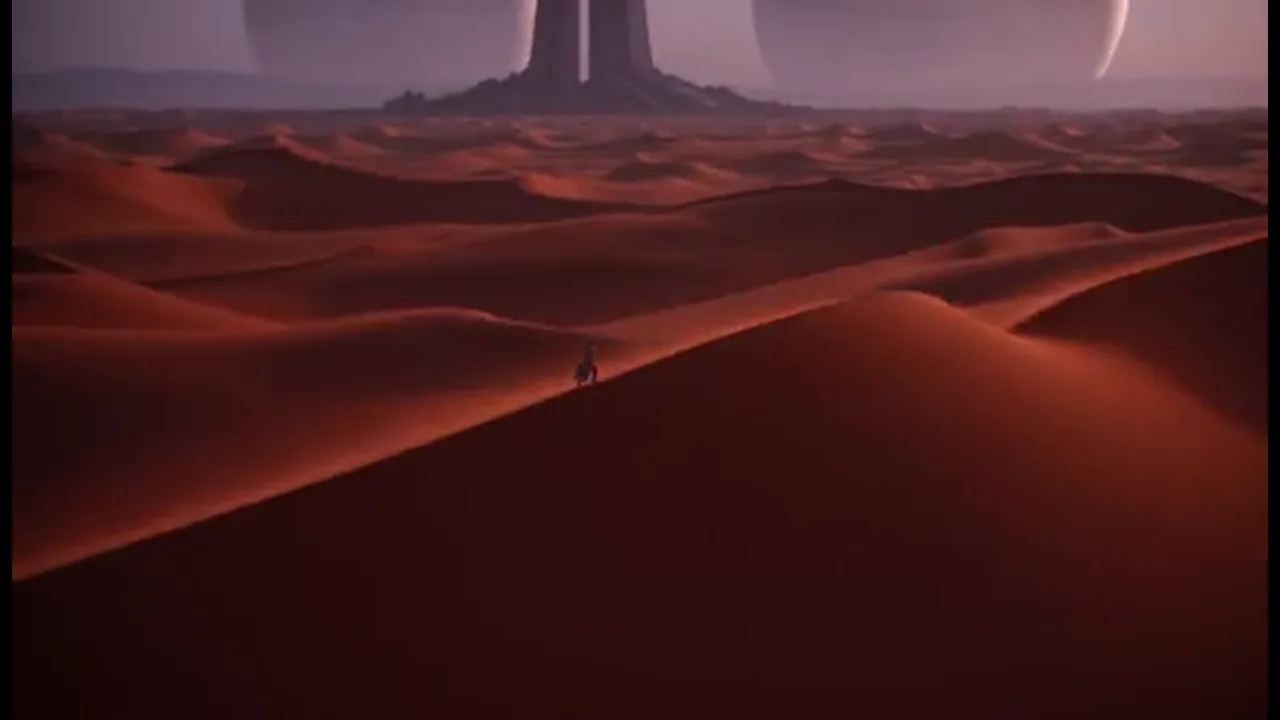
Stage three story beats that show the world and the cast. Keep the shots in Canvas and regenerate one look when a producer asks for another version. Share the project when someone else needs to rework a beat.
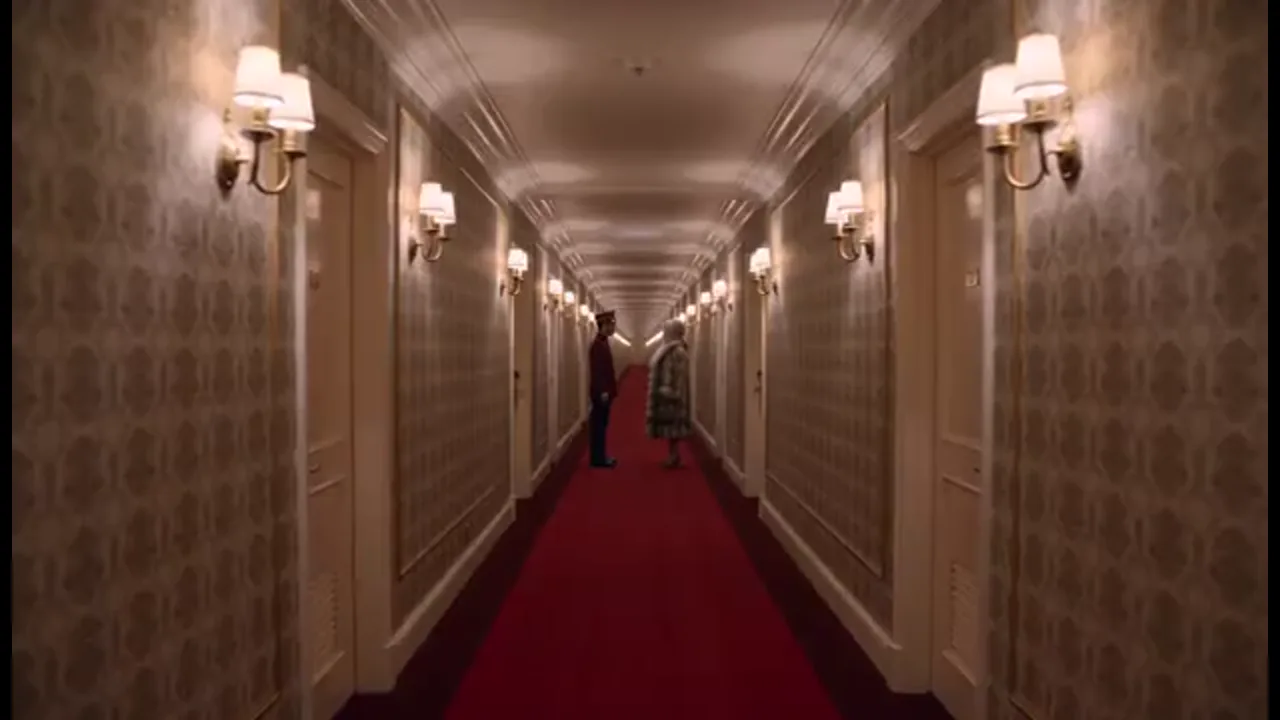
Borrow camera language and pacing from a reference reel through built-in film genre skills, then apply that style to your own feature scenes. You still generate shots one at a time; the skill gives you a starting point for the next one.
BENEFITS
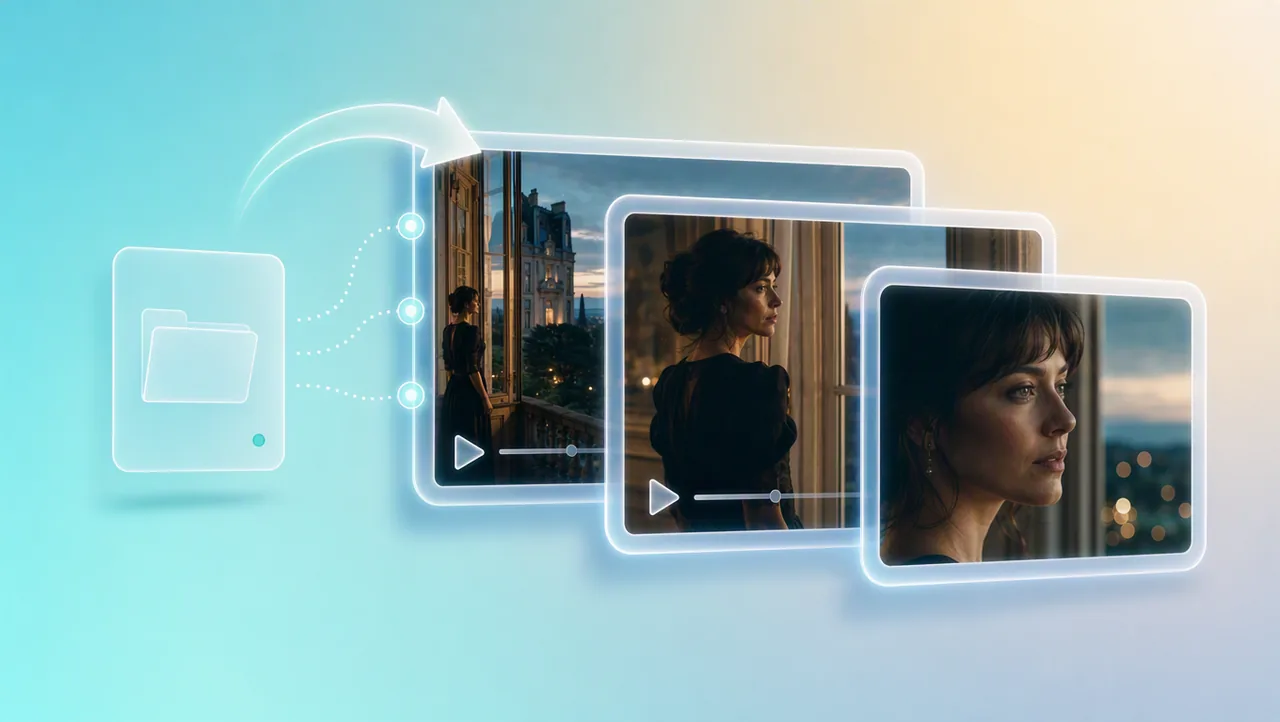
01
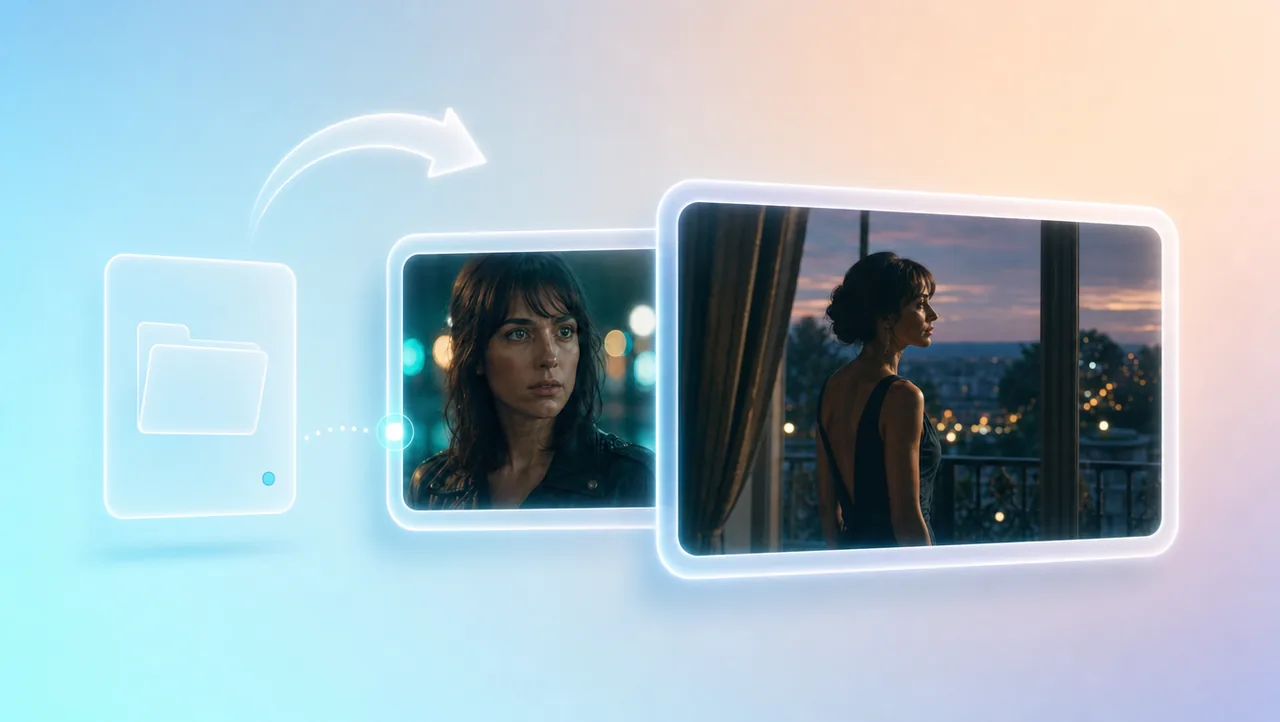
Director choices stay linked across shots: story, framing, camera, identity, and performance. Each new shot joins the same project instead of becoming another disconnected clip, so your ai feature film stays coherent past the first scene.
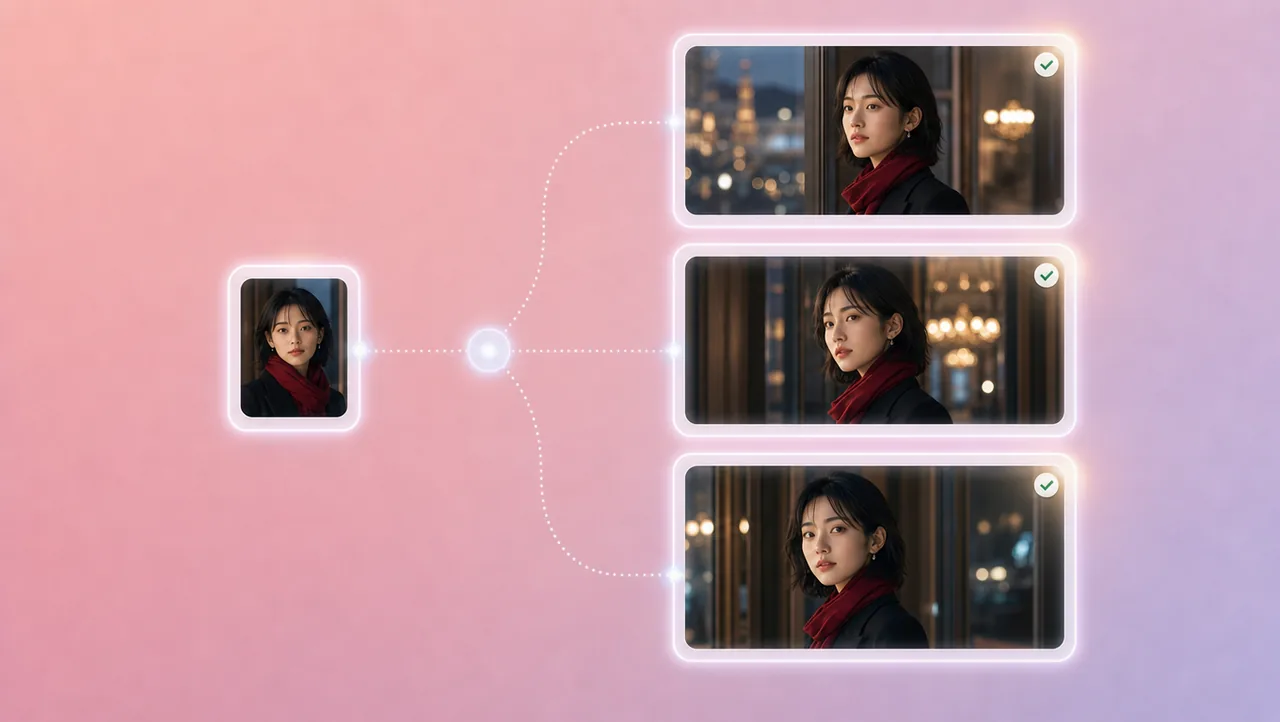
02
Character references, portrait enhancement, and micro-expression control keep faces, wardrobe, and performance consistent. The lead who walks into Act Two should still be the person you locked in Act One, even after a reaction shot and a return.
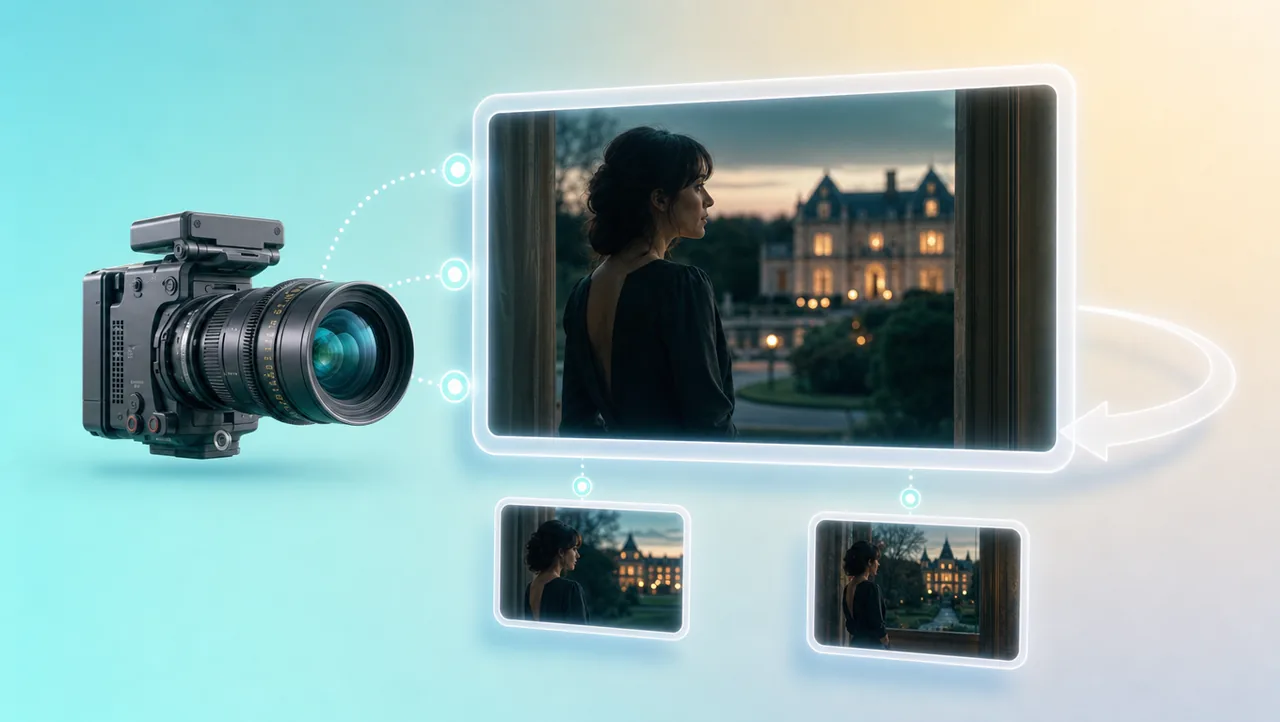
03
3D Shot Composer lets you plan framing before you generate. Lens, aperture, shutter, depth of field, and camera moves apply to the shot you generate — a push across a room, a locked two-shot, a close-up reaction — instead of hoping the model guesses your framing.
04
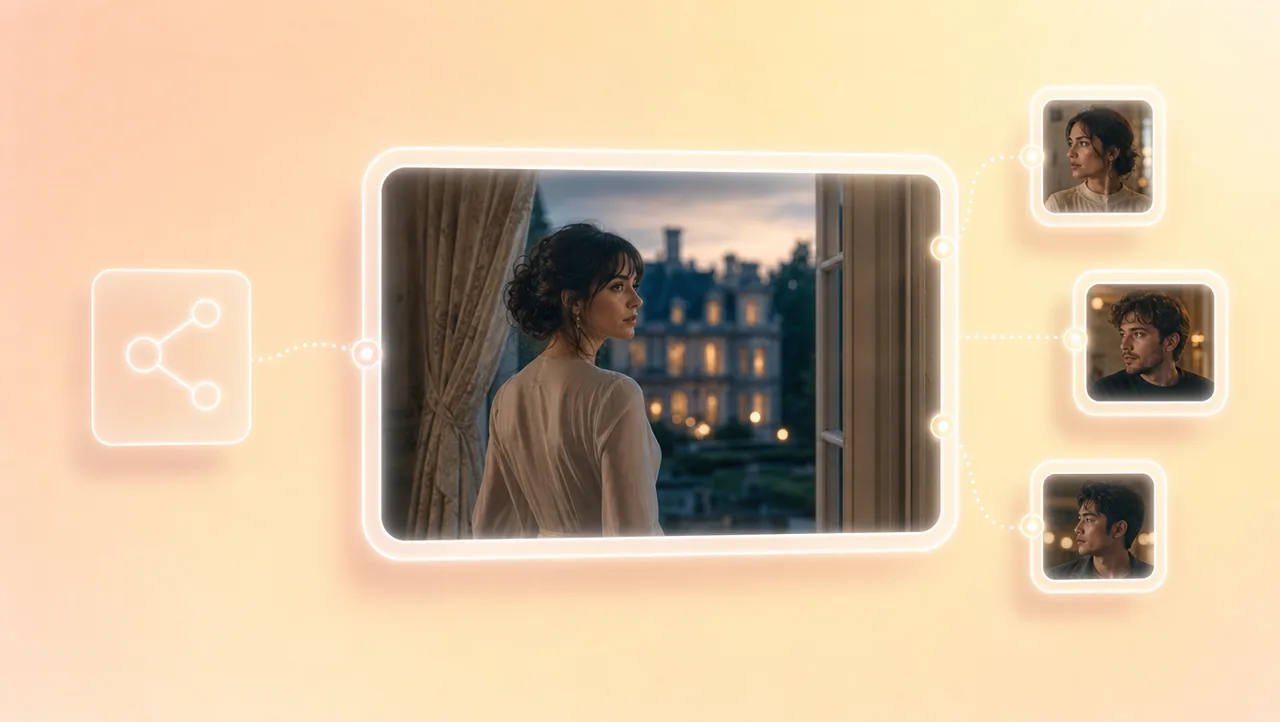
Built-in 200+ film genre skills let you borrow camera language and pacing from a reference reel and apply them to your own feature scenes. You still generate shots one at a time; the skill is a starting grammar for the next one.
05
Teams can share the same Canvas project and assets while they rework a look or generate another version of a beat. Generate in 4K when a scene is ready, or upscale a 720p draft to 4K after the scene lands. The shots stay in the project.
HOW IT WORKS
Start a project from a short prompt, logline, script, still, storyboard, or reference video. That context stays attached when later shots are generated for the same ai feature film.
Generate shots with the same cast and camera decisions. Use the built-in 200+ film genre skills when you want a reference reel's pacing on your own longform scenes.
Generate shots that belong to this feature. The next shot continues in the same project, so you can tweak a look, generate another version of a beat, or upscale a 720p draft to 4K.
Pair your ai feature film project with previz, camera settings, and other Film Studio tools.
Start your ai feature film from a story you can direct, keep shots in one project, and generate the next scene there. Open Film Studio and Try Free.