01
Shot-by-Shot Breakdown
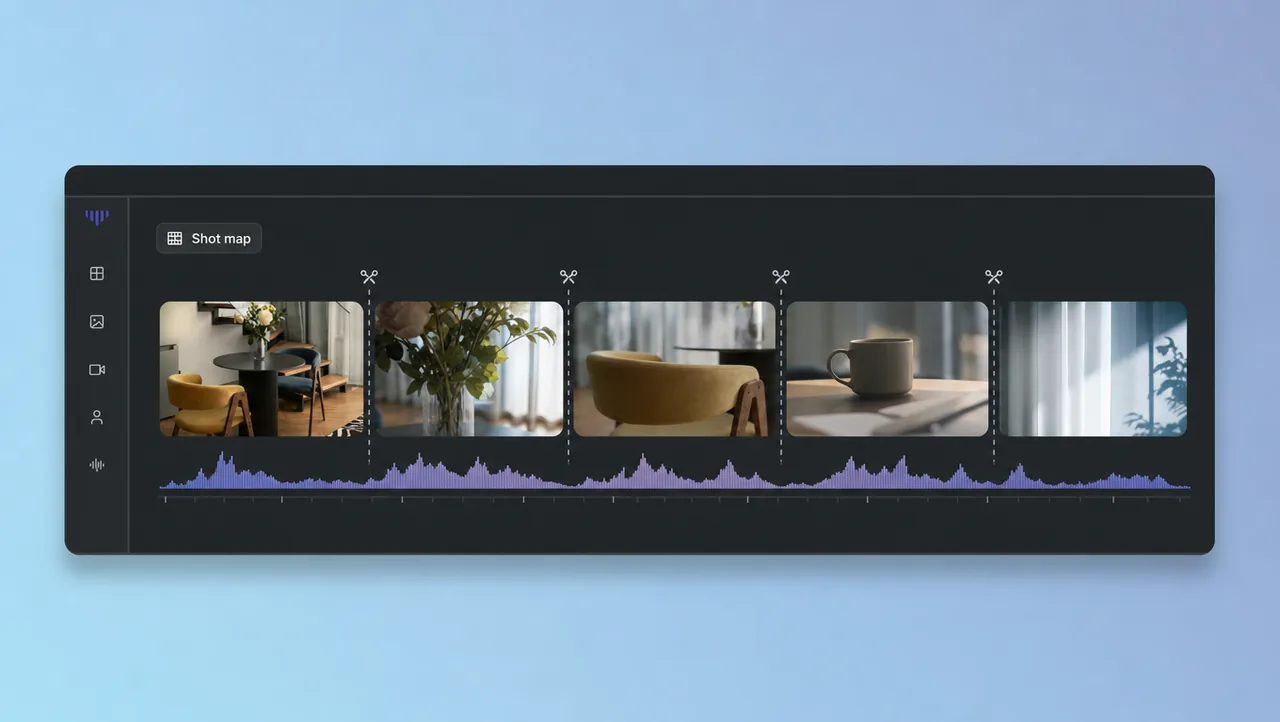
See every cut, framing, and camera move on a readable timeline. A long reference becomes a shot map instead of a second job.
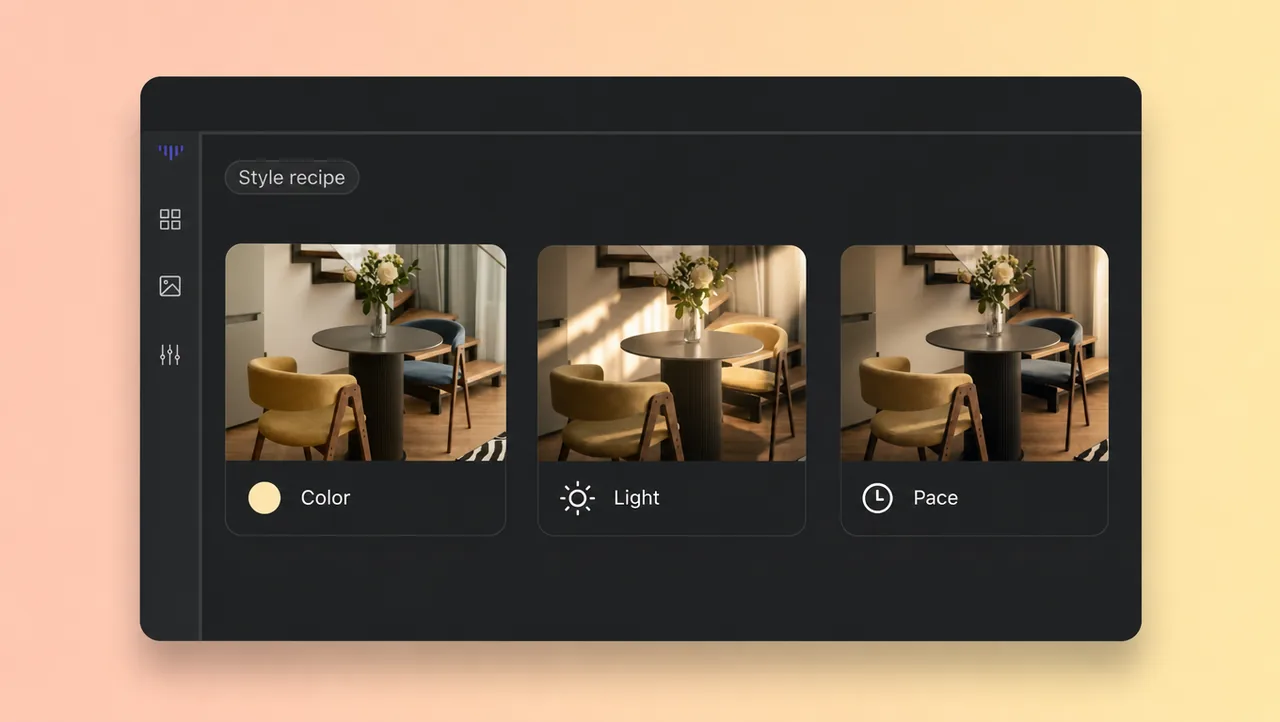
Upload a video you want to match. AI video analysis breaks it into a shot-by-shot plan and a style recipe you can reuse with your own footage.
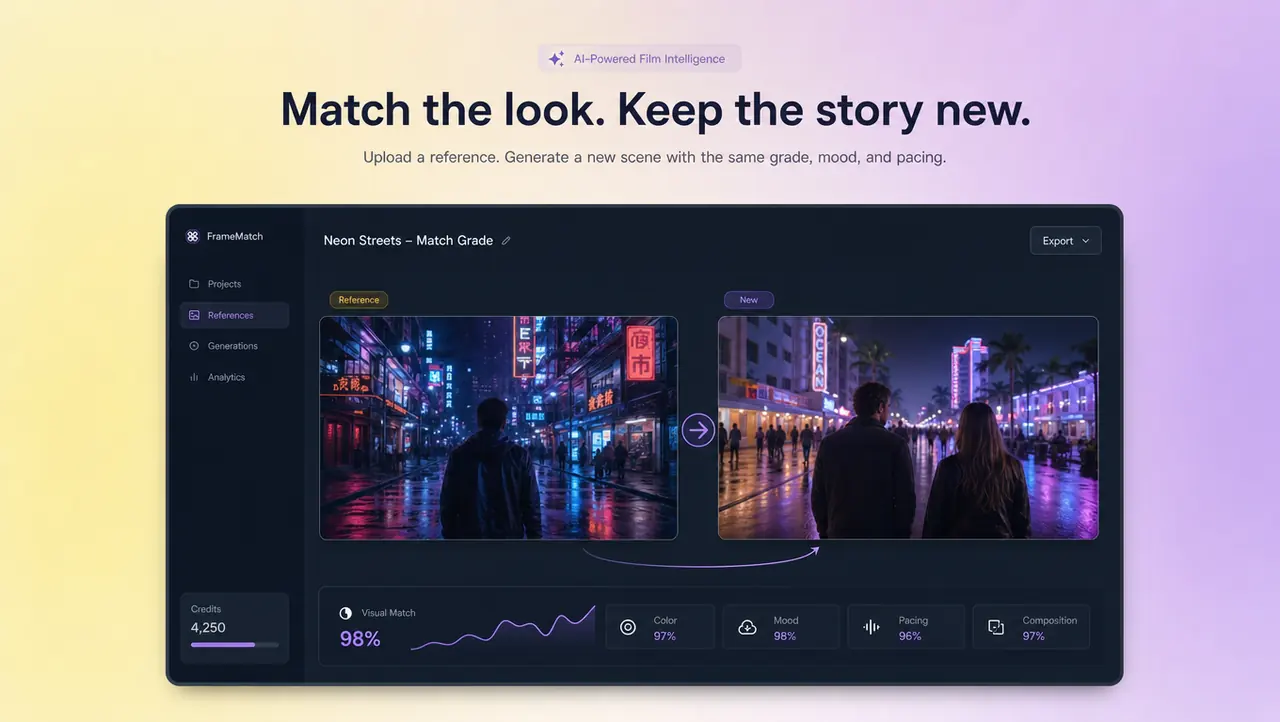
AI video analysis normally ends when a tool has told you what a video contains: a summary, a transcript, or a few labels. This one goes one step further. Point it at any reference clip and it reads the way the video was made — where each shot starts and ends, what each frame shows, how the camera moves, how the pacing builds, and how color and light are graded. That breakdown becomes two working assets. The first is a shot map you can read like a storyboard. The second is a style recipe that captures the look and rhythm of the original. Hand either one to your team, or feed in your own footage and get a new video that matches the reference without copying it. That last step is why creators and marketing teams use this page: analysis you can actually build on.
AI VIDEO ANALYSIS
A shot map and a style recipe, then a new video in the same look.
01
See every cut, framing, and camera move on a readable timeline. A long reference becomes a shot map instead of a second job.
02
Grade, light, pacing, and audio signature distilled into a recipe you can follow. You get the how, not just the what, of the look you admired.
03
The analysis does not stop at a report. Feed in your content and get a new video that keeps the reference's look and rhythm.
04
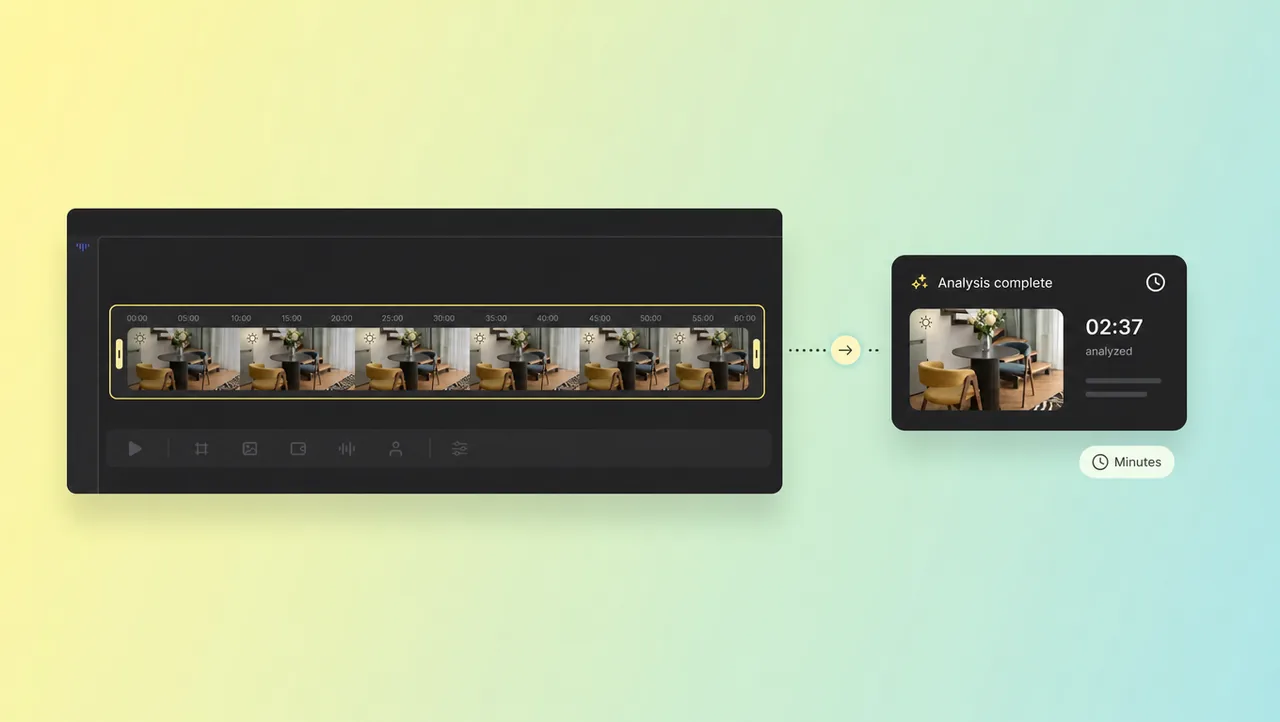
A breakdown that used to take hours of scrubbing arrives in minutes. Spend the saved time shooting, not re-watching.
05
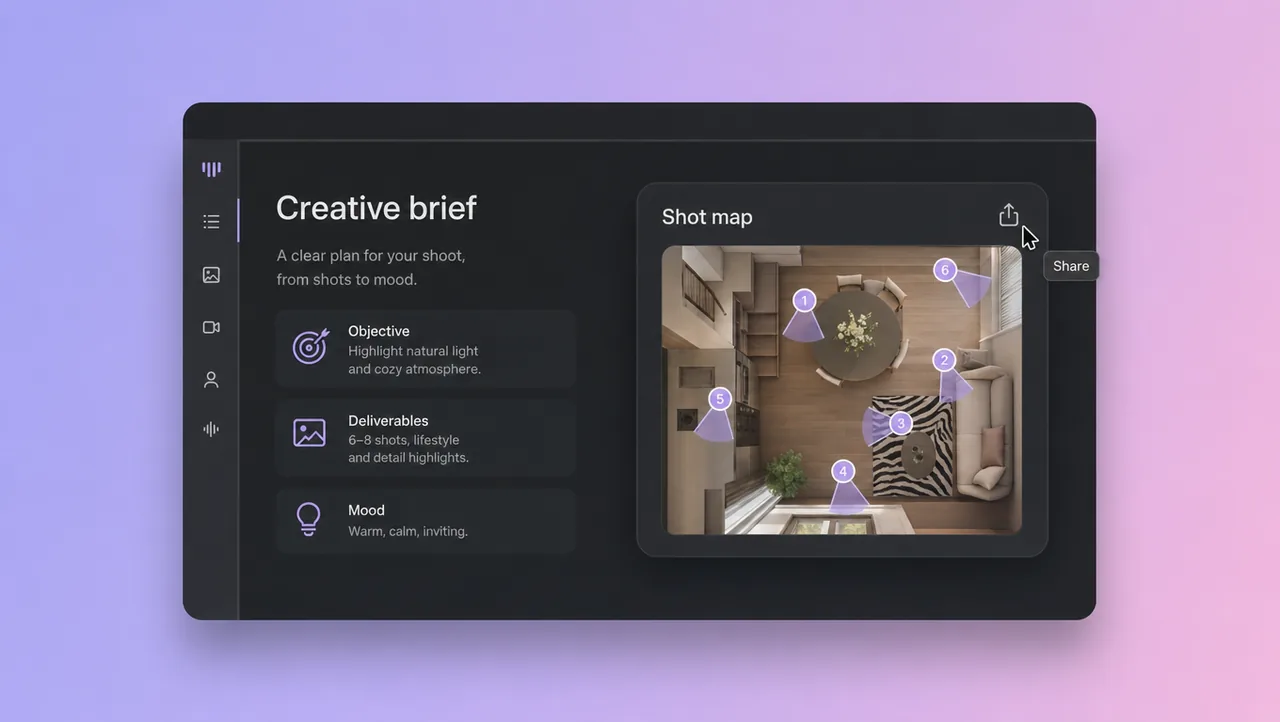
Export the recipe and shot map as the creative brief. The next campaign starts from a documented style instead of a memory.
HOW IT WORKS
Drop a file or a public link to the video whose style you want to match.
Check the shot list and style recipe the analysis returns, and adjust the look you want to carry over.
Add your own content, let the tool rebuild it in the reference style, then export the new video.
Continue from analysis into storyboard, camera, and film-studio tools.
Point this AI video analysis at one reference and leave with a new video in the same look. Paste a link or upload a file to start.