AI Icon Generator: App & Brand Icons in Minutes
AI icon generator turns a short prompt into polished icon sets for apps, websites, and marketing kits. Describe the style, generate options, then download the winner—starter credits available to begin.
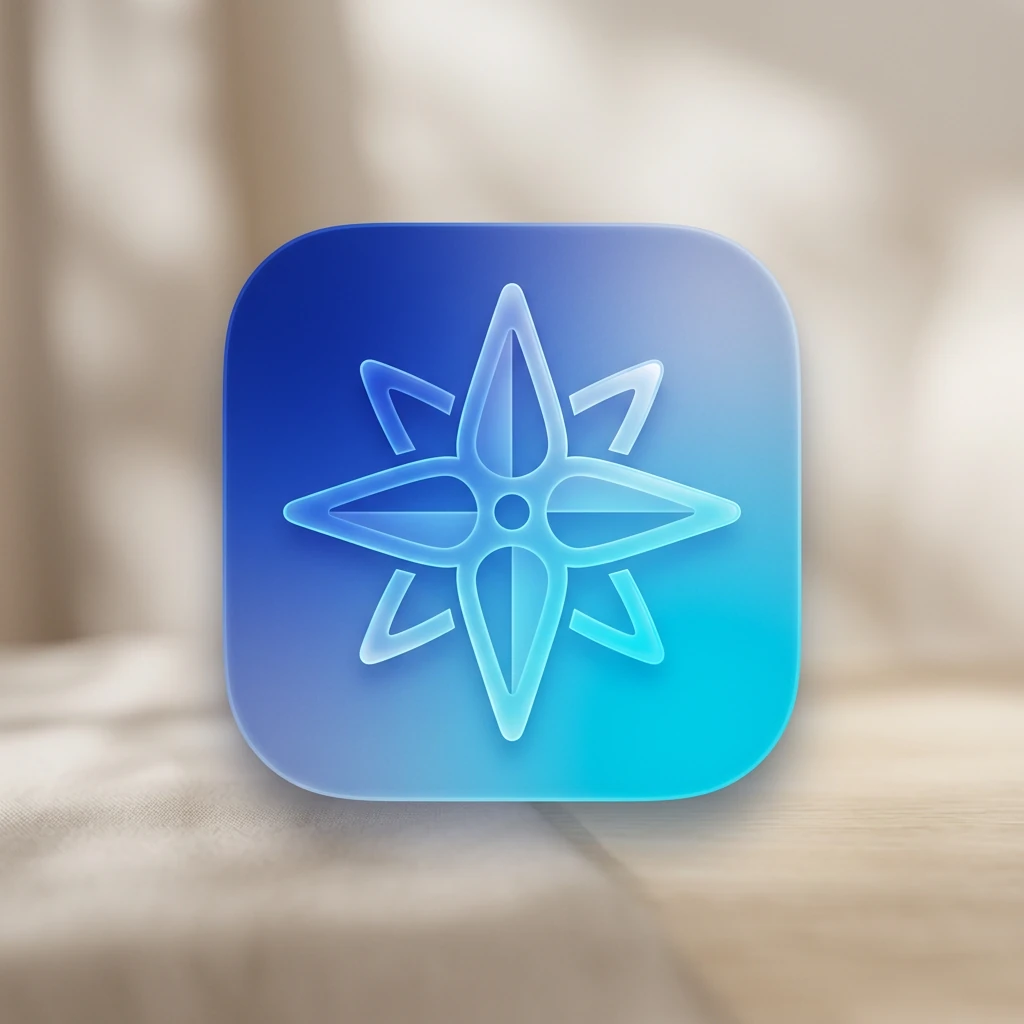
Create Crisp App & Brand Icons with AI Icon Generator
Product and marketing teams can generate consistent app icons, UI glyphs, and brand marks from a short brief. Explore style systems, compare variants, and download crisp assets for websites, decks, and launch kits.
Prompt examples for this use case
Browse curated image prompts that match this page intent. Open Canvas to continue with your own prompt—prefill only, no auto-generate.
Prompt examples are shown in English.
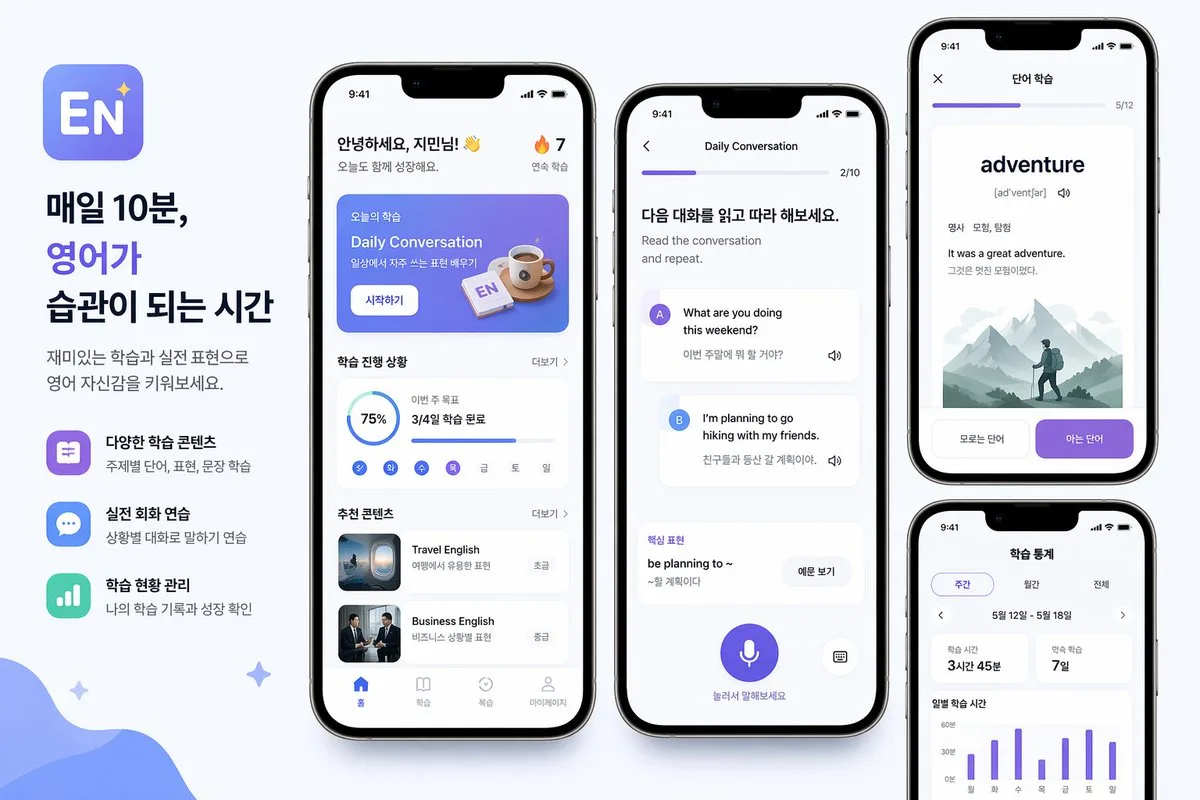
Korean-English Learning App Promo Poster
{"type":"mobile app promo poster mockup","style":"clean modern Korean edtech marketing graphic, soft light gray background, premium iPhone-style device renders, rounded UI cards, subtle shadows, blue and purple gradient …
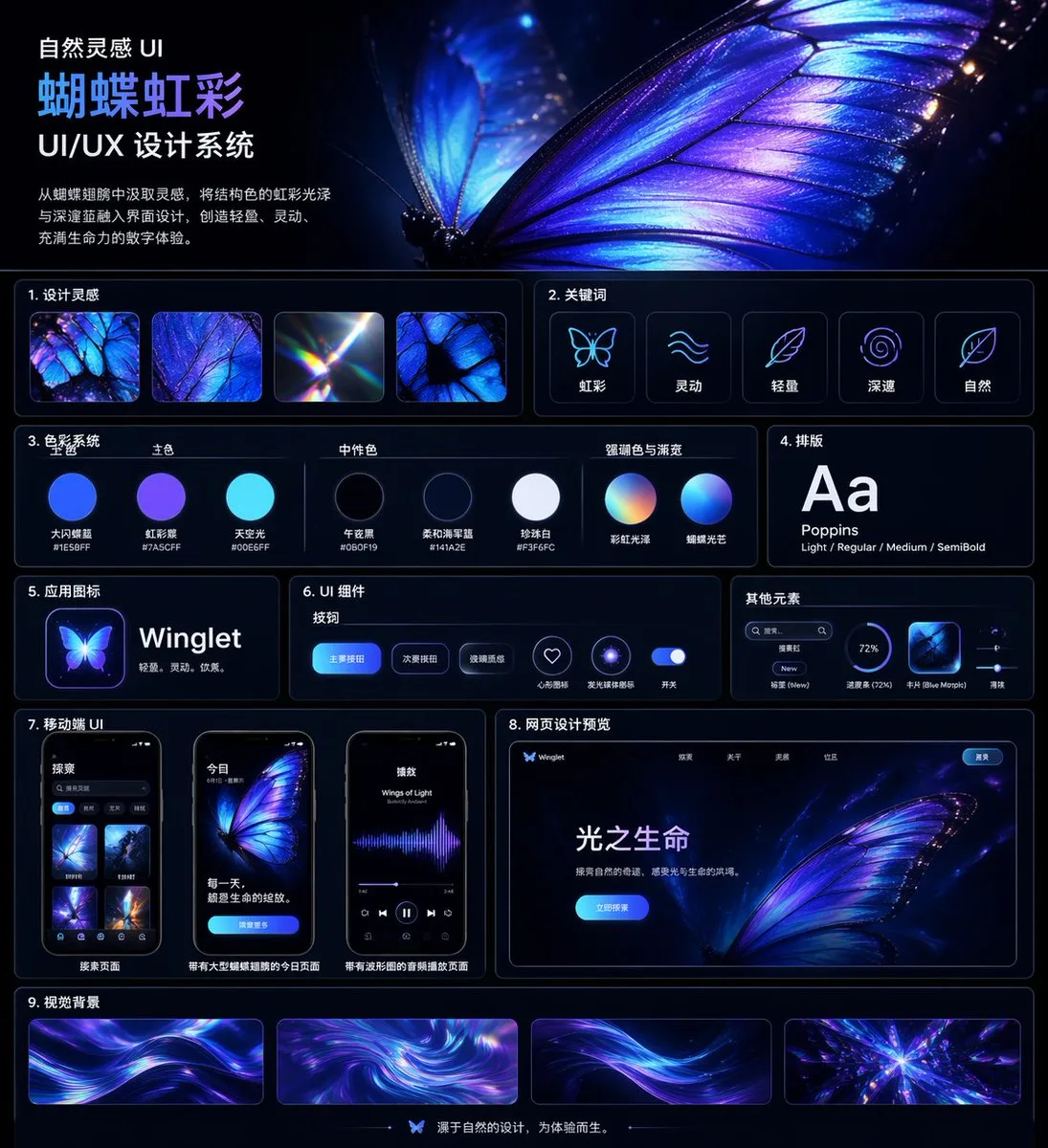
Iridescent Butterfly UI System 项目
{"type":"UI/UX design system showcase board","theme":"dark mode, nature-inspired, luminous iridescent aesthetic","language":"Chinese","canvas":{"aspect_ratio":"square poster","background":"deep midnight navy to black wit…

Chinese Dormitory Livestream Screenshot
A highly realistic vertical smartphone screenshot of a Chinese livestream app showing a cozy college dorm room streamer scene. The interface should look like a real iPhone screen capture with status bar at the top, inclu…
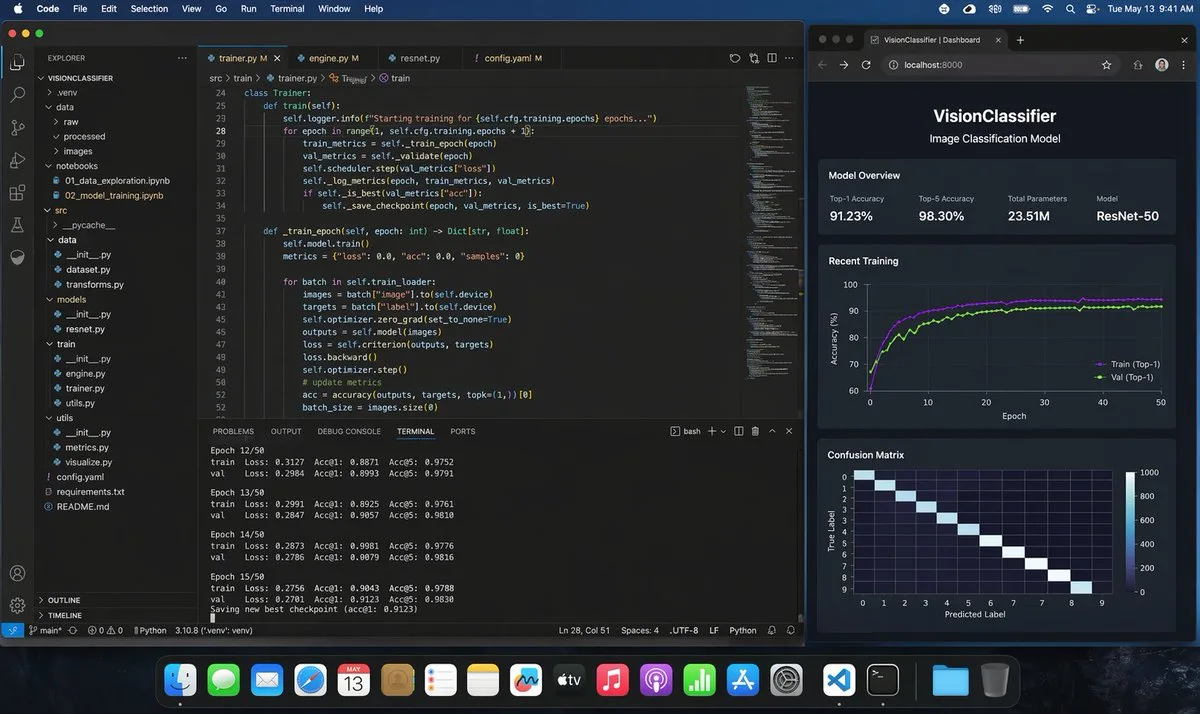
Hyper-Realistic ML Developer Desktop
A photorealistic macOS desktop screenshot of a machine learning engineer’s workspace at night, shown straight-on with a dark blue macOS menu bar and the dock visible along the bottom. The desktop contains exactly 2 main …
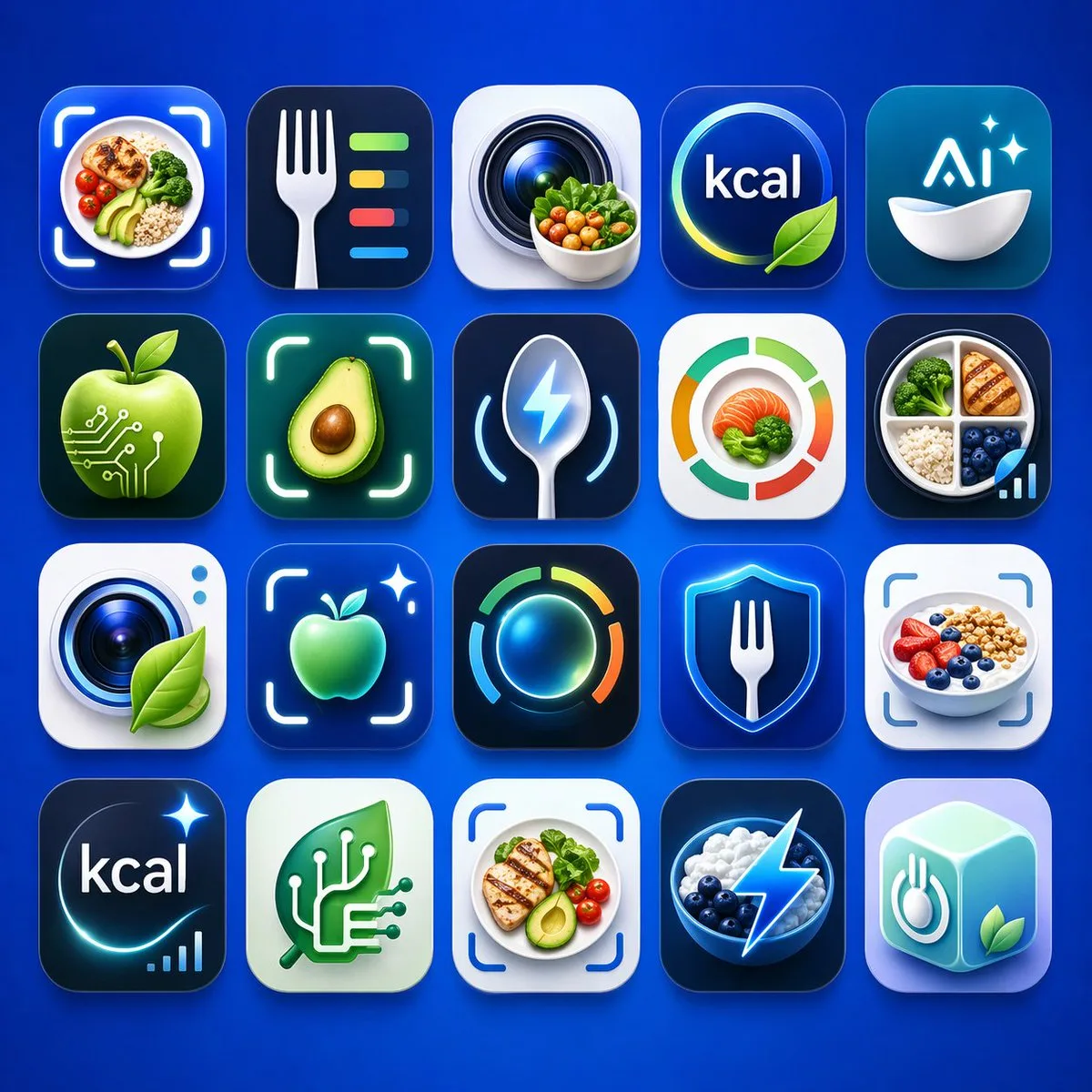
Health and Nutrition App Icon Matrix
A clean presentation grid of 20 modern mobile app logo concepts for nutrition, calorie tracking, healthy eating, food recognition, and AI wellness tools, shown on a vivid electric-blue background with soft studio lightin…
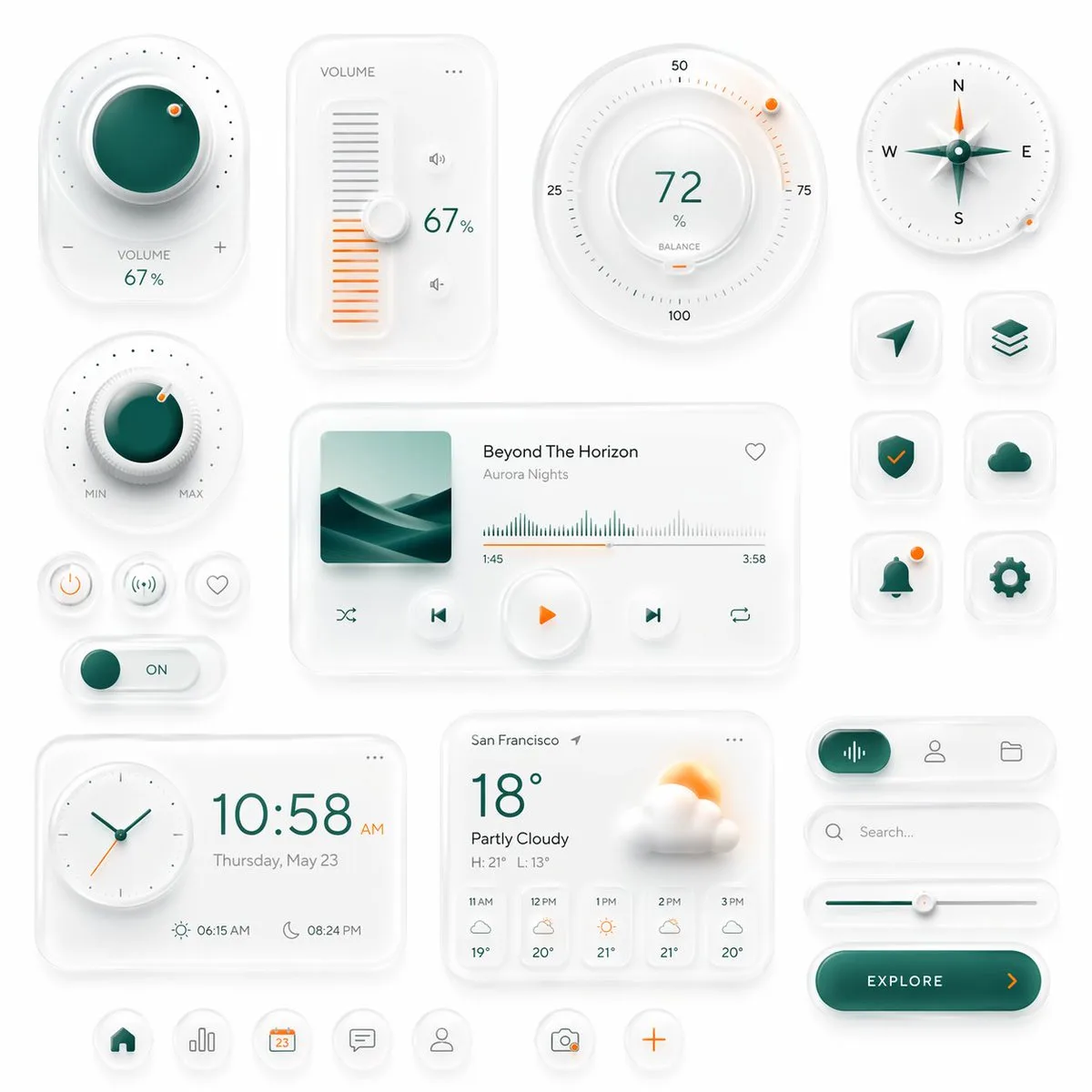
Neumorphic Smart UI Kit
Create a premium neumorphic smart-home and media control UI kit on a clean light gray background, arranged as a balanced dashboard-style composition of floating rounded cards and circular controls with soft extruded shad…

Gradient Mountain and Cloud App Icon
Create a clean modern app logo on a pure white background: a rounded cloud-like circular badge made from overlapping soft lobes, filled with a smooth gradient from {argument name="top color" default="violet purple"} at t…
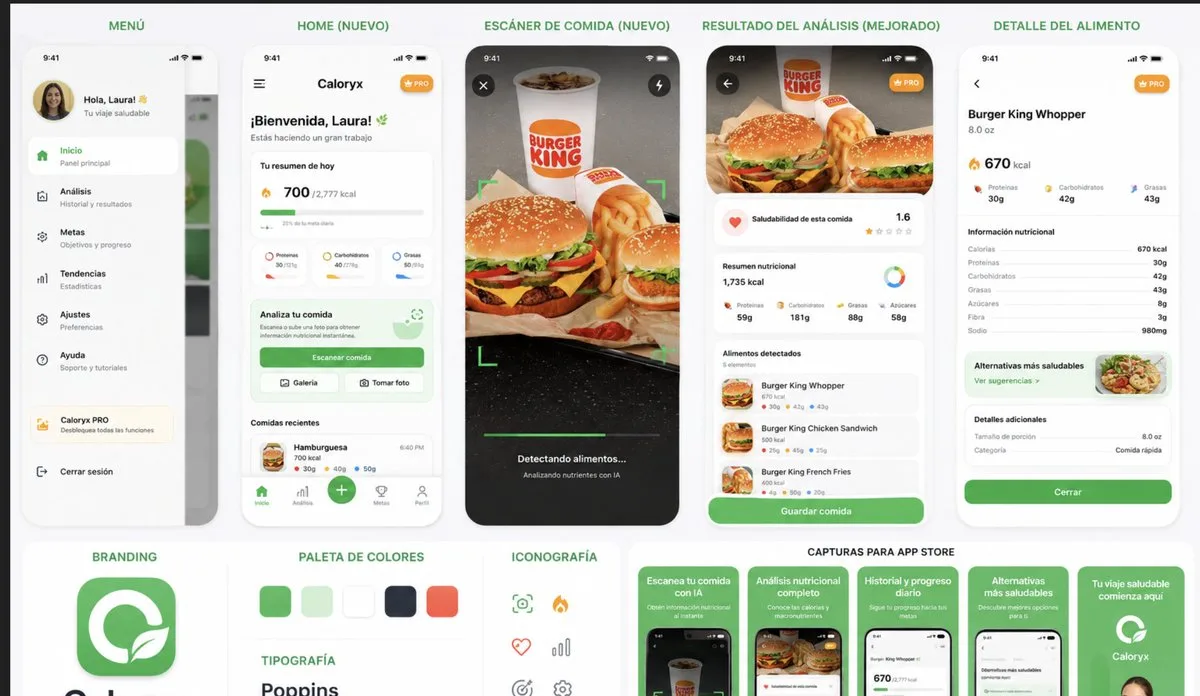
Caloryx Nutrition App Prototype Project
{"type":"mobile app prototype presentation board for a nutrition and food scanner app","overall_style":"clean modern iOS UI mockup, white background, rounded cards, soft shadows, green health-tech accent color, Poppins-s…
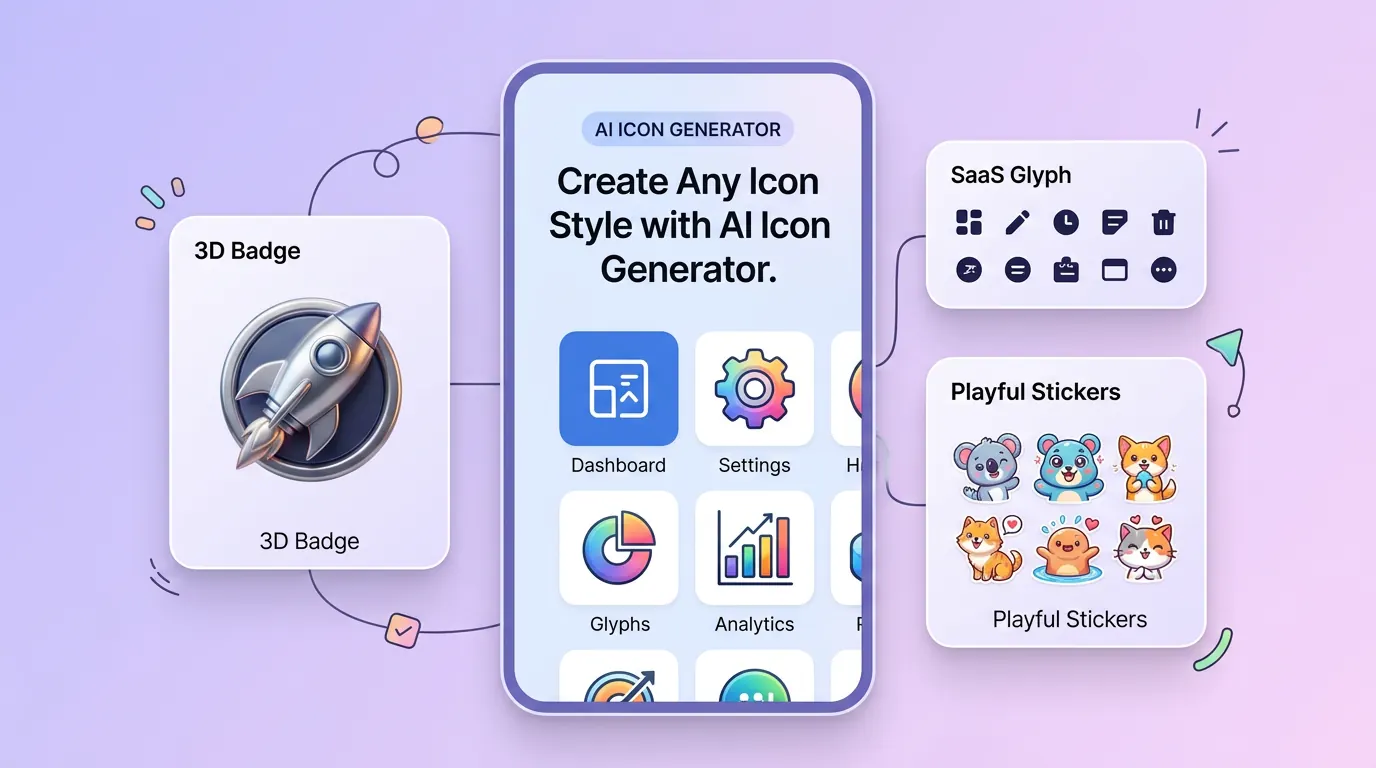
Create Any Icon Style with AI Icon Generator
AI icon generator adapts shape language, color contrast, and detail density so every icon stays readable at small sizes—whether you need a minimal glyph for a SaaS toolbar, a glossy 3D badge for a mobile launch, or a playful set for social stickers. Switch styles in one click and keep a consistent visual system across app screens, decks, and ads.
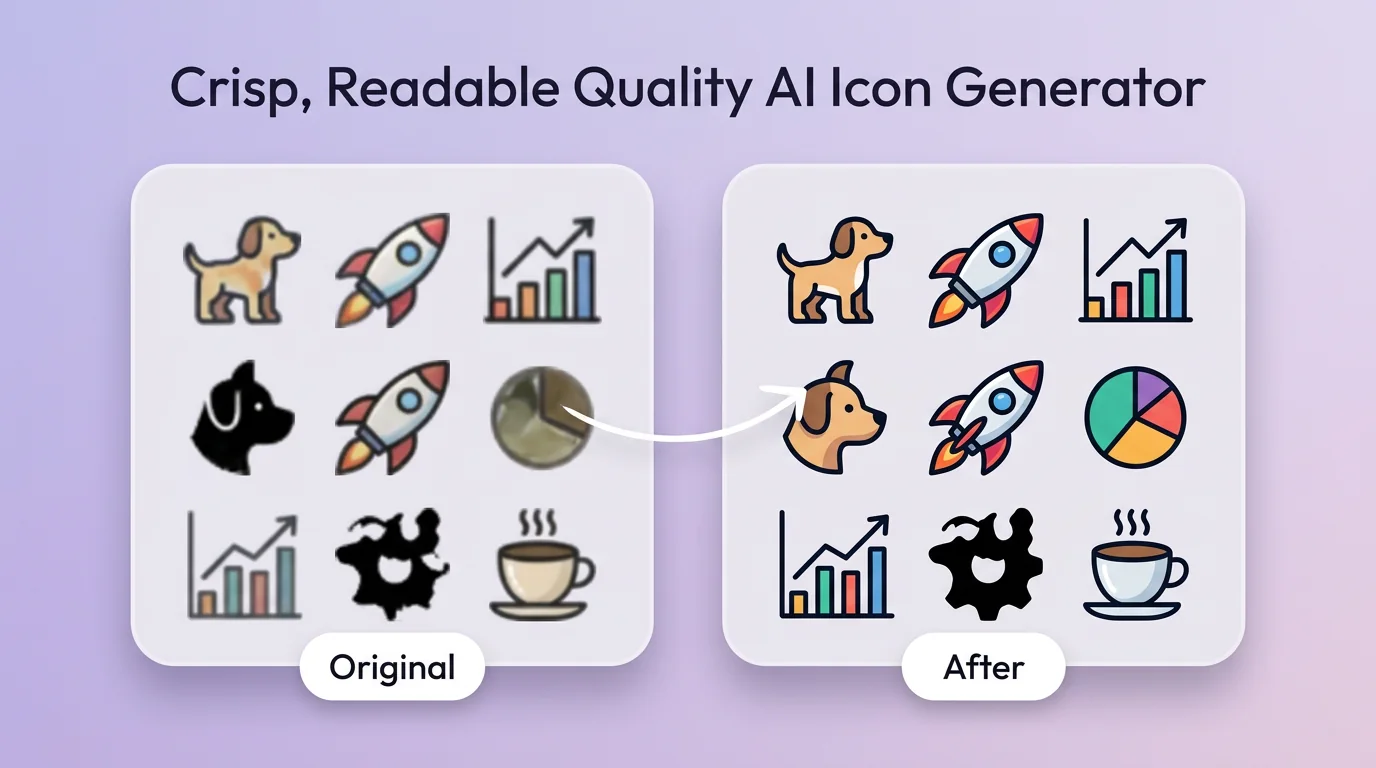
Crisp, Readable Quality AI Icon Generator
AI icon generator prioritizes clean outlines, balanced geometry, and high-contrast fills so icons look intentional—not noisy AI artifacts. Blurry edges and muddy silhouettes kill trust in product UI; you get publish-ready assets for home screens, favicons, feature rows, and store listings without endless redrawing in design tools.
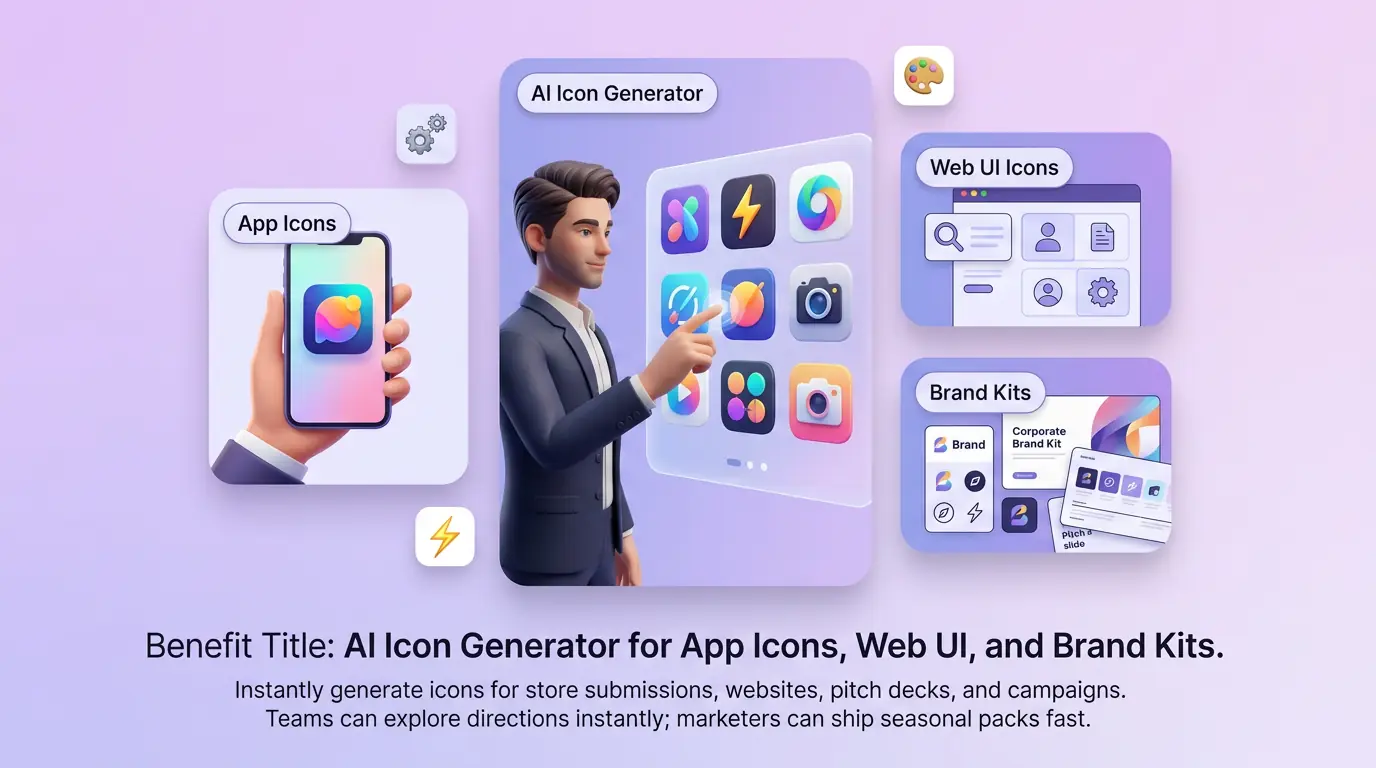
AI Icon Generator for App Icons, Web UI, and Brand Kits
Use AI icon generator as an AI app icon generator for store submissions, then reuse the same system for website feature icons, pitch decks, and campaign creatives. Product teams can explore directions before a full design sprint; marketers can ship seasonal icon packs without waiting on a long creative queue. One prompt powers multiple channel-ready variants.
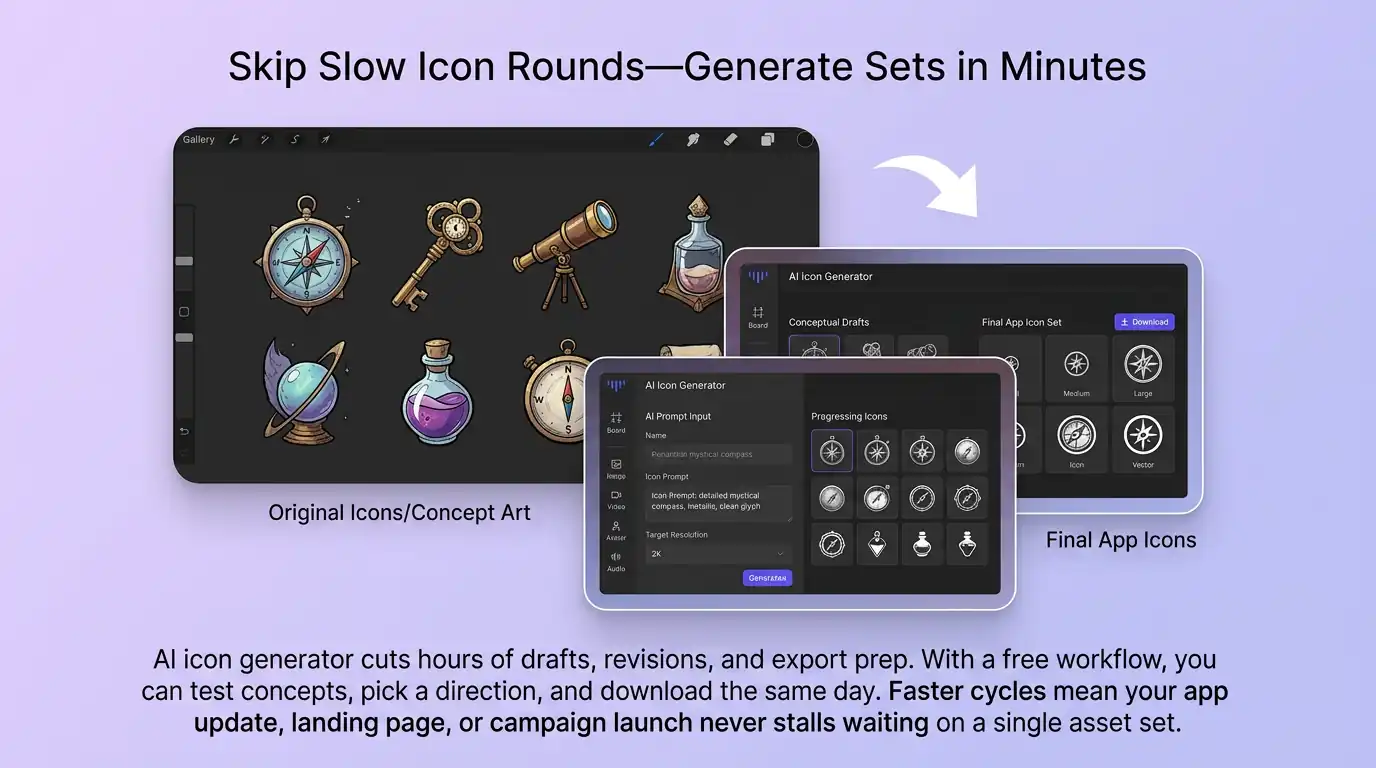
Skip Slow Icon Rounds—Generate Sets in Minutes
AI icon generator cuts hours of drafts, revisions, and export prep. With a credits-based workflow, you can test concepts, pick a direction, and download the same day. Faster cycles mean your app update, landing page, or campaign launch never stalls waiting on a single asset set.
How to Generate an Icon with AI
01
Describe Your Idea
Describe your icon: brand name, purpose (app, feature, or badge), colors, and style keywords. Clear prompts help lock the right silhouette early.
02
Generate Concepts
Generate a batch of options and compare readability at small size. Prefer a low-risk start? Use starter credits, then refine the strongest concept before scaling to a full set.
03
Download & Use
Download the best icon, export for app store or web use, and reuse the style for a full set. Re-run anytime you need seasonal or feature-specific variants.
Discover Other AI Image Generators
Explore more AI image generator tools for specialized creative workflows.
AI Icon Generator FAQ
GET STARTED
Try Our AI Icon Generator Now!
Describe your brand mark and generate crisp, launch-ready icons in minutes. —no design sprint required.