AI Pixel Art Generator: Retro Characters & Scenes
AI pixel art generator helps you create retro characters, props, and scenes without drawing pixel by pixel. Describe the look, generate, refine, and download in one streamlined flow.
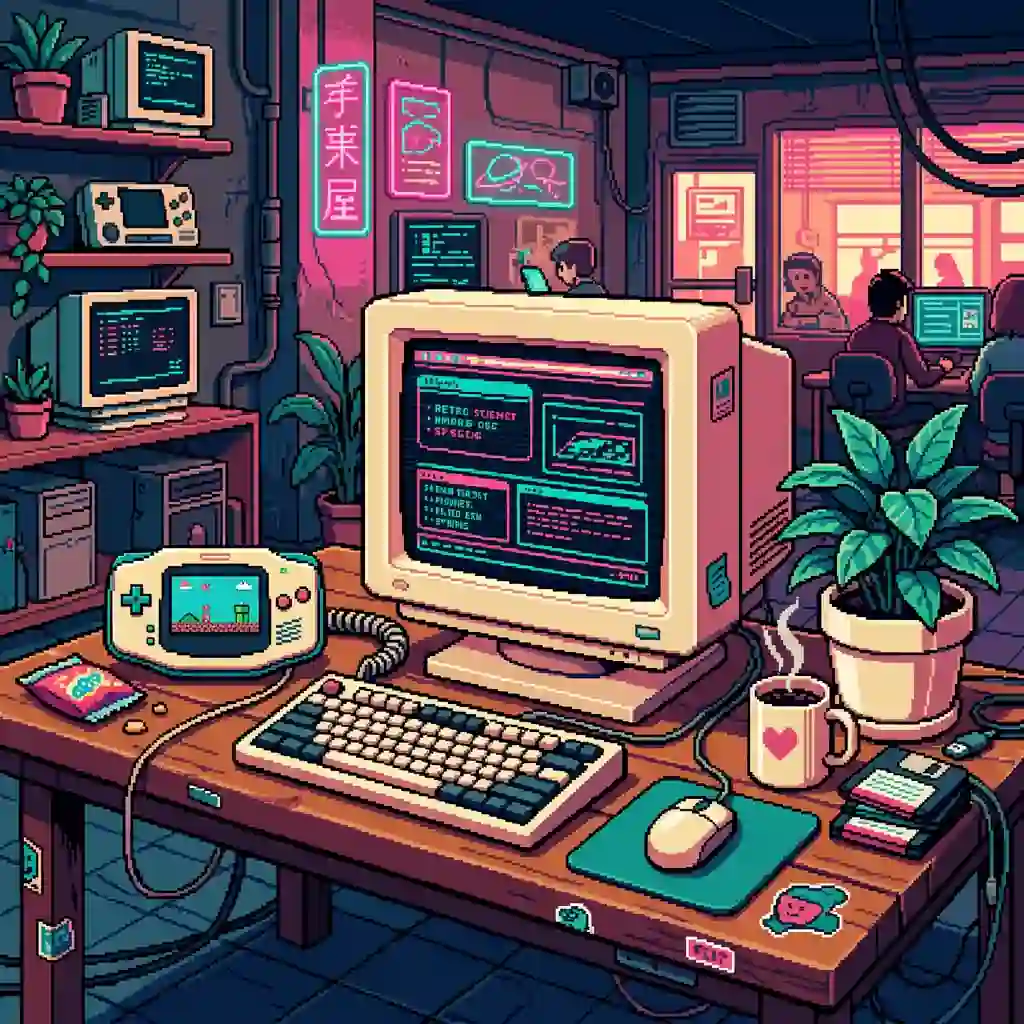
Create Crisp 8-bit and 16-bit Art with AI Pixel Art Generator—Game-Ready
Game makers, streamers, and retro fans can create 8-bit and 16-bit characters, props, and scenes without placing pixels one by one. Lock a palette and resolution feel, iterate quickly, and export assets for prototypes or social art.
Prompt examples for this use case
Browse curated image prompts that match this page intent. Open Canvas to continue with your own prompt—prefill only, no auto-generate.
Prompt examples are shown in English.
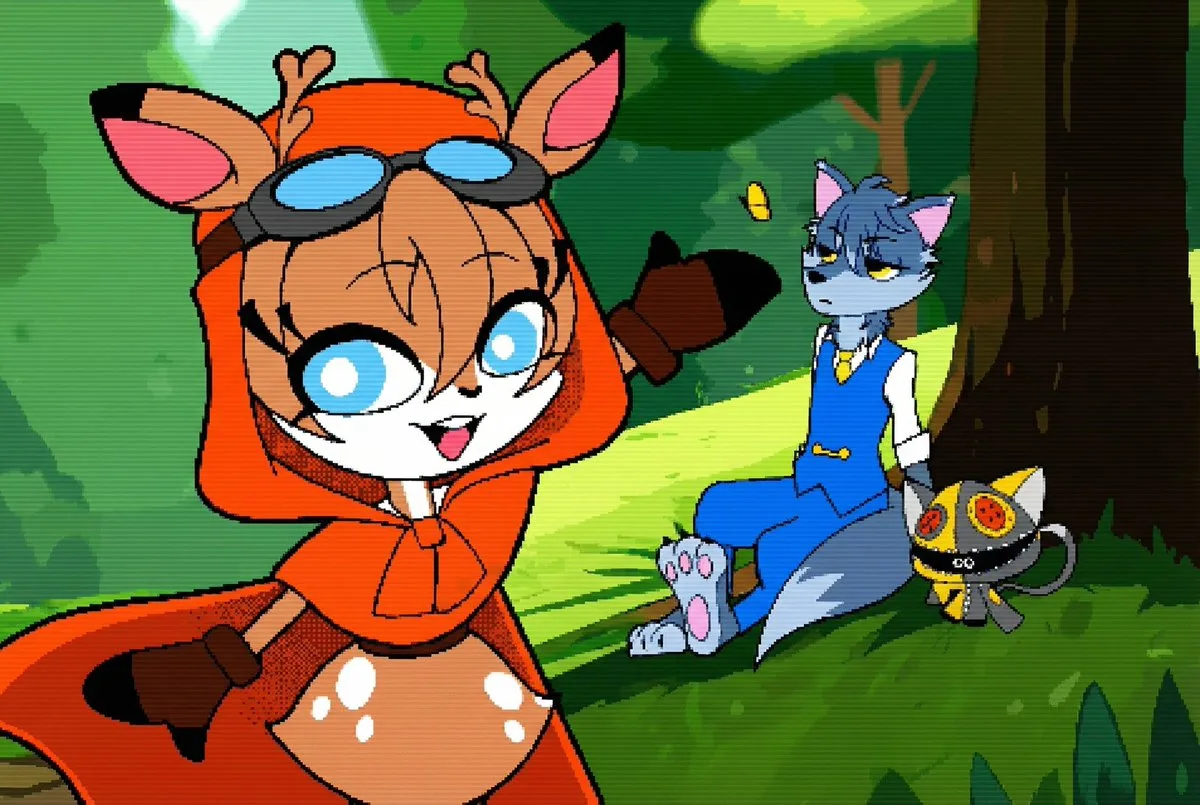
Retro Game Boy Advance Pixel Art Style
将其转换为像素艺术,风格为 {argument name="reference_era_en" default="Game Boy Advance 时代"}。
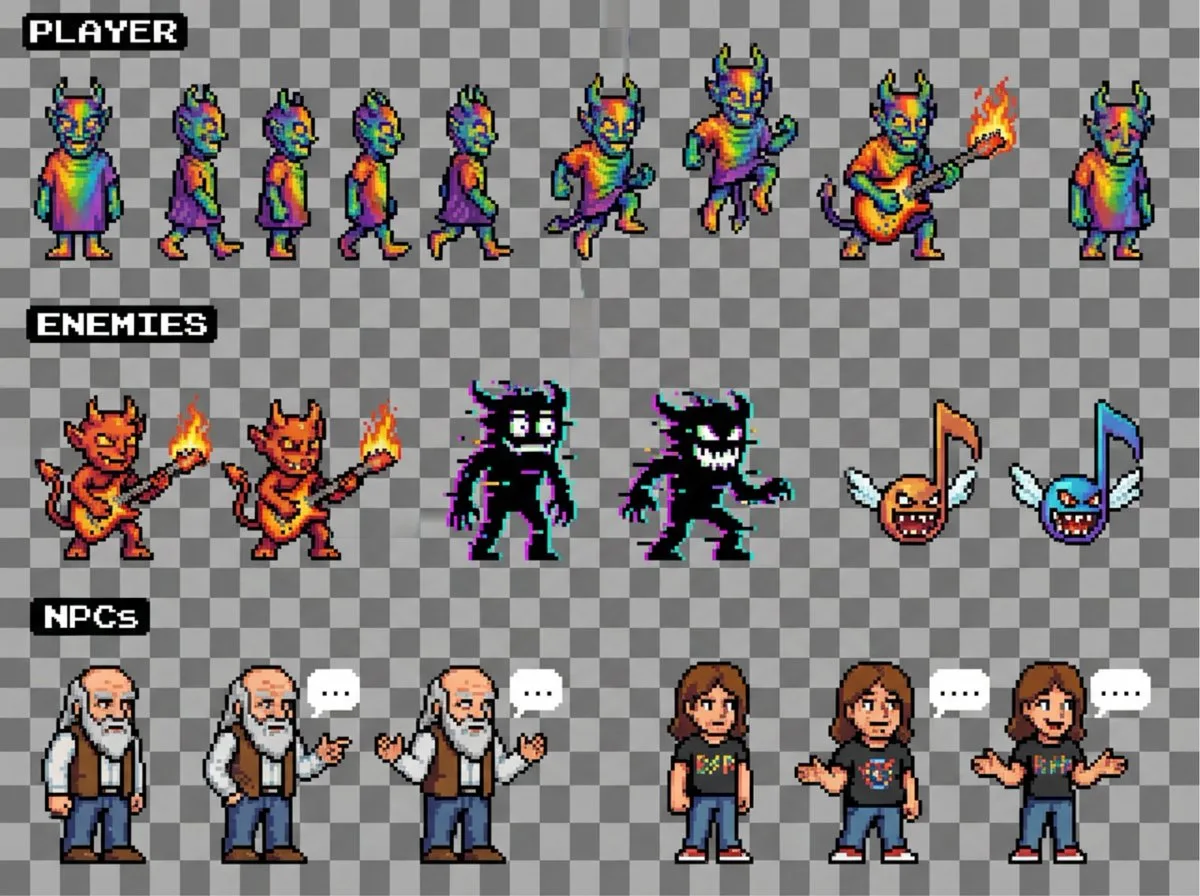
2D NES Platformer Sprite Sheet
create a sprite sheet for a 2D NES platforming game, include enemies and NPCs
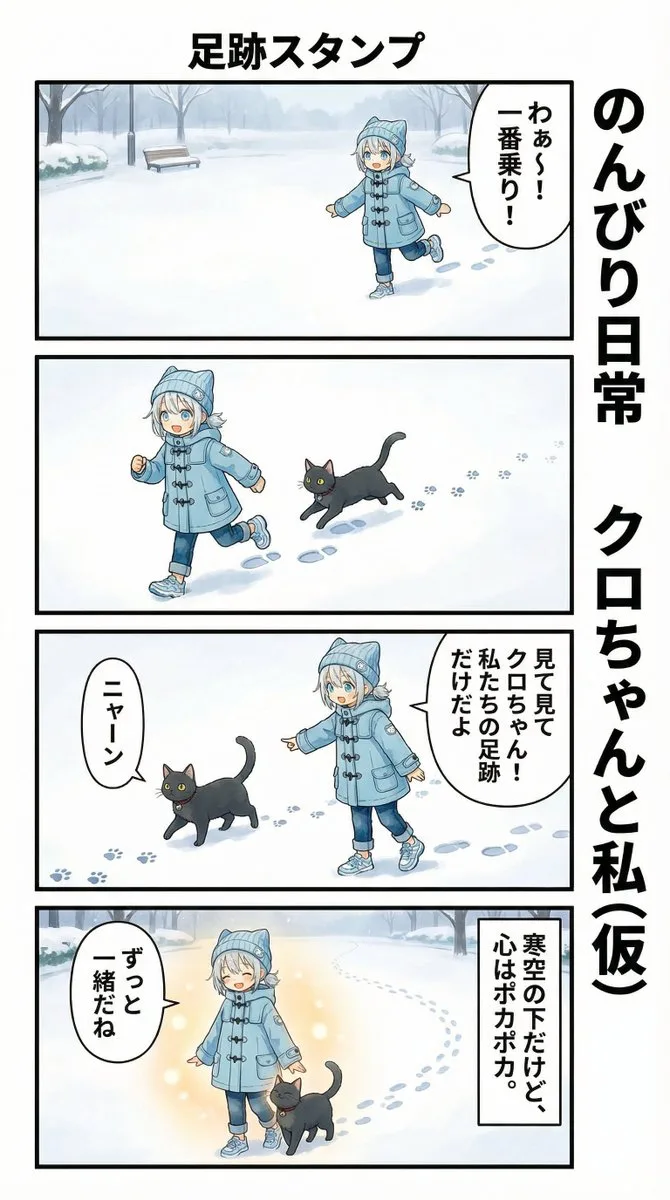
使用 Nano Banana Pro 进行 AI 漫画生成
A prompt for Nano Banana Pro to generate AI manga content featuring a girl and a black cat with repeating footprints to suggest movement.
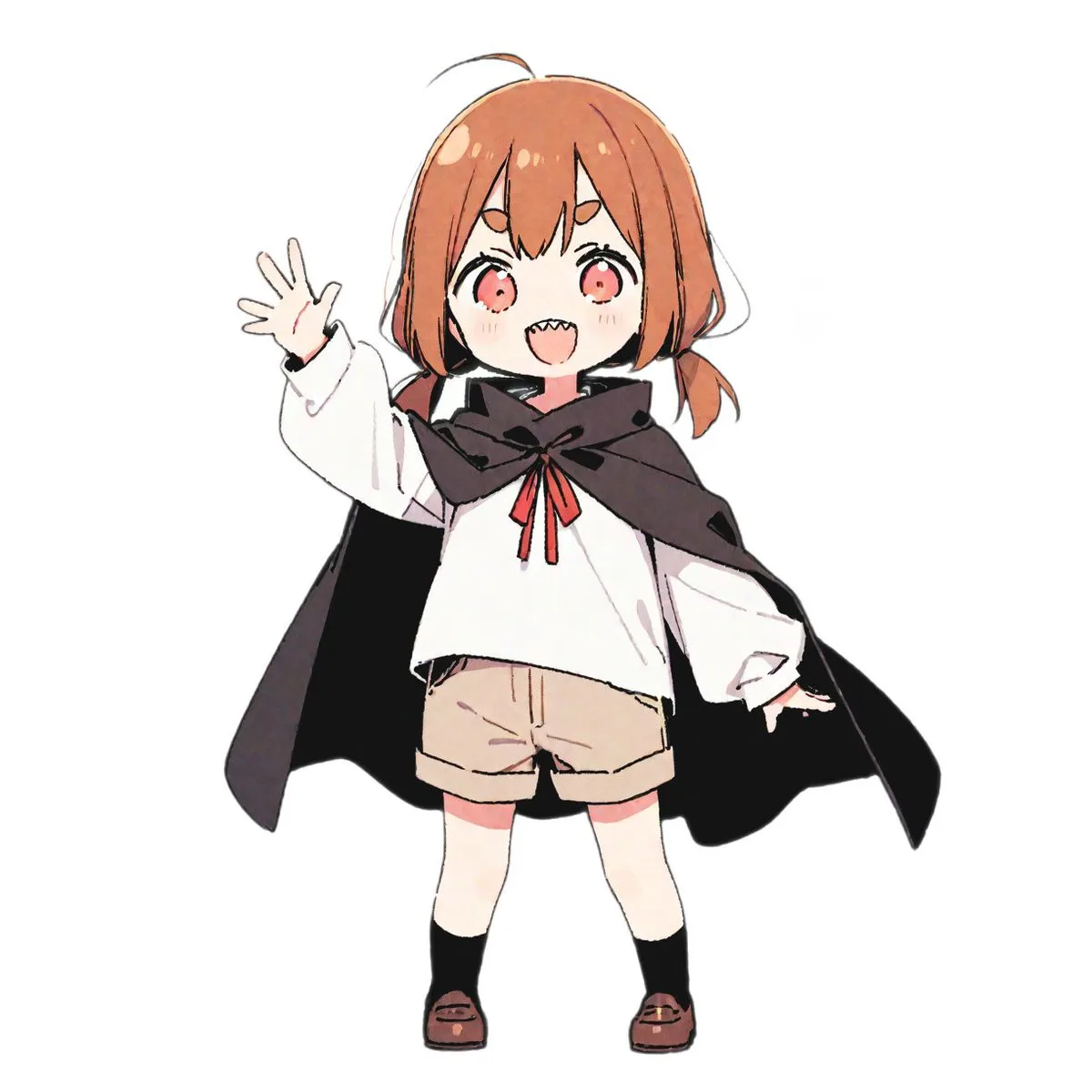
16-Bit Retro Game Character Conversion Prompt
A set of prompts for Nano Banana Pro to convert uploaded characters into various 16-bit retro game styles, including side-scrollers and RPG battle screens. Users can easily customize character and scene details.
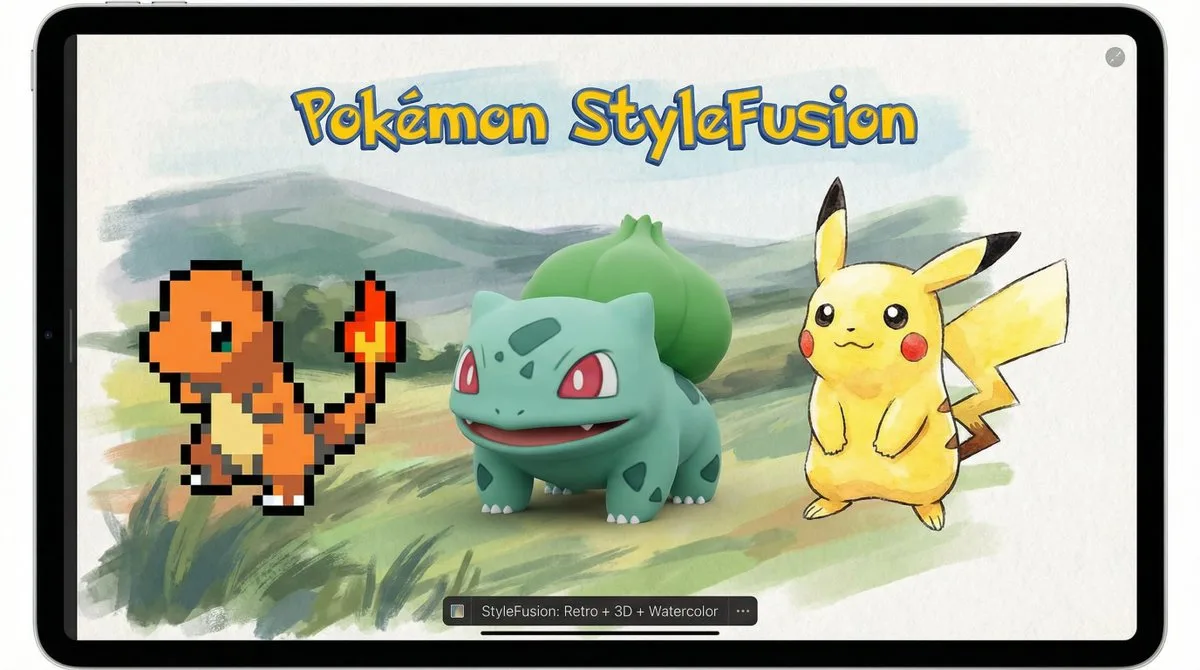
Pokémon Style Fusion 宣传片
With Pokémon StyleFusion, it's easy to mix retro GameBoy pixel art, 3D Pokémon models, and watercolor landscapes. In this shot, pixel-{argument name="first pokemon" default="Charmander"}, 3D-{argument name="second pokemo…
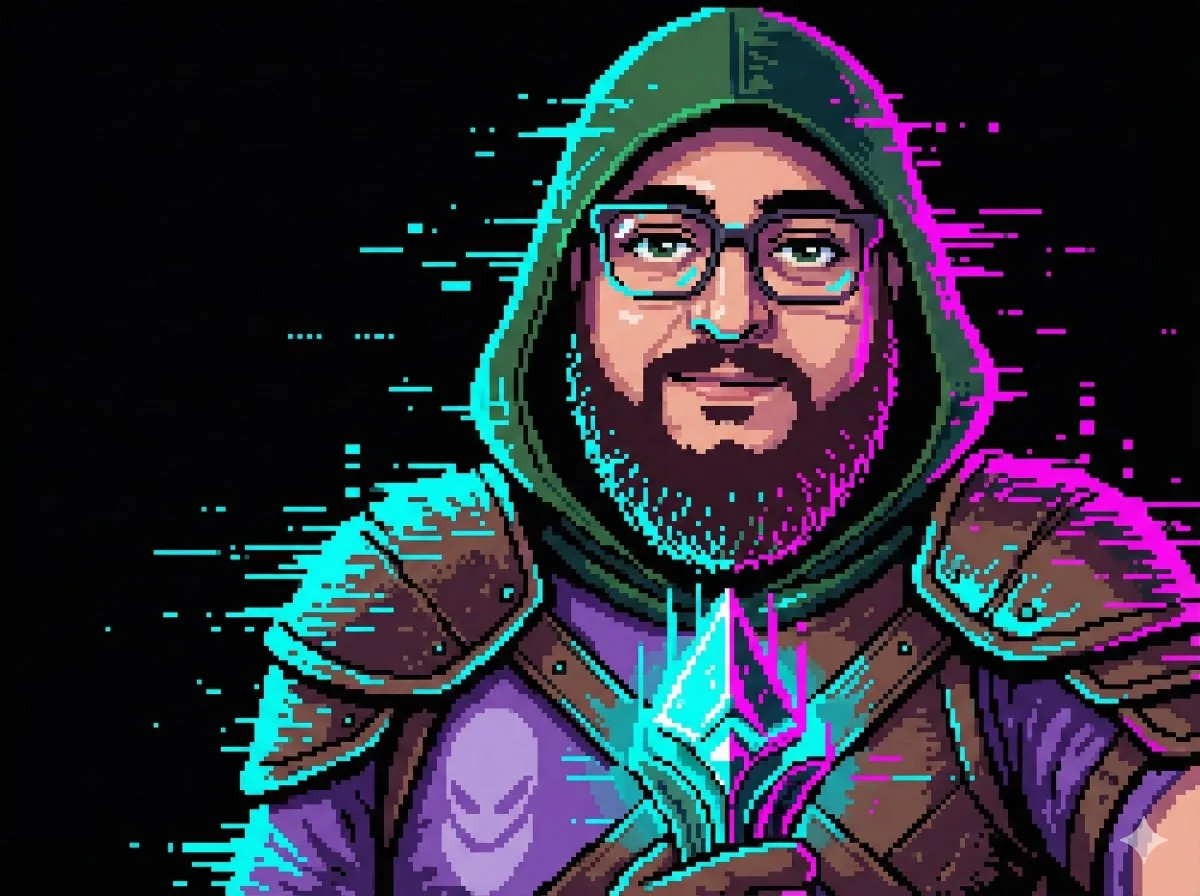
Glitch Effect Pixel Art Character Portrait
create a detailed pixel art character portrait based on the attached photo. the subject is dressed as a medieval rogue in a dark green hood and leather armor. the image has a 'glitch' effect where parts of the armor and …
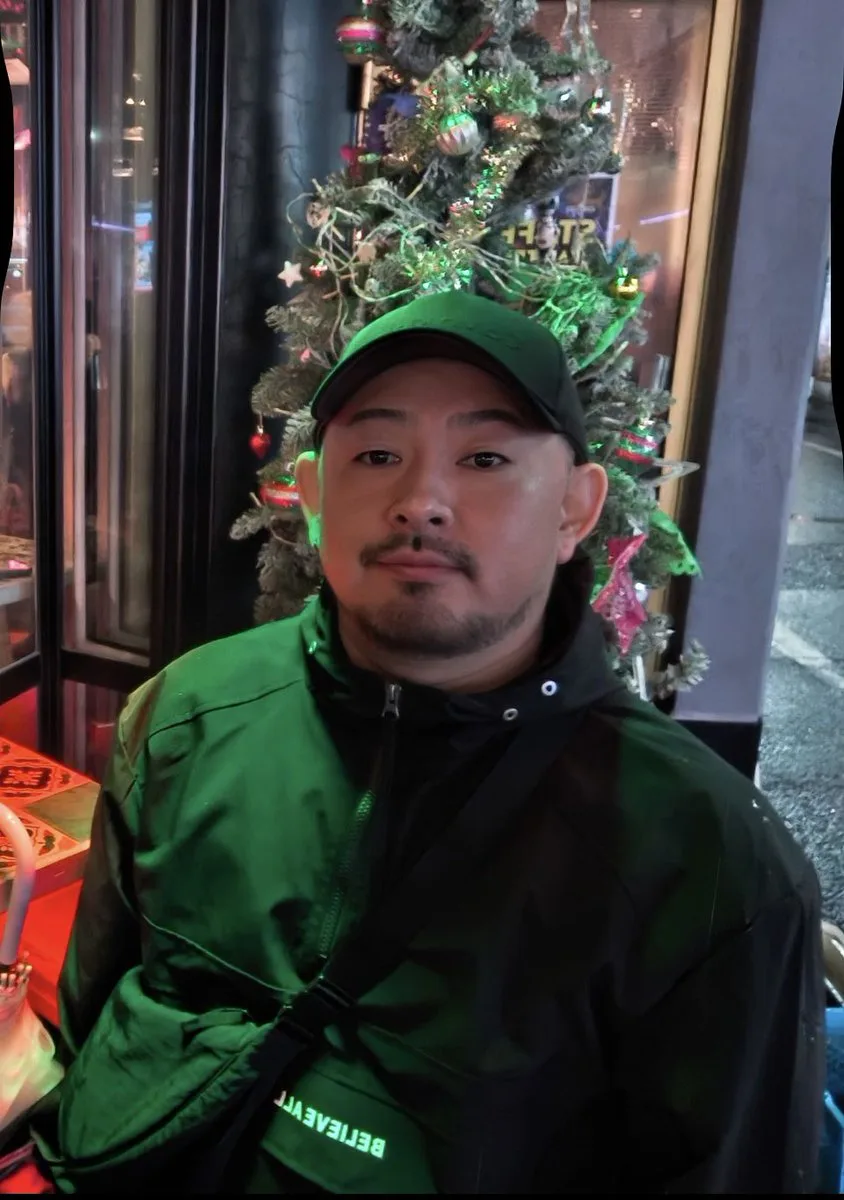
Image-to-Pixel Art Prompt
A prompt for Nano Banana Pro to convert uploaded portraits into full-body pixel art illustrations while preserving the subject's fashion, hairstyle, and facial features.
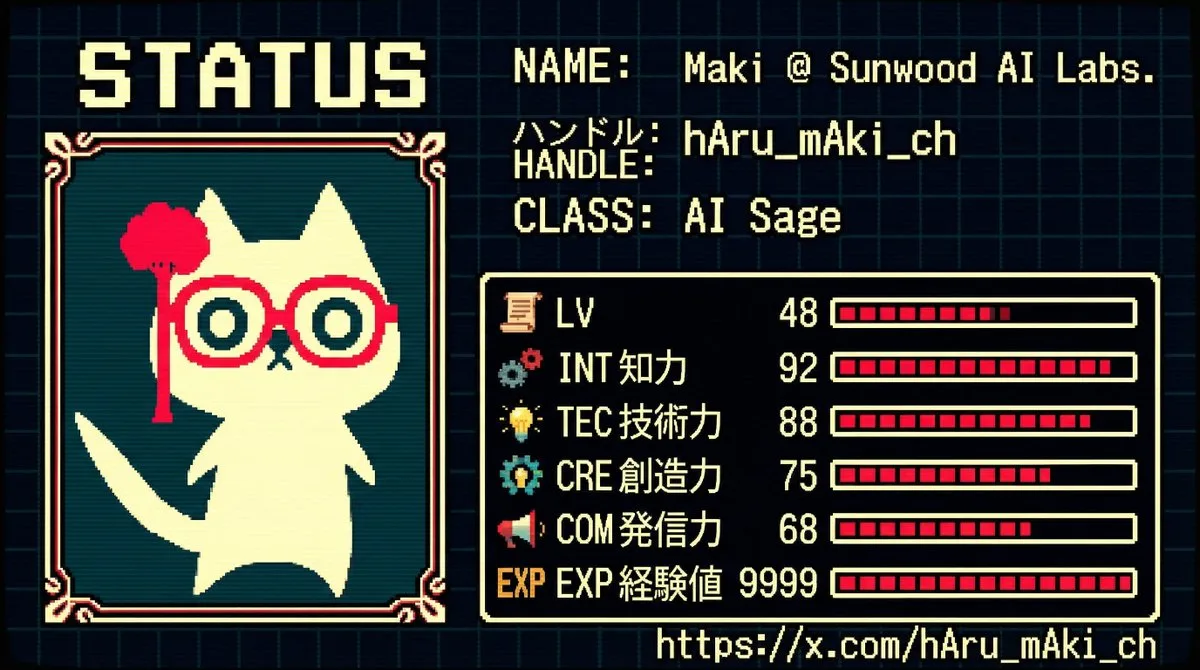
RPG Status Screen X Profile Prompt
A comprehensive prompt template for Nano Banana Pro to generate an 8-bit to 16-bit JRPG-style character status screen. It analyzes an X (Twitter) profile to calculate RPG parameters and assign a class.
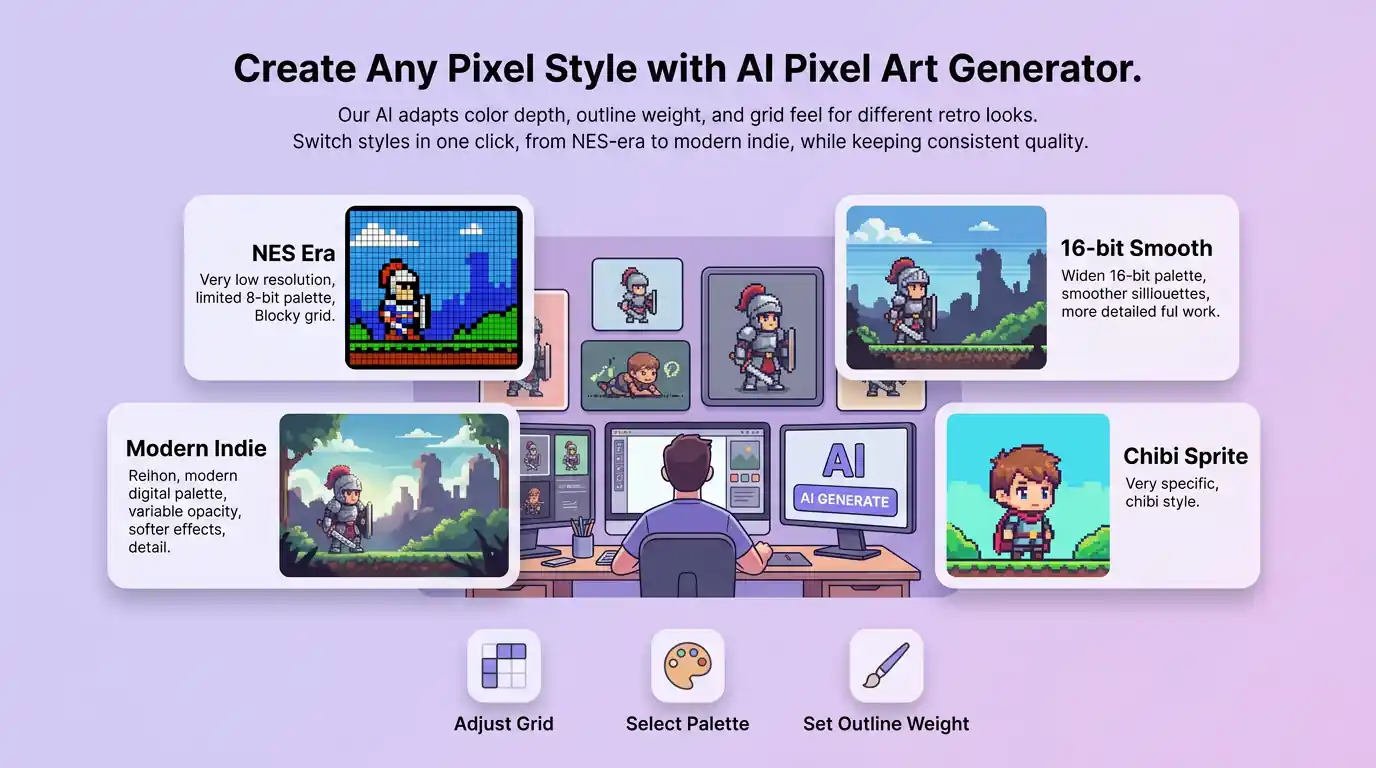
Create Any Pixel Style with AI Pixel Art Generator
This AI pixel art generator adapts color depth, outline weight, and grid feel for NES-era blocks, smoother 16-bit silhouettes, cute chibi sprites, or a modern indie palette—so each result still reads as intentional pixel art. Switch looks in one click and keep a consistent retro identity across characters, items, and backgrounds.
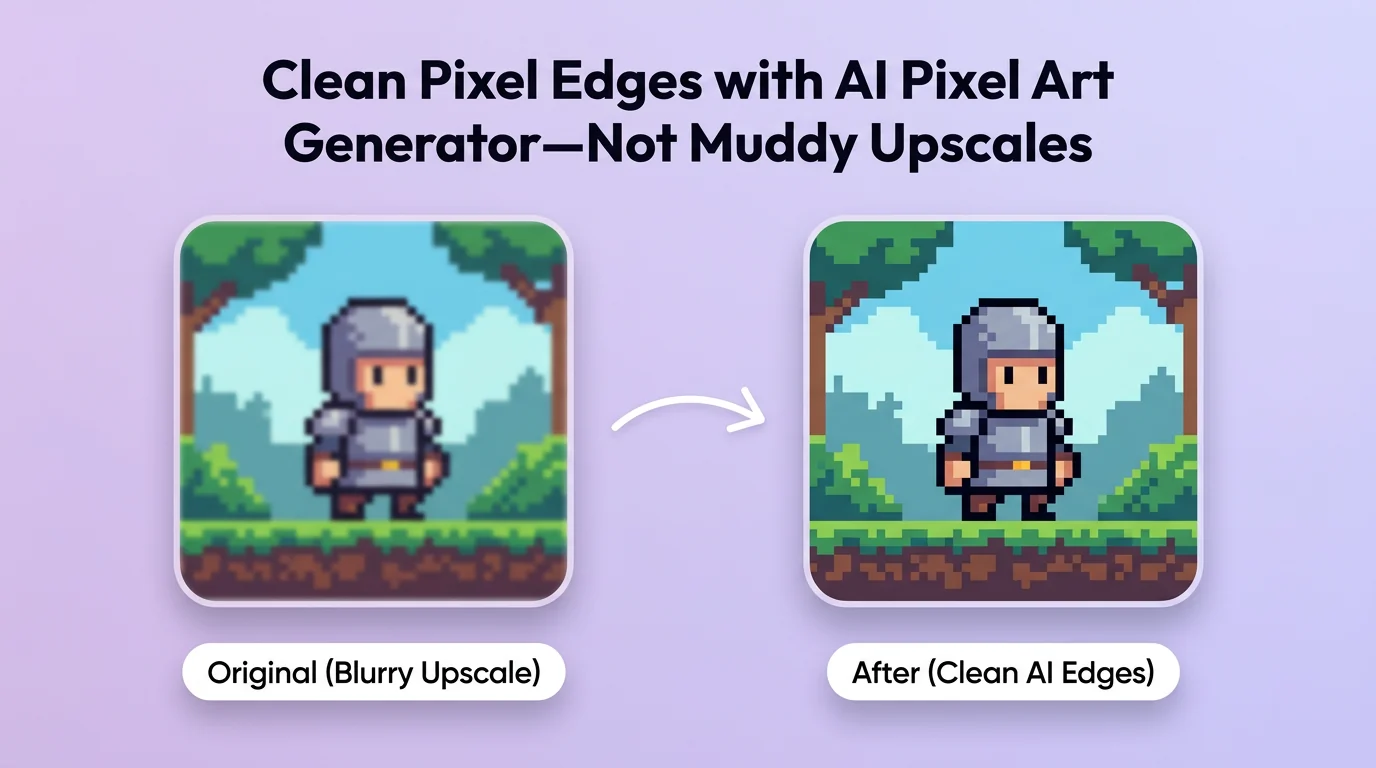
Clean Pixel Edges with AI Pixel Art Generator—Not Muddy Upscales
AI pixel art generator aims for sharp block boundaries, clear silhouettes, and limited palettes that feel hand-crafted for games and stickers—not soft AI blur that kills pixel charm. You get publish-ready sprites and scenes that look intentional at small sizes—ideal for avatars, tilesets, and social posts.
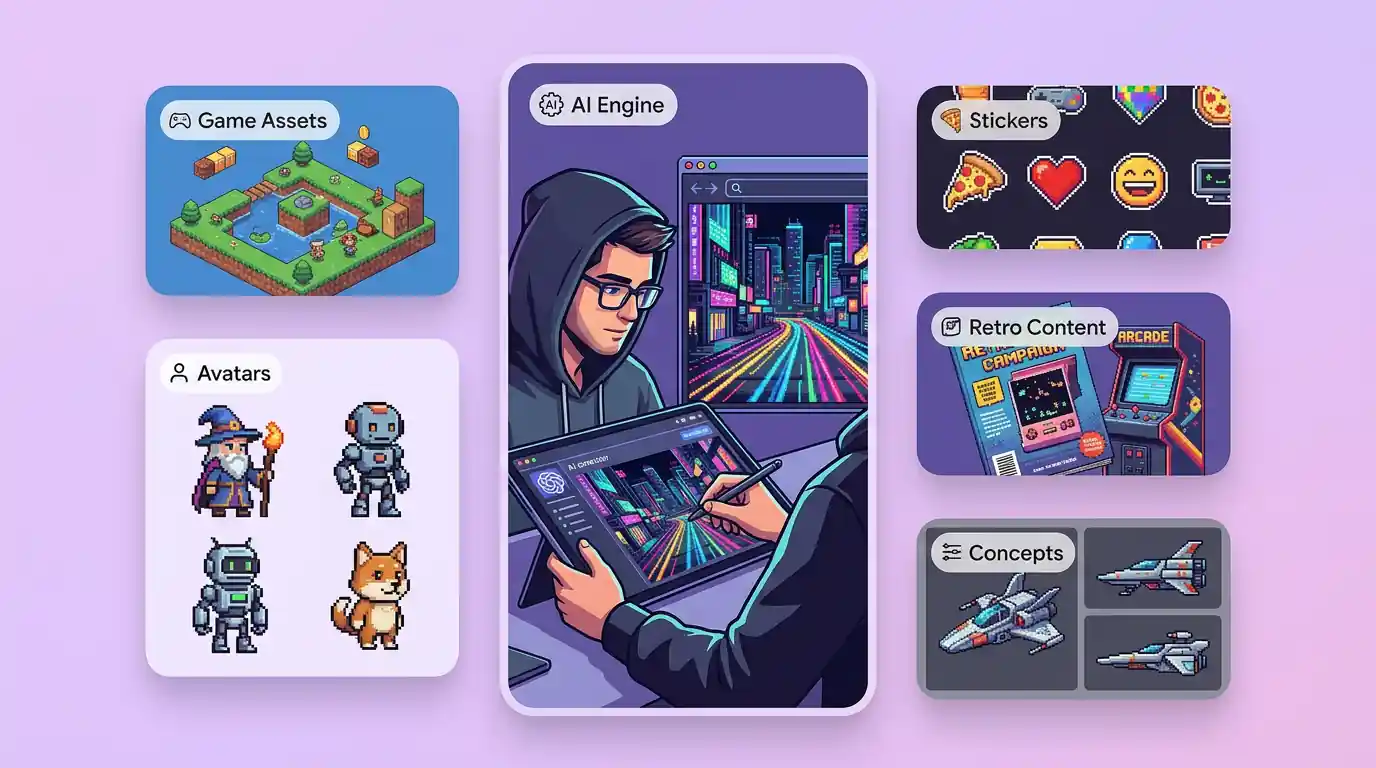
AI Pixel Art Generator for Game Assets, Avatars, Stickers, and Retro Content
Use AI pixel art generator wherever pixel vibes sell the idea: indie game prototypes, Discord/Twitch avatars, merch mockups, storyboards, and nostalgic campaign creatives. Creators can batch character variants; teams can explore mood boards before commissioning final art. One prompt stream powers sprites, props, and scene concepts.
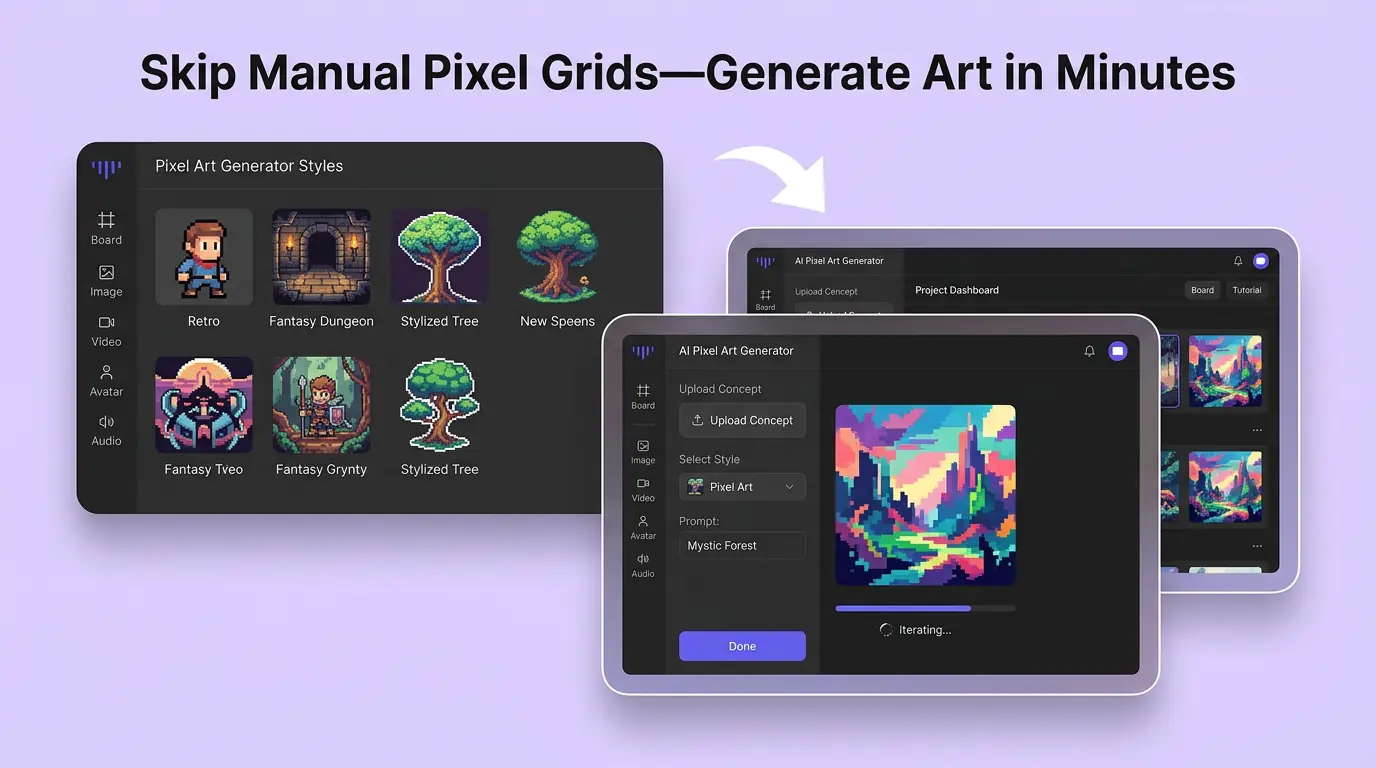
Skip Manual Pixel Grids—Generate Art in Minutes
Hand-pixeling every frame burns hours before you even test a concept. With an AI pixel art generator workflow online, you can explore looks, pick winners, and download the same day. Faster iteration means your game jam, launch post, or pitch deck never waits on a blank canvas.
How to Generate Pixel Art with AI
01
Describe Your Idea
Describe your character, item, or scene—include era (8-bit / 16-bit), palette mood, and pose. A clear prompt helps the pixel art AI generator lock the grid look.
02
Generate Concepts
Generate variations, then refine with short follow-ups (e.g., “thicker outline,” “fewer colors,” “side-view sprite”). Keep what fits your game or brand.
03
Download & Use
Download your favorite result and use it as an avatar, concept sheet, or production reference. Share or iterate for the next asset set.
Discover Other AI Image Generators
Explore more AI image generator tools for specialized creative workflows.
AI Pixel Art Generator FAQ
GET STARTED
Try our AI Pixel Art Generator Now!
From retro sprites to scene concepts, create pixel-perfect ideas in minutes. Generate your first look the AI pixel art generator.