Meet-Cute Through Last Look
Start with a logline and turn first glance, tension, and reunion into connected scenes. Set both faces and wardrobe before you generate, then keep every beat in one project so the story reads as one film.
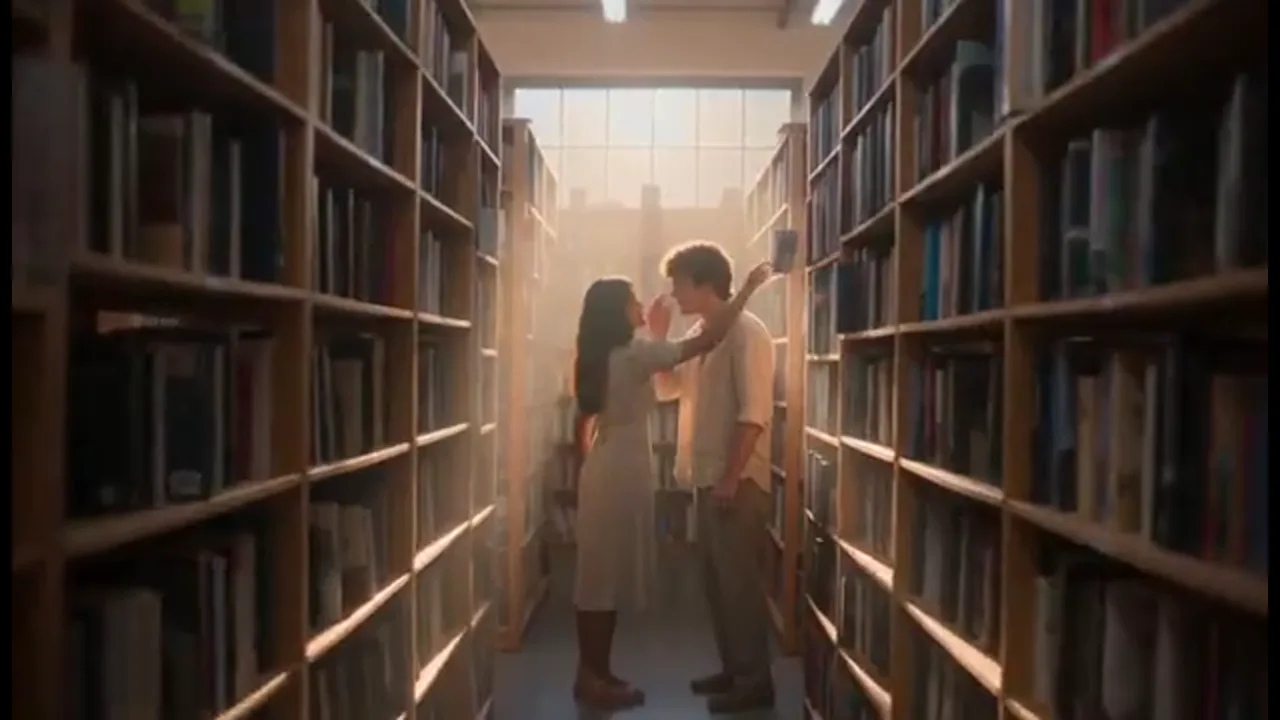
Turn a logline into an ai romance movie, one shot at a time. Keep the same couple from meet-cute to the final look, then keep building in one project.
Film Studio keeps story, camera, and character details linked on one Canvas, so every new shot still feels like the same film. Unlike a single romantic clip, you can plan the confession, redo a missed glance, and keep the story going in one workspace. Start from a prompt, logline, script, still, storyboard, or reference clip.
USE CASES
Start with a logline and turn first glance, tension, and reunion into connected scenes. Set both faces and wardrobe before you generate, then keep every beat in one project so the story reads as one film.
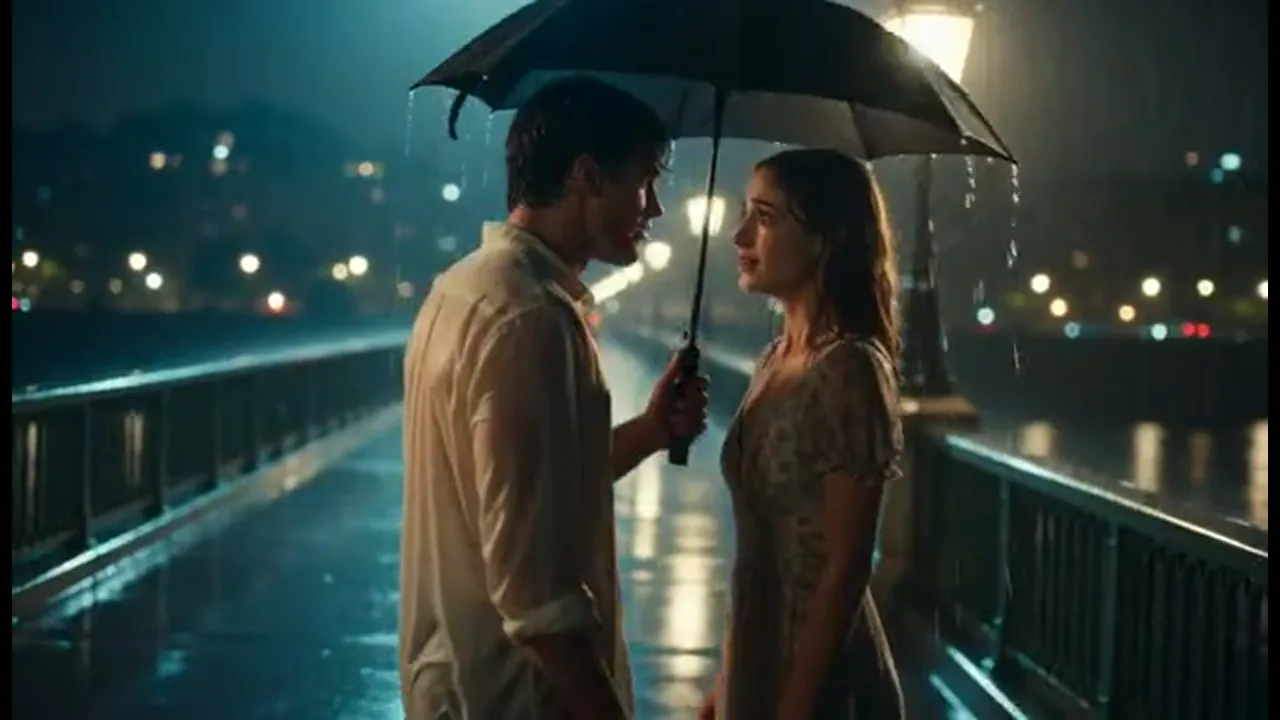
Plan the confession in 3D Shot Composer before you generate. Pick lens, depth of field, and camera move so the moment lands, then try another take if the performance misses.
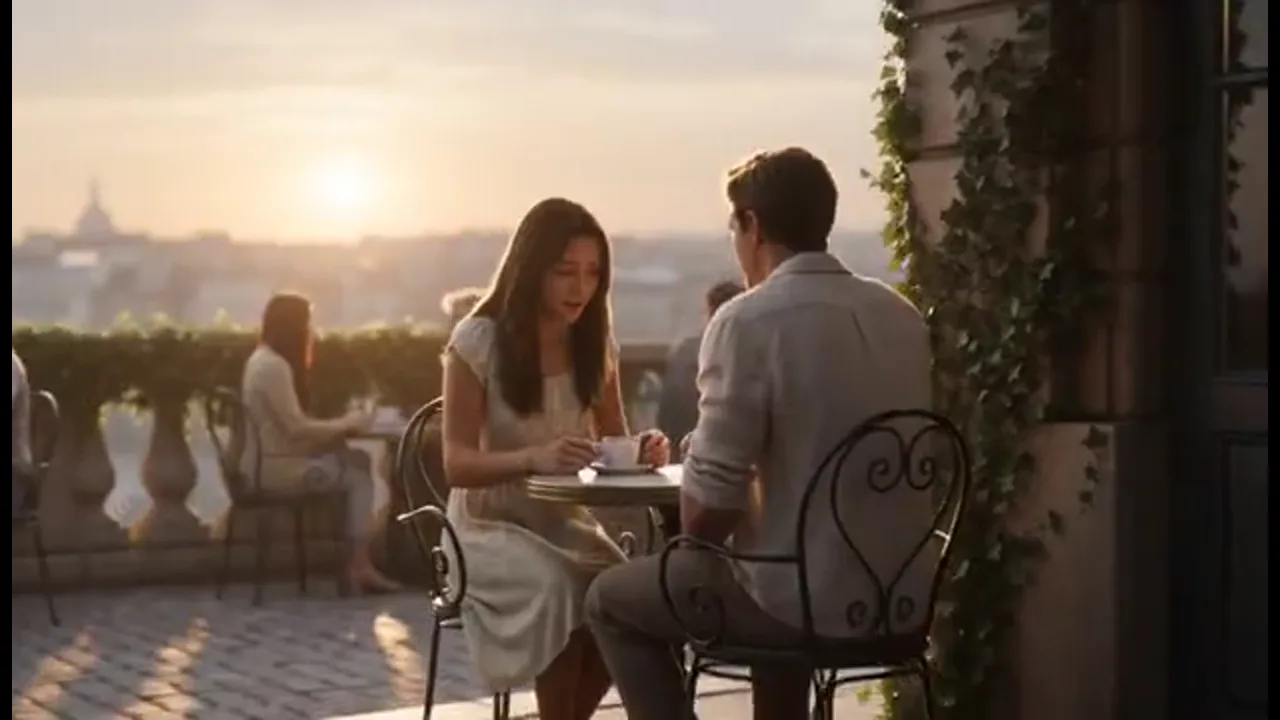
Drop a script or chapter into the project and block shots before a longer shoot. Review faces, camera, and performance in one place instead of exporting scattered clips.
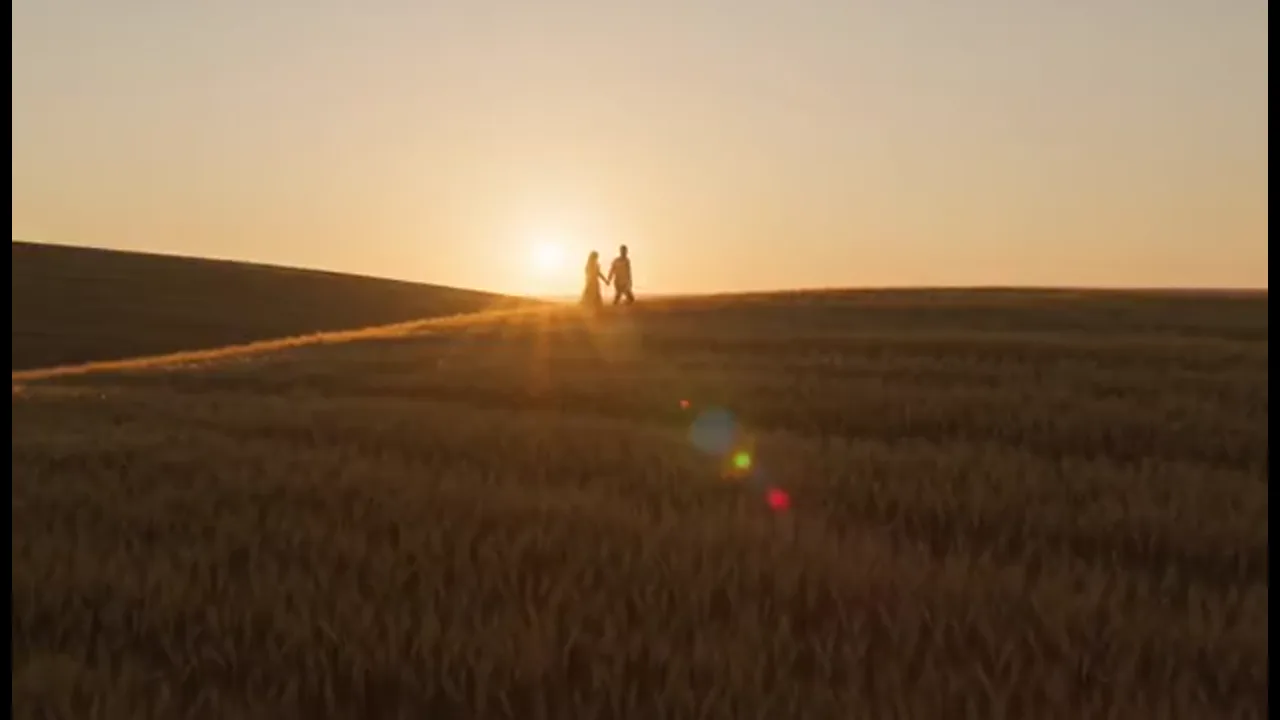
Carry one couple through a brand film without recasting every scene. Share the Canvas so teammates can redo a shot without leaving the project.
BENEFITS
Direct the couple, the glance, and the next shot in one project.
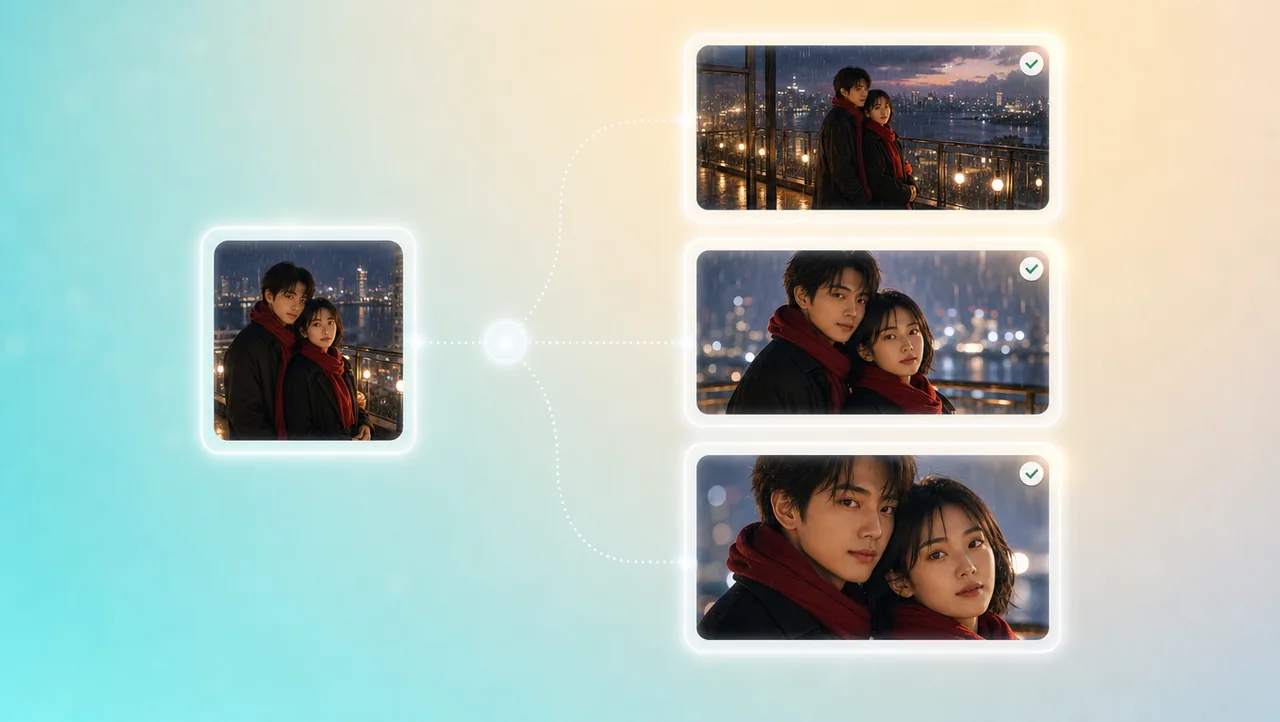
01
Character references, portrait enhancement, and micro-expression control keep faces, clothes, and performance consistent. The pair stays recognizable when you go from a wide to a close-up in the same ai romance movie.
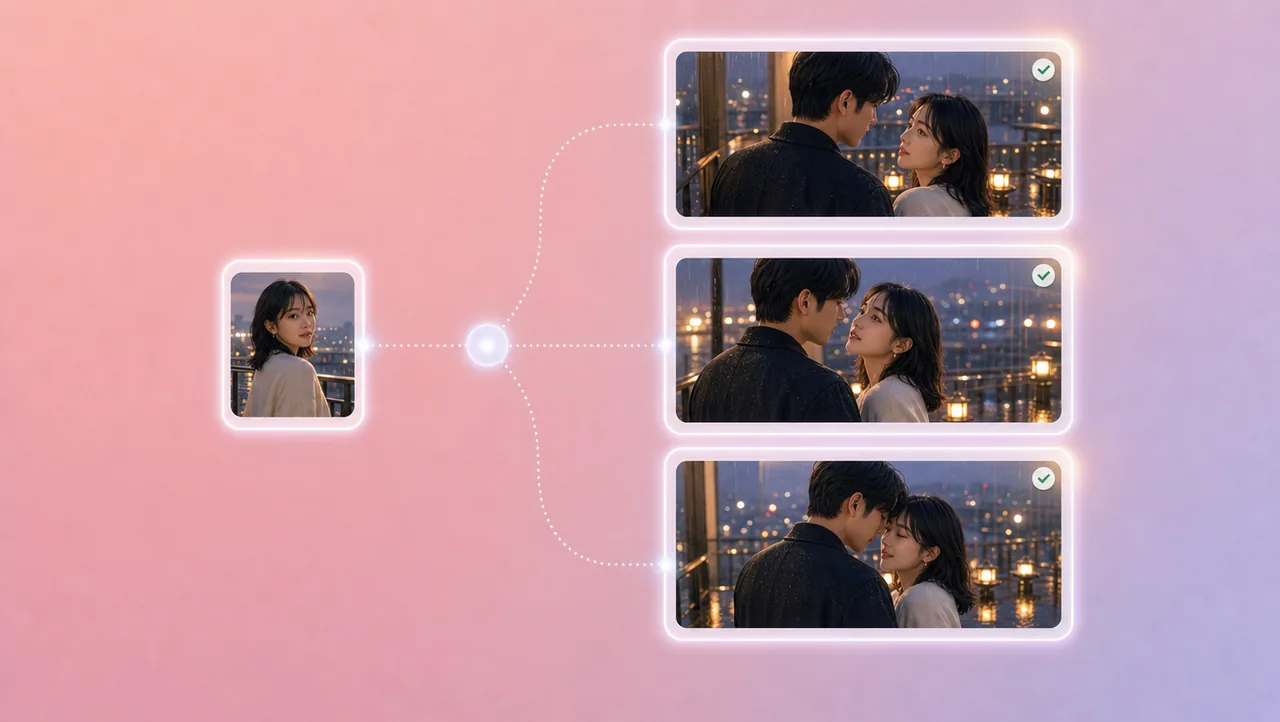
02
Micro-expression control lets you shape a glance, a pause, or a held look. You steer the intimacy on each shot instead of hoping a random clip feels right.
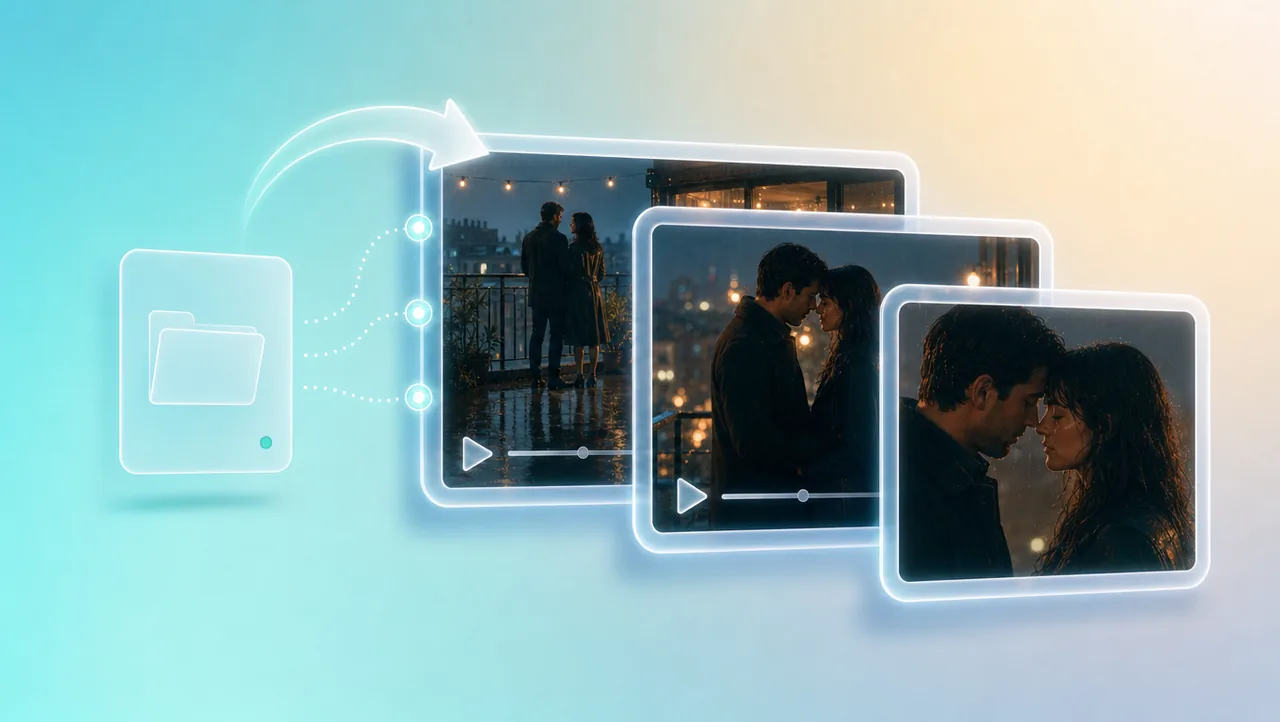
03
Your choices stay linked: story, camera, character, and performance. A new shot joins the same project instead of becoming another disconnected clip.
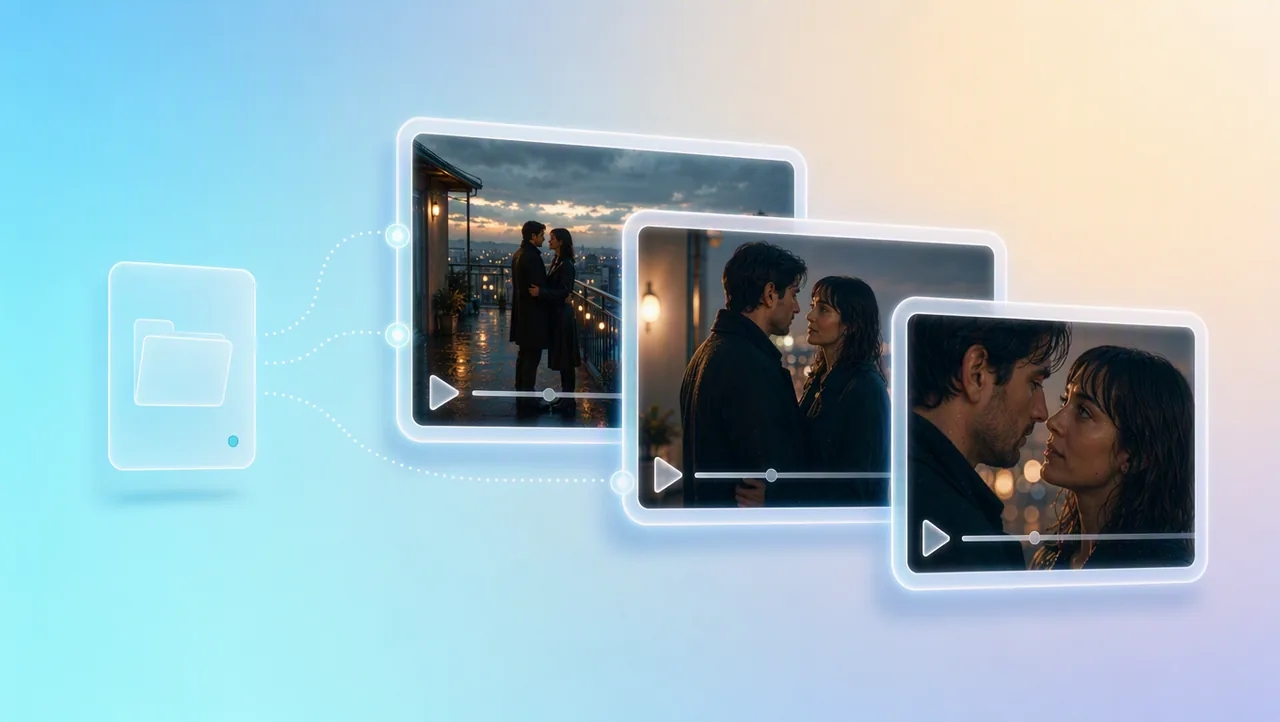
04
3D Shot Composer lets you plan framing before you generate. Set lens, aperture, shutter, depth of field, and camera moves on the shot you keep.
05
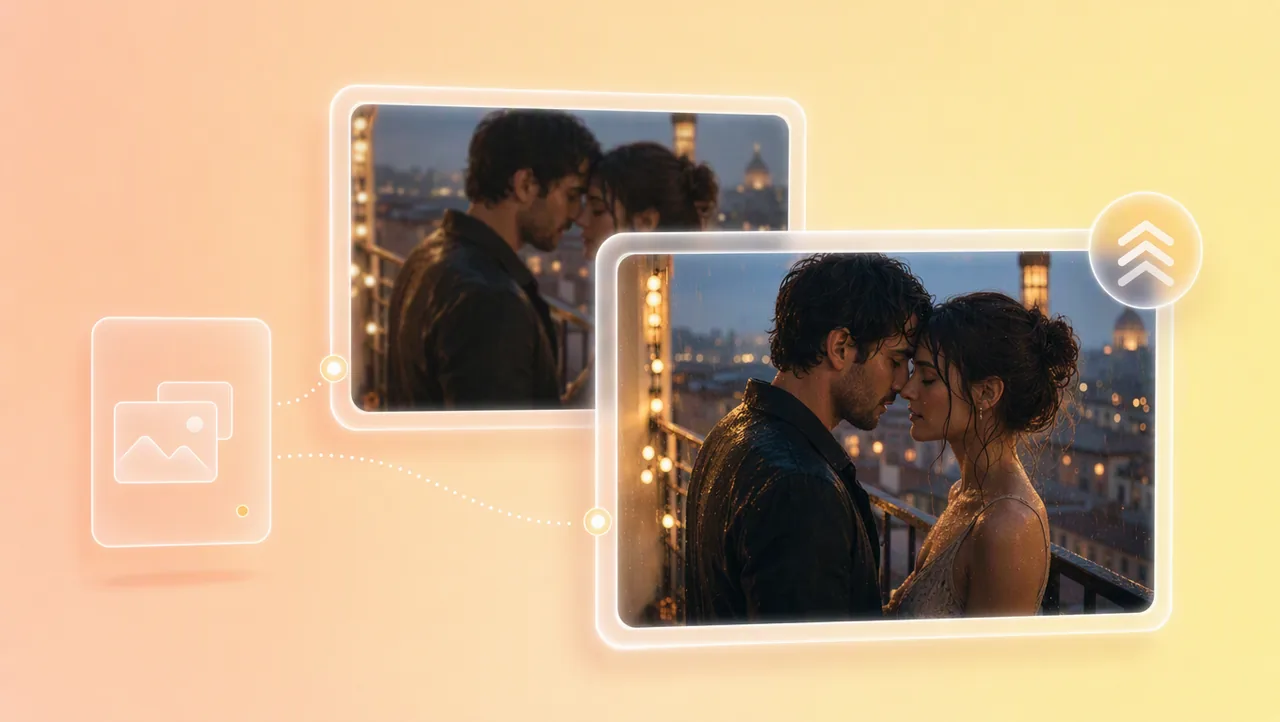
Generate in 4K when the scene is ready, or start with a 720p draft and upscale to 4K once the take looks right. The higher-resolution version stays in the same project.
HOW IT WORKS
Open a project from a short prompt, logline, script, still, storyboard, or reference clip. That context stays attached when later shots are generated.
Generate shots with the same couple and camera setup. Use 200+ built-in film genre skills when you want a reference film's pacing on your scenes.
Add shots that fit your romance, then keep going in the same project. Upscale a 720p draft to 4K after the story holds.
Pair your ai romance movie with previz, camera settings, and other Film Studio tools.
Open a project and try free credits.