Ship a Vertical Series
Turn one idea into an AI vertical drama with recurring leads. Generate the next episode in the same project so wardrobe, faces, and scenes stay consistent instead of resetting every time.
Turn a pitch, outline, or script into an AI short drama you can keep building. Keep the same leads on one workbench, then generate the next episode without losing faces or settings.
Drama Studio starts from a one-line idea, outline, script, or novel chapter. An agent maps the story; the workbench keeps characters, scenes, props, and beats together. Generate one scene at a time so every new clip still fits the same show—unlike a regular AI video tool that gives you one standalone clip.
USE CASES
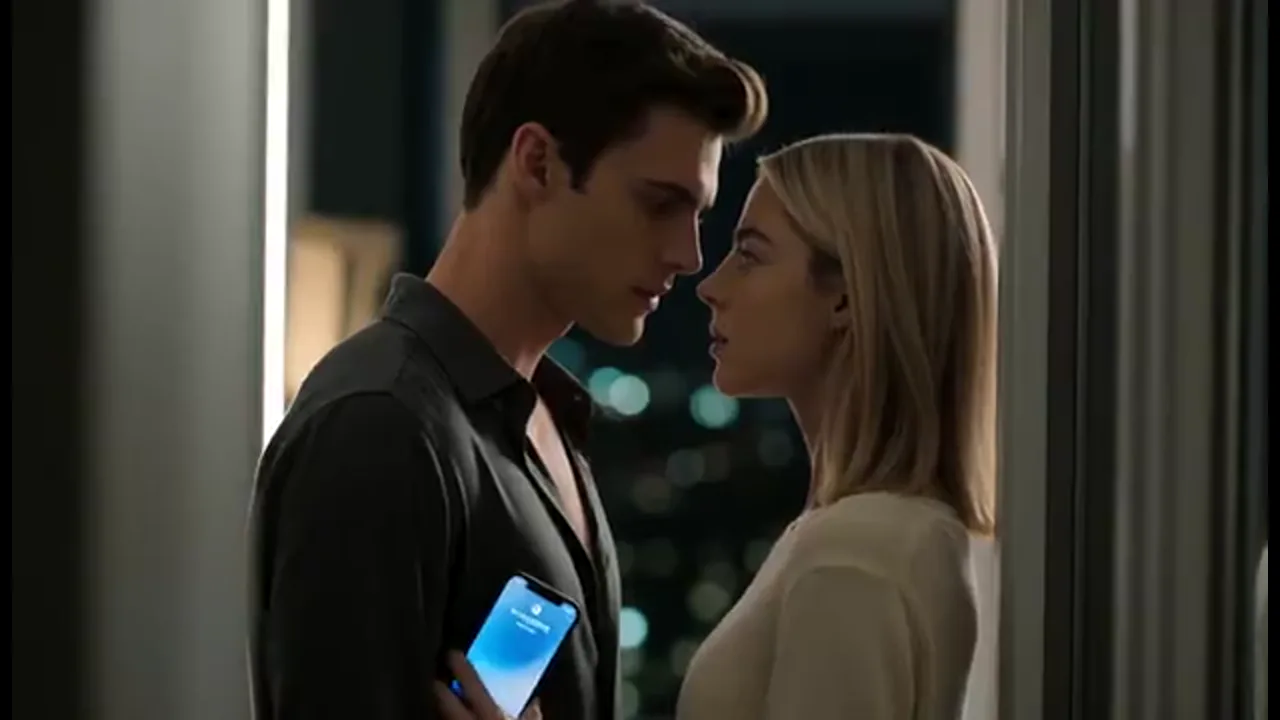
Turn one idea into an AI vertical drama with recurring leads. Generate the next episode in the same project so wardrobe, faces, and scenes stay consistent instead of resetting every time.
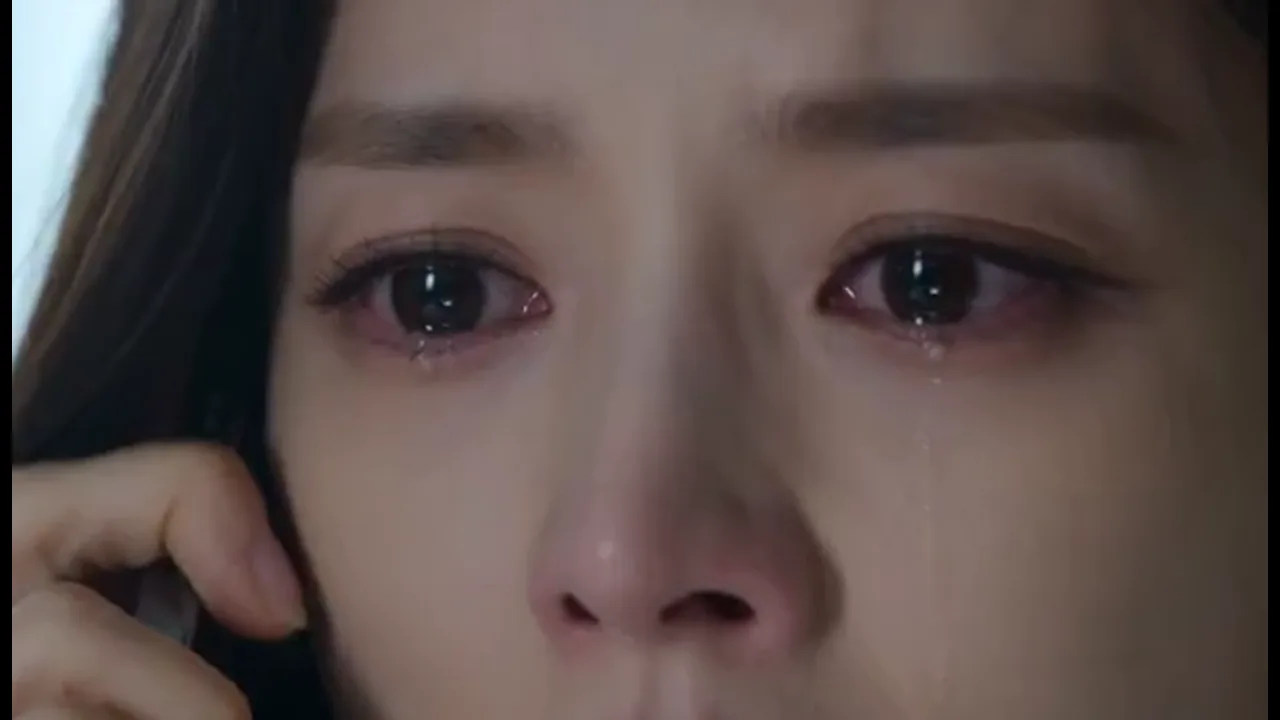
Bring a script, outline, or novel chapter and make one tight AI micro drama moment. Set up the close-up and the cliffhanger, then generate the scene in the same project so the next beat picks up with the same face.
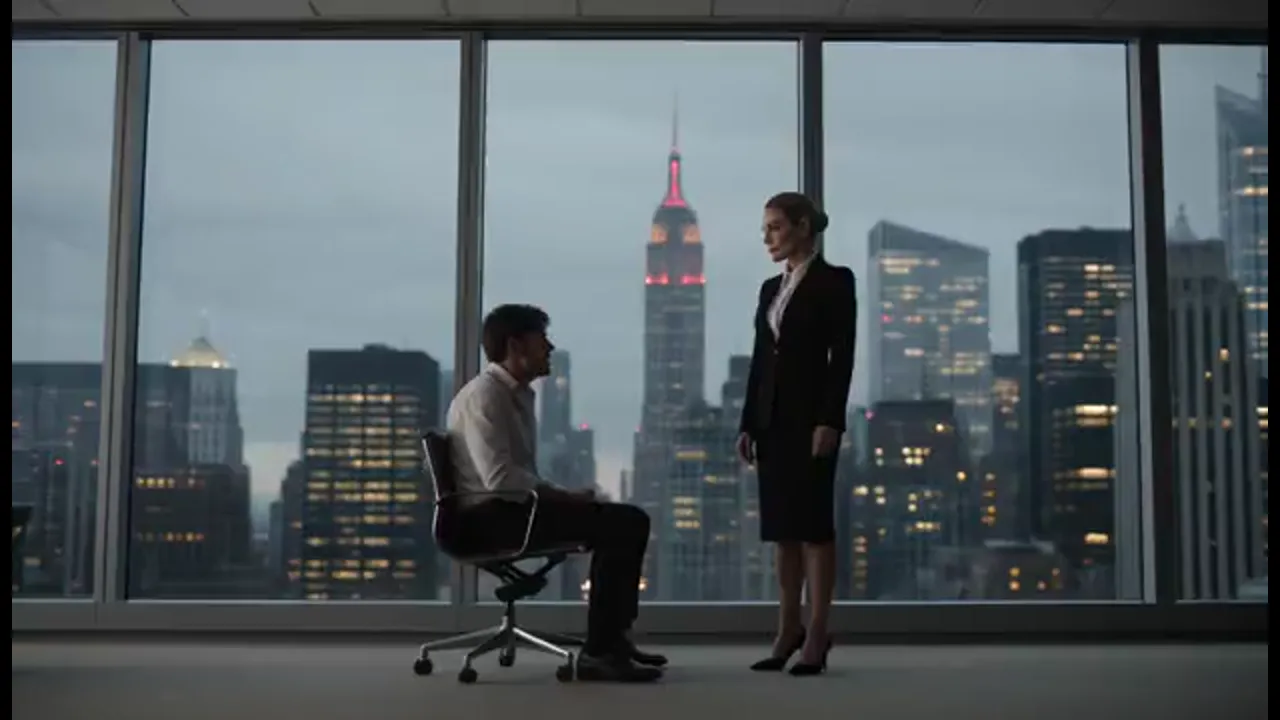
Try a revenge, romance, or workplace hook as a short run before you commit to a full season. Let the agent map the beats, set your cast, and generate a pilot you can continue from the same project.
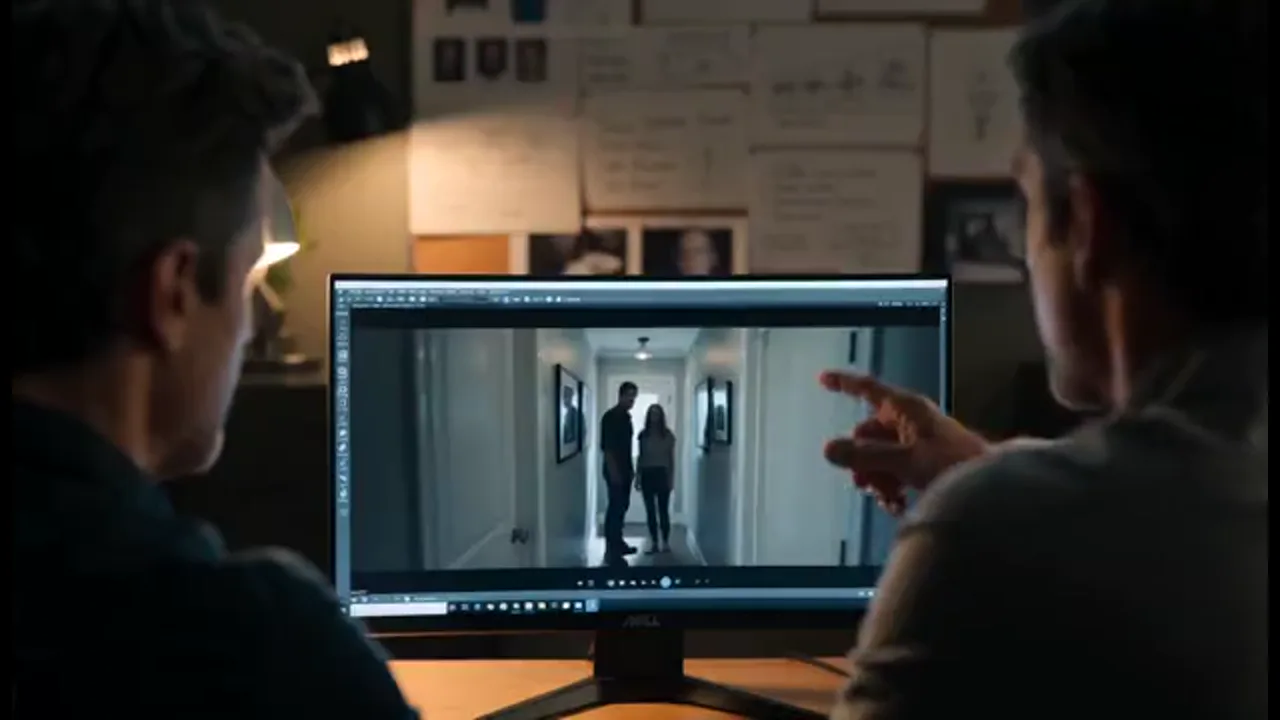
Give the same workbench to a writer and a director so outlines, characters, and generated scenes stay in one place. The team reviews the same cast and story beats instead of chasing files across chats.
BENEFITS
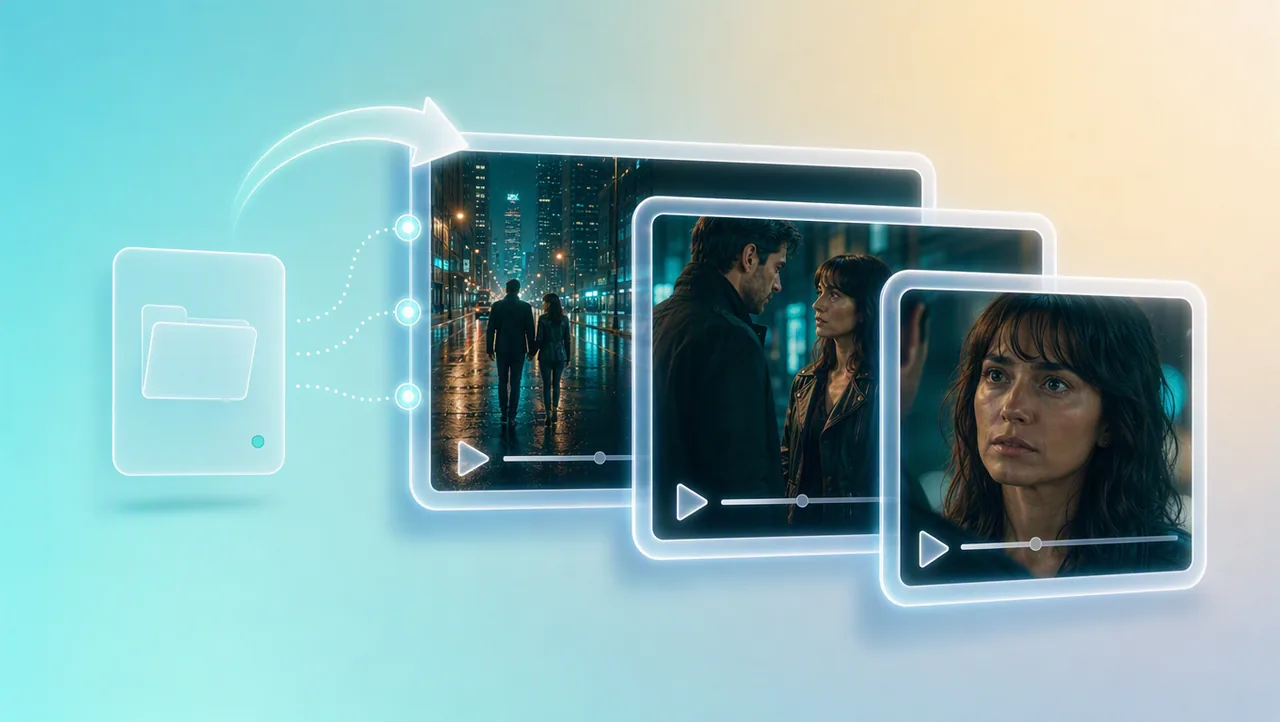
01
Story, beats, and characters stay on one workbench. Each new scene is another moment in the same AI short drama, not a fresh clip that forgets the last face.
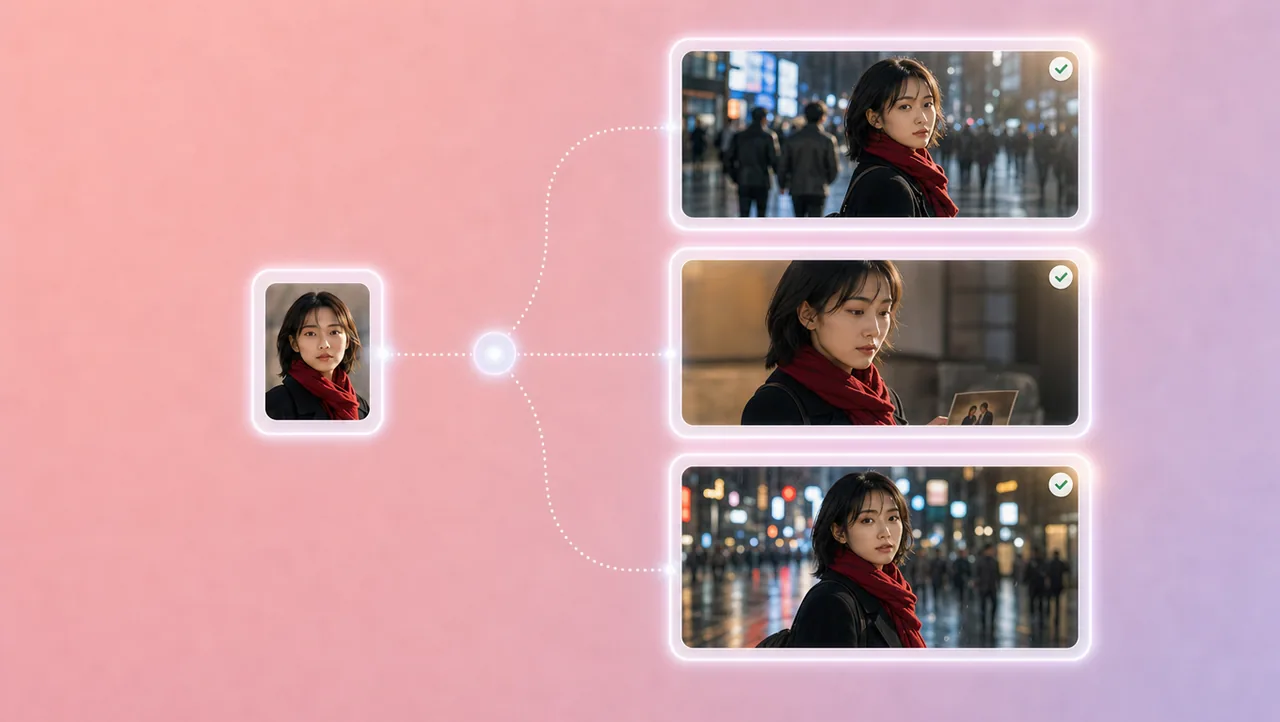
02
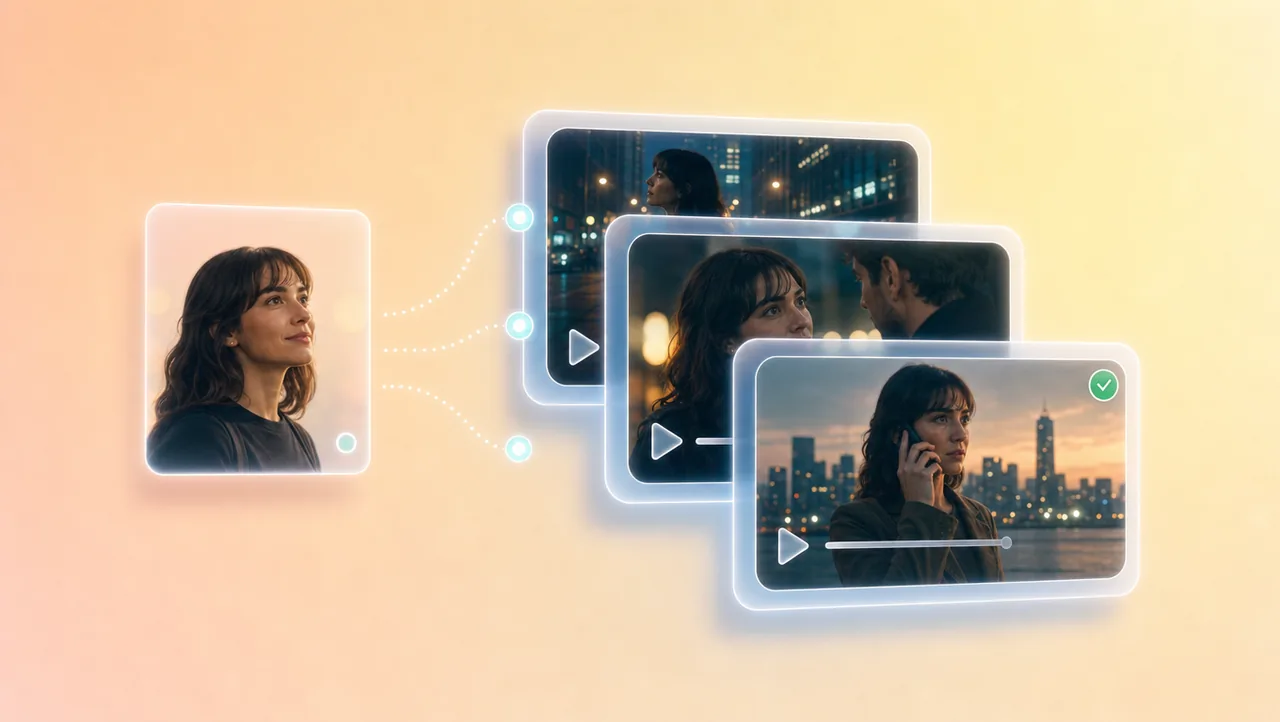
Character and scene references keep the same face, wardrobe, and setting from the first episode into the next. If a shot looks off, regenerate that scene instead of restarting the series.
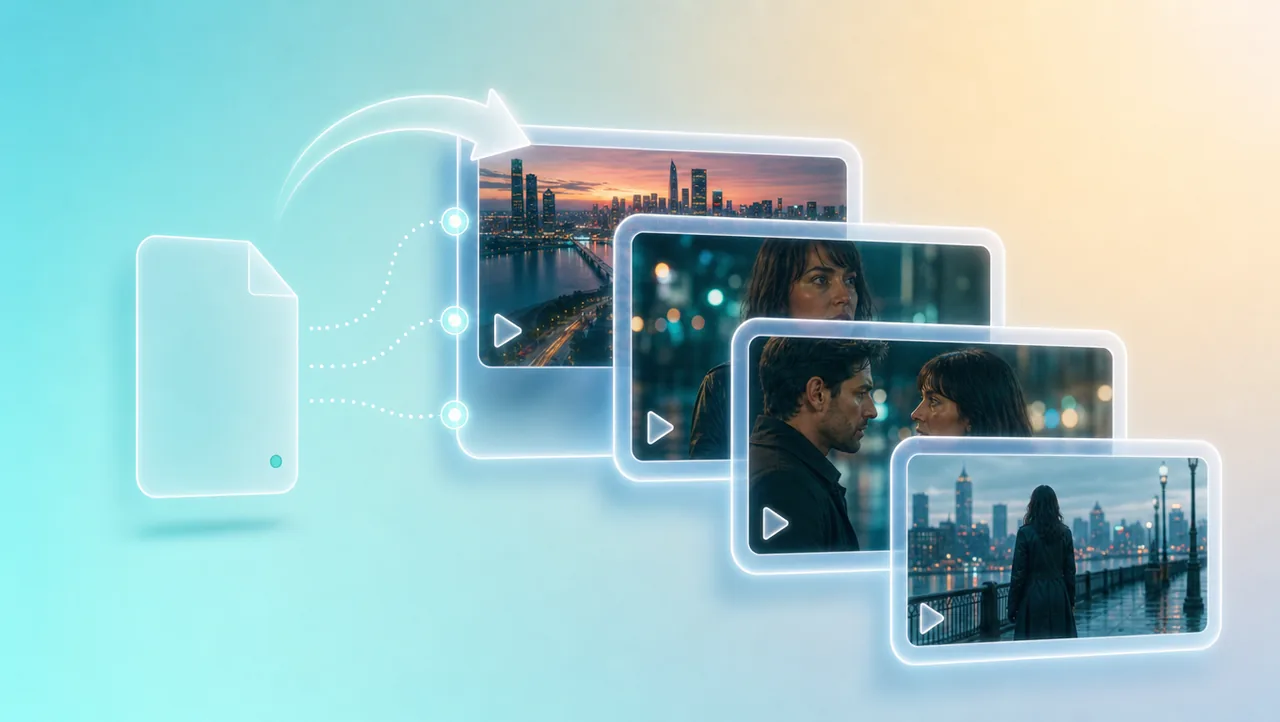
03
The agent maps the story; you generate video scene by scene from the storyboard. Close-ups, two-shots, and pauses fit a vertical frame built for a phone.
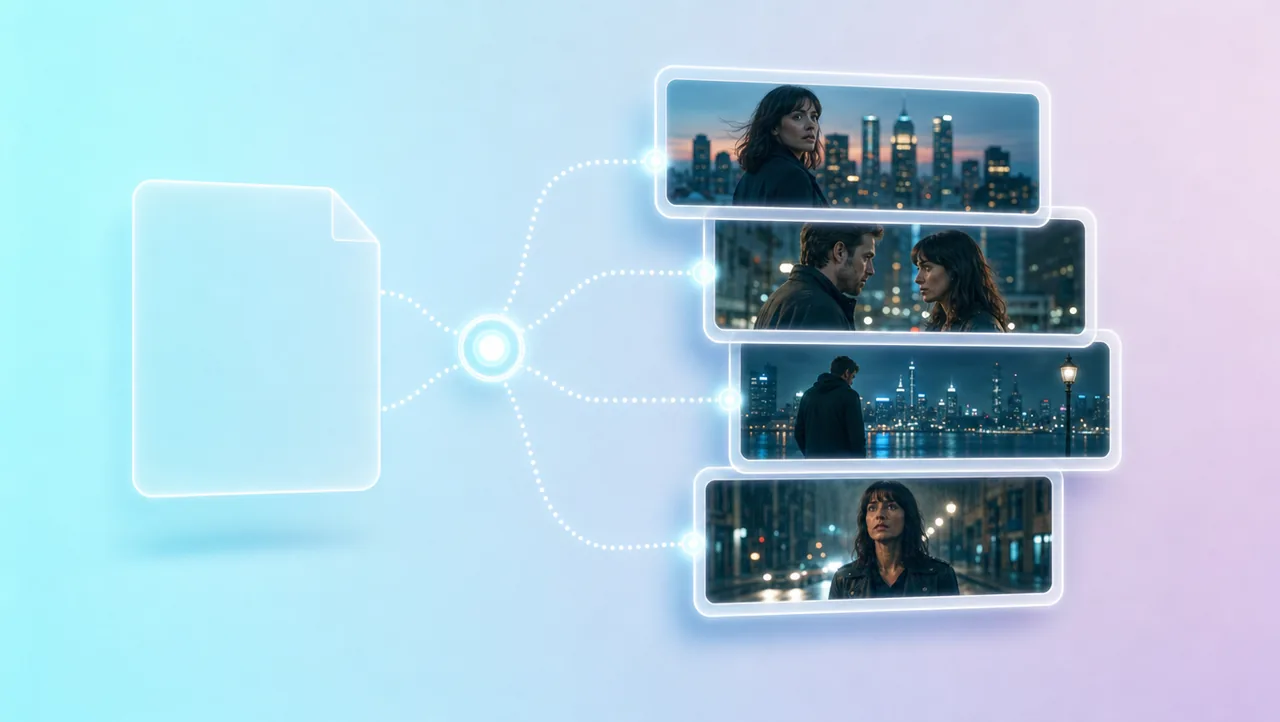
04
Outlines, episodes, scripts, and beats live in one project you keep building from. A beat is a starting unit—you still choose which generated take to keep.
05
Generate the next scene, add voiceover and captions, without actors, camera gear, a location, or a traditional crew. The episode stays in the project so you can generate another version.
HOW IT WORKS
Drop a one-line idea, outline, script, or novel chapter into a new workbench. The agent helps turn it into beats and a scene list you can still revise.
Set your leads, review storyboards, and generate scenes that fit this series. Keep story and characters in the same project so episode two still matches episode one.
Keep approved cast and beats on the workbench. Generate the next scene in the same project when the next episode needs the same wardrobe and last frame.
Pair Drama Studio with other Topview AI tools for film, video, and short-form stories.
Open Drama Studio and make an AI short drama from the idea, outline, or script you already have. Set your cast, generate the scenes, and keep the next episode in the same project. Try Free.