Lengthen without a reshoot
Stretch usable footage when talent, product, or location time is gone. AI video extension continues the beat instead of starting from a blank prompt.
Board · Video Extend
Keep the take you already love and let AI continue the motion. Topview Video Extend opens on Board so you can lengthen short clips with story-consistent AI video extension.
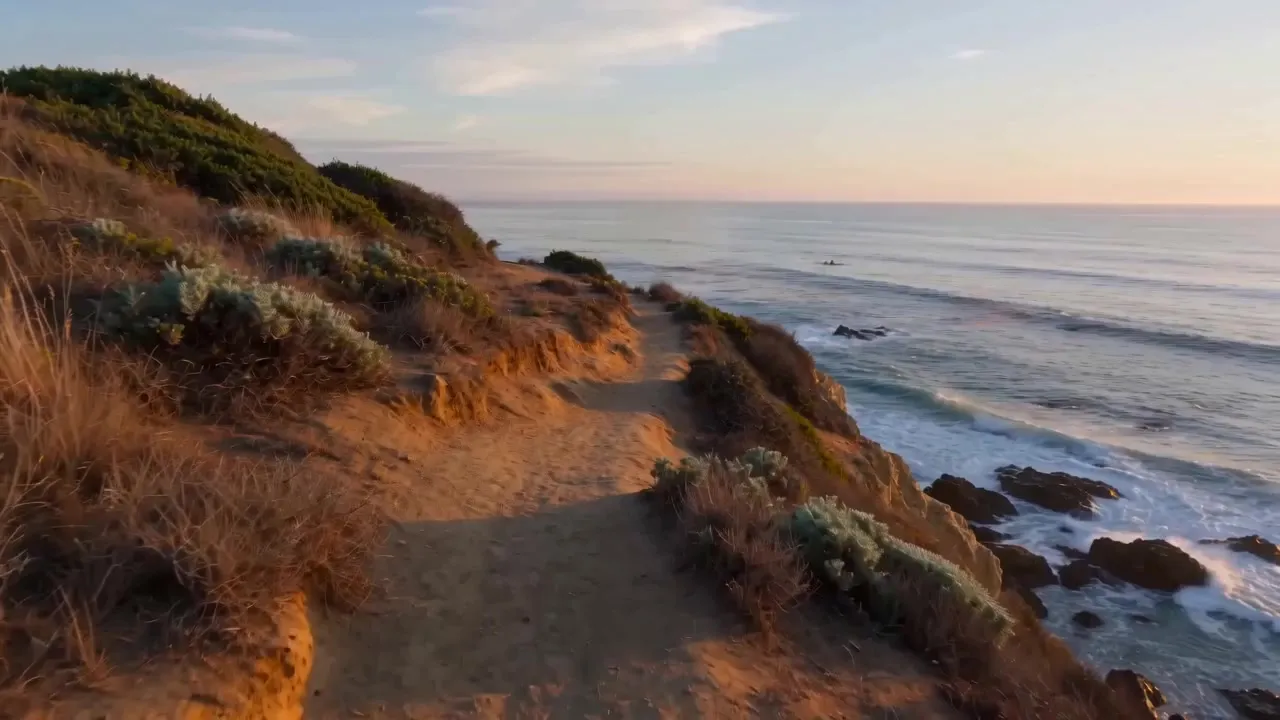
Short source clip on the left; extended continuation on the right—built for social cuts, ads, and film-style beats that run too early.
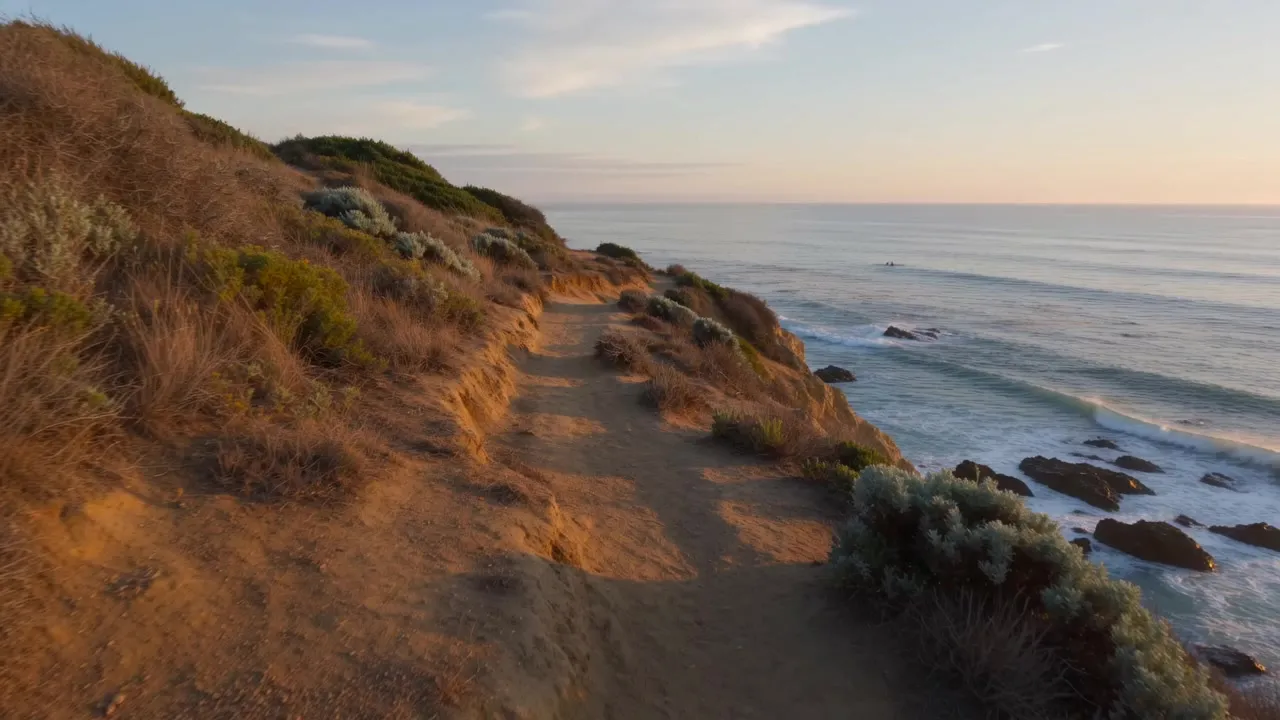
Three steps from this page to a longer cut on Topview Board.
Click Try Video Extend in Board. After sign-in, Topview opens Board with the Video Extend tool ready.
Upload or select the video you want to lengthen. Keep the framing and subject you already like.
Run Video Extend to continue motion and story past the original ending, then review and download the longer clip.
When the shot ends too soon, extend it—don't rebuild the whole timeline in a generic AI video generator.
Stretch usable footage when talent, product, or location time is gone. AI video extension continues the beat instead of starting from a blank prompt.
CTA lands in Topview Board Video Extend—same workspace as your other board tools—so extension sits next to the assets you already cut.
Ads, Reels, and trailers often need two more seconds of hold or motion. Make the video longer with AI while keeping the original look as the base.
Use Video Extend to continue past the ending. Use Clip Edit when you only need to fix a segment inside an existing clip without regenerating everything.
Lengthen a clip you already have instead of shooting new footage.
Marketers can adapt one clip for more than one placement. AI Video Extender lengthens existing footage so it fits a longer cut, instead of creating new footage from scratch.
Extend a clip that already has attention. A longer version can hold the viewer and leave room for a product, offer, or end card.
Meetings, webinars, and lessons often run out of recorded time. Extend the take so the point lands, without booking another session.
Continue the clip you upload. Do not rebuild it from a blank prompt.
Topview Video Extender adds length to footage you already have. The original look stays the base, and the added seconds follow the same scene instead of cutting to a new one.
The extension is a continuation of the uploaded clip, not a second copy of the same frames pasted on the end.
Video Extend uses the uploaded video as the source, so the added seconds stay with the same subject and motion. You do not start from a blank prompt.
Explore Topview's complete suite of AI tools for ads, avatars, video, image, and voice workflows.
Open Topview Video Extend and turn a short take into a seamless AI video extension—no reshoot required.