Only Three Selling Points? Ship One Cartoon Sample First
Skip the agency queue. Describe the explainer scene in a prompt and lock the look on one sample—cute, bold, or educational notes live in your words. Batch the series once the style holds.
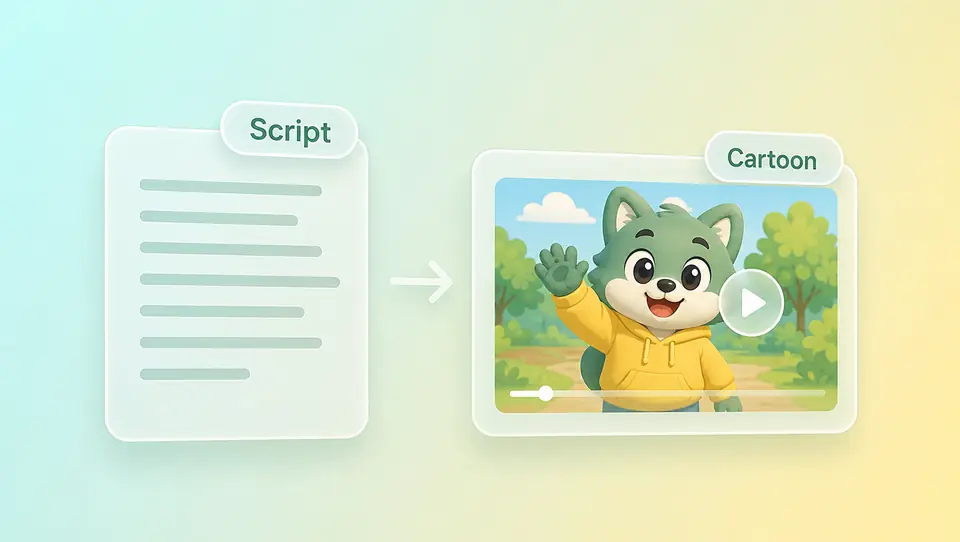
An AI tool to quickly generate clear cartoon explainers—type a short script or upload a mascot image so the character explains your offer. Topview supports text, images, video, or audio; skip live talent and keep one look across a series. Try free to confirm the style—not an outsourced animation studio, not the anime page.
Browse cute, bold-outline, and soft educational samples—see how kids explainers, brand stories, and mascot product clips usually look, then generate your version from your script or art.
Rounded shapes and friendly motion for kids lessons or brand stories. Prompt with cute cartoon style, short script beats, and clear selling points.
Thick outlines and flat color blocks suit mascot product clips. Upload character art and prompt action, benefits, and bold outline style.
Gentle palette and calm pacing for parent-facing lessons. Write soft educational cartoon notes plus step-by-step explainer script.
Already have an illustrated character or product mascot? Upload it for image-to-video motion through benefits, ingredients, and reassurance—cheaper than live talent or redrawing a full character set.
Skip the agency queue. Describe the explainer scene in a prompt and lock the look on one sample—cute, bold, or educational notes live in your words. Batch the series once the style holds.
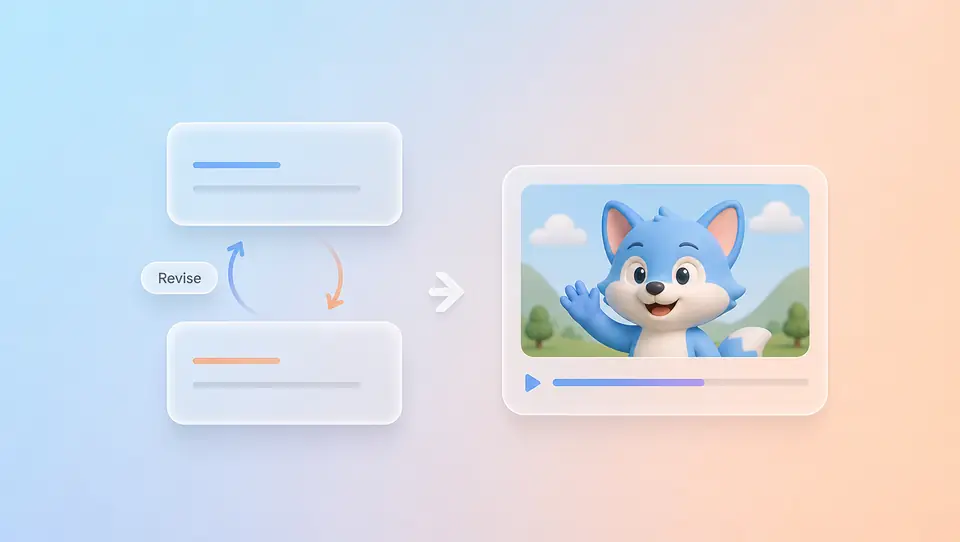
The expensive part of animation outsourcing is not the first draft—it is rework. Topview lets the character walk through features in cartoon style; script changes or look tweaks mean a new prompt or Canvas pass, not a studio calendar.

Use free credits on one explainer sample—confirm the cartoon look fits your brand or kids content before you scale the series. Credits are limited; upgrade when volume grows.
Knowledge accounts teaching parents and kids; parent brands that need IP to explain ingredients, not hard ads; product teams with no on-camera spokesperson—cartoon explainers let a character carry the message weekly in one visual style.
Kids explainers, brand mascots, and Western cartoon looks stay here. TV-anime, illustration, and Japanese-animation aesthetics belong on the anime page—do not mix anime search intent with mascot explainers.
Describe the scene in text or upload a mascot or character image—four inputs, same as other Topview AI Video pages.
Write cute, bold-outline, or soft educational notes in your prompt. Set aspect ratio, duration, and resolution—look is prompt-led, not a preset switch.
Download when the style works—or expand the series. Drift? Change the prompt, swap the mascot reference, or open Canvas.
Try free—quickly generate a clear cartoon explainer: skip live talent; script or mascot to one sample. Scale the series when it reads clearly; polish in Canvas.