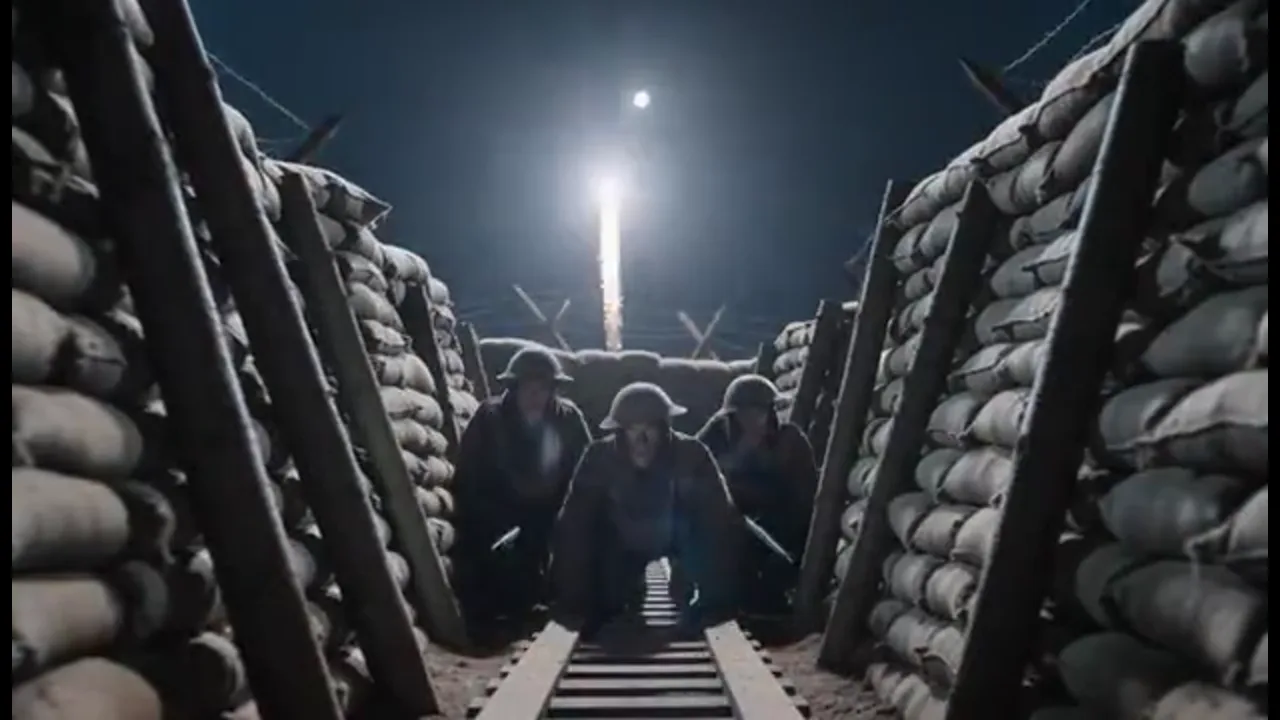
Combat Short From a Logline
Drop one line—a night patrol, a beach landing, a radio that dies in the tent—onto the Canvas and generate those beats as connected shots. Lock the squad first so the short plays as one war story, not three random clips.
Turn a patrol, landing, or trench beat into an ai war movie where the same squad and gear carry from shot to shot. Start from a logline or script, then generate every new combat take in the same project.
Start from a logline, script, still, storyboard, or reference clip—the next combat take generates in the same Canvas project. The trench stays the trench and the squad stays the squad, so a dawn briefing and a later patrol read as one picture. Lock character references, plan shots in 3D Shot Composer, and use built-in film genre skills when you want a reference war film's pacing. Output 4K, upscale 720p to 4K, and pick Seedance 2.0, Kling 3.0, or Veo 3.1 per shot. Free credits let you test the first beats—not unlimited free.
USE CASES
Drop one line—a night patrol, a beach landing, a radio that dies in the tent—onto the Canvas and generate those beats as connected shots. Lock the squad first so the short plays as one war story, not three random clips.
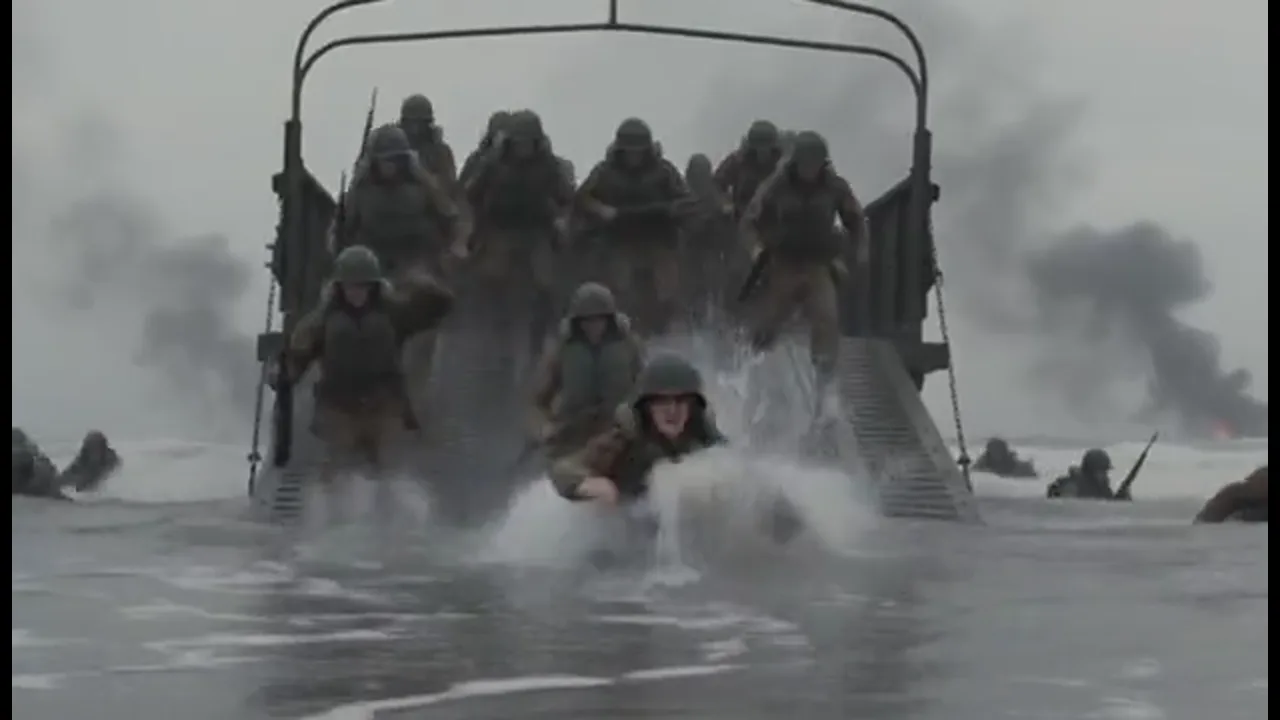
Paste the pages you wrote and turn the set-piece scenes into shots you can show. Walk a producer through the landing, the trench, and the aftermath. Keep every shot in the project so a note becomes another generation, not a prompt from zero.
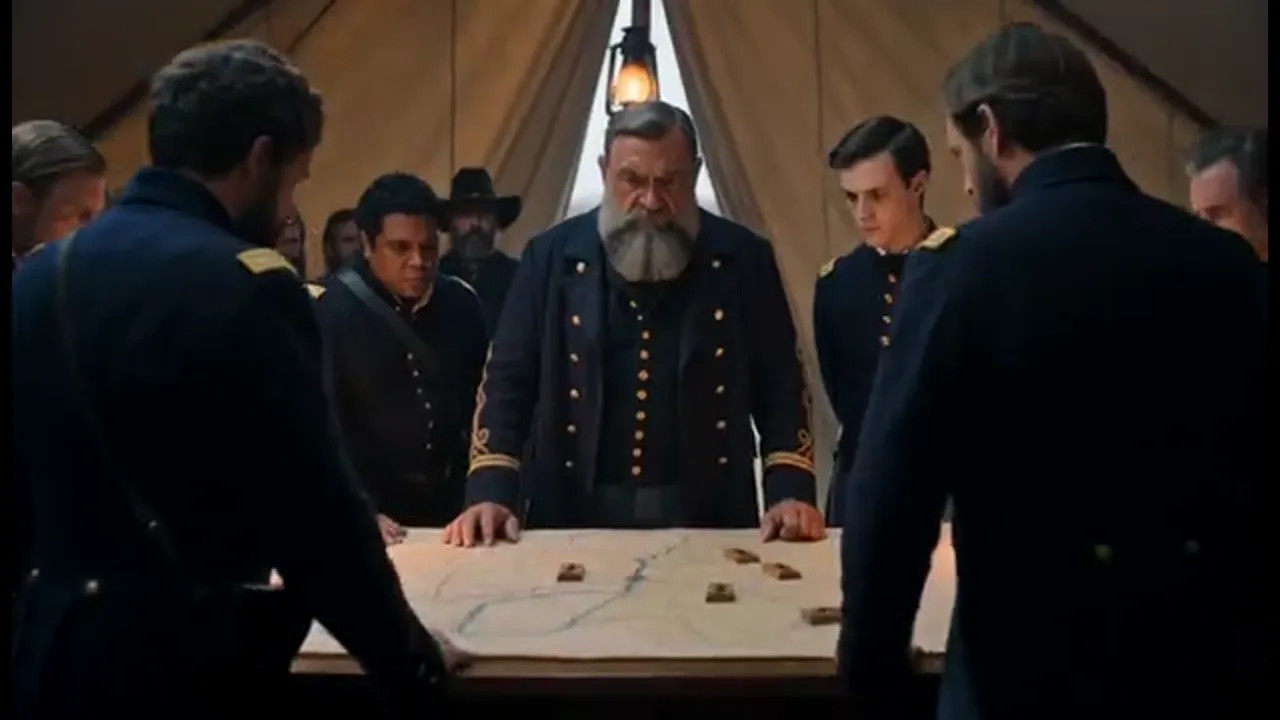
Lock faces, uniforms, and gear before anyone books a location. Plan framing in 3D Shot Composer, set lens, aperture, shutter, and depth of field on the shots that matter, then share the Canvas so previz and stills live in one place.
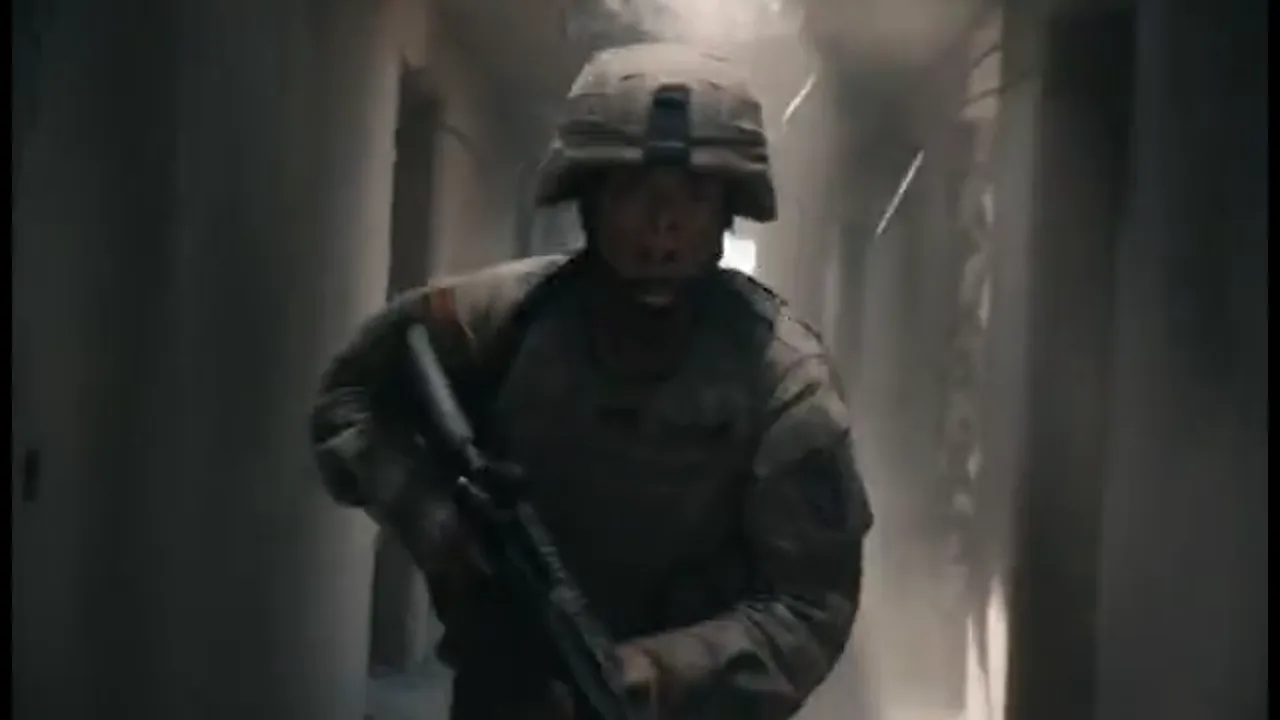
Need a handheld corridor or a radio-call close-up for a vertical episode? Start from a still or a reference clip and keep the same soldier through the episode. Narrative shorts, trailers, vertical micro-dramas, and previz all stay in this Canvas.
BENEFITS
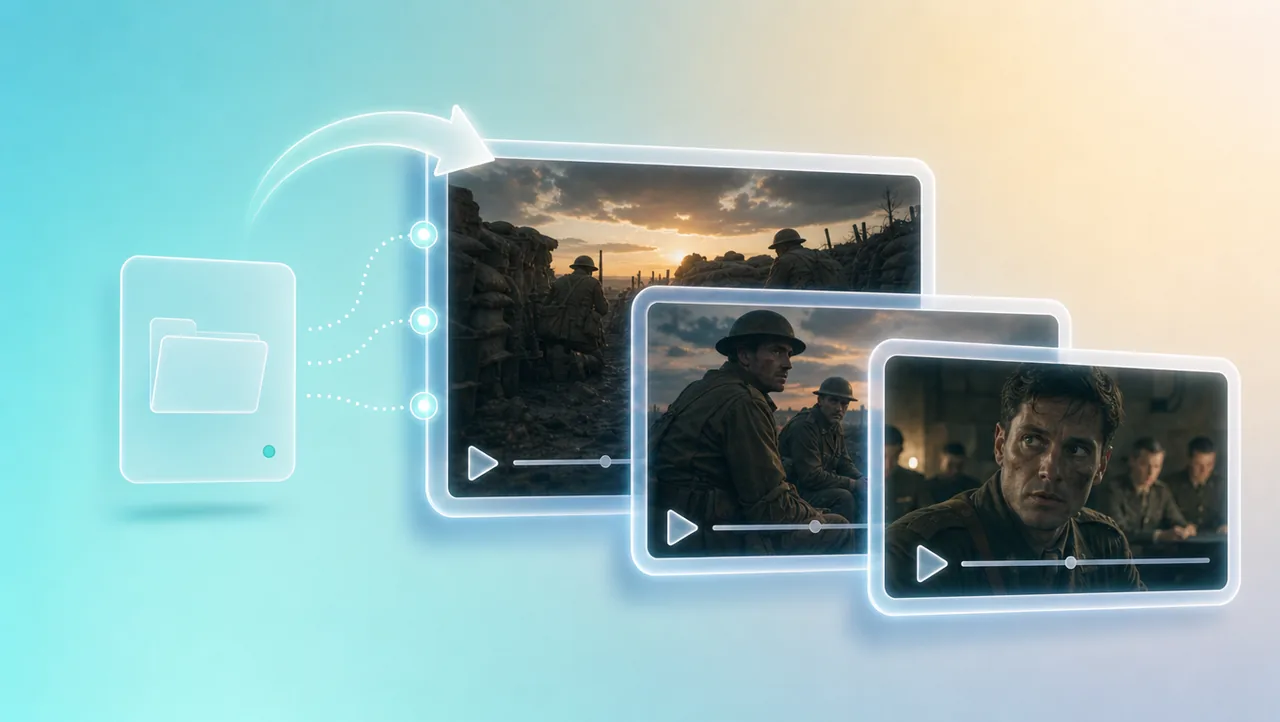
01
Each new combat shot joins the same ai war movie instead of becoming another disconnected clip. A dawn trench and a later briefing still feel like one film, so you stop rebuilding the world every time you add a beat.
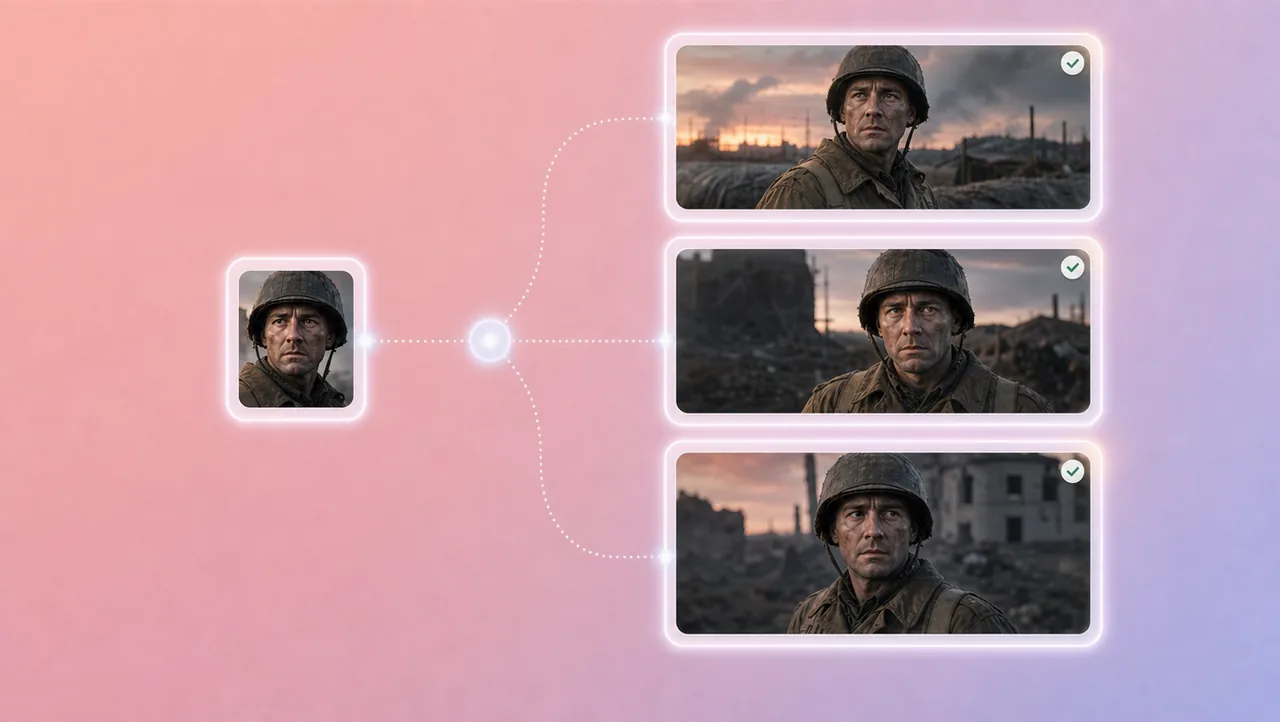
02
Character references, portrait enhancement, and micro-expression control keep faces, uniforms, and gear from sliding between setups. The sergeant on the duckboards is still that sergeant in the command tent.
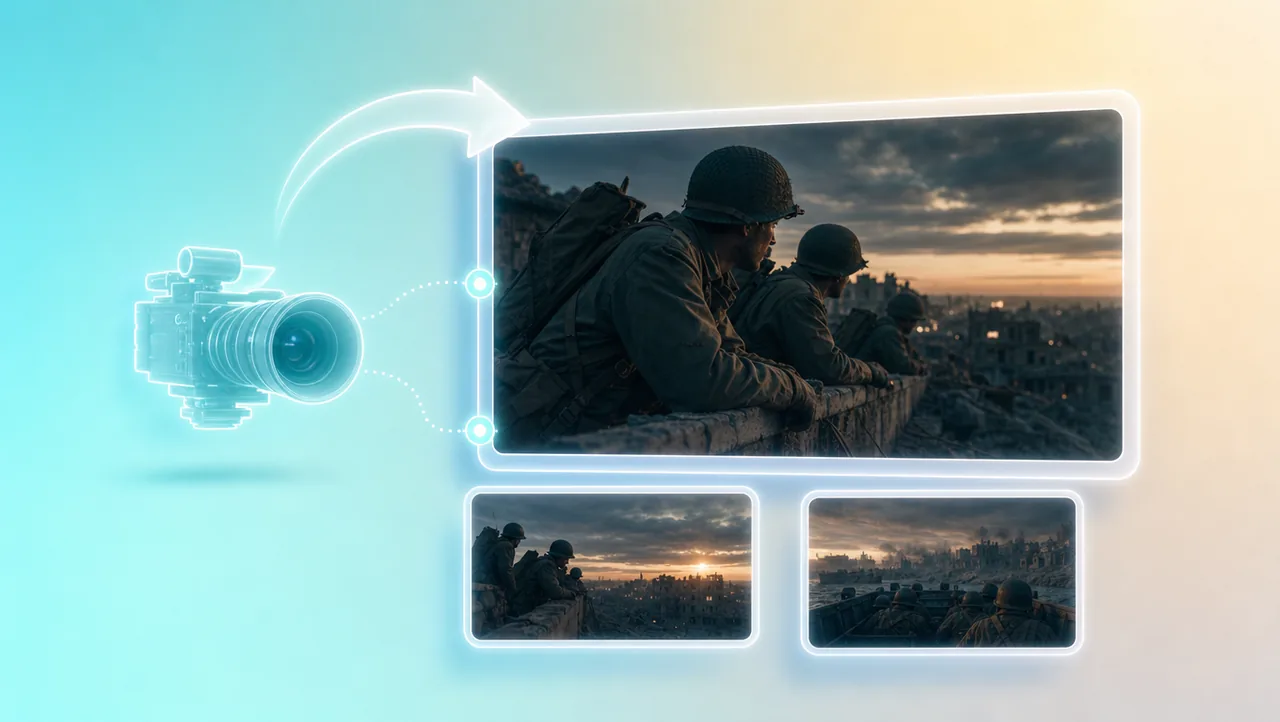
03
Plan framing in 3D Shot Composer, then set lens, aperture, shutter, depth of field, and camera move on the shot. A tracking line along the parapet or a low landing-craft angle is your call, not a lucky prompt.
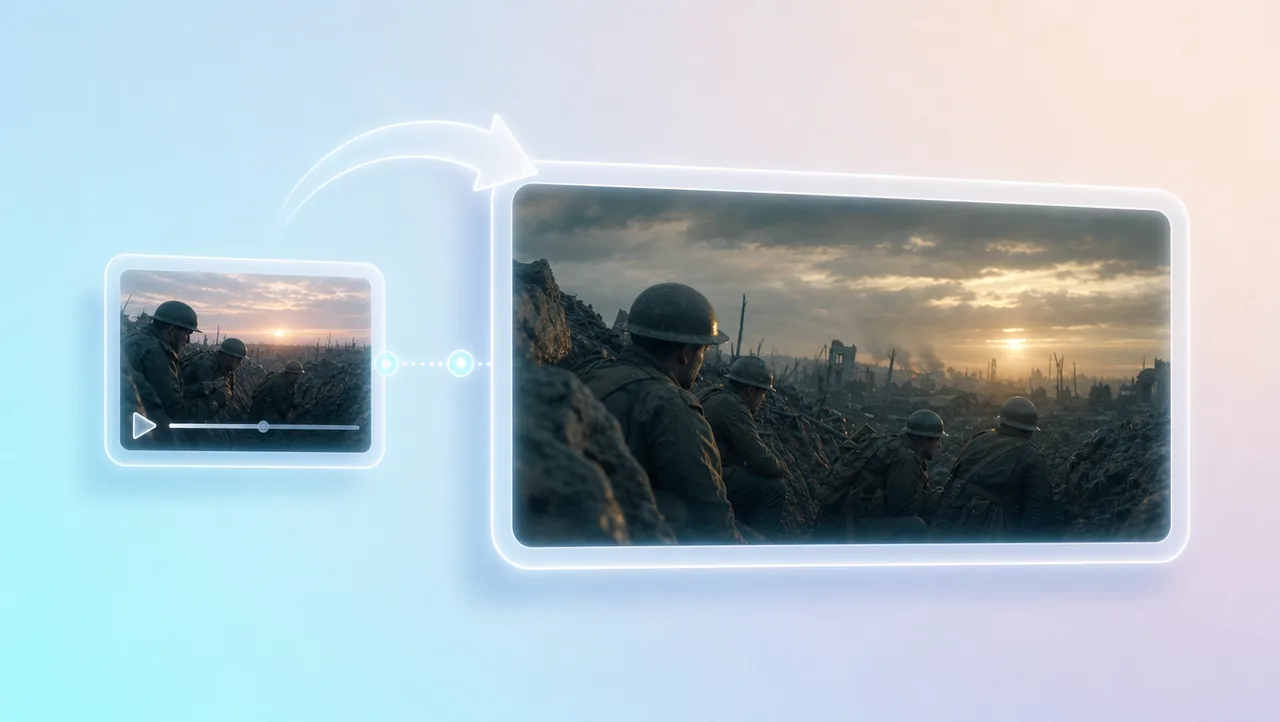
04
Built-in film genre skills let you take camera language and rhythm from a war picture you trust and apply them to your own scenes. You keep the period light and the scene tempo on your combat beats.
05
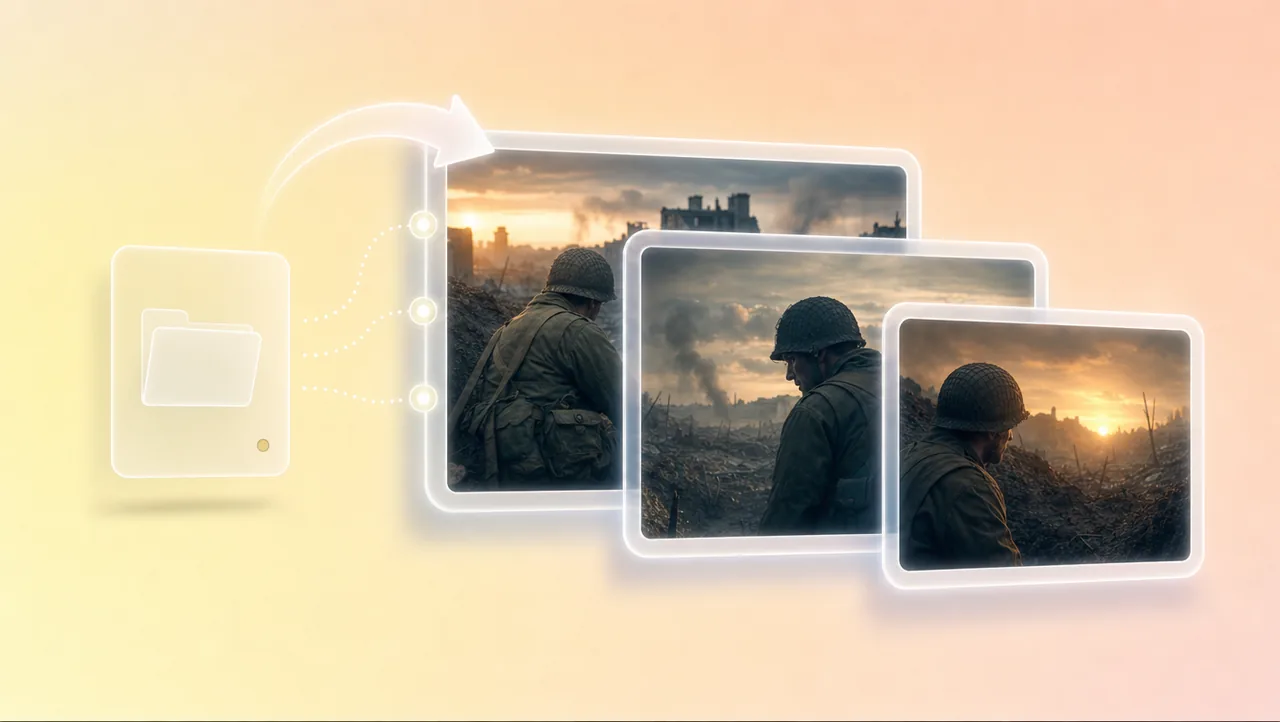
Every beat stays in the project. Change a face, a uniform, or a camera move and generate that shot again. The team shares the Canvas and the assets while the sequence is still being built.
HOW IT WORKS
Start from a short prompt, a logline, a script, stills, a storyboard, or a reference clip. Put the war story on one Canvas so later shots stay in the same project.
Set character references, plan shots in 3D Shot Composer, and call lens, depth, and camera move on the beats that matter. Pull a genre skill when you want a reference war film's pacing on your combat scenes.
Generate the next combat take in the same project. Change a prompt, a board, or a character reference, then generate again. Share the Canvas with the crew, then export when the sequence reads as one film.
Pair your ai war movie workflow with other Film Studio tools.
Lock the squad, call the camera, and generate combat shots that stay in the same project.