01
No Lasso. No Masks.
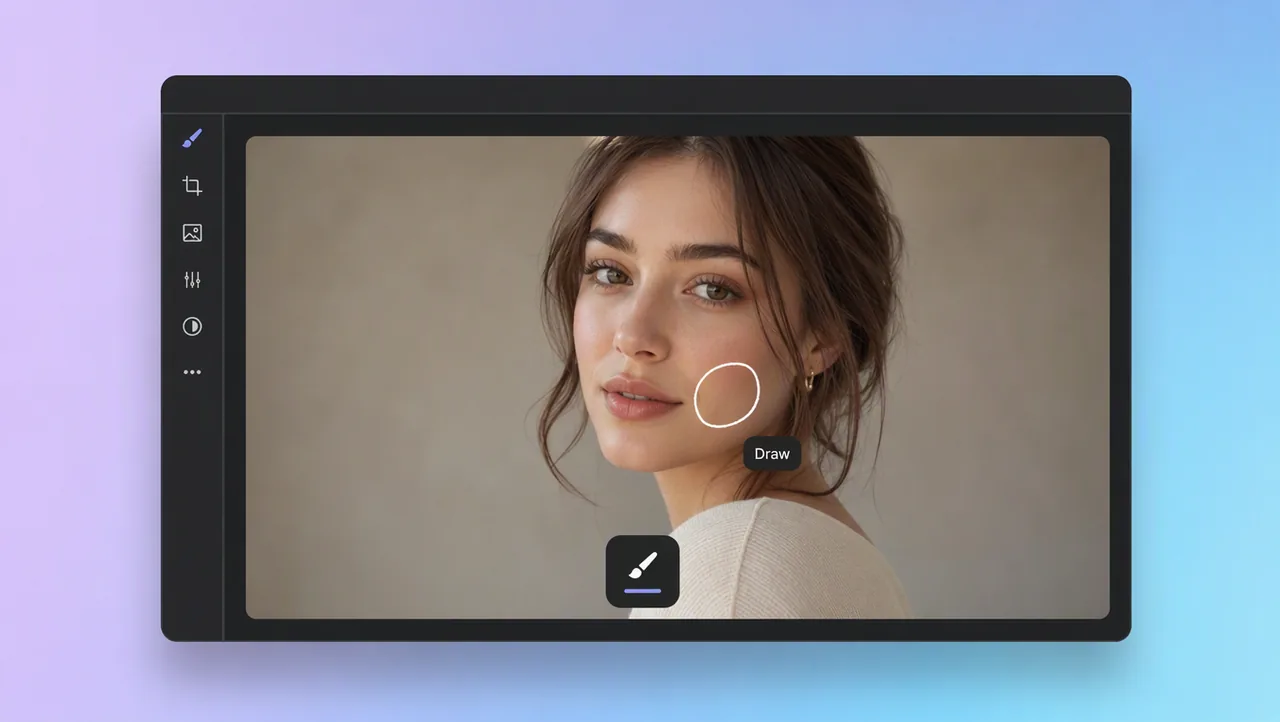
You never need to master selection tools before you can edit a photo. Draw the change you want, and the AI takes care of the boundary for you.
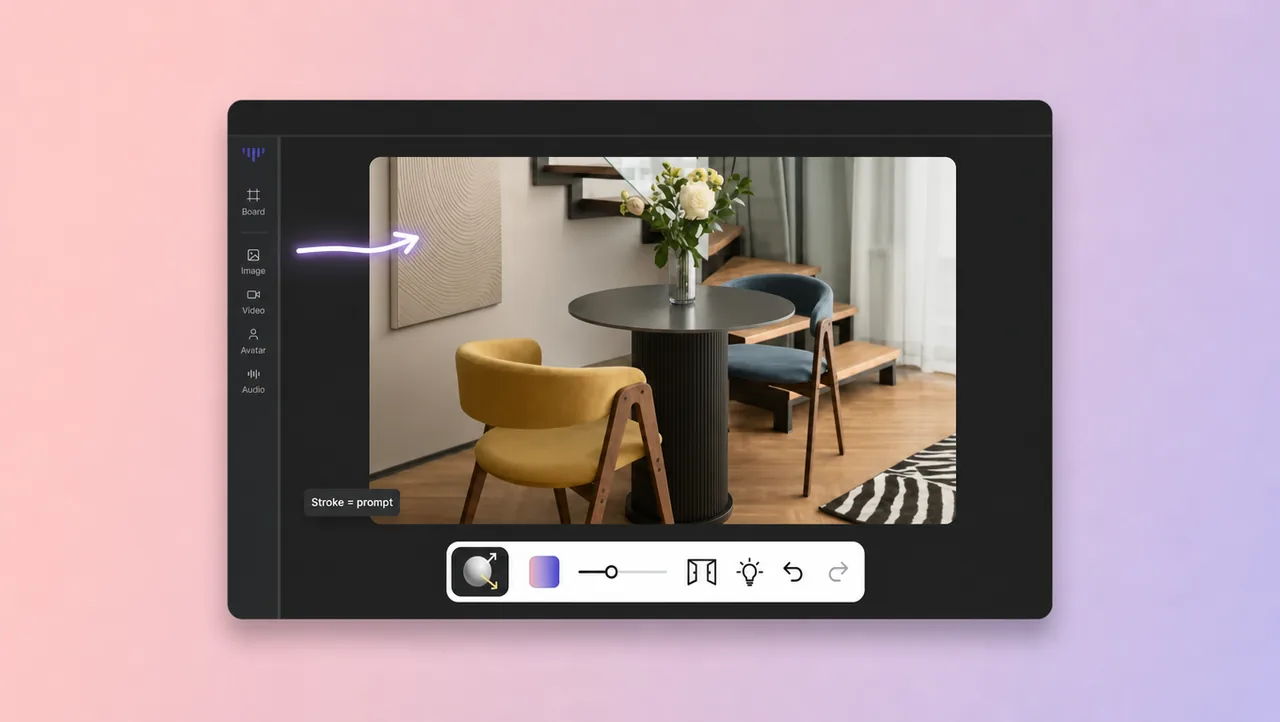
Circle, scribble, or arrow the part you want to change. The AI edits only what you marked, so you get a clean result without touching a mask or a lasso tool.
Photo editors usually make you think like a designer: mask this, feather that, brush the selection. This tool works the way you already talk about a photo. When you draw on photo online, you mark the exact region with a circle, a scribble, or an arrow, and the AI edits that region to match your mark. The rest of the frame stays untouched. There is no layer panel to learn and no pen-tool training, so it is for anyone who can point at a screen, not only for people who studied Photoshop. Upload a photo from your computer or your phone, pick a brush size, and draw the change you have in mind. If the result is not what you wanted, redraw the mark and let the AI try again. Your drawing is the instruction.
DRAW ON PHOTO
Mark the change. The AI edits only that region.
01
You never need to master selection tools before you can edit a photo. Draw the change you want, and the AI takes care of the boundary for you.
02
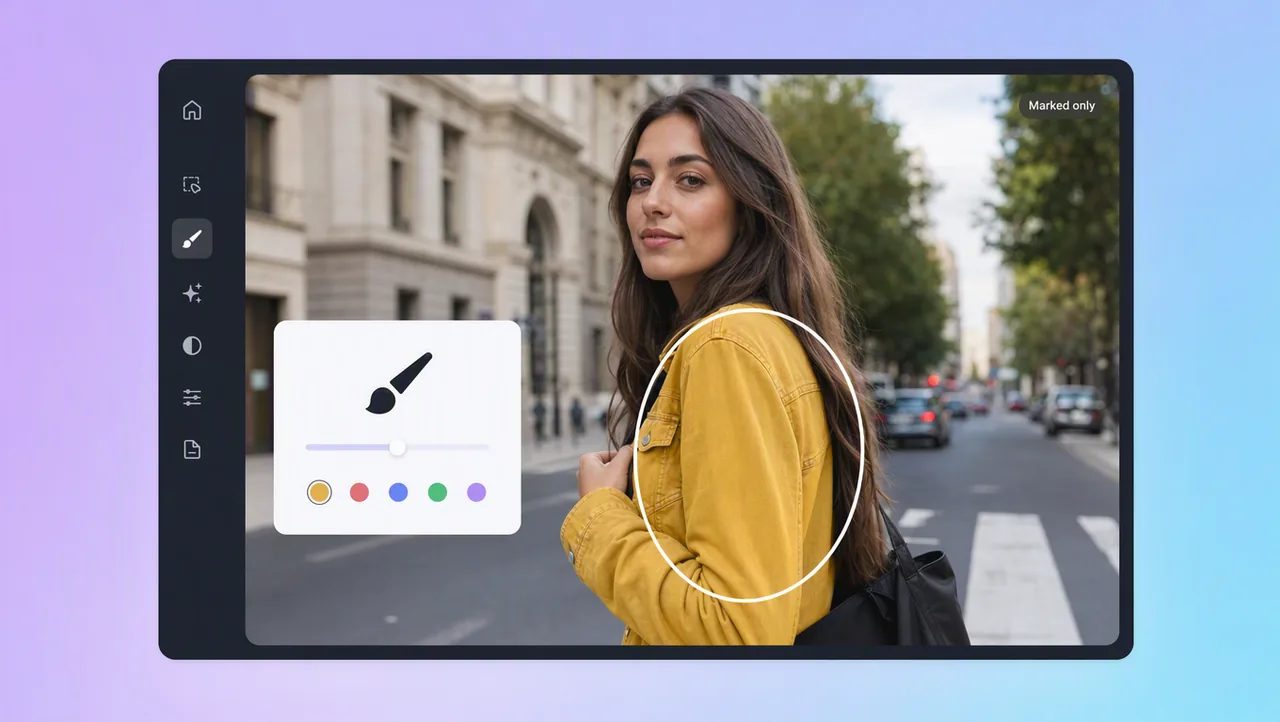
Your stroke defines the edit zone, not the whole frame. The AI reworks what you circled or scribbled and leaves the rest of the image alone.
03
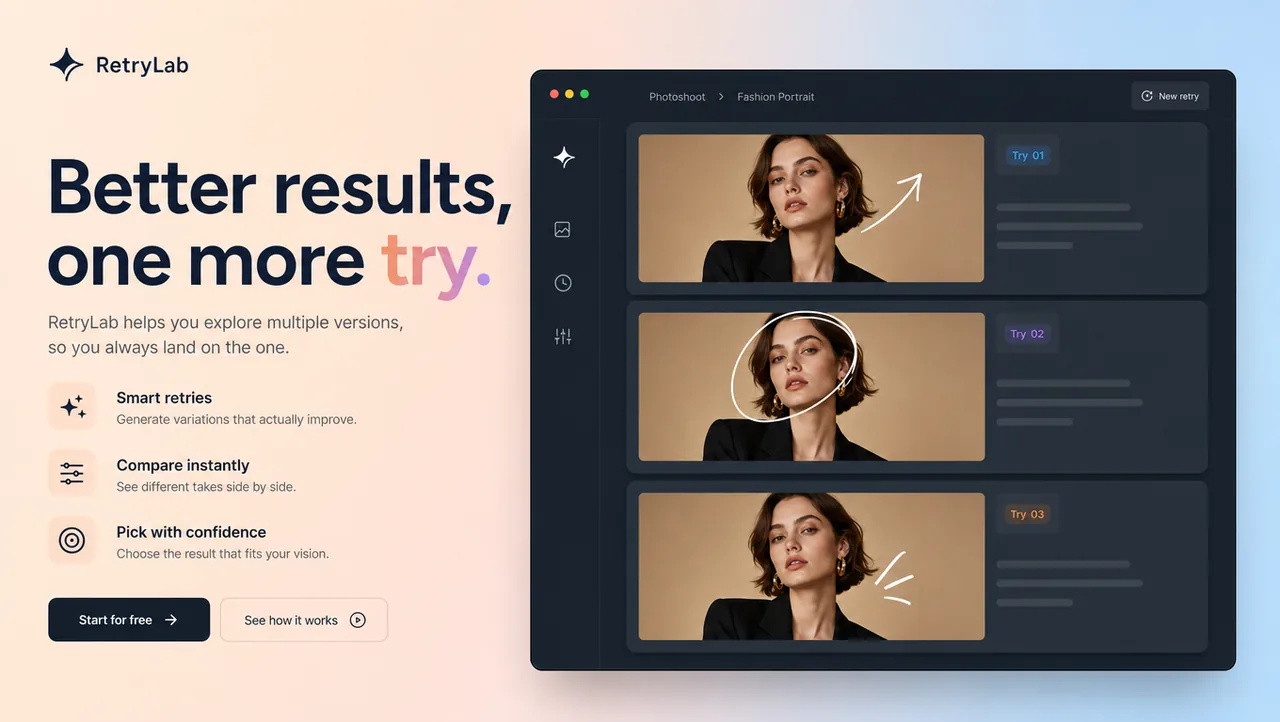
A result that misses is not the end. Redraw the mark or adjust the area and ask again, instead of undoing ten manual steps to start fresh.
04
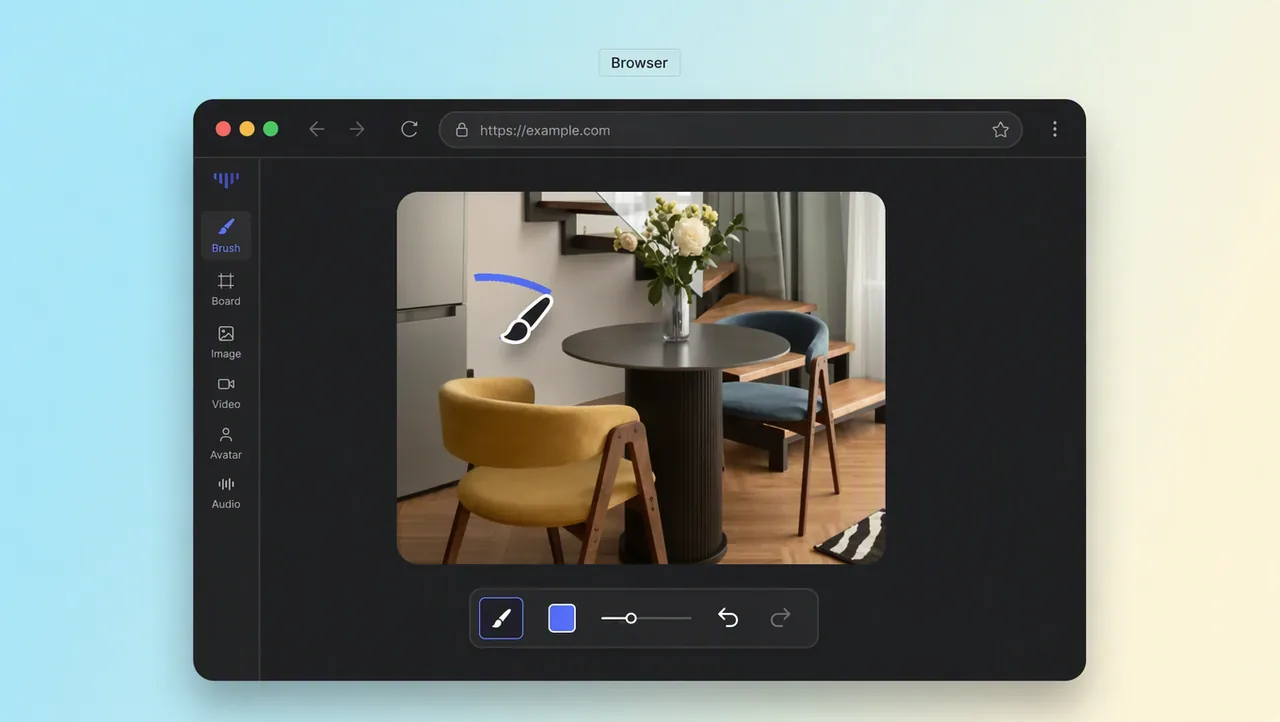
There is no download or setup between you and the first edit. Open the tool, upload a photo, and make your first mark in the same session.
05
You express the idea by drawing it instead of translating it into menus. The AI turns the mark into the edit, and the photo moves toward what you pictured.
USE CASES
Point at the change instead of describing it.
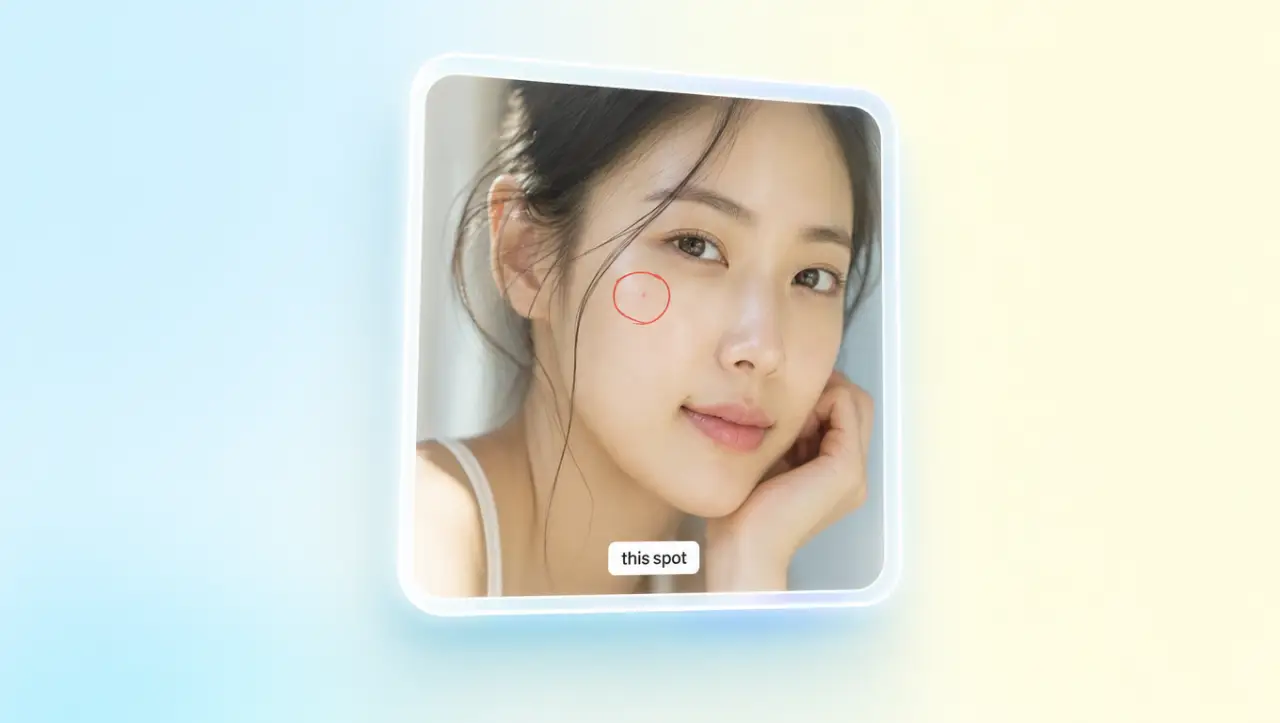
A single flaw does not have to sink a whole photo. Mark the area that bothers you, and the AI edits only that spot while the rest of the frame stays exactly as it was.
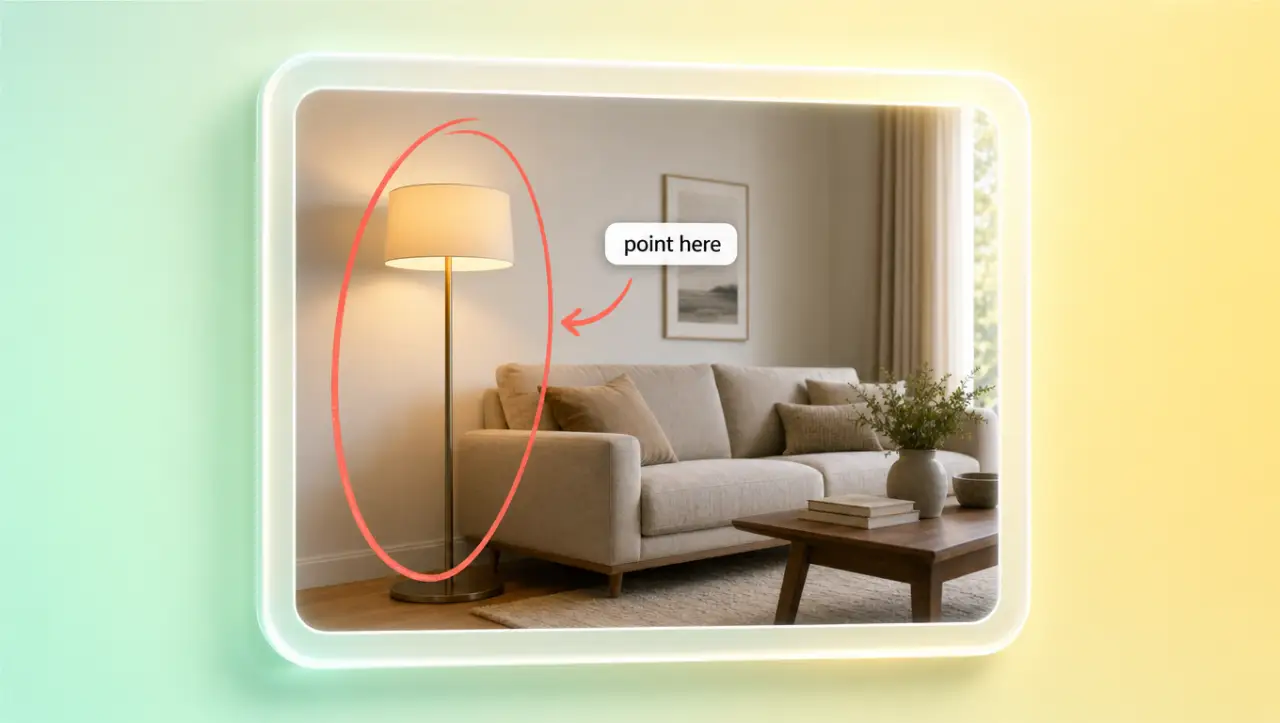
Text prompts can be vague about where the change belongs. A drawing is precise: circle or arrow the exact spot, and the AI matches the edit to the place you meant.
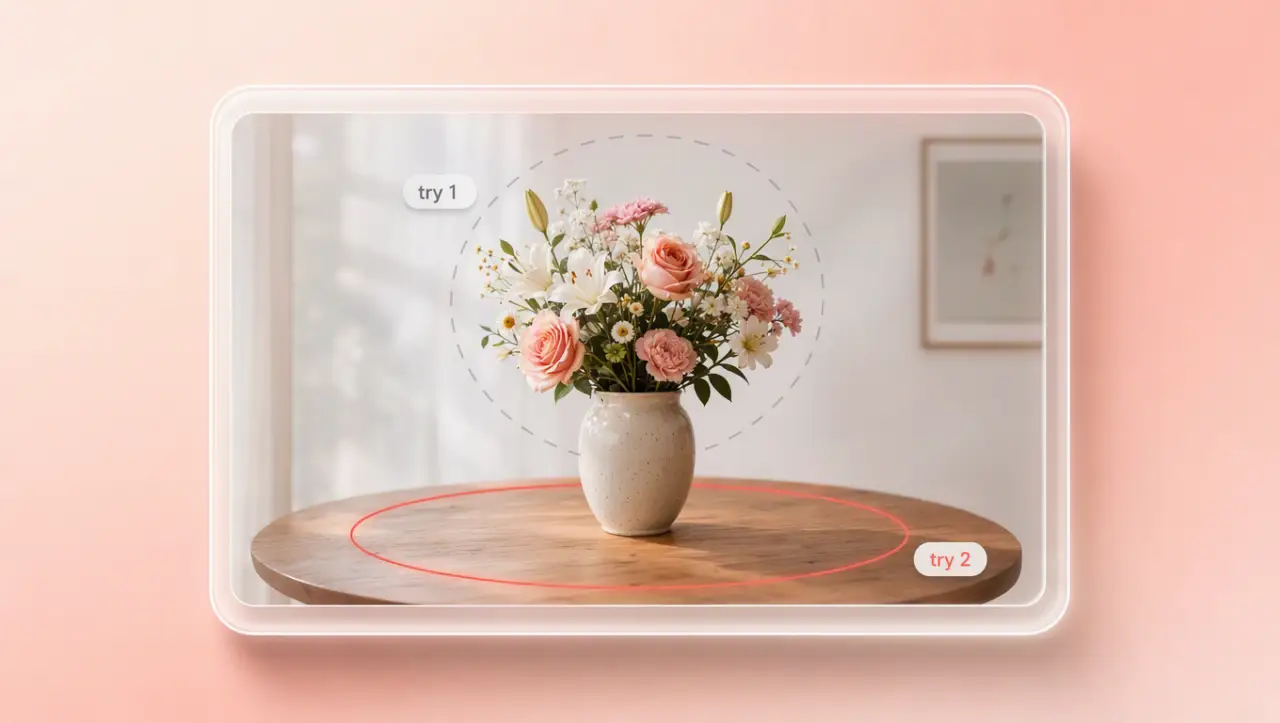
Experiments are safer when you can repeat them. Change your stroke or draw a new one, and the AI runs another result on the same photo instead of making you start over.
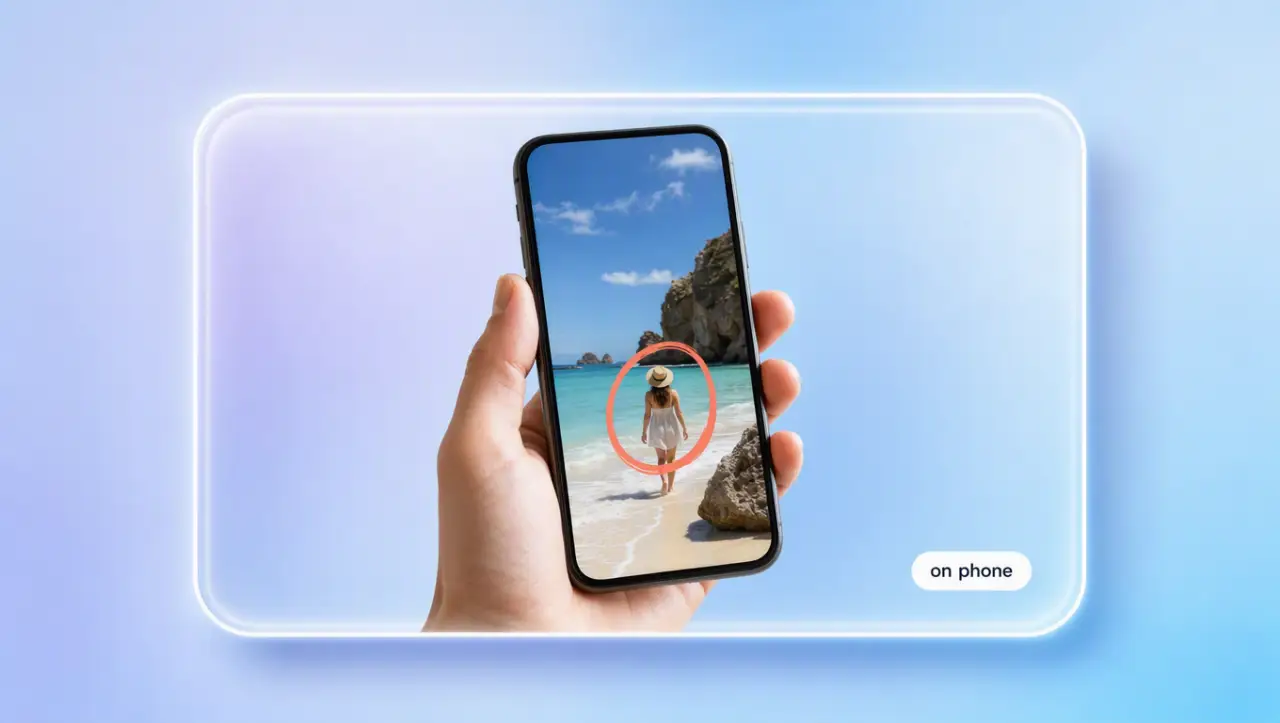
Your best shots often live on your phone. Upload the photo in the browser and draw on it there, so the same mark-and-edit flow works for mobile shots.
HOW IT WORKS
Open the tool in your browser and add a photo from your computer or phone.
Circle, scribble, or arrow the exact region you want the AI to work on.
The AI edits what you marked and shows the new version. Redraw the mark if you want a different take.
Keep editing photos, video, and film-studio tools in the same workflow.
Draw on photo online and stop losing good photos to one bad region. Upload your next shot, mark the change, and let the AI do the rest.