
Enter a New Category With the Numbers
Before a new marketplace or category move, submit the site, the category, and the time window. You get demand, price bands, competition, and a clear read on whether entry is worth the effort.
Amazon Ops Expert
Pick the next product, the keywords behind it, and the listing edits that sell it — research to action in one workflow. Check real demand and competitor gaps before you commit more budget.
Market insights
Listings and reviews
Content and creators
Ad analytics
Amazon Ops Expert is an Amazon seller tools suite built for the research an FBA business runs before it spends: which category to enter, which ASIN to back, which keywords to target, and which listing changes to publish. It works as an Amazon FBA tools workflow where you hand in a marketplace, a product idea, a competitor page, a set of reviews, or a search term report, and get back a structured answer you can act on — demand and a price band for a category, opportunity and risk for one product, a differentiation matrix for competitors, related terms with placement advice, and theme-grouped evidence from reviews. The output is meant to move into Seller Central: a better title, sharper bullets, and an ad budget aimed at terms that convert.
USE CASES
Before a new marketplace or category move, submit the site, the category, and the time window. You get demand, price bands, competition, and a clear read on whether entry is worth the effort.
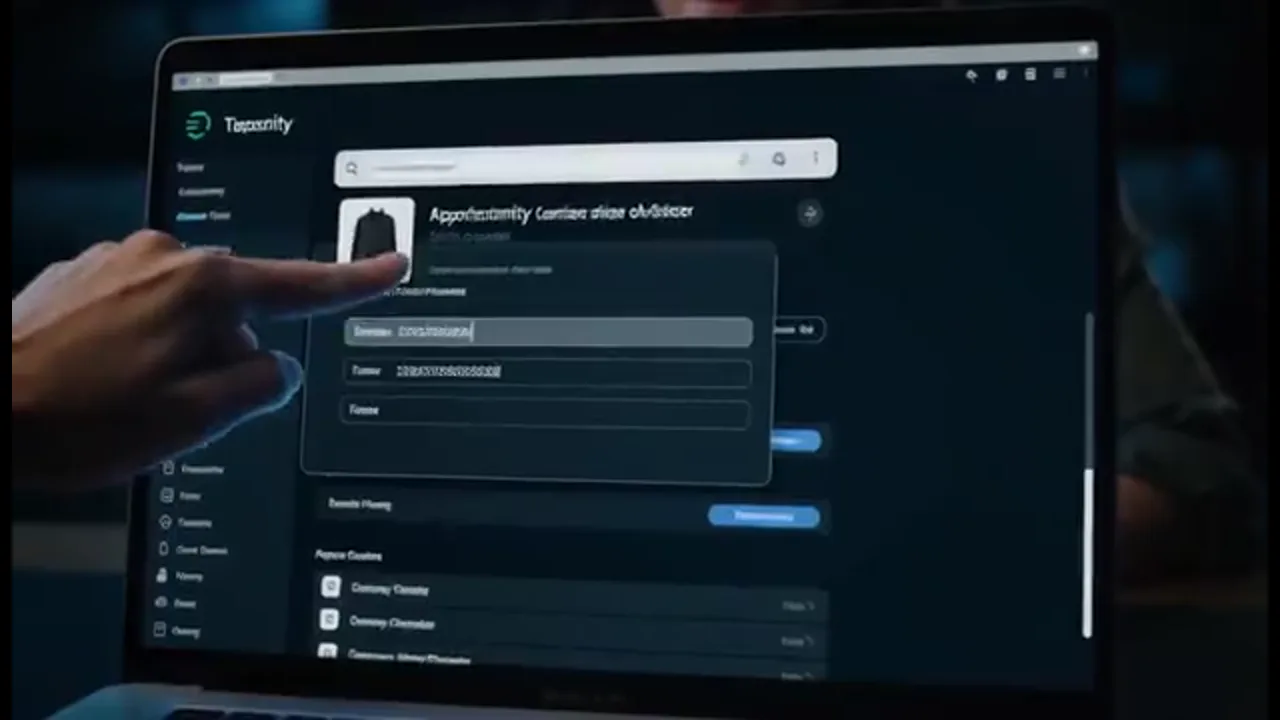
Paste an ASIN and your constraints to compare it against the field. The answer separates opportunity from risk, so you order stock on evidence rather than momentum.

Run the listing through the research pass to see which title, bullet, and keyword edits are supported by the data, then publish the changes that buyers were actually searching for.

Upload the report from your ad console. What comes back is a shortlist of winning terms to keep, negative keywords to cut, and a budget direction built from the same numbers.
BENEFITS

01
Tell it the marketplace and category you are watching, and the research returns demand, the price band that actually sells, and how crowded the shelf is before you order. The same product-research pass compares an ASIN against your constraints and flags opportunity and risk, so you decide with numbers instead of a feeling about the next product.

02
Hand over an ASIN or seed words and keyword research returns the related terms plus where each one belongs in the title, bullets, or backend fields. It also surfaces the terms competitors rank for that you missed, so keyword coverage stops being guesswork and starts moving organic rank.

03
When clicks do not become orders, amazon listing optimization rewrites the title and bullets around the words buyers actually type and the facts your product can prove. Review analysis feeds the same pass: complaints group into themes with evidence, and the improvement arrives as concrete edits you can publish.

04
Feed it a keyword or an ASIN and get a matrix of competitor selling points, price, content, and the gaps between them. The same data checks whether the category is growing or turning risky over the period you choose, so you do not walk into a crowded shelf with a weak angle.

05
Upload a search term report and get the winning terms to keep, the negative keywords to cut, and a budget direction drawn from the same report. Review and search-term outputs close the loop: what buyers complain about and what they actually search both feed the next listing edit.
HOW IT WORKS
Pick a marketplace and category, or paste an ASIN, a competitor page, reviews, or a search term report. One research request carries the whole context.
Get demand, price bands, comparison, and risk back in one answer, each point with the evidence behind it so you can trace the reasoning.
Publish the improved title and bullets, then copy the winning terms and negative keywords into your campaigns. The output is built to be used, not filed away.
Pair Amazon Ops Expert with Marketing Studio and other Topview AI marketing tools.
Pick the category, product, or listing you are unsure about and run it through Amazon Ops Expert. Amazon seller tools here turn one question into a decision you can act on today.