Cinematic Showcase
A macro photography prompt for a hyper-realistic video showing an artisan carving a miniature wooden sports car with realistic textures.
Create up-to-10-second AI videos with synchronized audio from text, images, audio, and video references. Gemini Omni Flash launched at Google I/O 2026 for cinematic generation, natural-language editing, and modern creative workflows.
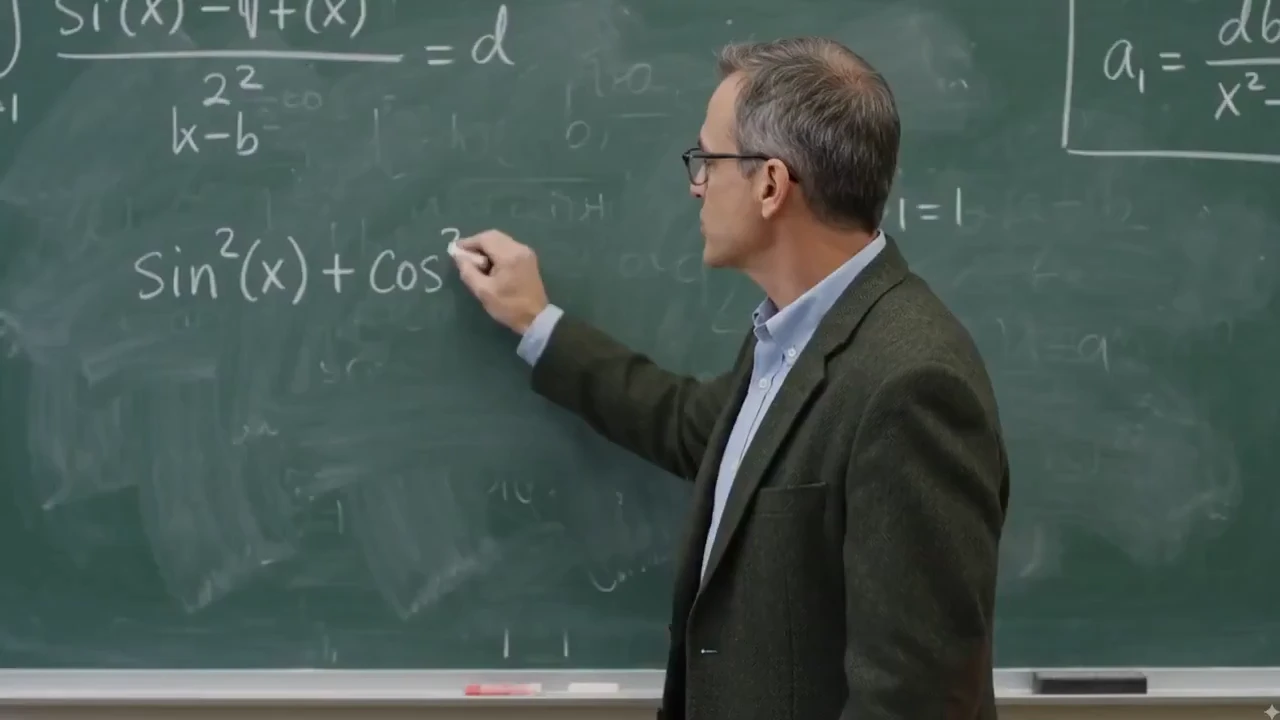
تعرض كل إمكانية الإدخال على اليسار والنتيجة التي تم إنشاؤها بواسطة AI على اليمين، لذا يمكنك أن ترى بالضبط كيف يقوم سير العمل بنمط Gemini Omni بتحويل مقطع البداية أو الصورة.
قم بتحرير أي مقطع باستخدام تعليمات بسيطة باللغة الطبيعية. أخبر سير العمل بنمط Gemini Omni بما يجب تغييره - استبدال موضوع ما، أو ضبط المشهد، أو تحسين الحركة - مع الحفاظ على اتساق زاوية الكاميرا والإضاءة والسياق المحيط.
يمكنك مسح الشعارات والنصوص والعلامات المائية من أي مقطع فيديو باستخدام تعليمات واحدة، مع الحفاظ على حركة الخلفية والإضاءة والسياق المحيط. مثالية لتنظيف لقطات المخزون وإعادة استخدام مقاطع منشئ المحتوى وتحسين مقاطع فيديو المنتج.
Change the shot language after generation: move from a close-up to a wide shot, shift to a low-angle view, add a dolly-in, or make the scene feel like one continuous take.
Replace the environment while preserving the main subject, action, lighting direction, and scene continuity. Use it for product variants, lifestyle scenes, and campaign localization.
Swap a product, prop, outfit, or character reference without rebuilding the whole video. The edit can preserve the original camera path, contact shadows, and surrounding context.
Transform the same scene into a new visual language such as cinematic realism, watercolor, claymation, anime, graphite sketch, or translucent glass 3D while keeping the action readable.
بدءًا من الشرح التعليمي وحتى ريمكسات المنتجات والخطافات الاجتماعية، تم تصميم سير العمل بنمط Gemini Omni لإنشاء فيديو AI سريعًا وموجّهًا.
غيّر الإضاءة والمواد والطقس والبيئات باللغة الطبيعية—حوّل النهار إلى ليل، واستبدل خامات الأسطح، أو أعد تنظيم المشهد دون إعادة بناء اللقطة من الصفر.
أعد مزج اللقطات الحقيقية مع إدراج المنتج والشعار واستبدال الشخصيات وتفاصيل العلامة التجارية مع الحفاظ على حركة الكاميرا والتوقيت وبنية المشهد الأصلية.
أعد كتابة قواعد الفيزياء وابتكر لحظات سريالية—مواد مستحيلة، وأفعالاً تقاوم الجاذبية، ومخلوقات هجينة، ومشاهد سينمائية تبقى متماسكة.
أعد إنتاج العالم المادي بدقة عالية، حيث تتصرف الجاذبية والحركة والإضاءة والمواد والانعكاسات والظلال بالطريقة التي تظهر بها على الكاميرا، مما يمنح كل لقطة وزنًا وتفاصيل معقولة.
أنشئ صورًا مرئية على مستوى الأفلام باستخدام الإضاءة السينمائية ودرجات الألوان وعمق المجال والتفاصيل الجوية المخصصة عادةً للإنتاج المتطور.
Use music, narration, sound effects, or ambience to guide visual rhythm, text timing, cuts, camera motion, and beat-matched animation.
قم بإنشاء مشاهد سينمائية مع شخصيات متعددة تتفاعل بشكل طبيعي - المحادثات وردود الفعل والإجراءات المشتركة - مع الحفاظ على اتساق النظرة والتعبيرات والتوقيت عبر كل لقطة.
قم بإنتاج أداء طبيعي للشخصية وعمل الكاميرا الواثق - دوللي في، والمدار، والتتبع، وحركات الرافعة - مسترشدة بتعليمات سريعة بسيطة.
Combine a prompt, product image, motion reference video, and audio cue in one workflow so the final video inherits the right subject, movement, mood, and timing.
Use rough sketches, composition notes, or layout references to steer where subjects appear, how the camera frames the action, and how the scene should unfold.
Create social hooks, product claims, captions, formulas, or title cards that appear word by word, follow the action, or land on a specific beat.
Blend impossible animal traits into a believable cinematic shot, from an elephant-snail hybrid to fantasy wildlife with coherent anatomy, texture, motion, and habitat.
Start with one creative concept, then adapt it into vertical social clips, square ads, landing page hero videos, explainers, and product page media.
Edit existing footage with direct instructions: add branded details, replace people or characters, and keep the original camera motion, timing, and scene structure intact.
Real clips shared on X—watch the posts below, then try Gemini Omni yourself on Topview.
Gemini Omni Flash and Seedance 2.0 both support multimodal AI video workflows, but they solve different production jobs. This comparison focuses on launch status, inputs, output control, audio, editing, and where each model fits best.
A quick visual reference before reading the detailed comparison table below.
Reference-led prompt scene generated with a Gemini Omni-style workflow.
| Comparison Point | Gemini Omni Flash | Seedance 2.0 | Best Fit |
|---|---|---|---|
| Core positioning | Google's first Gemini Omni release for text, image, audio, and video guided generation plus natural-language editing. | A production-oriented multimodal model with high-resolution clips, native audio workflows, and strong cinematic control. | Omni for reference-led editing and transformation; Seedance 2.0 for polished multi-shot production. |
| Clip length and format | Up to 10-second clips today, with 16:9, 9:16, and 1:1 platform-adaptive output. | Commonly positioned around 4-15 second shots, 480p/720p/1080p output, and more aspect-ratio options. | Omni for short social-ready transformations; Seedance 2.0 for longer draft-to-finish scenes. |
| Audio, speech, and lip-sync | Generates synchronized audio and can use audio references for timing, ambience, narration cues, and multilingual lip-sync workflows. | Strong fit for native audio-video generation, sound effects, voiceover, music, and lip-sync-driven clips. | Seedance 2.0 for sound-led scenes; Omni for edit-directed sync, language variants, and timed visual changes. |
| Reference control | Uses text, images, audio, video, sketches, and storyboards to guide characters, products, motion, style, and educational visuals. | Supports broad multimodal reference input for character, style, motion, sound, and multi-shot continuity. | Omni when unusual references like drawings or infographics drive the idea; Seedance 2.0 when shot continuity is the priority. |
| Editing workflow | Conversational follow-up edits: replace objects, change backgrounds, adjust camera, preserve references, restyle to an 80s look, or add timed text. | Supports prompt-led scene creation, character/action editing, and multi-shot assembly in a broader generation pipeline. | Omni when repeated natural-language refinement is the job; Seedance 2.0 when the first-pass scene needs to feel finished. |
| Availability and trust signals | Launched at Google I/O 2026 on May 19, surfaced through Google product experiences, with SynthID/C2PA provenance and API access expected later. | Available through creator platforms and API aggregators with clear production settings such as resolution, duration, and aspect ratio. | Use Omni for Google-native creative exploration and YouTube Shorts ideas; use Seedance 2.0 when API-ready production control matters today. |
لا تحتاج إلى برنامج تحرير معقد لإنشاء مقاطع فيديو AI. باستخدام منشئ الفيديو AI الموجه، يمكنك وصف فكرتك وتحميل المراجع المرئية واختيار النمط وإنشاء مقاطع فيديو لاحتياجات النشر الحقيقية.
قم بإنشاء مقاطع فيديو للمنتج ومقاطع اجتماعية ومقاطع فيديو رمزية ومشاهد سينمائية وشروحات وقصص مرئية من مطالبات أو صور بسيطة.
Gemini Omni is Google DeepMind's multimodal generative media model family for creating, editing, and transforming video from text, images, audio, and video inputs. Its first released model, Gemini Omni Flash, was launched at Google I/O 2026 on May 19.
For creators and marketers, Gemini Omni shifts AI video creation toward natural-language workflows: start with an idea or reference, generate a video with synchronized audio, then refine the result through targeted edits instead of rebuilding the entire clip.
سير عمل سريع التوجيه لإنشاء فيديو AI وتحريره وإعادة مزجه مصمم للمبدعين والمسوقين وفرق التجارة الإلكترونية.
قم بإنشاء مقاطع فيديو قصيرة AI من خلال وصف الموضوع والمشهد والحركة وحركة الكاميرا والأسلوب المرئي باللغة الطبيعية.
قم بتحسين الفيديو باستخدام تعليمات بسيطة مثل تغيير الخلفية، أو ضبط المنتج، أو استبدال كائن، أو تحسين اللقطة النهائية.
قم بتحويل فكرة فيديو واحدة إلى إصدارات متعددة لمنصات وأنماط وجماهير وزوايا حملة مختلفة.
قم بإنشاء مقاطع تعليمية وشروحات على السبورة وعروض توضيحية للمنتج ودروس مرئية تحتاج إلى نص أكثر وضوحًا ومشاهد منظمة.
قم بتبديل المنتجات أو الدعائم أو عناصر المشهد مع الحفاظ على اتساق الإضاءة والمنظور والظلال والسياق.
ابدأ من تنسيقات الفيديو القابلة للتكرار للإعلانات والعروض التوضيحية للمنتجات والشروحات ومقاطع الفيديو المقارنة ومقاطع الوسائط الاجتماعية.
Gemini Omni Prompt Library
127+ Gemini Omni Prompts & Guide
Cinematic Showcase
A macro photography prompt for a hyper-realistic video showing an artisan carving a miniature wooden sports car with realistic textures.
Brand Commercial
A comprehensive prompt for generating vertical UGC-style product videos of portable fans, covering unboxing, macro details, and functional demos with a focus on ASMR and realistic textures.
Short Film
The opening shot for the 'Ember and the Firefly' cinematic demo, featuring a wide push-in on a character freezing as they spot a glowing firefly.
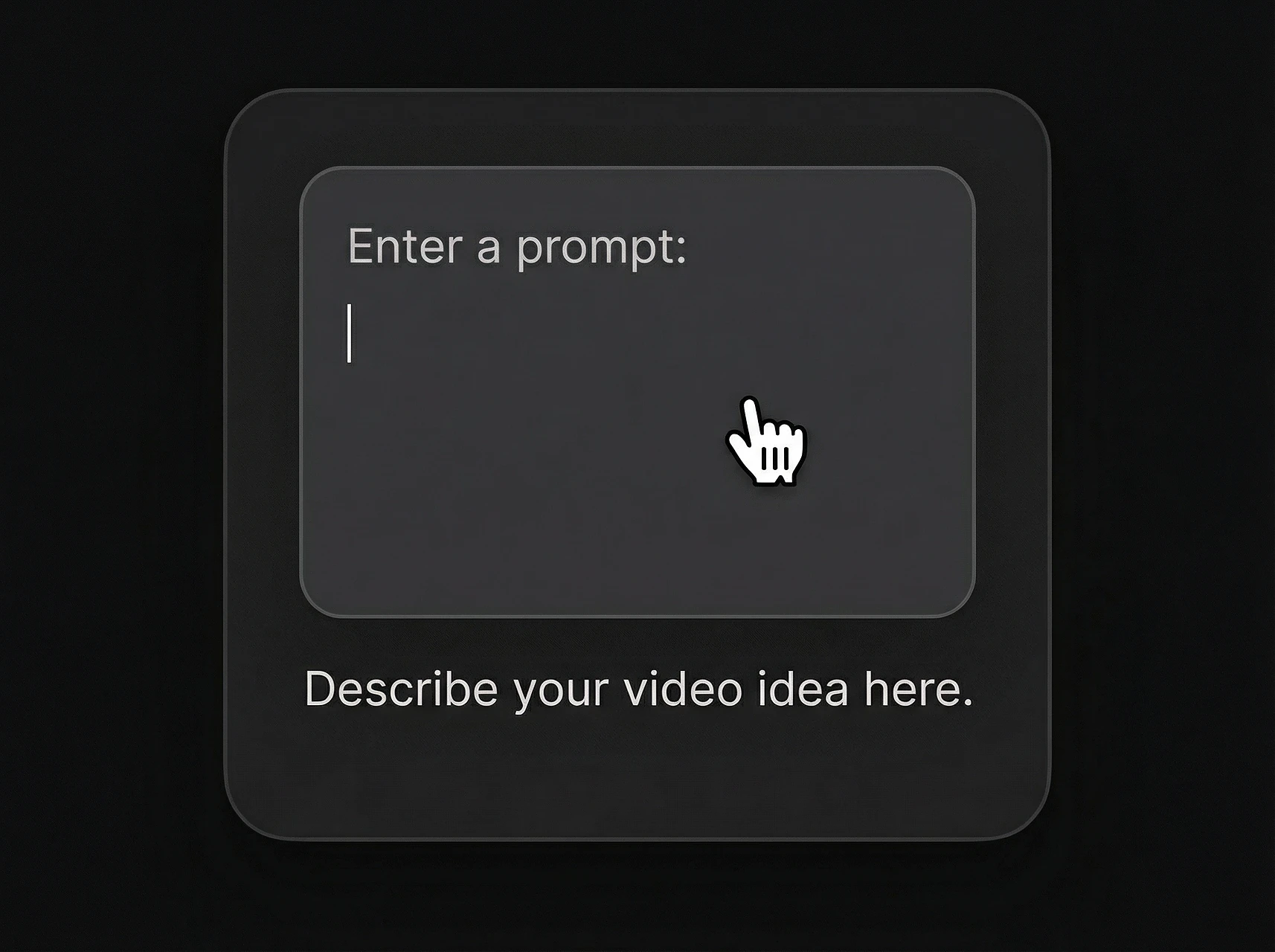
قم بوصف الفيديو الذي تريد إنشاءه، بما في ذلك الموضوع والإجراء والمشهد وحركة الكاميرا والحالة المزاجية وتنسيق الإخراج.
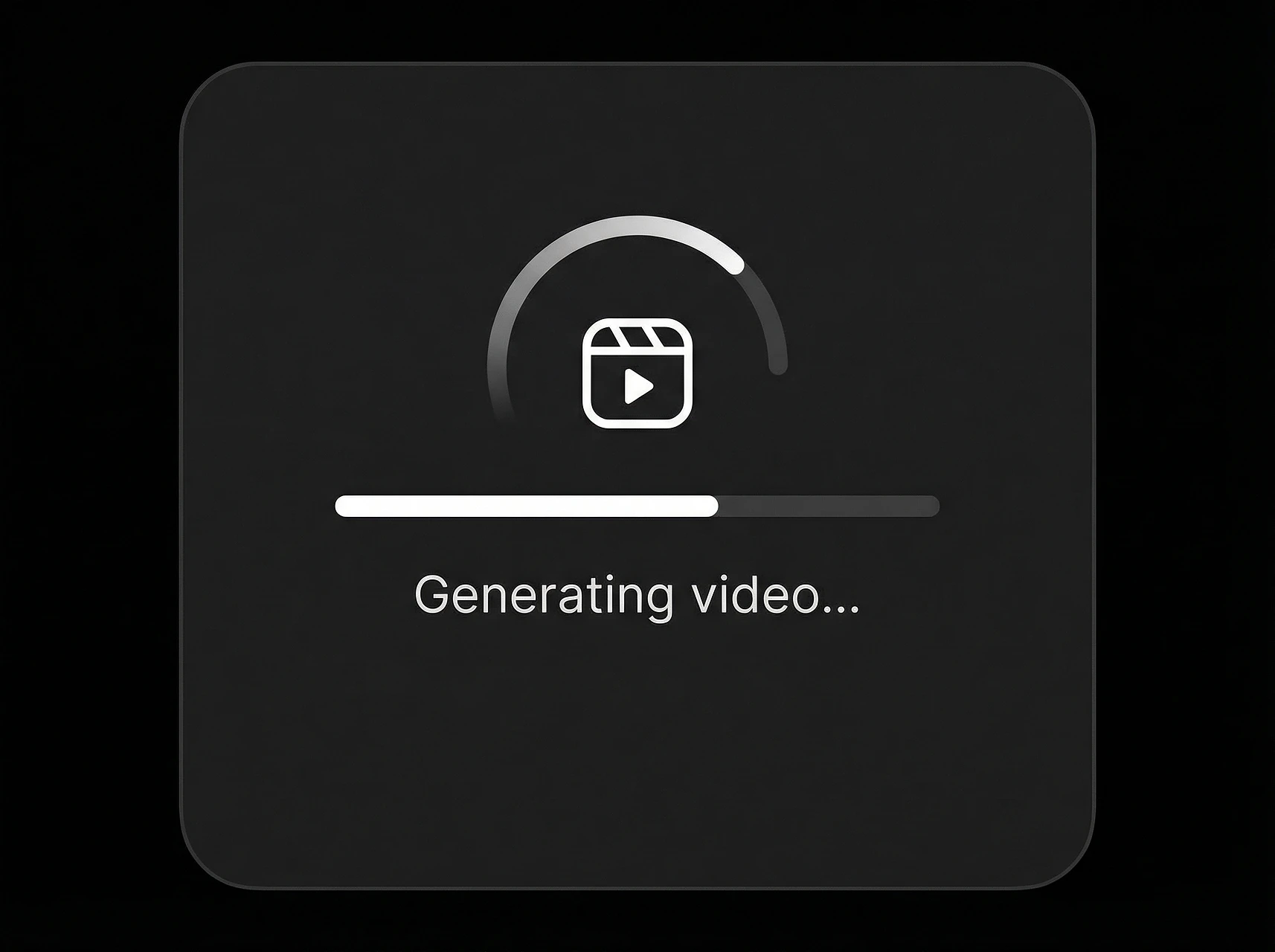
انقر فوق "إنشاء" ودع سير العمل على نمط Gemini Omni يعرض الفيديو الخاص بك. شاهد المعاينة بينما يقوم AI ببناء المشهد والحركة والجو من خلال مطالبتك.
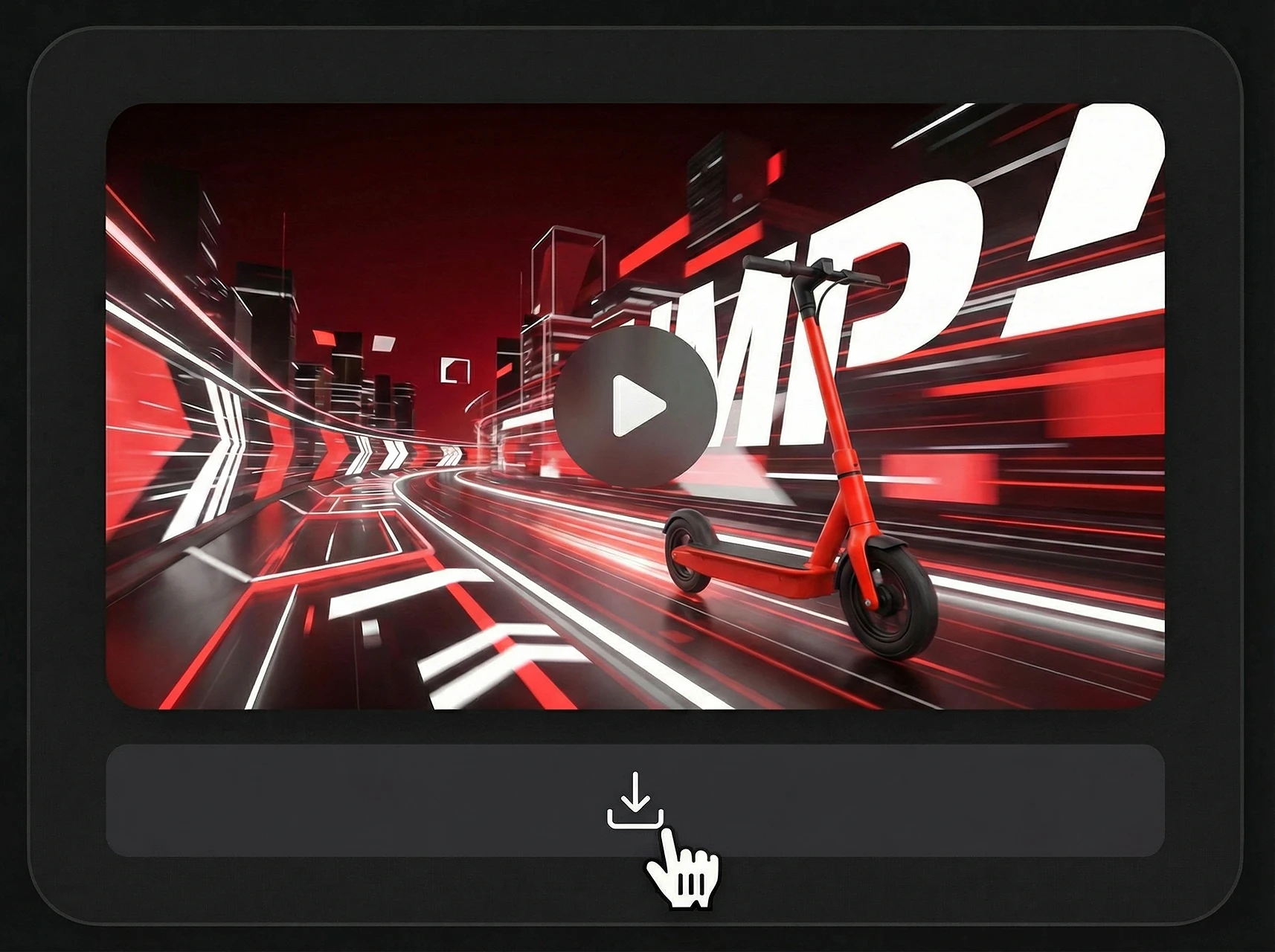
بمجرد أن تصبح راضيًا عن المعاينة، قم بتنزيل الفيديو الذي أنشأته AI واستخدمه مباشرة في وسائل التواصل الاجتماعي، أو الإعلانات، أو صفحات المنتجات، أو محتوى سرد القصص.
سير عمل واحد موجه بشكل سريع لرواية قصص المنتجات الاجتماعية والتجارة الإلكترونية والتعليم.
| منصة | أفضل تنسيق | حالة الاستخدام |
|---|---|---|
| TikTok | 9:16 عمودي | خطافات سريعة، وتعديلات المنتج، والريمكسات الاجتماعية |
| YouTube | 16:9 المناظر الطبيعية | فيديوهات توضيحية، عروض توضيحية، مقاطع تعليمية |
| Reels / مربع | مقاطع فيديو منشئي المحتوى، والتعديلات المنمقة، ومرئيات العلامة التجارية | |
| التجارة الإلكترونية | وسائل الإعلام المنتج | متغيرات المنتج، ومقاطع العرض التوضيحي، وإعلانات السوق |
| الصفحات المقصودة | فيديو البطل | عروض توضيحية قصيرة للنماذج، وصور إطلاق، وشرح للميزات |
تعتبر مسارات العمل ذات النمط Gemini Omni مفيدة بشكل خاص عندما تحتاج فكرة واحدة إلى أن تصبح تنسيقات فيديو متعددة. ابدأ بمطالبة أساسية، ثم قم بتكييف نفس المفهوم لوسائل التواصل الاجتماعي والإعلانات وصفحات المنتجات والمحتوى التعليمي.
A creator-focused summary of the official Gemini Omni and Gemini Omni Flash information that matters for video workflows.
The first released model in the Gemini Omni multimodal generative media family.
قدّمته Google DeepMind لسير عمل إنشاء الفيديو وتحريره متعدد الوسائط، مع توقع إتاحة وصول أوسع للمطورين وواجهة API لاحقا.
Create video from prompts and references, then refine the result with natural-language instructions.
تؤكد المواد الرسمية إخراج فيديو عالي الجودة مع صوت متزامن ودعم إدخالات النص والصورة والصوت والفيديو.
المقاطع في الإصدار الأول محدودة حاليا حتى 10 ثوان، ومن المتوقع توسيع إمكانات التمديد والتوليد الأطول.
مناسب لتكييف الأفكار مع YouTube وShorts والإعلانات الاجتماعية وصفحات المنتجات والشرح والمشاهد السينمائية.
Use existing clips as references for motion, action, scene structure, or video transformation.
Preserve characters, products, objects, style cues, or storyboard frames from uploaded images.
Guide rhythm, sound, ambience, narration, and visual timing with audio input.
Control subject, action, camera, lighting, style, location, text, and timing through prompt instructions.
Refine a generated or existing video through follow-up instructions without rewriting the full prompt.
Useful for teams that need prompt-led video concepts, reference consistency, and fast campaign variations.
قم بتحويل المطالبات والصور والمنتجات والأفكار الإبداعية إلى مقاطع فيديو تم إنشاؤها بواسطة AI للإعلانات ووسائل التواصل الاجتماعي وعروض المنتجات وسرد القصص.
نص إلى فيديو · صورة إلى فيديو · مقاطع فيديو المنتج · مقاطع فيديو الصور الرمزية
Social Lifestyle
A high-energy cinematic prompt for Gemini Omni that creates a 15-second day-in-the-life sequence of a Japanese boxer.
Channel Intro
A fast-paced 5-second 2D Chinese anime character intro clip using three reference images, featuring ink-wash backgrounds and heroic poses.
Game Cinematic
A creative prompt for making a video similar to The Sims character creation interface, featuring dancing, a rotating Plumbob, and static UI.
Music Video
A comprehensive prompt for generating high-quality stylized music videos featuring two characters with unique VFX, soft ink-wash aesthetics, and synchronized hand-drawn effects.