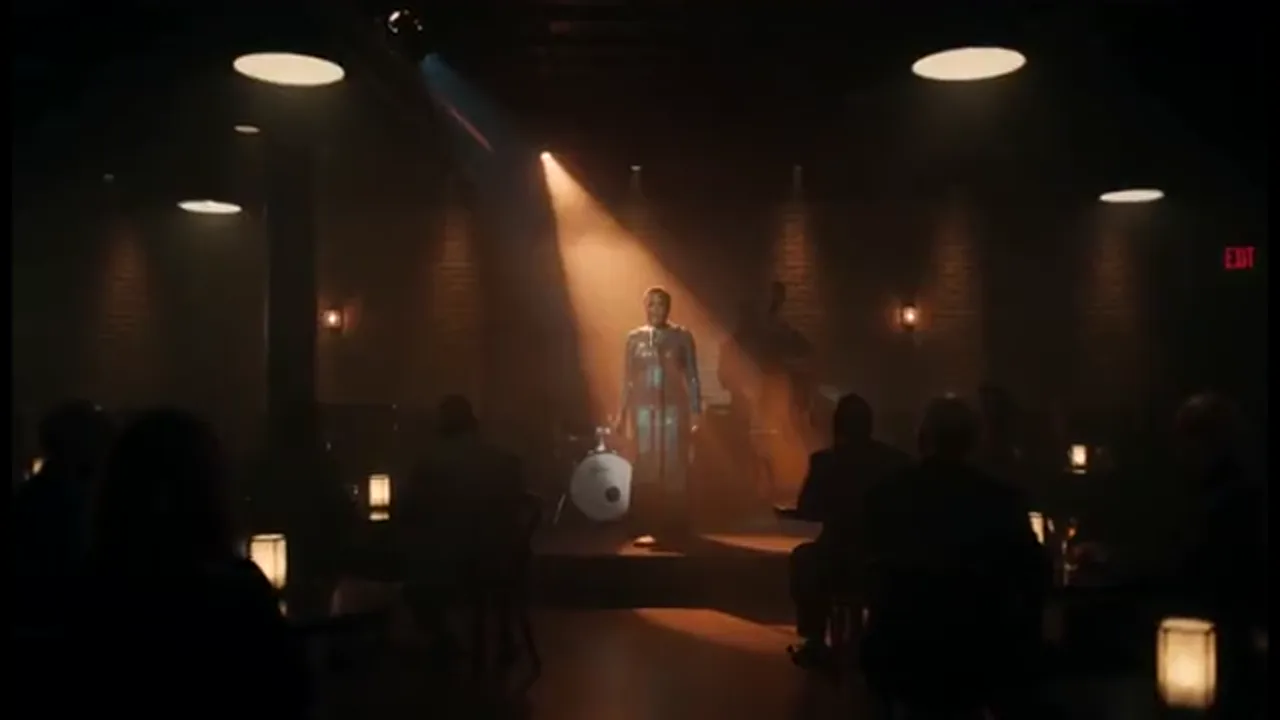
Build a Scene, Shot by Shot
Drop in a logline or script, then generate an establishing shot, a closer, and a reaction that hit the same story beat. Every new angle stays in the same Canvas project so the scene holds together.
You want cinematic ai video that reads as one scene, not a single lucky clip. Set camera, faces, and performance, then add the next angle in the same project.
Film Studio turns prompts, loglines, and scripts into film-look shots you can direct angle by angle. Open a Canvas project, plan shots in 3D Shot Composer, lock character references, and generate the next angle without starting over.
USE CASES
Drop in a logline or script, then generate an establishing shot, a closer, and a reaction that hit the same story beat. Every new angle stays in the same Canvas project so the scene holds together.
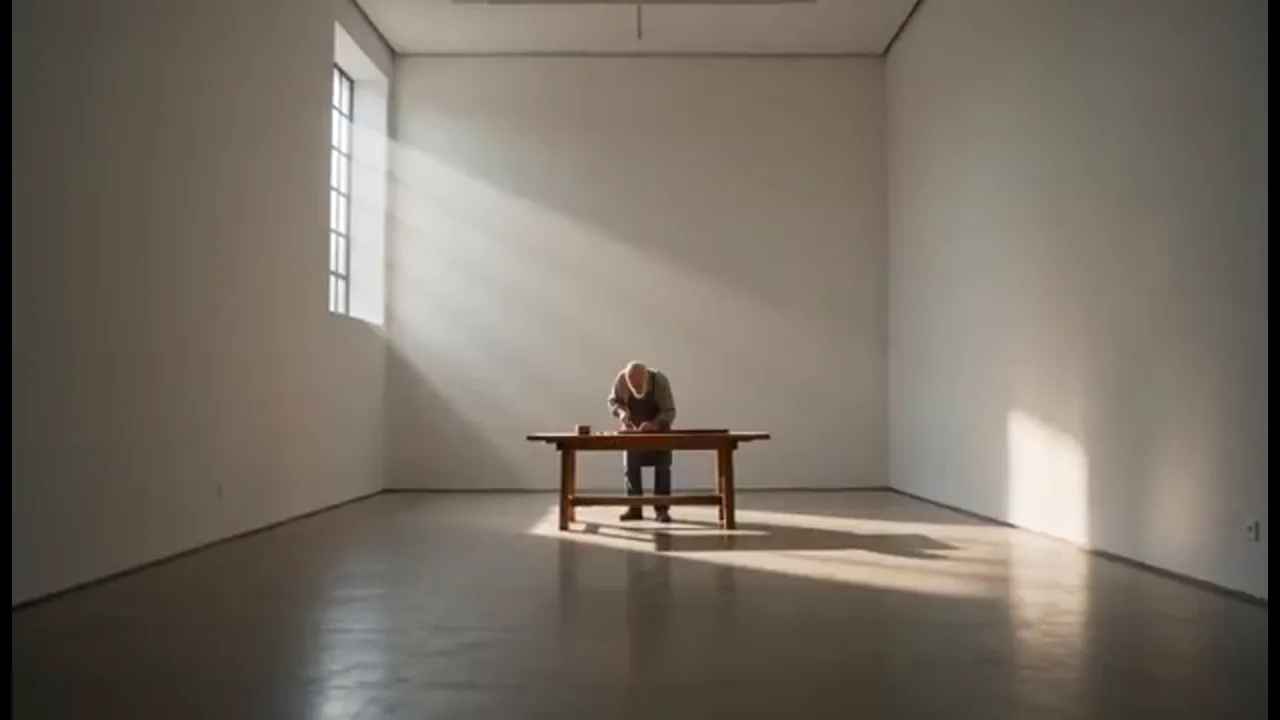
Start from a still, storyboard, or reference clip. Set lens, aperture, shutter, and depth of field before you generate, then carry that look through a brand beat or previz pass on the same canvas.
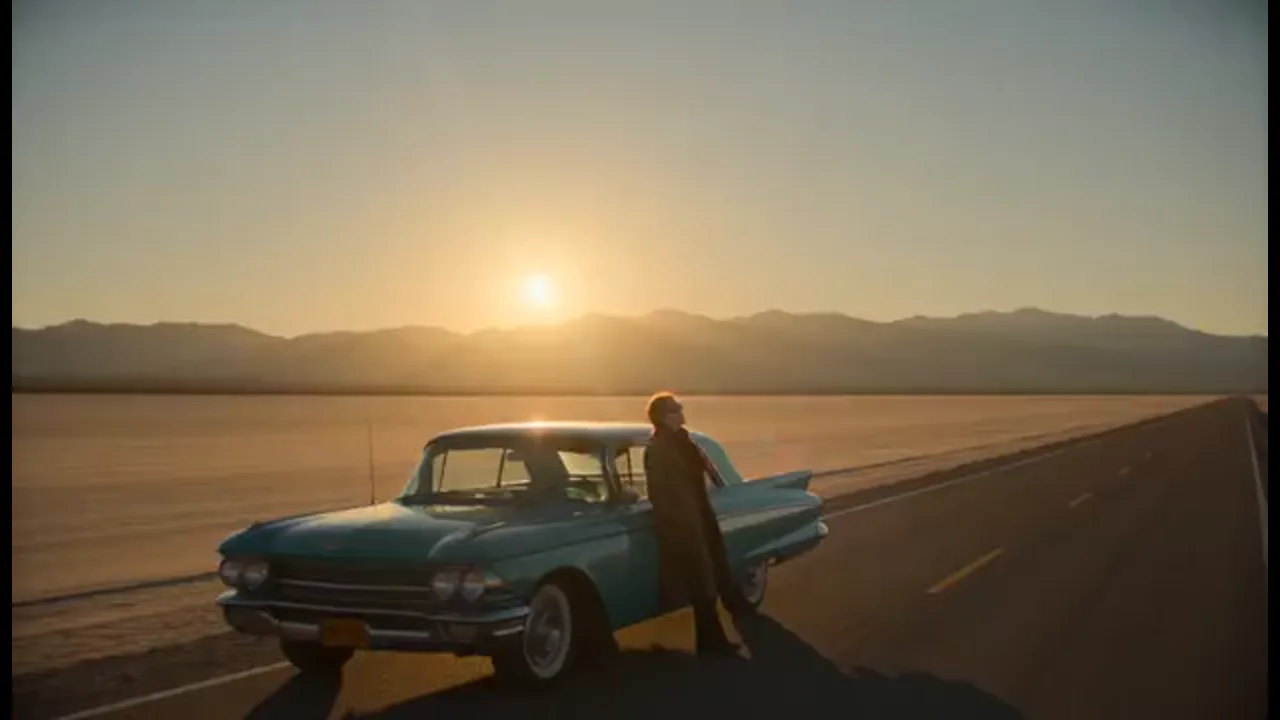
Lock character reference and micro-expression control before you add a close or a reverse. Wardrobe and performance stay attached so the wide and the close still read as the same person.
BENEFITS
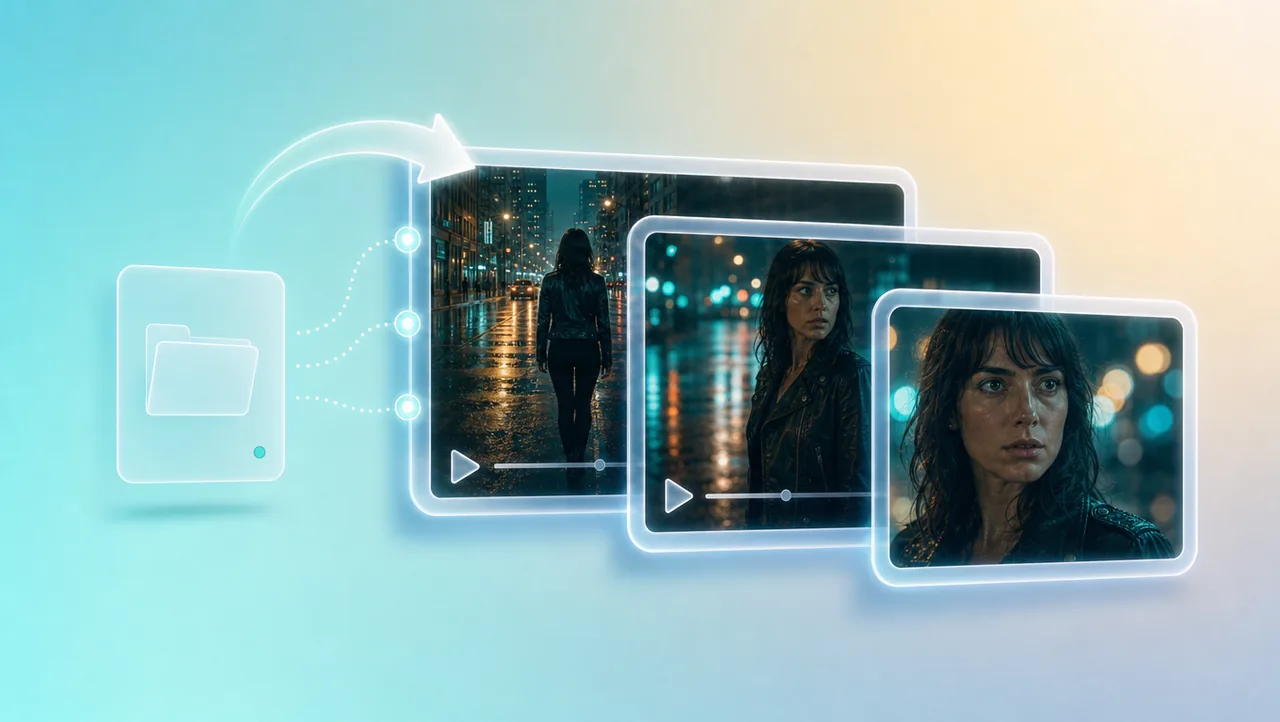
01
Each new generate joins the same Canvas instead of landing in another file. You build the scene angle by angle, so geography and story context stay intact.
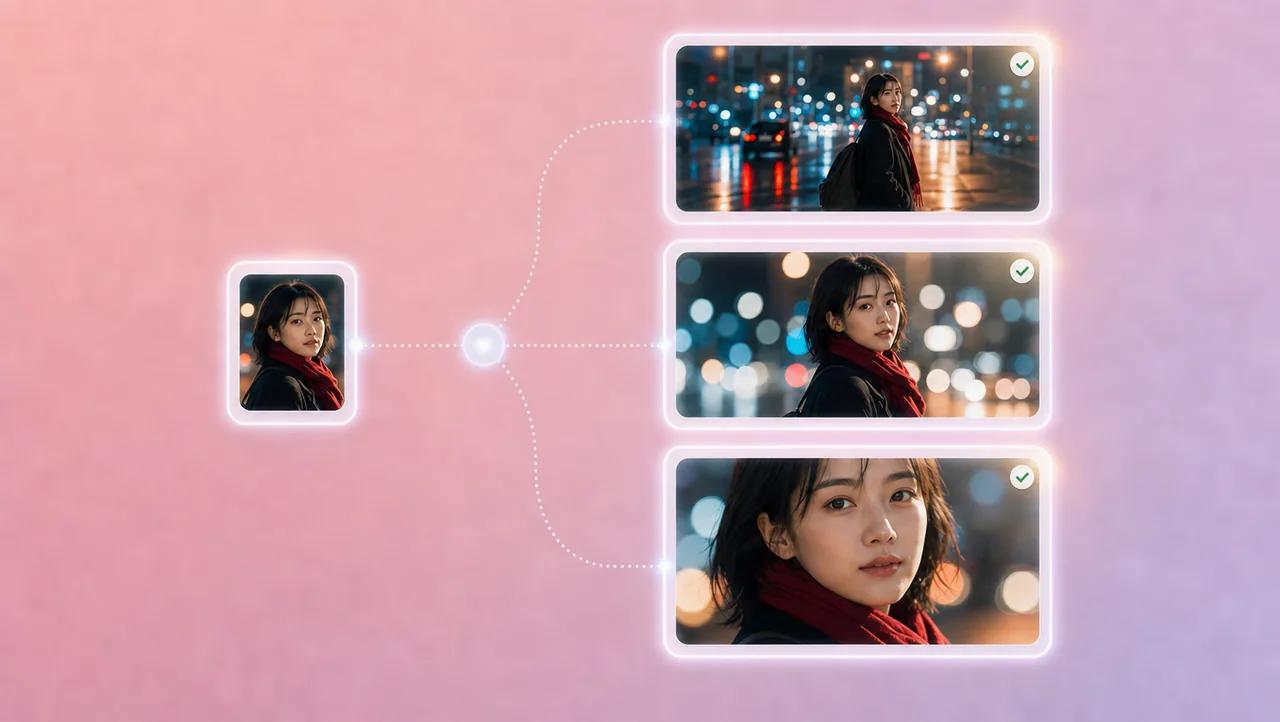
02
Character reference, portrait enhancement, and micro-expression control hold face, wardrobe, and performance from the wide to the close. The lead does not change clothes between angles.
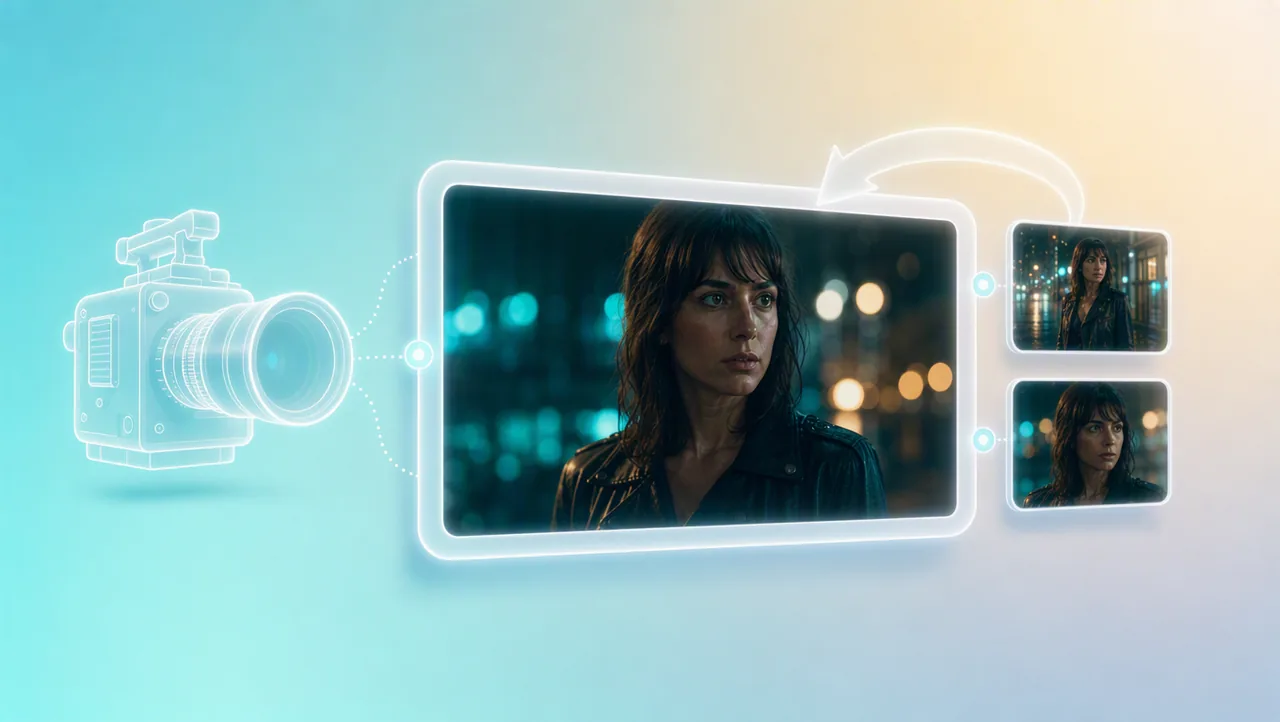
03
Plan framing in 3D Shot Composer, then set lens, aperture, shutter, depth of field, and camera moves. You call the frame instead of hoping a style word does the work.
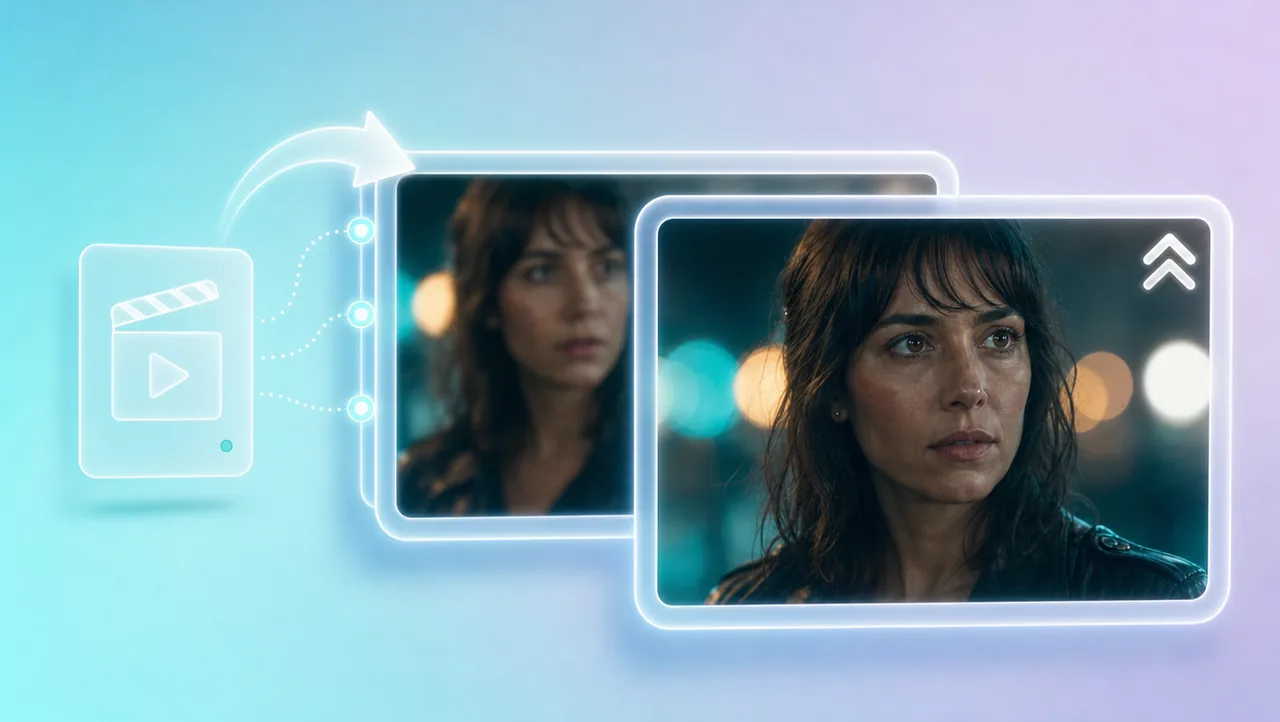
04
Generate in 4K, or upscale a 720p draft to 4K after the look holds. 200+ film genre skills can borrow camera language and pacing from a reference reel for your own scenes.
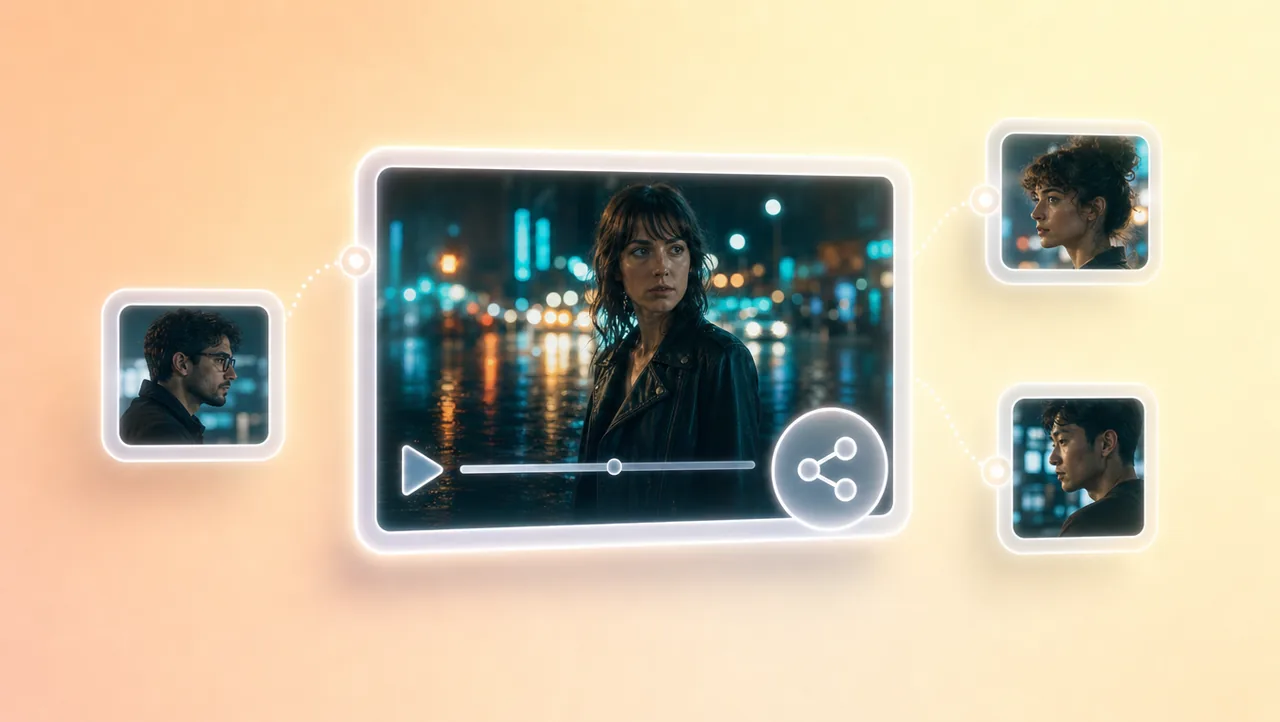
05
Share the Canvas project and assets while you are still generating. Teammates pick up the same references instead of trading loose exports.
HOW IT WORKS
Begin with a short prompt, logline, script, image, storyboard, or reference video. That start stays attached to every shot you generate next.
Set angles, camera, character identity, and performance before you generate. Use 3D Shot Composer, lens controls, and film genre skills so the beat reads like directed footage.
Generate shots that fit this scene. The next angle continues in the same Canvas project, so the scene stays connected. Share the project when a teammate needs the same assets.
Pair cinematic AI video with previz, camera settings, and other Film Studio tools.
Start from a prompt or script, then generate the next shot in the same project.