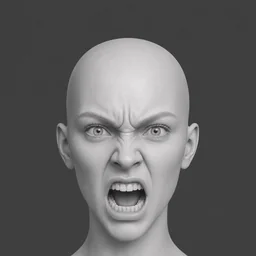
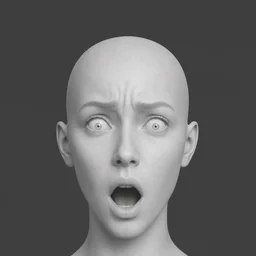
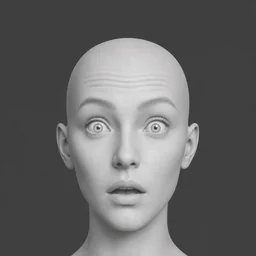
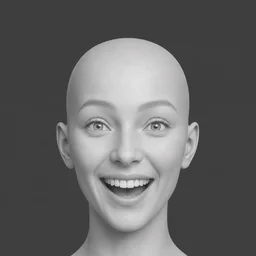
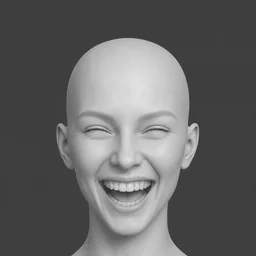
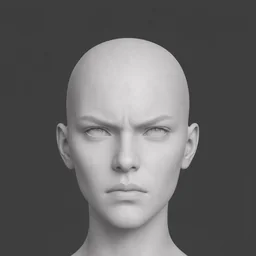
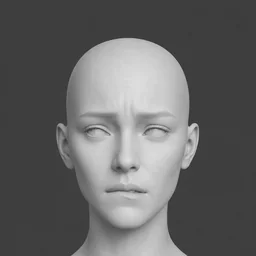
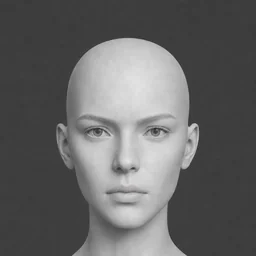
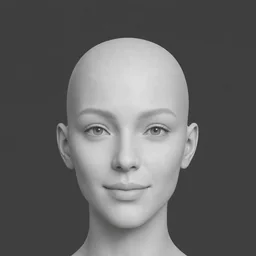
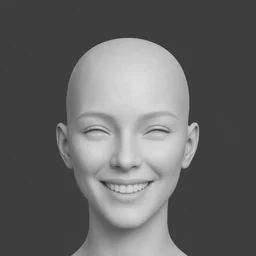
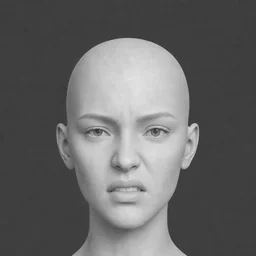
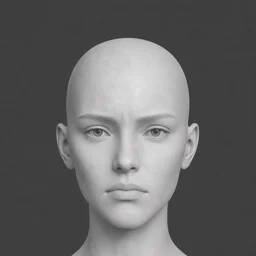
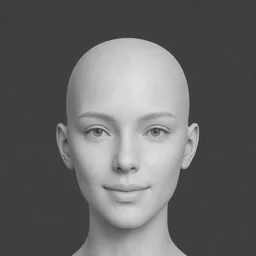
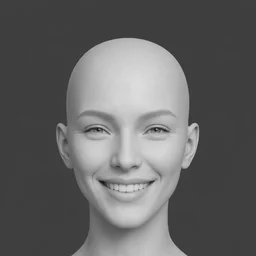
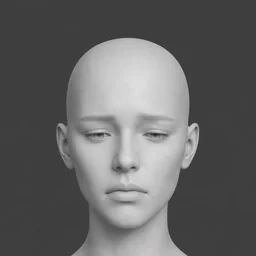
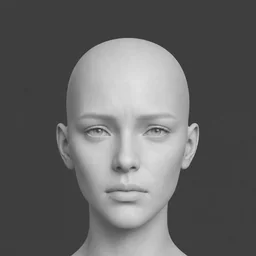
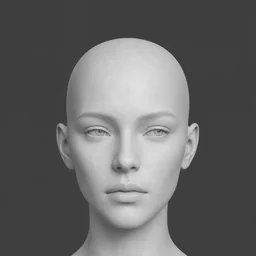
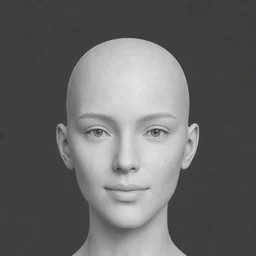
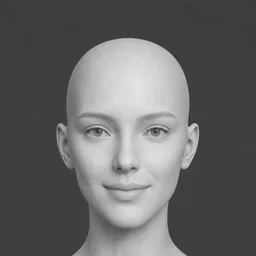
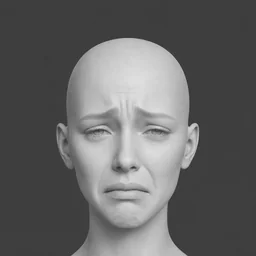
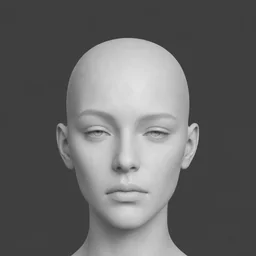
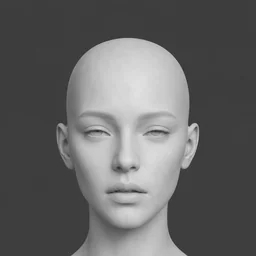
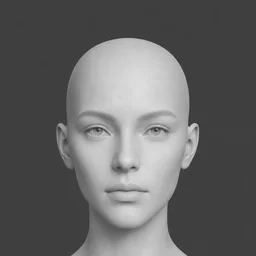
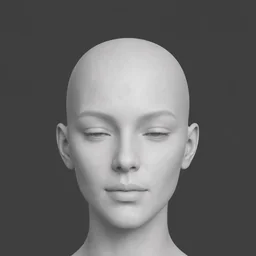
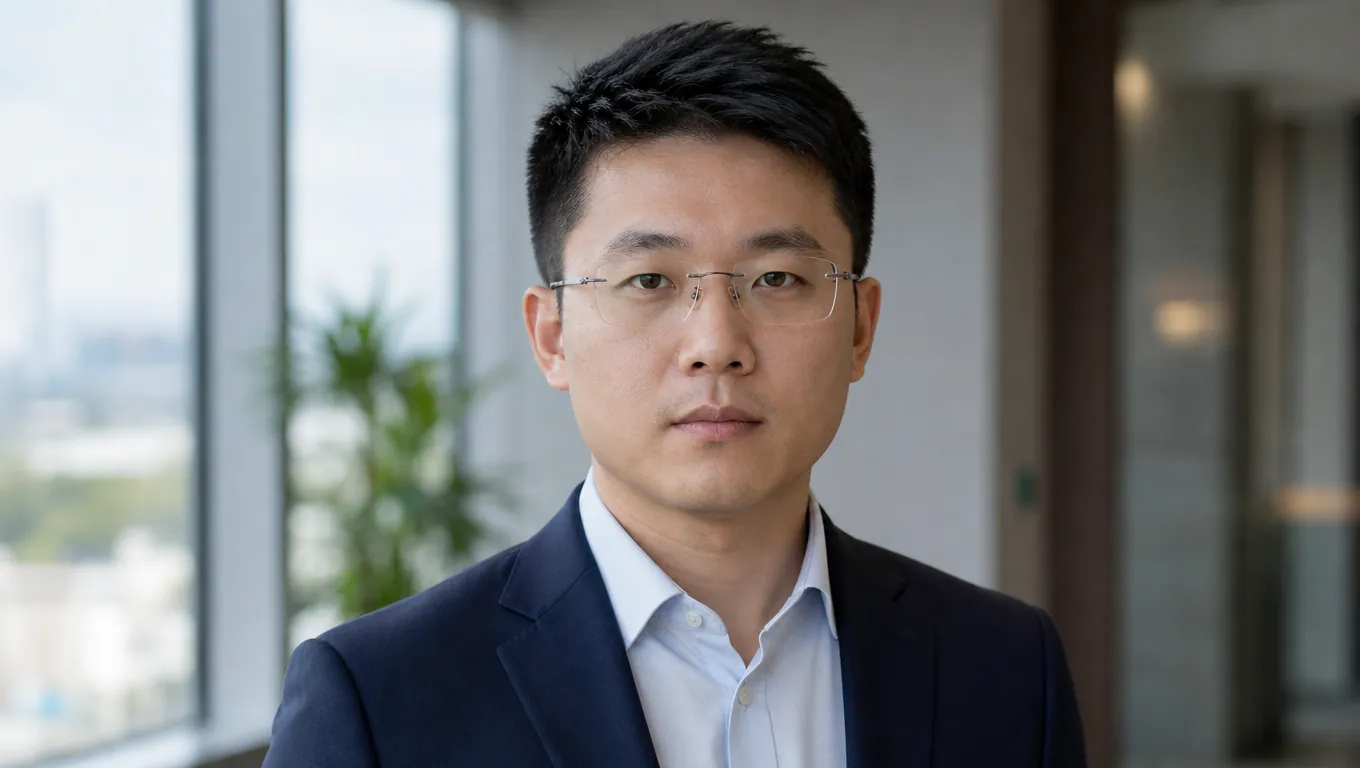
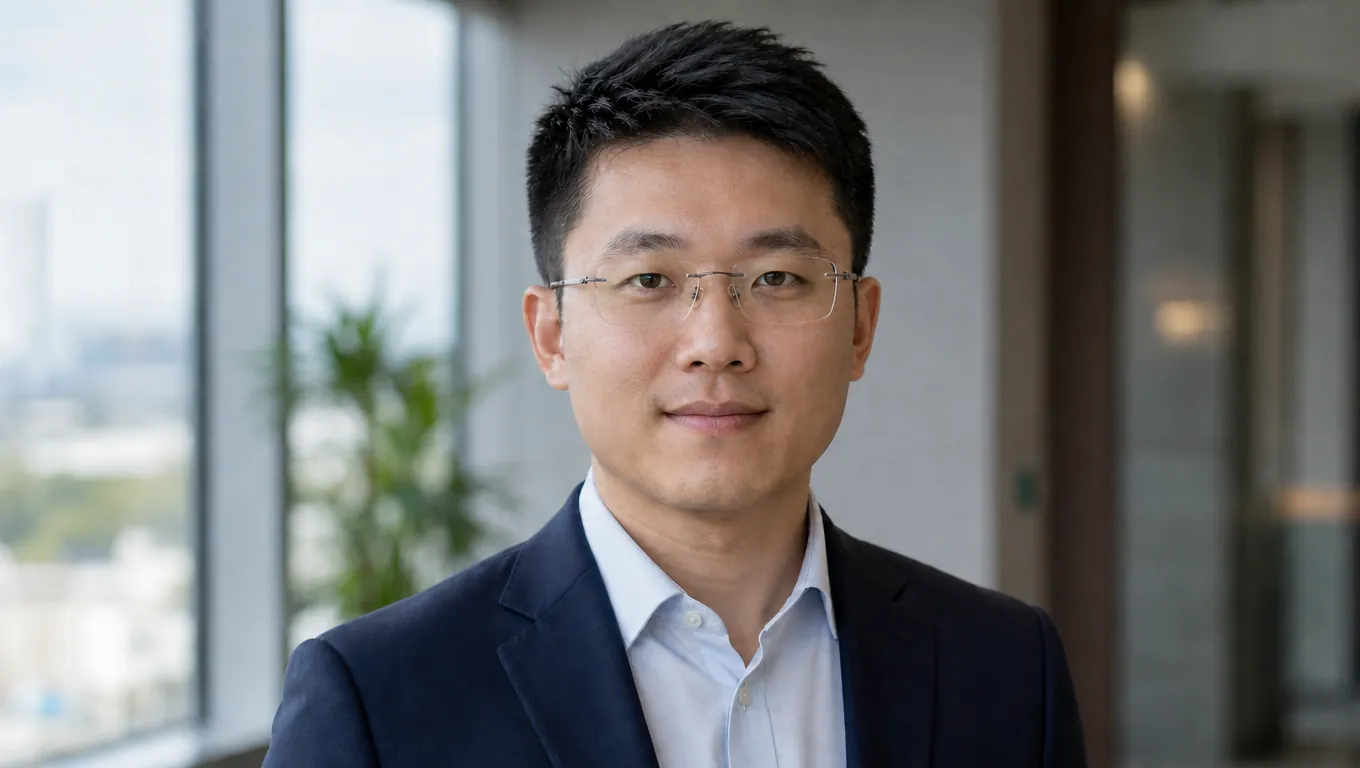
Fix the only portrait you have
The shoot is over but the face reads flat — make someone smile in a photo instead of reshooting it. The expression changes, while the person and the room stay the same.
Change the expression in one face photo while the person and the rest of the shot stay the same. Then generate a performance video from that same photo in one pass.
Expression Control
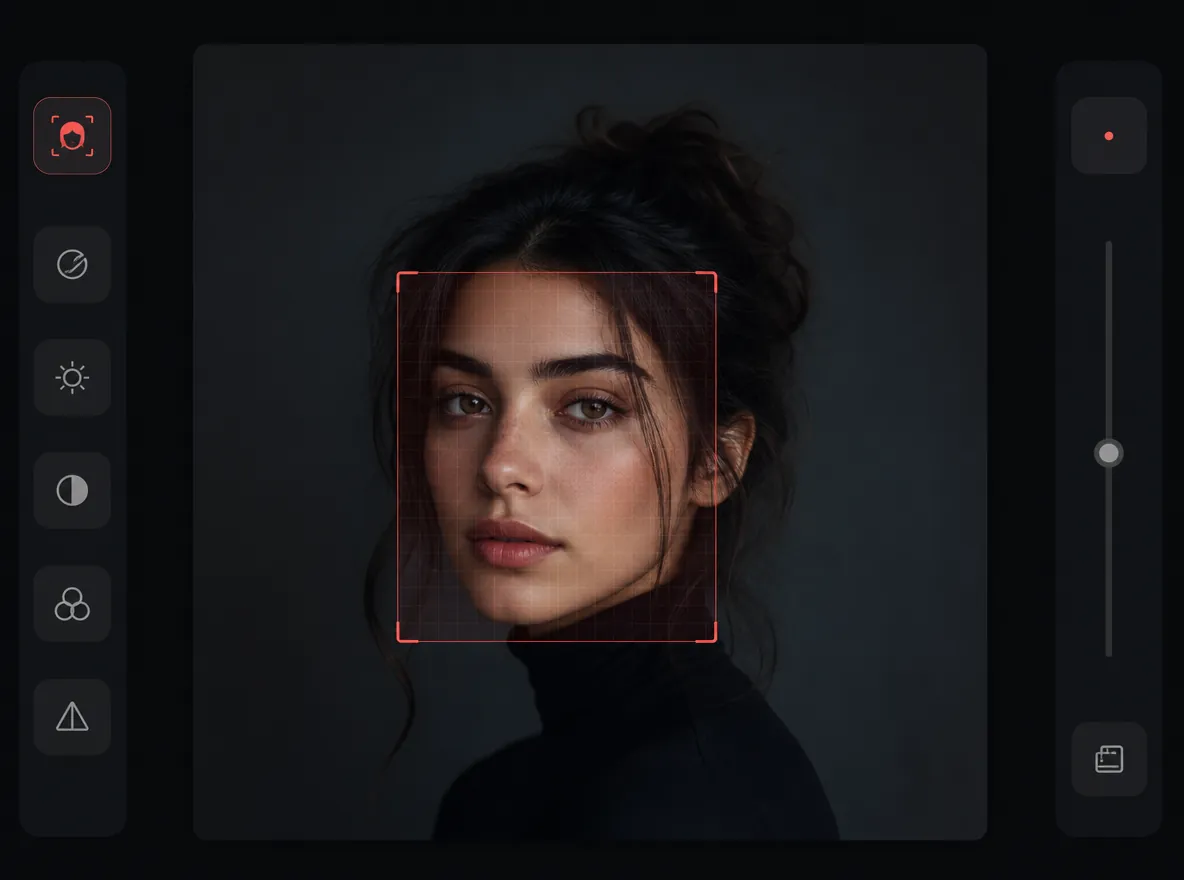
Click a detected face—or switch to Manual and drag a box—then choose a mood.
BEFORE VS AFTER
Preview how Expression Control reshapes portrait performance for ads, film previs, character boards, and social content.
The shoot is over but the face reads flat — make someone smile in a photo instead of reshooting it. The expression changes, while the person and the room stay the same.
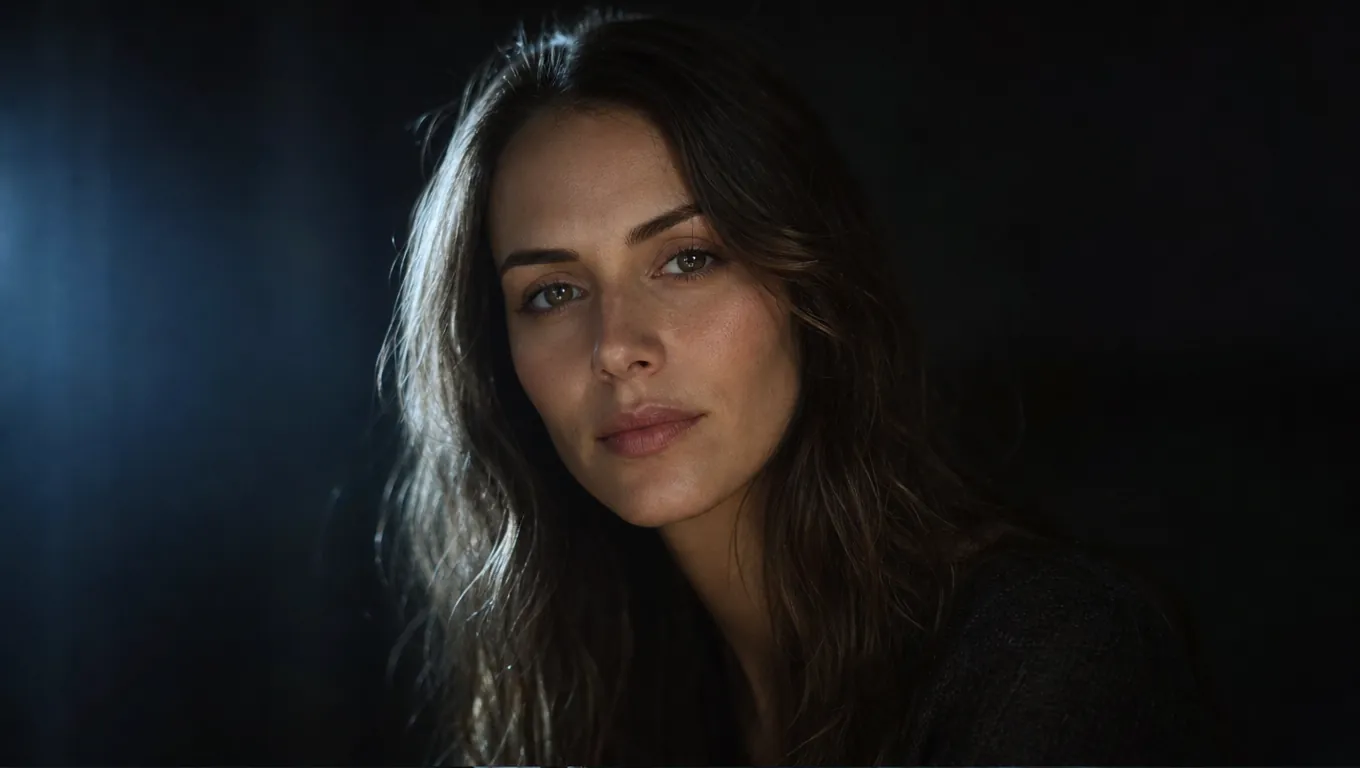
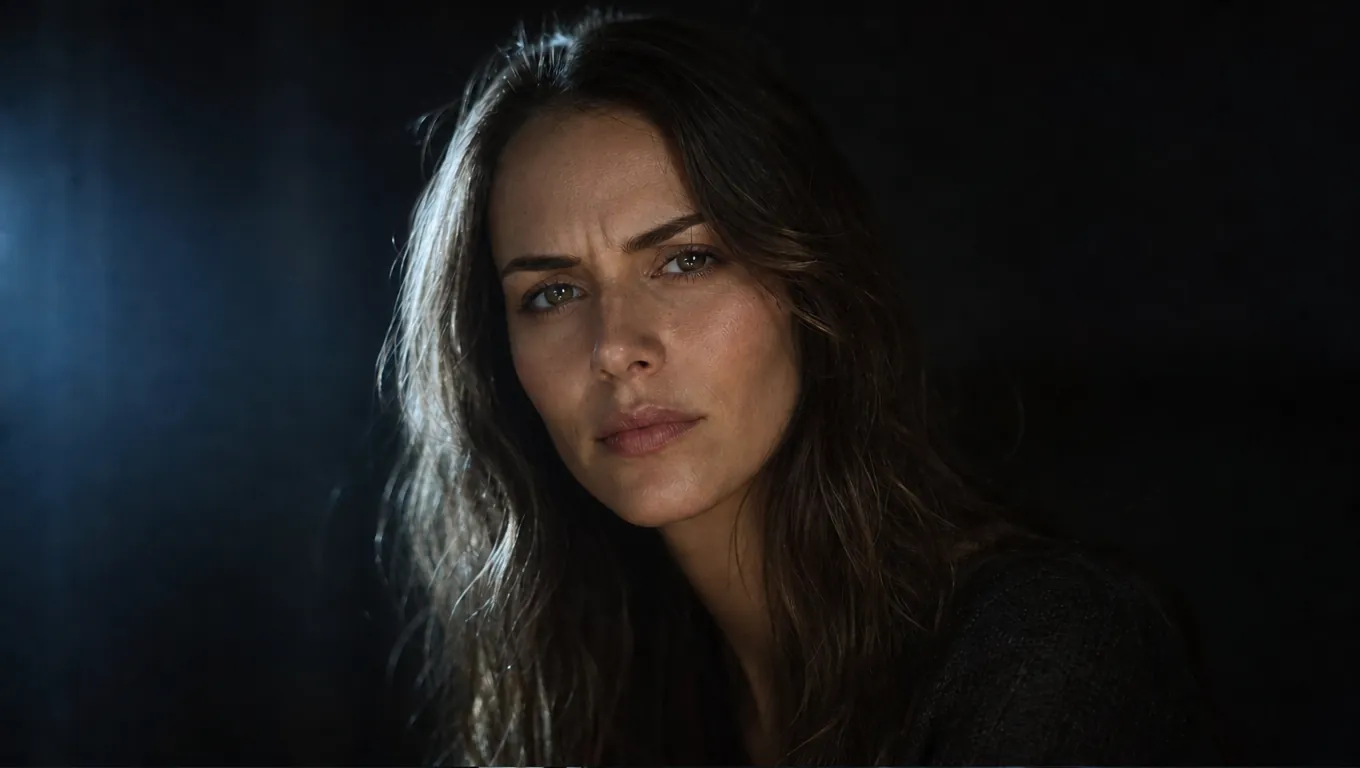
Static editors stop at the image; this tool lets you change facial expression to video from the very same photo. Pick the mood, then generate the performance clip in one pass.
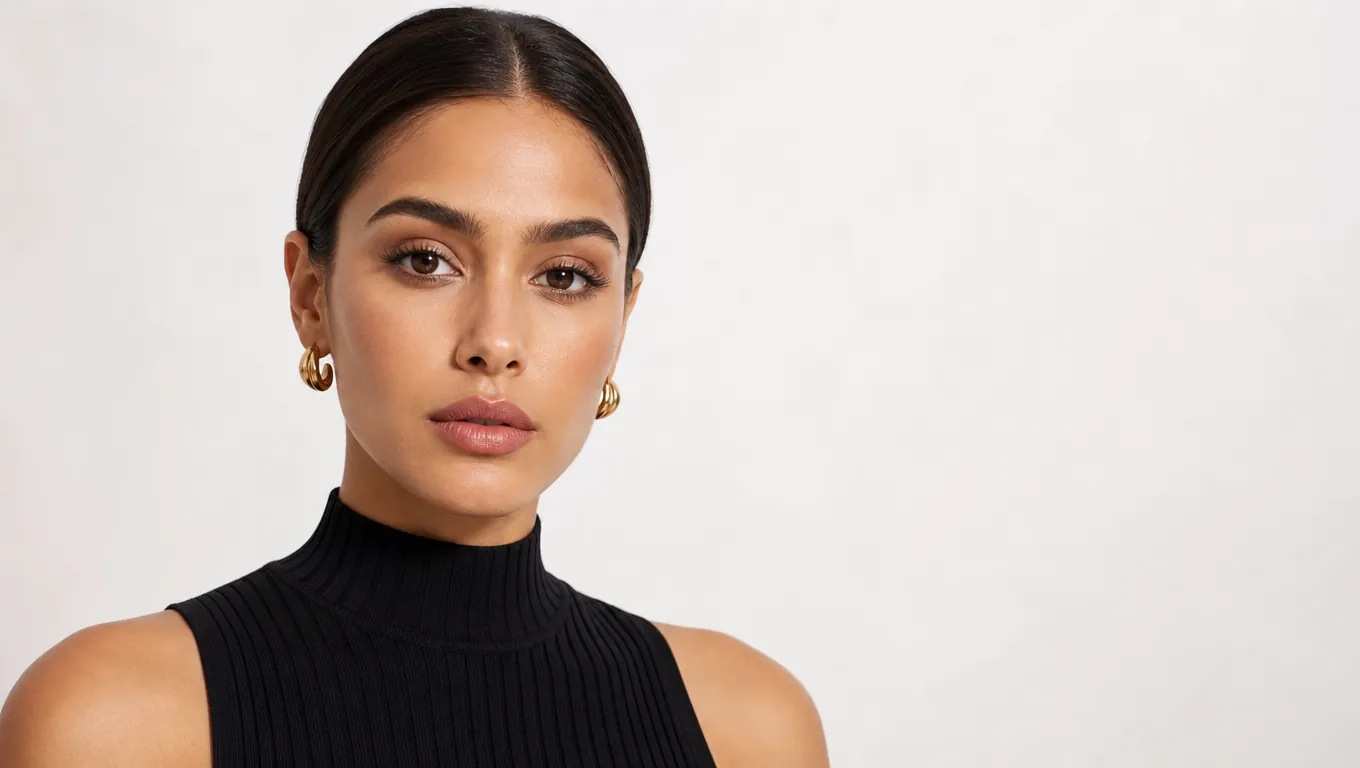
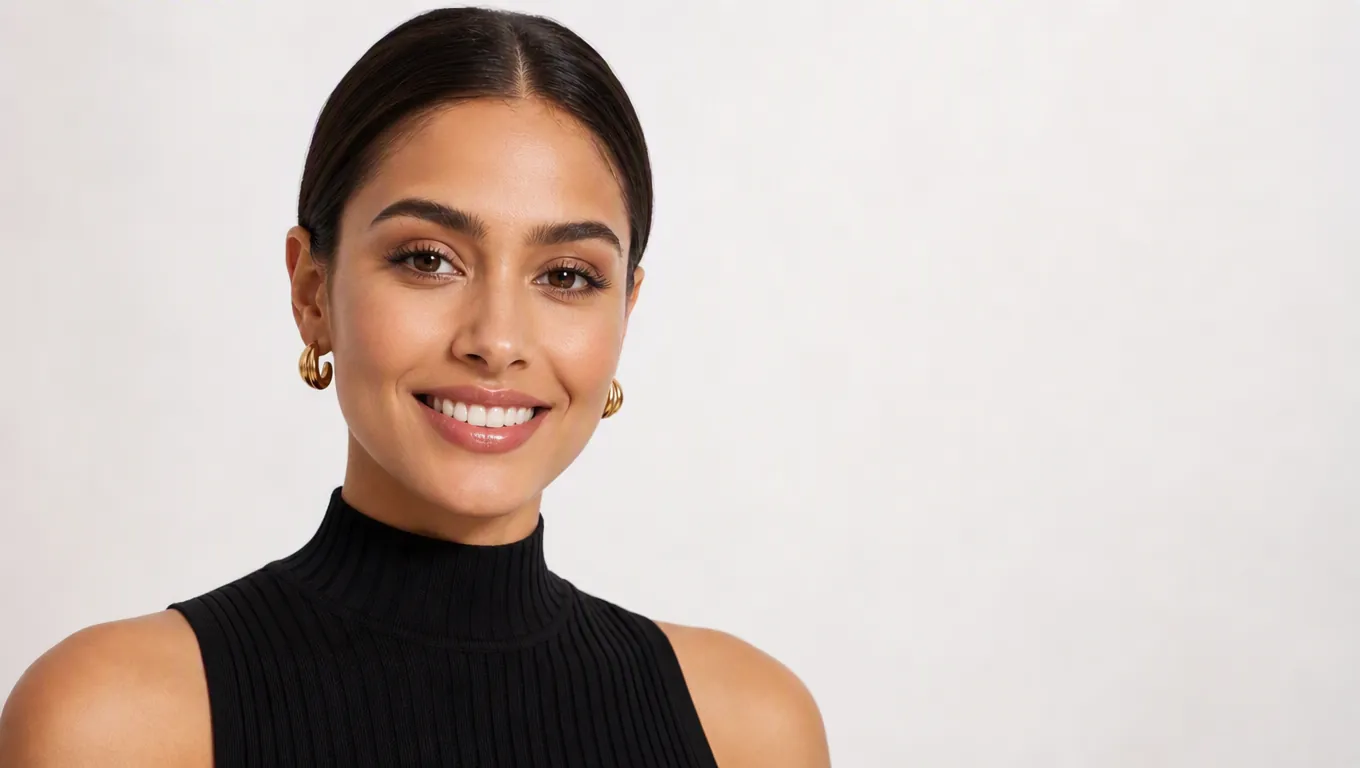
An AI turn photo into video result only works if the same person shows up in it. Here the clip comes from the portrait you edited, so the face carries into the performance.


Turn photo into ai video for a social post or an ad cut and keep the matching still for the thumbnail. Both outputs show the same face because they come from the same source image.
A facial expression changer is the fastest way to change facial expression in a real face photo without losing who the person is. You upload one portrait, tell the tool the mood you want — a warm smile, a surprised look, a calmer neutral — and it rewrites only the face. Hair, clothing, background and pose all stay put, and identity is preserved, so the edited photo still looks like the same person in the same place. From that exact photo, the same tool can also generate a performance video in one generative pass. The person in the still is the person in the motion. You can still upload a short clip when you need to retime an existing take.
EXPRESSION CONTROL FEATURES
Reshape facial performance with AI mood selection, identity preservation, and Canvas-native workflows for film, ads, and character boards.
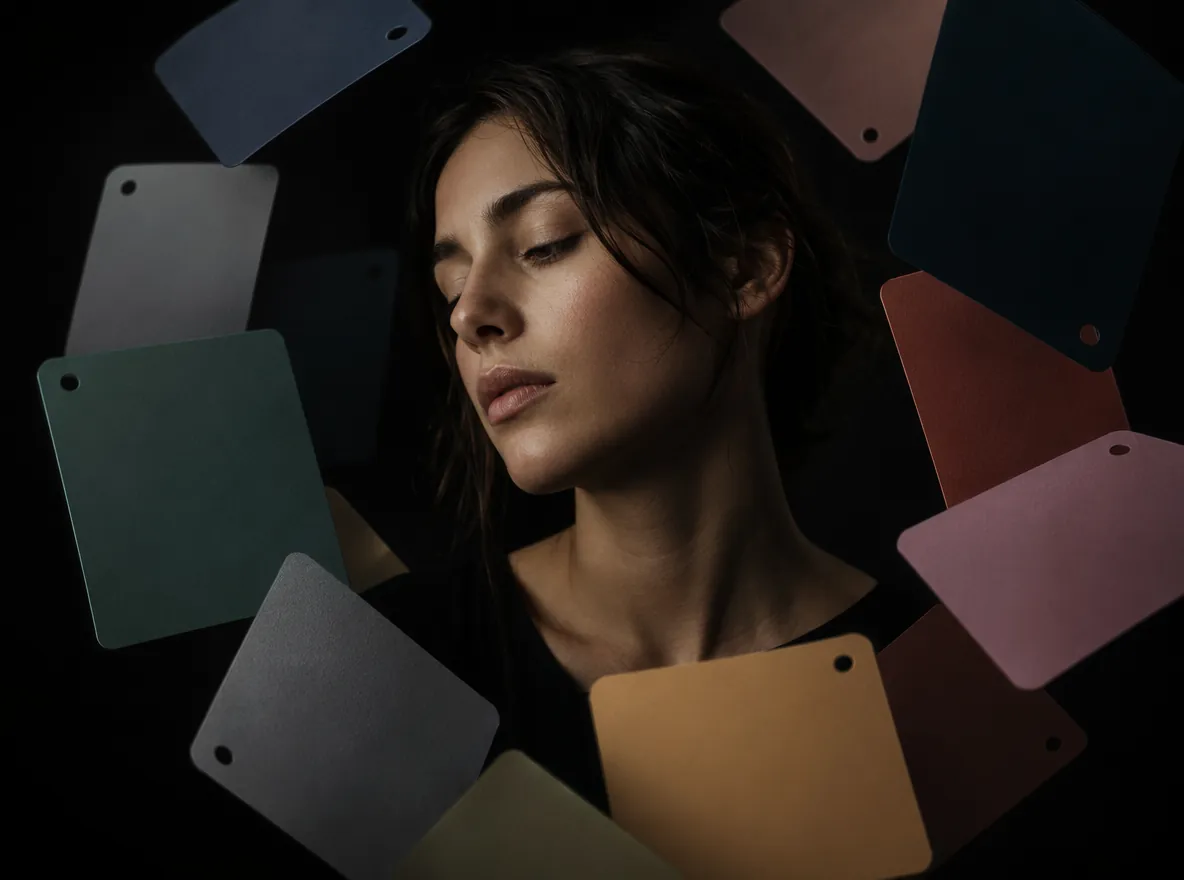
Feature 01
The AI moves the expression only — eyes, brows and mouth. Skin, hair, bone structure and lighting stay put, so the result still looks like the person in the frame.
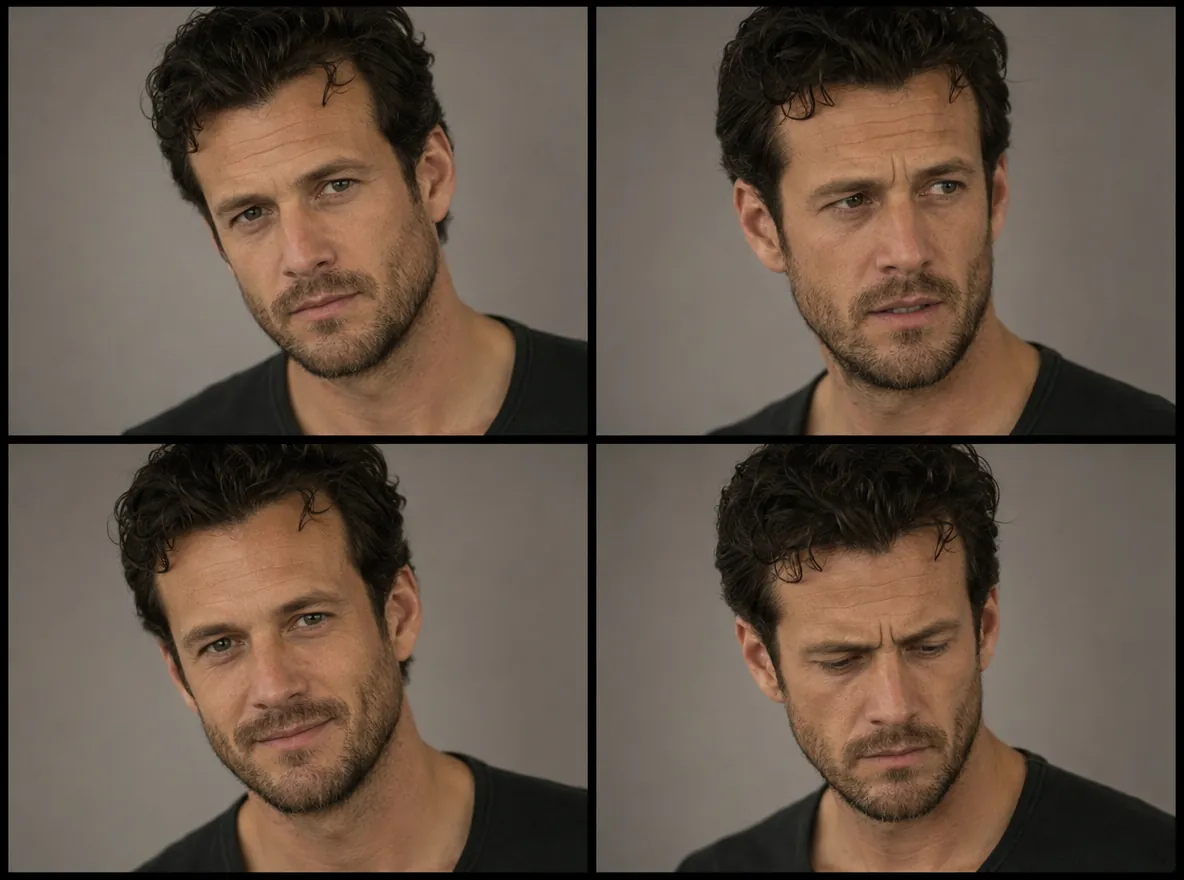
Feature 02
Edit a headshot or a whole clip with the same AI. Fix an awkward photo or retime a flat performance in video without switching apps.
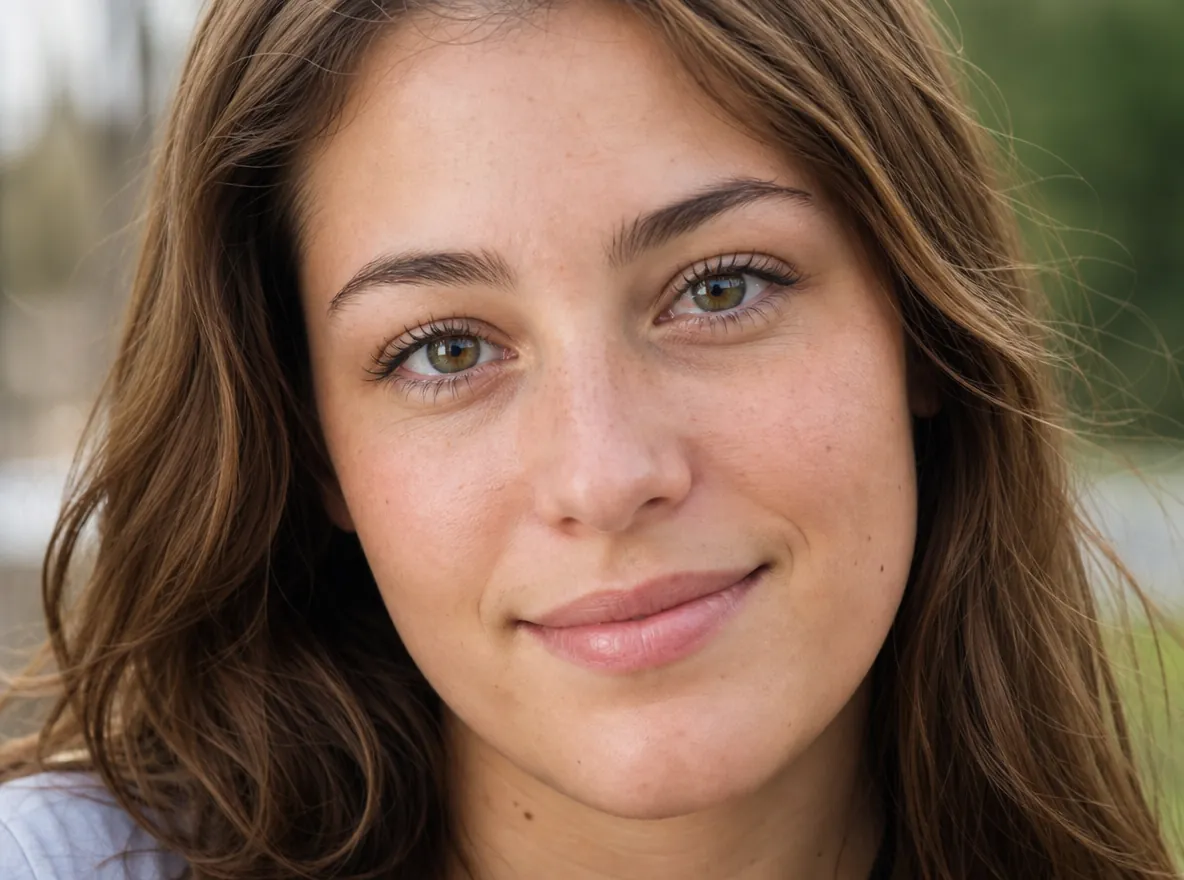
Feature 03
Turn a stiff look into a real smile and a bored take into an engaged one. Download the polished result and move on to the next asset.
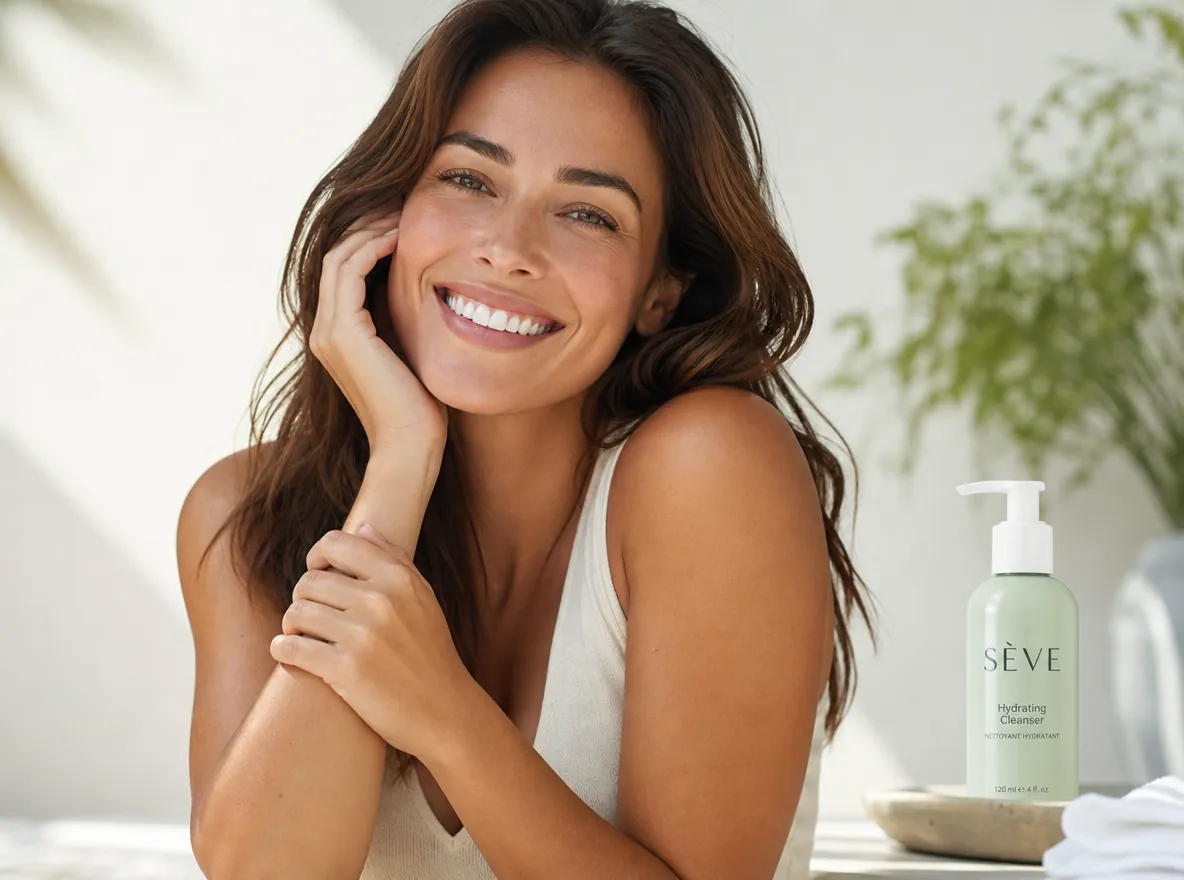
Feature 04
Shift subtle cues—mouth curve, brow tension, gaze energy—to match script beats, brand tone, or platform-native emotion.
Feature 05
Maintain skin texture, hair edges, and natural facial structure while changing expression—no plastic smoothing or identity drift.
Feature 06
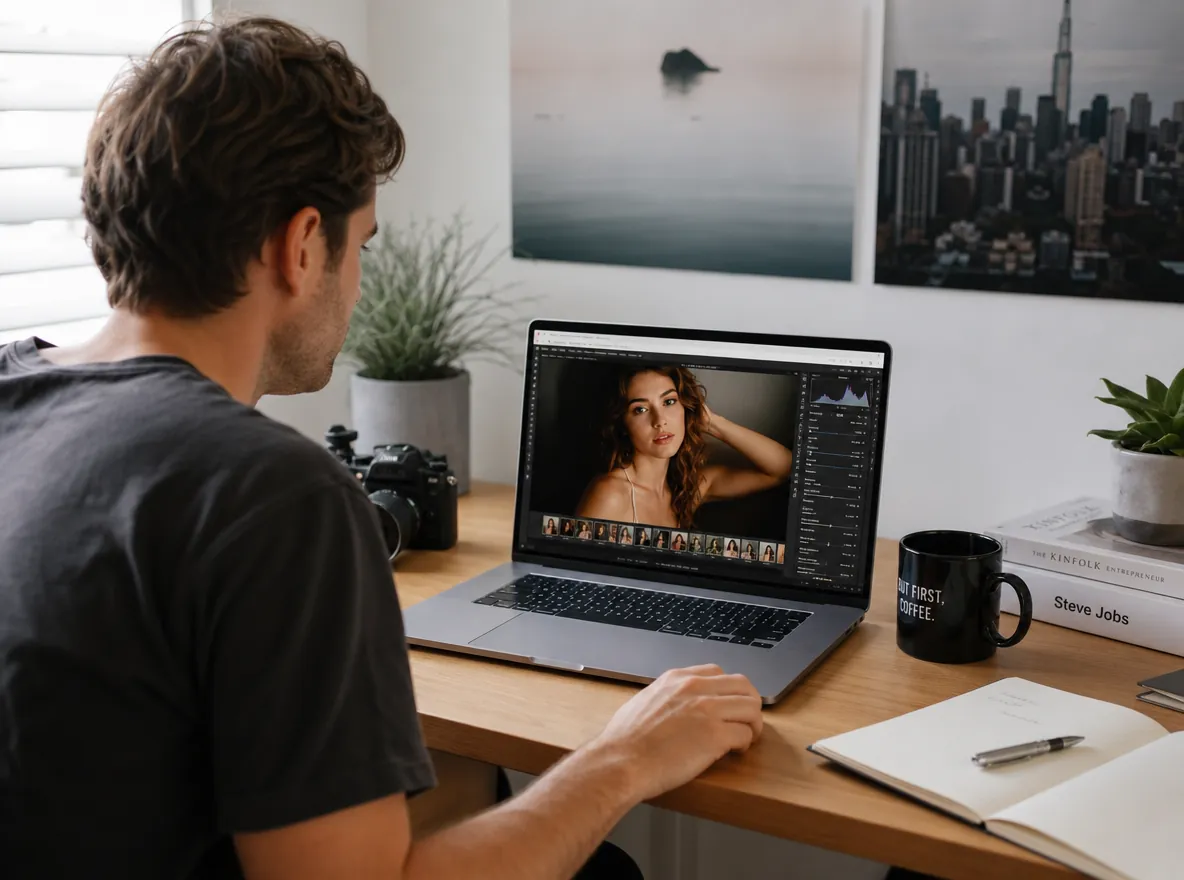
Upload from the landing page, jump into Canvas with Expression Control auto-open, and continue editing alongside relight, inpaint, and video tools.
WHO NEEDS EXPRESSION CONTROL?
From film previs to performance ads, Expression Control serves every portrait workflow that needs mood without a reshoot.
Explore character performance and scene emotion on still frames before committing to final shoots or AI video generation.
Test multiple expressions on the same talent photo to find the hook that converts—joyful, surprised, or confident—without extra filming.
Build expression sheets from one reference portrait so directors and clients align on performance range early.
Refresh campaign portraits with on-brand emotion—serene luxury, ecstatic launch energy, or tender storytelling—for feeds and landing pages.
HOW IT WORKS
Change portrait performance in three steps—no reshoot, no complex retouching.
Drop in a selfie, headshot or video take with a clear face. The AI change facial expression tool maps the face in seconds.
Choose the mood you want — smile, surprise, confident, calm. Change facial expression with one click on the mood board.
Compare before and after, then save the full-resolution image or the re-edited clip. Everything outside the face stays exactly as it was.
Explore Topview's complete suite of AI tools for ads, avatars, video, image, and voice workflows.
PORTRAIT PERFORMANCE IN ONE CLICK
Use the AI face expression changer free flow to change facial expression online free on the portrait you own. Then turn photo into video ai free from that same still.
Try Free