Topview
    • MCP/Skill
    • Plugin
    • API
    • Pricing
    1. Home
    2. Family Movie Generator
    Film Studio

    Family Movie Generator That Keeps Your Cast Consistent

    Start from a logline and build your family movie generator project shot by shot. Set your family faces from the first scene, then keep adding beats in the same warm home story.

    Try Free
    Family Movie Generator That Keeps Your Cast Consistent

    What is a Family Movie Generator?

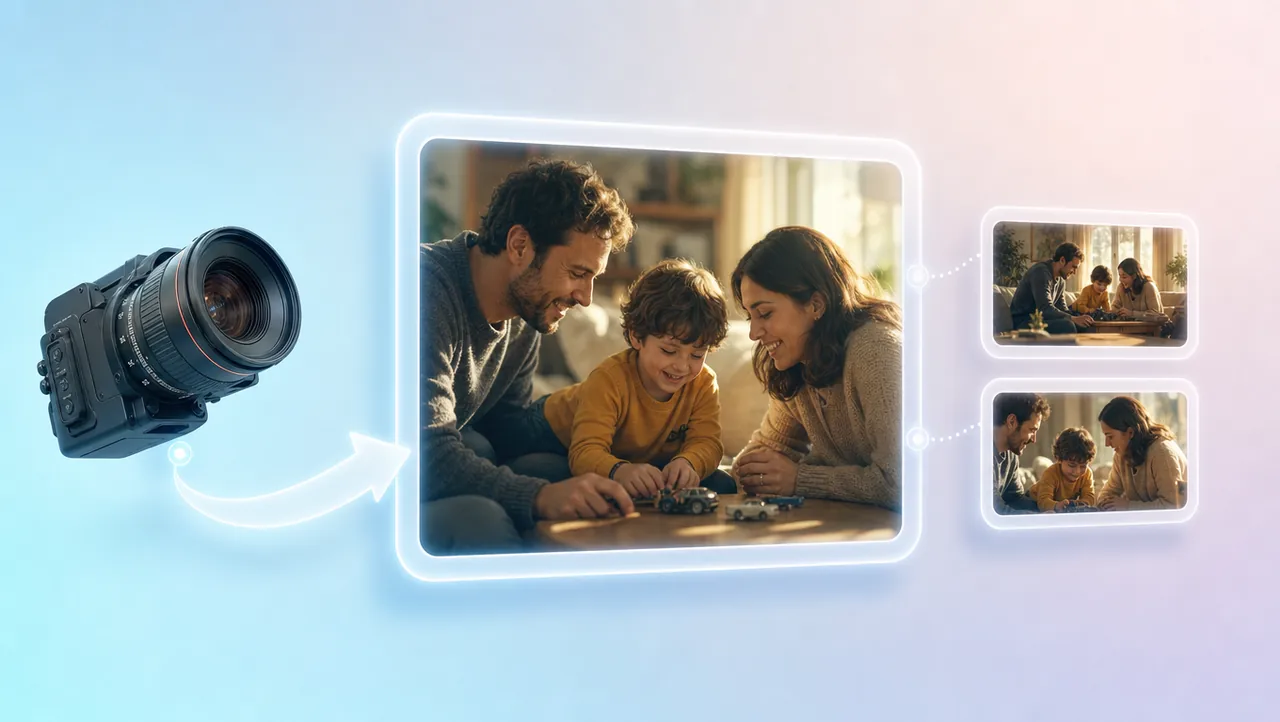
    A family movie generator helps you build a home story film shot by shot in one project — same faces, same outfits, same warm tone. Every new shot stays in the same Canvas, so scenes still feel like one movie. Unlike a single clip or photo slideshow, you can plan the reunion scene, redo a weak beat, and keep building in the same workspace. Start from a prompt, logline, script, still, storyboard, or reference clip.

    USE CASES

    Use Cases

    Weekend Home Story Film

    Weekend Home Story Film

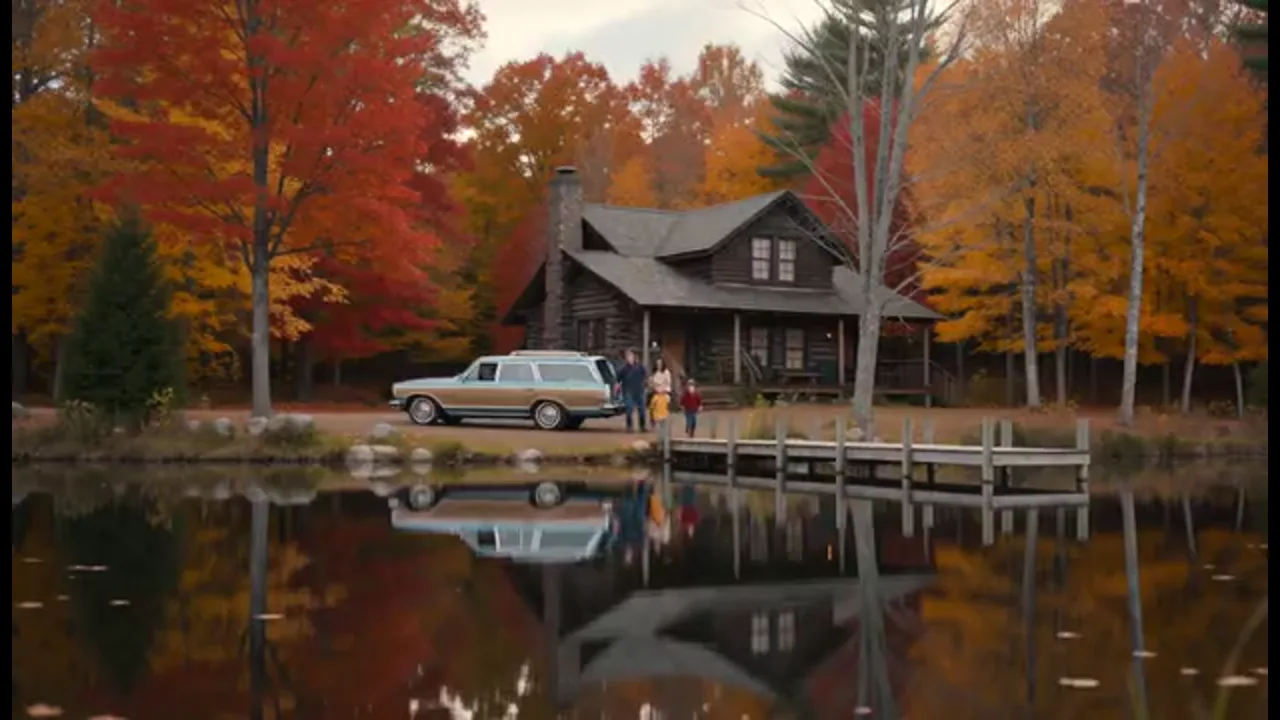
    Bring a logline about a weekend trip or reunion and turn it into scenes that flow together. Set the household faces and outfits before you generate shots, then keep every beat in the same project so the story reads as one film.
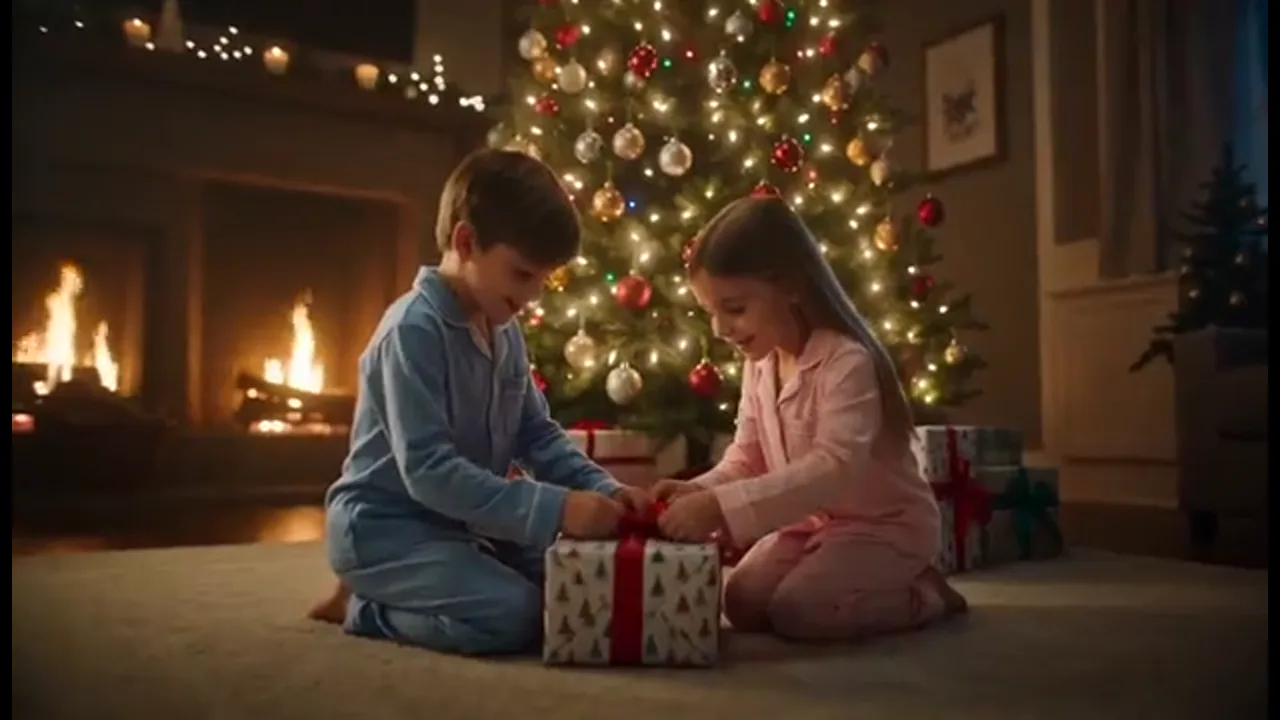
    Kids-Safe Holiday Story

    Kids-Safe Holiday Story

    Direct a holiday or bedtime story with a warm tone the whole household can watch together. Keep the same children and parents across scenes, then redo any beat that feels too sharp or off-tone.

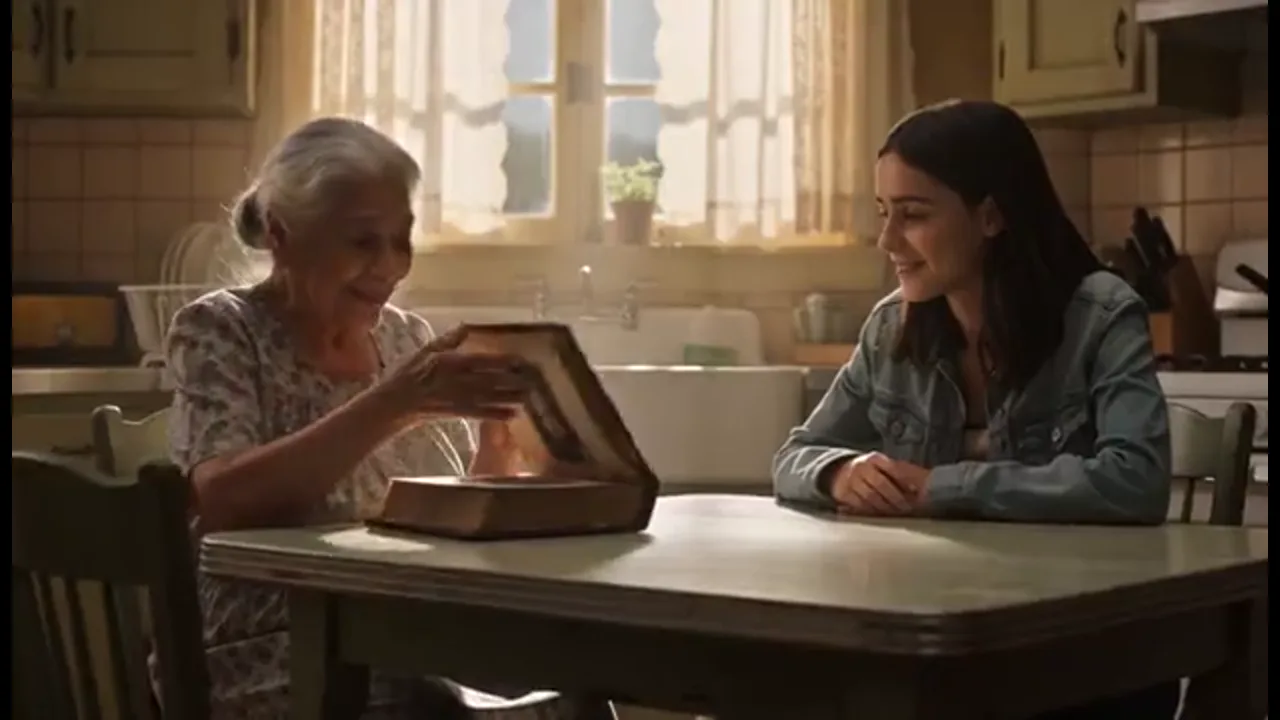
    Family History as Film

    Family History as Film

    Open from old stills, a logline, or a short script and build a narrative family film instead of a photo reel. Every new scene stays in the same Canvas so faces and setting still match the story you started.

    Brand or School Family Film

    Brand or School Family Film

    Carry one household look through a brand or school family film without rebuilding the cast for every scene. Share the Canvas so teammates can redo a shot without leaving the project.

    BENEFITS

    Benefits

    Same Family Faces

    01

    Same Family Faces

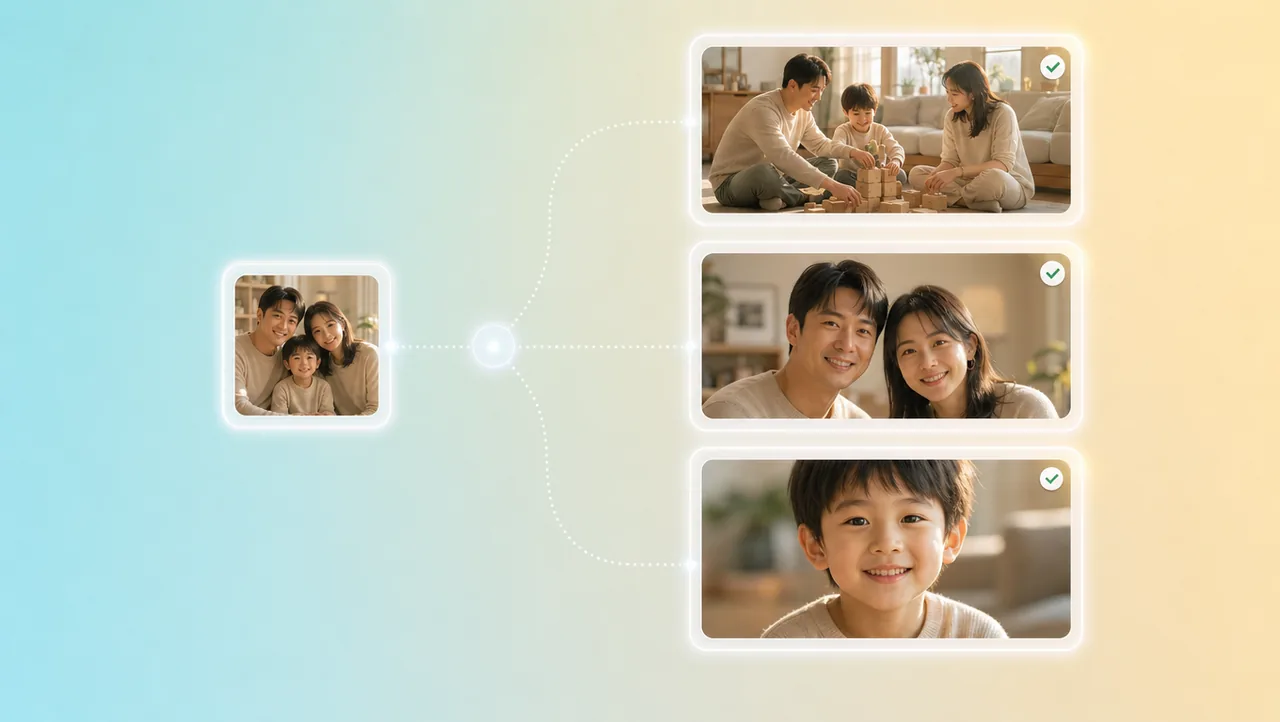
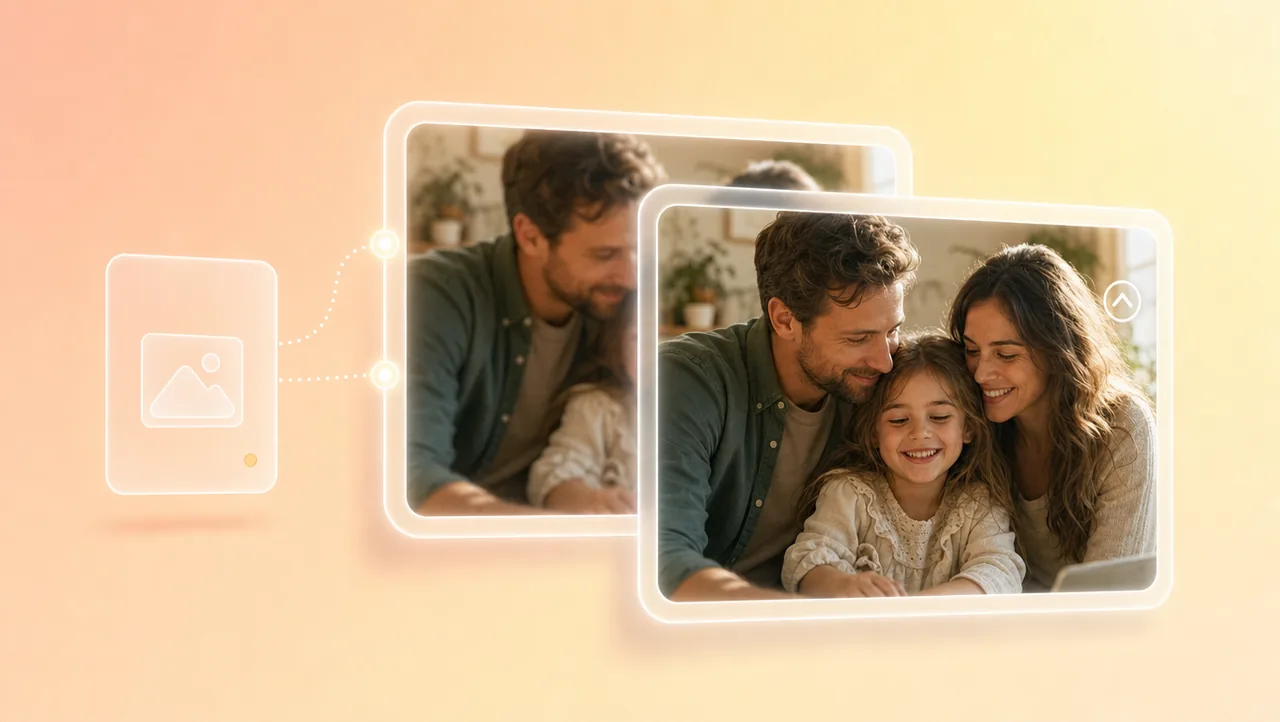
    Character references, portrait enhancement, and micro-expression control keep faces, clothes, and performance consistent. Kids and parents stay recognizable when you go from a wide shot to a close-up in the same family movie generator project.

    Scenes Stay Connected

    02

    Scenes Stay Connected

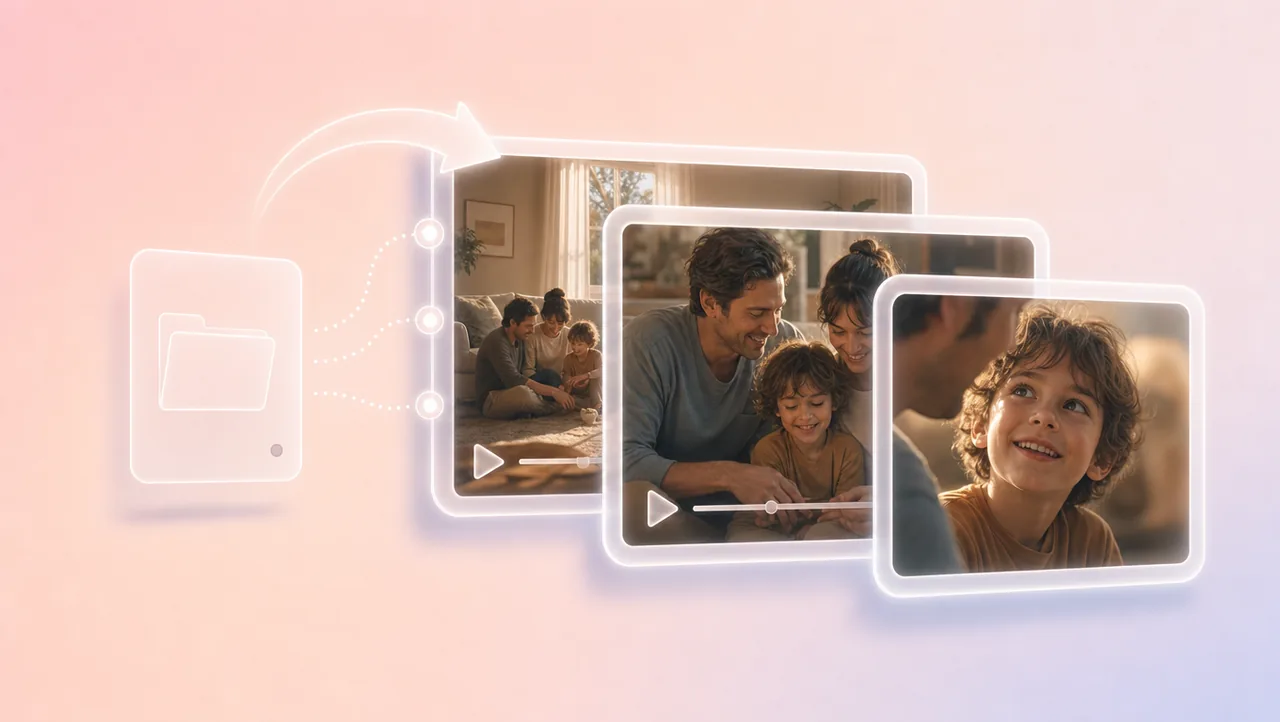
    Each new shot joins the same film instead of becoming another disconnected clip. You keep building one home story in one project, not a slideshow of pretty stills.

    Warm Family Tone

    03

    Warm Family Tone

    Use the built-in 200+ film genre skills when you want a reference film's pacing on your own home scenes. Keep the tone warm enough for the household to sit through together.

    Shots You Direct

    04

    Shots You Direct

    3D Shot Composer lets you plan framing before you generate. Set lens, aperture, shutter, depth of field, and camera moves on the shot you are directing — you choose how close the camera sits to the family.

    Finish at 4K

    05

    Finish at 4K

    Generate in 4K when the scene is ready, or take a 720p draft and upscale it to 4K after you like the generated scene. The higher-resolution version stays in the same film project.

    HOW IT WORKS

    How to Make Your Family Movie

    1. 01

      Bring the Story In

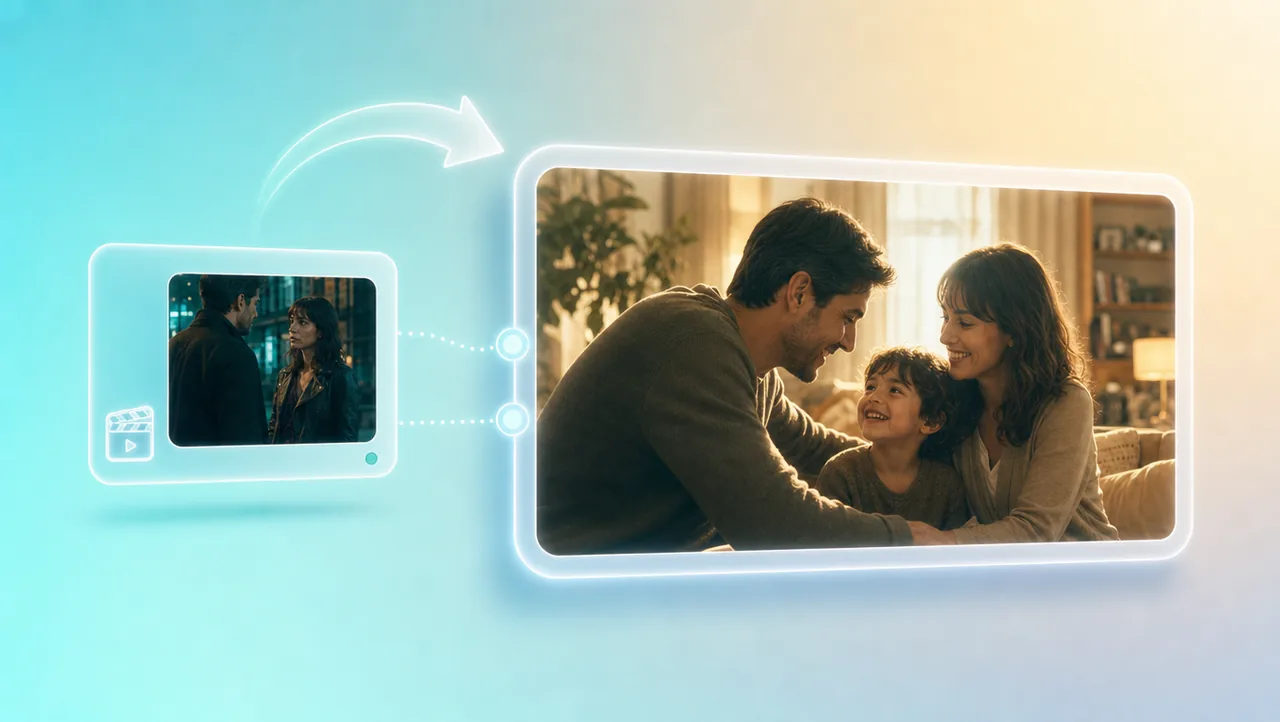
      Open a project from a short prompt, logline, script, still, storyboard, or reference clip. That context stays attached when later shots are generated.

    2. 02

      Build Family Scenes

      Generate shots with the same household and camera decisions. Use the built-in 200+ film genre skills when you want a reference film's pacing on your own scenes.

    3. 03

      Add the Next Shot in the Same Project

      Generate shots for this family movie, then add the next one in the same project. Upscale a 720p draft to 4K after the story holds.

    Try Free
    More AI Tools

    More AI Tools

    Pair this family movie generator with other Film Studio tools.

    AI Ads

    AI Video AgentAI Ads VideoAI Product VideoAI UGC VideoURL to Video

    AI Avatar

    AI Avatar GeneratorProduct AvatarDesign My AvatarAI Lip Sync

    AI Video

    AI Video GeneratorAI Video Body SwapAI Video UpscalerAI Video Watermark RemoverAI Motion ControlURL to Video

    AI Image

    AI Image GeneratorAI Face SwapAI Image Character SwapAI Image UpscalerAI InpaintAI Image Text EditorPhoto Angle EditorAI RelightingAI Product PhotographyAI Virtual Try-OnAI Storyboard Generator

    AI Voice

    VoiceoverAI Voice CloningAI Music Generator

    FAQ

    Open a Canvas project and start from a logline or script, then set household character references before you generate shots. Each new shot should feel like part of the same film, not a disconnected clip. If a beat is weak, change the prompt or staging and generate that shot again. The trial includes limited credits—not unlimited generation.

    Yes — as connected shots in one project. This tool generates narrative family films for shorts, previz, brand films, animation, and trailers. You build scenes shot by shot and redo weak beats until the story holds.

    Bring a prompt, script, still, or storyboard into the project and keep identity and camera consistent across scenes. Generate shots that belong to the same film, then add the next one in the same project. Review each beat before you call the scene done.

    Yes, you can start with a free trial. It includes a limited credit balance—not unlimited generation. Longer sequences use more credits. Test faces and framing with a short sequence first, then continue in the same Canvas project if the results look right.

    Yes. A script, logline, or storyboard can open the project and give later shots their context. You still build scenes shot by shot — if you need a change, update the prompt or board and generate again. Keep working in the same project so the next shot does not start from zero.

    Set character references for each parent and child before you generate shots, then keep those identities in the same Canvas project. Portrait enhancement and micro-expression control help faces, clothes, and performance stay consistent when the camera moves. Redo the beat that drifts instead of starting a new clip.

    An ai family movie is a home story you generate shot by shot in one project — same parents, same kids, same warm tone. This family movie generator keeps every new scene in the same Canvas so the film still reads as one connected story, not a single clip.

    Start your family movie generator project from a story, keep the same household look across scenes, and add the next shot in the same project.

    Try Free with trial credits today.

    Try Free

    AI Ads

    AI Video AgentAI Ads VideoAI Product VideoAI UGC VideoURL to Video

    AI Avatar

    AI Avatar GeneratorProduct AvatarDesign My AvatarAI Lip Sync

    AI Video

    AI Video GeneratorDrama StudioAI Video Body SwapAI Video UpscalerAI Video Watermark RemoverTikTok Watermark RemoverSora Watermark RemoverSubtitle RemoverAI Motion ControlAI Lip SyncURL to Video

    AI Image

    AI Image GeneratorAI Face SwapAI Image Character SwapAI Image UpscalerAI InpaintAI Image Text EditorPhoto Angle EditorAI RelightingAI Product PhotographyAI Virtual Try-OnAI Storyboard GeneratorExtract Color PaletteImage to Prompt

    AI Voice

    VoiceoverAI Voice CloningAI Music Generator

    3D

    3D World Generator3D Shot Composer

    Use Cases

    AdvertisingAffiliate MarketingEcommerceDTC BrandsAI Live Stream

    Resources

    BlogAffiliate ProgramLearning CenterAlternativeAPI

    Company

    Topview StudioPrivacy PolicyTerms
    Topview

    © 2026 TOPVIEW PTE. LTD.

    Singapore: 20 Collyer Quay #20-03, Singapore 049319
    Los Angeles: 15970 Los Serranos CC Dr #251, Chino Hills, CA 91709