Featured Case · Character Swap
Replace the person in the video
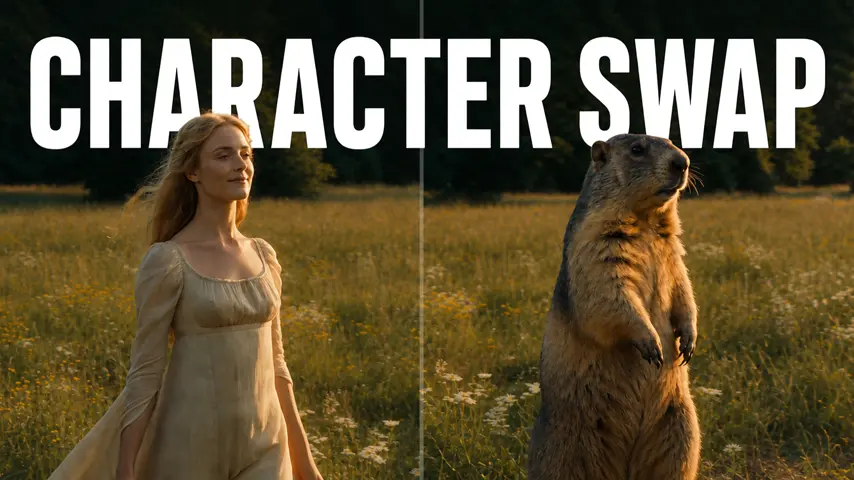
Replace the person in the video is a Character Swap Featured Case on Topview Canvas. The stored prompt begins: replace the person in this video <<<Video1>>>with this character<<<Image1>>>

Case video
Prompt used in this case
replace the person in this video <<<Video1>>>with this character<<<Image1>>>
Reference inputs
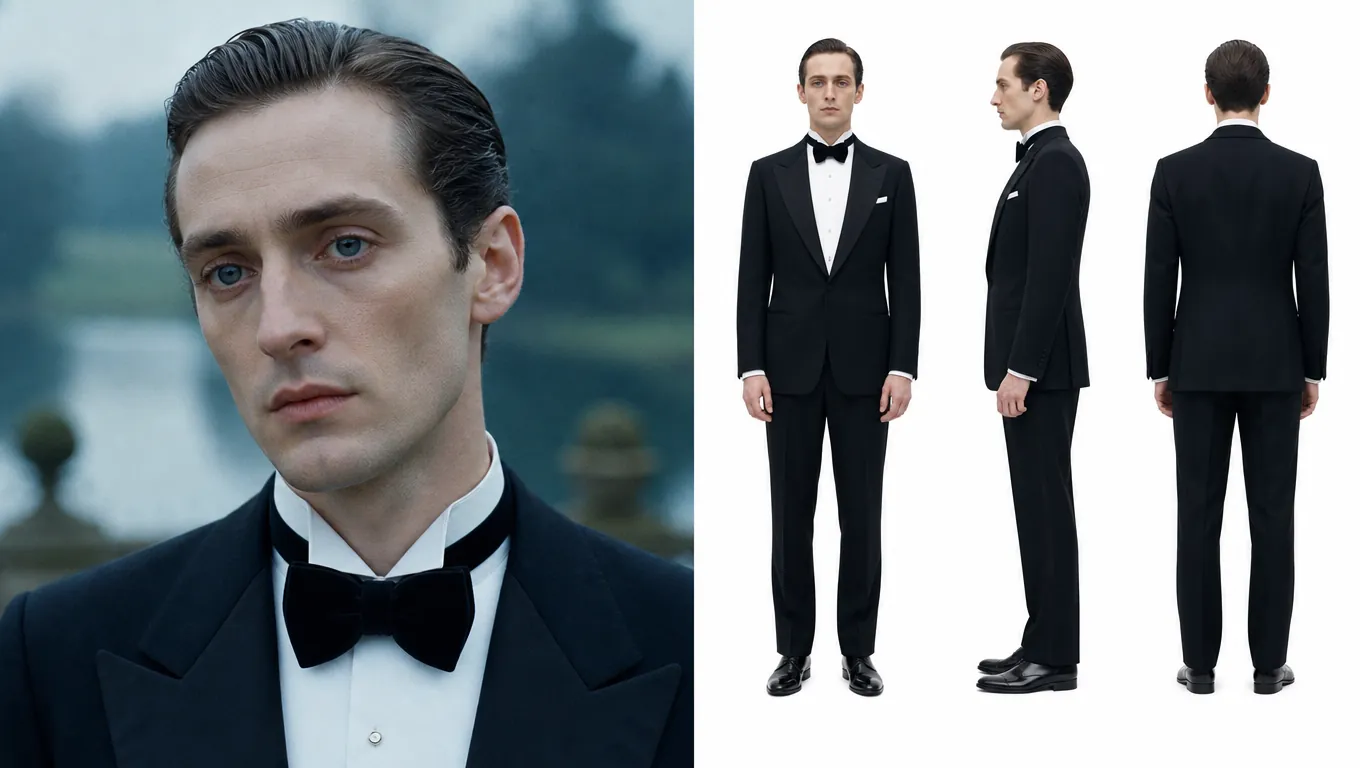
Reference 1
Reference 2
What this case shows
Replace the person in the video is a Character Swap Featured Case on Topview Canvas. The stored prompt begins: replace the person in this video <<<Video1>>>with this character<<<Image1>>>
Case breakdown
- 1
Hosted case video
The detail video for Replace the person in the video lives on a frozen /media path with measured dimensions from the upload pass, so the page can render without calling sample-cases at runtime.
- 2
Category placement
This Featured Case is filed under Character Swap. Related links stay inside that category so the page does not pretend to be a tool hub.
- 3
Cloneable Canvas
Replace the person in the video has a source Canvas. Use this case copies that project by case id and then routes to /canvas — never /board.
- 4
Documented prompt
The prompt on this page is the stored initialPrompt from production. It is shown for reading; it is not sent in the copy request.
- 5
Reference inputs
2 frozen reference file(s) from the case assets sit under /media so the breakdown can show what the published case actually attached.
WORKFLOW
How to use this Featured Case in Canvas
- 1
Review the case
Watch the published media for Replace the person in the video and, when shown, read the stored prompt and reference inputs.
- 2
Use this case
Select Use this case. If you are signed out, finish email, Google, or Apple login on this same URL, then the copy continues.
- 3
Edit in your Canvas
Topview opens the copied project on /canvas. Change scenes, assets, or models there—this page does not jump to Board.



Featured case FAQ
CANVAS
Continue this case in Canvas
Use this case copies Replace the person in the video into your Canvas. Login returns to this page, then opens the new /canvas project.