Featured Case · Short Film
Make a story cartoon
Make a story cartoon is a Short Film Featured Case on Topview Canvas. A Pixar-style 16:9 cartoon: a boy in a red beanie skateboards through sunset streets to a cafe date that both partners almost miss. The stored prompt is shown for reading; Use this case copies the source Canvas.

Case video
Prompt used in this case
Create Pixar-style 3D animation.
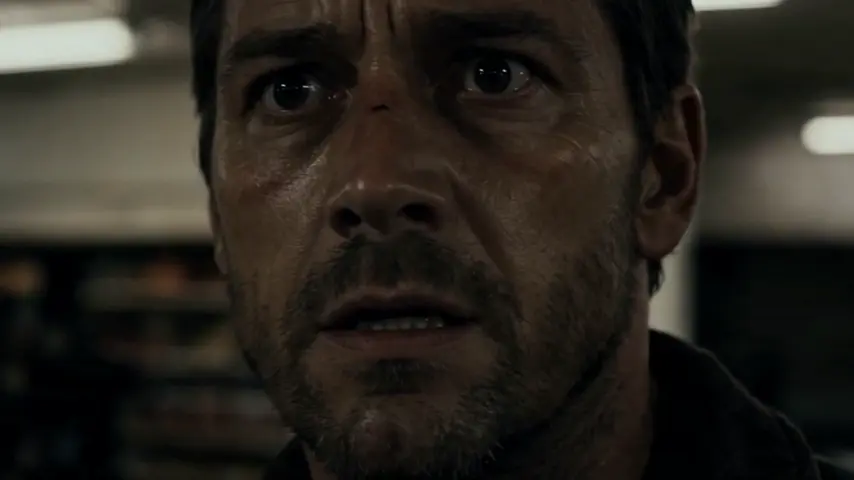
**Story content**: The boy in the red beanie glances down at his watch—only two minutes left until his date! He immediately kicks off on his skateboard, launching into a thrilling, high-speed dash through the sunset-drenched streets. Leaping over stairs and weaving deftly through crowds, he executes a stylish slide to a halt right in front of the cafe at the very last second. Just as he celebrates making it on time, his smile fades when he sees their table is completely empty. Dejected, he fears he has been stood up. But right then, the sharp screech of skateboard wheels echoes behind him. His girlfriend, equally sweaty and panting, rolls up on her own board. She grabs his hand and gasps, "Whew, made it!" It turns out they both had the exact same idea. Sharing a warm smile, they skate off side-by-side into their evening.
**Duration**: 120 seconds
**Aspect ratio**: Landscape 16:9
What this case shows
Make a story cartoon is a Short Film Featured Case on Topview Canvas. A Pixar-style 16:9 cartoon: a boy in a red beanie skateboards through sunset streets to a cafe date that both partners almost miss. The prompt block is documentation only; copy still sends the case id.
Case breakdown
- 1
Hosted case video
The detail video for Make a story cartoon lives on a frozen /media path with measured dimensions from the upload pass, so the page can render without calling sample-cases at runtime.
- 2
Category placement
This Featured Case is filed under Short Film. Related links stay inside that category so the page does not pretend to be a tool hub.
- 3
Cloneable Canvas
Make a story cartoon has a source Canvas. Use this case copies that project by case id and then routes to /canvas — never /board.
- 4
Documented prompt
The prompt on this page is the stored initialPrompt from production. It is shown for reading; it is not sent in the copy request.
WORKFLOW
How to use this Featured Case in Canvas
- 1
Review the case
Watch the published media for Make a story cartoon and, when shown, read the stored prompt and reference inputs.
- 2
Use this case
Select Use this case. If you are signed out, finish email, Google, or Apple login on this same URL, then the copy continues.
- 3
Edit in your Canvas
Topview opens the copied project on /canvas. Change scenes, assets, or models there—this page does not jump to Board.



Featured case FAQ
CANVAS
Continue this case in Canvas
Use this case copies Make a story cartoon into your Canvas. Login returns to this page, then opens the new /canvas project.