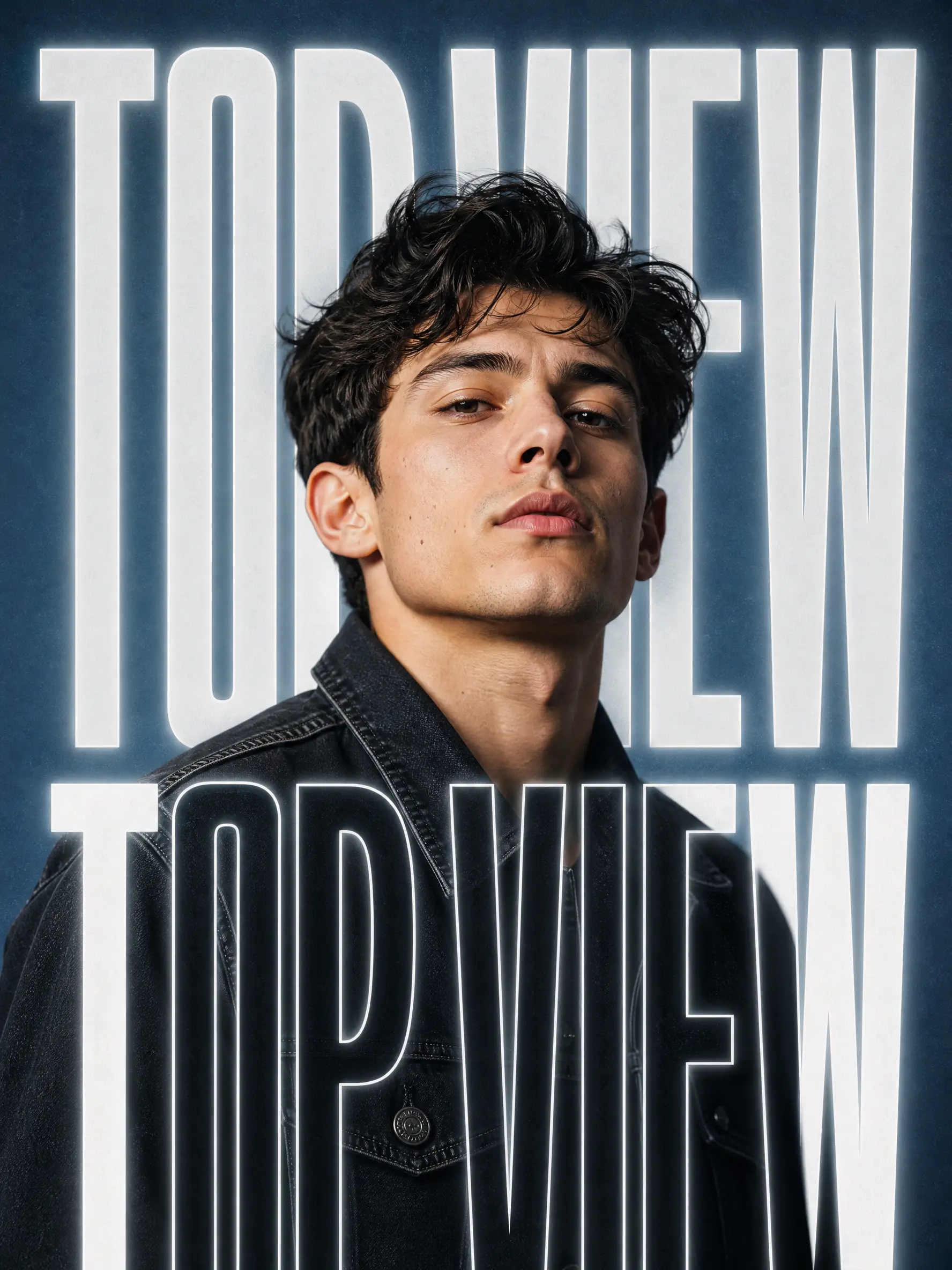
Mode: Image Editing
Text-Masked Film Poster
Suggested test configuration: 9:16
Bring GPT Image 2.5 Flare image generation and editing into your product with Topview API. Pick a quality level from low to max, output 1K, 2K, or 4K, and edit a single input image, with transparent per-image pricing, a ready-to-use Playground, and developer docs.
Text to Image · 1k · medium quality
Settings here are a preview. Generate copies your prompt and opens the matching Platform Playground, where you confirm the final settings.
EXAMPLES & PROMPTS
Explore illustrative image concepts and reusable prompts for GPT Image 2.5 Flare. Copy a prompt and test it in the Playground to see the model’s own results.
Mode: Image Editing
Suggested test configuration: 9:16
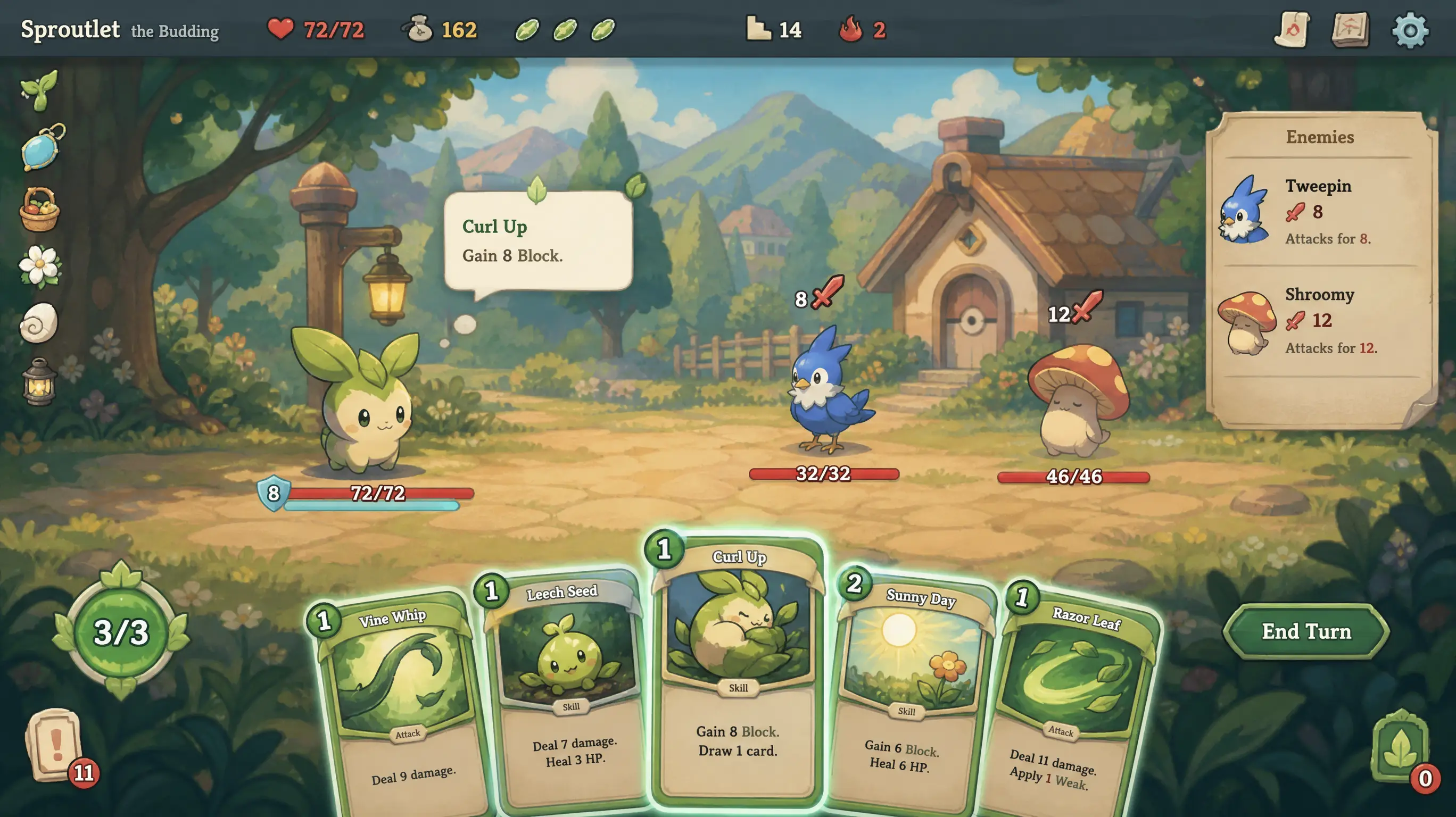
Mode: Text to Image
Suggested test configuration: 16:9
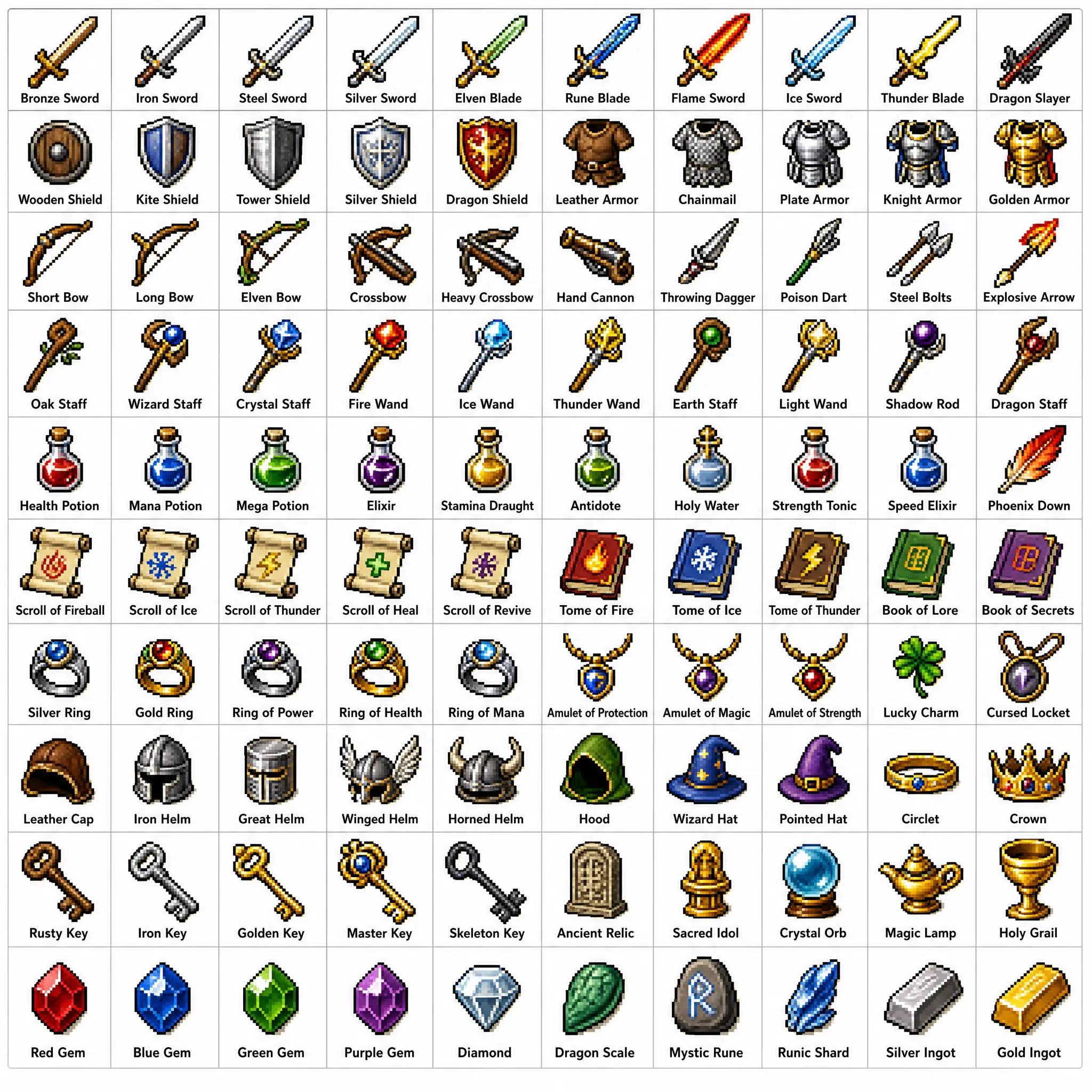
Mode: Text to Image
Suggested test configuration: 1:1
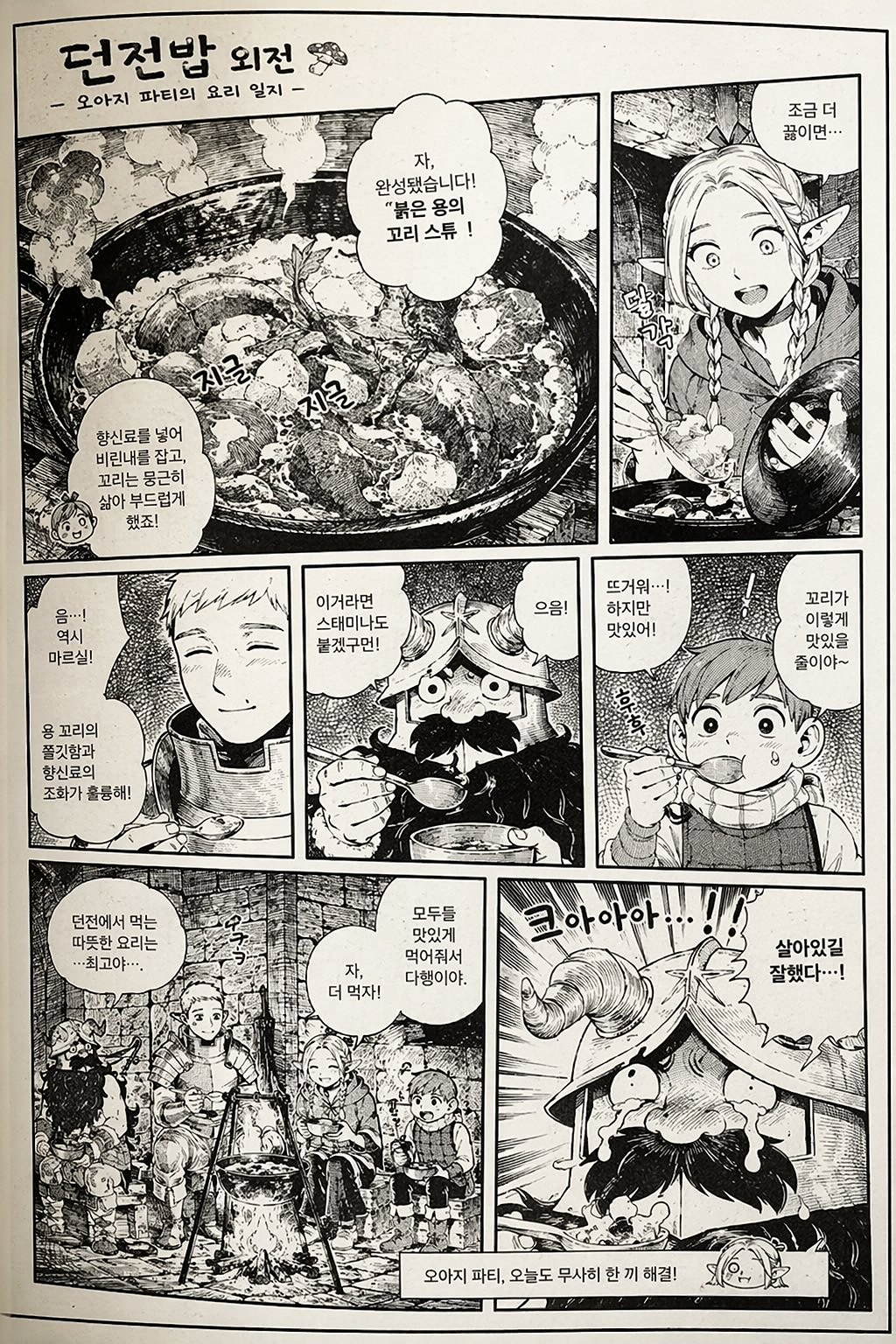
Mode: Text to Image
Suggested test configuration: 9:16
Know the settings before you build.
A quick reference for GPT Image 2.5 Flare settings listed in Topview API Platform docs. Each mode has its own input requirements.
| Parameter | Value |
|---|---|
| Provider / Model | OpenAI / GPT Image 2.5 Flare |
| API route | openai/gpt-image-2.5-flare |
| Generation modes | Text to Image · Image Editing |
| Quality | low · medium · high · xhigh · max (default medium) |
| Resolution | 1K · 2K · 4K (default 1K) |
| Aspect ratios | 1:1 · 16:9 · 9:16 |
| Image Editing inputs | 1 image |
| Prompt length | Up to 4,000 characters |
| Task pattern | Async submission + polling + output retrieval |
| Pricing | Per generated image; rate depends on quality and resolution |
DEVELOPER QUICKSTART
Submit an asynchronous prediction with your Platform API key, then poll the returned task ID to retrieve the output.
# Set TOPVIEW_API_PLATFORM_KEY once. Preserve REQUEST_KEY and input for uncertain retries.
# For a NEW task only, unset REQUEST_KEY first. Save data.id to resume GET only.
: "${TOPVIEW_API_PLATFORM_KEY:?Set TOPVIEW_API_PLATFORM_KEY first}"
export REQUEST_KEY="${REQUEST_KEY:-$(uuidgen)}"
curl --fail-with-body 'https://platform-backend.topview.ai/api/v1/models/openai/gpt-image-2.5-flare/text-to-image/predictions' \
  -H "Authorization: Bearer $TOPVIEW_API_PLATFORM_KEY" \
  -H "Idempotency-Key: $REQUEST_KEY" \
  -H 'Content-Type: application/json' \
  --data '{
  "prompt": "A blue ceramic cup on a wooden table",
  "aspect_ratio": "1:1",
  "resolution": "1k",
  "quality": "medium"
}'

# Poll data.id until completed or failed.
curl --fail-with-body 'https://platform-backend.topview.ai/api/v1/predictions/REQUEST_ID' \
  -H "Authorization: Bearer $TOPVIEW_API_PLATFORM_KEY"
Sample matches the GPT Image 2.5 Flare text-to-image request in Platform docs. Keep TOPVIEW_API_PLATFORM_KEY on your server only.
Step 1
Sign in to Topview API Platform and create an API key with the required model permissions. Keep your key secure and use it to authenticate API requests.
Step 2
Submit a text prompt or upload reference images for editing. Configure the supported image settings, send your API request, and save the returned task ID.
Step 3
Check the task status until generation is complete. Retrieve the image URLs, review the final usage cost, and save your generated images.
BUILT FOR PRODUCTION WORKFLOWS
GPT Image 2.5 Flare offers five quality settings and three output resolutions for workflows that balance detailed creative work with per-image costs.
Generate detailed product scenes, packaging concepts, and retail-style visual explorations at a resolution suited to the task.
Explore alternate compositions, colors, and design directions, adjusting image quality between early drafts and higher-detail outputs.
Use one reference image to request focused edits to an existing asset without rebuilding the entire concept from scratch.
Prepare draft imagery for marketing reviews, digital placements, and design handoffs using supported square, landscape, or portrait formats.
WHY TOPVIEW API
Use the Topview Playground and API pricing matrix to choose the quality-resolution combination that matches each design task.
Review low, medium, high, xhigh, and max options, including how the selected tier affects per-image pricing.
Run the same concept at different resolutions to decide when a larger image is worth the additional cost.
Use the separate Image Editing route for a single reference image and follow its supported aspect-ratio options.
Try comparable prompts and settings for the two 2.5 variants in the same Platform workspace; let test results guide model selection.
EXPLORE RELATED APIS
YOUR NEXT IMAGE STARTS HERE
Try your first prompt in the Playground, compare current pricing, or follow the docs to integrate GPT Image 2.5 Flare into your application.
TRANSPARENT PRICING
Compare Topview rates with the official GPT Image 2.5 Flare rates, Higgsfield and fal.ai. Prices are read from Topview API Platform and refreshed daily.
Default Setup
Text to Image · Medium quality · 1K
Topview
$0.0120 /image
Official: $0.0240/image
Higgsfield: $0.0130 /image
fal.ai: $0.0132 /image
Save 50% vs official · Save 8% vs Higgsfield · Save 9% vs fal.ai
Entry Price
Text to Image · Low quality · 1K
Topview
$0.0050 /image
Official: $0.0100/image
Higgsfield: $0.0130 /image
fal.ai: $0.0059 /image
Save 50% vs official · Save 62% vs Higgsfield · Save 15% vs fal.ai
Per-image rates by setting, with Higgsfield and fal.ai alongside. Topview and official rates are read from Topview API Platform.
Viewing Text to Image · 15 setups
| Setup | Topview | Official | Higgsfield | fal.ai | Savings |
|---|---|---|---|---|---|
| Text to Imagelow quality · 1K · Generated images | $0.0050 /image | $0.0100 /image | $0.0130 /image | $0.0059 /image | 50% lower than official62% lower than Higgsfield15% lower than fal.ai |
| Text to Imagelow quality · 2K · Generated images | $0.0100 /image | $0.0200 /image | $0.0130 /image | $0.0062 /image | 50% lower than official23% lower than Higgsfield |
| Text to Imagelow quality · 4K · Generated images | $0.0150 /image | $0.0300 /image | $0.0130 /image | $0.0111 /image | 50% lower than official |
| Text to Imagemedium quality · 1K · Generated images | $0.0120 /image | $0.0240 /image | $0.0130 /image | $0.0132 /image | 50% lower than official8% lower than Higgsfield9% lower than fal.ai |
| Text to Imagemedium quality · 2K · Generated images | $0.0200 /image | $0.0400 /image | $0.0130 /image | $0.0143 /image | 50% lower than official |
| Text to Imagemedium quality · 4K · Generated images | $0.0350 /image | $0.0700 /image | $0.0130 /image | $0.0260 /image | 50% lower than official |
| Text to Imagehigh quality · 1K · Generated images | $0.0450 /image | $0.0900 /image | $0.0130 /image | $0.0527 /image | 50% lower than official15% lower than fal.ai |
| Text to Imagehigh quality · 2K · Generated images | $0.0750 /image | $0.1500 /image | $0.0130 /image | $0.0553 /image | 50% lower than official |
| Text to Imagehigh quality · 4K · Generated images | $0.1350 /image | $0.2700 /image | $0.0130 /image | $0.1001 /image | 50% lower than official |
| Text to Imagexhigh quality · 1K · Generated images | $0.0800 /image | $0.1600 /image | $0.0130 /image | $0.0937 /image | 50% lower than official15% lower than fal.ai |
| Text to Imagexhigh quality · 2K · Generated images | $0.1350 /image | $0.2700 /image | $0.0130 /image | $0.0983 /image | 50% lower than official |
| Text to Imagexhigh quality · 4K · Generated images | $0.2400 /image | $0.4800 /image | $0.0130 /image | $0.1779 /image | 50% lower than official |
| Text to Imagemax quality · 1K · Generated images | $0.1800 /image | $0.3600 /image | $0.0130 /image | $0.2107 /image | 50% lower than official15% lower than fal.ai |
| Text to Imagemax quality · 2K · Generated images | $0.3000 /image | $0.6000 /image | $0.0130 /image | $0.2211 /image | 50% lower than official |
| Text to Imagemax quality · 4K · Generated images | $0.5000 /image | $1.0000 /image | $0.0130 /image | $0.4003 /image | 50% lower than official |
Prices are per generated image for the listed quality and resolution. Third-party rates may use different quality settings or image dimensions; compare savings only for equivalent configurations. Confirm the current Platform quote before use.