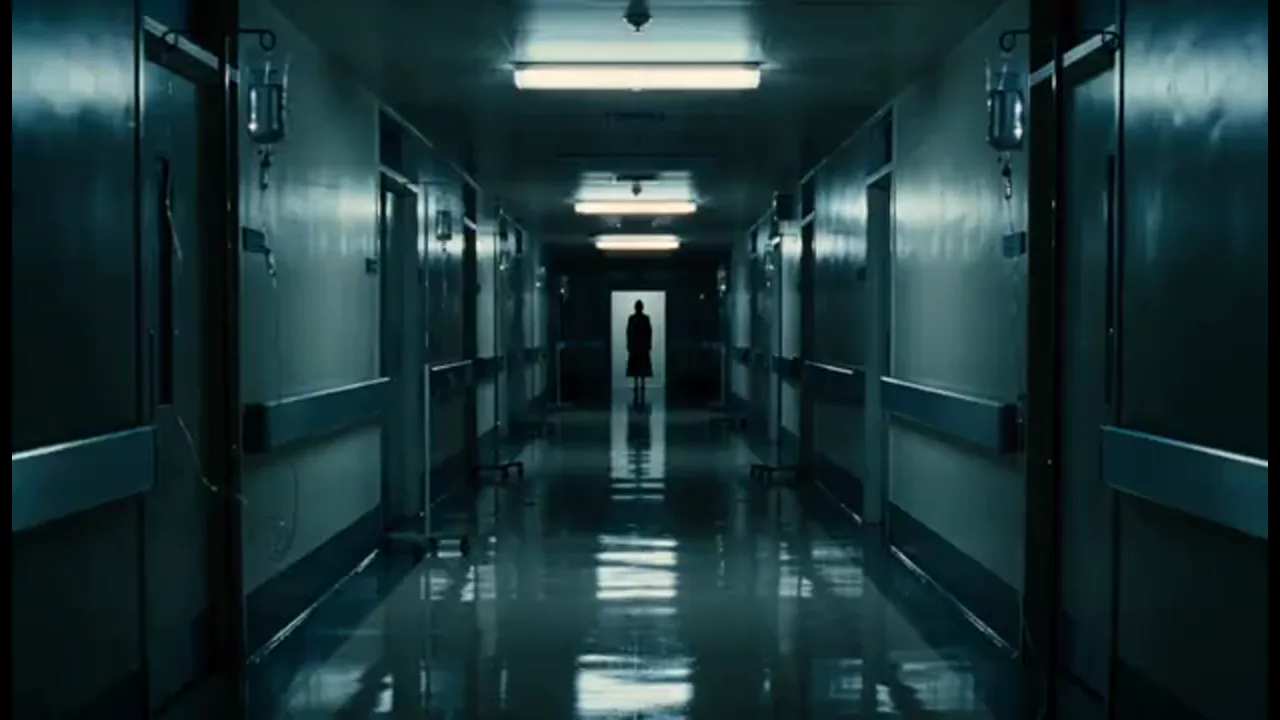
Build the Hallway Scene
Walk the same lead down one hallway without recasting. Use character references for the face, coat, and stare, so the person at the end of the hall stays the same. Generate new shots inside the same project.
Start a horror short drama from a haunted hallway or cursed object. Keep the same terrified face from beat to beat, then generate the next shot in the same project.
A horror short drama here is a vertical scare episode you generate beat by beat. Start from a one-line idea, an outline, a script, or a novel chapter. An agent plans the story. The workbench keeps the outline, episodes, characters, scenes, props, script, and beats together, so every new shot stays part of the same episode. Character and scene references carry the scared face, the night clothes, and the look that breaks when the door opens. Turn approved beats into storyboards, then generate episode video. Add voiceover and captions for a phone screen. A regular AI video tool gives you one clip at a time. Here, shots follow the story structure of the episode. You do not need actors, camera gear, a location, or a traditional crew. The trial includes limited credits—not unlimited generation.
USE CASES
Walk the same lead down one hallway without recasting. Use character references for the face, coat, and stare, so the person at the end of the hall stays the same. Generate new shots inside the same project.
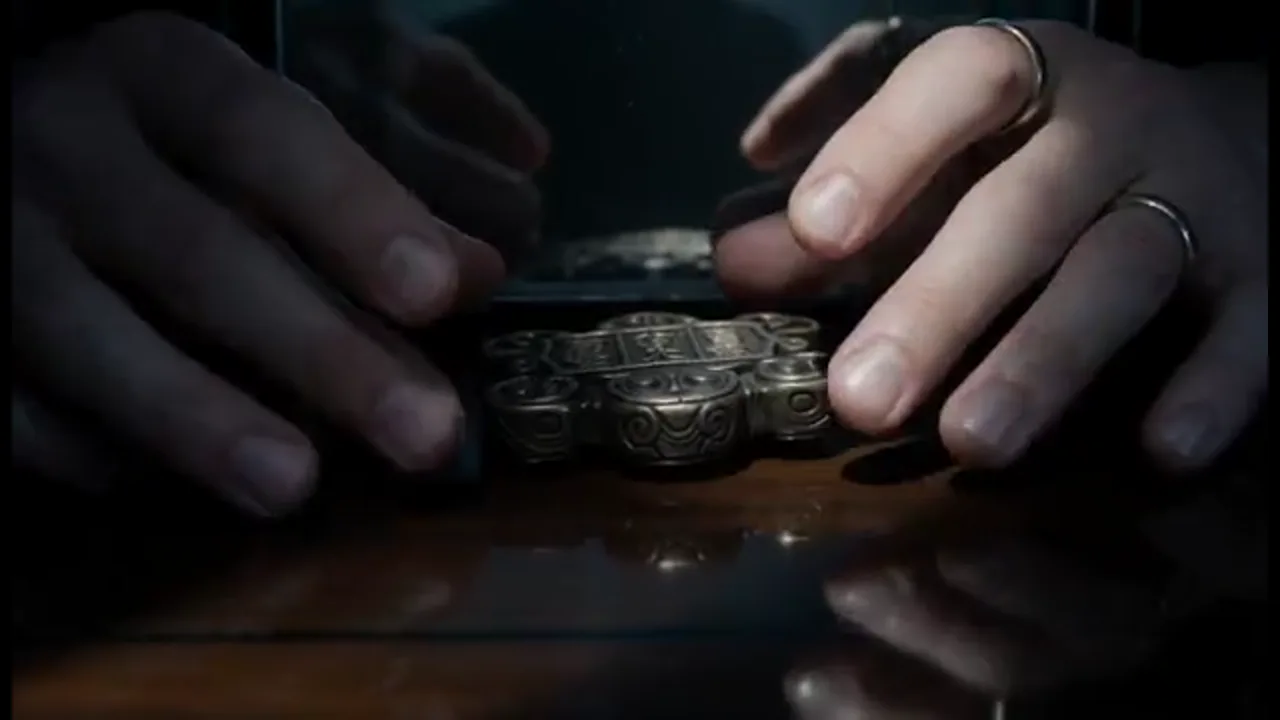
Keep the same hands on the same charm from the first pickup to the later turn. Scene and prop references stay on that object, so the curse reads as one scene instead of two unrelated clips.
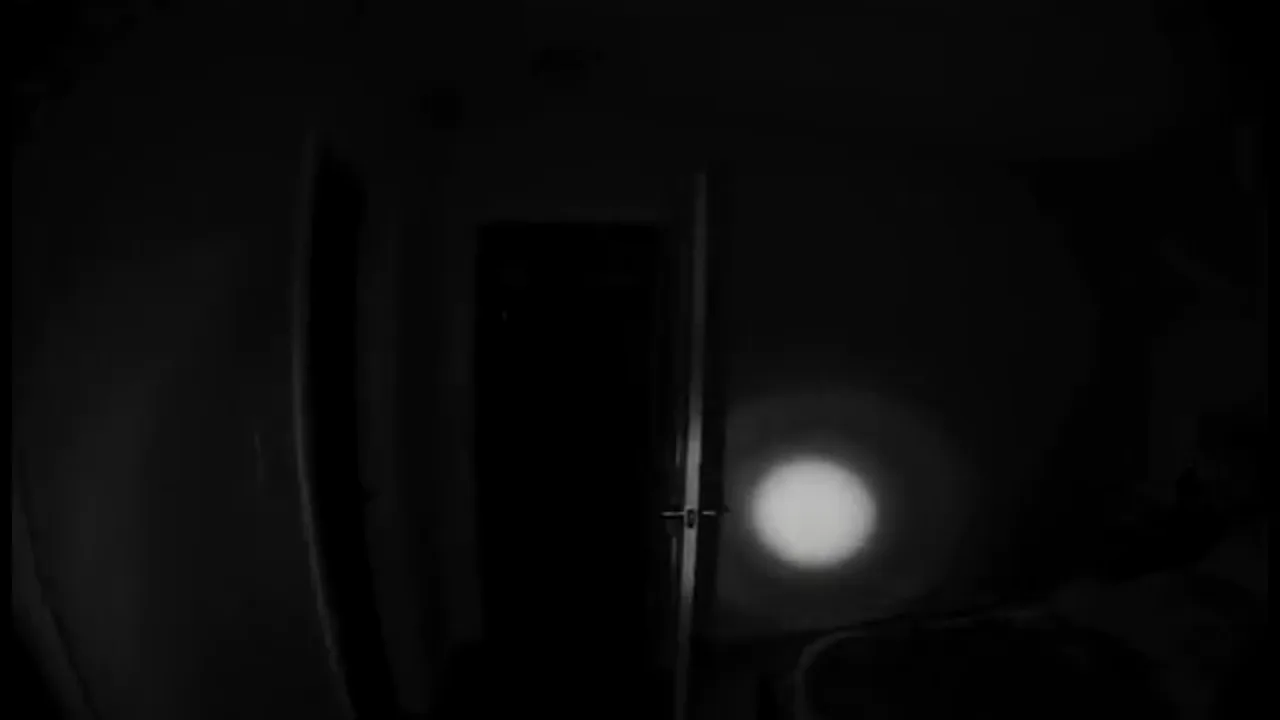
Build a phone-framed night beat that ends on a sound or an empty frame, so part two can answer it. Keep close-ups readable on a vertical screen, then generate the last shot in the same episode.
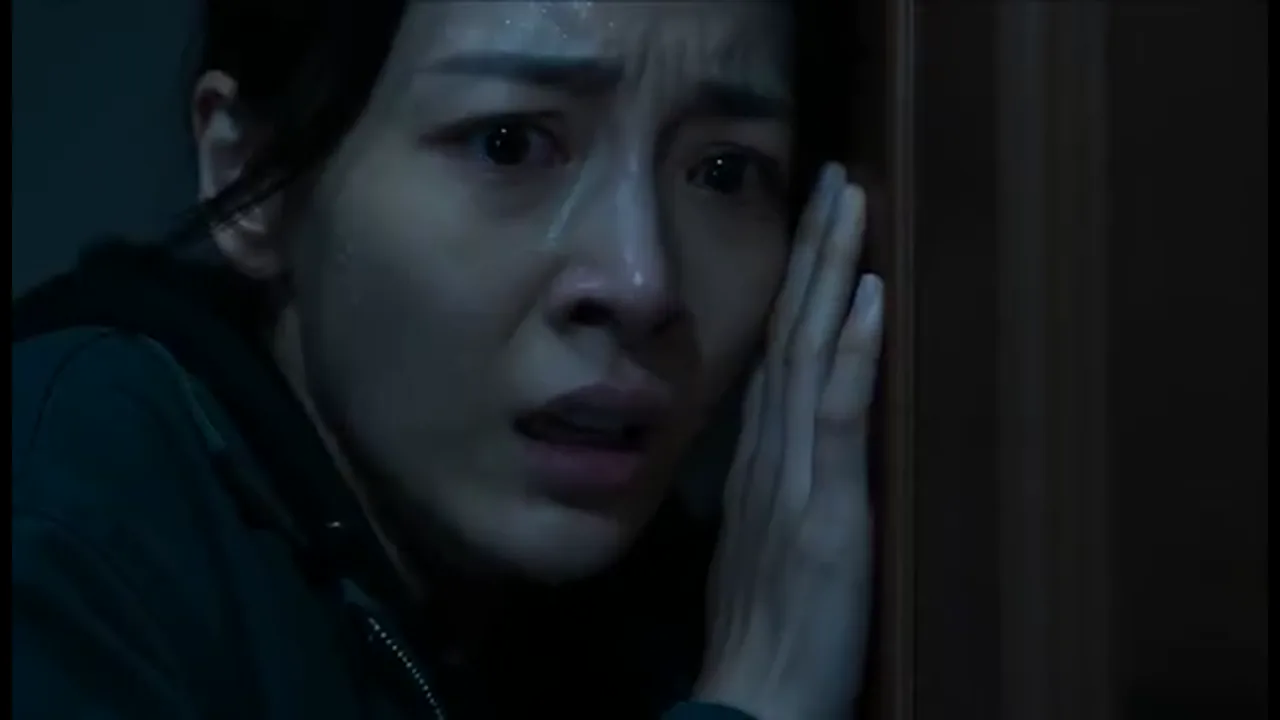
Keep the final look in the project. Change one stare or one doorway, then generate another version. The scare still fits the same lead, and the rest of the episode stays in place.
BENEFITS
Keep the same terrified face and episode structure in one workbench.
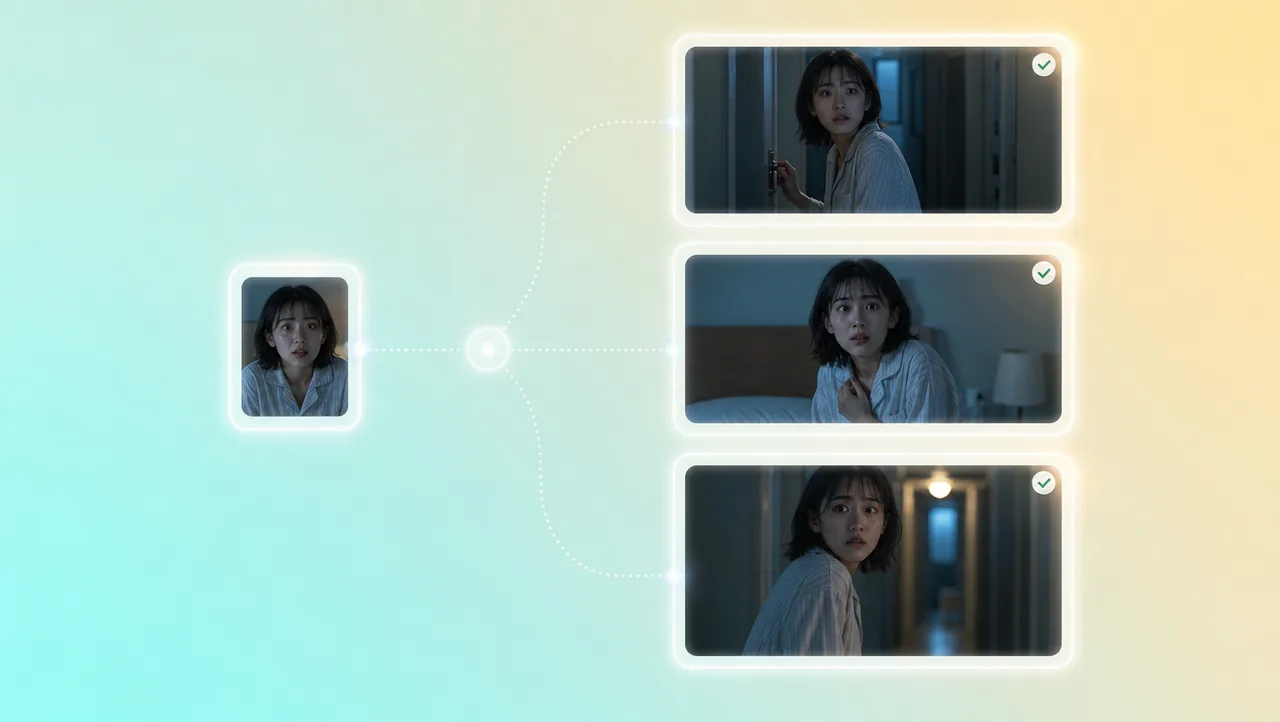
01
Character references keep the lead consistent from the first knock to the later reveal. The night clothes and the fear stay with the same person, so viewers still know who opened the door.
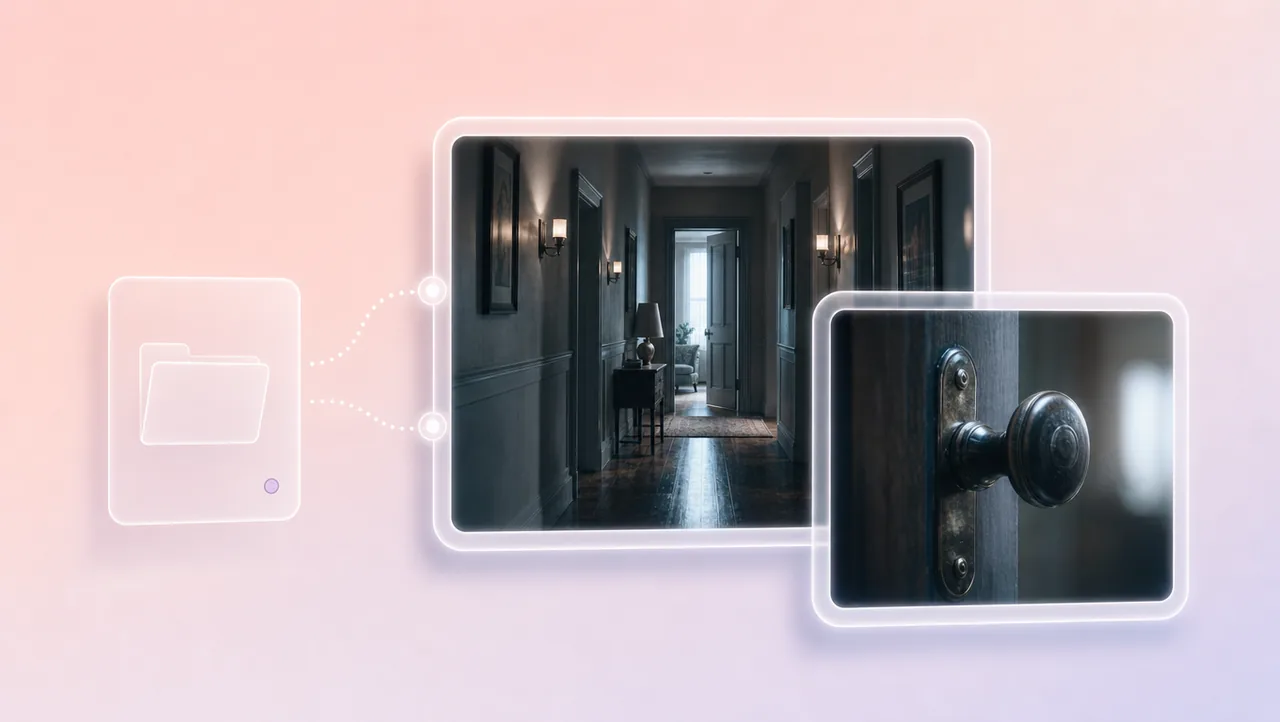
02
The agent helps plan the hallway beat. Storyboards, beat sheets, and scene references keep the doorway in your hands, so this scare stays tied to this episode.
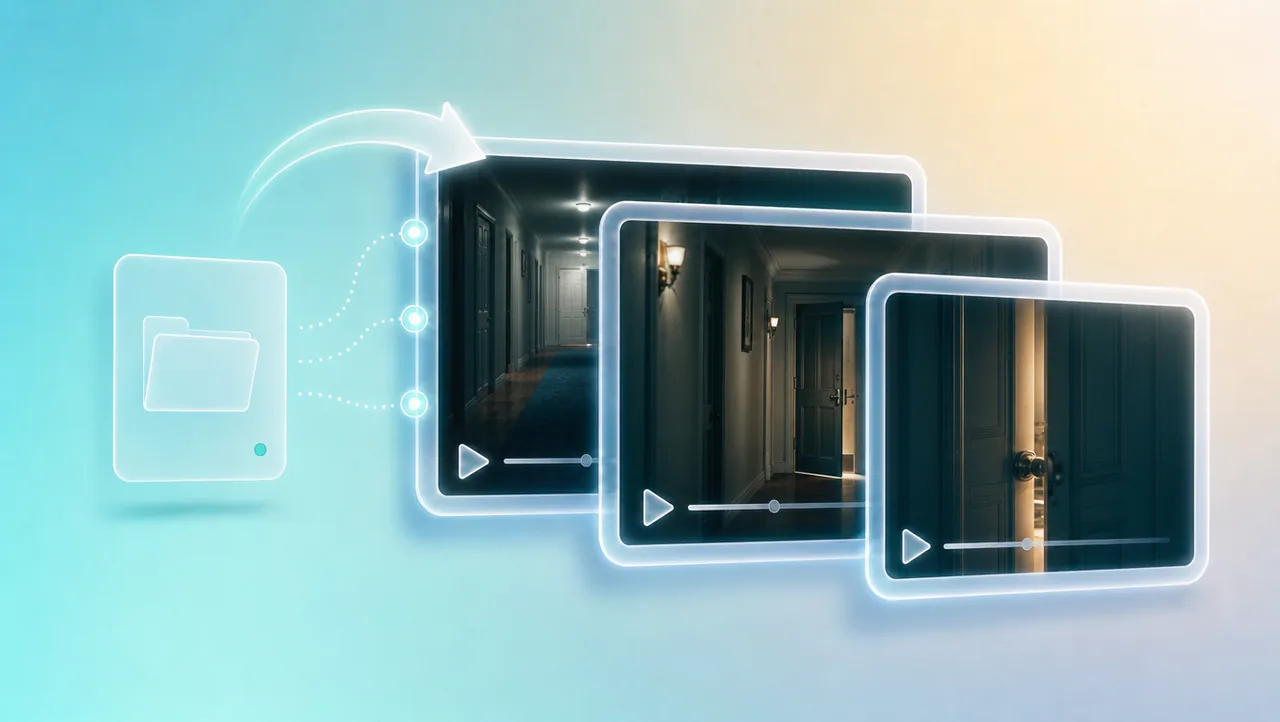
03
Outline, episodes, characters, scenes, props, script, and beats stay in one workbench. A new hallway shot is still part of the same horror short drama, not a one-off clip that loses the face.
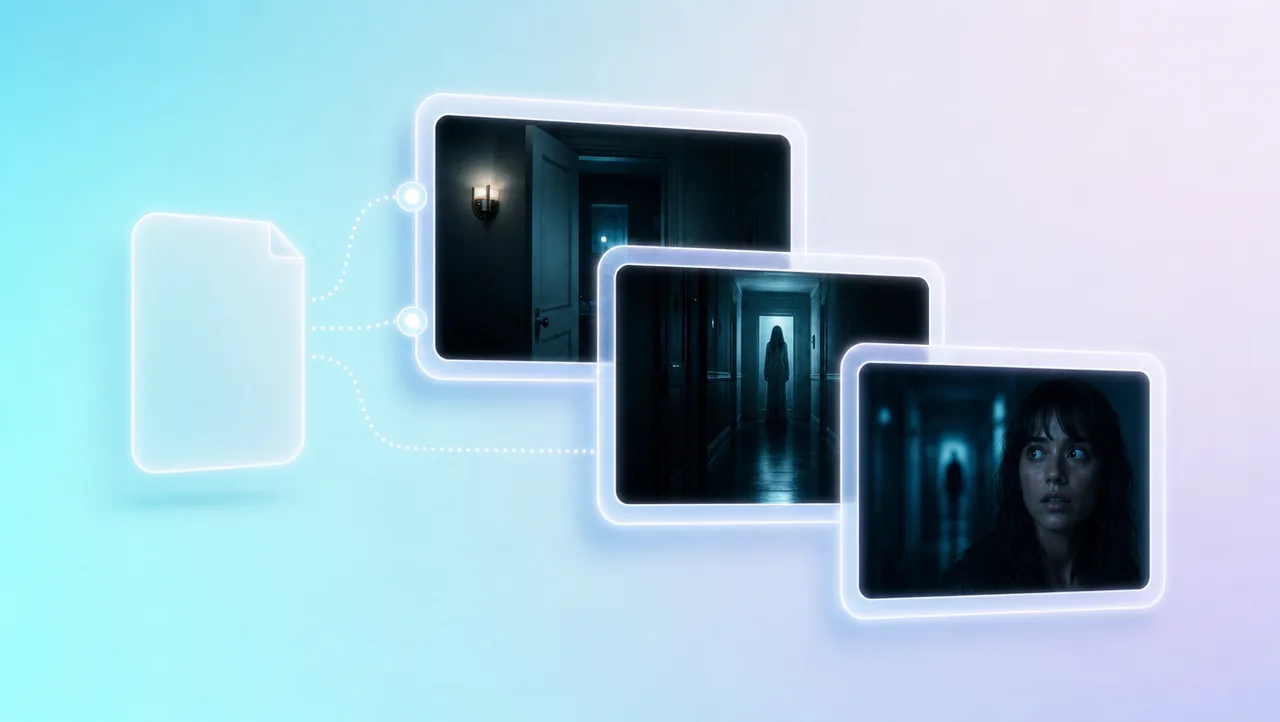
04
Drop a one-line idea, an outline, a script, or a novel chapter. The tool treats that file as the start of the episode. You keep directing instead of rebuilding the cast.
05
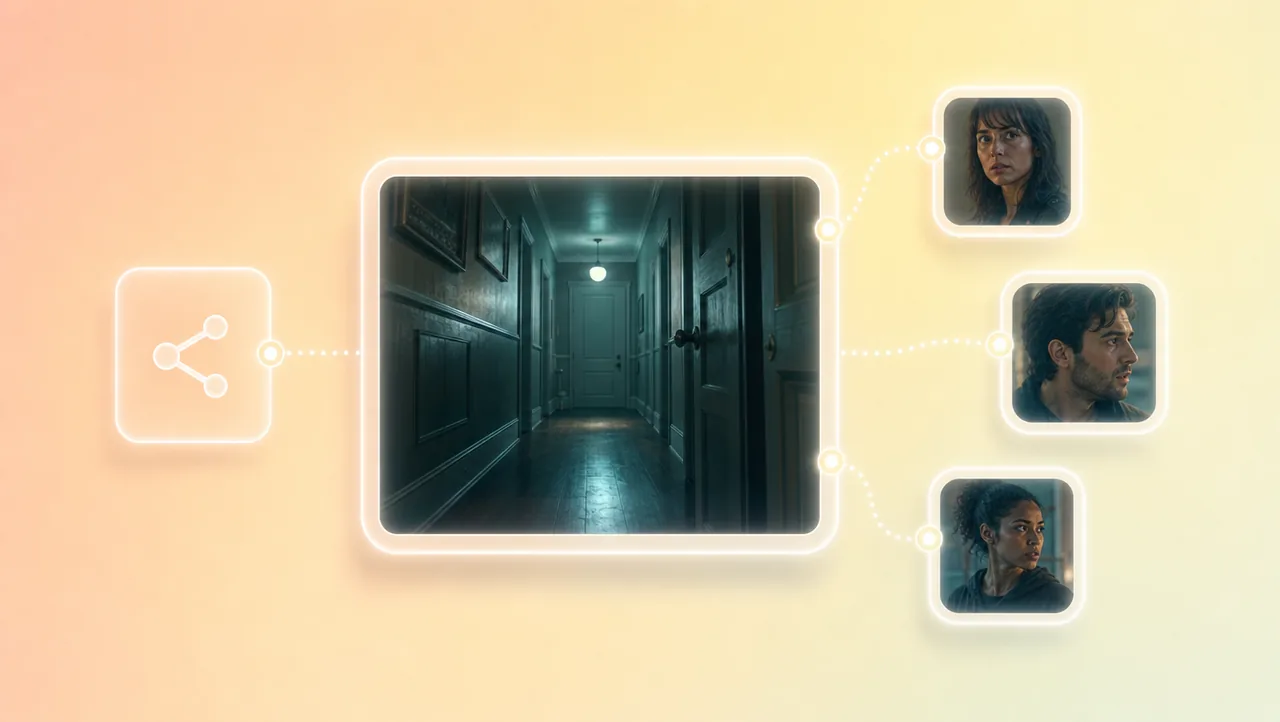
The team can share the project and the assets. A writer can leave the last line, a director can generate another doorway, and the same faces stay in the episode you export.
HOW IT WORKS
Add the hallway, the cursed object, or the script to the workbench. Name the night, the lead, and the last sound so the agent knows which scare story you are making.
Shape characters, storyboards, and beats for the door or the last look. Generate storyboards for the hallway so the scared face stays the same lead.
Generate shots for this episode. The next shot continues in the same project, with the same references, instead of starting a new clip from scratch.
Pair this horror short drama workflow with other Drama Studio and AI video tools.
Keep the scared face consistent and generate the hallway as shots that stay part of this episode.