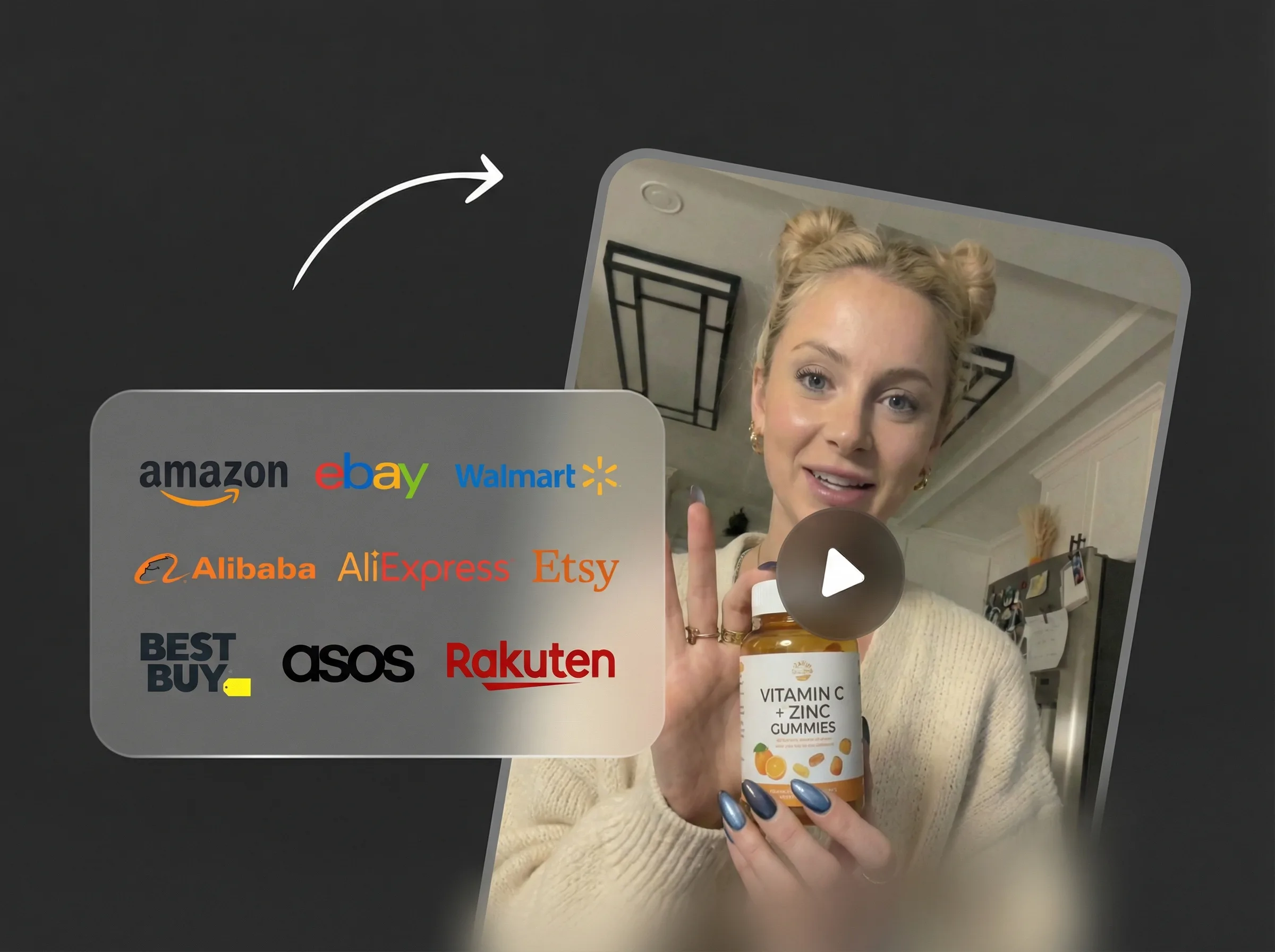
FLUSSO MARKETING
Pensato per la velocità di campagna
Genera varianti di scambio personaggio in pochi secondi per test annunci, iterazioni creative e pipeline di contenuto rapide.
Usa lo scambio di personaggi AI per creare varianti di modello ecommerce, concept pubblicitari, mockup in stile creator, visual di campagna localizzati e modifiche di personaggio coerenti — senza Photoshop, ritagli manuali o un nuovo shooting.
Scambio di personaggi AI
Immagine target
Immagine modello
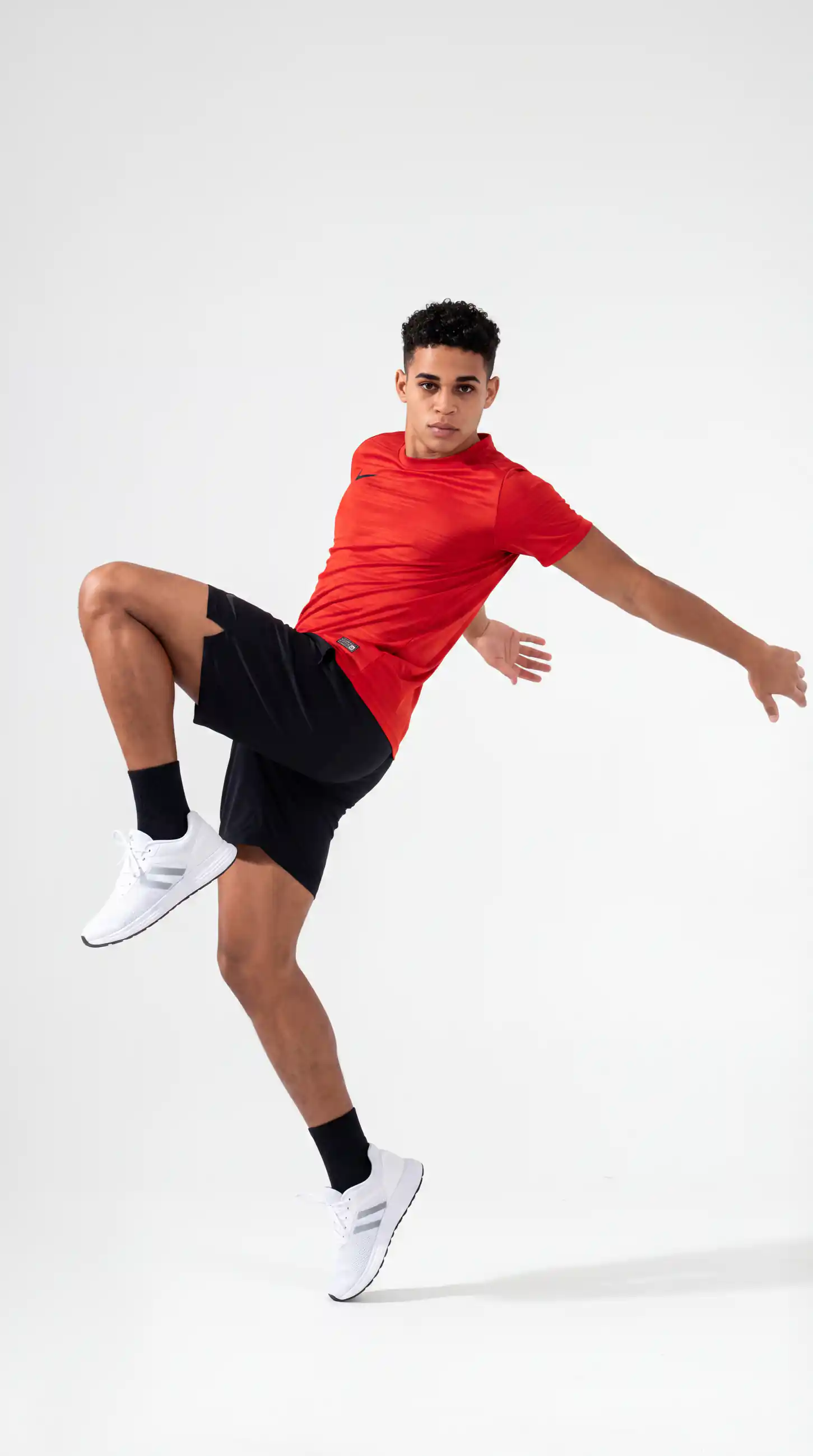
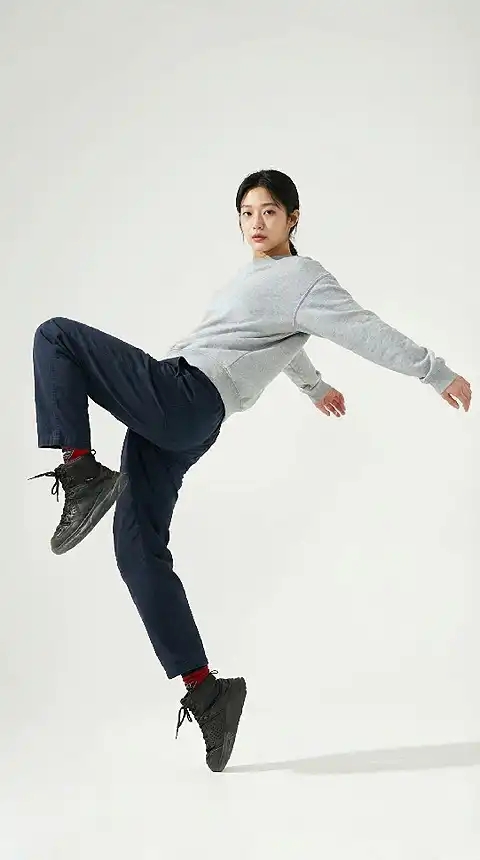
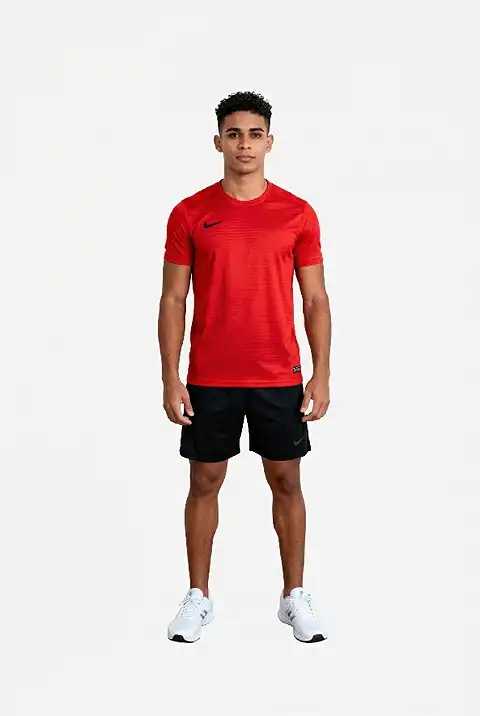
Il body swap su immagine sostituisce il corpo o la figura intera in una foto mantenendo naturali viso, dettagli dell'outfit e sfondo. Usa l'AI body swap per testare pose, morfologie e look di modello diversi su foto ecommerce, creatività pubblicitarie e contenuti social — senza Photoshop né compositing manuale.
FLUSSO MARKETING
Genera varianti di scambio personaggio in pochi secondi per test annunci, iterazioni creative e pipeline di contenuto rapide.
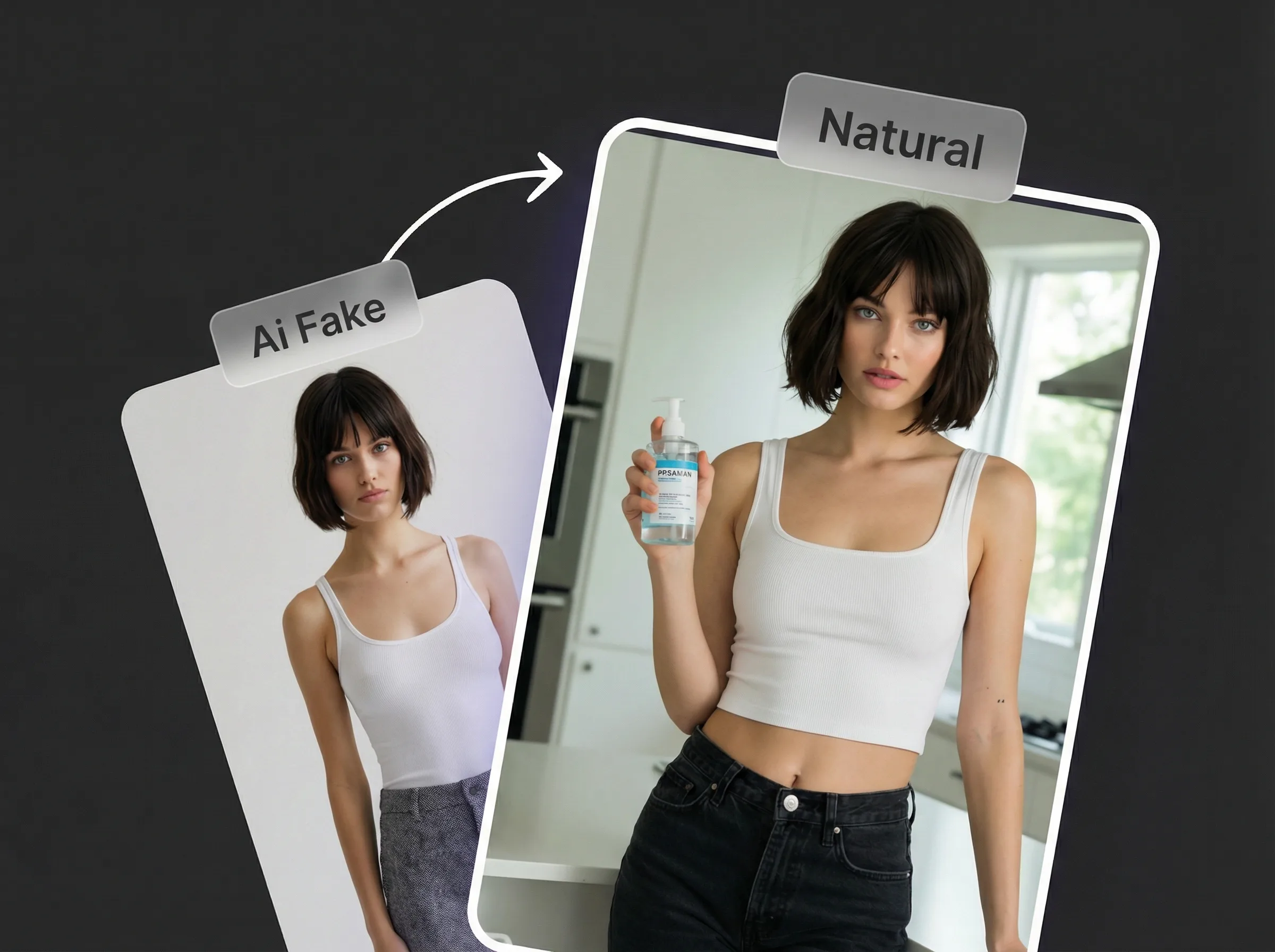
RISULTATO NATURALE
L'allineamento avanzato di posa, scala e illuminazione aiuta a evitare bordi strani, toni della pelle non coerenti o compositing evidenti.
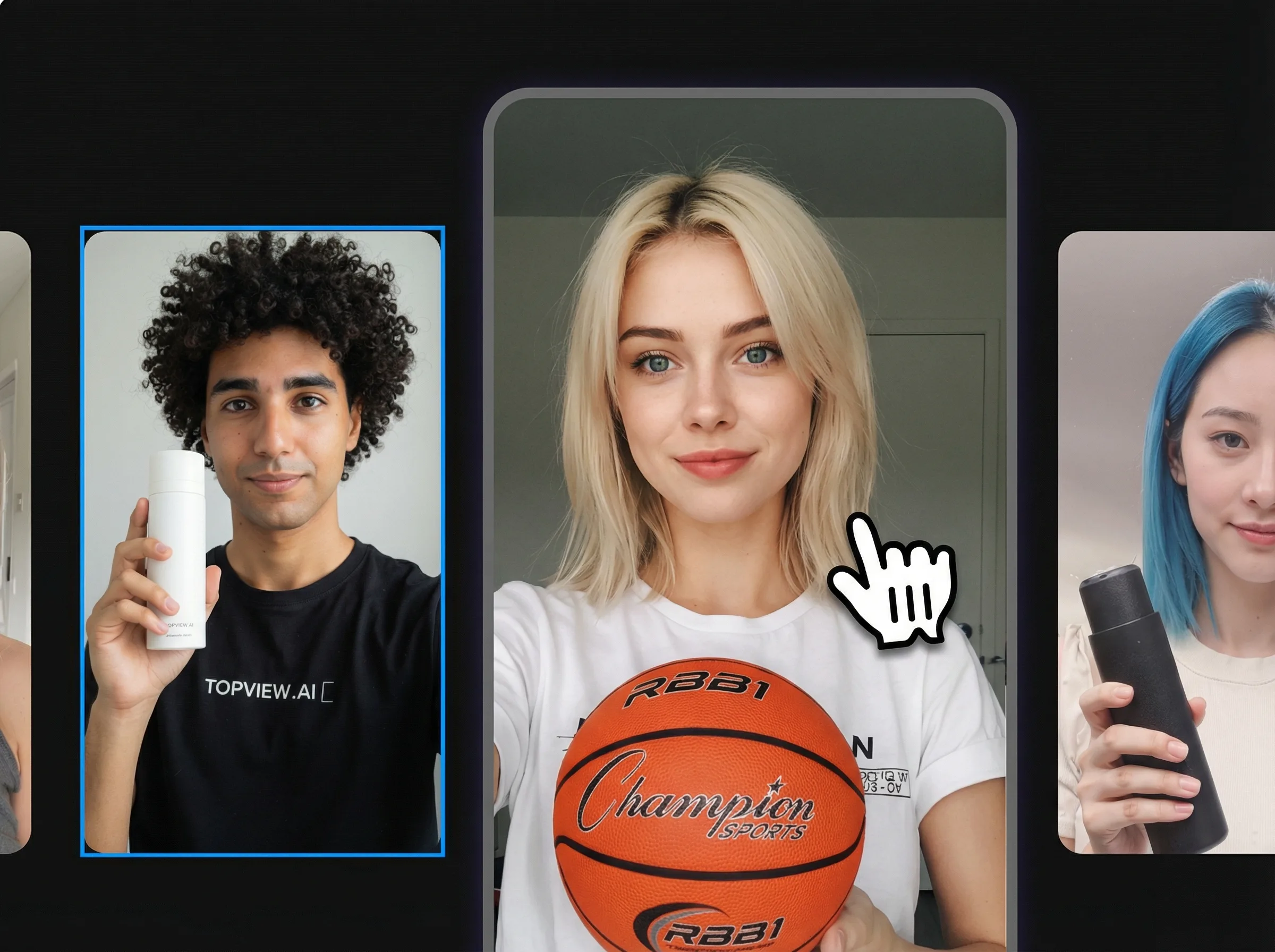
FACILE DA USARE
Niente livelli né strumenti complessi. Carica la scena target e il riferimento del personaggio, avvia lo scambio e scarica il risultato.
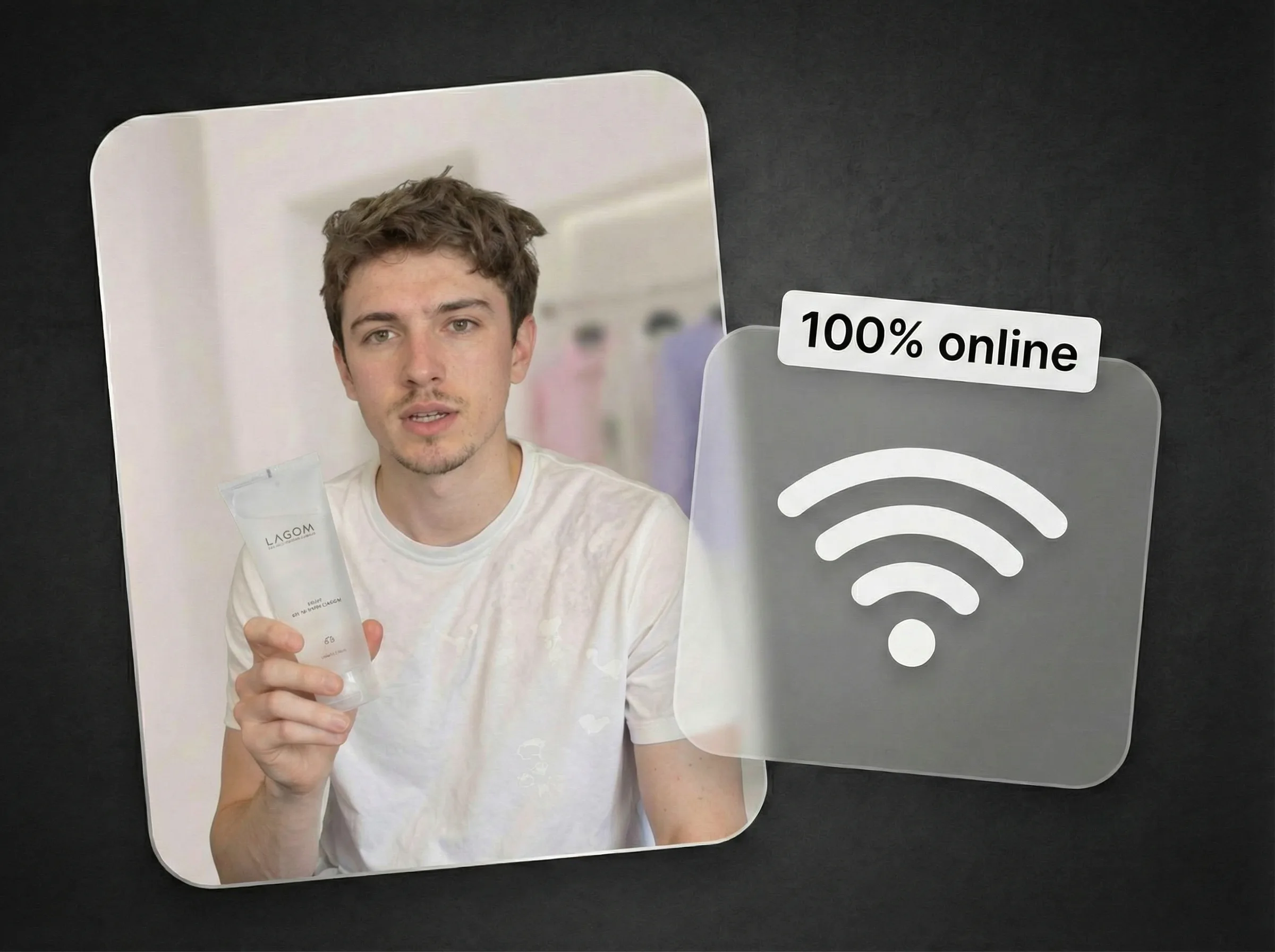
NEL BROWSER
Funziona nel browser senza plugin né installazioni pesanti: parti da qualsiasi dispositivo.
CASI D'USO
Esplora modi pratici per sostituire persone nelle foto per ecommerce, annunci, localizzazione, contenuti lifestyle e test di campagna.
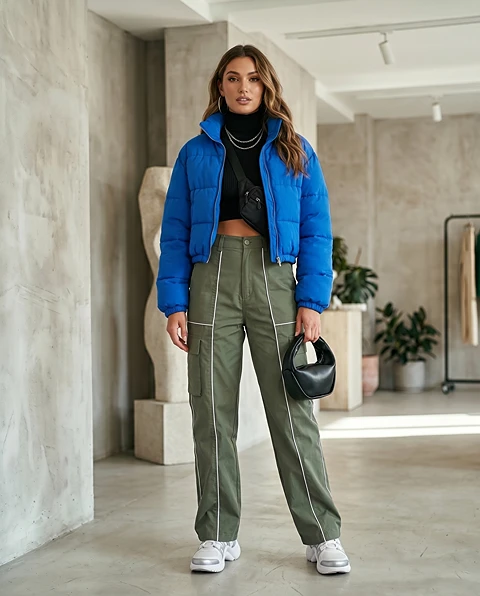
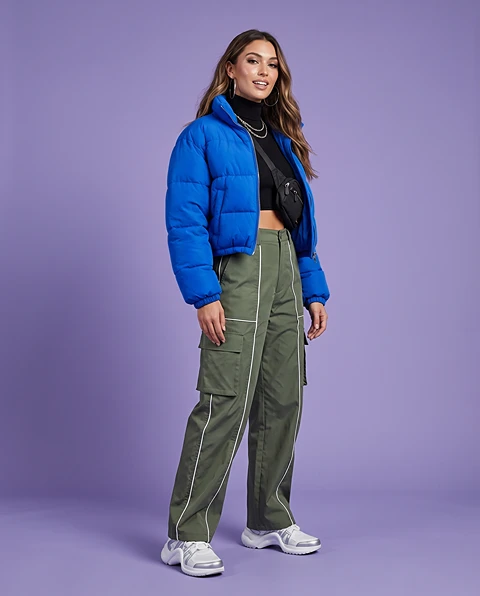
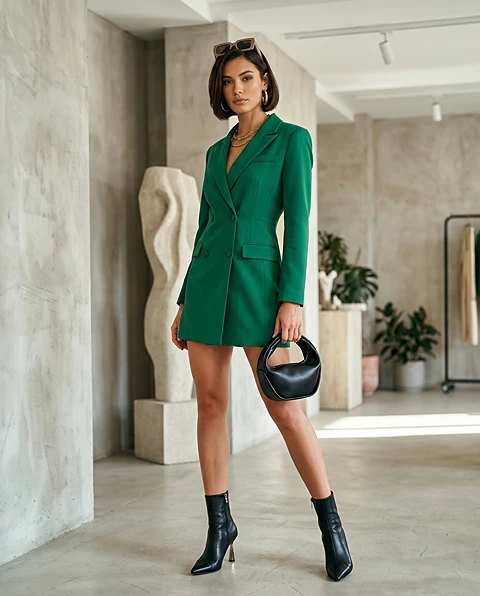
Mostra lo stesso prodotto con modelli, outfit, tipi di audience o look regionali diversi senza rifare lo shooting di ogni foto prodotto.
Scopri di più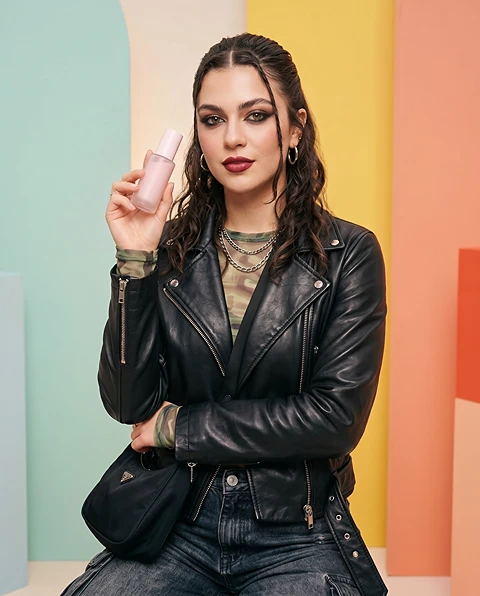
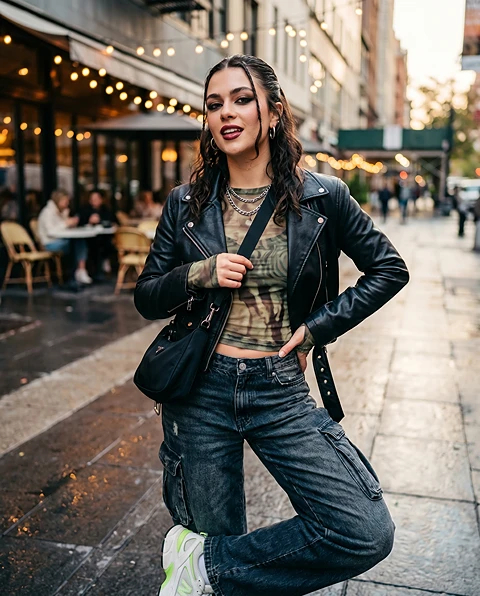
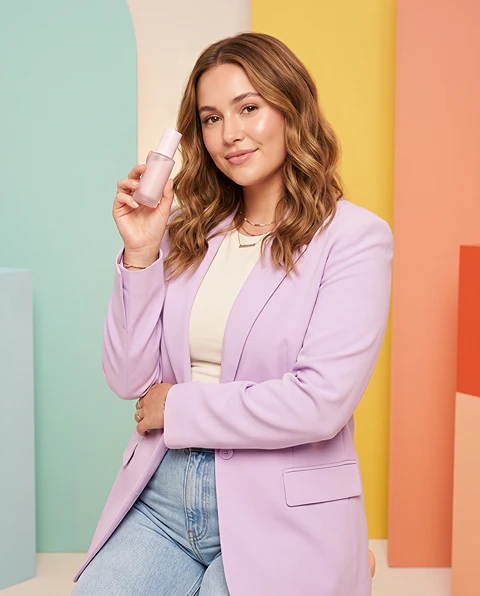
Testa persone, pose, espressioni e persona di audience diverse nello stesso concept pubblicitario per trovare l'immagine più forte per paid social, display o landing page.
Scopri di più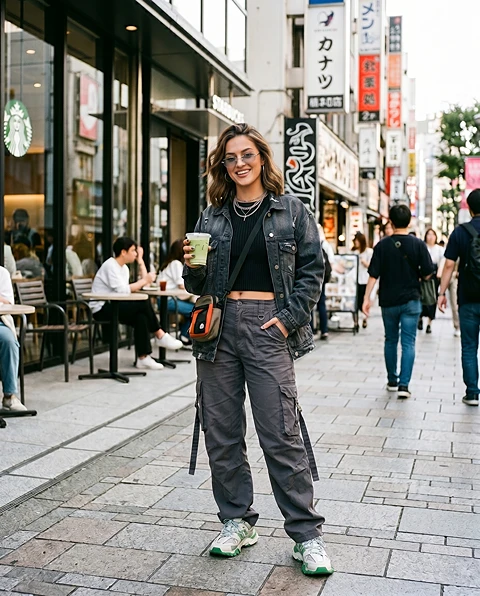
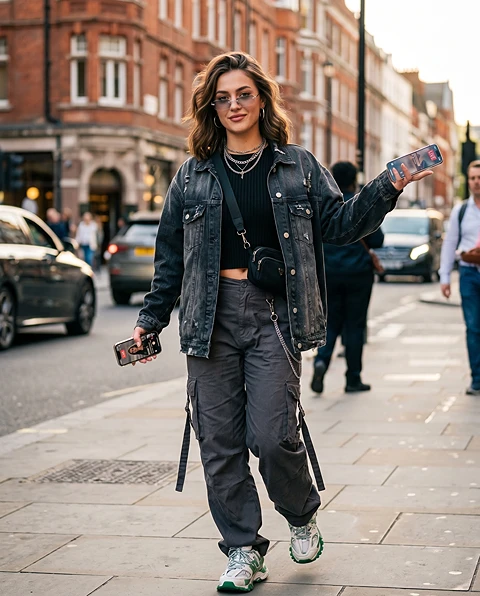
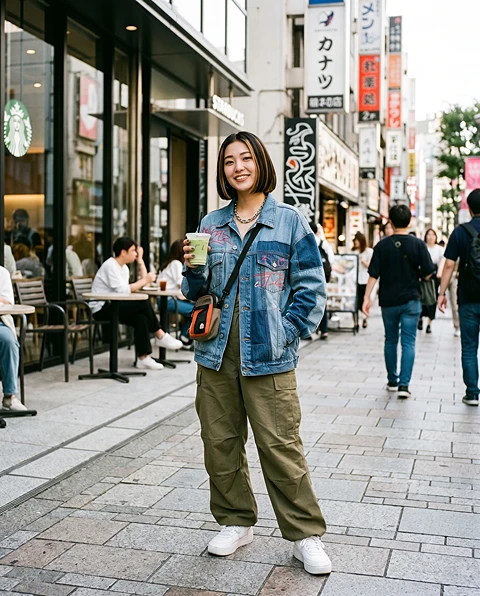
Adatta un'immagine di campagna a paesi, regioni o segmenti di clienti diversi sostituendo la persona principale con un modello o personaggio più adatto all'audience.
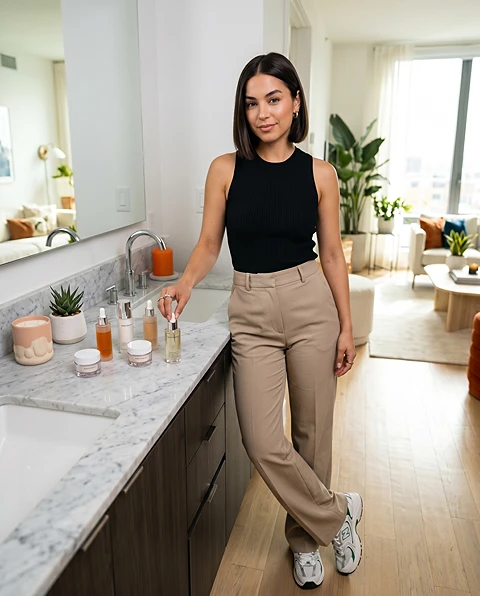
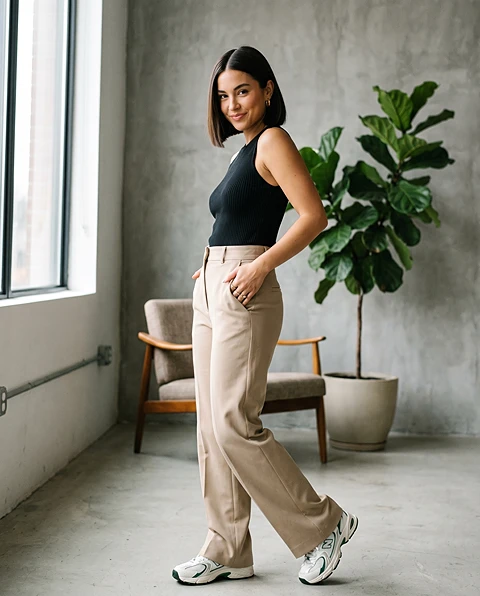
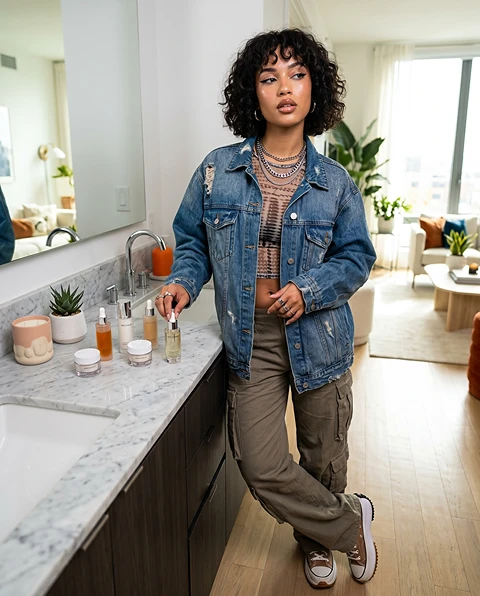
Rinnova scene prodotto, poster, visual di landing e bozze di campagna sostituendo il soggetto principale e mantenendo la struttura di design originale.
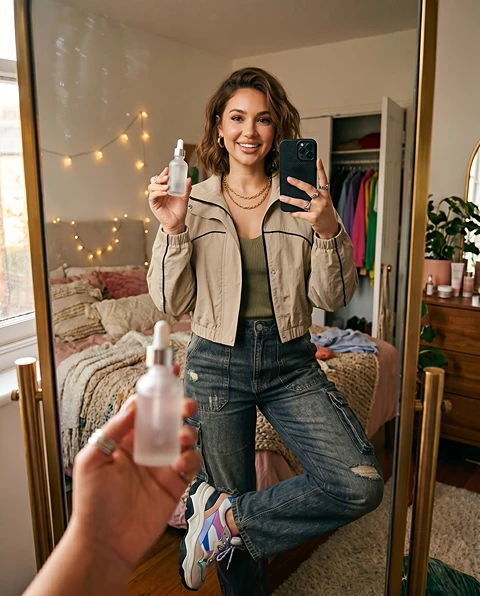
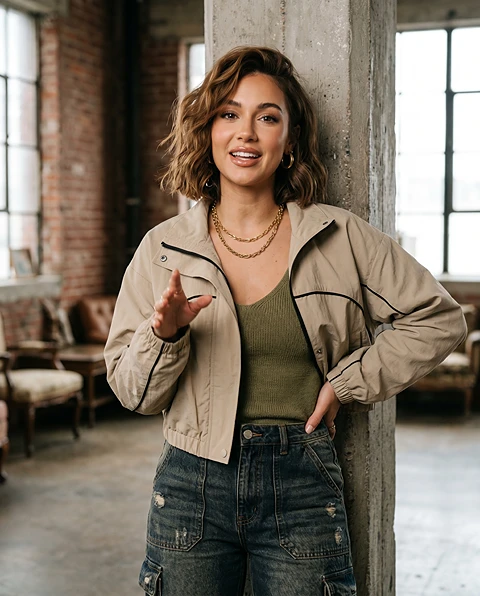
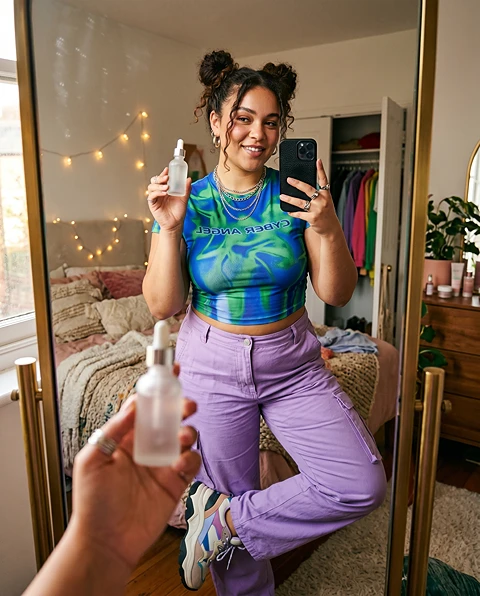
Anteprima look influencer, UGC o lifestyle prima di produrre il contenuto finale di creator, post social o asset di campagna brand.
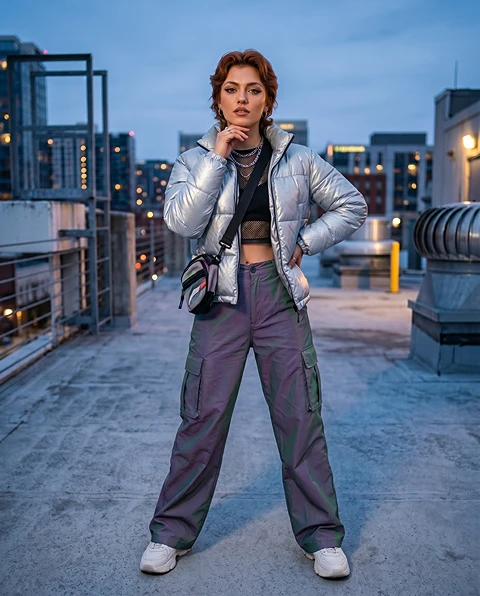
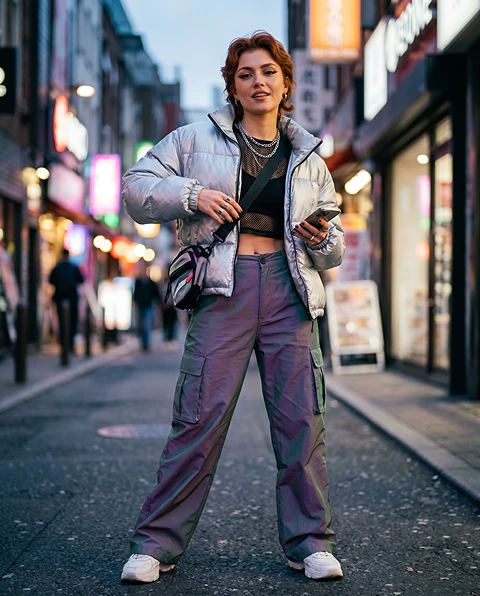
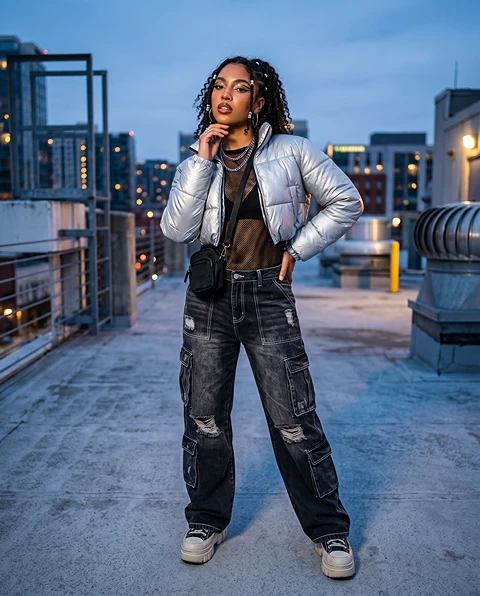
Inserisci la stessa persona o personaggio in scene, outfit, pose e temi visivi diversi per costruire un set di immagini coerente per concept, storie o campagne.
Scopri di più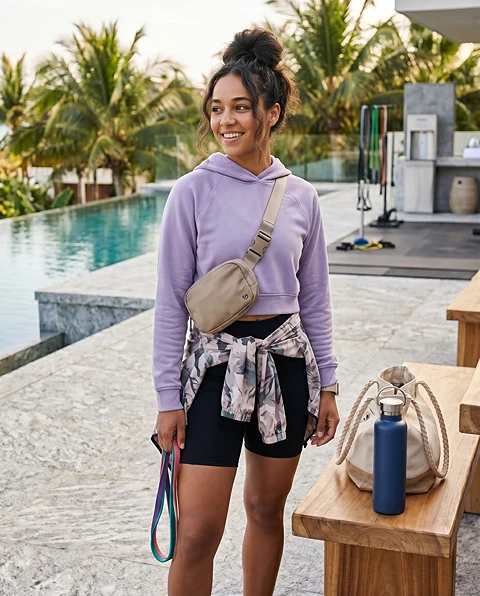
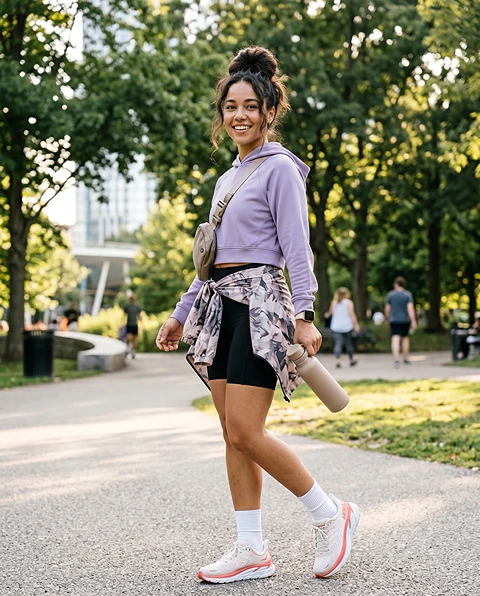
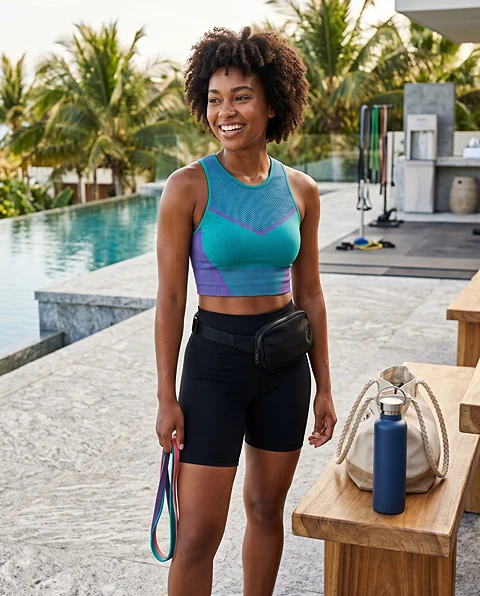
Usa l'AI per sostituire una persona in una foto fashion, travel, fitness, beauty, prodotto o lifestyle mantenendo l'ambiente naturale.
Scopri di più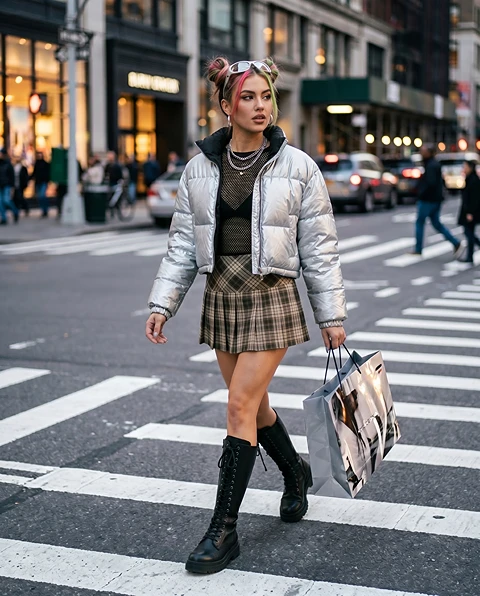
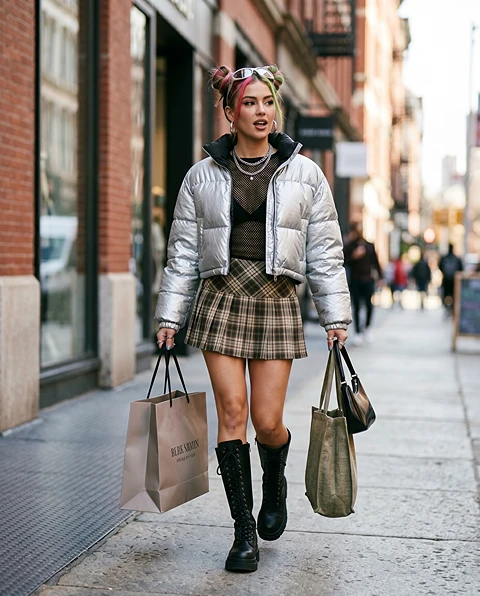
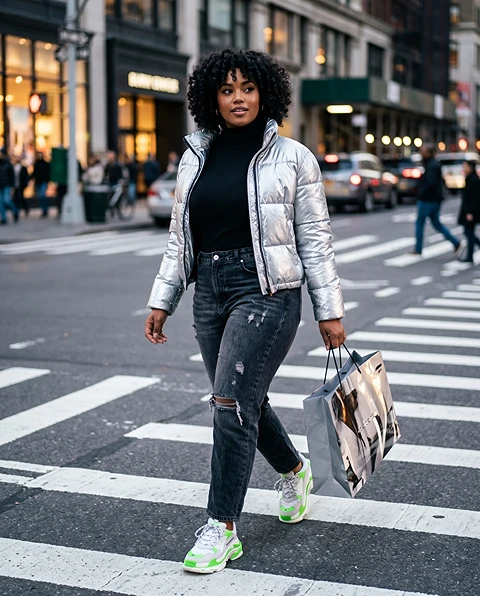
Confronta look di modello, stili di personaggio, fasce d'età, direzioni fashion o mood visivi prima di investire budget in uno shooting completo.
ESEMPI
Prova persone o personaggi diversi in immagini lookbook, scene editoriali o visual basati sull'outfit.
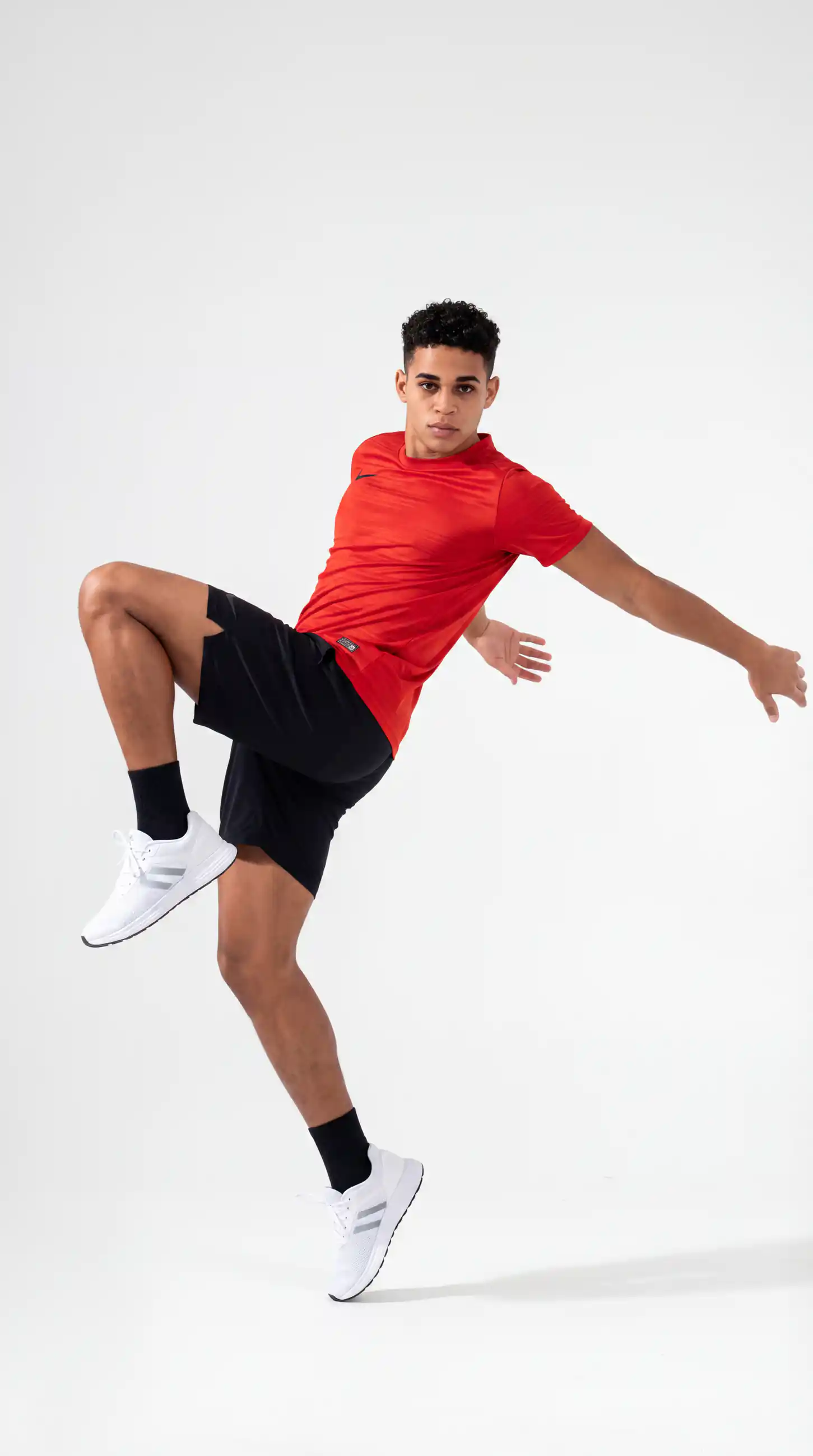
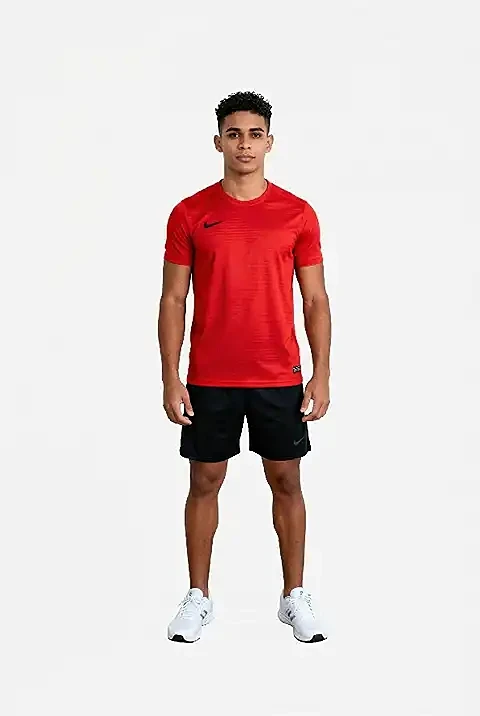
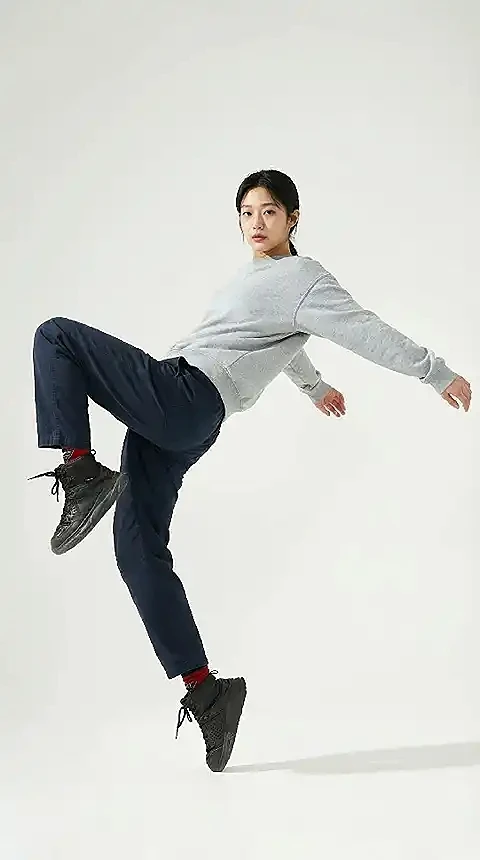
Prova persone o personaggi diversi in immagini lookbook, scene editoriali o visual basati sull'outfit.
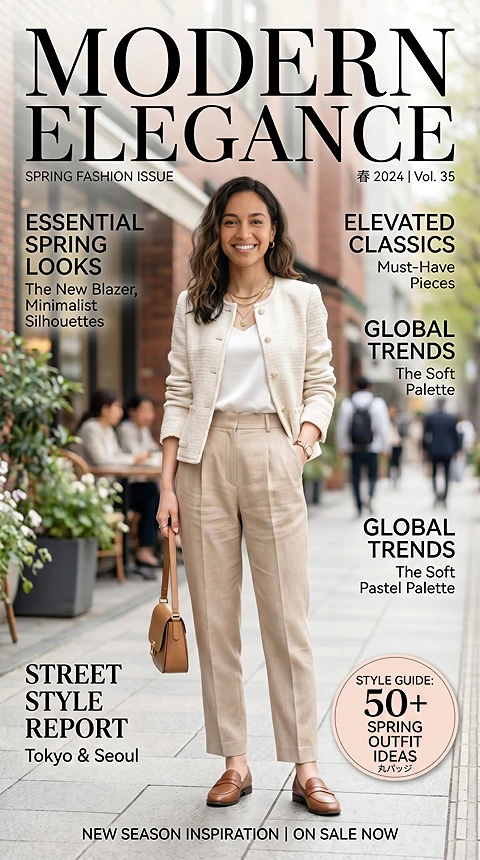
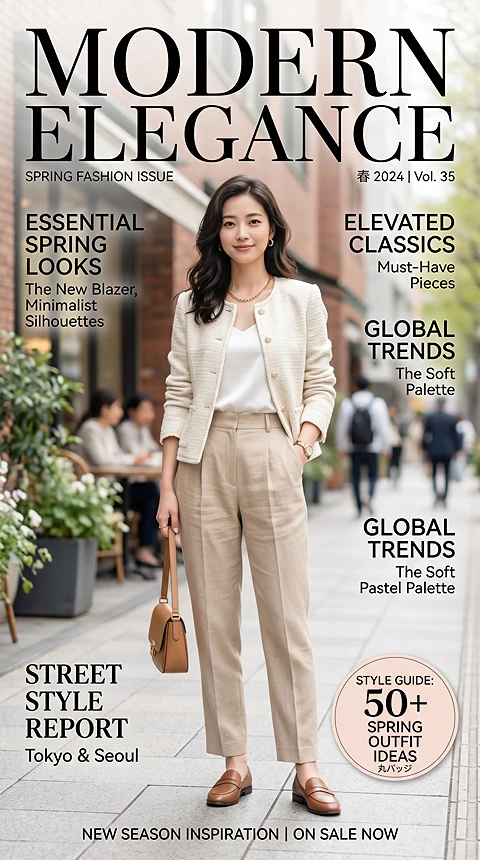
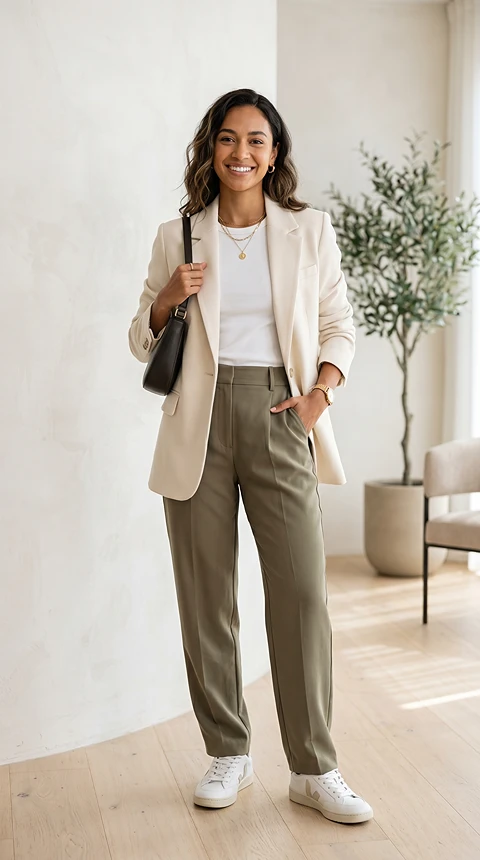
Sostituisci la persona principale in un poster, visual story, thumbnail o immagine promozionale mantenendo la struttura di design.
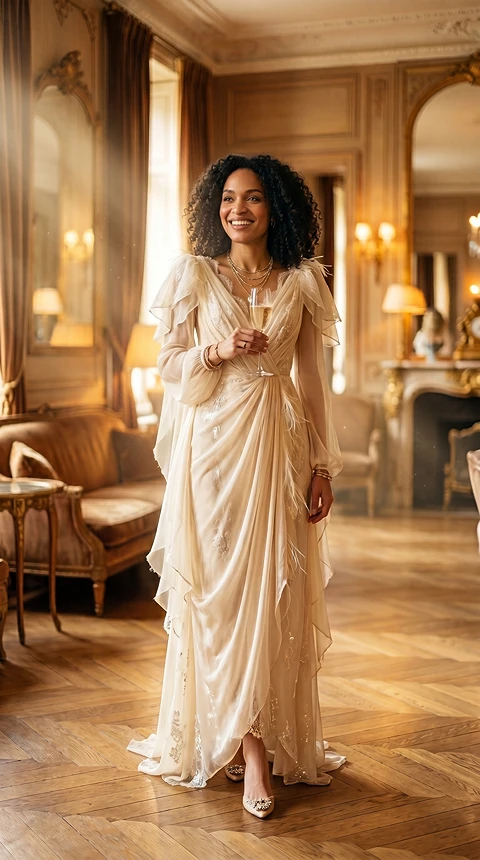
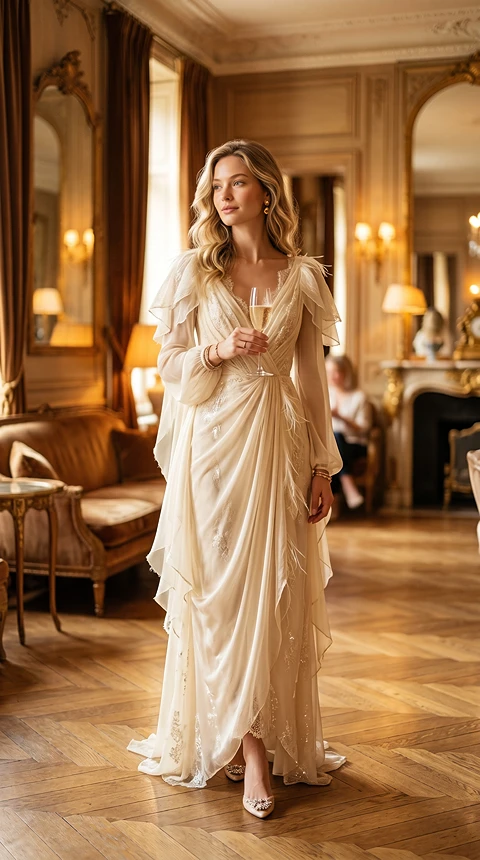
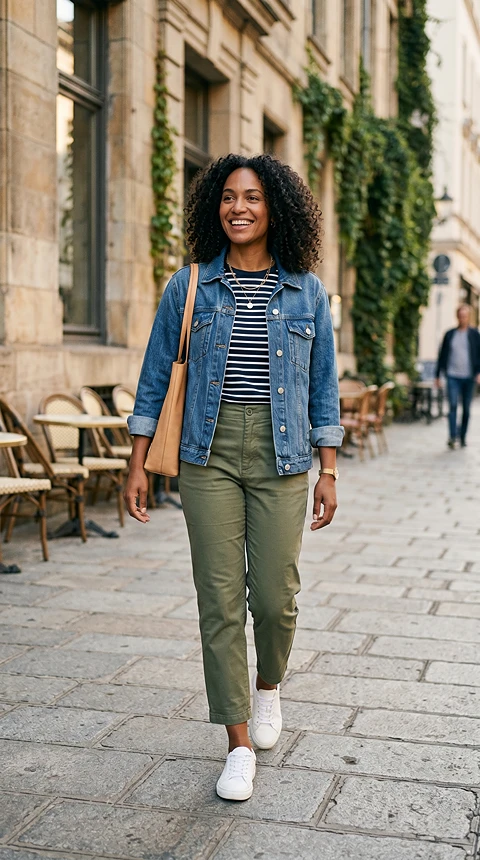
Crea edit giocosi per ritratti, foto di viaggio, immagini profilo, visual story o post social a tema.
L'AI PRESERVA
Mantieni location, ambiente, layout e contesto visivo dell'immagine target sostituendo la persona o il personaggio principale.
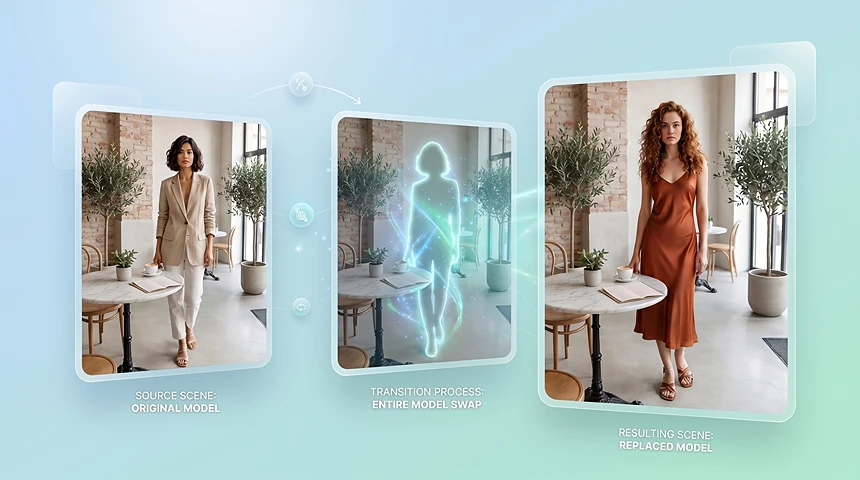
Mantieni location, ambiente, layout e contesto visivo dell'immagine target sostituendo la persona o il personaggio principale.
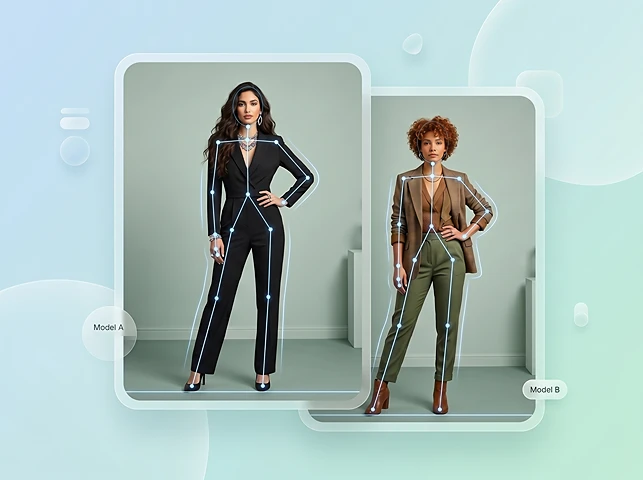
Preserva collocazione del corpo, direzione della posa, crop e prospettiva della camera così il nuovo soggetto si inserisce in modo naturale.
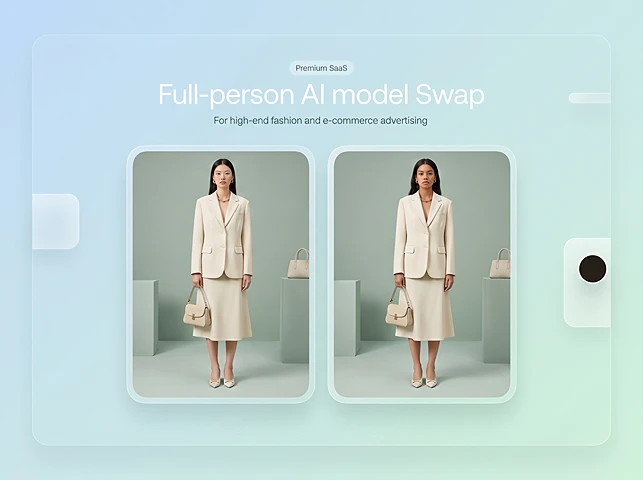
Per immagini ecommerce e fashion, mantieni prodotto, forma dell'abito, contesto di styling e struttura della scena il più coerenti possibile.
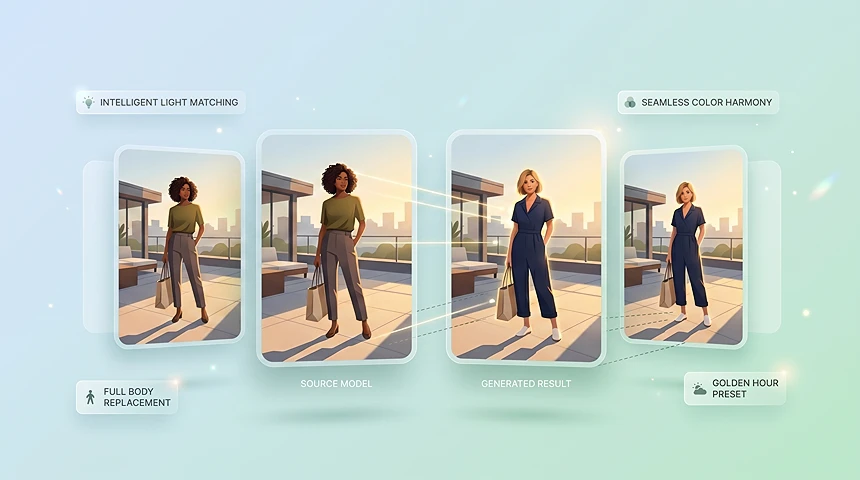
Adatta il soggetto sostituito a direzione della luce, stile delle ombre, temperatura colore e mood visivo complessivo dell'immagine target.
PANORAMICA
Lo scambio di personaggi AI per immagini ti consente di sostituire un personaggio in una foto esistente con un'altra persona, modello o soggetto, mantenendo scena, luce, posa e sfondo il più naturali possibile.
PERCHÉ SCEGLIERE QUESTO TOOL
Sostituisci la persona intera preservando la foto — pensato per ecommerce, campagne e test creativi.
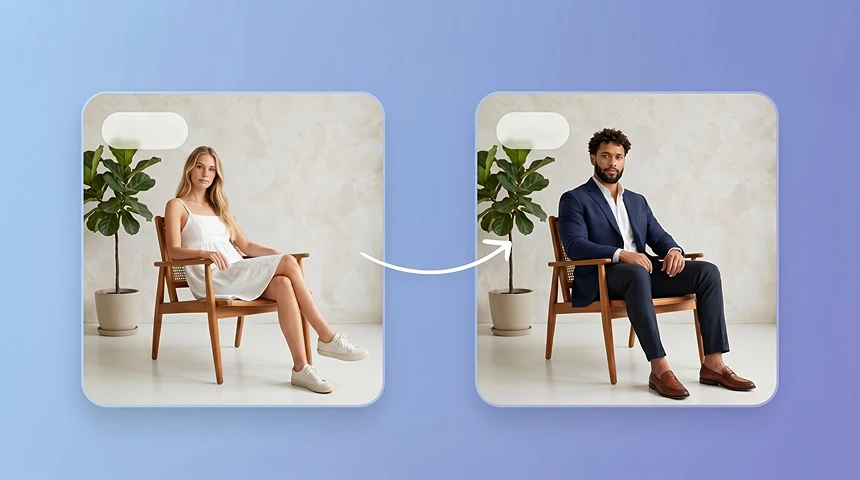
Cambia persona, modello o personaggio in una foto mantenendo intatti scena, prodotto, sfondo, posa e composizione originali.
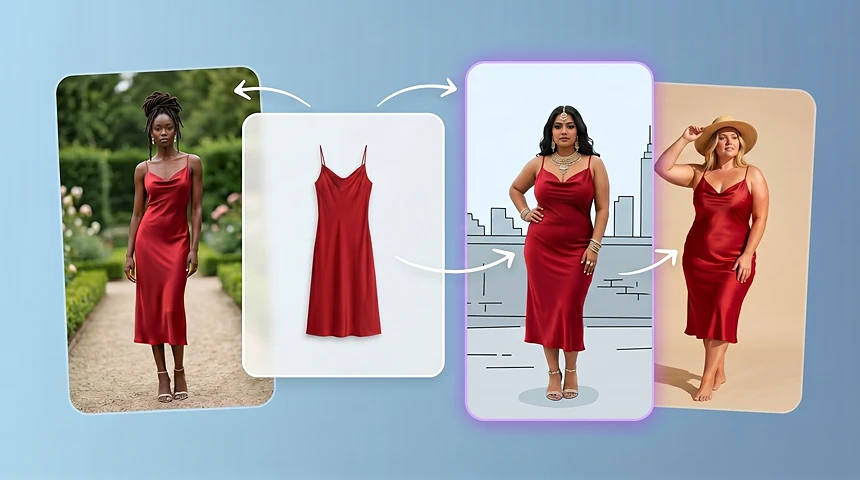
Usa l'AI model swap per anteprimare varianti di modello ecommerce con identità, morfologie, gruppi di audience o stili regionali diversi prima di pianificare uno shooting completo.
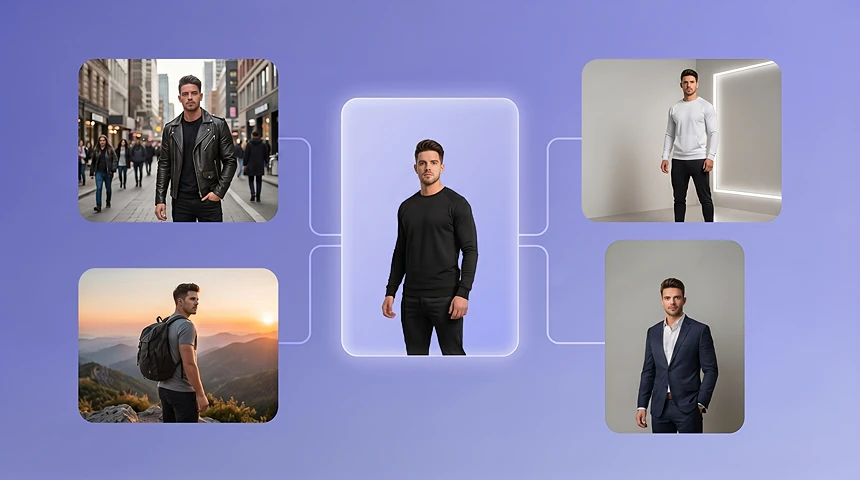
Inserisci la stessa persona o personaggio in scene, outfit, stili e concept di campagna diversi mantenendo riconoscibile l'identità visiva.
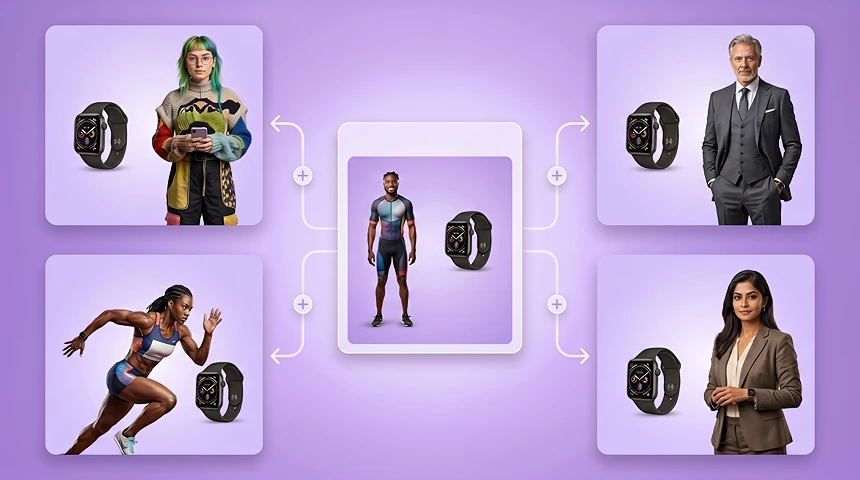
Adatta un'idea visiva a mercati, demografie, stili creator o segmenti di clienti diversi cambiando il modello o personaggio principale.
Riutilizza scene prodotto, bozze annuncio, poster e visual di landing sostituendo il personaggio principale e mantenendo il layout.
Genera bozze di scambio personaggio in fretta così i team possono confrontare direzioni visive prima di impegnare budget, talent o tempo di produzione.
WORKFLOW
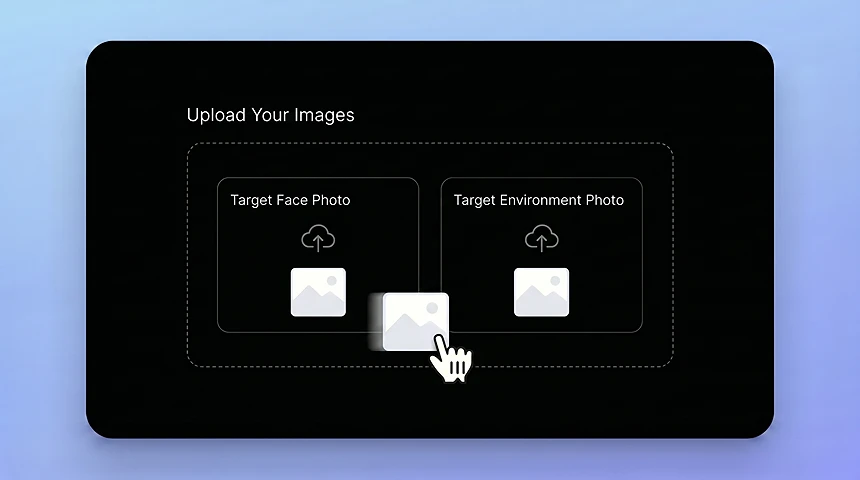
Parti dalla foto che contiene scena, posa o composizione da mantenere, poi carica l'immagine della persona o del personaggio da inserire nella scena target.
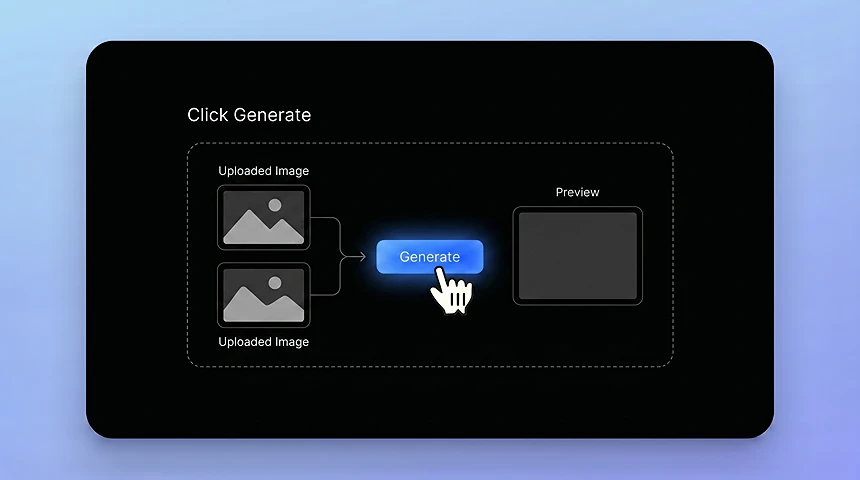
L'AI allinea il nuovo soggetto a posa, illuminazione, proporzioni e stile visivo originali.
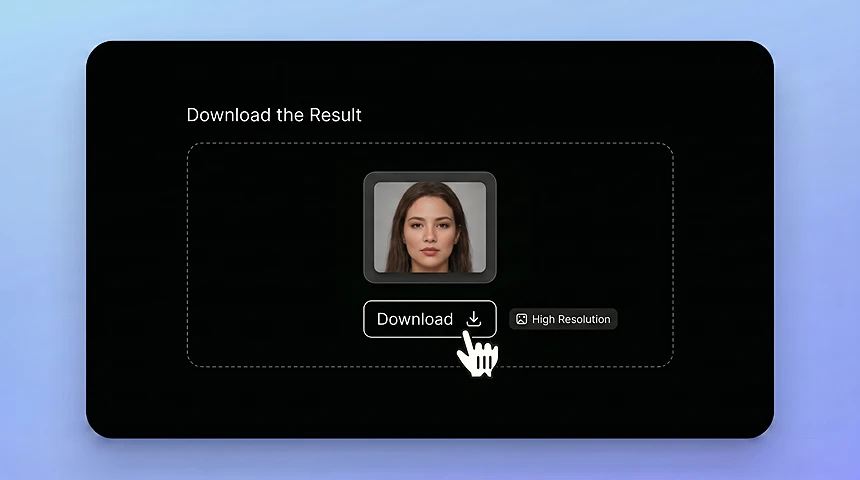
Salva l'immagine finita per annunci, visual ecommerce, contenuti social, bozze creative o test di campagna.
CONSIGLI DI INPUT
Scene chiare e riferimenti solidi aiutano l'AI a inserire il nuovo soggetto in modo più naturale.
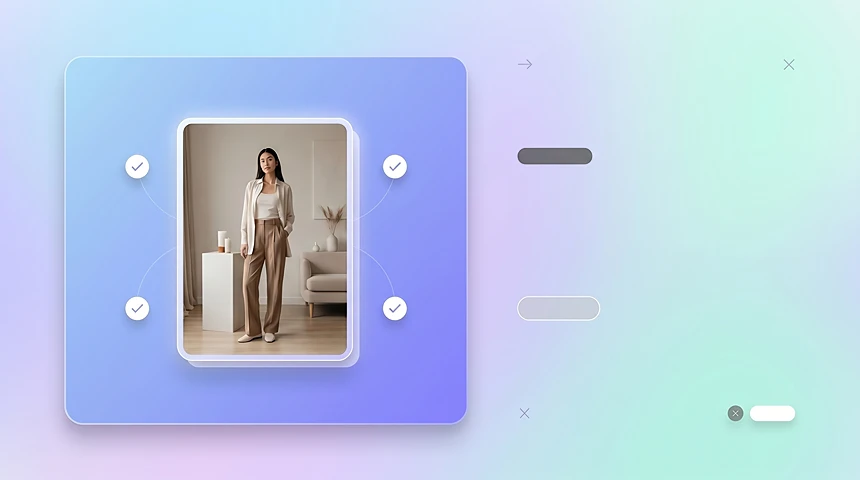
Usa un'immagine target in cui persona principale, prodotto, sfondo e posa siano facili da capire.
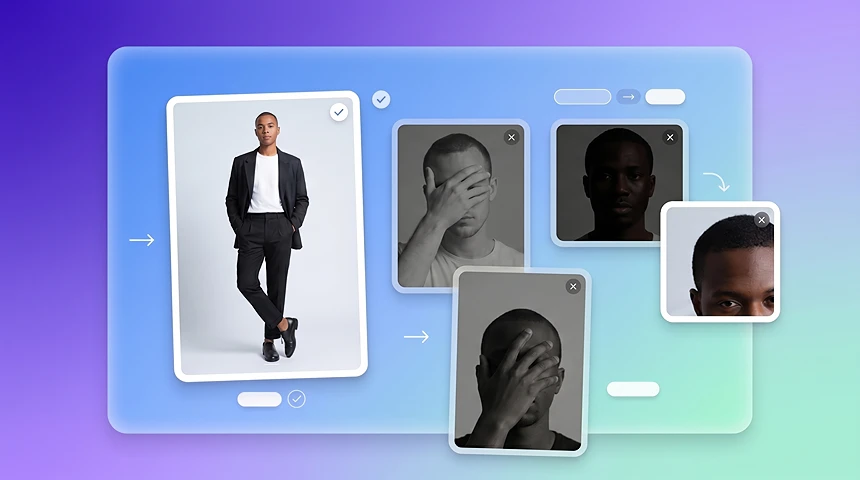
Scegli un'immagine di riferimento in cui la nuova persona o personaggio sia visibile, ben illuminata e poco coperta da capelli, mani, props o ombre.
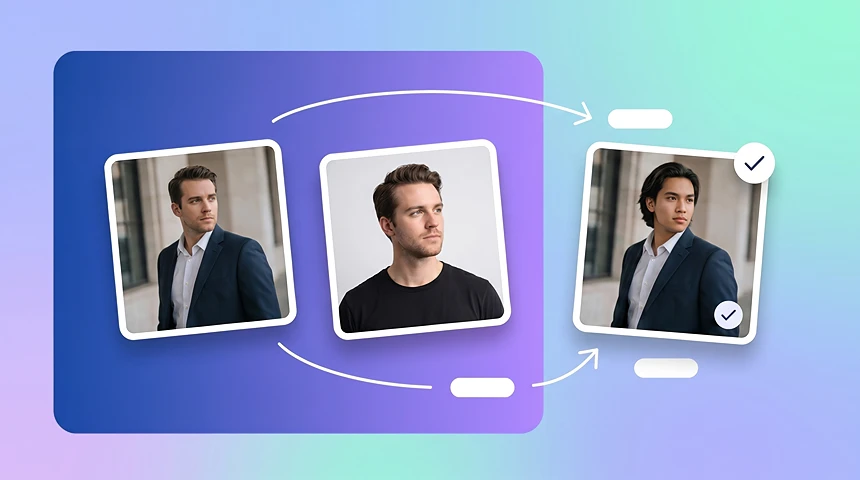
Quando immagine target e riferimento hanno un angolo del corpo o una direzione del volto simili, il risultato dello scambio personaggio di solito appare più naturale.
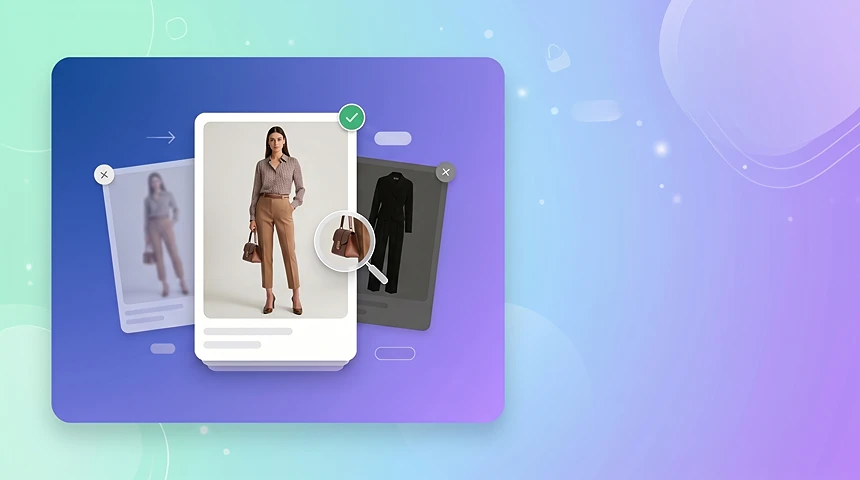
Per immagini ecommerce, parti da foto in cui prodotto, outfit o dettaglio di vendita chiave non siano nascosti da motion blur, ombre forti o crop estremi.
CONFRONTO
Usa face swap quando ti serve cambiare solo un volto. Usa character swap quando vuoi sostituire la persona intera mantenendo sfondo, posa, luce e composizione originali.
Il face swap cambia solo il volto in una foto.
Il character swap sostituisce la persona o il personaggio intero in un'immagine, inclusa l'apparenza complessiva, la collocazione del corpo, le proporzioni e l'integrazione nella scena.
Scopri altri potenti strumenti AI per migliorare la creazione di contenuti
SOSTITUISCI PERSONE, MANTIENI LA SCENA
Scambia modelli e personaggi per ecommerce, annunci, localizzazione e test di campagna senza un nuovo shooting.
Prova Character Swap gratis