Story-First Original Film
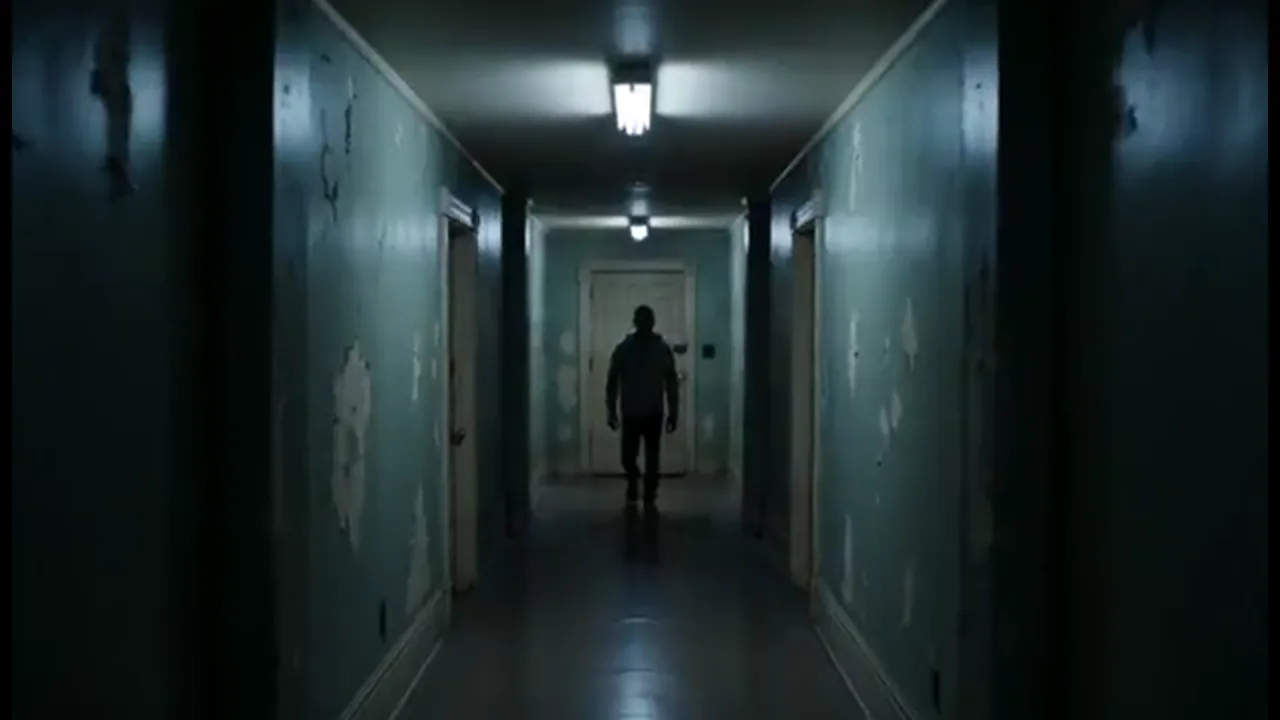
Start from a logline or short prompt and turn it into a sequence of scenes. Set the lead's face and wardrobe before you generate the hallway scare, then tweak the look and generate again without losing the story.
Turn a story into film shots in one project. Keep your cast and camera consistent, then generate the next scene when you make a movie with AI.
Make a movie with AI in Film Studio by building shots in one Canvas project—each new take stays part of the same film instead of a standalone clip. Start from a prompt, logline, script, still, storyboard, or reference clip. Plan framing in 3D Shot Composer, set character references, and generate beat by beat in the same workspace. Story, faces, and camera stay attached, so the next shot still fits your movie. That is the difference from a one-clip AI video tool: you direct a film you can regenerate shot by shot, not a single lucky generation you export and forget.
USE CASES
Start from a logline or short prompt and turn it into a sequence of scenes. Set the lead's face and wardrobe before you generate the hallway scare, then tweak the look and generate again without losing the story.
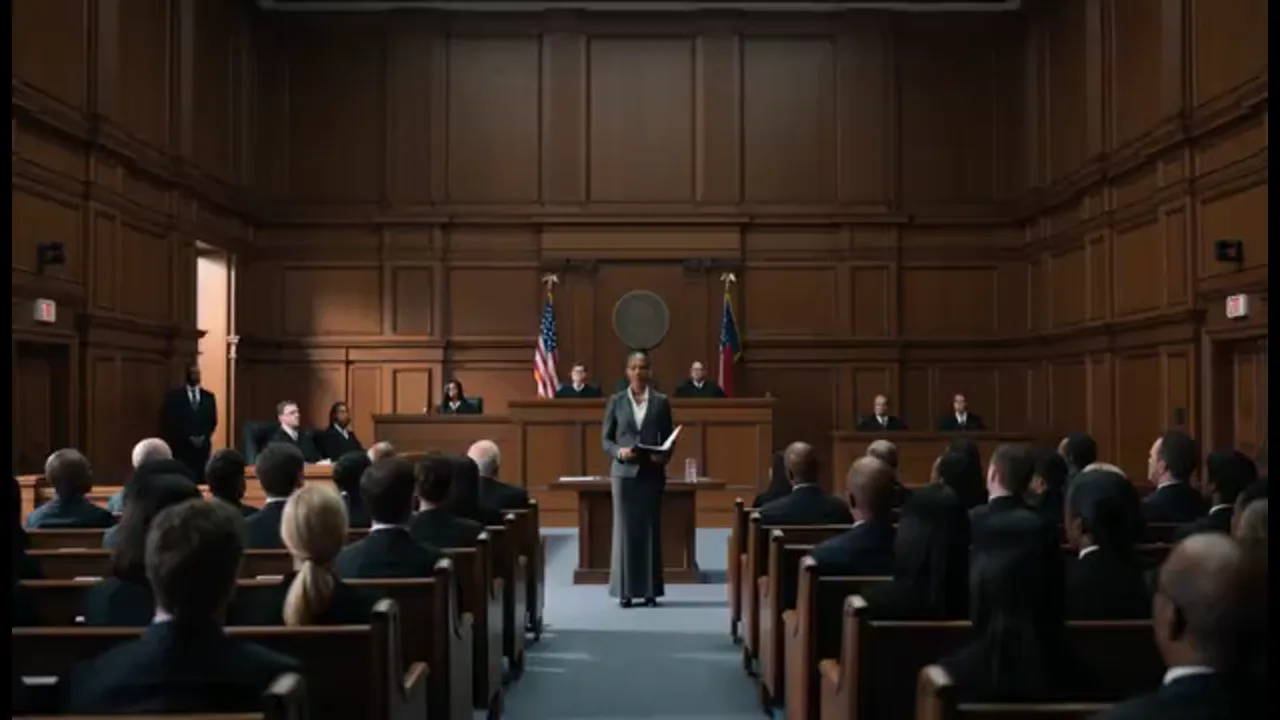
Drop a script, storyboard, or reference clip into the project and plan your shots before a longer pass. Review camera and performance in the same workspace, then regenerate a weak beat instead of stitching scattered exports.
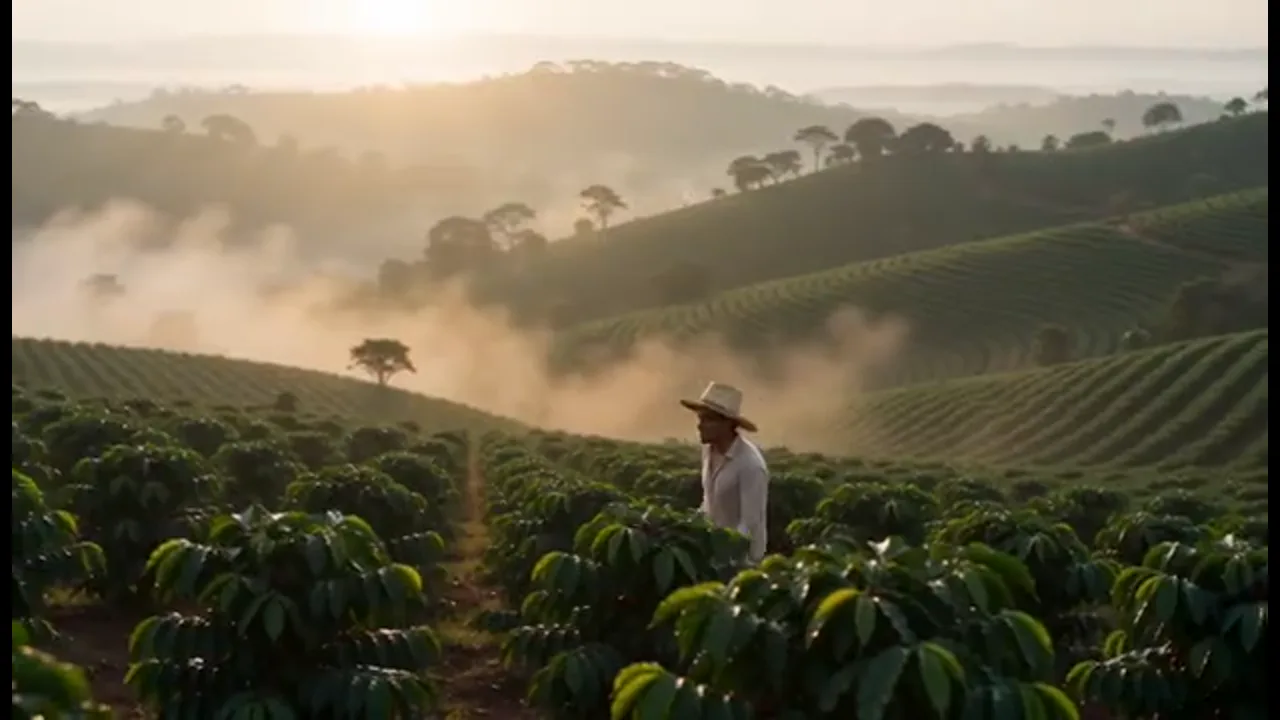
Carry one character look through a brand film without rebuilding the cast every scene. Share the Canvas so a teammate can change a prompt and regenerate one shot while the story stays in the same project.
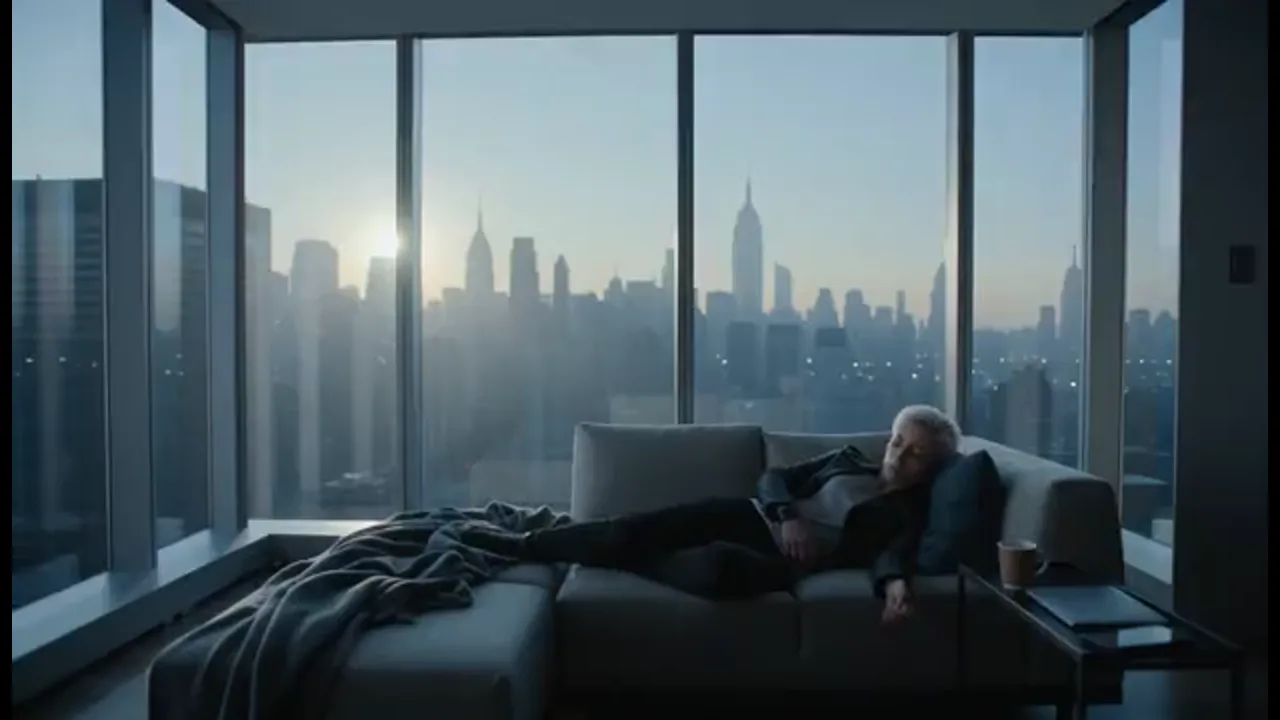
Reuse the same character references when you open the next chapter. Faces, clothes, and performance carry forward, so later episodes still feel like the same world.
BENEFITS
01
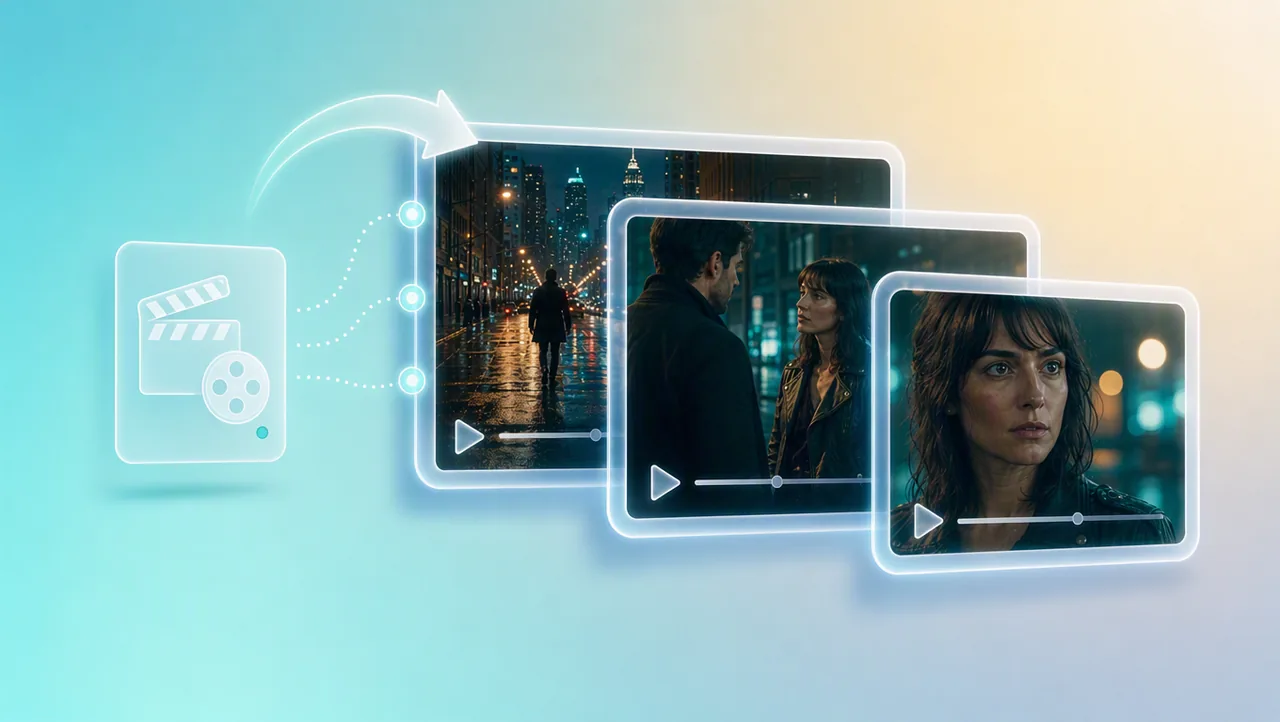
Each new shot joins the same project. You build a film sequence instead of a folder of unrelated clips that never share story context.
02
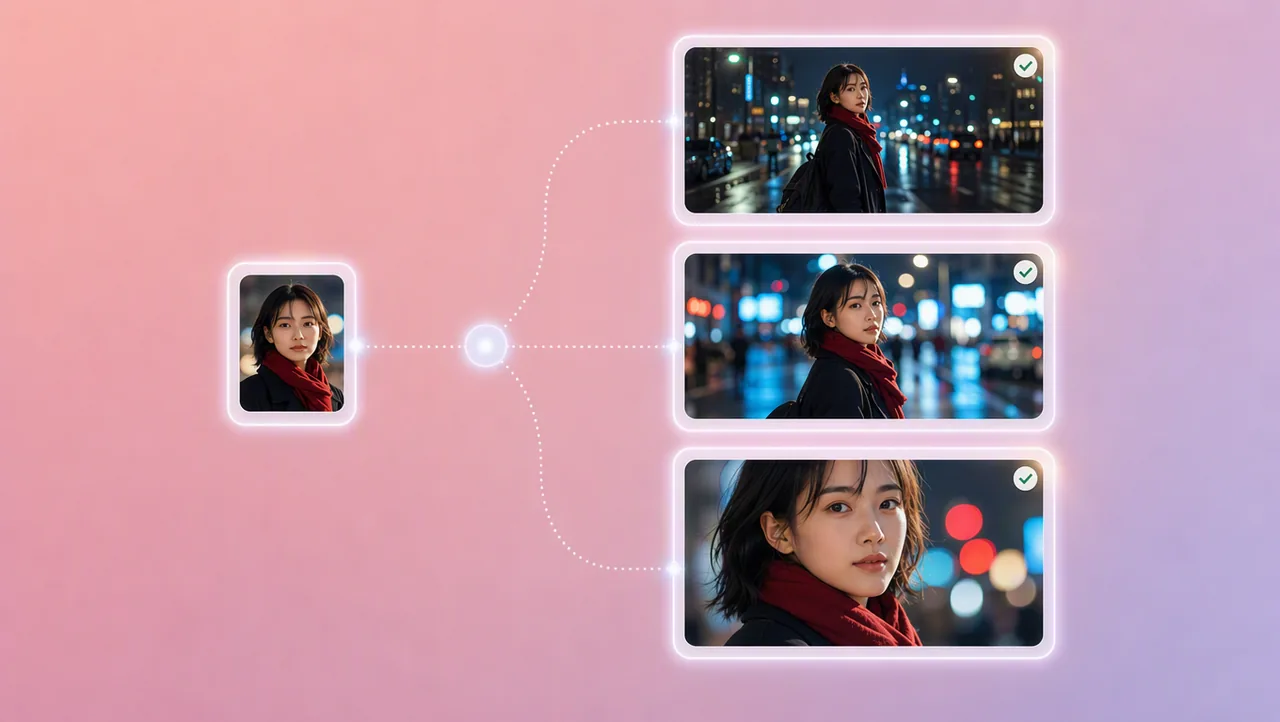
Character references, portrait enhancement, and micro-expression control keep faces, clothes, and performance aligned. The lead stays recognizable from a wide to a close-up, so you spend less time fixing drift between beats.
03
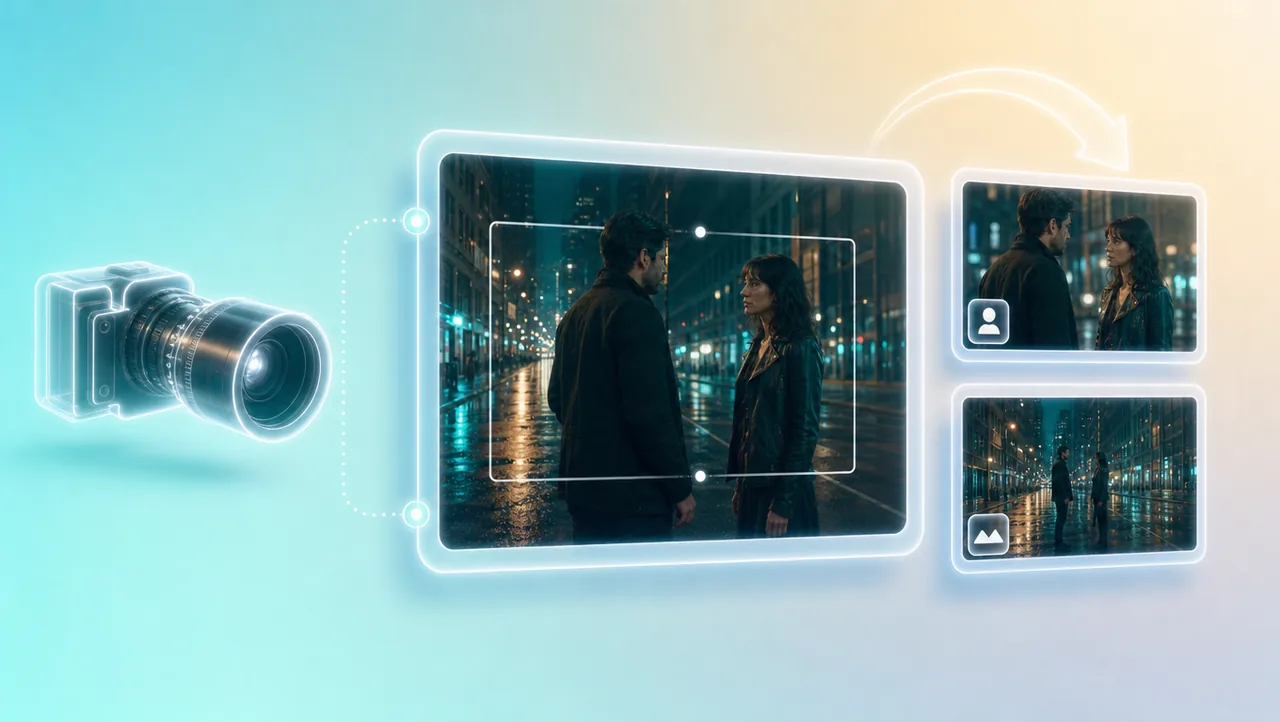
3D Shot Composer lets you plan framing before you generate. Set lens, aperture, shutter, depth of field, and camera moves on the shot you keep in the project instead of hoping a random clip already has the angle you need.
04
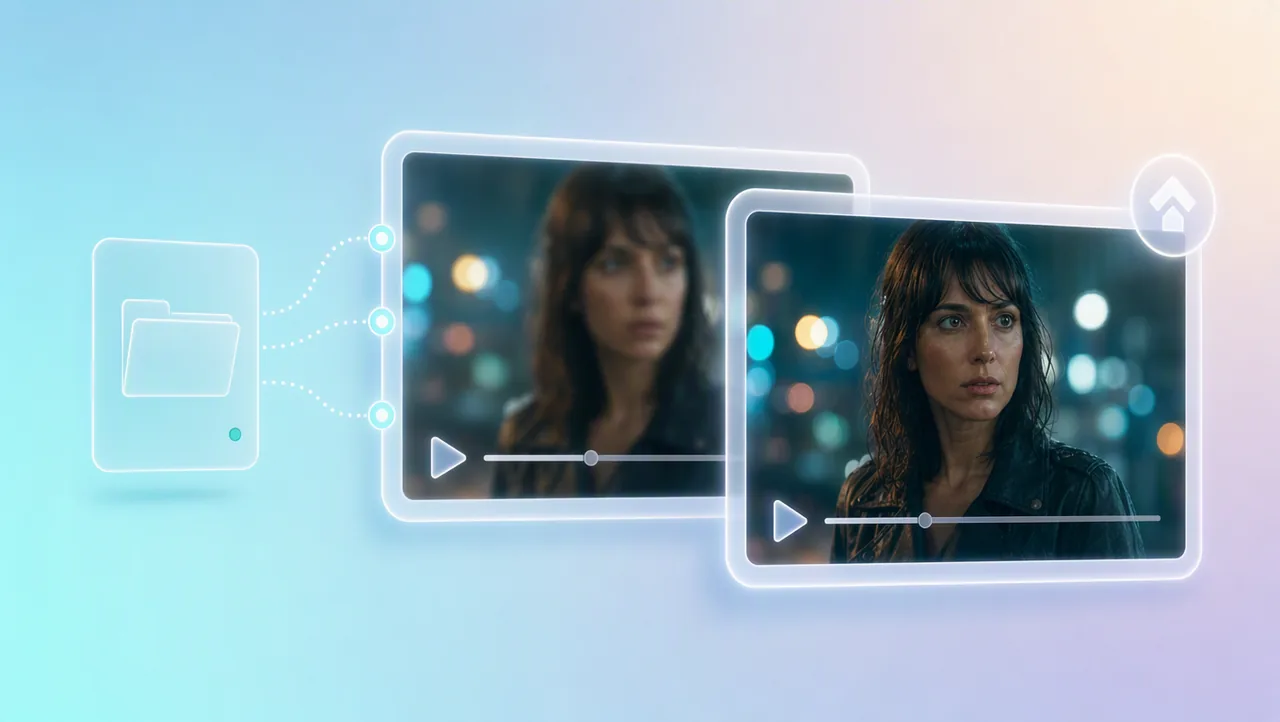
Generate in 4K when the scene is ready, or upscale a 720p draft to 4K after you like the take. The higher-resolution version stays in the same film project.
05
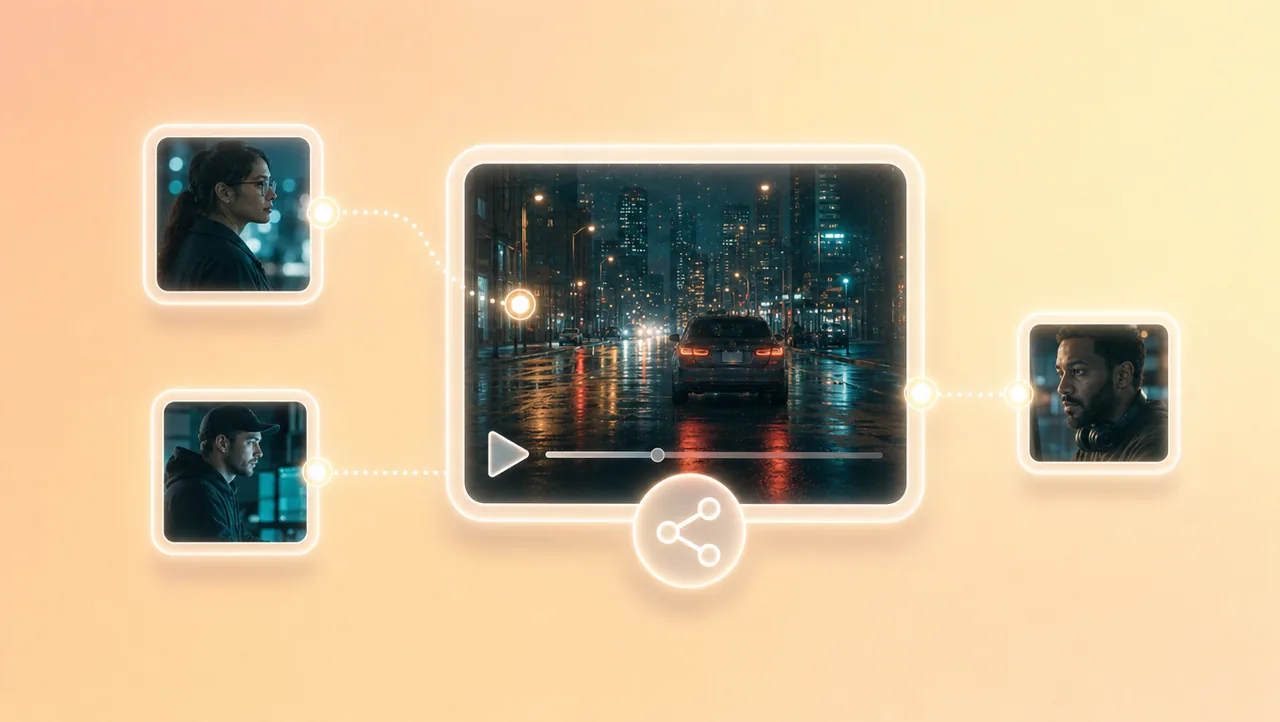
Teams share the Canvas project and assets. Notes and changes stay in one place, so later shots inherit the story and references you already set.
HOW IT WORKS
Open a project from a short prompt, logline, script, still, storyboard, or reference clip. That context stays attached when later shots generate, so the movie does not reset with every new take.
Generate shots with the same cast and camera decisions. Use the built-in 200+ film genre skills when you want a reference film's pacing on your own scenes.
Each new shot continues in the same project—change a prompt, adjust a look, or upscale a 720p draft to 4K, then generate again.
Pair Film Studio with camera movement, previz, and other AI film tools.
Open the project and try free credits.