
Cinematic Showcase
A macro photography prompt for a hyper-realistic video showing an artisan carving a miniature wooden sports car with realistic textures.
Create up-to-10-second AI videos with synchronized audio from text, images, audio, and video references. Gemini Omni Flash launched at Google I/O 2026 for cinematic generation, natural-language editing, and modern creative workflows.
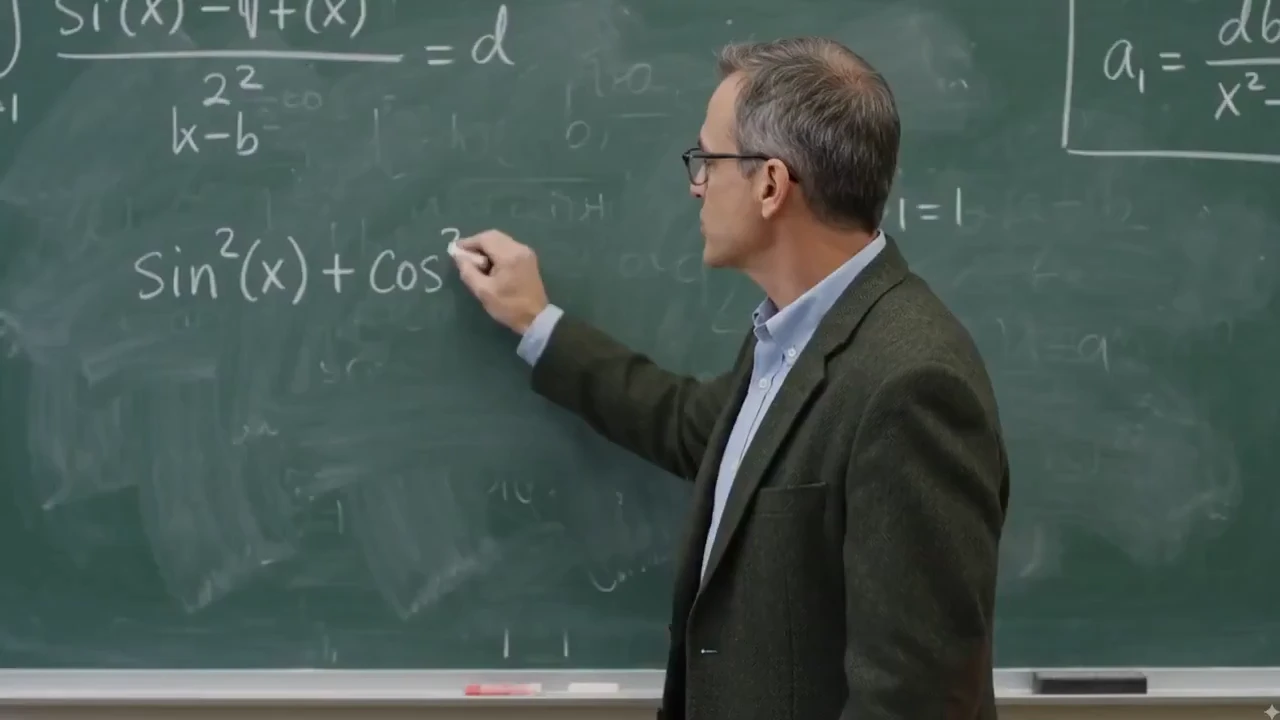
Elke mogelijkheid toont de invoer aan de linkerkant en het door AI gegenereerde resultaat aan de rechterkant, zodat u precies kunt zien hoe workflows in Gemini Omni-stijl een beginclip of -afbeelding transformeren.
Bewerk elke clip met eenvoudige instructies in natuurlijke taal. Vertel workflows in Gemini Omni-stijl wat ze moeten veranderen (vervang een onderwerp, pas de scène aan of verfijn beweging) terwijl de camerahoek, belichting en omringende context consistent blijven.
Wis logo's, tekst en watermerken uit elke videoclip met één enkele instructie, terwijl de achtergrondbeweging, de belichting en de omringende context behouden blijven. Ideaal voor het opschonen van stockmateriaal, het opnieuw gebruiken van clips van makers en het verfijnen van productvideo's.
Wijzig na het genereren kadrering, achtergrond, objecten en stijl met natuurlijke taalinstructies.
Wijzig na het genereren kadrering, achtergrond, objecten en stijl met natuurlijke taalinstructies.
Wijzig na het genereren kadrering, achtergrond, objecten en stijl met natuurlijke taalinstructies.
Wijzig na het genereren kadrering, achtergrond, objecten en stijl met natuurlijke taalinstructies.
Van educatieve uitleggers tot productremixen en sociale hooks, workflows in Gemini Omni-stijl zijn ontworpen voor snelle, prompte AI videocreatie.
Wijzig belichting, materialen, weer en omgevingen met natuurlijke taal — maak van dag nacht, wissel oppervlaktetexturen of herschik een scène zonder de shot opnieuw op te bouwen.
Remix echte beelden met product- en logo-insertie, karakterwissels en branddetails, terwijl camerabeweging, timing en scenestructuur behouden blijven.
Herschrijf natuurkundige regels en verzin surrealistische wereldmomenten — onmogelijke materialen, zwaartekracht tartende actie, hybride wezens en toch coherente filmische scènes.
Reproduceer de fysieke wereld met hoge natuurgetrouwheid: zwaartekracht, beweging, belichting, materialen, reflecties en schaduwen gedragen zich allemaal zoals ze op de camera zouden doen, waardoor elke opname een geloofwaardig gewicht en detail krijgt.
Genereer beelden van filmkwaliteit met filmische verlichting, kleurcorrectie, scherptediepte en atmosferische details die doorgaans voorbehouden zijn aan hoogwaardige producties.
Combineer audio, beelden, video, schetsen en layouts om de juiste beweging, sfeer en timing in de uiteindelijke video te behouden.
Genereer filmische scènes waarin meerdere personages op natuurlijke wijze met elkaar interacteren (gesprekken, reacties en gedeelde acties), terwijl de blik, uitdrukkingen en timing bij elke opname consistent blijven.
Produceer natuurlijke karakterprestaties en zelfverzekerd camerawerk (dolly-in, orbit, tracking en kraanbewegingen), begeleid door eenvoudige, snelle instructies.
Combineer audio, beelden, video, schetsen en layouts om de juiste beweging, sfeer en timing in de uiteindelijke video te behouden.
Combineer audio, beelden, video, schetsen en layouts om de juiste beweging, sfeer en timing in de uiteindelijke video te behouden.
Combineer audio, beelden, video, schetsen en layouts om de juiste beweging, sfeer en timing in de uiteindelijke video te behouden.
Blend impossible animal traits into a believable cinematic shot, from an elephant-snail hybrid to fantasy wildlife with coherent anatomy, texture, motion, and habitat.
Combineer audio, beelden, video, schetsen en layouts om de juiste beweging, sfeer en timing in de uiteindelijke video te behouden.
Edit existing footage with direct instructions: add branded details, replace people or characters, and keep the original camera motion, timing, and scene structure intact.
Real clips shared on X—watch the posts below, then try Gemini Omni yourself on Topview.
Gemini Omni Flash and Seedance 2.0 both support multimodal AI video workflows, but they solve different production jobs. This comparison focuses on launch status, inputs, output control, audio, editing, and where each model fits best.
A quick visual reference before reading the detailed comparison table below.
Reference-led prompt scene generated with a Gemini Omni-style workflow.
| Comparison Point | Gemini Omni Flash | Seedance 2.0 | Best Fit |
|---|---|---|---|
| Core positioning | Google's first Gemini Omni release for text, image, audio, and video guided generation plus natural-language editing. | A production-oriented multimodal model with high-resolution clips, native audio workflows, and strong cinematic control. | Omni for reference-led editing and transformation; Seedance 2.0 for polished multi-shot production. |
| Clip length and format | Up to 10-second clips today, with 16:9, 9:16, and 1:1 platform-adaptive output. | Commonly positioned around 4-15 second shots, 480p/720p/1080p output, and more aspect-ratio options. | Omni for short social-ready transformations; Seedance 2.0 for longer draft-to-finish scenes. |
| Audio, speech, and lip-sync | Generates synchronized audio and can use audio references for timing, ambience, narration cues, and multilingual lip-sync workflows. | Strong fit for native audio-video generation, sound effects, voiceover, music, and lip-sync-driven clips. | Seedance 2.0 for sound-led scenes; Omni for edit-directed sync, language variants, and timed visual changes. |
| Reference control | Uses text, images, audio, video, sketches, and storyboards to guide characters, products, motion, style, and educational visuals. | Supports broad multimodal reference input for character, style, motion, sound, and multi-shot continuity. | Omni when unusual references like drawings or infographics drive the idea; Seedance 2.0 when shot continuity is the priority. |
| Editing workflow | Conversational follow-up edits: replace objects, change backgrounds, adjust camera, preserve references, restyle to an 80s look, or add timed text. | Supports prompt-led scene creation, character/action editing, and multi-shot assembly in a broader generation pipeline. | Omni when repeated natural-language refinement is the job; Seedance 2.0 when the first-pass scene needs to feel finished. |
| Availability and trust signals | Launched at Google I/O 2026 on May 19, surfaced through Google product experiences, with SynthID/C2PA provenance and API access expected later. | Available through creator platforms and API aggregators with clear production settings such as resolution, duration, and aspect ratio. | Use Omni for Google-native creative exploration and YouTube Shorts ideas; use Seedance 2.0 when API-ready production control matters today. |
Je hebt geen complexe bewerkingssoftware nodig om AI video's te maken. Met een op prompts gebaseerde AI videogenerator kunt u uw idee beschrijven, visuele referenties uploaden, een stijl kiezen en video's genereren voor echte publicatiebehoeften.
Maak productvideo's, sociale clips, avatarvideo's, filmische scènes, uitleggers en visuele verhalen op basis van eenvoudige aanwijzingen of afbeeldingen.
Gemini Omni is Google DeepMind's multimodal generative media model family for creating, editing, and transforming video from text, images, audio, and video inputs. Its first released model, Gemini Omni Flash, was launched at Google I/O 2026 on May 19.
For creators and marketers, Gemini Omni shifts AI video creation toward natural-language workflows: start with an idea or reference, generate a video with synchronized audio, then refine the result through targeted edits instead of rebuilding the entire clip.
Een snelle workflow voor het maken, bewerken en remixen van AI video's, ontworpen voor videomakers, marketeers en e-commerceteams.
Maak korte AI-video's door het onderwerp, de scène, de actie, de camerabeweging en de visuele stijl in natuurlijke taal te beschrijven.
Verfijn een video met eenvoudige instructies, zoals het veranderen van de achtergrond, het aanpassen van het product, het vervangen van een object of het verbeteren van de uiteindelijke opname.
Zet één video-idee om in meerdere versies voor verschillende platforms, stijlen, doelgroepen en campagnehoeken.
Genereer educatieve clips, schoolborduitleg, productdemo's en visuele lessen waarvoor duidelijkere tekst en gestructureerde scènes nodig zijn.
Verwissel producten, rekwisieten of scène-elementen terwijl de verlichting, het perspectief, de schaduwen en de context consistent blijven.
Begin met herhaalbare video-indelingen voor advertenties, productdemo's, uitlegvideo's, vergelijkingsvideo's en clips op sociale media.
Gemini Omni Prompt Library
127+ Gemini Omni Prompts & Guide
Cinematic Showcase
A macro photography prompt for a hyper-realistic video showing an artisan carving a miniature wooden sports car with realistic textures.
Brand Commercial
A comprehensive prompt for generating vertical UGC-style product videos of portable fans, covering unboxing, macro details, and functional demos with a focus on ASMR and realistic textures.
Short Film
The opening shot for the 'Ember and the Firefly' cinematic demo, featuring a wide push-in on a character freezing as they spot a glowing firefly.
Beschrijf de video die je wilt maken, inclusief het onderwerp, de actie, de scène, de camerabeweging, de stemming en het uitvoerformaat.
Klik op genereren en laat workflows in Gemini Omni-stijl uw video renderen. Bekijk het voorbeeld terwijl de AI de scène, beweging en sfeer op basis van uw prompt opbouwt.
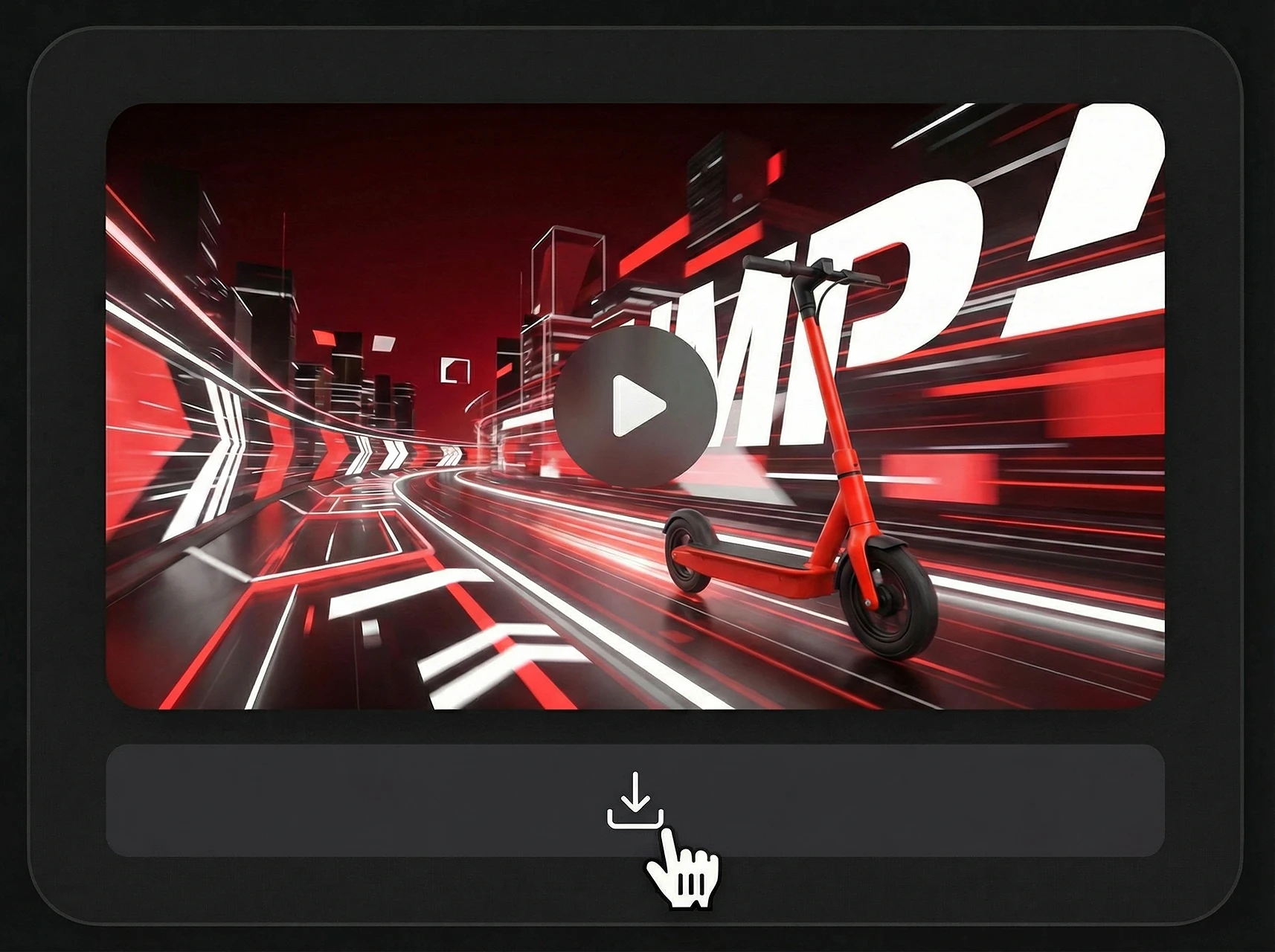
Zodra u tevreden bent met het voorbeeld, downloadt u uw AI-gegenereerde video en gebruikt u deze rechtstreeks in sociale media, advertenties, productpagina's of verhalende inhoud.
Eén snelle workflow voor sociale media, e-commerce, onderwijs en productstorytelling.
| Platform | Beste formaat | Gebruikscasus |
|---|---|---|
| TikTok | 9:16 verticaal | Snelle hooks, productbewerkingen, sociale remixen |
| YouTube | 16:9 landschap | Uitlegvideo's, demo's, educatieve clips |
| Reels / vierkant | Creator-video's, gestileerde bewerkingen, merkvisuals | |
| E-commerce | Productmedia | Productvarianten, democlips, marktplaatsadvertenties |
| Landingspagina's | Heldenvideo | Korte modeldemo's, lanceringsbeelden, uitleg van functies |
Workflows in Gemini Omni-stijl zijn vooral handig wanneer één idee meerdere videoformaten moet worden. Begin met een kernprompt en pas hetzelfde concept vervolgens toe voor sociale media, advertenties, productpagina's en educatieve inhoud.
A creator-focused summary of the official Gemini Omni and Gemini Omni Flash information that matters for video workflows.
The first released model in the Gemini Omni multimodal generative media family.
Geïntroduceerd door Google DeepMind voor multimodale videogeneratie en bewerkingsworkflows, met bredere ontwikkelaars- en API-toegang later verwacht.
Create video from prompts and references, then refine the result with natural-language instructions.
Officiële materialen benadrukken hoogwaardige video-uitvoer met gesynchroniseerde audio en ondersteuning voor tekst-, beeld-, audio- en video-invoer.
Clips in de eerste release zijn nu beperkt tot 10 seconden, met langere generatie en uitbreidingsworkflows verwacht.
Geschikt voor YouTube, Shorts, social ads, productpagina’s, explainers en filmische scènes.
Use existing clips as references for motion, action, scene structure, or video transformation.
Preserve characters, products, objects, style cues, or storyboard frames from uploaded images.
Guide rhythm, sound, ambience, narration, and visual timing with audio input.
Control subject, action, camera, lighting, style, location, text, and timing through prompt instructions.
Refine a generated or existing video through follow-up instructions without rewriting the full prompt.
Useful for teams that need prompt-led video concepts, reference consistency, and fast campaign variations.
Zet aanwijzingen, afbeeldingen, producten en creatieve ideeën om in door AI gegenereerde video's voor advertenties, sociale media, productpresentaties en verhalen.
Tekst naar video · Afbeelding naar video · Productvideo's · Avatarvideo's
Social Lifestyle
A high-energy cinematic prompt for Gemini Omni that creates a 15-second day-in-the-life sequence of a Japanese boxer.
Channel Intro
A fast-paced 5-second 2D Chinese anime character intro clip using three reference images, featuring ink-wash backgrounds and heroic poses.
Game Cinematic
A creative prompt for making a video similar to The Sims character creation interface, featuring dancing, a rotating Plumbob, and static UI.
Music Video
A comprehensive prompt for generating high-quality stylized music videos featuring two characters with unique VFX, soft ink-wash aesthetics, and synchronized hand-drawn effects.