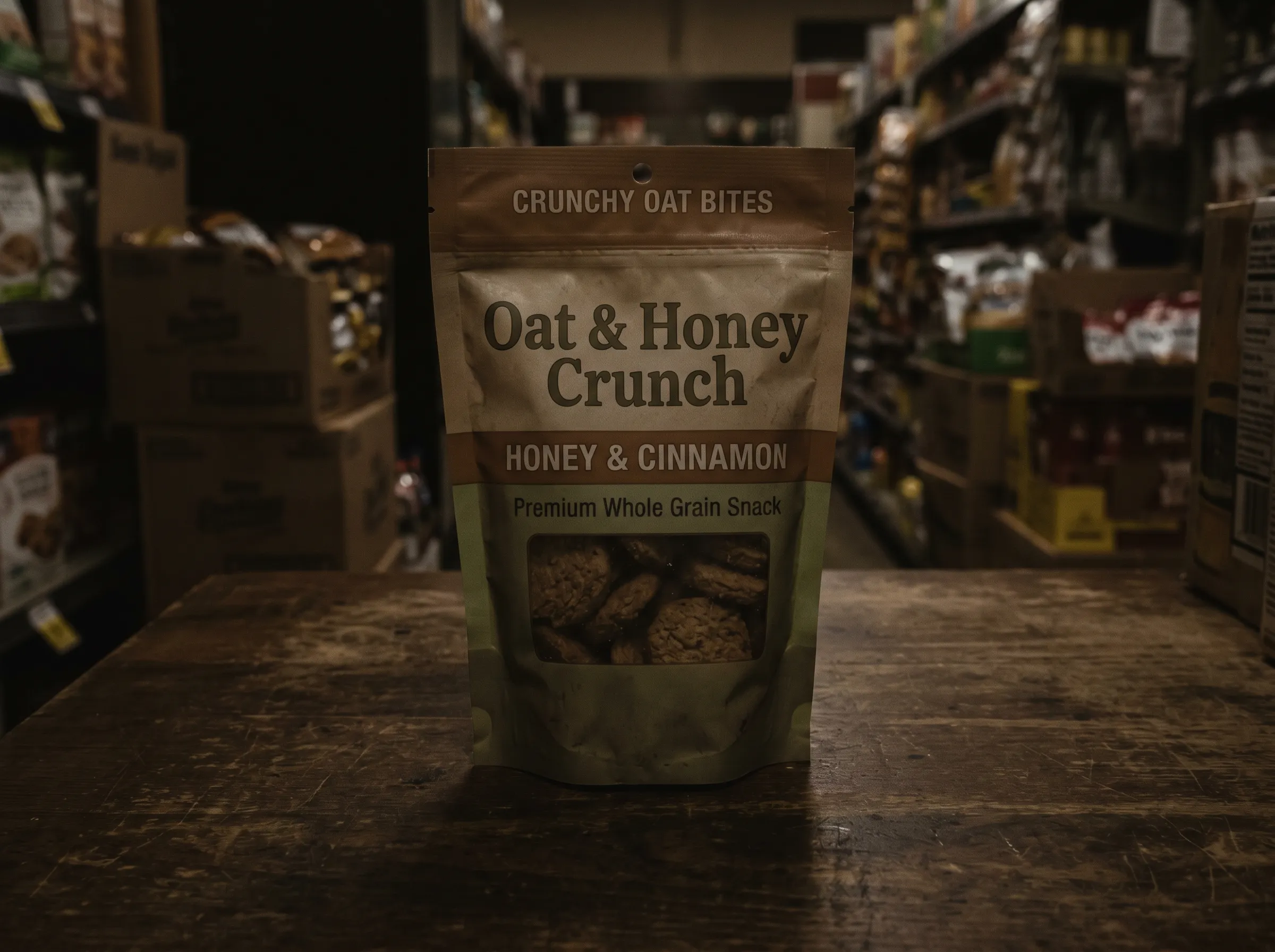

Prześwietl zdjęcia przy płaskim świetle
Zdjęcie zrobione w pomieszczeniu może wyglądać martwo. Prześwietl je nowym kierunkiem światła i zobacz, jak głębia i nastrój wracają w sekundy.
Prześlij zdjęcie albo klip i skieruj światło tam, gdzie powinno być. Relight AI poprawia płaskie albo podświetlone kadry i ustawia nastrój w sekundy — bez studia.
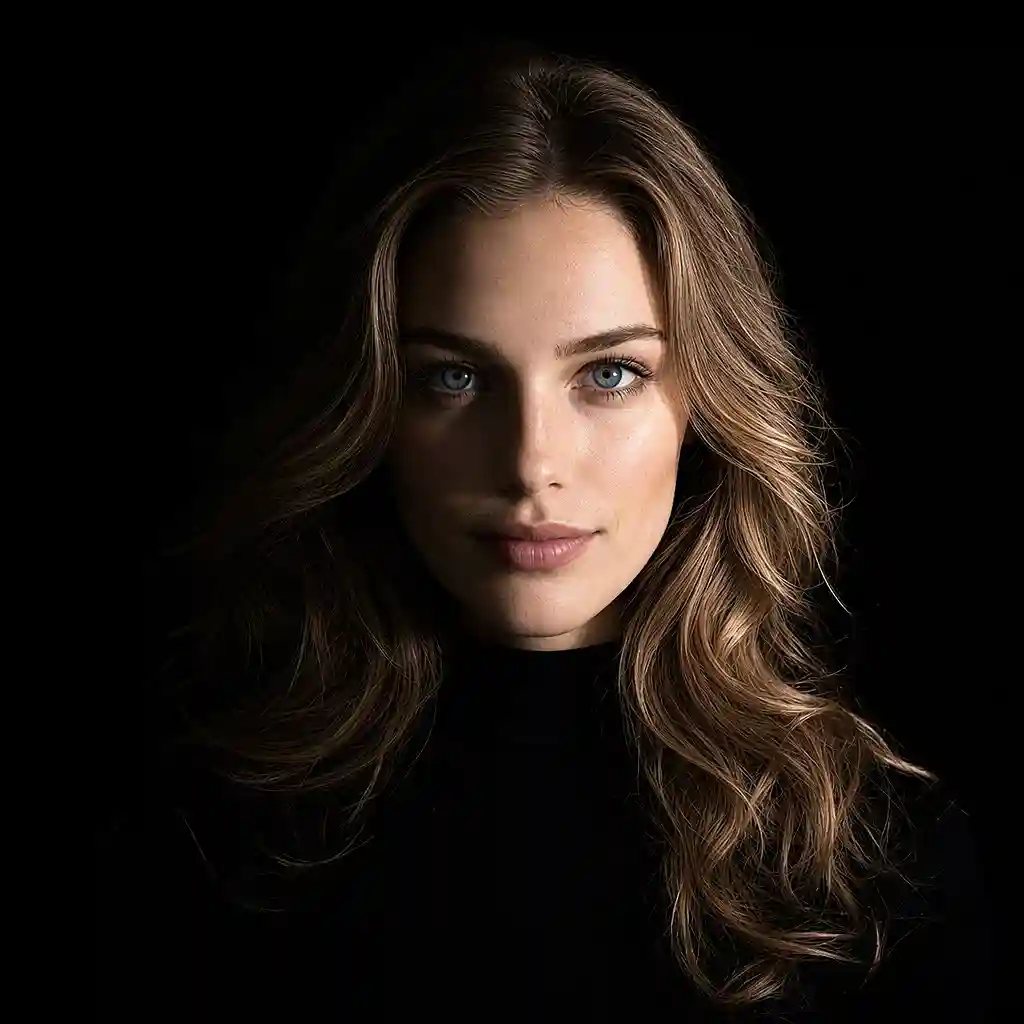
PRZED I PO
Zobacz, jak prześwietlanie AI poprawia portrety, wnętrza, zdjęcia produktowe i więcej dzięki bardziej celowemu światłu.
Zdjęcie zrobione w pomieszczeniu może wyglądać martwo. Prześwietl je nowym kierunkiem światła i zobacz, jak głębia i nastrój wracają w sekundy.
Twarze pod światło chowają się w cieniu. Przeciągnij światło, żeby twarze były czytelne, a potem wyeksportuj kadr, który chciałeś zrobić.
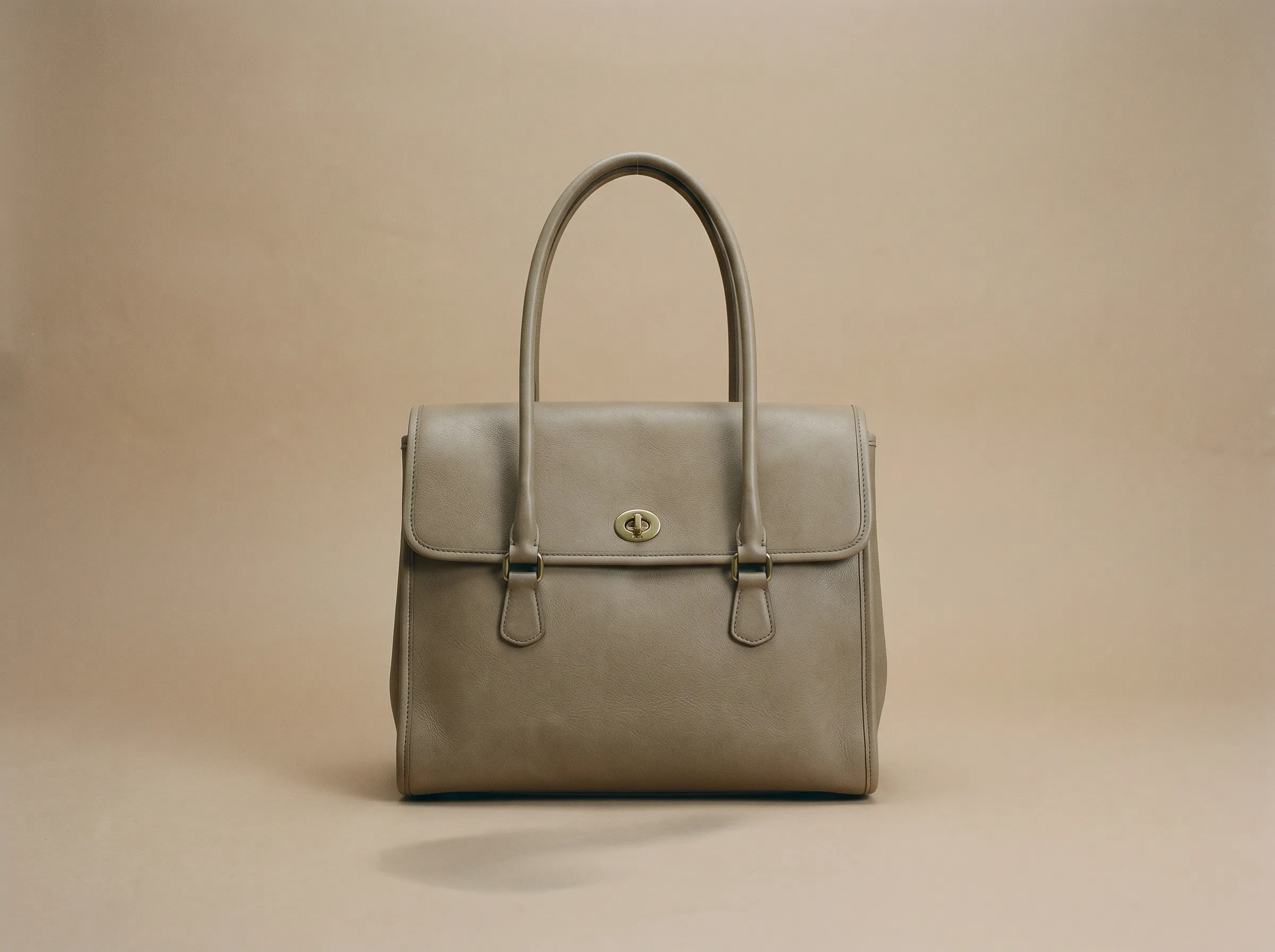
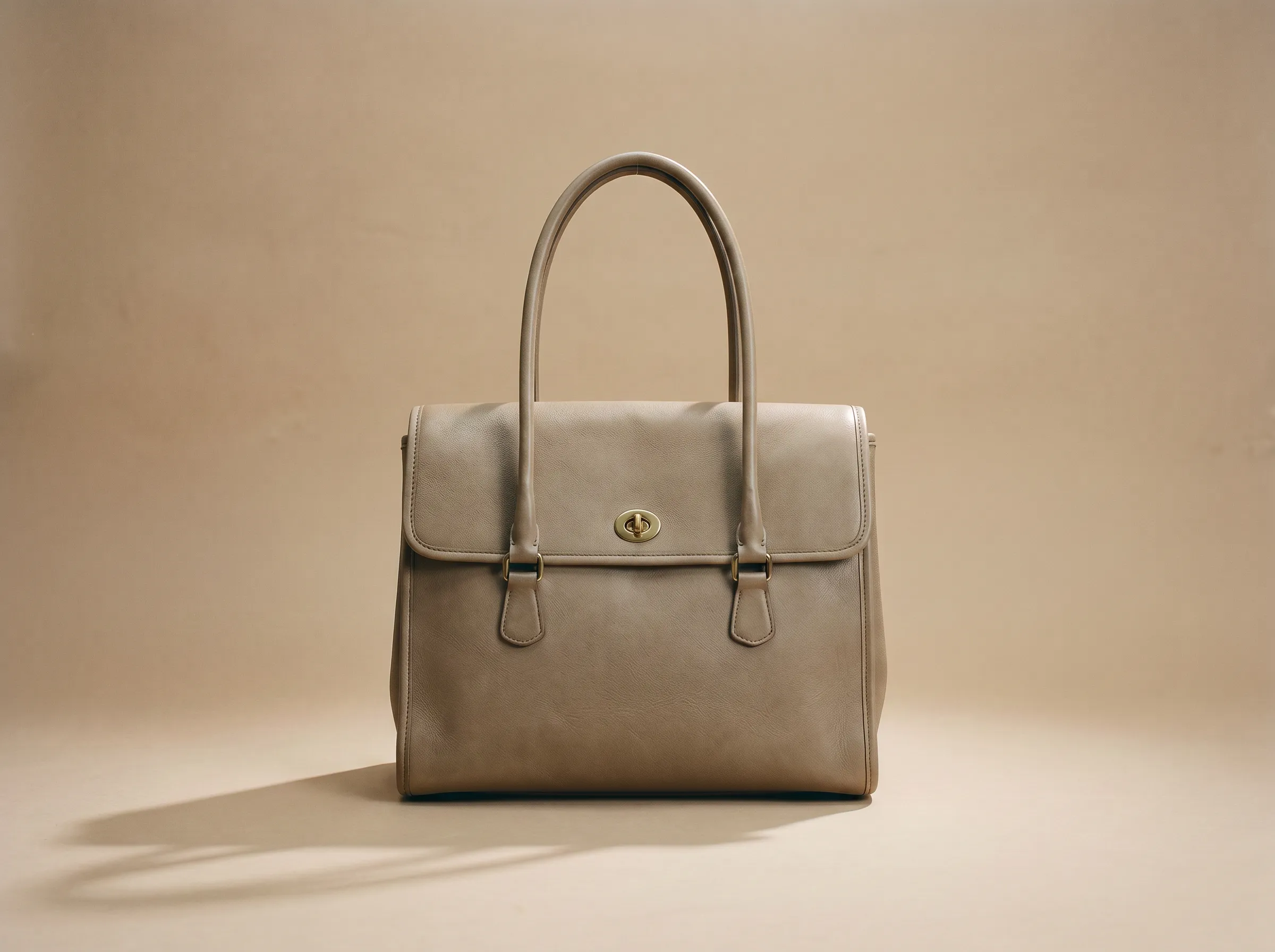
Zmień światło i atmosferę na portrecie, zdjęciu produktowym albo klipie. Temat zostaje rozpoznawalny i naturalny.
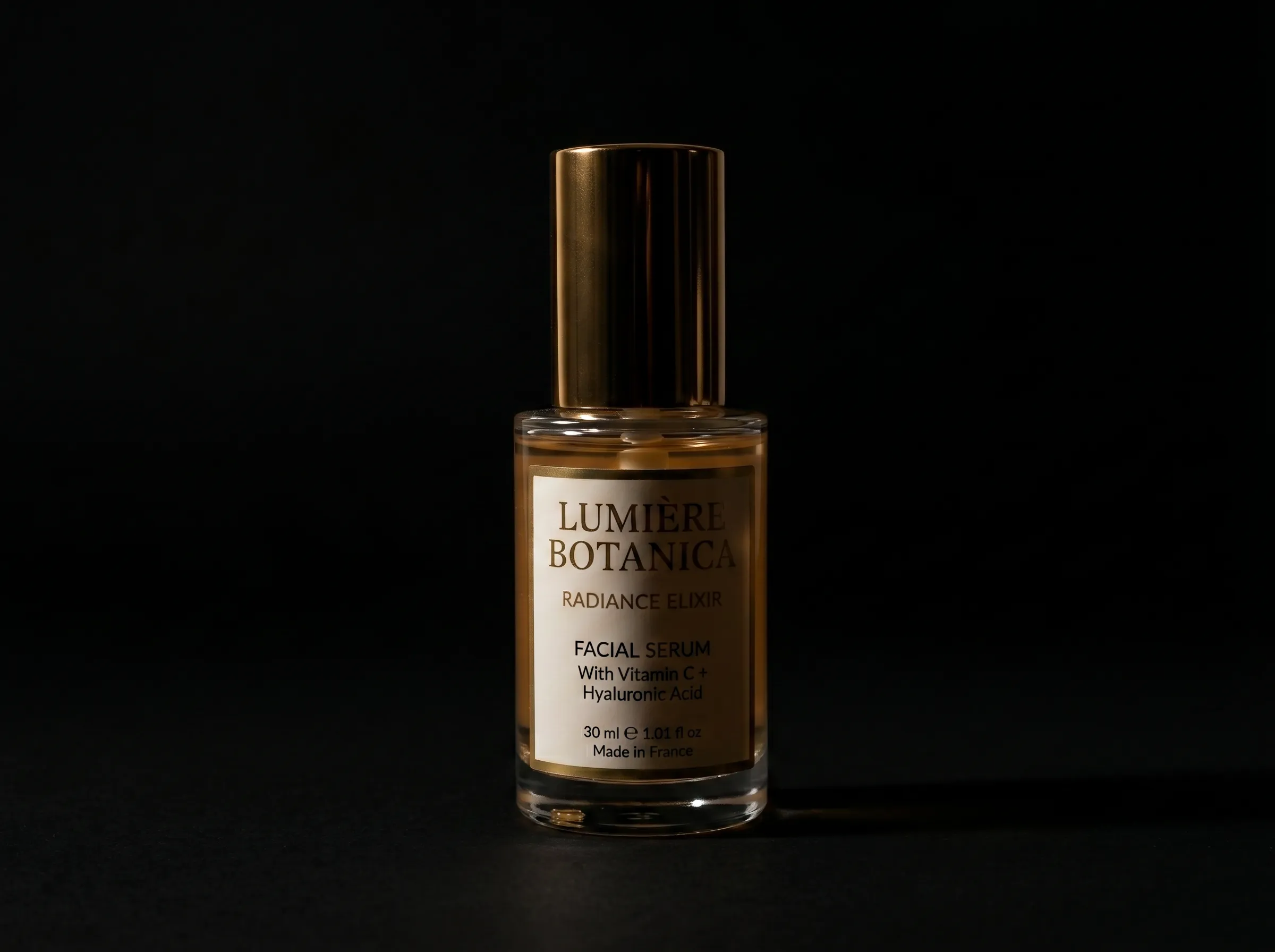
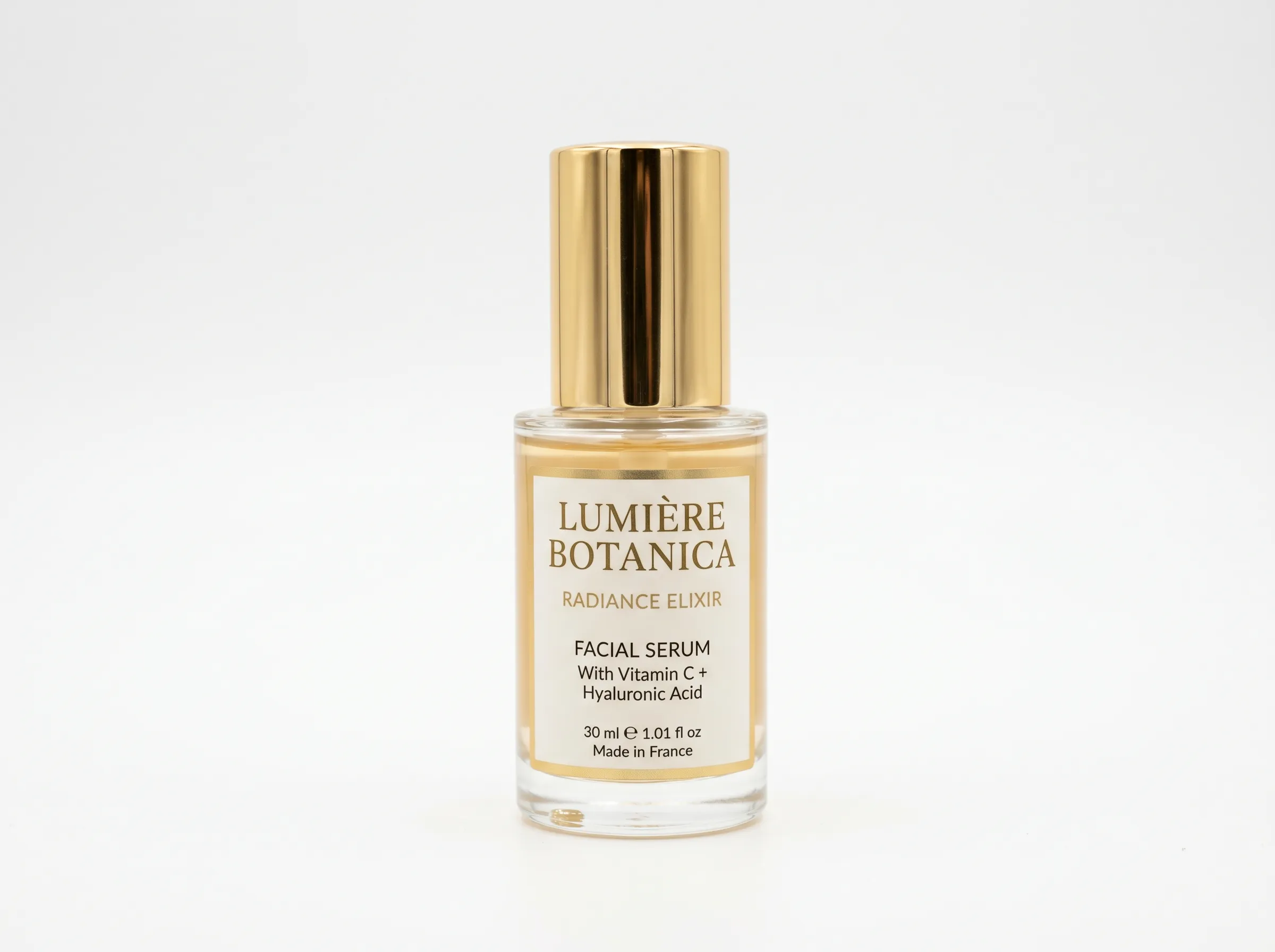
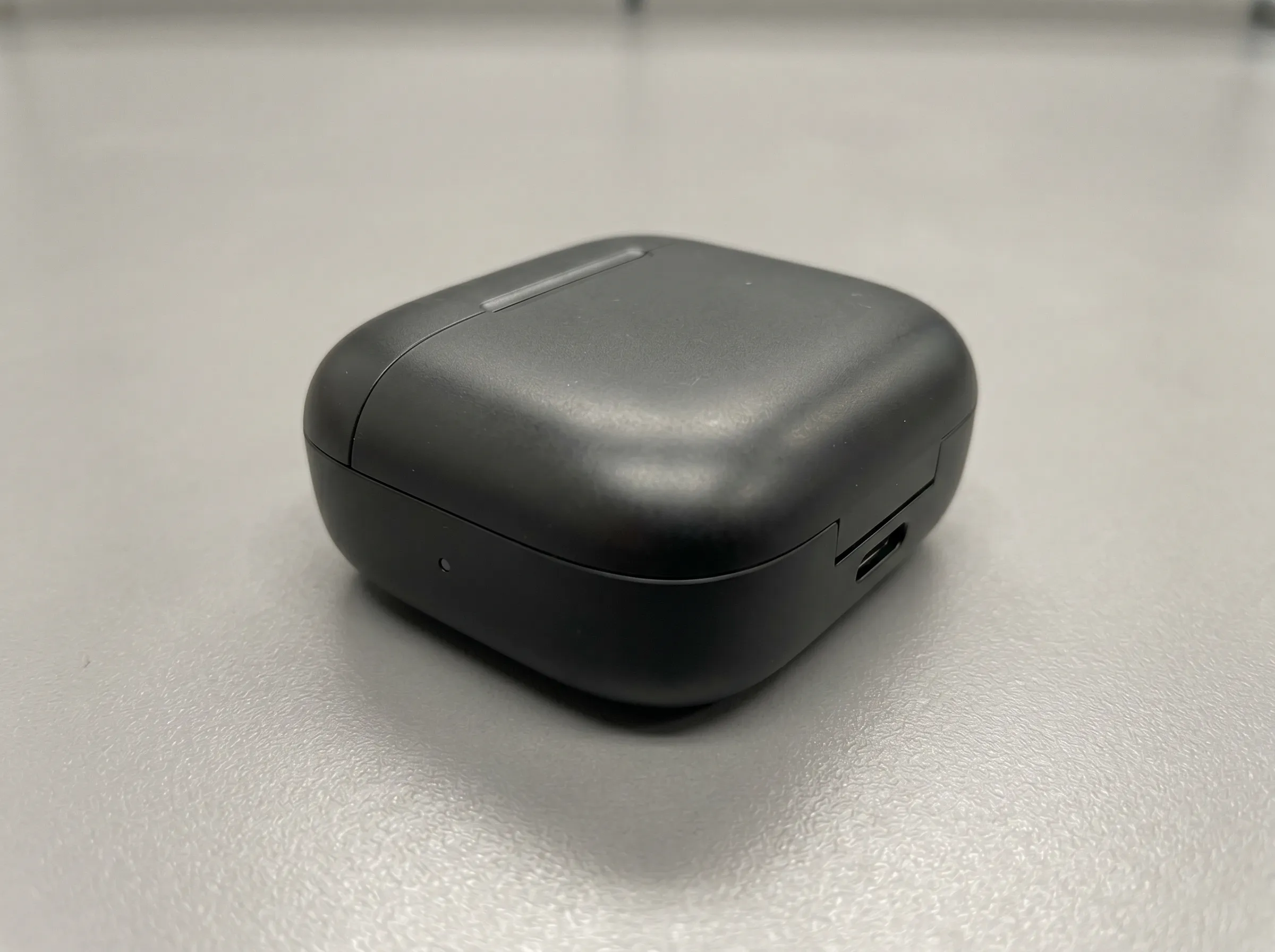
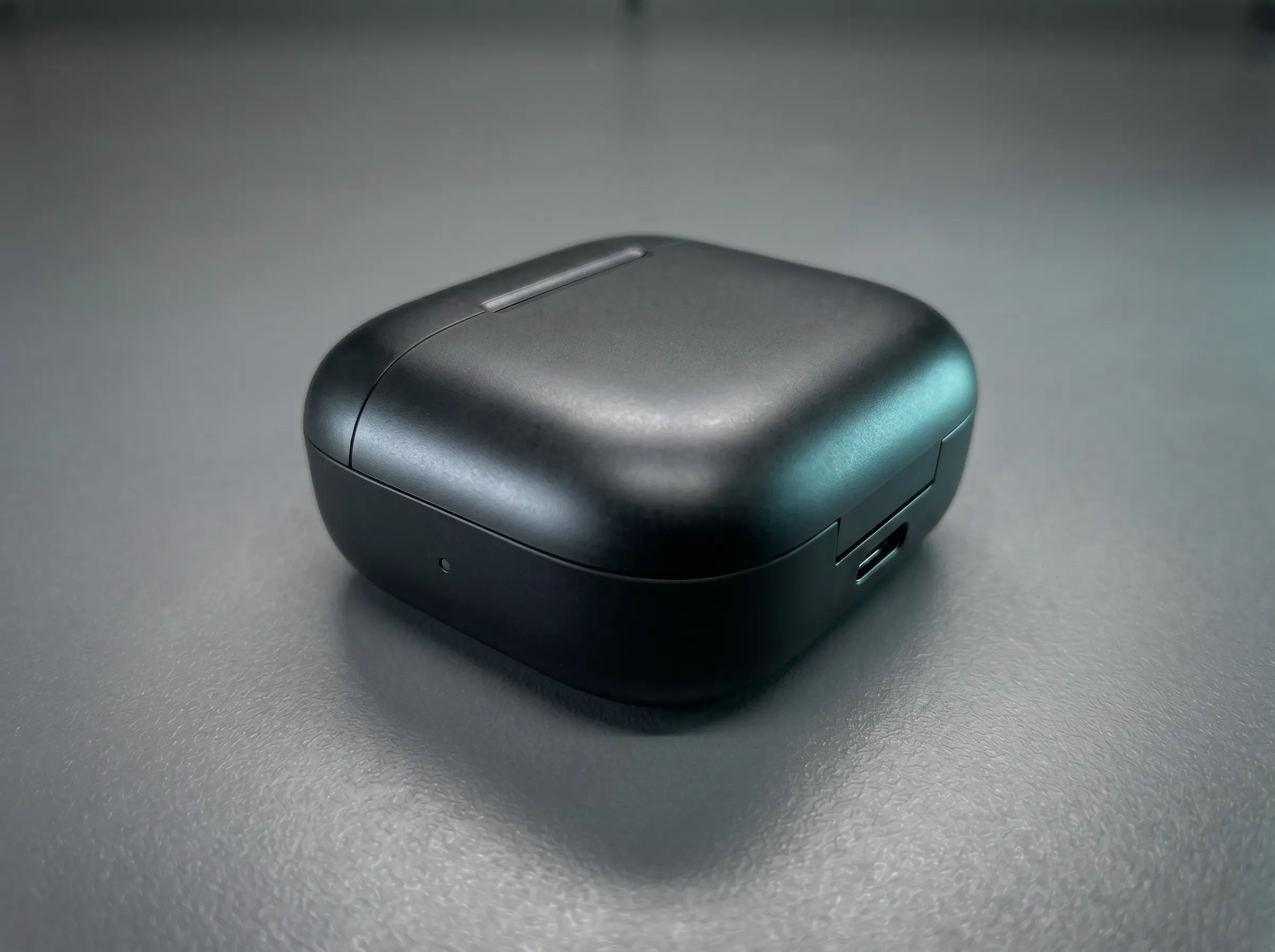
Słaba głębia i blade kontury produktu → Ostrzejsze krawędzie z premium cieniowaniem studyjnym
Prześwietlanie AI zmienia oświetlenie istniejącego zdjęcia bez nowej sesji. Analizuje obraz, a potem pozwala dostosować kierunek światła, jasność, temperaturę barwową i cienie, żeby uzyskać bardziej zrównoważony, naturalny albo studyjny efekt. Pomaga też poprawić zdjęcia pod światło, w słabym świetle i płaskie.
FUNKCJE AI RELIGHTING
Dostosuj istniejące oświetlenie zdjęcia kontrolkami AI: kierunek, jasność, kolor, cienie, presety i prześwietlanie w przeglądarce.
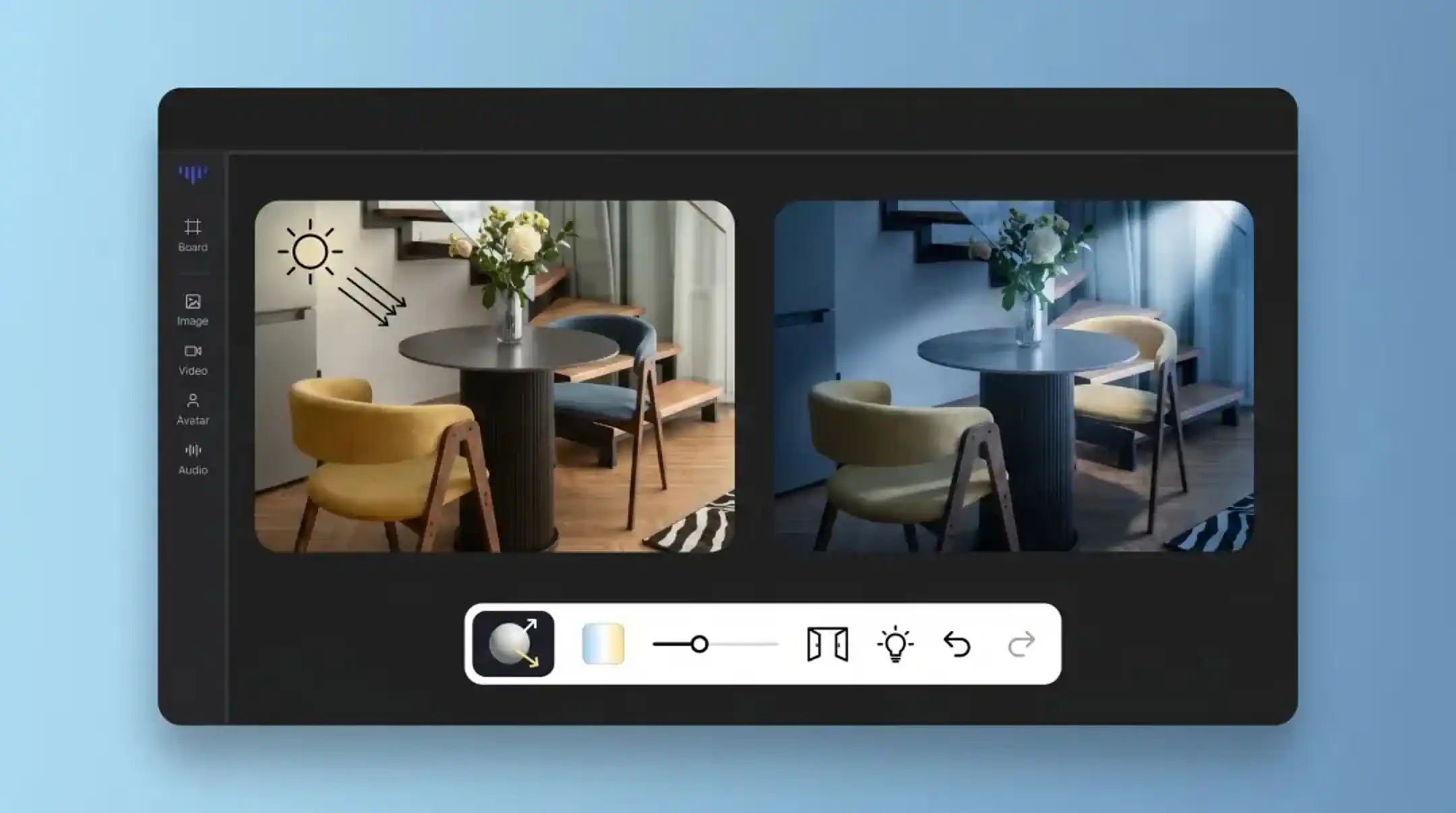
Funkcja 01
Prześwietlaj klipy tak samo jak klatkę: przesuń światło, zobacz aktualizację, zostaw temat naturalny. Ustaw nastrój raz i podglądaj przed eksportem.
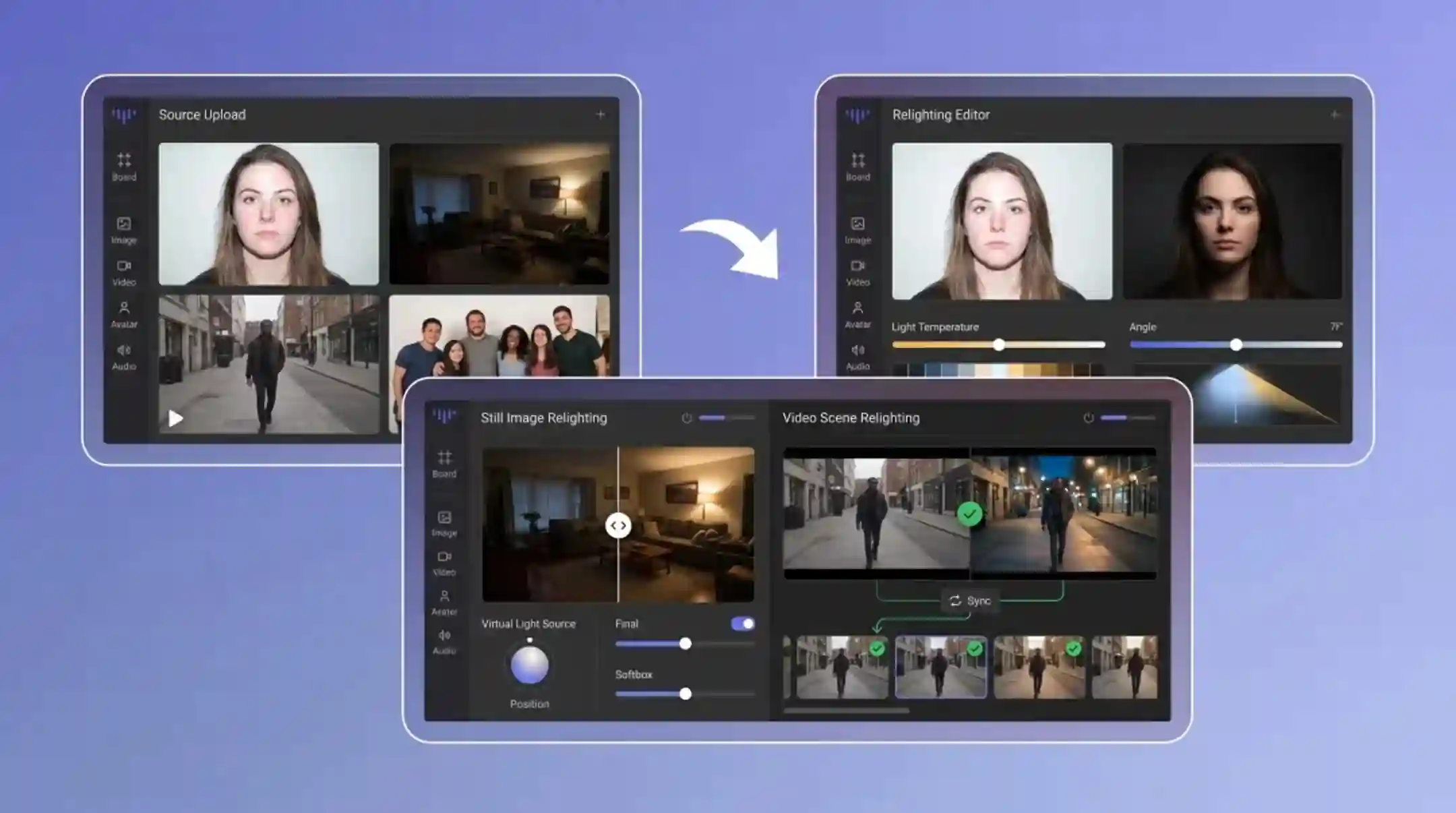
Funkcja 02
Bez softboxów, bez blend, bez reshootu. Prześlij ciemny albo podświetlony kadr i dodaj czyste, naturalne światło w sekundy z przeglądarki.
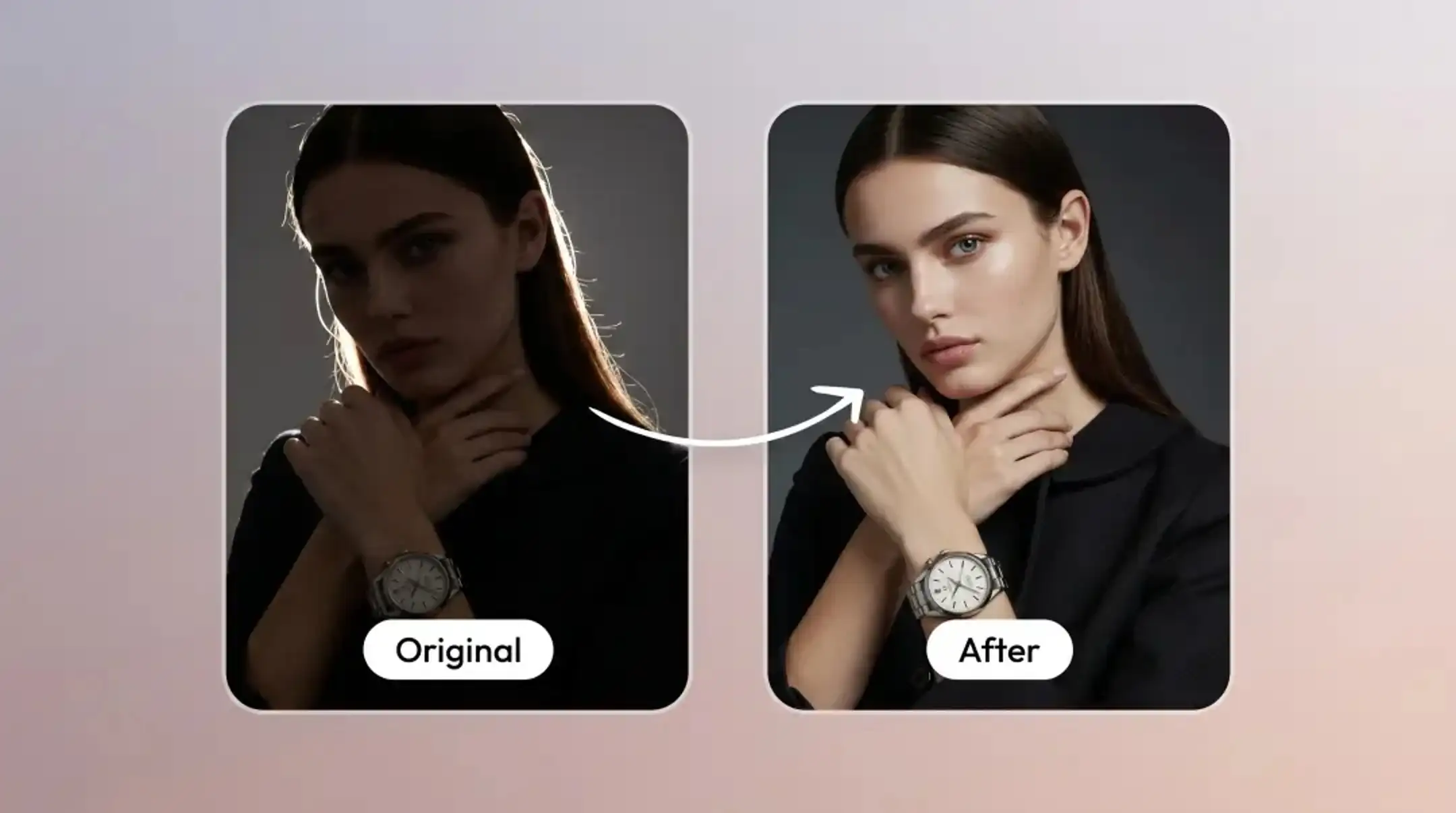
Funkcja 03
Zmień, skąd pada światło, zamiast rozjaśniać cały obraz. Relight dostosowuje kierunek i intensywność, a twarze i detale zostają naturalne.
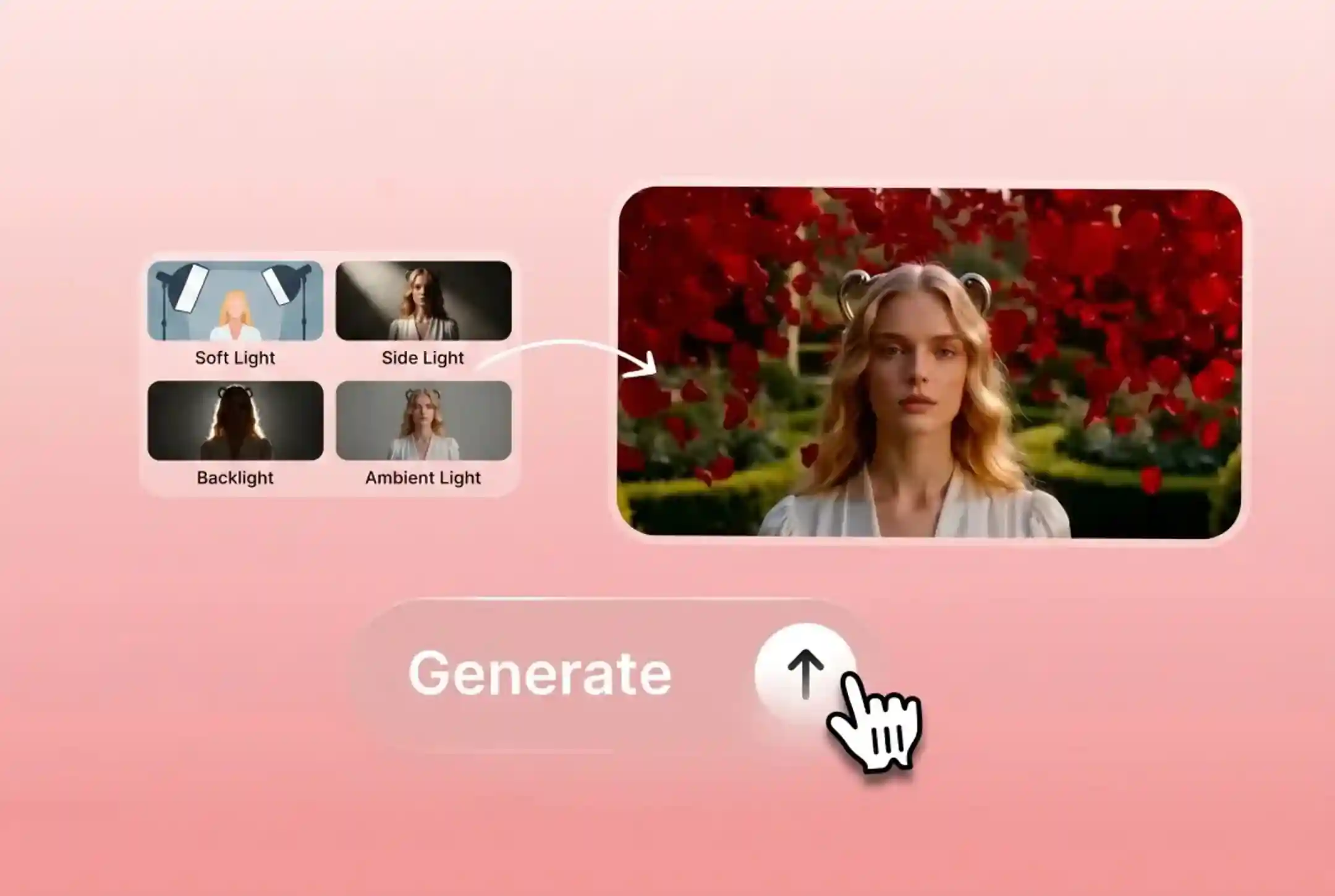
Funkcja 04
Zastosuj miękkie światło, światło boczne, kontrę, światło otoczenia i inne presety studyjne jednym kliknięciem.
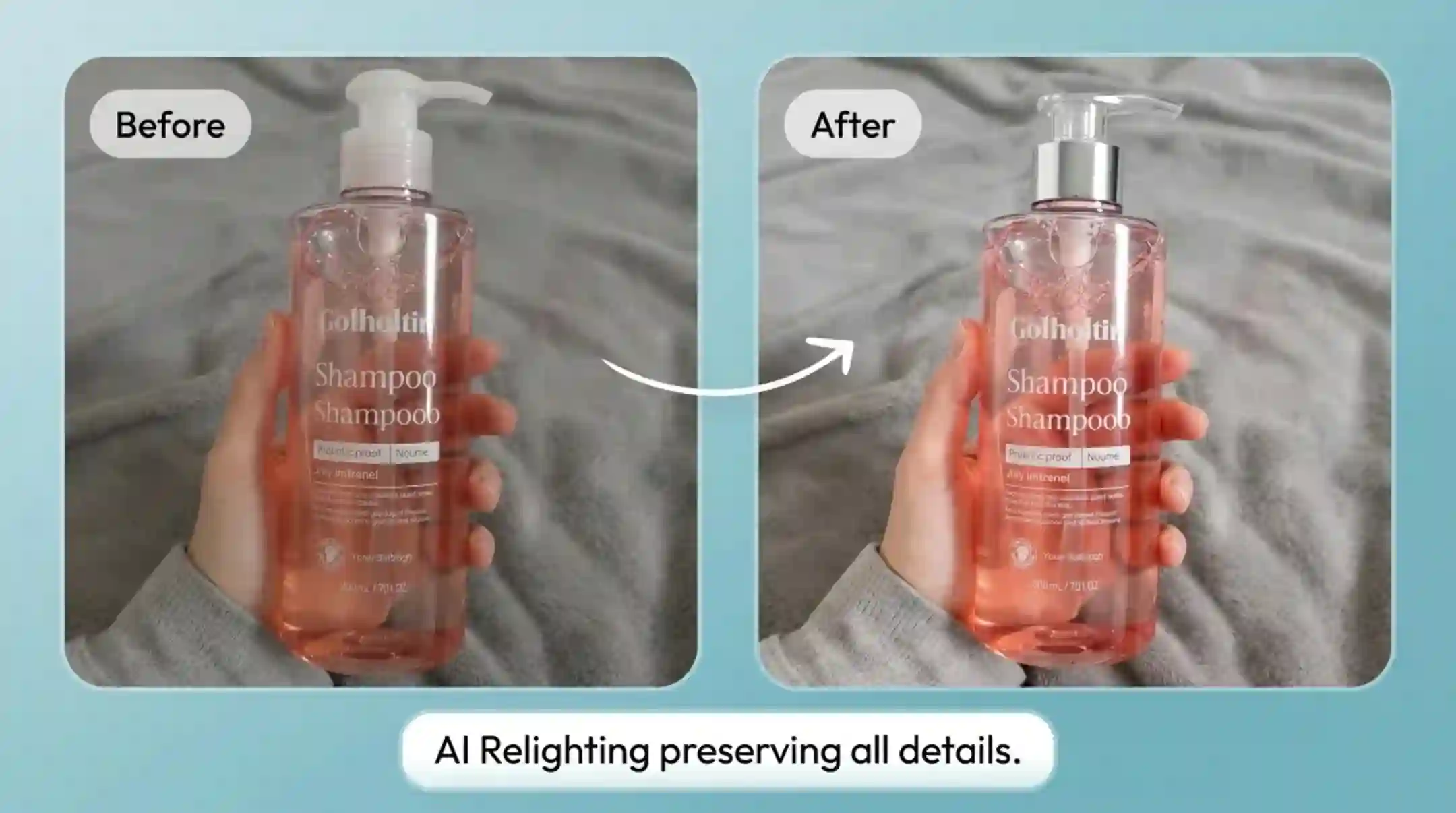
Funkcja 05
Zachowaj krawędzie, skórę, tkaninę, powierzchnie produktu i naturalne tekstury, gdy zmieniasz światło.
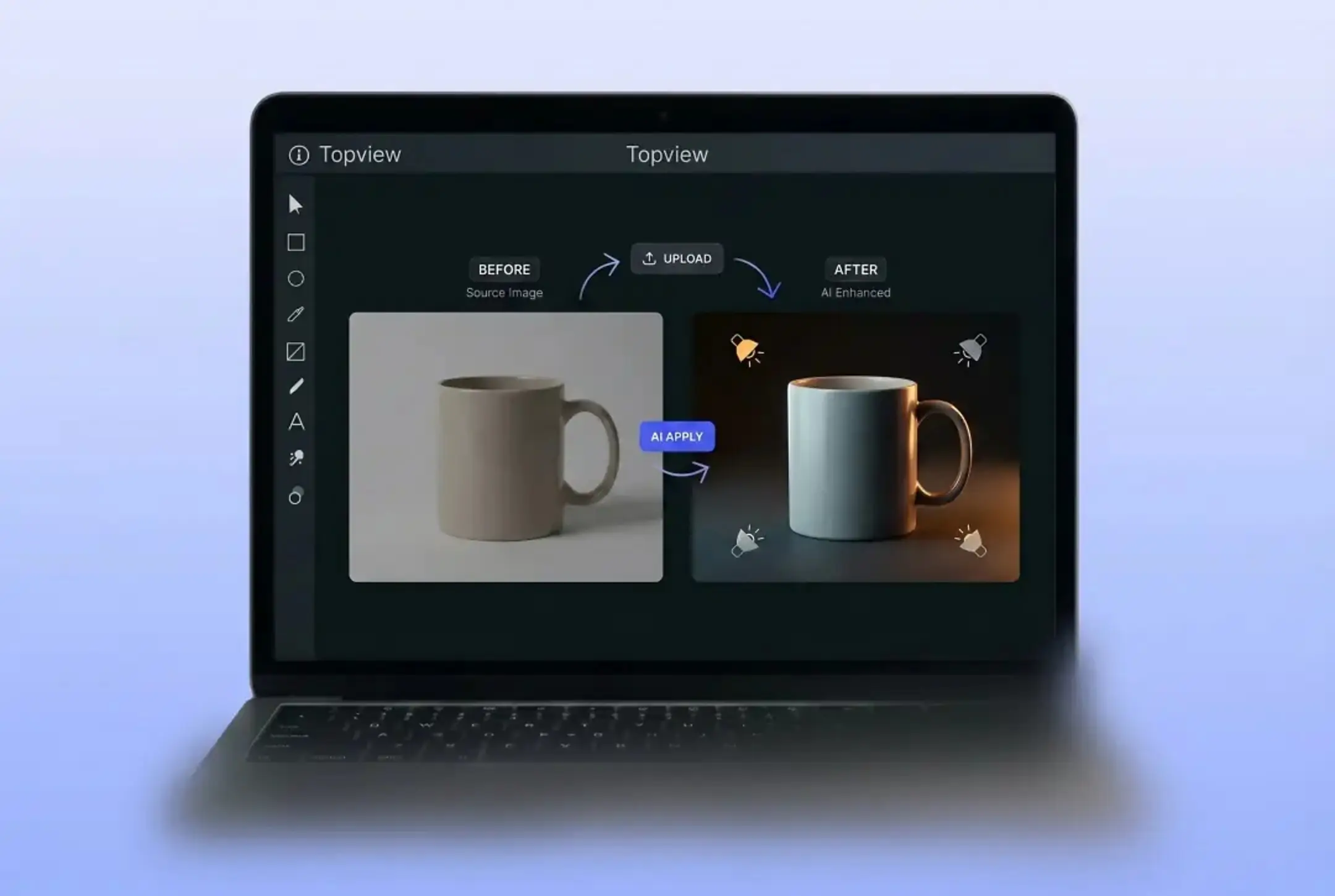
Funkcja 06
Prześlij zdjęcie i dostosuj oświetlenie w przeglądarce bez profesjonalnego sprzętu studyjnego i zaawansowanych umiejętności fotograficznych.
KTO POTRZEBUJE AI RELIGHTING?
Od fotografii produktowej po ulepszanie portretów — prześwietlanie AI służy każdemu wizualnemu przepływowi.
Ujednolić oświetlenie zdjęć produktowych w całym katalogu bez reshootu. Oszczędzaj na fotografii i zachowaj jakość studyjną.
Popraw selfie pod światło i ciemne zdjęcia wewnątrz. Uzyskaj studyjne oświetlenie portretu bez studia.
Ulepsz zdjęcia na Instagram, Pinterest i inne media społecznościowe profesjonalnym oświetleniem. Każdy post wygląda dopracowanie i zgodnie z marką.
Zrób zdjęcia pokoi jaśniejszymi i bardziej zapraszającymi. Ulepsz ogłoszenia nieruchomości lepszym światłem dla wyższego zaangażowania.
JAK TO DZIAŁA
Zmień oświetlenie w trzech prostych krokach — bez profesjonalnego sprzętu.
Wrzuć nieruchomy obraz albo krótkie wideo, w którym światło jest złe.
Przeciągnij kierunek światła albo wybierz nastrój i podglądaj prześwietlony efekt na żywo.
Gdy światło wygląda dobrze, pobierz prześwietlone zdjęcie albo klip i idź dalej.
Poznaj pełny zestaw narzędzi AI Topview do reklam, avatarów, wideo, obrazu i głosu.
ŚWIATŁO STUDYJNE JEDNYM KLIKNIĘCIEM
Wypróbuj Relight AI na zdjęciu albo wideo, które miałeś usunąć. Zmień kierunek światła i nastrój w sekundy, a potem wyeksportuj kadr, który chciałeś zrobić.
Wypróbuj za darmo