Transfer stylu
Transfer stylu
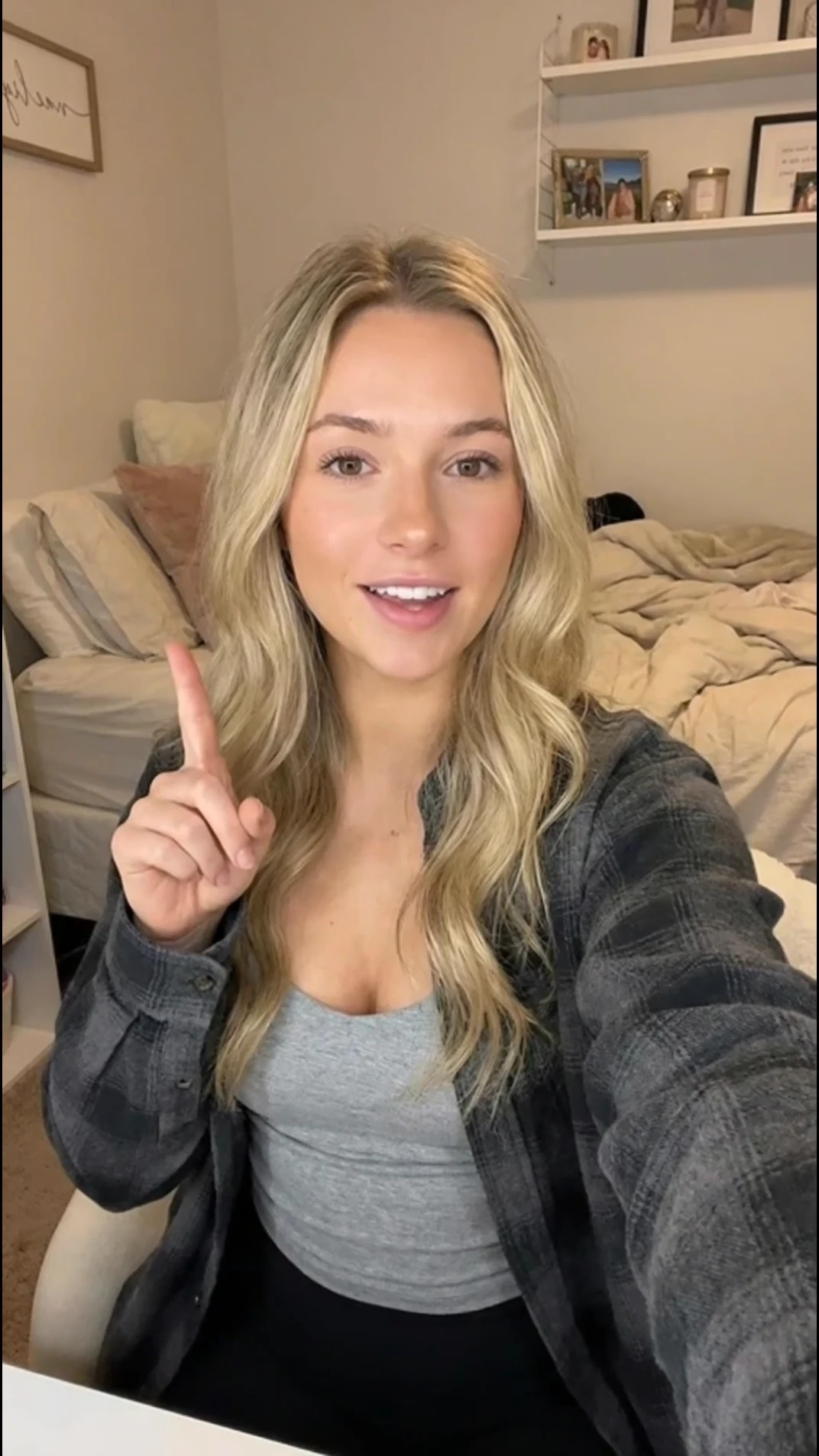
Prześlij obraz postaci i klip z odniesieniem do ruchu. Topview przenosi taniec, gesty i występy całego ciała na Twoją postać z precyzją klasy studyjnej.
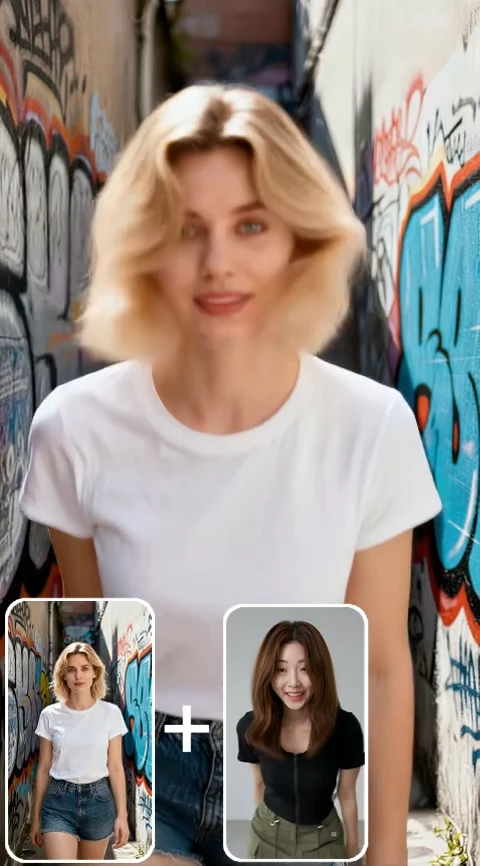
Zobacz, jak sterowanie ruchem AI pomaga zespołom tworzyć reklamy produktów, sceny kinowe i filmy pełne akcji przy bardziej przemyślanym ruchu kamery.
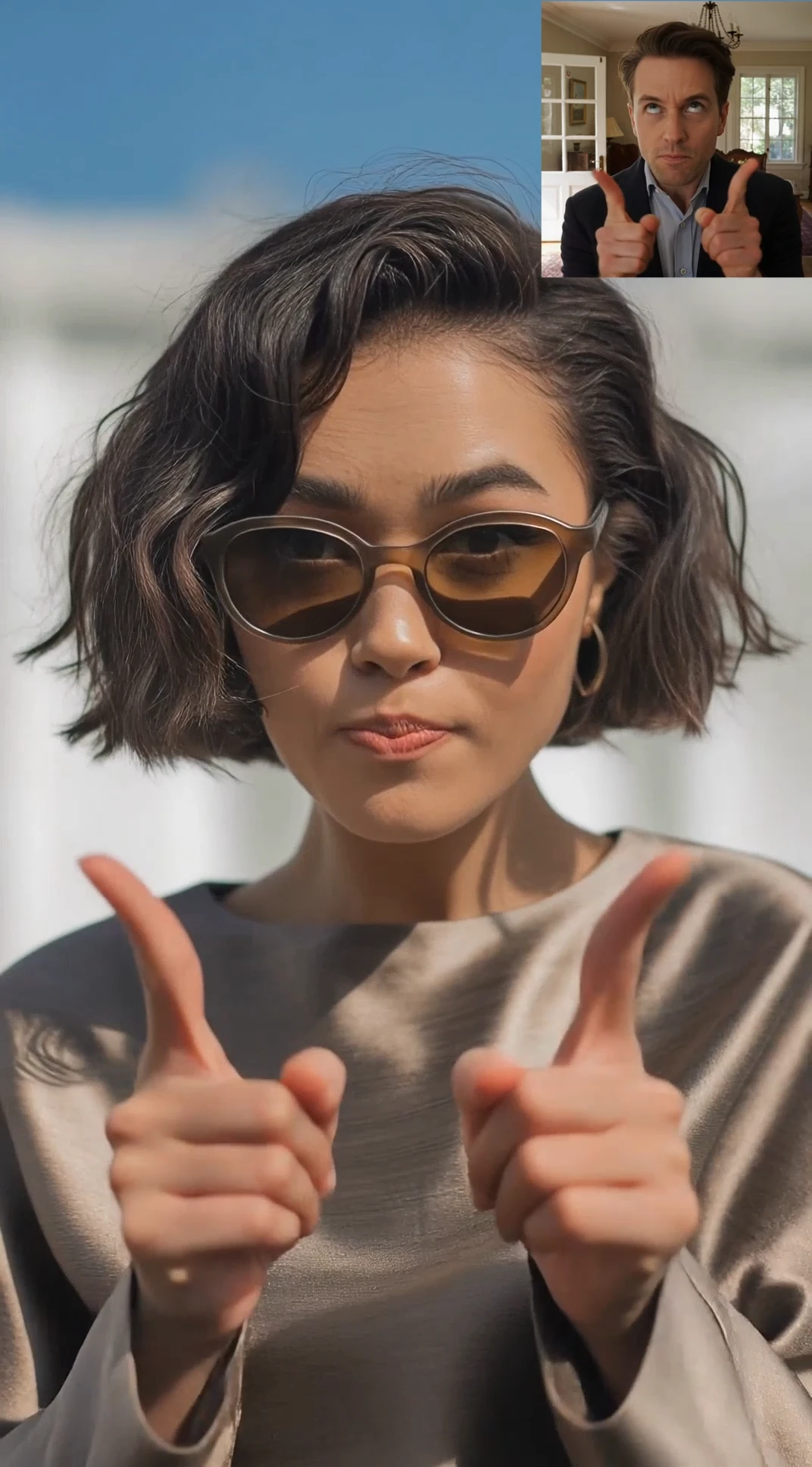
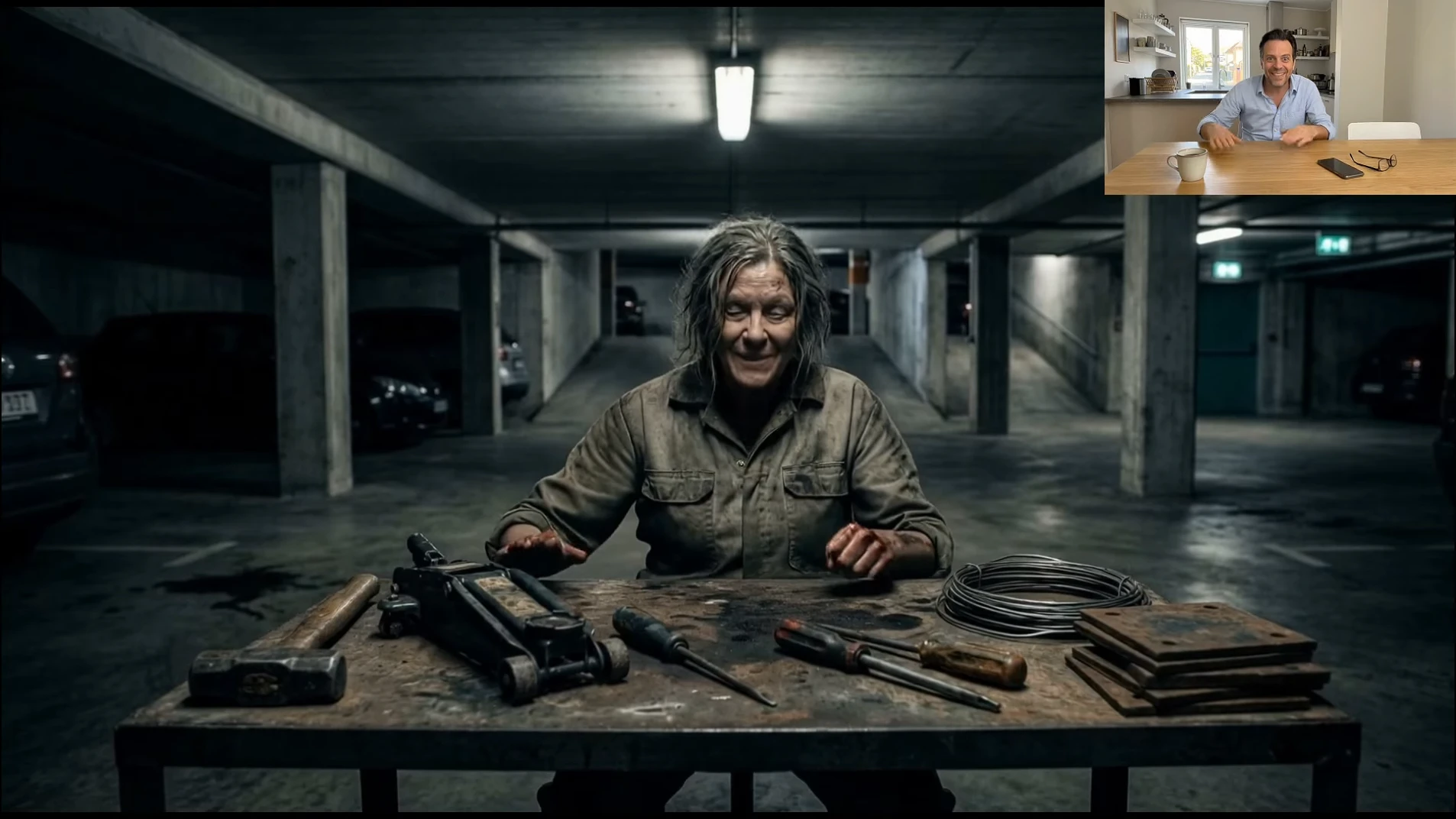
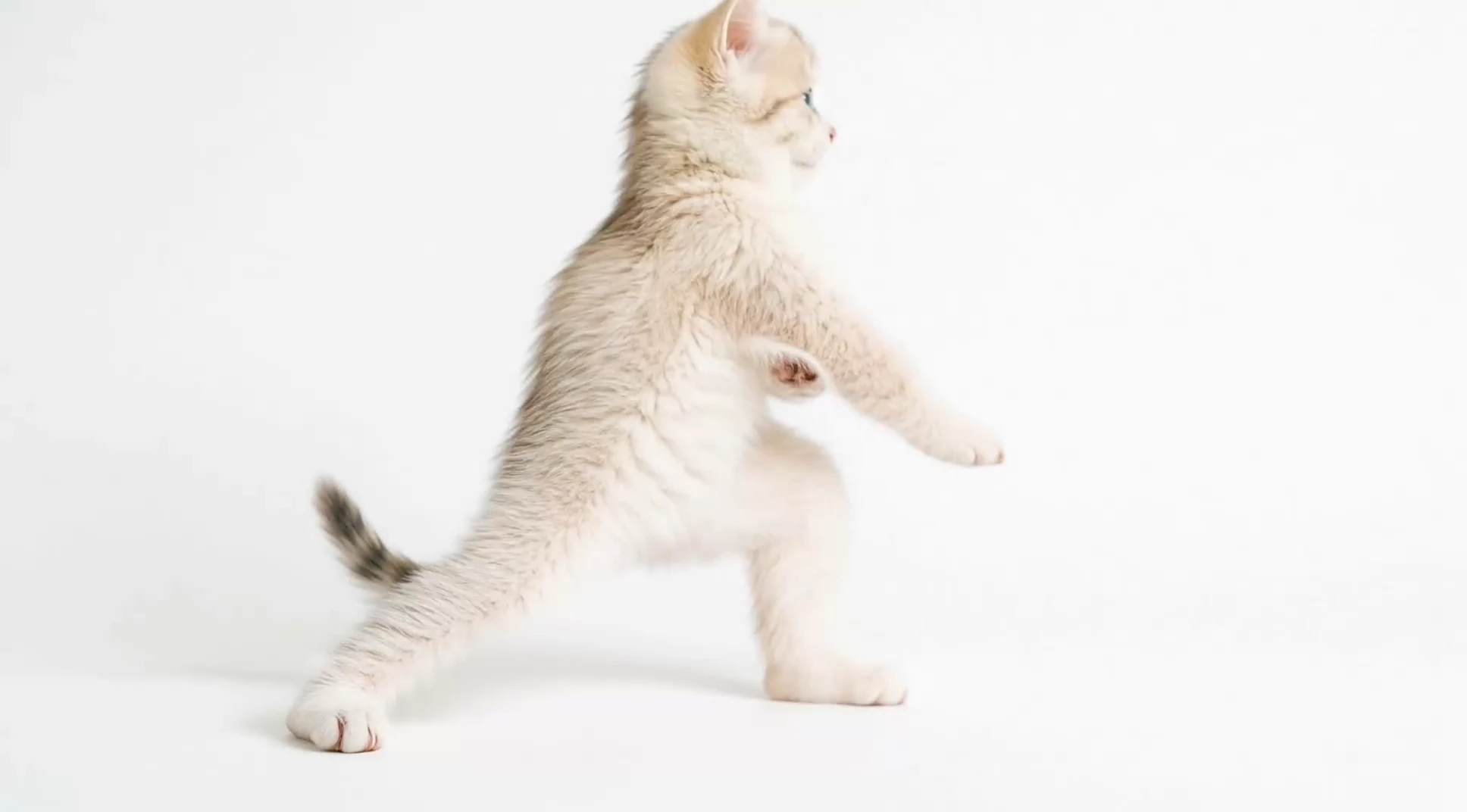
Uzyskaj bardziej niezawodne przesyłanie ruchu, stabilniejszą tożsamość postaci i wyraźniejszą kontrolę kierunku kamery, aby tworzyć wideo sterowane ruchem AI.
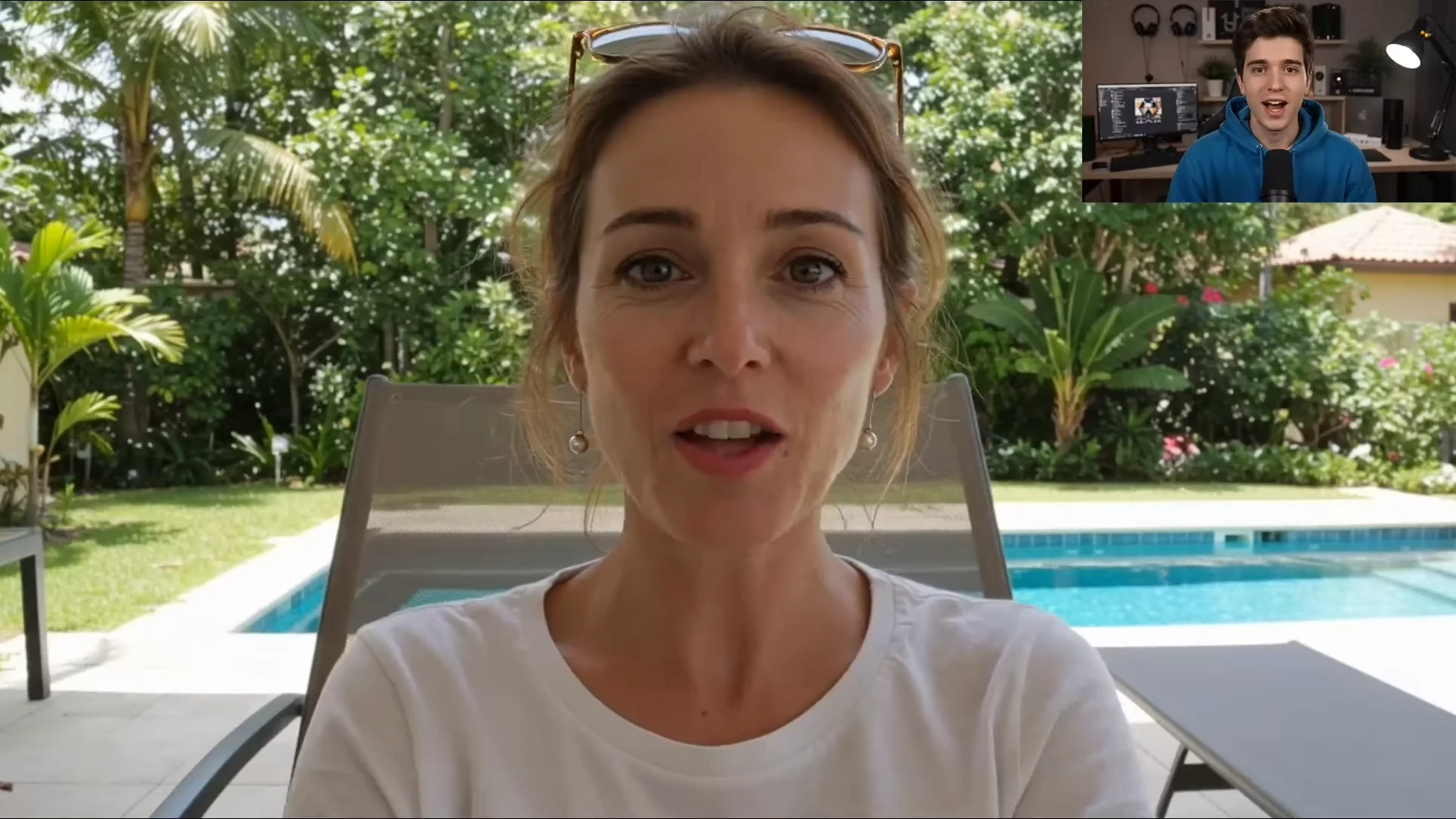
Odwzoruj subtelne ludzkie działania na dowolnym awatarze AI.
Zaawansowane sterowanie ruchem AI precyzyjnie rejestruje każdy subtelny niuans z Twojego źródłowego wideo, od uniesionej brwi po dokładne fonemy. Natychmiast odwzoruj prawdziwe ludzkie emocje, pozy głowy i dokładne ruchy warg na dowolnym awatarze AI.
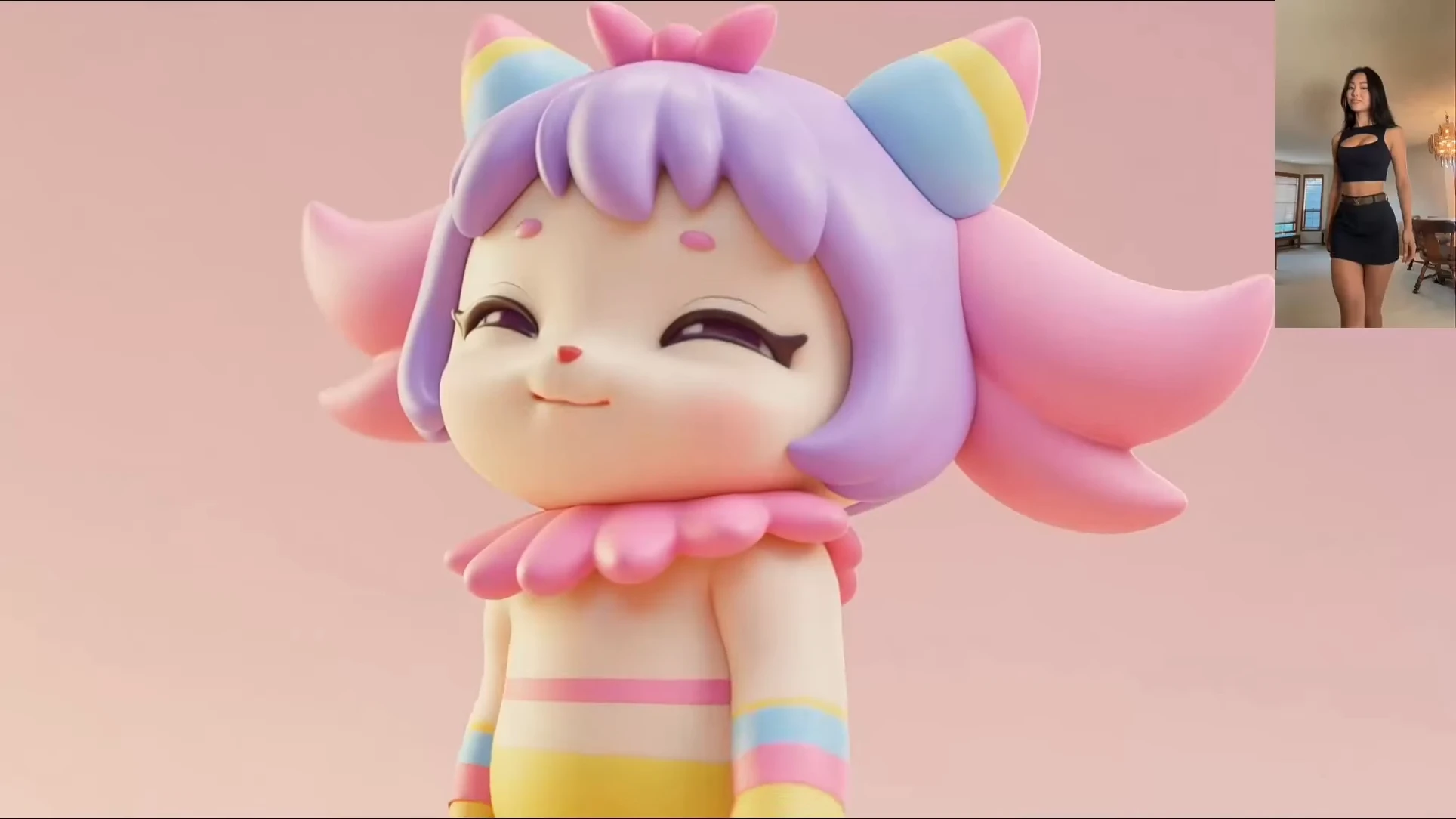
Przekieruj złożone działania bez drogiego sprzętu do przechwytywania ruchu.
Zamień złożone działania w świecie rzeczywistym w doskonałe animacje postaci bez drogiego sprzętu typu mo-cap. Bezproblemowo kieruj ludzkie ruchy na dowolne IP 3D lub animowaną postać, zachowując jednocześnie anatomiczną spójność i ruch uwzględniający grawitację.
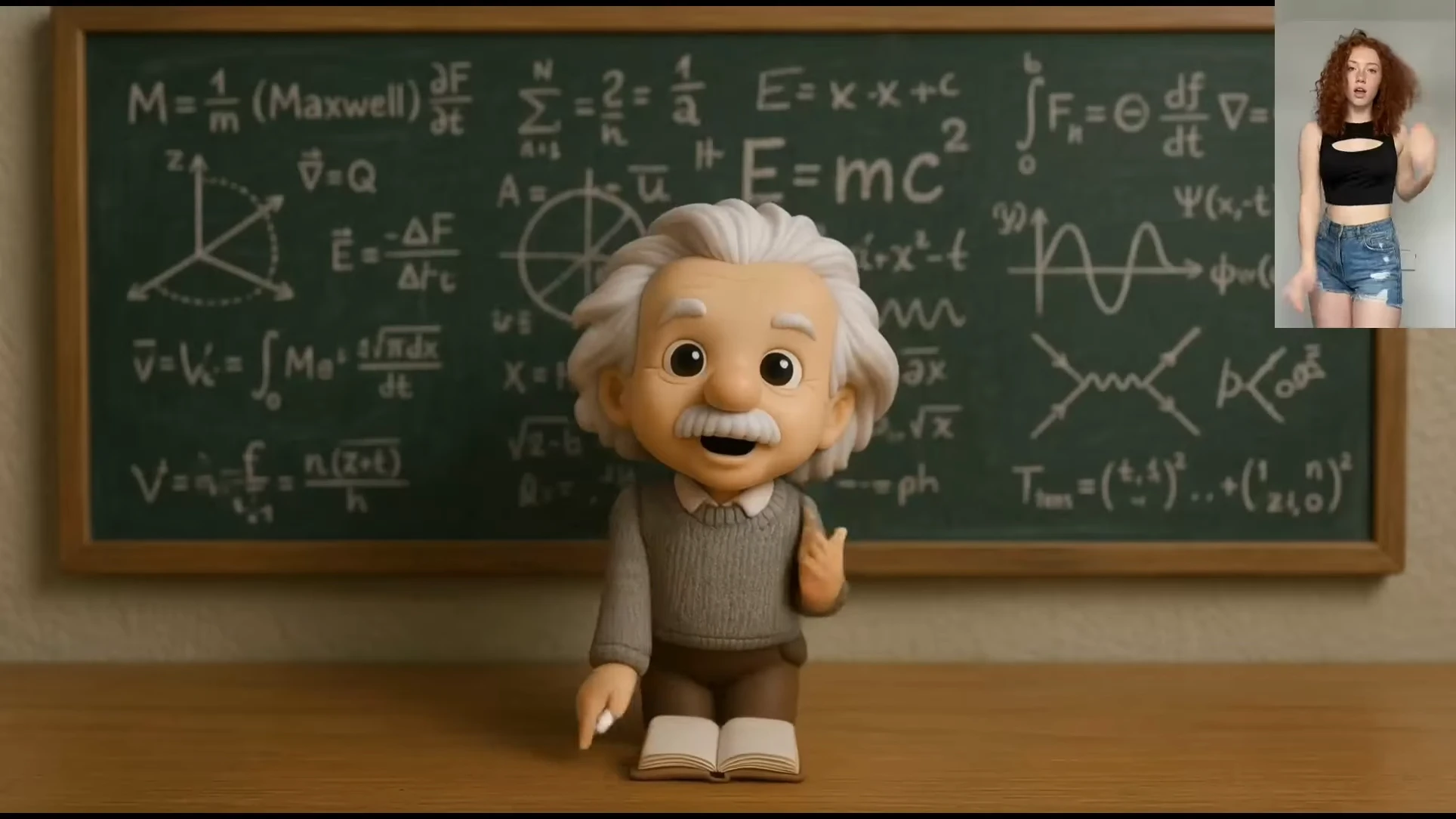
Przekieruj jeden występ na bardzo różne style postaci.
Przekształć pojedynczy film w nieskończoną liczbę stylów artystycznych. Bez wysiłku mapuj złożone ruchy człowieka na modele chibi 3D, figurki z gier lub postacie z anime 2D, zachowując oryginalny rytm i energię bez niestandardowego osprzętu.
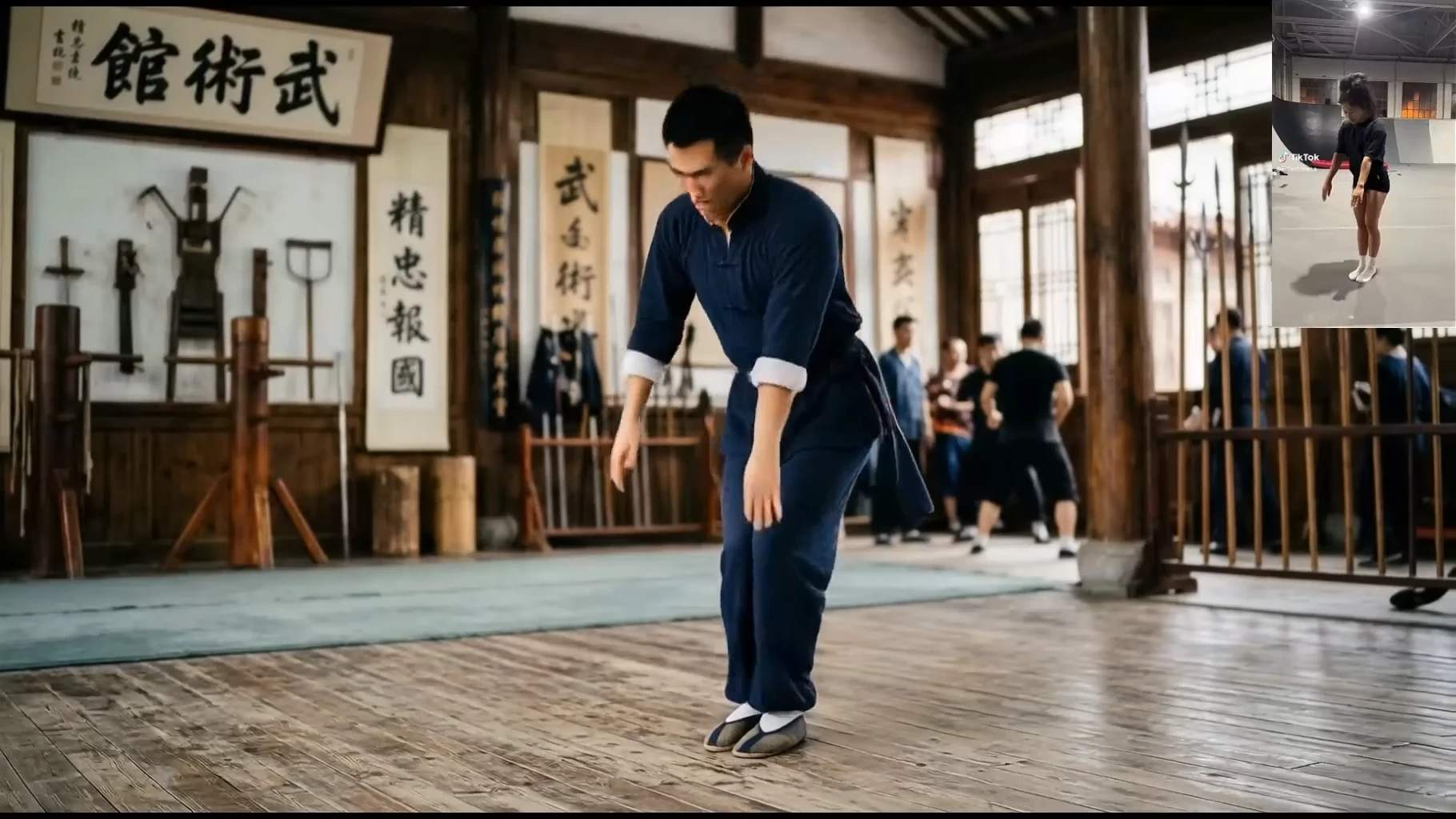
Radź sobie z ekstremalnymi ruchami, odwróconymi pozycjami i zwinnymi akcjami.
Przesuwaj granice animacji AI dzięki bezbłędnemu wykonywaniu ekstremalnych, szybkich ruchów. Niezależnie od tego, czy są to sztuki walki, parkour, czy złożone akrobacje, to narzędzie do kontroli ruchu AI utrzymuje stabilność konstrukcji, jednocześnie odwzorowując szybkie i bardzo dynamiczne pozy w nowe sceny filmowe.
Seedance 2.0 zapewnia ujednoliconą kontrolę ruchu, kamery i postaci w ramach jednej generacji.
Zacznij od klipu ruchomego, wybierz szczegóły dłoni/twarzy/ciała, a następnie zastosuj je do mówiących zdjęć, stylizowanych postaci i reklam awatarów.
Zamień dowolny klip taneczny w inspirujące odniesienie i spraw, aby Twoja postać pasowała do każdego rytmu, obrotu i kroku.
Wyświetlaj nagrania akcji — walki, sporty, akrobacje — i przenieś choreografię na swoją postać.
Masz już klip, który dobrze się sprawdził? Zastosuj go ponownie do nowych postaci i pomnóż swoją najskuteczniejszą treść.
Zachowaj delikatne ruchy palców i artykulację dłoni na potrzeby języka migowego, prezentacji produktów i ekspresyjnego opowiadania historii.
Przenieś subtelne mikroekspresje twarzy — uśmiechy, brwi, kontakt wzrokowy — aby postacie czuły się żywe emocjonalnie.
Uchwyć całe ciało w ruchu, od pracy nóg po postawę, aby uzyskać pełne przeniesienie wydajności.
Zamień pojedyncze nieruchome zdjęcie w mówiącą, poruszającą się postać zsynchronizowaną z Twoim referencyjnym wykonaniem.
Zastosuj sterowanie ruchem do postaci ilustrowanych, 3D lub stylizowanych, nie naruszając ich stylu graficznego.
Animuj markowe awatary i postacie szprych, aby tworzyć reklamy na dużą skalę zatrzymujące przewijanie.
Od marek e-commerce po studia twórców — sterowanie ruchem dostosowuje się do Twojego przepływu pracy.
Animuj maskotki produktów i postacie szprych w ofertach, reklamach i klipach transmisji na żywo.
Nadaj cyfrowym awatarom naturalny, wyrazisty ruch, aby zawsze mieć dostęp do treści.
Zamień pojedyncze zdjęcie w poruszającą się, tańczącą lub mówiącą postać w ciągu kilku minut.
Twórz nieskończoną liczbę odmian w stylu UGC, remiksując jedno referencyjne wykonanie.
Ożyw awatary objaśniające produkt bez zatrudniania animatorów.
Reanimuj tę samą postać na różnych rynkach, zachowując nienaruszoną synchronizację ruchu i ruchu warg.
Dostarczaj animację postaci na skalę kampanii bez budżetu na makiety.
Animuj postacie marki dla płatnych kreacji społecznościowych, które utrzymują wysoką wydajność.
Od nieruchomego obrazu do animowanej postaci w trzech krokach.
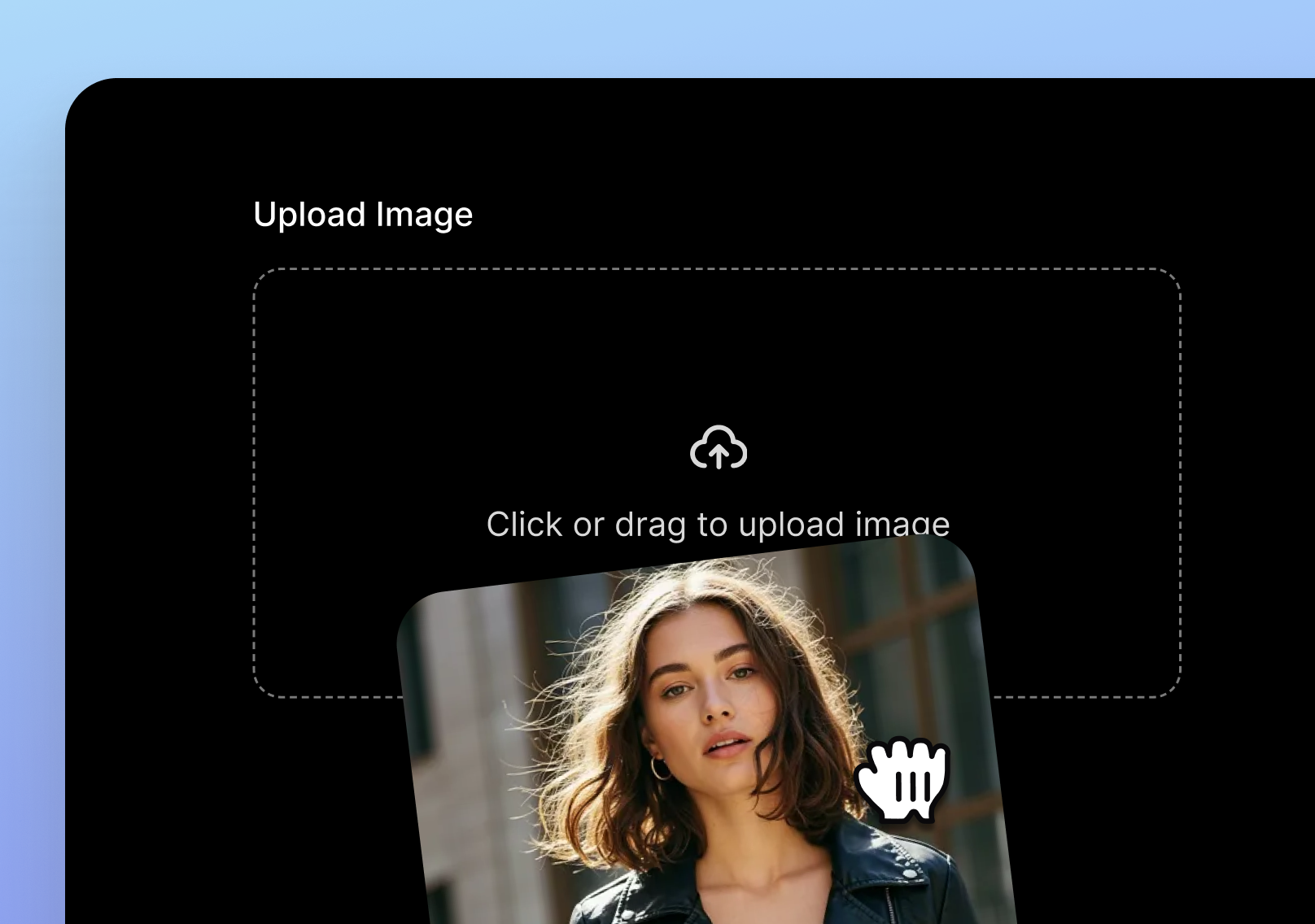
Zacznij od dowolnego zdjęcia, ilustracji lub renderu 3D postaci, którą chcesz animować.
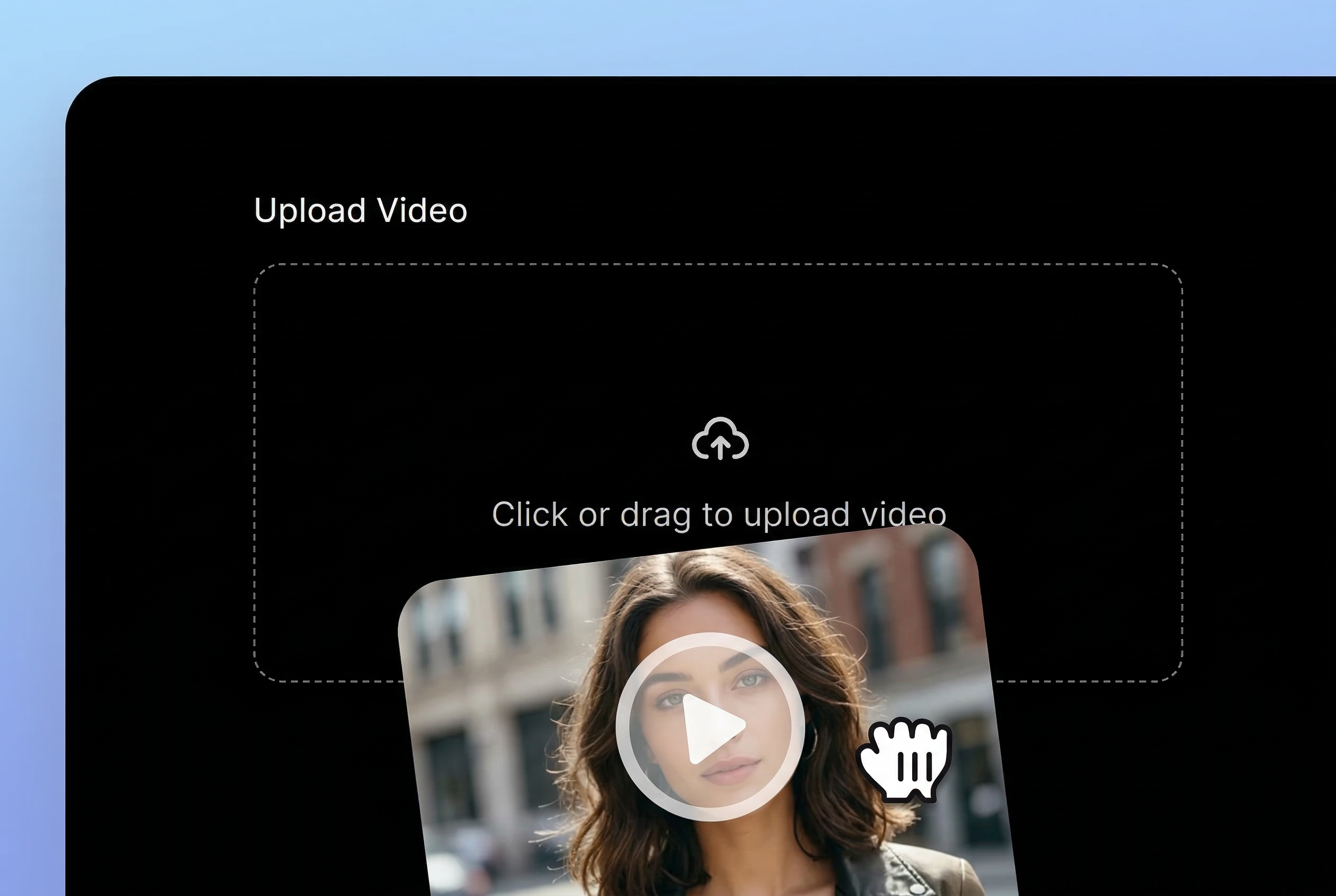
Dodaj klip taneczny, materiał filmowy lub dowolny film przedstawiający ruch, który chcesz przenieść.
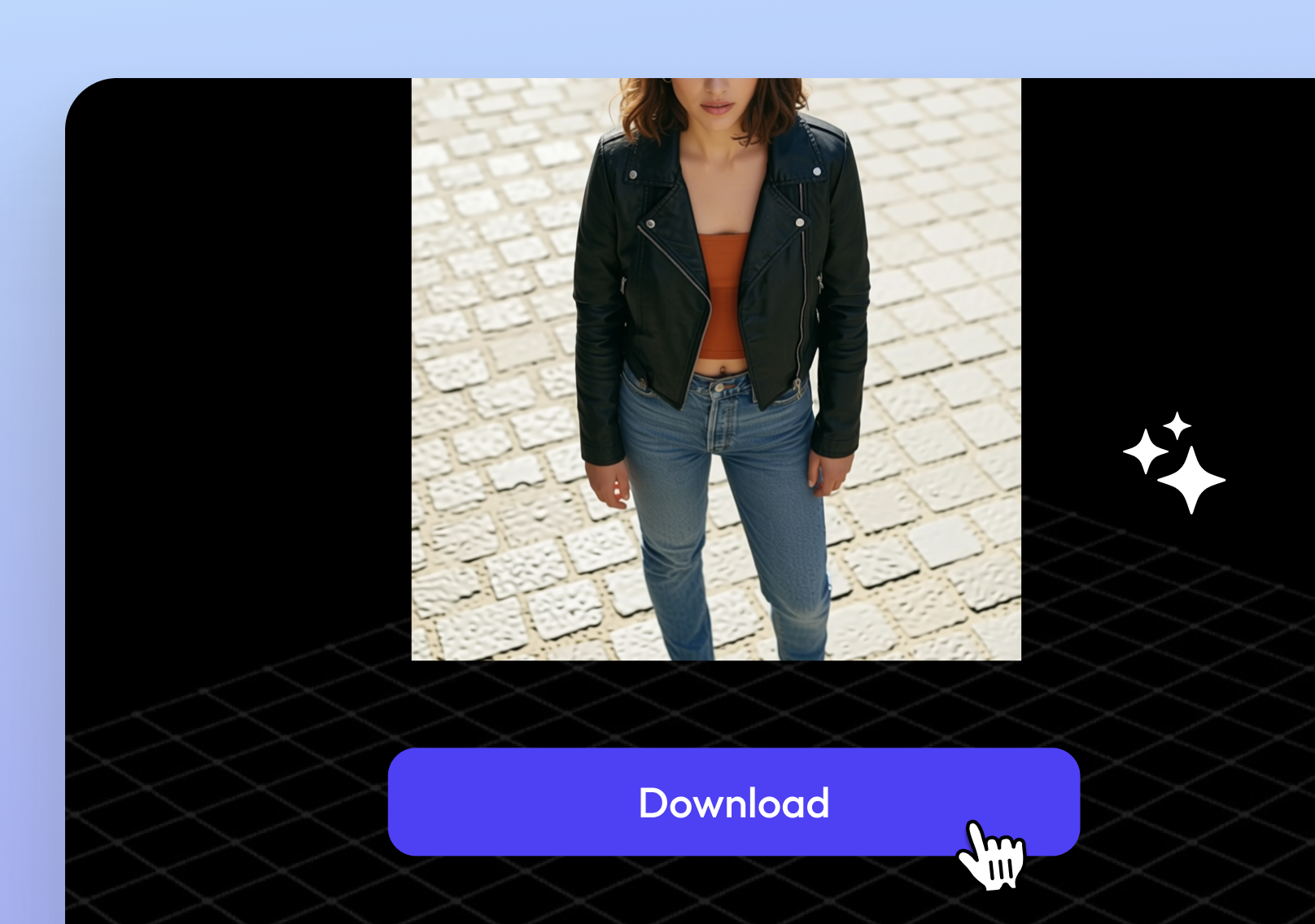
Sterowanie ruchem AI AI renderuje animację — pobierz i opublikuj w ciągu kilku minut.
Poznaj kompletny zestaw narzędzi Topview AI do obsługi reklam, awatarów, wideo, obrazów i głosu.
Prześlij obraz postaci i klip z odniesieniem do ruchu, a sterowanie ruchem AI AI zajmie się tańcem, gestami i animacją całego ciała.
Jeden klip referencyjny. Dowolna postać. Nie jest wymagana żadna mocap.