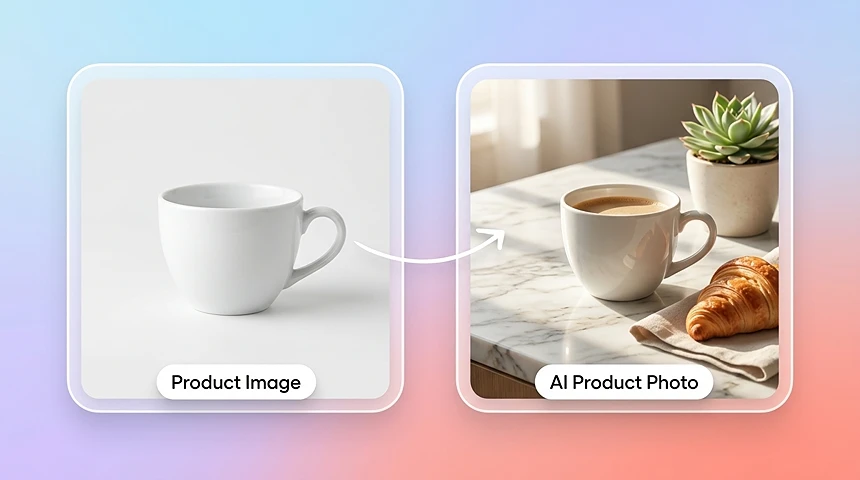
Generator zdjęć produktowych AI z jednego obrazu
Zacznij od jednego obrazu produktu i generuj dopracowane warianty do listingów e-commerce, scen lifestyle, paid social i testów kreatywnych.
Zamień jeden obraz produktu w czyste packshoty, sceny lifestyle i kreatywy gotowe do reklam dzięki generatorowi fotografii produktowej AI. Twórz wizualizacje e-commerce bez studia i ponownego shootingu.
Fotografia produktowa AI
Dodaj obraz produktu
Tło
Prześlij obraz tła
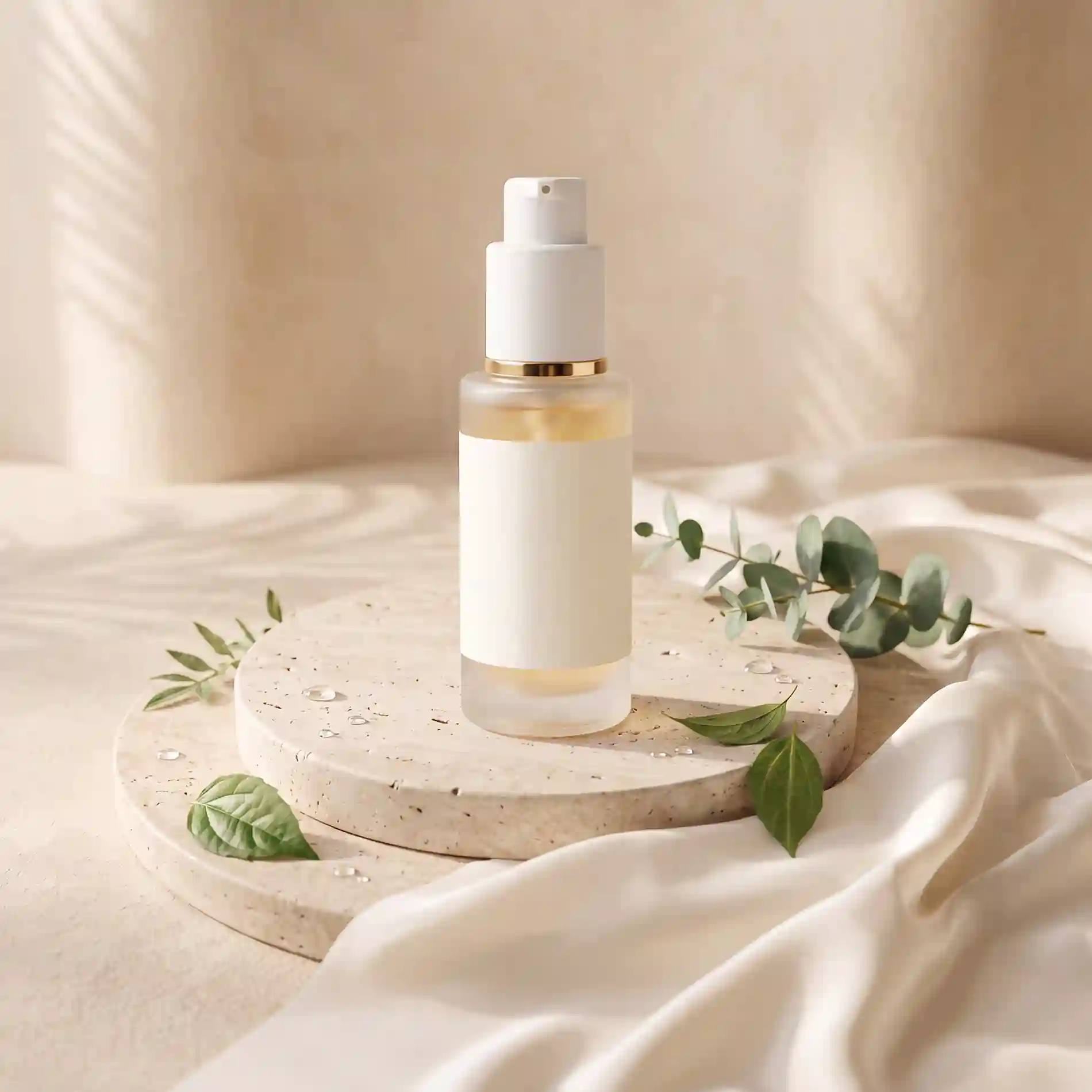
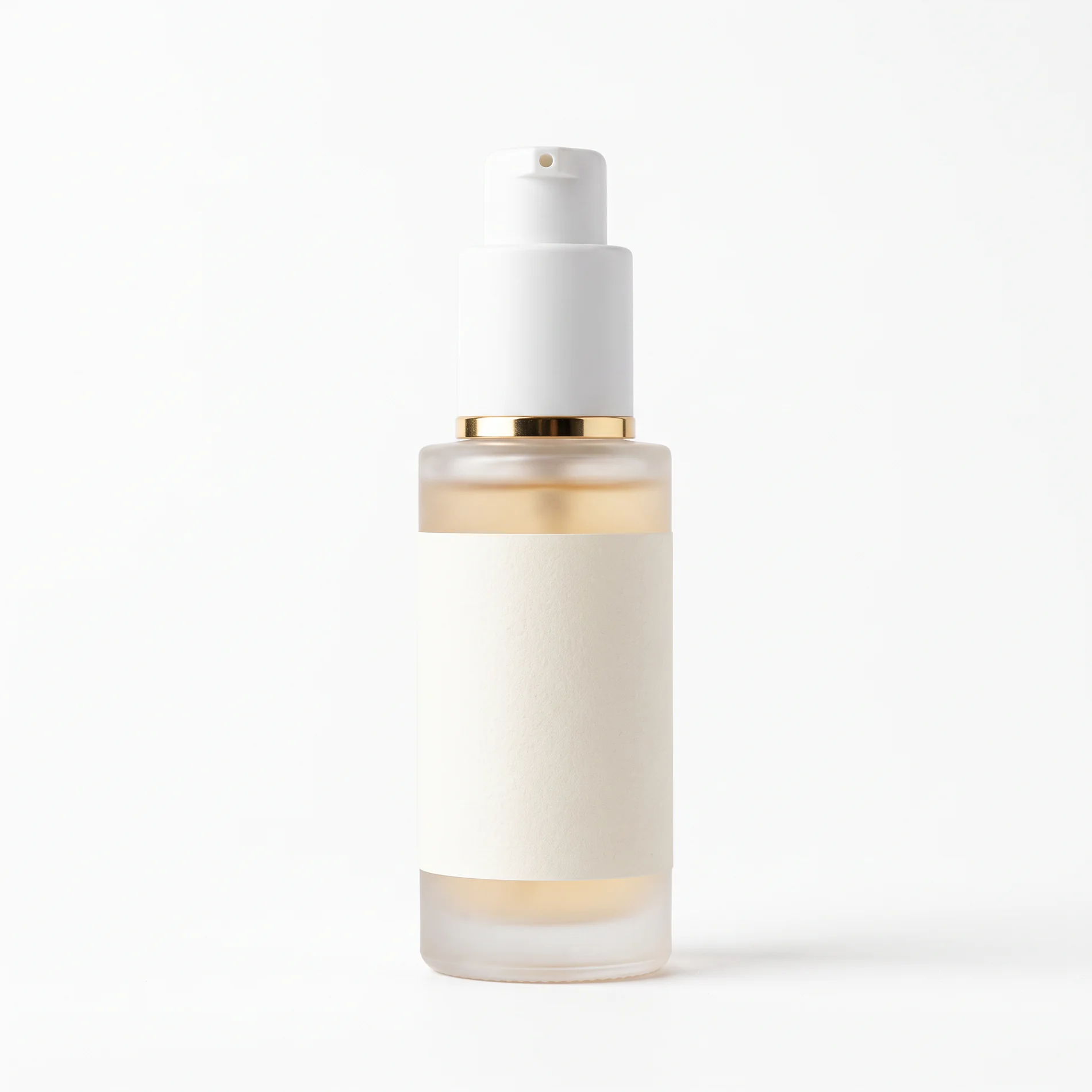
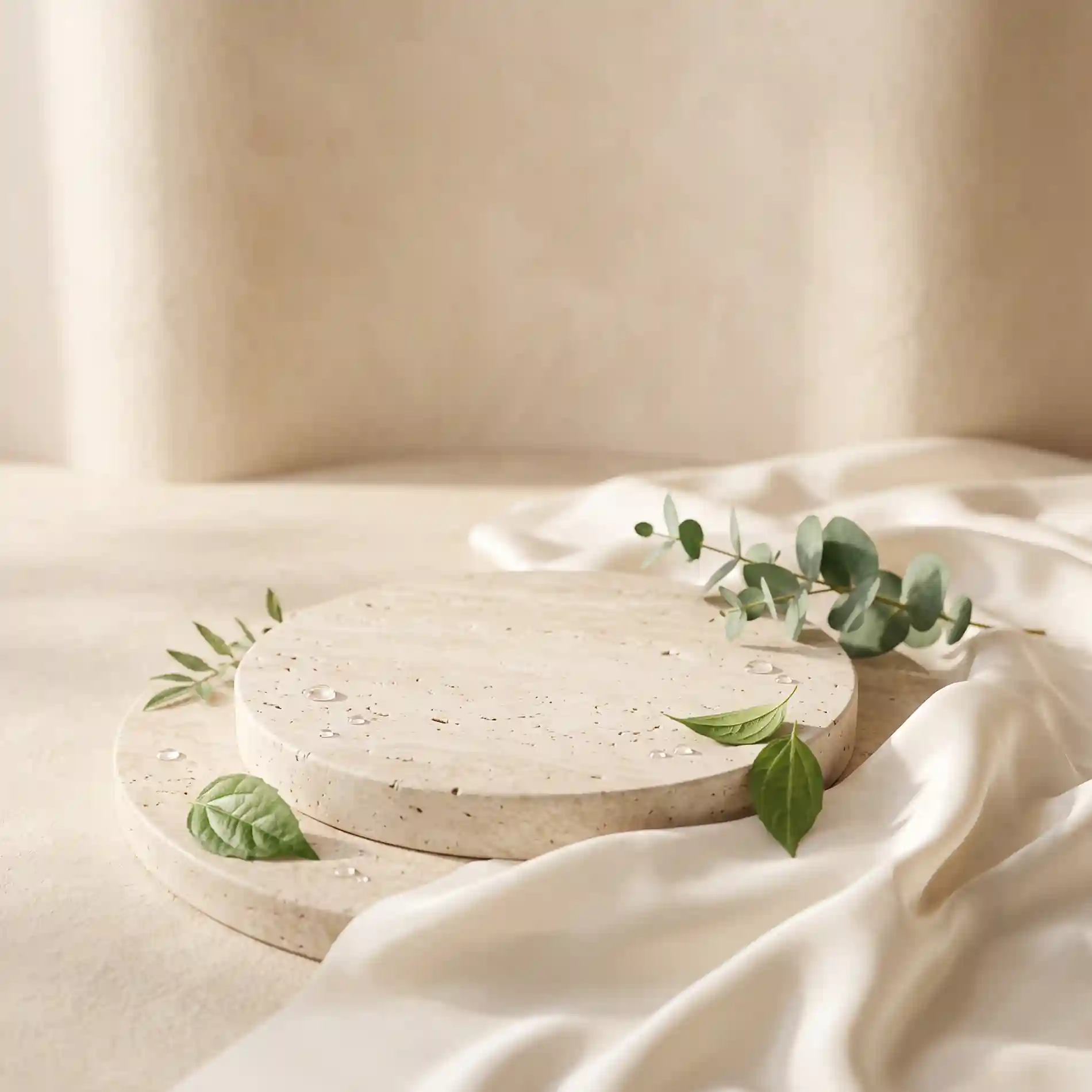
Z JEDNEGO OBRAZU
Użyj generatora zdjęć produktowych AI, aby z jednego obrazu źródłowego uzyskać czyste zdjęcia produktu, sceny lifestyle i warianty gotowe do kampanii. Zachowaj kluczowe detale produktu, zmieniając tło, kompozycję i kierunek kreatywny.
Zacznij od jednego obrazu produktu i generuj dopracowane warianty do listingów e-commerce, scen lifestyle, paid social i testów kreatywnych.
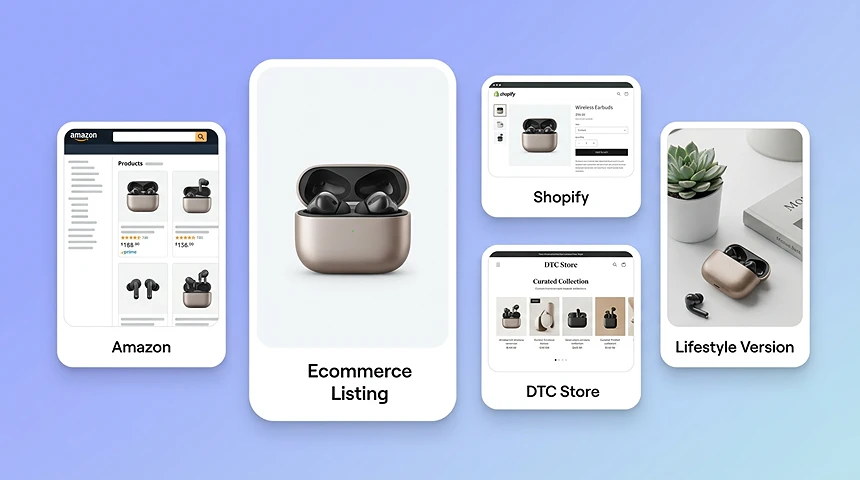
Twórz zdjęcia produktowe do stron produktu, marketplace’ów i sklepów online. Generuj czyste zdjęcia główne, alternatywne sceny lifestyle i spójne wizualizacje na Amazon, Shopify, Allegro, eBay, Etsy i sklepy DTC.
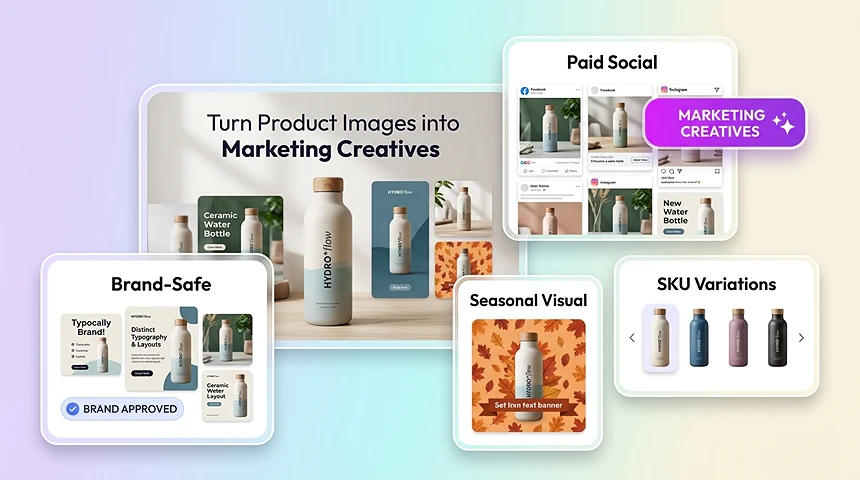
Używaj fotografii produktowej AI do tworzenia reklam lifestyle, wizualizacji sezonowych, assetów paid social i kreatywów pod konkretne platformy z tego samego zdjęcia źródłowego.
PRZEGLĄD
Generator fotografii produktowej AI tworzy nowe wizualizacje produktu z istniejącego obrazu. Może pomóc w usuwaniu tła, kompozycji sceny, regulacji oświetlenia i poprawie obrazu na potrzeby listingów e-commerce, reklam i kampanii marketingowych.
Zamiast pełnej sesji studyjnej lub ręcznej edycji każdego obrazu w Photoshopie zespoły mogą przesłać zdjęcie źródłowe i szybko wygenerować dopracowane assety do katalogów, marketplace’ów, płatnych reklam i kampanii social.
STUDIO VS AI
Procesy oparte na studiu powodują opóźnienia, wyższe koszty produkcji i niespójne efekty. Fotografia produktowa AI daje zespołom szybszy sposób na tworzenie wizualizacji gotowych do kampanii z assetów, które już mają.
KLUCZOWE FUNKCJE
Czysto izoluj produkty, automatycznie koryguj oświetlenie i umieszczaj produkty w scenach marki bez przebudowywania każdego obrazu.
AI czysto izoluje produkt nawet przy trudnych krawędziach, takich jak przezroczyste opakowania, powierzchnie refleksyjne czy teksturowane materiały.
Automatycznie dostosuj jasność, kontrast i ton, aby produkty wyglądały wyraźniej, bardziej realistycznie i premium.
Umieszczaj produkty w scenach marki lub układach kampanii bez ręcznego przebudowywania każdego obrazu.
Wyostrz tekstury i popraw czytelność, aby ważne detale produktu były widoczne we wszystkich kanałach.
PROCES
Dodaj obraz produktu z urządzenia lub istniejących assetów i zacznij od ujęcia, które już masz.
Wybierz gotowy szablon, prześlij własne tło albo opisz scenę, którą ma stworzyć AI.
Twórz zdjęcia do listingów e-commerce, kreatywów reklamowych i treści social, a następnie eksportuj efekt końcowy.
PROCESY E-COMMERCE
Używaj fotografii produktowej AI w zespołach i kanałach, które codziennie potrzebują dopracowanych wizualizacji.
Twórz czystsze zdjęcia hero i alternatywne sceny do PDP, marketplace’ów i aktualizacji sklepu.
Szybko generuj warianty kampanii na oferty sezonowe, promocje i testy kreatywne.
Aktualizuj tła i systemy wizualne w dużych kolekcjach bez ponownego fotografowania wszystkiego.
Szybko przygotuj premium wizualizacje produktów przy premierach nowych SKU, zestawów lub landing page’y.
Twórz więcej konceptów gotowych dla klientów w krótszym czasie przy przewidywalnej jakości.
Wykorzystuj to samo zdjęcie źródłowe do assetów e-mail, social, reklam i web.
Odkryj więcej potężnych narzędzi AI, które usprawnią tworzenie treści.
BEZ STUDIA. BEZ PONOWNYCH SESJI.
Generuj listingi e-commerce, płatne reklamy i kreatywy lifestyle z jednego ujęcia produktu — bezpośrednio w przeglądarce.
Otwórz generator zdjęć produktowych