Screenplay Coverage Pass
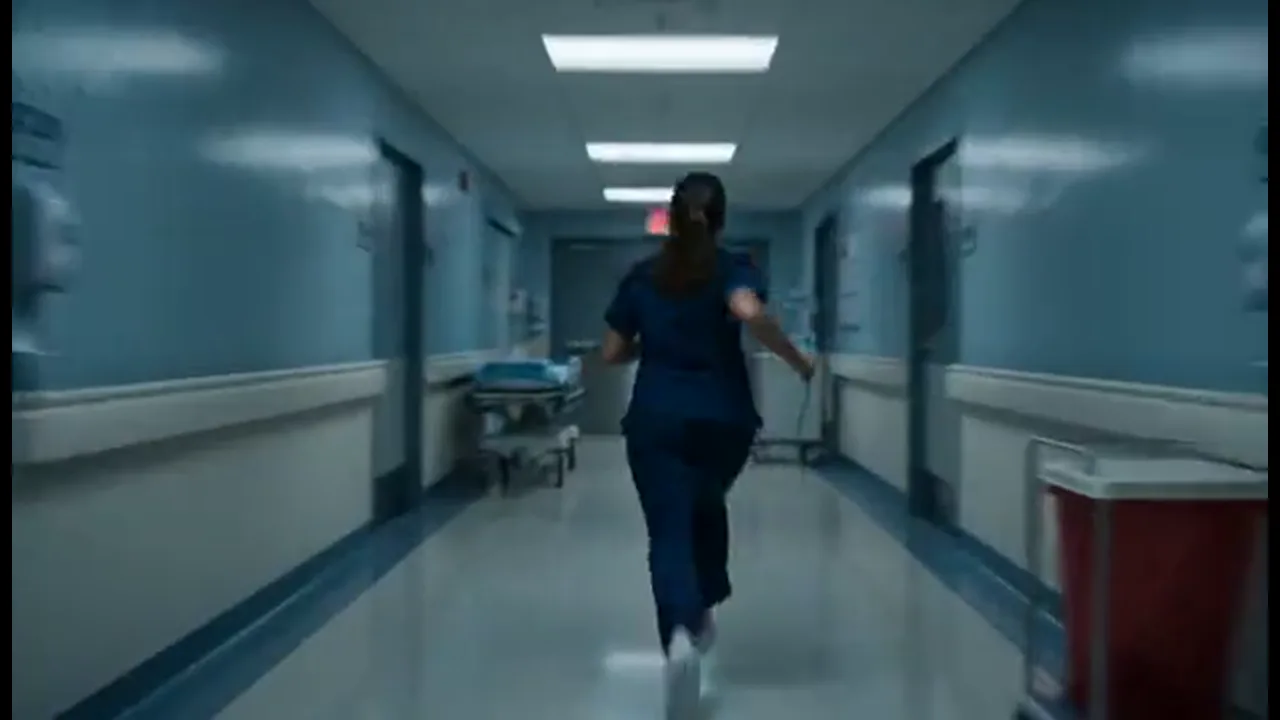
Bring a written scene into the project and block shots before you commit to later beats. Set the lead's face and wardrobe, then generate the hallway scare or dialogue close-up in the same film.
You have a screenplay and need script to movie AI that turns pages into film shots—not one disconnected clip. Import your script, set your cast, and generate the next take in the same project.
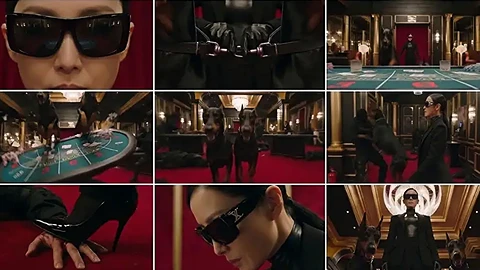
Script to movie AI in Film Studio turns written pages into film shots in one Canvas project. Start from a script, logline, storyboard, still, or reference clip, then generate beat by beat without losing the story. Use 3D Shot Composer to block angles, attach character references, and generate the next shot in the same film. Faces, camera, and pages stay linked so every take fits your movie. That beats a one-clip AI video tool: you direct a film from the script, not a single generation you export and forget.
USE CASES
Bring a written scene into the project and block shots before you commit to later beats. Set the lead's face and wardrobe, then generate the hallway scare or dialogue close-up in the same film.
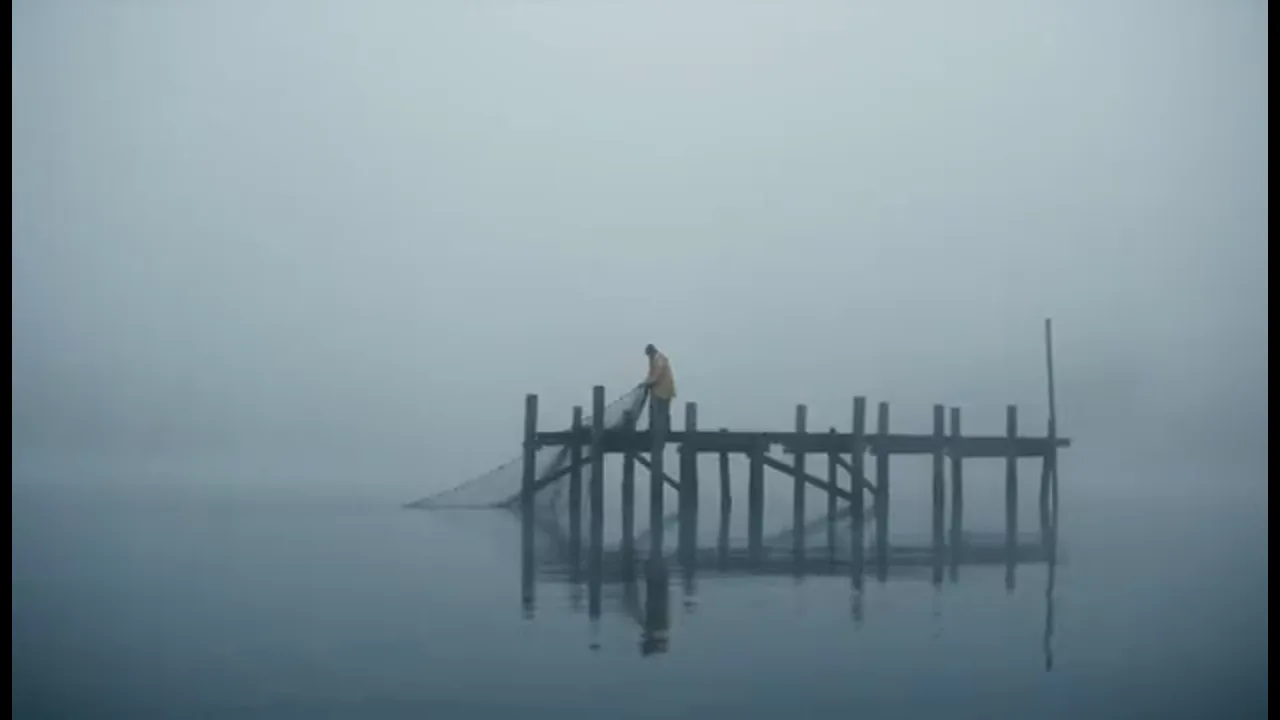
Start from a logline or short treatment when the full script is still loose. Generate matching shots while those words stay in the project, then tweak a beat without starting over.
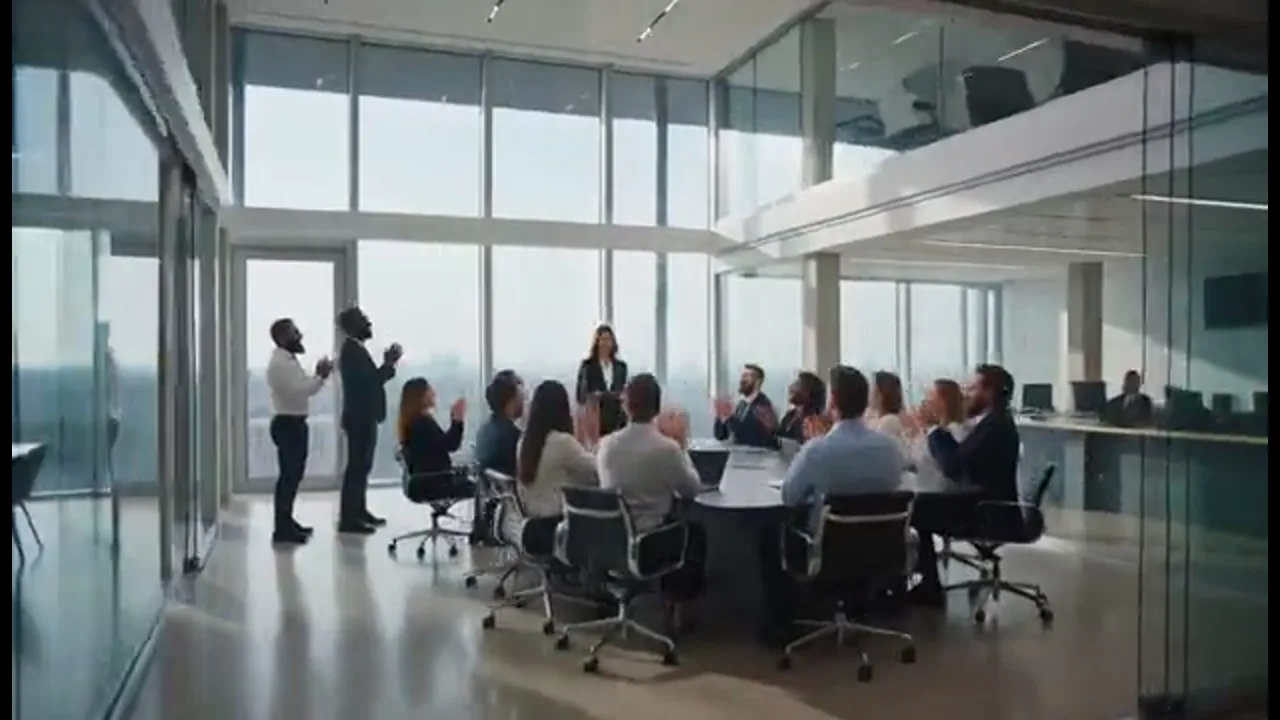
Run a brand script through connected scenes without rebuilding the cast for every line. Share the Canvas so a teammate can regenerate one shot while the brief stays in the same project.
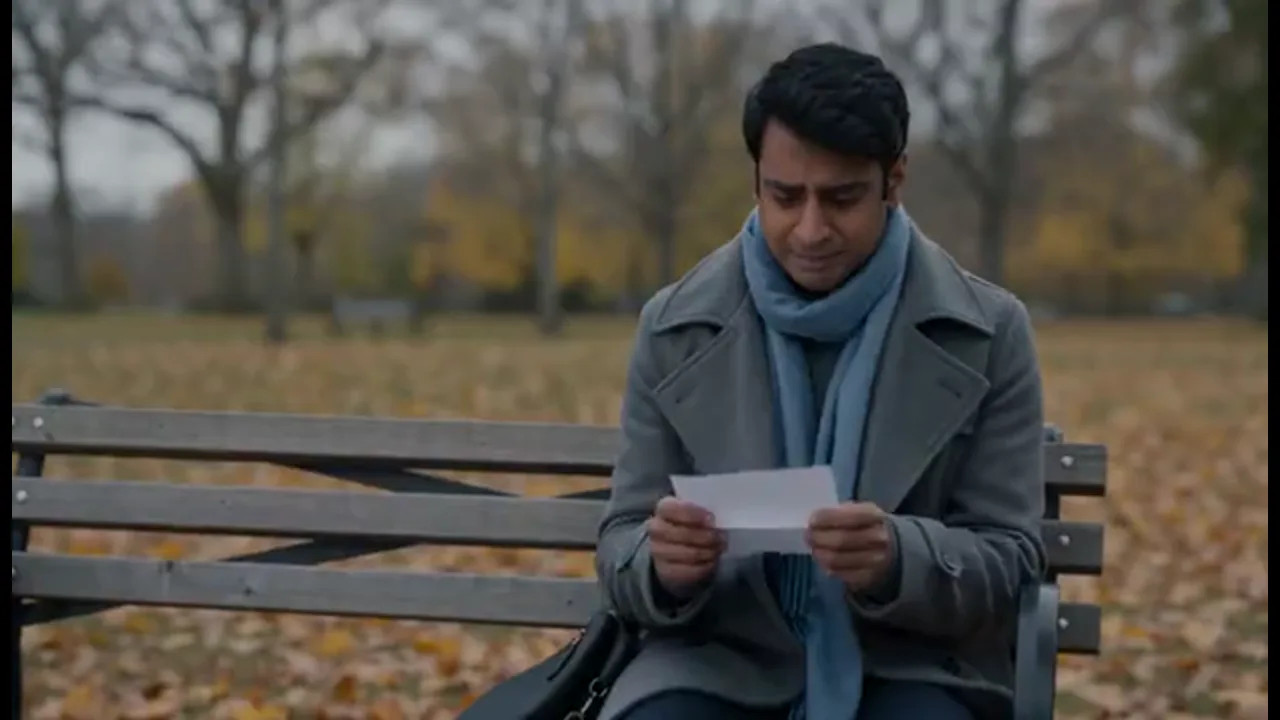
When a line falls flat, edit it on the pages already in the project and regenerate that beat. The rest of the shots stay in place, so one change does not reset the whole film.
BENEFITS
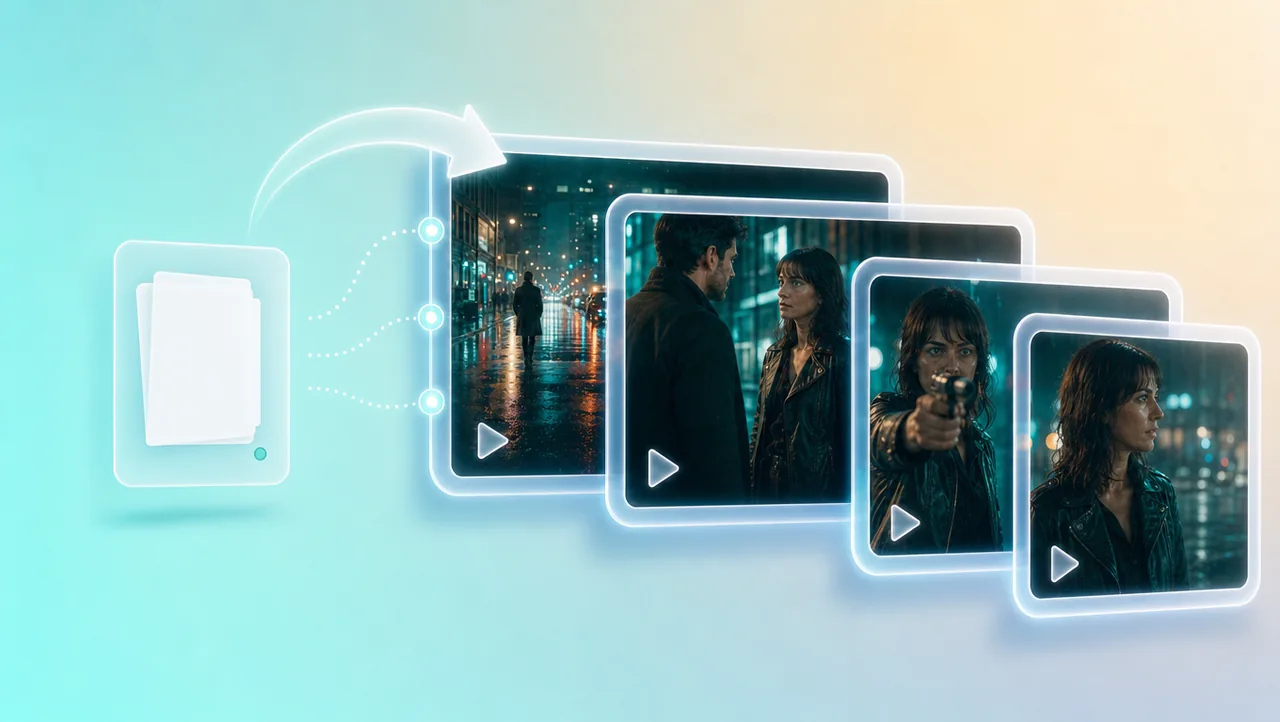
01
Your script stays the context for every later shot. Each new take joins the same film instead of becoming another disconnected file.
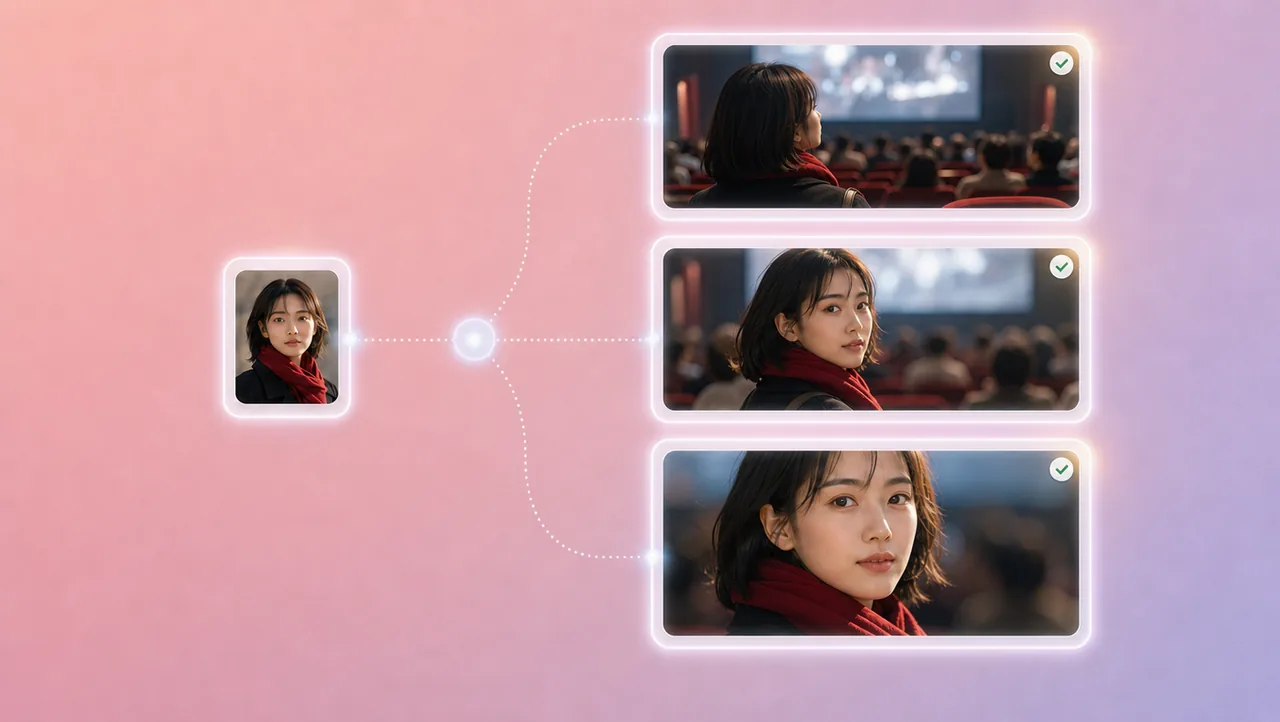
02
Character references, portrait enhancement, and micro-expression control keep faces, clothes, and performance steady. When the script moves from a wide to a close-up, the lead still looks like the same person.
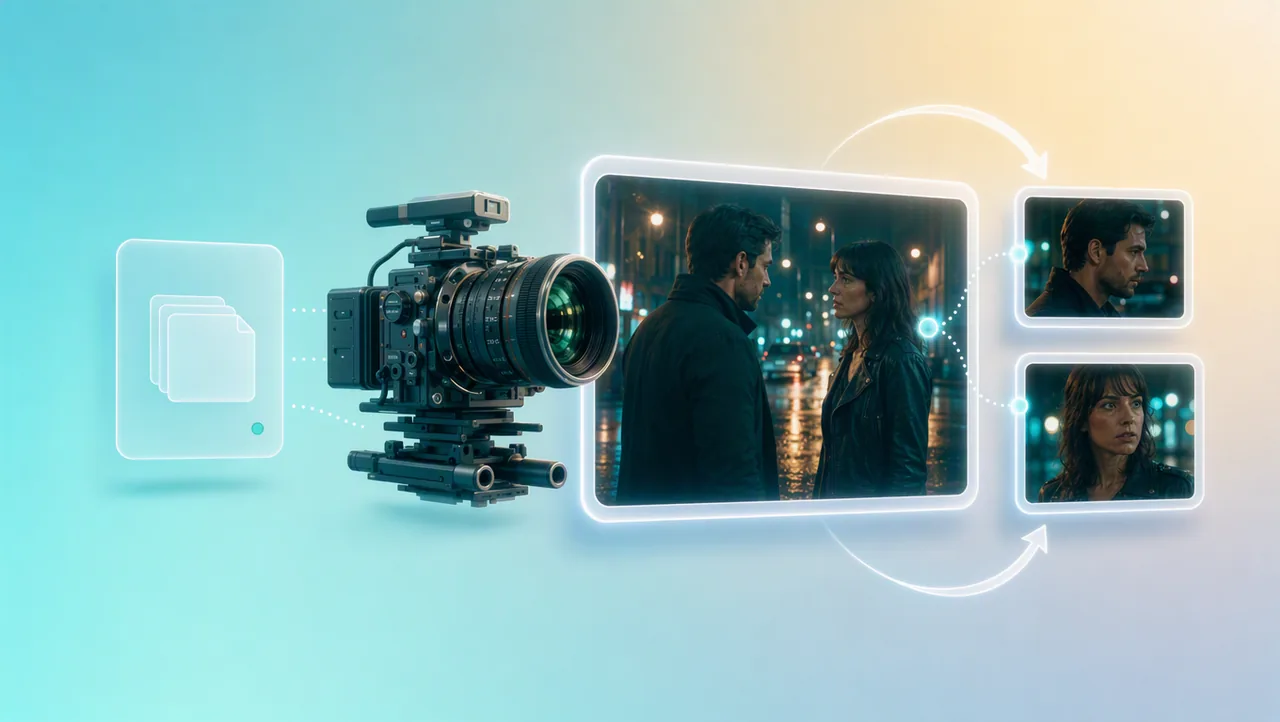
03
3D Shot Composer lets you plan framing before you generate. Set lens, aperture, shutter, depth of field, and camera moves on the shot you keep in the project.
04
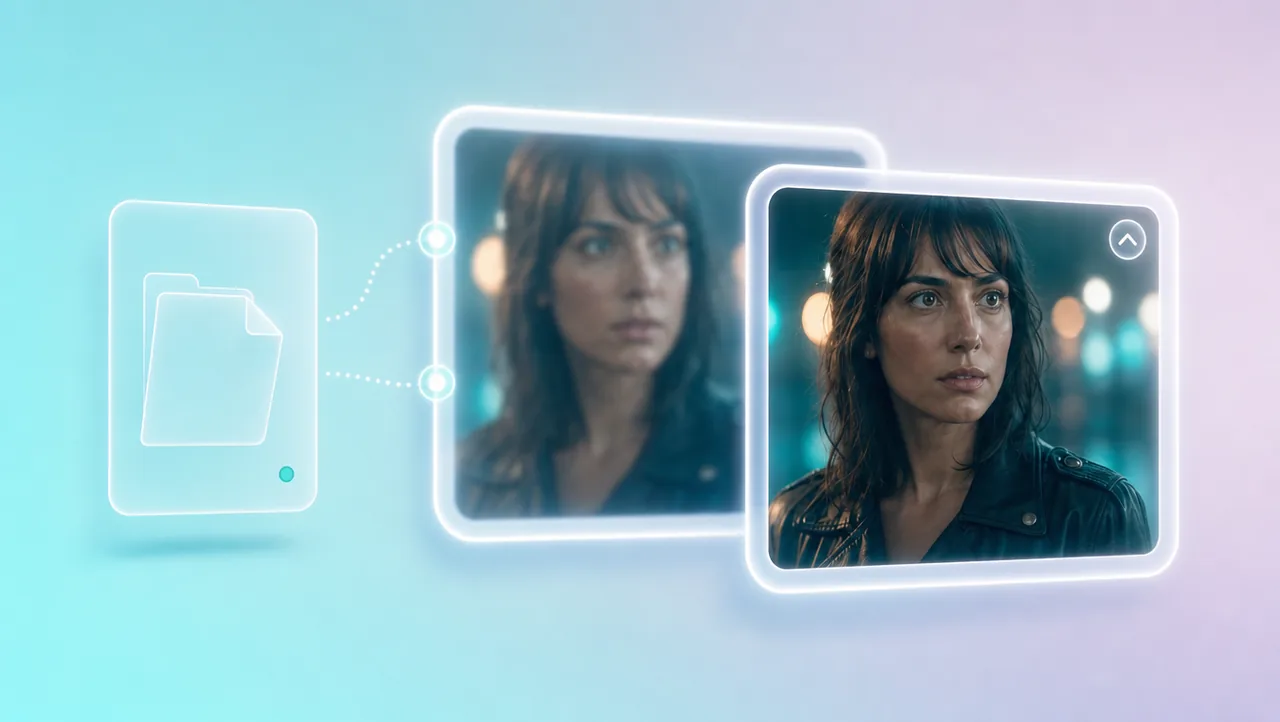
Generate in 4K when the scene is ready, or upscale a 720p draft to 4K after you like the take. The higher-resolution version stays in the same film project.
05
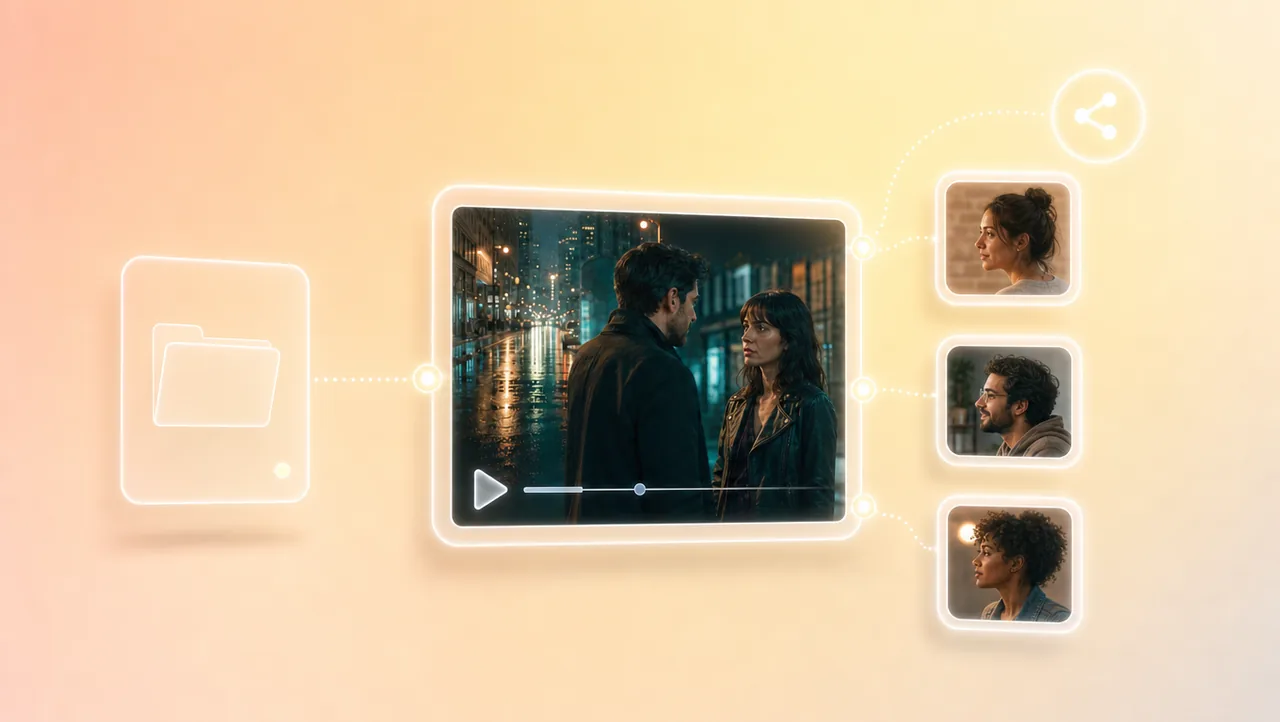
Teams share the Canvas project and assets. Notes stay with the pages in one place, so later shots inherit the writing you already attached.
HOW IT WORKS
Open a Canvas project from a script, logline, still, storyboard, or reference clip. Those pages stay linked when later shots generate, so the film does not reset with every new take.
Generate shots with the same cast and camera decisions. Use the built-in 200+ film genre skills when you want a reference film's pacing on the scenes you already wrote.
Each new shot continues in the same project—change a prompt, adjust the look, or upscale a 720p draft to 4K, then generate again.
Pair script to movie AI with camera, genre, and other Film Studio tools.
Open script to movie AI from the pages you already wrote, keep shots in one project, and generate the next take in the same film. Try Free.