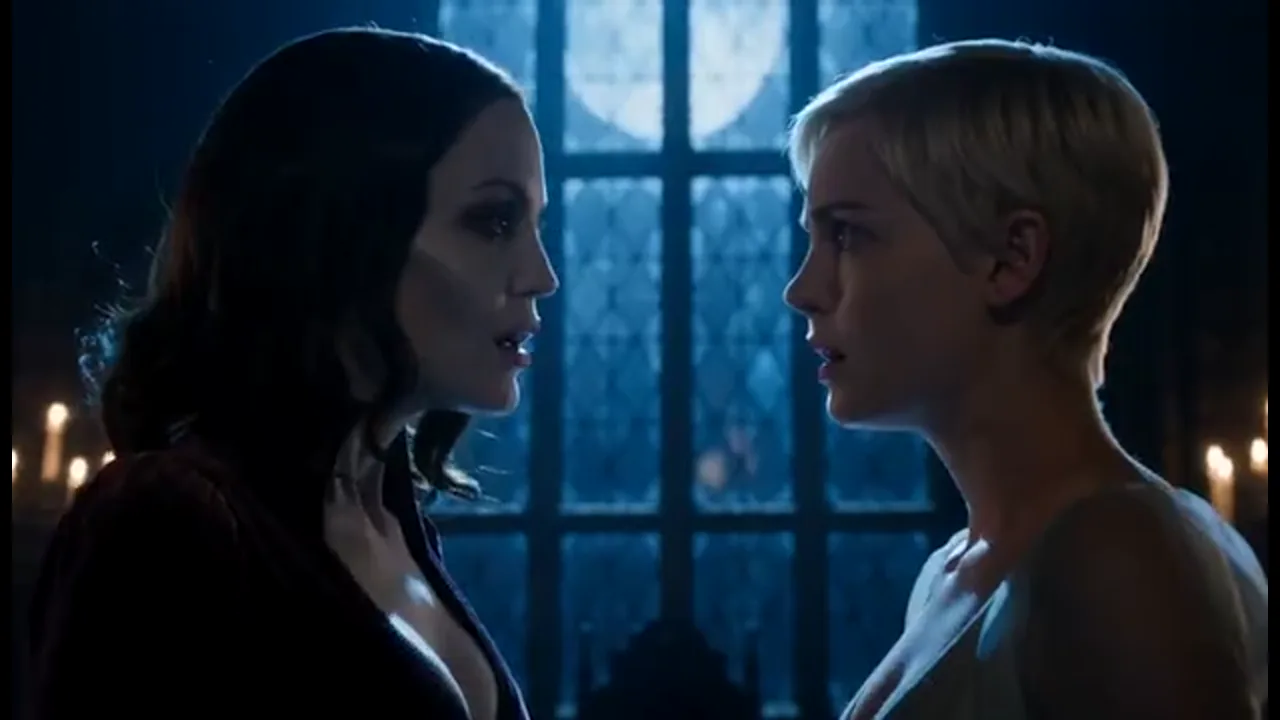
Confess After the First Night
Open on the first night, then generate the confession with the same lead. Use character references for the face, the collar, and the stare so part two picks up the oath instead of a new stranger.
Start with a first-bite hook or a gothic confession. Keep the same vampire lead through the night, then generate the next shot of your vampire short drama in one project.
Start from a one-line idea, an outline, a script, or a novel chapter. An agent plans the story. The workbench keeps the outline, episodes, characters, scenes, props, script, and beats together, so every new shot still fits the same episode. Character and scene references carry the pale face, the collar, and the night wardrobe from the first meeting through the later bite. Turn approved beats into storyboards, then generate episode video. You can add voiceover and captions for a phone screen. A regular AI video tool gives you one clip at a time. Here the shots follow the story structure of the episode. You do not need actors, camera gear, a location, or a traditional crew. The trial includes limited credits—not unlimited generation.
USE CASES
Open on the first night, then generate the confession with the same lead. Use character references for the face, the collar, and the stare so part two picks up the oath instead of a new stranger.
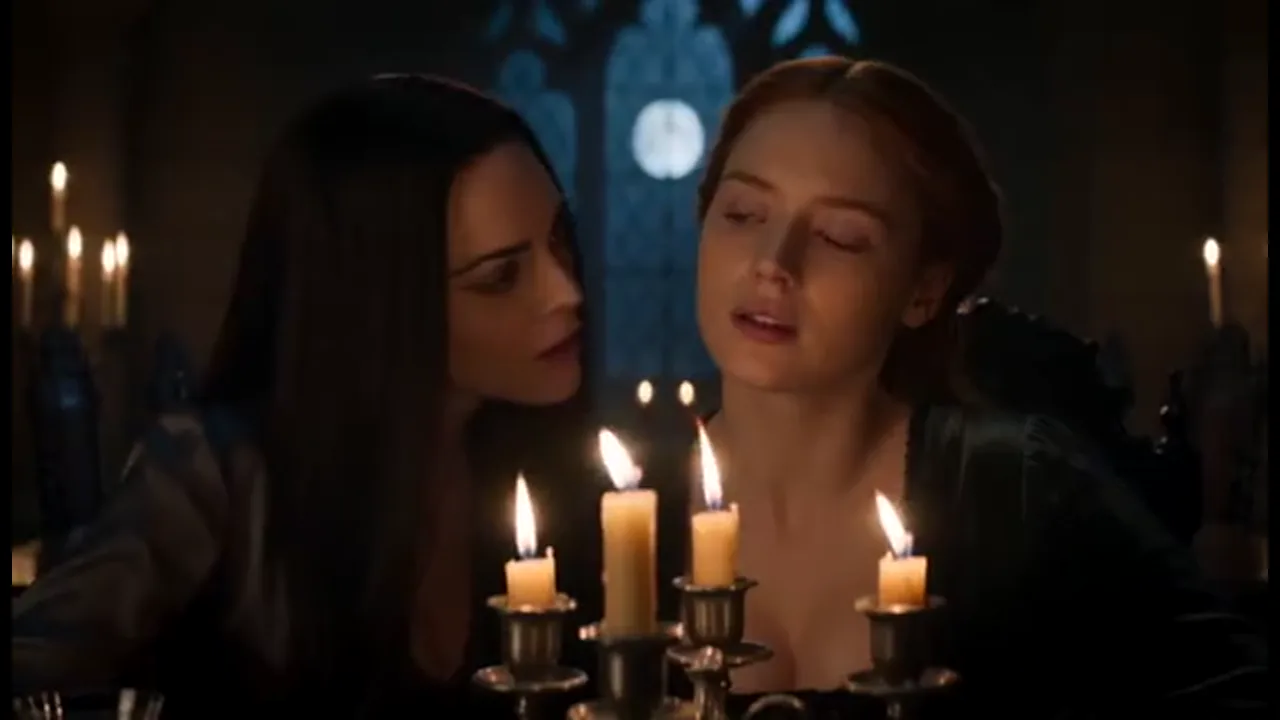
Keep the human guest and the vampire host as one pair while the agent plans the bite. Storyboard that beat first, then generate the shots from the same references, so the turn reads as one scene.
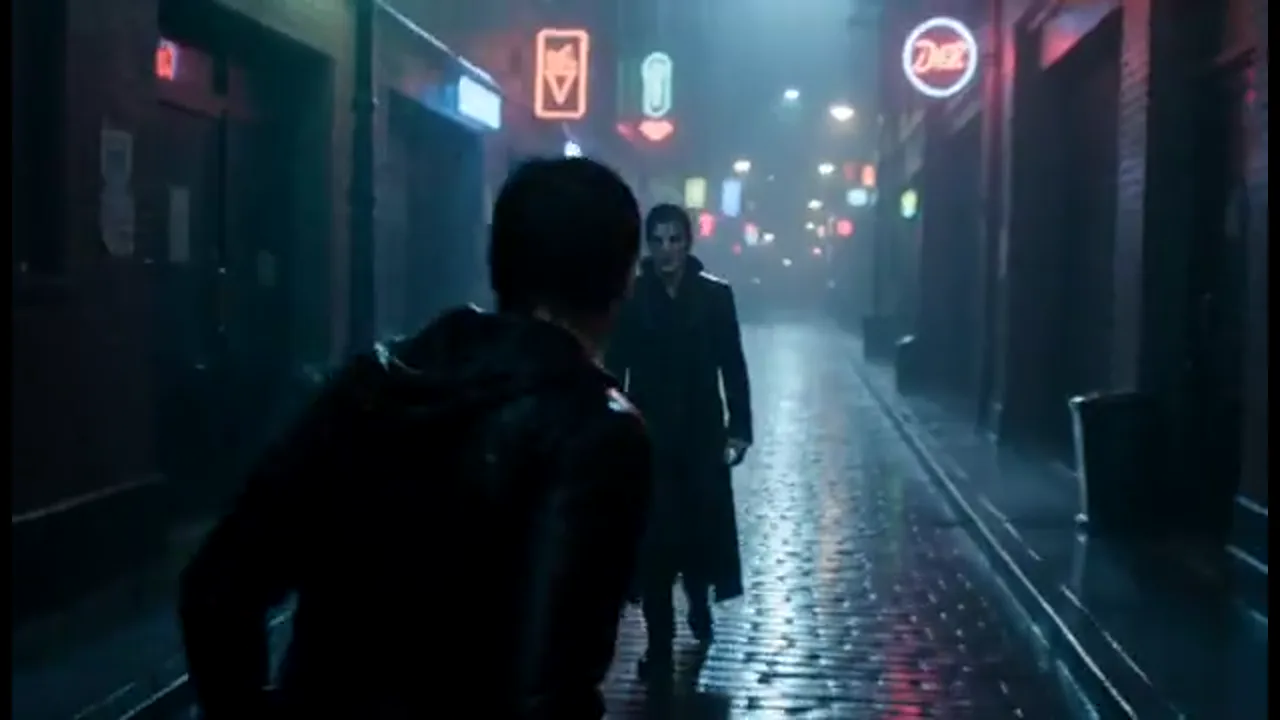
Build a vampire romance opening with a fast meeting, a hard line, and a cliff that asks for part two. Keep close-ups readable on a phone, then generate the last shot as a question the next episode can answer.
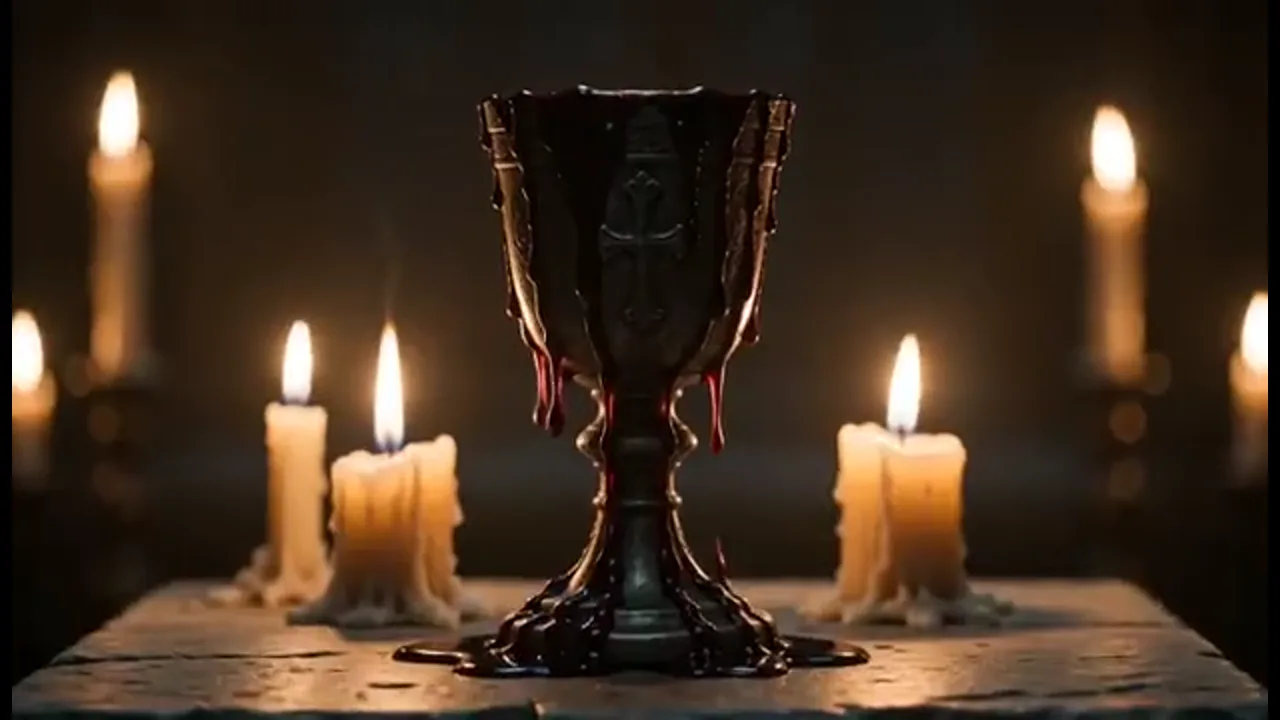
Move from a candlelit vow to the next night without recasting who sits across the table. The workbench keeps the same cast, scenes, and props for the next part, so the hunger still reads as one series.
BENEFITS
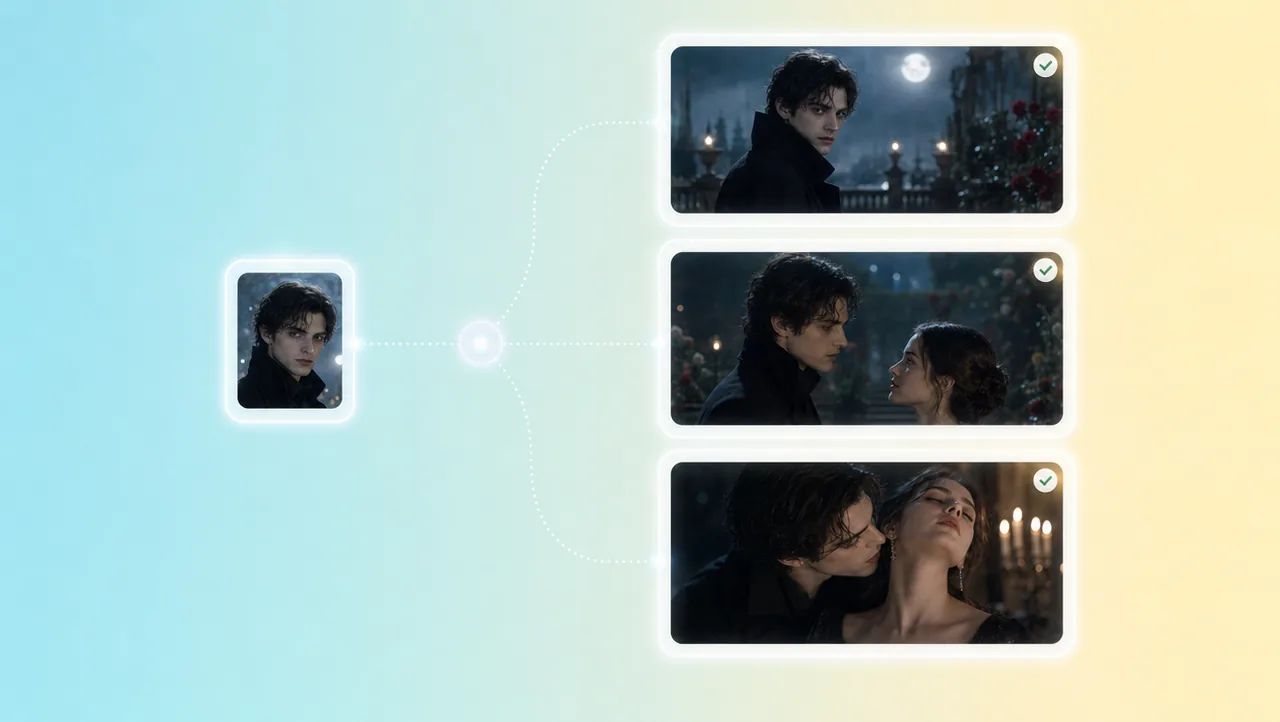
01
Character and scene references hold the lead through the first meeting and the later bite. The night wardrobe and the pale look stay with the same person, so viewers still know who turned whom.
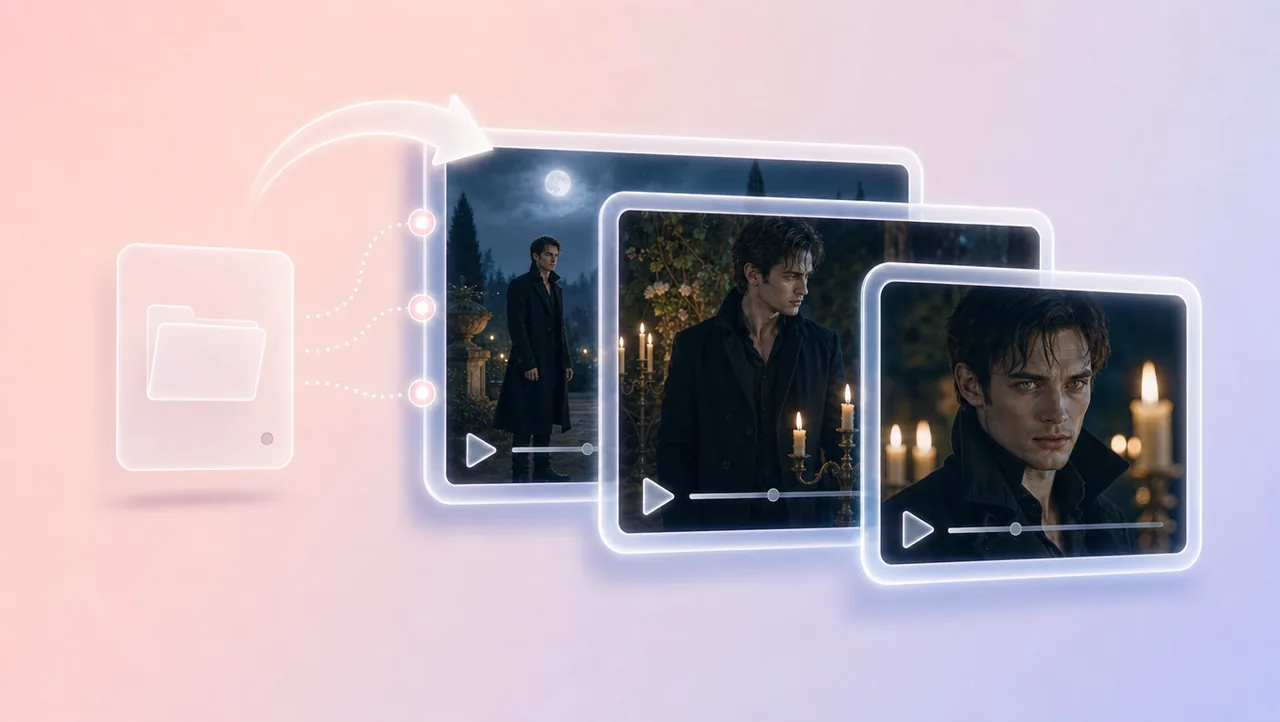
02
Outline, episodes, characters, scenes, and beats stay in one workbench. A new candlelit shot fits the same vampire short drama, not a one-off clip that forgets the lead.
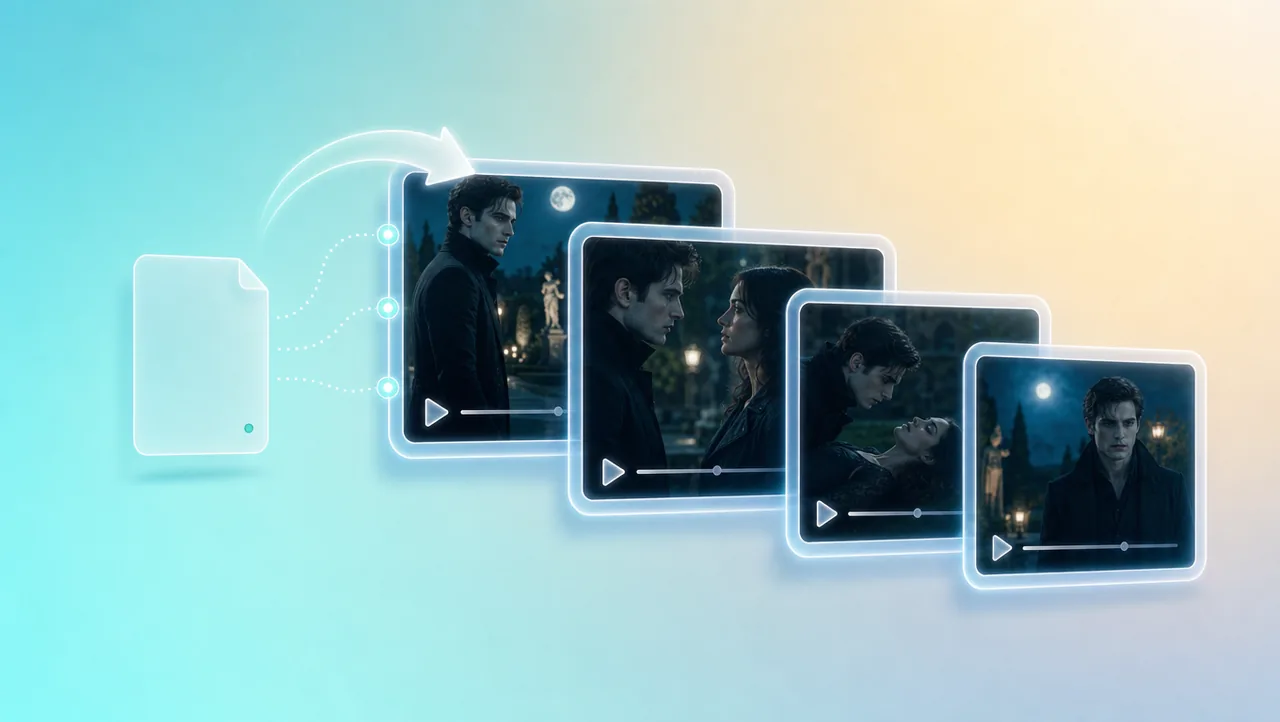
03
Turn the confession or the bite into storyboard panels first. Then generate video beat by beat from those boards, so the gothic night still follows the story you approved.
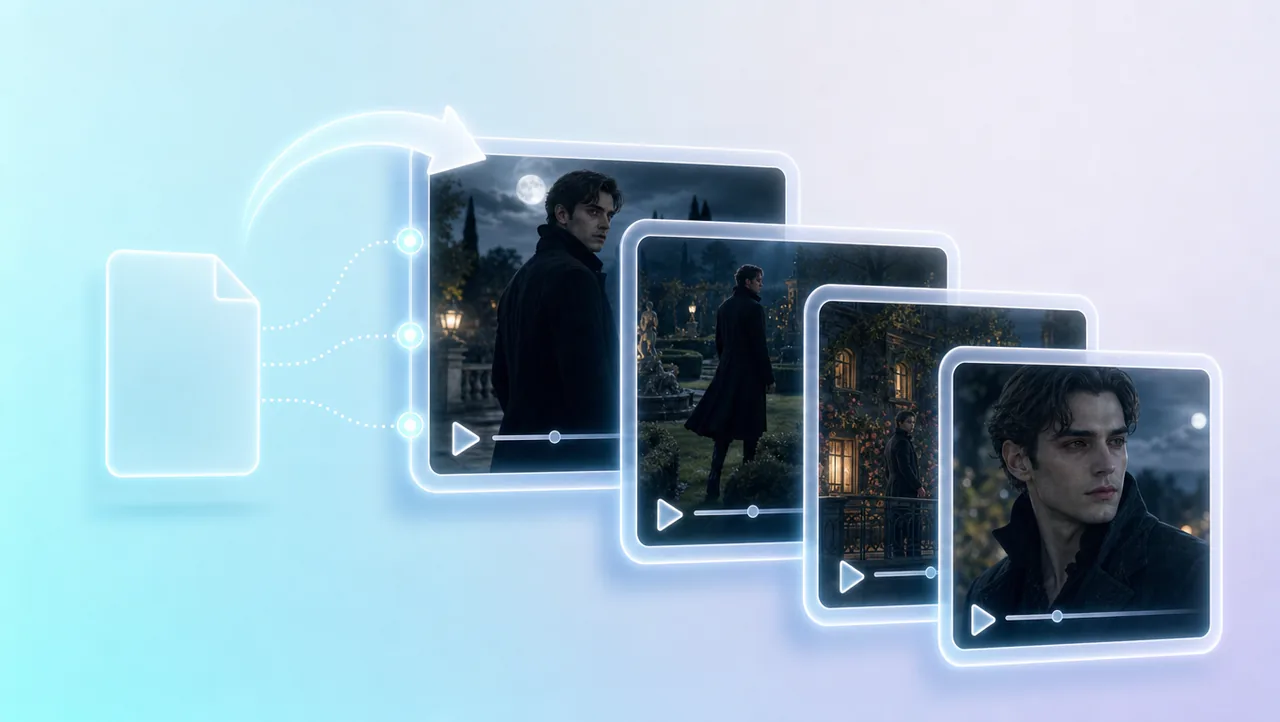
04
Drop a one-line idea, an outline, a script, or a novel chapter. The tool treats that file as the start of the episode. You keep planning and generating instead of rebuilding the cast from a blank prompt.
05
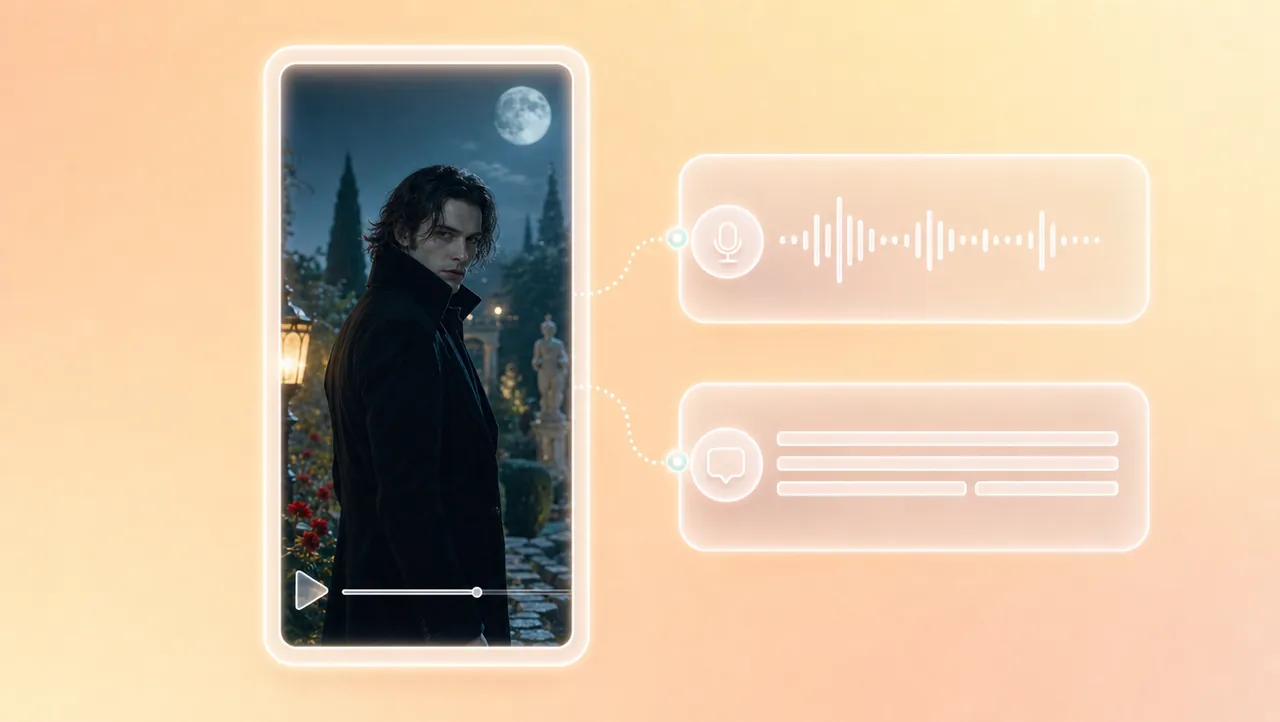
Add voiceover and captions to the vertical episode after the shots are generated. The same lead stays in the project while you finish the episode for a phone screen.
HOW IT WORKS
Bring the hook, the outline, the script, or a novel chapter into the workbench. Name the meeting, the lover, and the bite so the agent already knows which vampire story you are making.
Shape characters, storyboards, and beats for the confession or the bite. Generate storyboards for the first night so the pale look still matches the same lead.
Generate shots for this episode. The next shot continues in the same project, with the same references, instead of starting a new clip from scratch.
Pair vampire short drama generation with other Drama Studio and AI video tools.
Keep the same lead through the first bite, then generate the next shot in one project.