
Veo 4 AI Video GeneratorNative 4K, Multi-Shot Video & Audio
A forward-looking Veo 4 workflow built for creators who want more than Veo 3.2, Seedance 2, or Sora 2. Think native 4K output, cleaner multi-shot storytelling, camera-path control, and richer synced dialogue on Topview Board.


Generate a 10s video, a top-down close-up shot of an Image 2 coffee cup filled with thick, white, and delicate espresso foam. Two small, round black-and-white googly eyes are placed on the surface of the foam. A finger pokes forcefully into the center of the foam, then a yellow-and-white striped straw is inserted to suck the foam, creating an exaggerated wide-mouthed screaming shape on the surface. The foam texture is thick and elastic. The background is a clean white tabletop with scattered colored straws and Image 1. The Image 1 coffee cup is also filled with thick, white, and delicate espresso foam. The video features bright lighting and high color saturation, presenting a stress-relieving and quirky style, with actions synced to the rhythm of a screaming sound.
What Types of Videos Can You Make with Veo 4?
The Veo 4 hypothesis matters most when a team needs premium visuals, stronger continuity, and audio-aware scene building at the same time.
Dialogue-Driven Brand Films
Use Veo 4 for spoken product explainers, founder-style narratives, or creator-led ads where lips, pacing, room tone, and cut-to-cut identity all need to feel intentional instead of stitched together.
"Premium startup founder film. Medium shot in a sunlit studio, founder speaks directly to camera with subtle hand gestures, soft room ambience, natural mouth sync, slow push-in, cut to product close-ups, warm cinematic grade, ad-ready pacing."
4K Product Launch Spots
Veo 4 fits premium commercial sequences where detail matters: reflective packaging, texture-heavy beauty products, luxury hardware, or high-contrast reveal shots that need crisp 4K polish.
"Native 4K product launch film for a matte black smartwatch. Controlled light sweep, macro texture reveal, floating particles, cinematic turntable movement, premium shadows, short dialogue line with subtle interface sound design."
Reference-Locked Story Sequences
When a brand needs the same product, talent, and art direction across several shots, Veo 4 is positioned as the model for storyboard-like generation rather than one-off prompt experiments.
"Four-shot campaign story using the same female creator and coffee product across every scene. Morning kitchen, commute, office desk, rooftop sunset. Keep face, wardrobe, and product labeling identical. Add natural city ambience and smooth connective transitions."
Vertical Performance Creatives
The model is designed to outperform generic short-video tools in 9:16 campaigns by holding cleaner faces, more believable motion, and stronger sound cues across hook, demo, and CTA cuts.
"9:16 high-converting skincare ad. Fast hook with creator speaking to camera, instant before-after reveal, clean product demo, caption-safe framing, trendy but polished lighting, punchy transitions, native room and product sounds."
What Is Veo 4?
Veo 4 is the next-step Veo concept page built from Google DeepMind's public Veo 3.2 capabilities and the current direction of top-tier video models. The assumption is simple: if Veo 3.2 already delivers native audio, reference-image guidance, and scene extension, Veo 4 should push into native 4K generation, longer coherent shots, more directorial control, and stronger character continuity. For this landing page, Veo 4 is positioned as the model that closes the last gap between cinematic prompt-following and production-ready control. It is designed to outperform Seedance 2 on output polish and Sora 2 on audio-led commercial workflows while staying easy to test inside Topview Board.
Native 4K First
Instead of relying on upscale as the headline, Veo 4 is framed as natively generating premium 4K masters for hero ads, launch videos, and polished branded scenes.
True Audio-Video Coherence
The assumption is tighter dialogue timing, ambient mixing, and sound-design awareness so creators can prompt complete scenes instead of stitching audio later.
Director-Level Control
Veo 4 is imagined as adding camera-path, shot-block, and reference-driven scene planning so prompts behave more like storyboards and less like one-off generations.
What's New in Veo 4
The Veo 4 positioning assumes a leap beyond Veo 3.2 in output fidelity, control depth, and commercial usability.
Native 4K Mastering
Veo 4 is positioned with true 4K delivery, not just upscale-ready output, so product detail, skin texture, and motion stay cleaner in ad-grade exports.
Four-Reference Story Guidance
Instead of up to three reference images, Veo 4 assumes broader guidance with character, object, environment, and style references in one workflow.
Dialogue + Ambience Mixing
The model is expected to mix spoken lines, background sound, and cinematic atmosphere more naturally for explainers, creator ads, and talking scenes.
Camera Path Control
Shot intent becomes more precise with planned dollies, arcs, push-ins, and transition cues that hold up across longer prompt sequences.
Persistent Character Lock
Veo 4 assumes stronger identity consistency across multiple cuts so creators can keep faces, products, and wardrobe stable in campaign-style sequences.
Faster Iteration Loop
A practical leap is not just prettier output, but faster usable previews so teams can compare more ideas per hour inside Topview Board.
Veo 3.2 vs Veo 4
| Feature | Veo 3.2 | Veo 4 |
|---|---|---|
| Headline Resolution | 1080p + 4K upscale | Native 4K output |
| Reference Inputs | Up to 3 images | 4-layer story guidance |
| Native Audio | Dialogue + SFX | Dialogue + ambience + mix intent |
| Single-Clip Coherence | Strong for short clips | More stable at 12-20s |
| Camera Control | Prompt-led | Prompt + camera-path control |
| Character Consistency | Good | Campaign-grade lock |
| Iteration Speed | Preview-first | Faster usable drafts |
| Best Fit | Short cinematic clips | Commercial multi-shot stories |
How to Use Veo 4 in Topview (3 Steps)
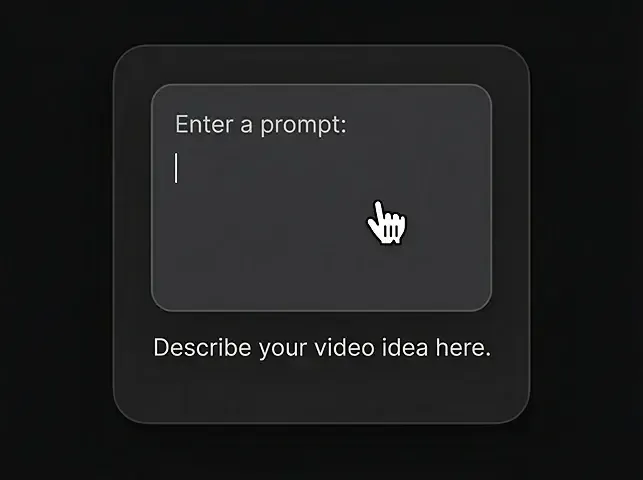
Enter a prompt
Describe the video you want using natural language.
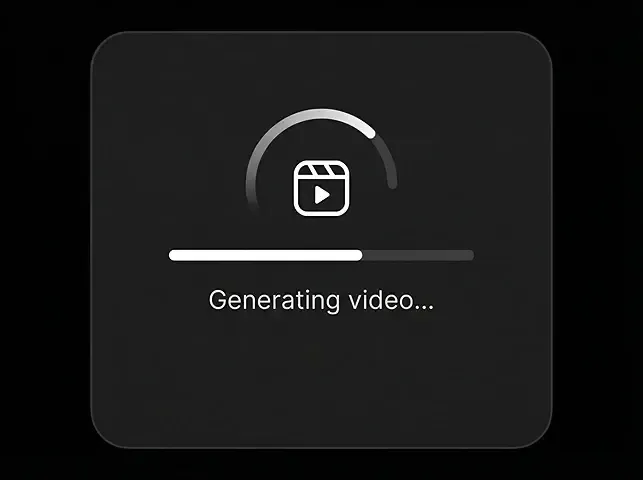
Generate Video
Click generate and watch Veo 4 bring your ideas to life in seconds.
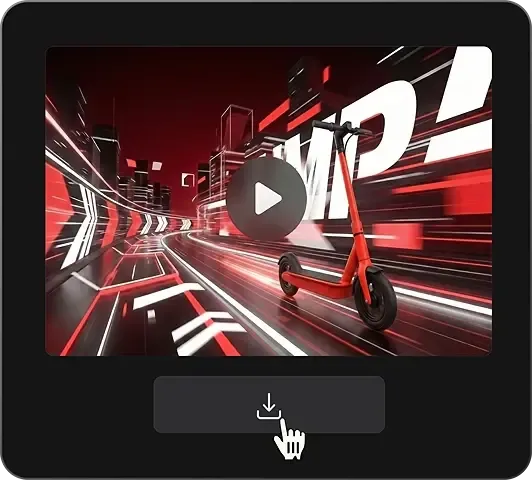
Download the video
Export a clean MP4 when you're ready.
Veo 4 Core Capabilities
This page assumes Veo 4 wins by combining Veo's strongest public traits with the directorial control teams still want from next-gen video AI.
Text to Multi-Shot Video
Generate coherent 12-20 second sequences from one structured prompt, with stronger opening hooks, middle progression, and payoff framing.
Image + Style to Video
Use product, talent, scene, and style references together so outputs feel art-directed instead of loosely inspired by one image.
Native Dialogue and Sound Design
Prompt spoken lines, ambient texture, and sound effects in one pass to reduce the gap between preview render and ad-ready cut.
Camera-Path Direction
Control push-ins, arc shots, reveal motions, and shot transitions more deliberately for commercial storytelling and premium brand motion.
Character and Product Lock
Keep the same face, wardrobe, packaging, and design language across repeated shots for more reliable campaigns and storyboard sequences.
Faster Creative Iteration
Get to useful drafts faster so teams can compare versions across models, refine prompts quickly, and move from idea to launch with less wasted rendering.
Veo 4 vs Other AI Video Models
Veo 4 is framed here as the model that beats Seedance 2 and Sora 2 where premium audiovisual brand output matters most.
| Metric | Veo 4Recommended | Seedance 2 | Sora 2 | Kling 3 | Wan 2.7 | Gen-4.5 |
|---|---|---|---|---|---|---|
| Premium Output | Native 4K | 2K-1080p | 1080p | 4K | 1080p | 1080p |
| Coherent Clip Length | 12-20s | Up to 15s | 20-25s | 15-25s | 15s | 10s |
| Native Audio Depth | Dialogue + ambience mix | Basic multimodal audio | Strong sync | Good sync | Voice-led sync | Usually external |
| Camera Direction | Prompt + path control | Prompt-led | Prompt-led | Style-led | Prompt-led | Tool-assisted |
| Character Consistency | Excellent | Good | Good | Good | Very good | Medium |
| Commercial Multi-Shot | Best fit | Strong | Strong | Strong | Good | Editing-heavy |
| Usable Iteration Speed | Fast previews | Fast | Medium | Medium | Medium-fast | Medium |
Why Use Veo 4 on Topview
Topview turns a future-facing Veo 4 workflow into something practical: compare, iterate, and ship without juggling separate model environments.
One Board for Every Model
Open Veo, Sora, Seedance, Kling, Wan, and Runway in one workspace so creative decisions happen in context, not in six disconnected tools.
Direct Model Comparison
Run the same prompt across Veo 4, Sora 2, and Seedance 2 to see which model actually wins on sound, detail, continuity, and commercial polish.
Prompt-to-Campaign Workflow
Topview is built for marketing teams, so model exploration can roll straight into product ads, AI UGC, short videos, and launch creatives.
Collaboration Without Friction
Review drafts, comment on shots, and keep the whole discussion attached to the actual outputs instead of scattered across chat threads and exports.
One Subscription, Less Complexity
You avoid per-model platform hopping, scattered billing, and fragmented testing. Topview keeps access, comparison, and export in a single working environment.
Built for Shipping Ads
The end goal is not just impressive samples. Topview helps teams take the best Veo-style output and turn it into campaign assets that are ready to test and launch.
Start Free — Explore Veo 4 on Topview Board
Test a Veo 4-style workflow with stronger 4K quality, cleaner audio, and better commercial control. Compare it with Sora 2, Seedance 2, and more in one workspace.
All leading AI video models in one workspace · Compare outputs side by side · No credit card required