

Trình tạo video AI Sora 2tạo, sửa và chỉnh
Dùng Sora 2 trong Topview để biến câu lệnh và reference hình thành video chất lượng cao, rồi sửa khung thô, đánh bóng chuyển động, và giao nhanh hơn cho chiến dịch thật.
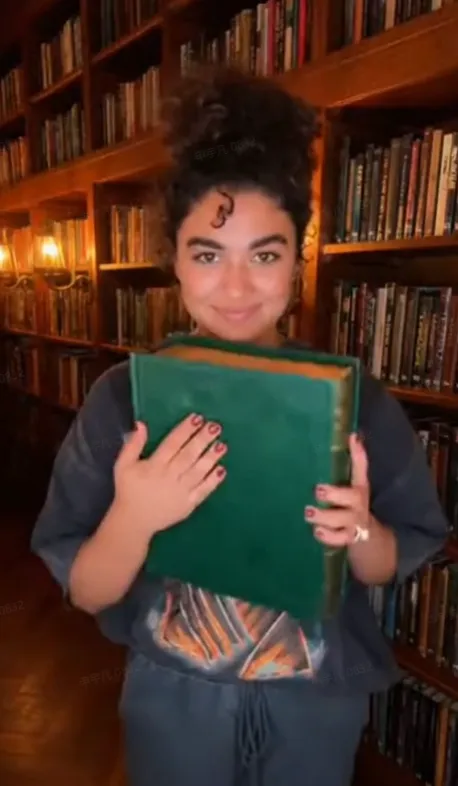
create a realistic TikTok outfit transition video filmed on iPhone 16 Pro with deep depth of field. A young woman in an oversized graphic t-shirt slams a thick hardcover book shut directly in front of the lens. When the book is lowered, she is wearing a brown corduroy blazer, a black turtleneck, and tortoiseshell glasses. She adjusts her glasses and poses in a dimly lit library with floor-to-ceiling bookshelves and soft lamp lighting. Dialogue: N/A @Image 2
Use case sẵn câu lệnh cho Sora 2
Sora 2 hoạt động tốt nhất khi câu lệnh đọc như storyboard ngắn. Bốn ví dụ này dựng cho loại video thương mại đội thực sự cần giao.
Quảng cáo hero sản phẩm
Dùng Sora 2 cho reveal sản phẩm bóng, hình launch và hero shot thương mại điện tử premium nơi chuyển máy, phản chiếu và nhịp quan trọng.
Explainer kiểu UGC
Tạo demo sản phẩm kiểu creator và cảnh nói chuyện với khung sạch hơn và ngôn ngữ máy có chủ ý hơn câu lệnh văn bản thành video chung.
Teaser app & SaaS
Viết câu lệnh Sora 2 với reference giao diện và beat shot để tạo explainer ngắn, teaser launch và chuyện sản phẩm hình cho app và công cụ SaaS.
Chuyện thương hiệu điện ảnh
Cho cảnh chiến dịch cần tâm trạng, chuyển động và kể chuyện hình mạnh hơn, Sora 2 phản hồi tốt với cấu trúc câu lệnh từng shot và art direction dẫn reference.
Sora 2 là gì?
Sora 2 là mô hình video của OpenAI để tạo clip video ngắn từ câu lệnh ngôn ngữ tự nhiên. Thay vì chỉnh trên timeline, bạn mô tả chủ thể, bối cảnh, chuyển động máy và phong cách, và mô hình tạo clip theo những hướng dẫn đó. Trong Topview, quy trình đó thực tế hơn cho đội thương mại: bắt đầu từ văn bản hoặc reference hình, xem lượt đầu, rồi sửa flicker, chuyển động thô hoặc lệch hình trước khi xuất.
Câu lệnh ngôn ngữ tự nhiên
Viết tiếng Anh rõ dùng ngữ pháp phim như khung, ống kính, ánh sáng và chuyển động. Sora 2 phản hồi tốt hơn khi câu lệnh đọc như brief shot súc tích.
Hỗ trợ reference hình
Dùng hình tải lên để dẫn ngoại hình sản phẩm, bố cục và phong cách hình để đầu ra gần thương hiệu và ý chiến dịch hơn.
Quy trình tạo-và-lặp
Tạo lượt đầu nhanh, rồi tinh chỉnh. Đổi câu lệnh nhỏ, chỉnh reference và lượt sửa thường là đường nhanh nhất đến kết quả giao được.
Cách viết câu lệnh Sora 2 tin cậy hơn
Câu lệnh Sora 2 mạnh nhất được cấu trúc như storyboard nhẹ: chủ thể rõ, shot rõ, ánh sáng rõ, và một beat hành động sạch mỗi clip.
Bắt đầu bằng shot
Mở bằng khung và ngôn ngữ máy như medium shot, macro close-up, handheld hoặc slow dolly push-in để mô hình biết ý hình ngay.
Neo chủ thể
Cho chủ thể chi tiết riêng như trang phục, vật liệu, màu, hình dạng hoặc tính năng sản phẩm để giảm mơ hồ và cải thiện nhất quán.
Mô tả hành động theo beat
Chia chuyển động thành một beat đơn giản, thực hiện được. Clip ngắn hơn với một hành động rõ thường theo hướng dẫn tốt hơn câu lệnh dài, quá tải.
Dùng hình reference có chủ ý
Hình reference tốt nhất để khóa bố cục, nhận diện sản phẩm và phong cách hình. Dùng chúng khi bạn cần khớp gần hơn với asset thương hiệu.
Giữ clip ngắn
Clip ngắn hơn thường bám hướng dẫn và kiểm soát chuyển động tốt hơn. Ghép nhiều clip ngắn mạnh thắng một clip dài yếu.
Lặp với thay đổi nhỏ
Đổi một biến mỗi lần, như ống kính, ánh sáng hoặc hành động, để bạn biết điều gì cải thiện kết quả và tránh phá cả cảnh.
Cách dùng Sora 2 trong Topview (3 bước)
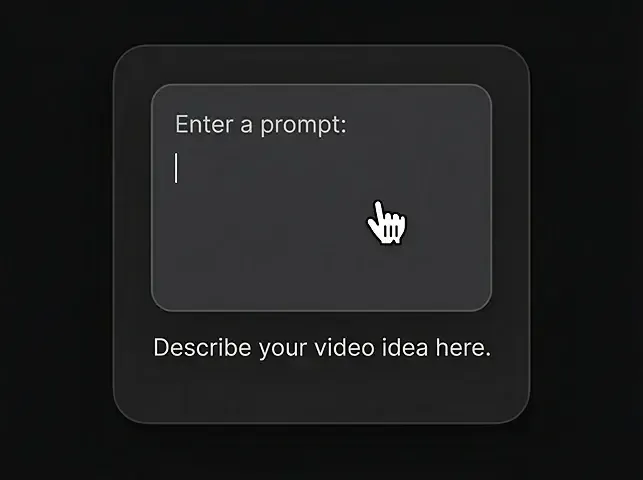
Nhập câu lệnh
Mô tả video bạn muốn bằng ngôn ngữ tự nhiên.
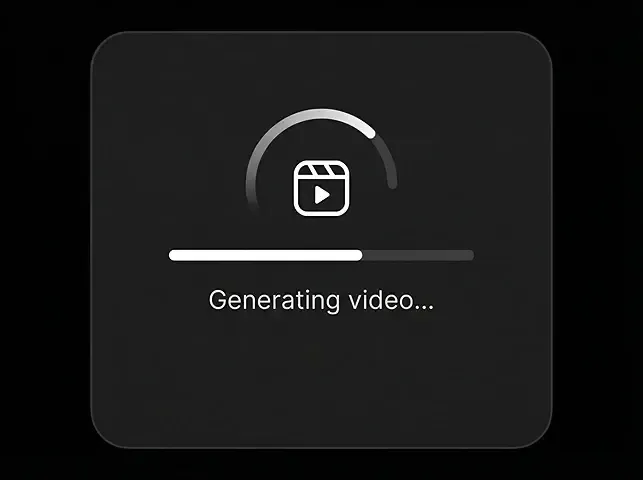
Tạo video
Bấm tạo và xem Sora 2 đưa ý tưởng thành hiện thực trong vài giây.
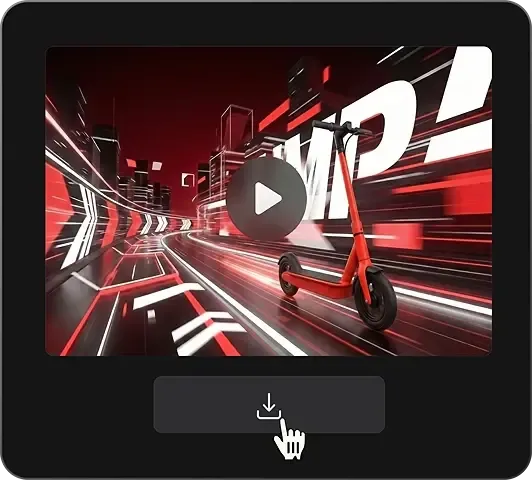
Tải video
Xuất MP4 sạch khi bạn sẵn sàng.
Khả năng cốt lõi Sora 2
Mọi thứ đội thương mại cần để đi từ câu lệnh đến đầu ra đăng được trong một quy trình dựa Sora.
Kiểm soát cảnh bằng câu lệnh
Mô tả shot bằng ngôn ngữ tự nhiên dùng chủ thể, bối cảnh, chuyển động máy và phong cách thay vì chỉnh trên timeline.
Đầu vào reference hình
Dẫn look, bố cục và nhận diện sản phẩm bằng reference hình tải lên trong quy trình được hỗ trợ.
Chuyển động & khung chân thực
Dùng ngôn ngữ câu lệnh điện ảnh như chọn ống kính, chuyển dolly và công thức ánh sáng để đẩy đầu ra có chủ ý hơn.
Sửa video
Dọn artifact, flicker và khung thô để kết quả dùng được cho asset marketing thật mà không tạo lại vô tận.
Chỉnh video / đánh bóng cuối
Cải thiện mượt chuyển động, nhất quán cảnh và chất lượng hoàn thiện trong lượt hậu kỳ riêng sau khi tạo.
Định dạng sẵn social
Xuất cho tỷ lệ marketing phổ biến gồm 9:16, 1:1 và 16:9 để một quy trình hỗ trợ nhiều kênh.
Sora 2 so với mô hình video AI khác
Sora 2 nổi bật vì kiểm soát điện ảnh dẫn câu lệnh, đặc biệt khi ghép với quy trình sửa của Topview và luồng xuất sẵn marketing.
| Chỉ số | Sora 2Khuyến nghị | Veo 3.2 | Kling 3.0 | Seedance 2.0 | Wan 2.7 | Gen-4.5 |
|---|---|---|---|---|---|---|
| Thời lượng tối đa | 25s | 10s | 25s | 15s | 15s | 10s |
| Độ phân giải | 1080p | 1080p | 4K/60fps | 1080p | 1080p | 1080p |
| Hỗ trợ reference hình | Có | Có | Hạn chế | Có | Có | Có |
| Quy trình sửa / chỉnh | Mạnh trên Topview | Theo dõi thủ công | Theo dõi thủ công | Theo dõi thủ công | Theo dõi thủ công | Dẫn editor |
| Cảm giác chỉnh dẫn câu lệnh | Cao | Cao | Trung bình | Trung bình | Trung bình | Trung bình |
| Mạnh nhất ở | Kiểm soát câu lệnh điện ảnh | Chân thực giàu audio | Shot dài, thông số cao | Quy trình multimodal | Tạo nặng reference | Stack chỉnh sáng tạo |
| Quy trình khớp nhất | Câu lệnh -> tạo -> sửa | Câu lệnh -> render -> xuất | Câu lệnh -> render -> chỉnh | Nhiều đầu vào -> render | Reference -> render | Tạo -> chỉnh |
Vì sao dùng Sora 2 trên Topview
Topview biến Sora 2 từ công cụ tạo thô thành quy trình giao nhanh hơn cho chiến dịch thật, launch sản phẩm và đội sáng tạo.
Tạo nâng cao
Dùng Sora 2 cho tạo dẫn câu lệnh chất lượng cao với chuyển động chân thực và kiểm soát điện ảnh hơn về khung, ánh sáng và hướng cảnh.
Chỉnh được & sửa được
Thay vì tạo lại vô tận, tinh chỉnh đầu ra bằng quy trình sửa và chỉnh nhắm flicker, chuyển động thô và nhất quán hình.
Giao nhanh
Topview giúp đội đi từ lần tạo đầu đến quảng cáo đăng được nhanh hơn bằng cách giữ câu lệnh, duyệt, sửa và xuất trong một quy trình.
Chế độ dẫn + tức thì
Chọn chế độ dẫn khi bạn muốn trợ giúp câu lệnh từng bước, hoặc chế độ tức thì khi bạn đã biết shot và chỉ muốn clip nhanh.
Dựng cho quy trình thật
Sora 2 trên Topview khớp quảng cáo thương mại điện tử, sáng tạo UGC, explainer app, bản địa hóa, agency và đội DTC cần đầu ra nội dung lặp được.
Quy trình tạo all-in-one
Từ hình sang video sang đăng, Topview cho bạn hoàn thành toàn bộ quy trình ở một chỗ thay vì chuyển giữa công cụ riêng.
Bắt đầu tạo với Sora 2
Tạo bằng câu lệnh hoặc reference hình, rồi sửa và đánh bóng kết quả trước khi đăng. Một quy trình nhanh hơn cho quảng cáo, video social và kể chuyện sản phẩm.
Tạo dẫn câu lệnh · Quy trình sửa và chỉnh · Xuất sẵn social